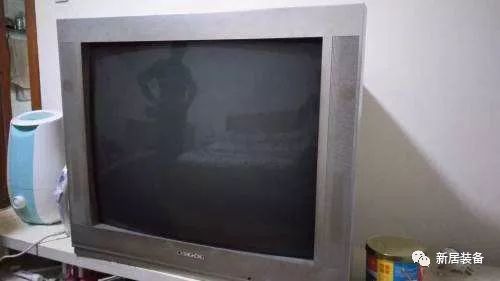
Recently, I finally replaced my old antique TV!
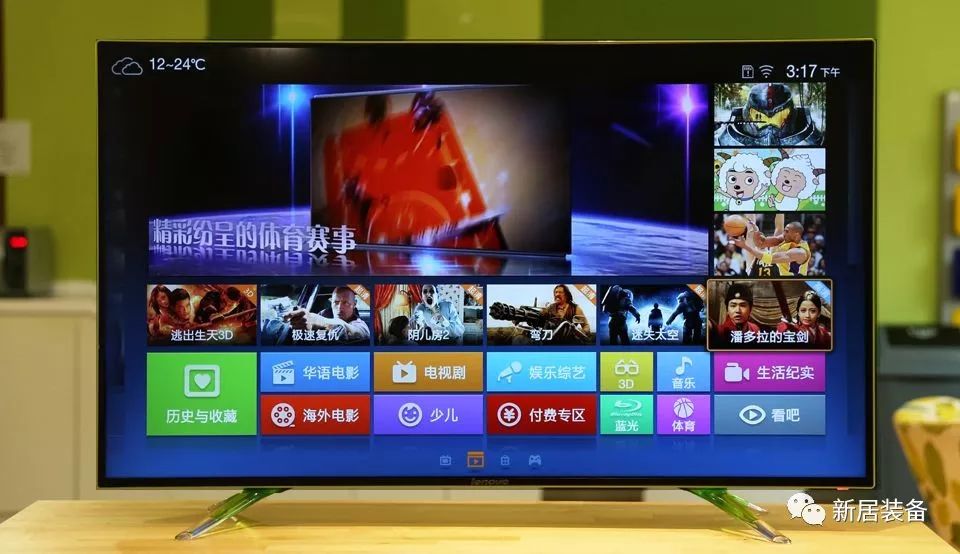
A brand new smart TV has moved into my home!
However, when I saw so many ports on the TV, I was dumbfounded. What are these? How do I use them?
So I diligently researched and finally figured out their purpose.
I believe many people, like me, don’t understand these ports, leading to some ports not being utilized properly. So today, I want to share the answers I’ve collected!
1. AV Input Port
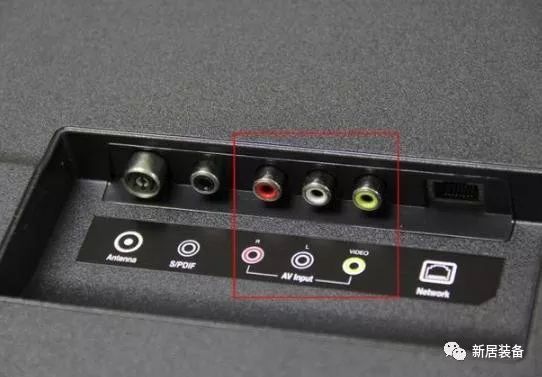
This one should be familiar to everyone, as it was present on older TVs. The AV cable has three colors: red, white, and yellow. The red and white are audio transmission lines, while the yellow is for video transmission.
The AV input method can cause color signal loss, with chroma and brightness signals interfering with each other, ultimately affecting the quality of the output image. Although modern smart TVs still come with these ports, their usage is quite low because most TV programs now use high-definition signals, so generally, we use high-definition ports, which we will introduce next!
2. HDMI Port
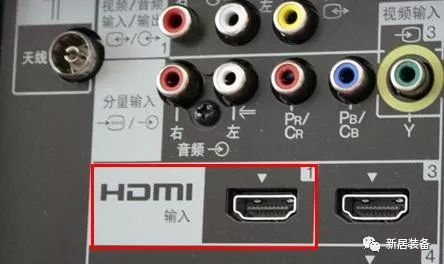
Modern smart TVs come with HDMI ports, allowing wired set-top boxes, network TV boxes, computers, audio equipment, and other devices to connect with the smart TV via HDMI cables. Generally, smart TVs are equipped with 2-3 HDMI ports.
Currently, HDMI ports on smart TVs typically come in two versions: 1.4 and 2.0. HDMI 1.4 meets the requirements for outputting 4K video, but HDMI 2.0 increases the frame rate to 50/60 (previously 24/30), providing smoother visuals. Therefore, most new smart TVs basically have at least one HDMI 2.0 port.
Some may also be labeled with ARC and MHL. ARC stands for Audio Return Channel, which transmits audio to sound equipment, creating a home theater interface; MHL is for Mobile High-Definition Link, allowing you to connect your mobile phone and tablet, and it can also be used to charge your phone!
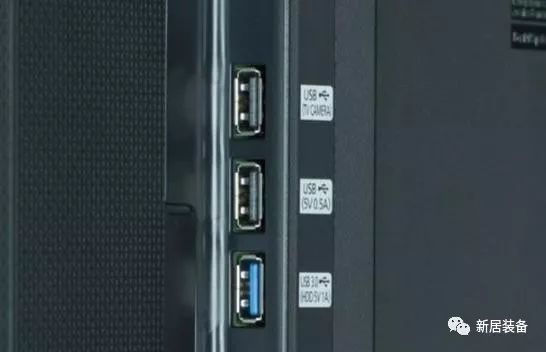
3. USB Port
USB should be familiar to everyone. The USB ports on smart TVs can connect not only storage devices but also cameras, game controllers, and other devices, making them very versatile. USB ports come in various versions, with USB 2.0 and USB 3.0 being the most common.
The plastic plate in the middle of USB 2.0 is white or black, while for USB 3.0, it is blue, making it easy to distinguish. Currently, new smart TVs will generally have USB 3.0 ports because the transfer speed of USB 3.0 is ten times that of USB 2.0, ensuring smooth playback of 4K ultra-high-definition videos.
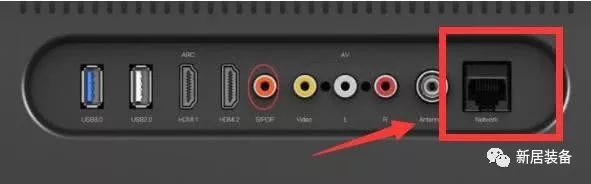
4. Network Port
Currently, most smart TVs come with network ports, the most common being the RJ-45 port, commonly known as the “crystal head.” Connecting to the network allows you to watch more online TV! Of course, many smart TVs can now connect wirelessly, which is more convenient and not limited by distance or location.
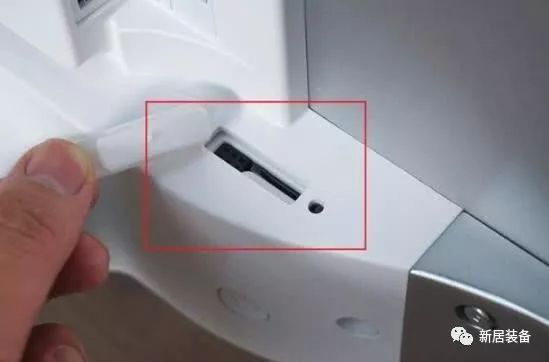
5. SD Card Port
The storage space of smart TVs is generally quite small, mostly 4GB or 8GB, which cannot accommodate too many applications. Therefore, many smart TVs have added SD card slots. Moreover, you can directly insert the camera’s memory card into the smart TV to browse photos!
How about it? Is it clear now?
Layout | Carina