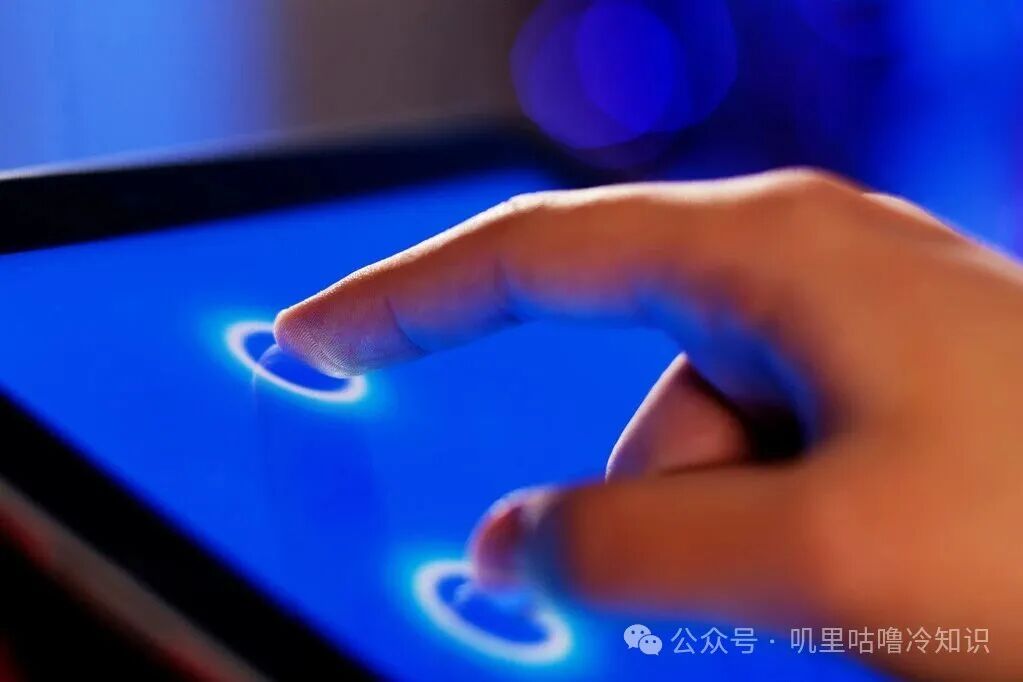
Every day we tap the screen, swipe a bit, zoom in and out, and our phones understand us. But how does the screen know we are there? Our fingers are not remote controls; they don’t emit light or shout, “I’m here!”
First, let’s talk about the old-school method: resistive screens. Two layers of thin film are stuck together with a small gap in between. When you press down, the two layers touch, allowing current to flow, and the coordinates are registered. You can use your fingernail or a stylus, and even gloves work, but multi-touch is not very effective; you need to press harder, and prolonged pressure can wear it out. Many navigation devices used this technology back in the day.
Then came the new method, which is now mainstream in smartphones and tablets: capacitive screens. A mesh of electrodes is laid beneath the glass, with horizontal and vertical lines intersecting. Each point stores a small charge, and when your finger approaches, it steals a bit of charge, changing the capacitance. The controller quickly scans the area to determine which point was activated, and this method is impressive because it can handle multiple touches, whether with one hand or two.
So why can our fingers steal charge? Simply put, the human body is a conductor, connected to the ground. When your finger gets close to the screen, it pulls a bit of the electric field away, changing the value, which the screen can detect. This is not fingerprint recognition; it doesn’t look at patterns or sweat pores, just the change in the electric field.
Sometimes you might wonder why the screen is less responsive in winter when your hands are cold, or why it misbehaves when wet. This is common; cold, dry hands have lower conductivity, making it harder for the machine to detect changes. Water is also a conductor, and when it spreads on the glass, it disrupts the electric field, leading to false touches. Many phones have a glove mode that increases sensitivity, and using gloves with conductive fibers also helps.
How does the screen handle multiple touches? There are two main approaches: self-capacitance and mutual capacitance. Self-capacitance treats each point as a single number, but multiple points can interfere with each other. Mutual capacitance is smarter; it sends signals in rows and columns, recording which points are pulled down and which are pulled up, creating a coordinate map like a robotic vacuum cleaner scanning the area.
Can the screen sense pressure? Does pressing harder yield different results? Capacitive screens do not measure pressure; they only detect the electric field. A harder press simply increases the area, resulting in a stronger signal. If a phone can differentiate pressure levels, it relies on pressure sensors beneath the glass or software estimation. Early reports indicated that some models used dedicated pressure sensors, but many manufacturers have reverted to long-press triggers.
Now, let’s look at large-screen advertising machines, which use a different approach: infrared touch. A ring of emitters and receivers is embedded in the frame, creating an invisible grid. When you reach out, your hand blocks the light, and the coordinates are registered. The advantage is that it works through thick glass and doesn’t depend on whether your finger is conductive. However, dust accumulation can lead to false touches.
Regarding styluses, cheap capacitive pens have conductive rubber tips that simulate a large finger, allowing for tapping and drawing, but the lines are thick. Advanced active pens are more complex; they reportedly emit special signals that the screen can recognize, providing pressure sensitivity and tilt detection for smoother drawing. When your palm rests on the screen, it doesn’t count as a touch, a feature known as palm rejection. All of this relies heavily on algorithms that analyze area, shape, and speed of change to filter out unwanted inputs.
What about screen drift while charging? This happens due to unstable ground, causing noise interference in capacitance measurements. You might notice that touches don’t register correctly; unplugging usually resolves this. If the issue persists, it could be due to poor shielding at the screen’s edges or low-quality charging equipment.
Does screen thickness affect sensitivity? Yes, while the electric field can penetrate thicker glass, the effect weakens with increased thickness. Manufacturers adjust electrode density and sampling gain to balance durability and sensitivity, which is an engineering trade-off. Don’t get hung up on a single parameter; consider the overall design.
Another common question is whether you can use gloves. Some say it doesn’t work, while others say it does. The answer depends on the glove material; non-conductive materials are difficult to trigger, while conductive fibers work well. You can also use metal objects to tap the screen, but keys may not work well due to their small contact area, resulting in weak signals. Switching to a larger conductive stylus tip makes a noticeable difference.
Finally, let’s zoom out: a capacitive screen has glass on top, ITO electrodes below, and the control chip continuously sends signals to divide areas, sample data, filter noise, and fit curves to determine whether it’s a finger, a pen, or a palm. The system then processes this information to open the photo gallery, swipe to the next page, or zoom in on a picture. You might think it’s a simple tap, but behind the scenes, it’s a complex operation.
We are accustomed to instant responses with a tap, but behind it lies a game of electric fields, material combinations, chip speeds, and algorithm patience. Next time your screen misbehaves, don’t panic; dry your hands, warm them up, switch chargers, or enable glove mode. You might find that it understands you again.
What does the future hold? Many believe that air gestures will become more prevalent, with stronger distance sensing, allowing screens to be operated without touch. Wouldn’t that be cooler? Let’s discuss it when new products come out.