In the embedded development community, many engineers have experienced moments of despair: filled with excitement, they connect the debugger, and at the moment they press the download button, the microcontroller suddenly overheats, the serial port outputs garbled data, or even burns the board directly—only to find out later that it was caused by common ground interference or surge voltage! The key to solving these problems is to add a “protective shield” during the debugging phase: using a debugger with isolation functionality.
1. Why are ordinary debuggers prone to “damaging devices”?
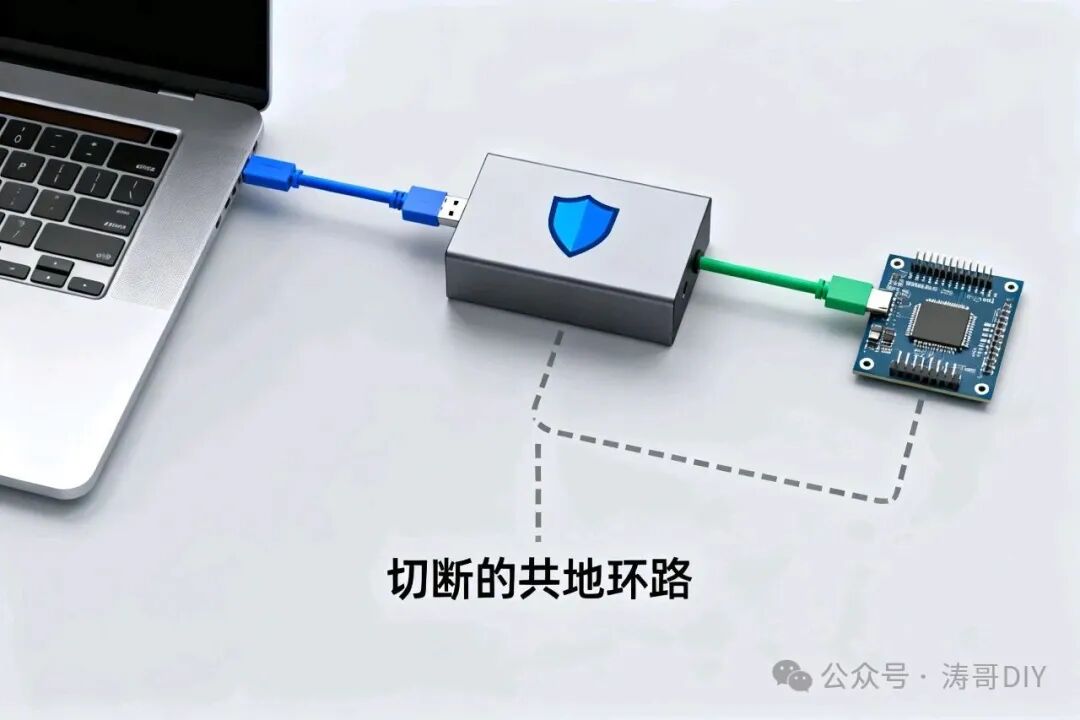
During microcontroller debugging, one end of the debugger connects to the computer’s USB port (powered by mains electricity), while the other end connects to the target board (which may be powered by a battery or external power supply), creating a common ground loop between the two. If there are disturbances on-site, such as motor start-stop, relay switching, or sensor pulses, it can generate instantaneous high voltage or current fluctuations that directly flow into the microcontroller core through the debugging line, leading to program crashes, data corruption, or even damaging chip pins and burning out the main control unit, instantly nullifying the hard work of early development.
Moreover, many disturbances are not visible to the naked eye: for example, electromagnetic interference (EMI) in industrial environments, voltage spikes in automotive electronics, or even ripple from desktop power supplies can quietly damage chips through the “direct connection” of ordinary debuggers, causing devices to function normally during testing but frequently fail after mass production.
2. Isolation Debugger: More than Just “Preventing Board Damage”, It’s the Core of Stable Debugging
Debuggers with isolation functionality (such as isolated versions of J-Link, ST-Link, or domestic isolation debuggers) cut off the common ground loop in the debugging line through technologies like optocouplers and magnetic isolation, effectively building a “firewall” between the computer and the microcontroller. The core functions are reflected in three points:
1. Preventing “Board Damage” from the Source, Reducing Development Losses
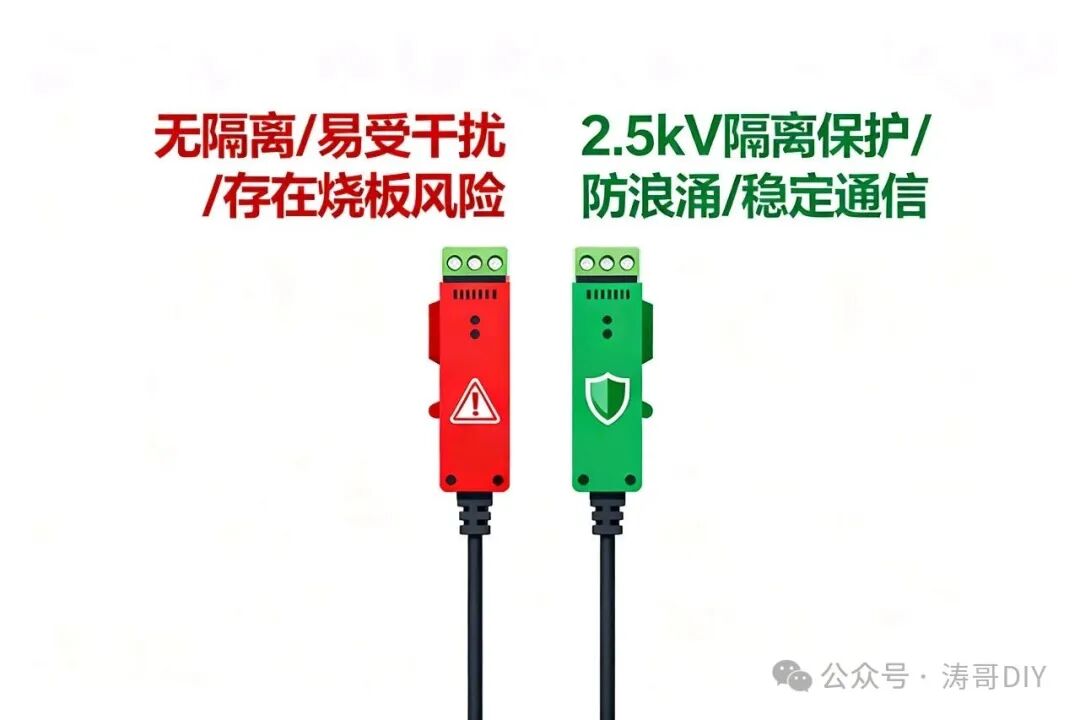
The isolation module can absorb instantaneous surge voltages and block abnormal currents, ensuring that even if the target board’s power supply shorts or experiences high voltage pulses, it will not conduct to the computer’s USB port or the debugger itself, significantly reducing the probability of damage to the microcontroller chip and debugger—this can save considerable hardware costs for projects that require frequent iterative testing.
2. Suppressing Interference, Ensuring “Zero Distortion” in Debugging Data
In scenarios such as industrial control, automotive devices, and sensor nodes, electromagnetic interference is often severe, and ordinary debuggers may experience serial port packet loss, breakpoint failures, and program stuttering. Isolation debuggers can filter out interference signals, ensuring the stability of SWD/JTAG communication, making breakpoint debugging and real-time data reading more accurate, and avoiding misjudgments of problem sources due to interference.
3. Protecting Personal Safety, Adapting to High Voltage Scenarios
In some projects, microcontrollers may operate in high voltage environments (such as industrial 220V power supply systems or high-voltage sensors). Without isolation debugging, the debugging line may carry high voltage, posing a risk of electric shock. Isolation debuggers can isolate high voltage, protecting the engineer’s safety and preventing high voltage from entering the computer and causing equipment damage.
3. Scenarios Where Isolation Debuggers Are a Must! Don’t Take Chances
Not all debugging requires isolation, but the following scenarios are recommended to “always use” isolation debugging, otherwise, you are likely to encounter pitfalls:
– Industrial control projects: Microcontroller systems involving PLCs, motor drives, relays, and other high-power devices;
– Automotive electronics development: Automotive ECUs, onboard sensors, etc., where there are 12V/24V voltage spikes;
– Outdoor/battery-powered devices: Such as soil moisture monitoring nodes and wireless sensors, where power supply fluctuations are significant and easily affected by environmental interference;
– Multi-module interactive systems: Multiple microcontrollers or peripherals sharing a power supply, which can easily generate common ground interference;
– High-precision sensor projects: Such as vibration sensors and pressure sensors, where interference must be avoided to ensure accurate data collection.
4. Tips for Purchasing & Using Isolation Debuggers: 3 Practical Suggestions
1. Prioritize Mature Solutions: Choose products that support mainstream microcontrollers (such as STM32, Rockchip, etc.) and have isolation voltages ≥2.5kV, balancing stability and compatibility;
2. Pay Attention to Isolation Channels: Ensure that SWD/JTAG signals and serial communication are all isolated; some cheap products only isolate power, leaving signals unprotected and still at risk of interference;
3. Use with Isolated Power Supply: If the target board’s power supply is not isolated, it is recommended to pair it with an isolated power supply module to achieve dual isolation of “power + debugging” for more thorough protection.
Conclusion: Isolation Protection is Not an “Extra Expense”, It’s a “Necessary Investment” in Embedded Development
In microcontroller debugging, “preventing problems before they occur” is always more efficient than “remedying after the fact”. An isolation debugger may seem to add a small cost, but it can prevent board damage, reduce debugging time, and ensure safety, especially for industrial-grade and high-interference projects, making it a key factor in improving development efficiency and reducing later risks.
Don’t gamble with ordinary debuggers just to save trouble—adding isolation protection to the debugging phase is not only responsible for the equipment but also a guarantee of efficient development work. After all, no one wants to see several days of development results go to waste due to an unexpected interference.
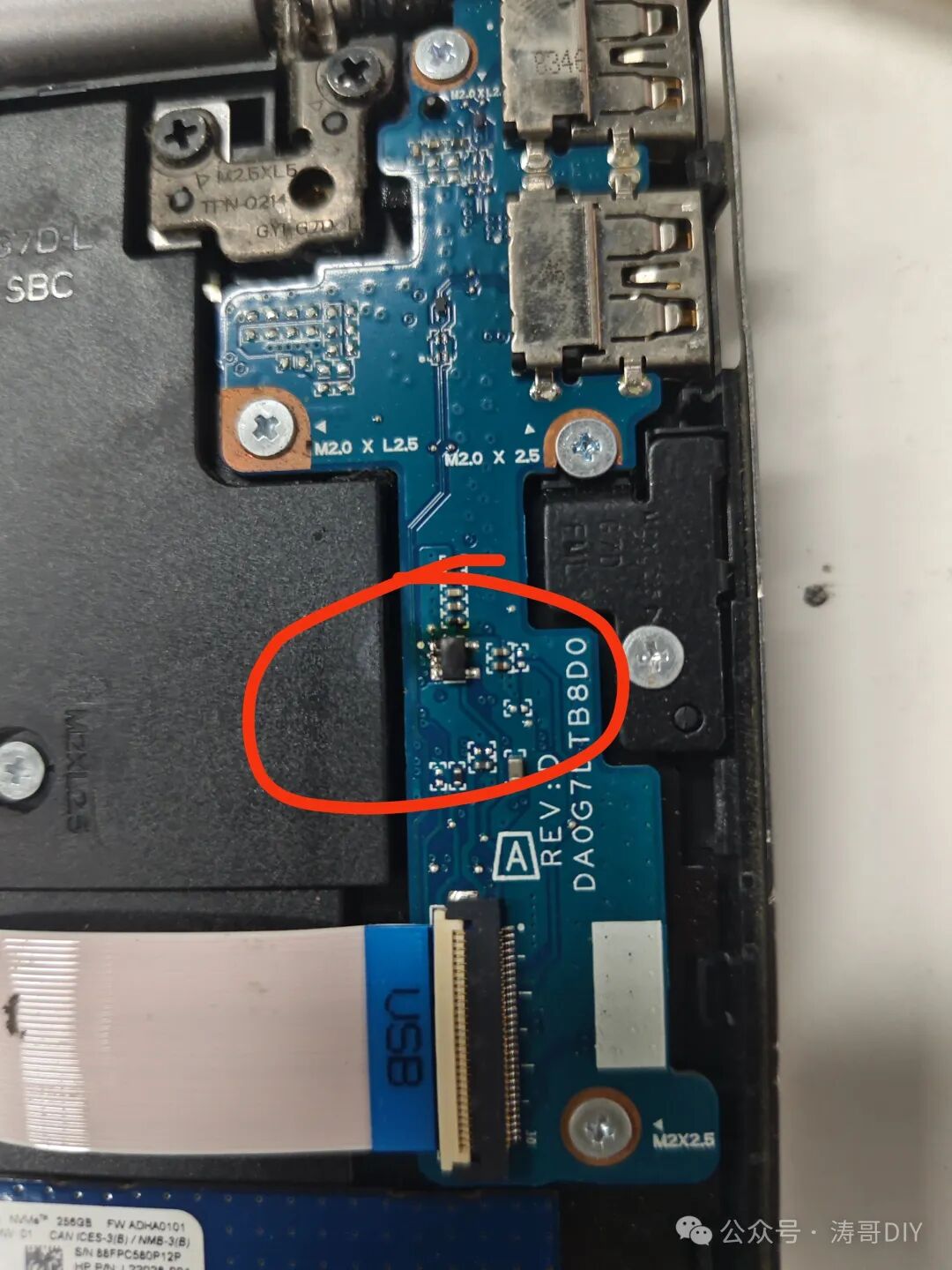
My computer was damaged due to reverse breakdown.
Have you encountered issues like board damage or interference during debugging? Feel free to share your experiences and solutions in the comments!