
The Linux system provides a powerful password management mechanism that can effectively enhance server security. Below, we will introduce how to set password complexity rules and expiration times.
1. Setting Password Complexity Rules
1. Using the PAM pam_pwquality Module
Edit <span>/etc/pam.d/system-auth</span> or <span>/etc/pam.d/common-password</span> file, and add the following content:
password required pam_pwquality.so minlen=10 ucredit=-1 lcredit=-1 dcredit=-1 ocredit=-1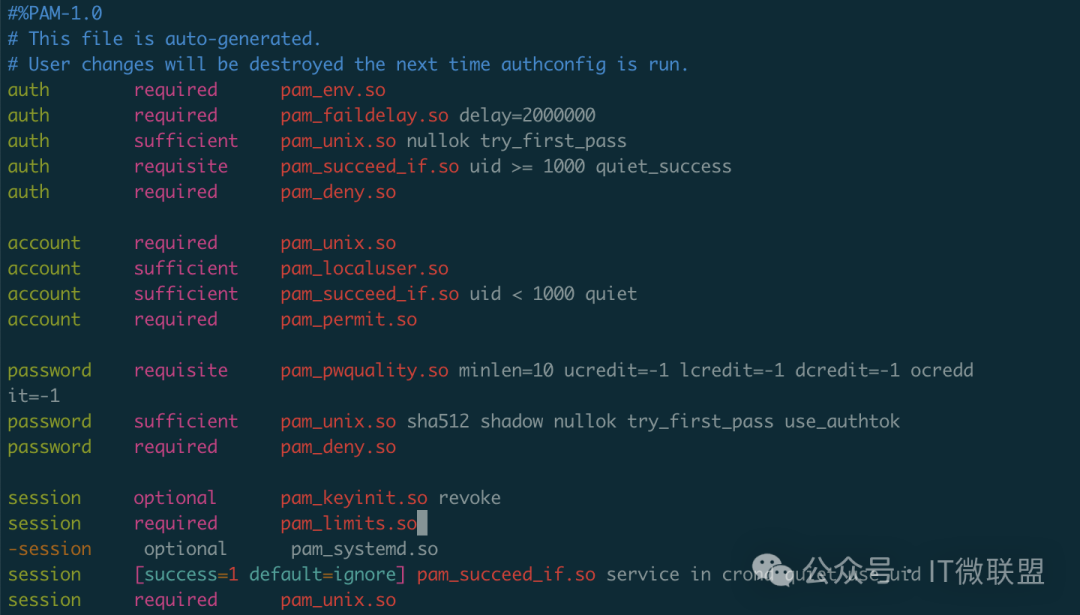
Parameter Explanation:
- •
<span>minlen=10</span>– The minimum password length is 10 characters - •
<span>ucredit=-1</span>– Must contain at least 1 uppercase letter - •
<span>lcredit=-1</span>– Must contain at least 1 lowercase letter - •
<span>dcredit=-1</span>– Must contain at least 1 digit - •
<span>ocredit=-1</span>– Must contain at least 1 special character
2. Prohibiting the Use of Old Passwords
Add the following in the same file:
password required pam_unix.so sha512 shadow try_first_pass remember=5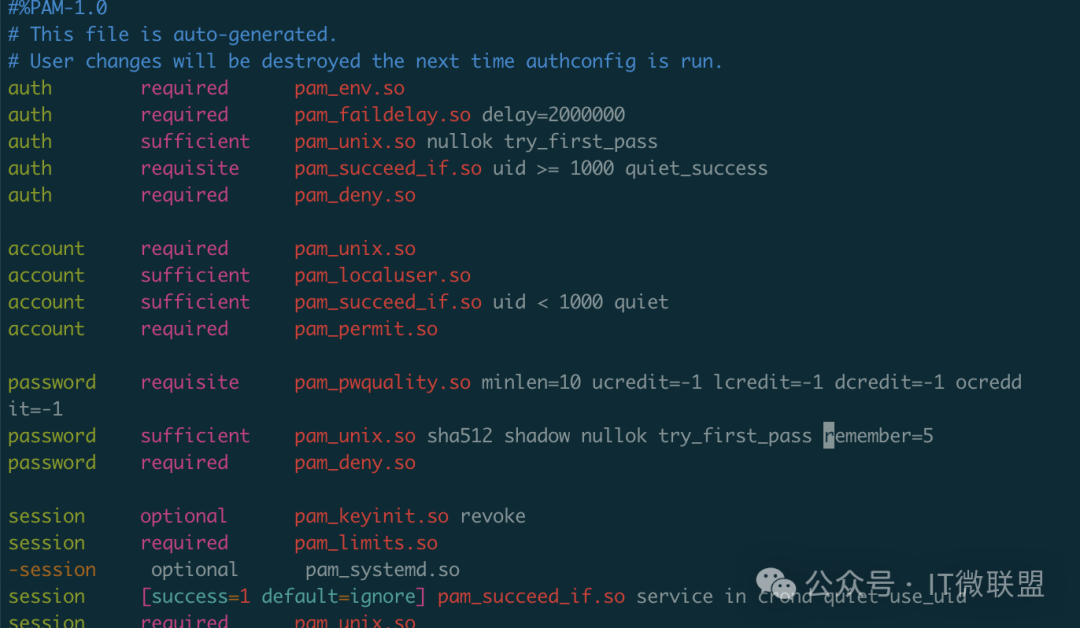
<span>remember=5</span> indicates that the last 5 used passwords are prohibited.
3. Setting Password Expiration Policy
Edit the <span>/etc/login.defs</span> file:
PASS_MAX_DAYS   90    # Maximum password usage days
PASS_MIN_DAYS   7     # Minimum days between password changes
PASS_WARN_AGE   7     # Start warning 7 days before password expiration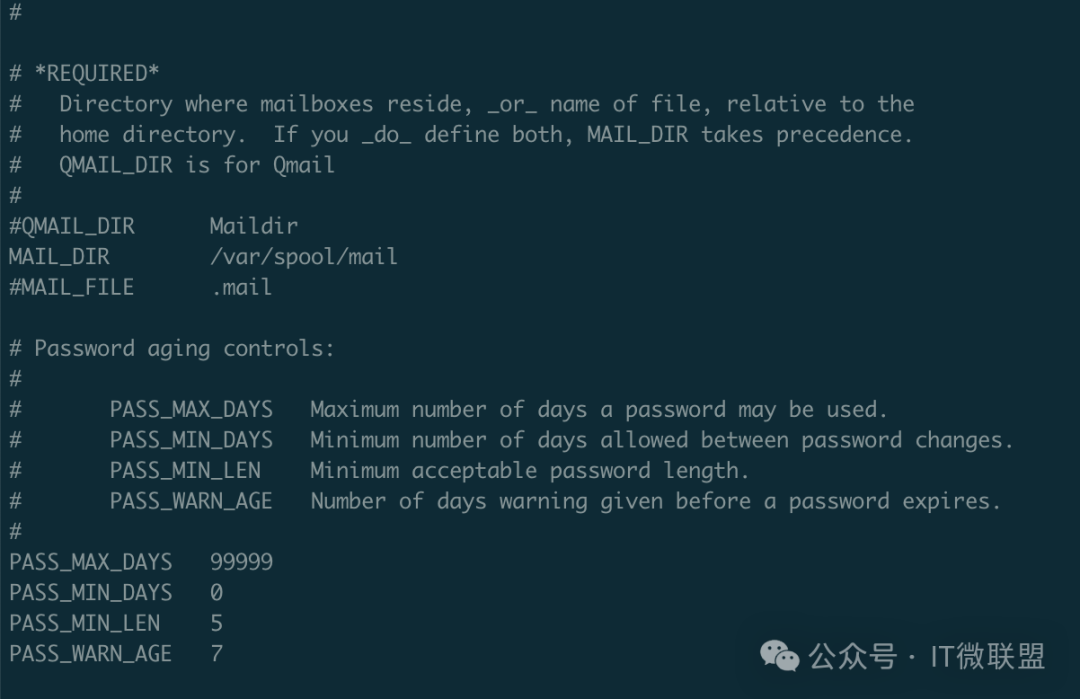
2. Setting Expiration Time for Existing Users’ Passwords
1. Modifying a Single User
# Set password to expire after 90 days
chage -M 90 username

# Set password to be changed at least 7 days later
chage -m 7 username

# Set reminder 7 days before expiration
chage -W 7 username

# Force user to change password on next login
chage -d 0 username
2. Checking User Password Status
chage -l username3. Verifying Password Policies
- 1. Create a test user and set a password to verify complexity requirements
- 2. Use
<span>chage -l</span>to check password expiration information - 3. Test login behavior after password expiration
4. Considerations
- • The PAM configuration file locations may vary across different Linux distributions
- • Password policies only apply to newly set passwords
- • It is recommended to use the SHA512 password hashing algorithm