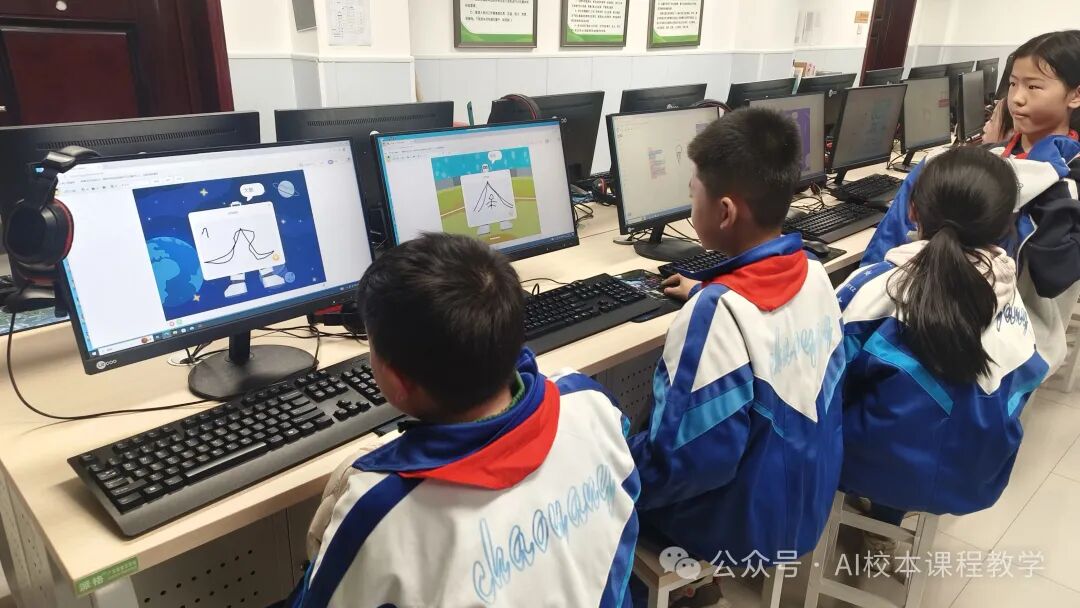
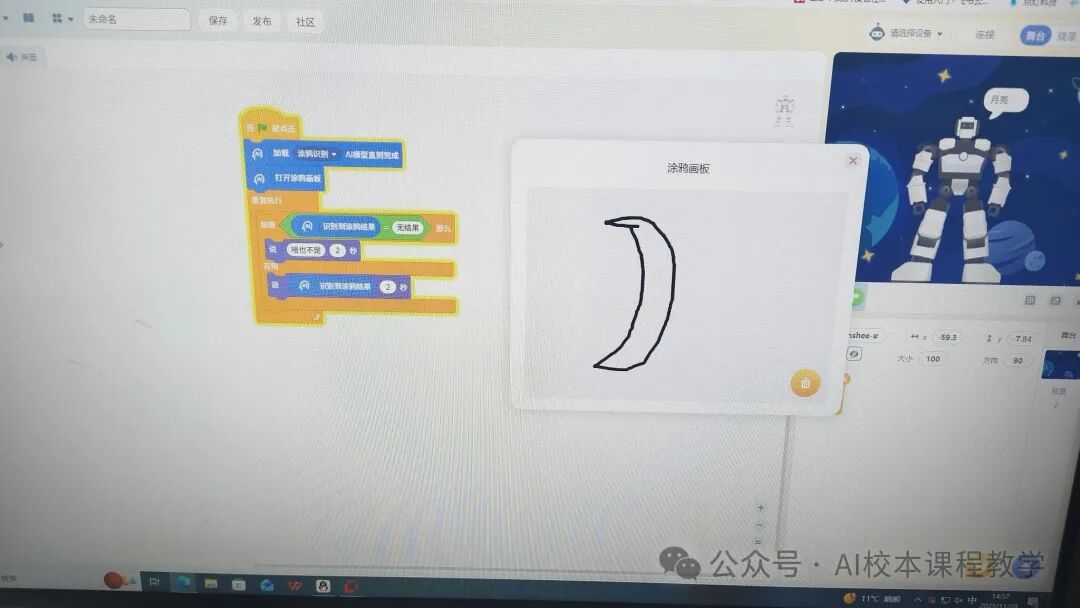
AI Robot’s Doodle Recognition Assistant
1. Teaching Objectives
1. Information Awareness
To perceive that “AI Doodle Recognition” is an application of artificial intelligence technology in daily life, understand that “program instructions” are tools for controlling robots, and initially establish an information awareness of “technology serving life”.
2. Computational Thinking
To decompose the task flow of “doodle recognition → voice feedback”, understand that the branch logic of “if – else” is a method to solve the problem of “different results corresponding to different feedback”, and initially form the thinking habit of “analyzing problems – logical modeling”.
3. Digital Learning and Innovation
To independently operate a graphical programming platform, completing the learning process of “block assembly – program testing – debugging and optimization”; to creatively add new functions of “recognizing specific shapes to trigger actions” based on the original program, enhancing the application and innovation capabilities of digital tools.
4. Social Responsibility in Information
When using the doodle recognition function, to draw healthy content in a standardized manner, initially establishing a sense of responsibility for “reasonable and civilized use of digital tools”.
2. Key Teaching Points
Focus: Understanding the branch logic of “if – else” and completing the program construction for doodle recognition.Difficult Point: Debugging the differences in voice feedback between “no result” and “recognition result” in the program.
3. Teaching Preparation
- Software: Programming platform (or similar graphical programming tools)
- Materials: Prepare simple doodle example images in advance (such as numbers, shapes)
4. Teaching Process (40 minutes)
(1) Fun Introduction: AI Robot “Guess the Drawing” (5 minutes)
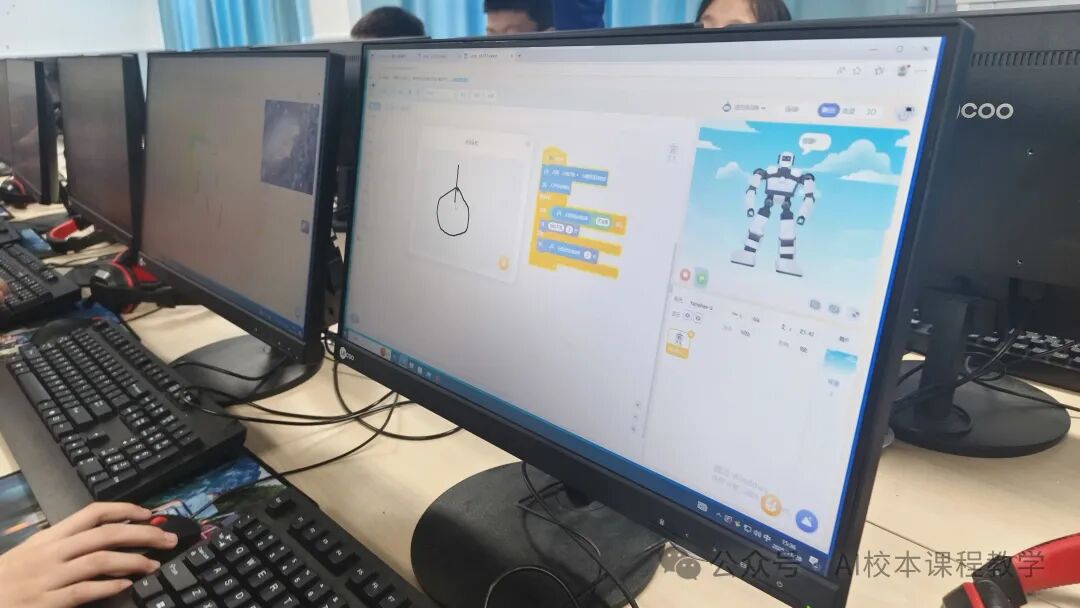
- Teacher demonstration: Draw a simple shape (like a circle) on the doodle board and let the robot state the recognition result.
- Guiding question: “How does the robot know what I drew? Today we will install a ‘Doodle Recognition Assistant’ for the robot!”
(2) New Knowledge Exploration: Decomposing Program Logic (10 minutes)
-
Understanding Core Blocks:
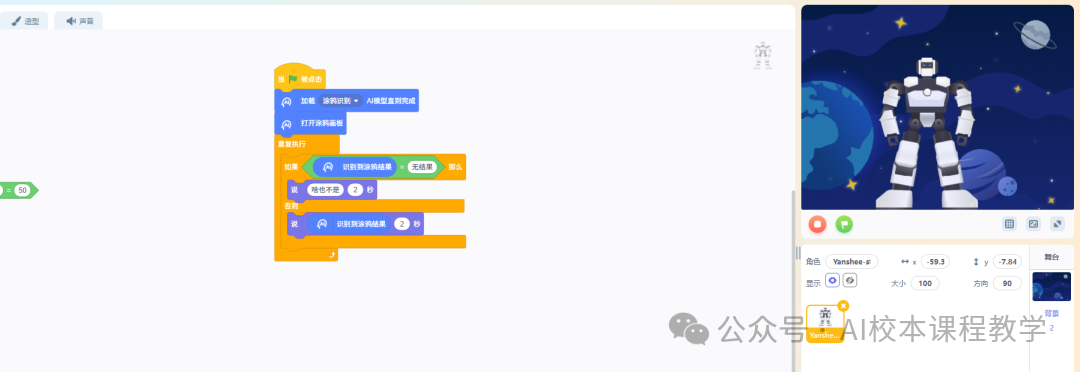
“When clicked”: Program start switch;
“Load Doodle Recognition” model: Enables the robot to gain AI recognition capability; “If – else”: Like a “fork in the road”—take one path if conditions are met, and another if not. Display the blocks in the interface: “When clicked”, “Load Doodle Recognition”, “Open Doodle Board”, “If – else”, “Say”.Explain functions:
-
Analyze Program Flow:
If no result is recognized, the robot says “nothing”; otherwise (if a result is recognized), the robot states the recognized content.Step 1: Click to start → Load AI → Open board;Step 2: Recognize doodle
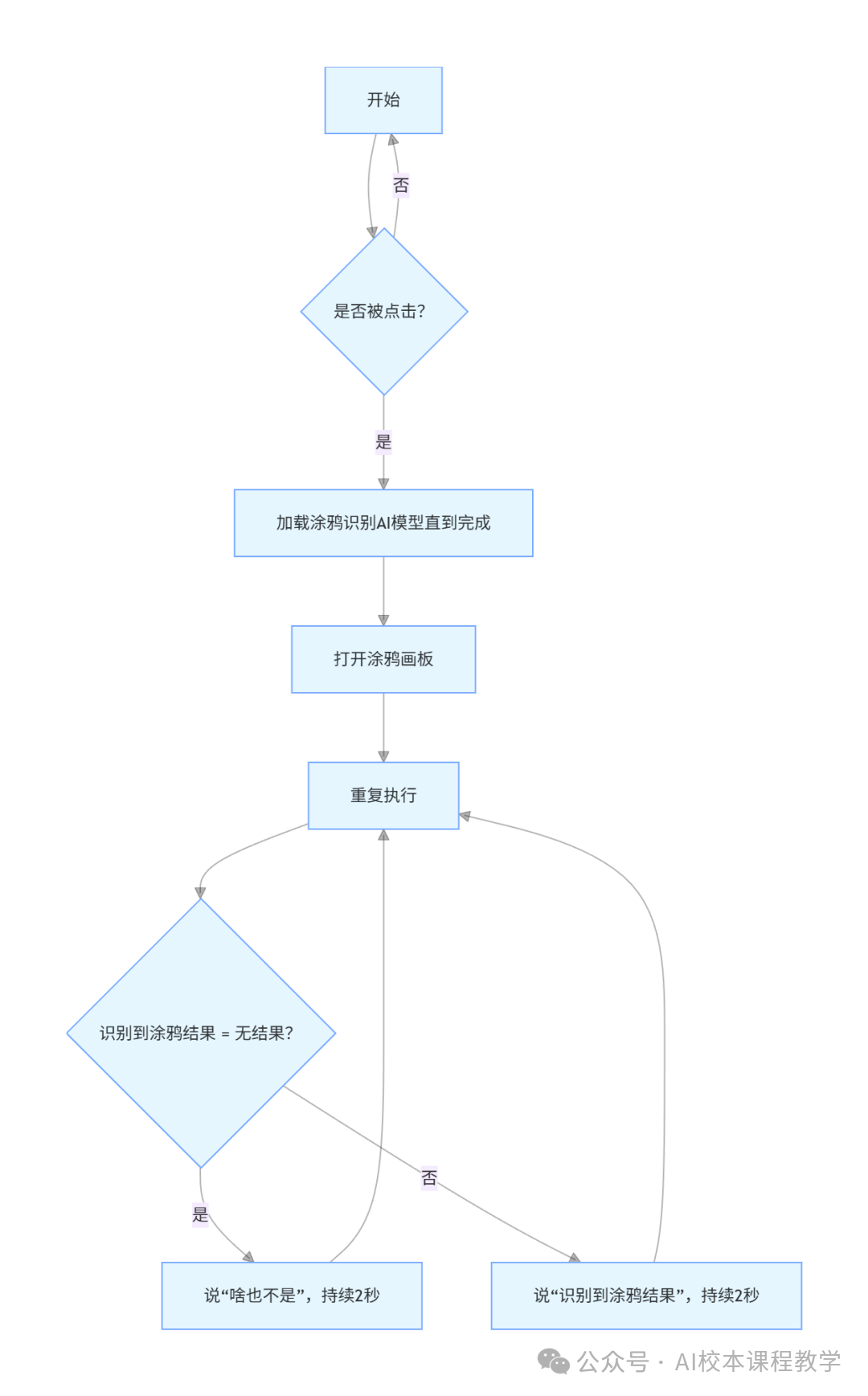
(3) Practical Operation: Build and Test Program (15 minutes)
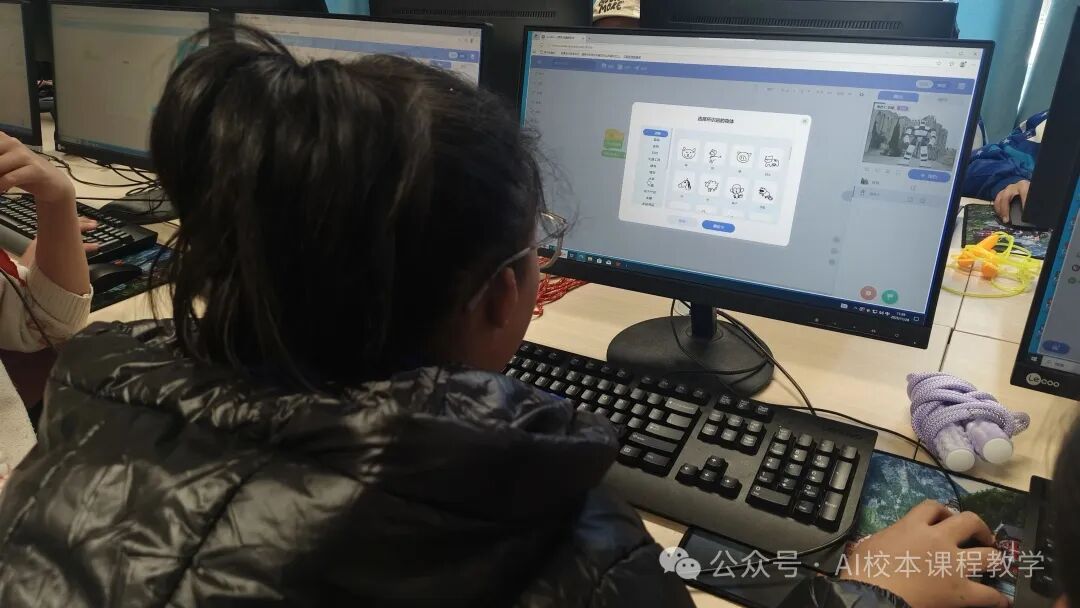
- Students Build Independently Drag and drop blocks according to the flow to complete program assembly (teacher circulates for guidance).
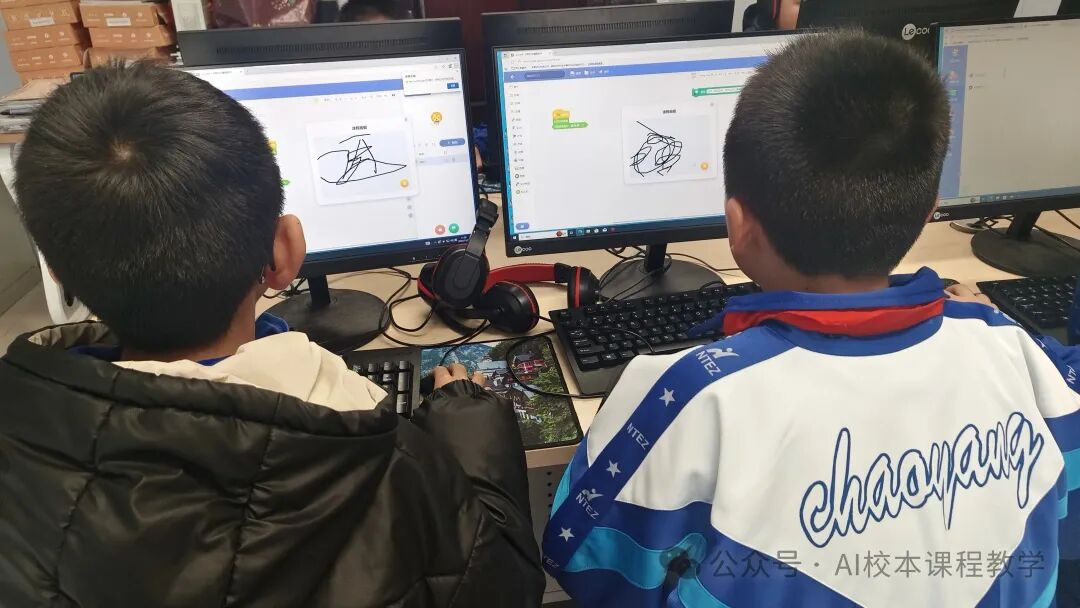
- Testing and Debugging Try drawing different contents (like the number “2”, triangle), observe robot feedback; If there is no prompt when there is “no result”, check if the condition after “if” is “= no result” in the operation.
(4) Creative Expansion: Upgrade the Assistant (8 minutes)
- Task Upgrade Let the robot recognize specific shapes and add “action feedback” (like waving when recognizing a “square”).
- Share and Display 2-3 students showcase their programs and explain their functions.
(5) Class Summary (2 minutes)
- Review: The logic of “if – else”, the use of AI doodle recognition;
- Summary: AI can help us do many interesting things, and programming makes robots smarter!
5. Homework Design
At home, use the program to recognize 3 different doodles (like animals, fruits), and record the robot’s recognition results.