Early in the morning, I received a call from a customer saying that the display on their device, which was working fine last night, did not display anything when they turned on the machine this morning. The customer quickly sent me a photo:
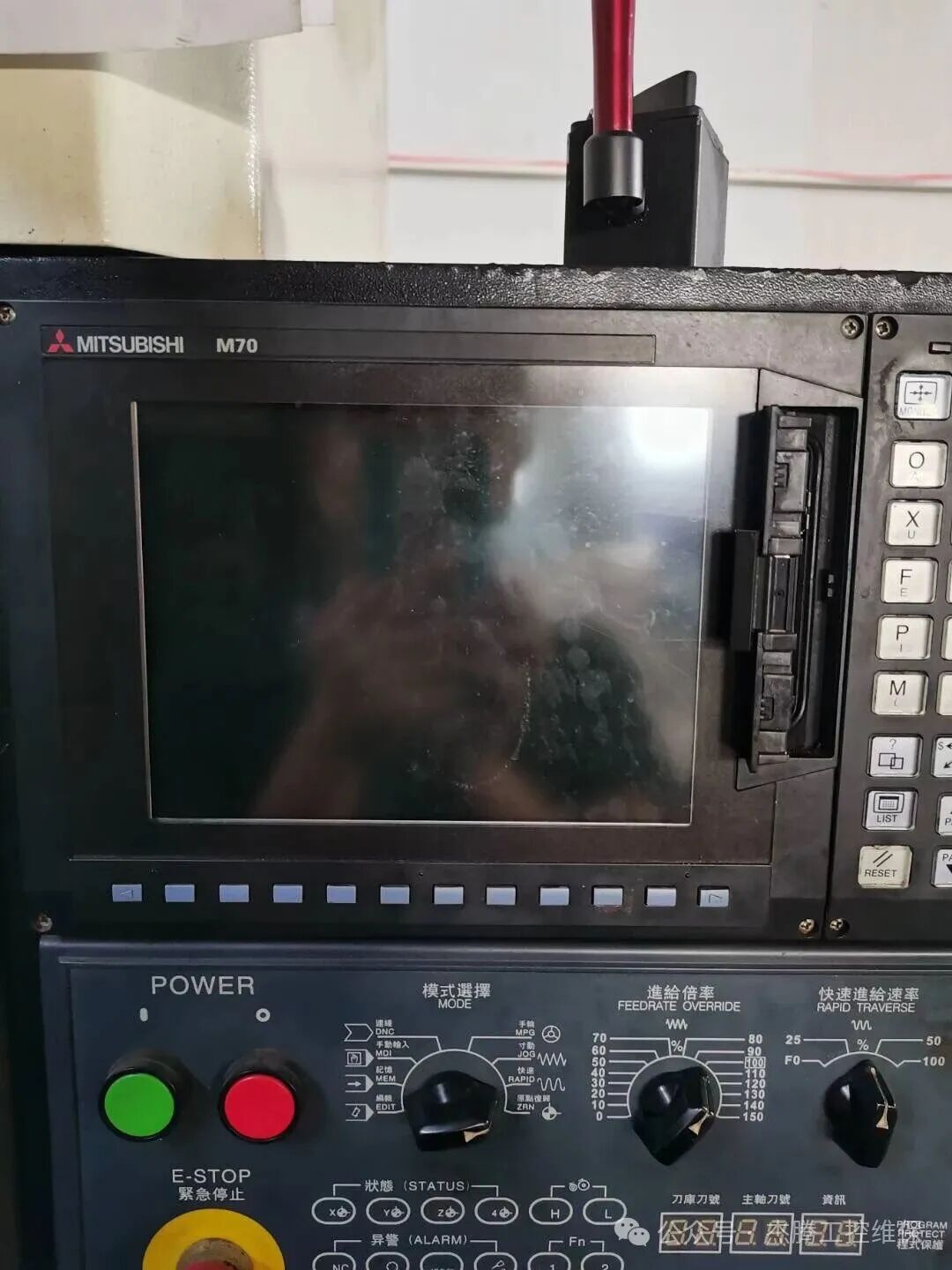
This display is a Mitsubishi M70. After confirming that the screen was broken, the customer brought it in, and it was repaired on the same day. So, what should we do when we encounter a black screen on a touch screen?
First, let’s understand the commonly used displays on the market and see if any are used in your equipment:
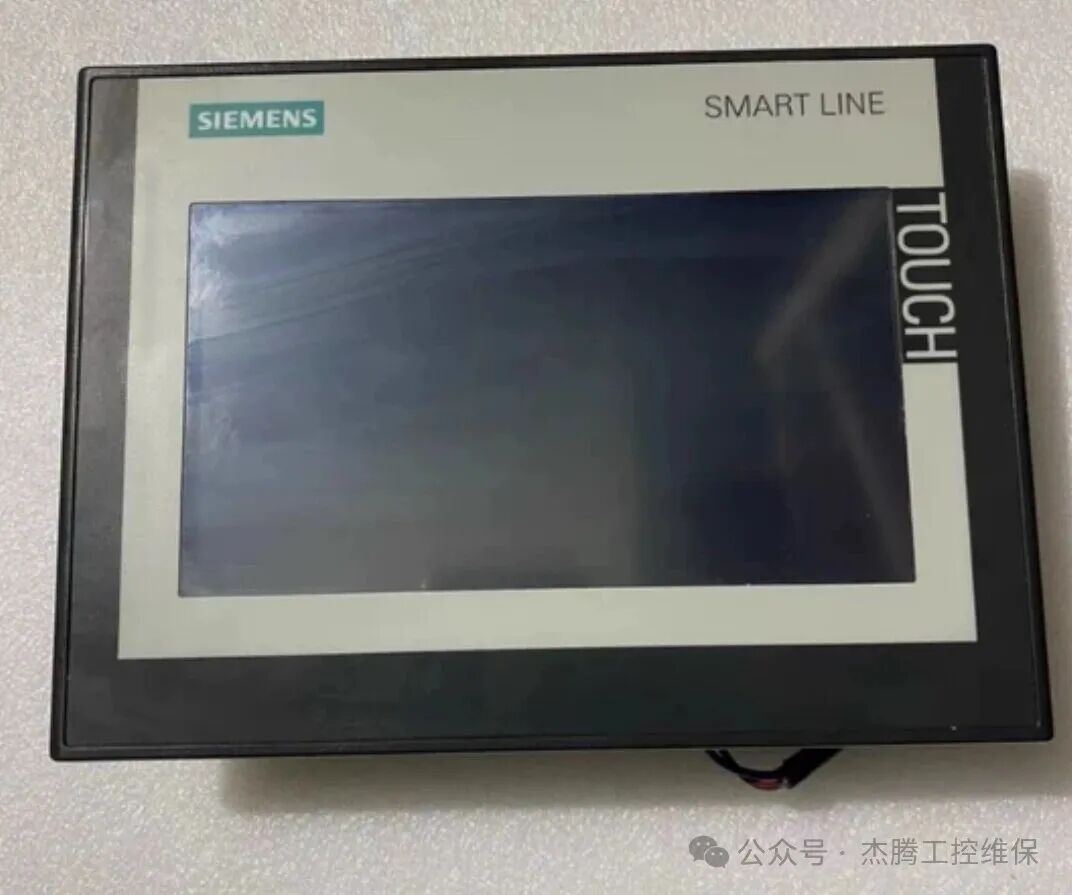
Siemens(Siemens)
This brand’s displays are used in some mid-to-high-end devices, whether in CNC machines or various engraving machines and Homag woodworking equipment, it is almost ubiquitous. Therefore, almost all electricians are familiar with it.
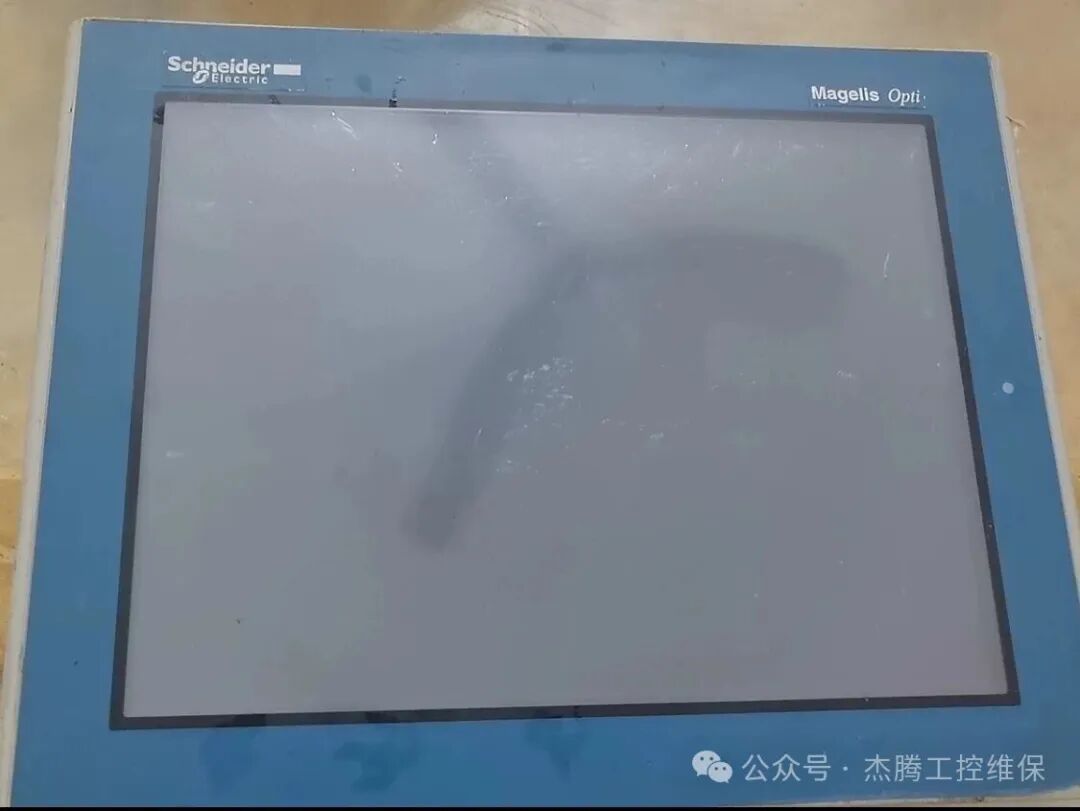
Schneider(Schneider Electric)
Schneider’s status in the industry is similar to that of Siemens, and it is also used in mid-to-high-end devices, but its range of use is not as extensive as Siemens.
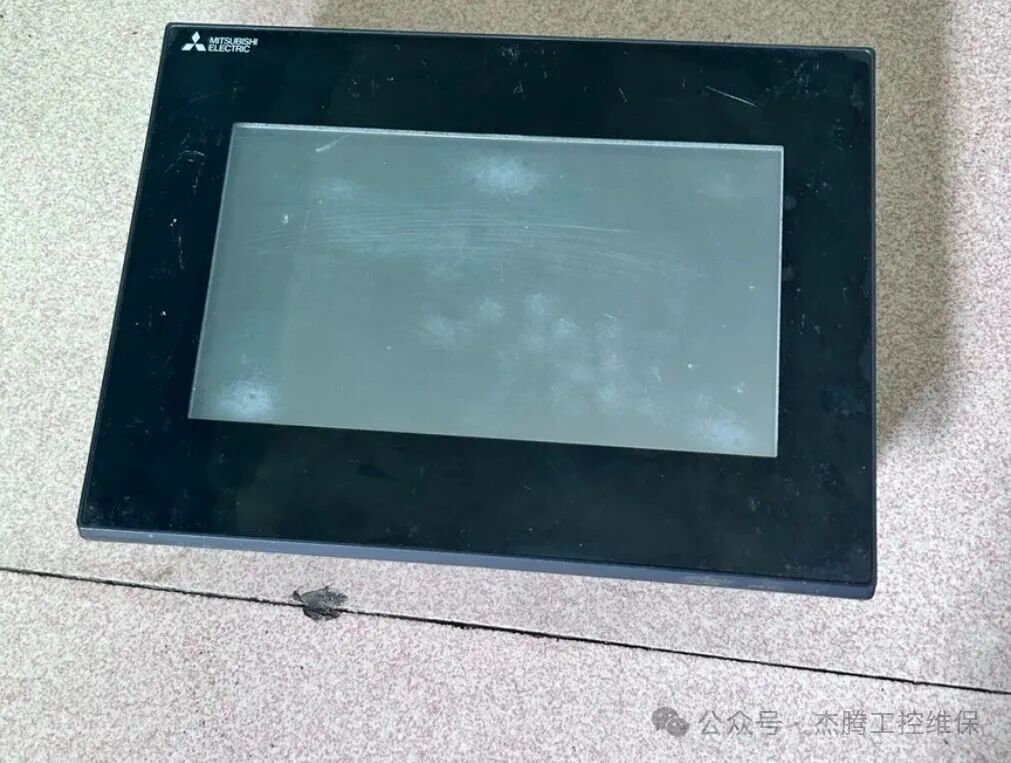
Mitsubishi(Mitsubishi Electric)
This is a Japanese brand, especially widely used in CNC applications, such as M70, M80, and also in high-temperature heating furnaces.
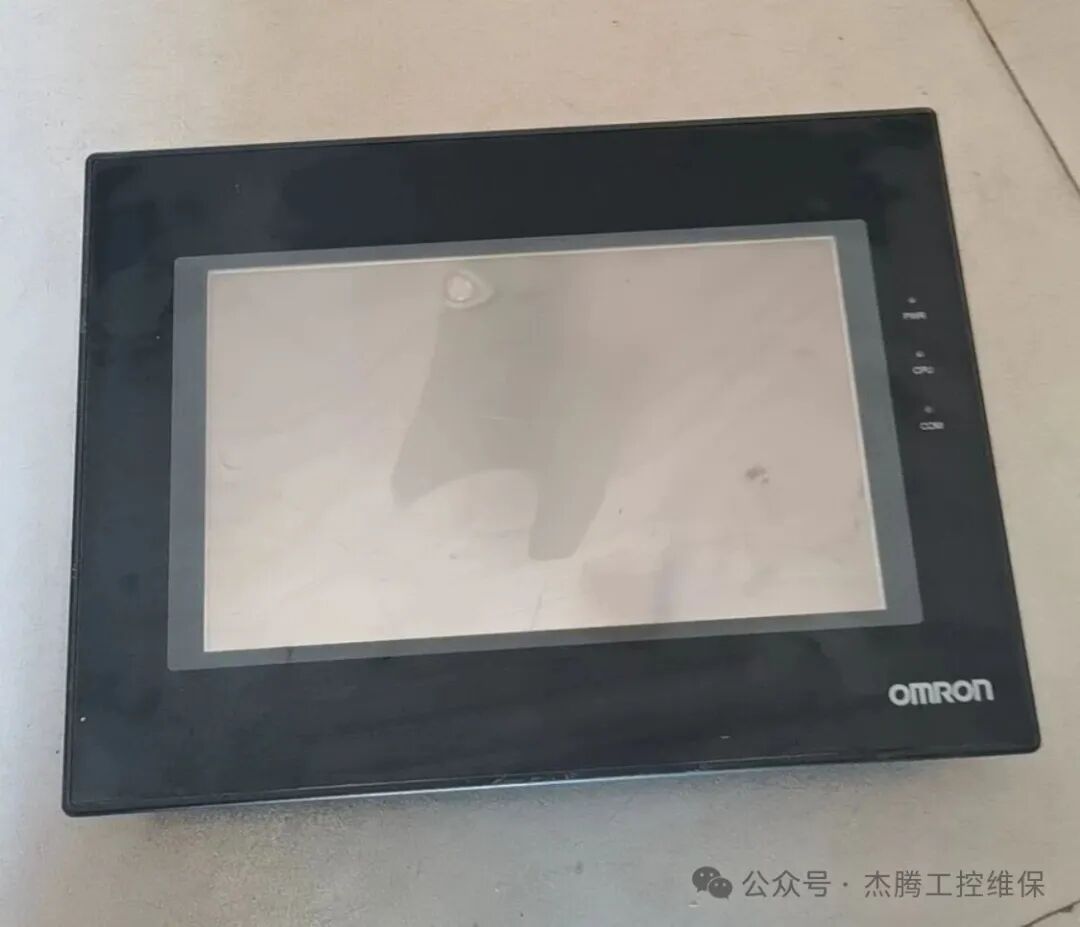
OMRON(OMRON)
OMRON’s NA series touch screens are very powerful, excelling in human-machine interaction design and reliability, and are most commonly used in precision manufacturing and medical equipment.
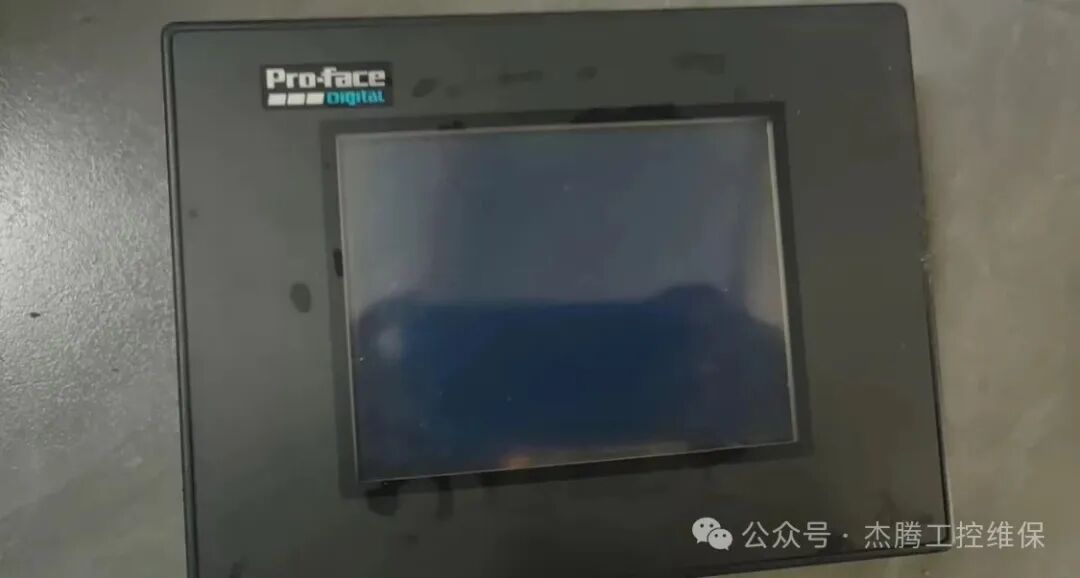
Pro-face(Pro-face)
This brand is often used in situations where stability is crucial, and it has a very high market share. We often repair them.
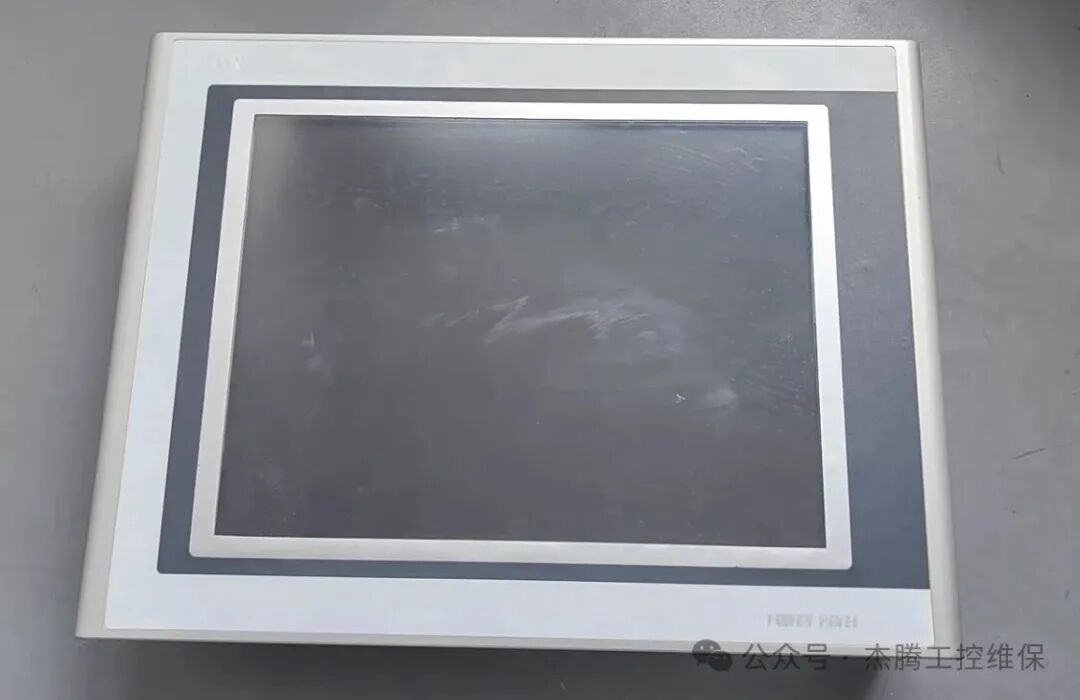
B&R(B&R)
Now part of the ABB Group, it represents high-end automation technology! The repair difficulty is higher than that of ordinary screens, and we can repair dozens of them each year.
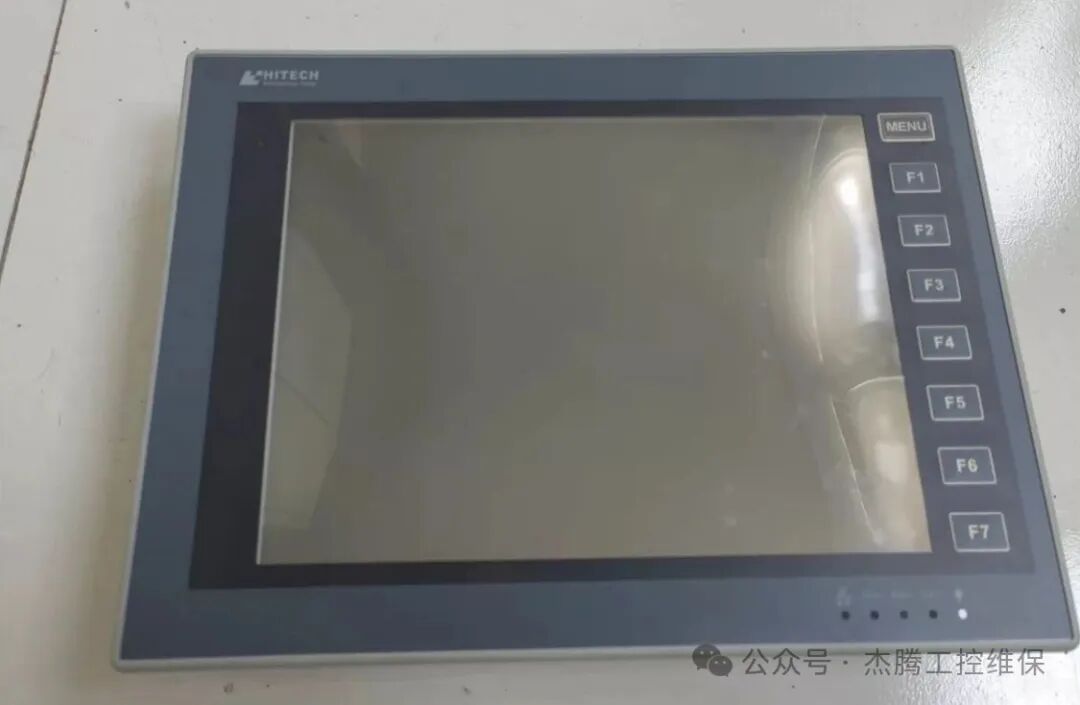
Hiteker(Hiteker)
This brand is commonly seen in printing factories and food factories, and the quality is quite good.
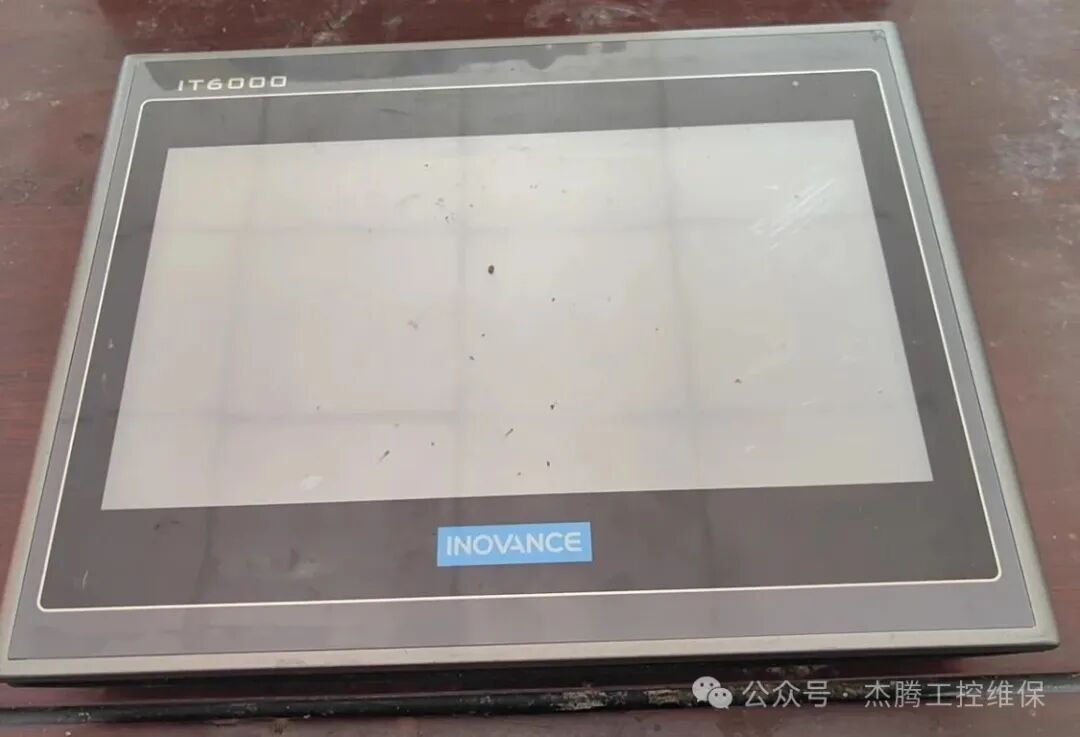
Inovance(Inovance)
In recent years, Inovance has indeed performed well, forming its own ecological chain, and its touch screens seamlessly connect with its own PLCs, servos, and inverters.
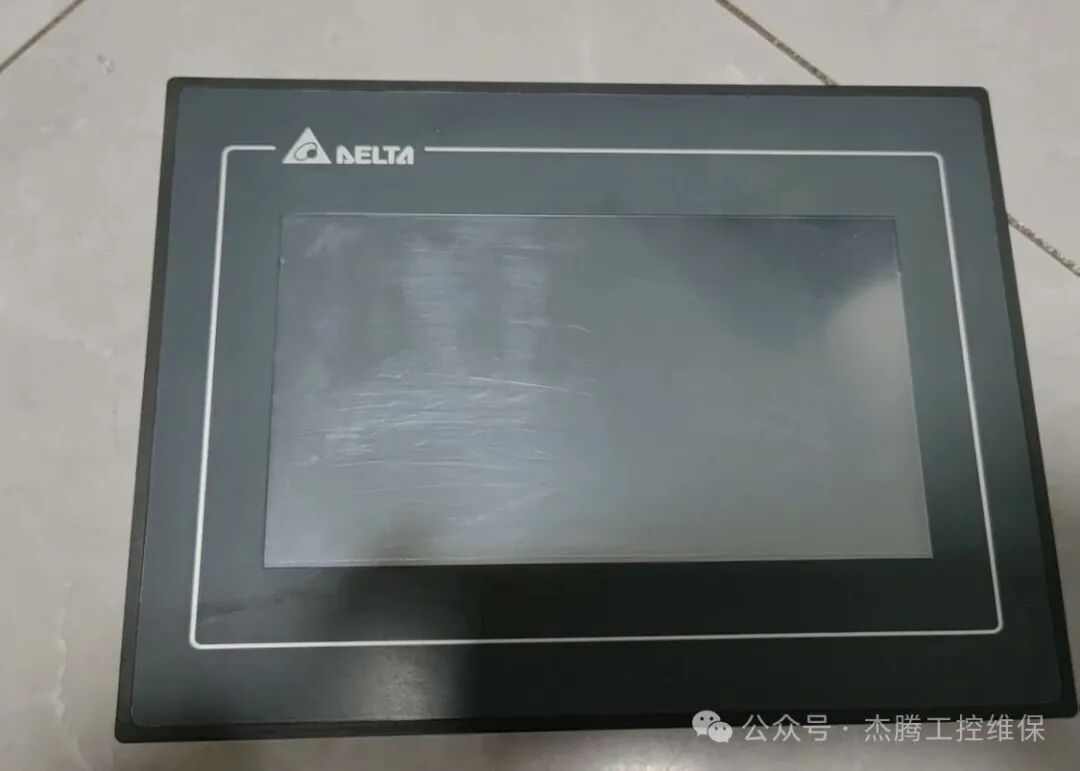
Delta(Delta)
From China, a global brand with excellent cost performance.Delta’s HMI products are diverse and very practical.
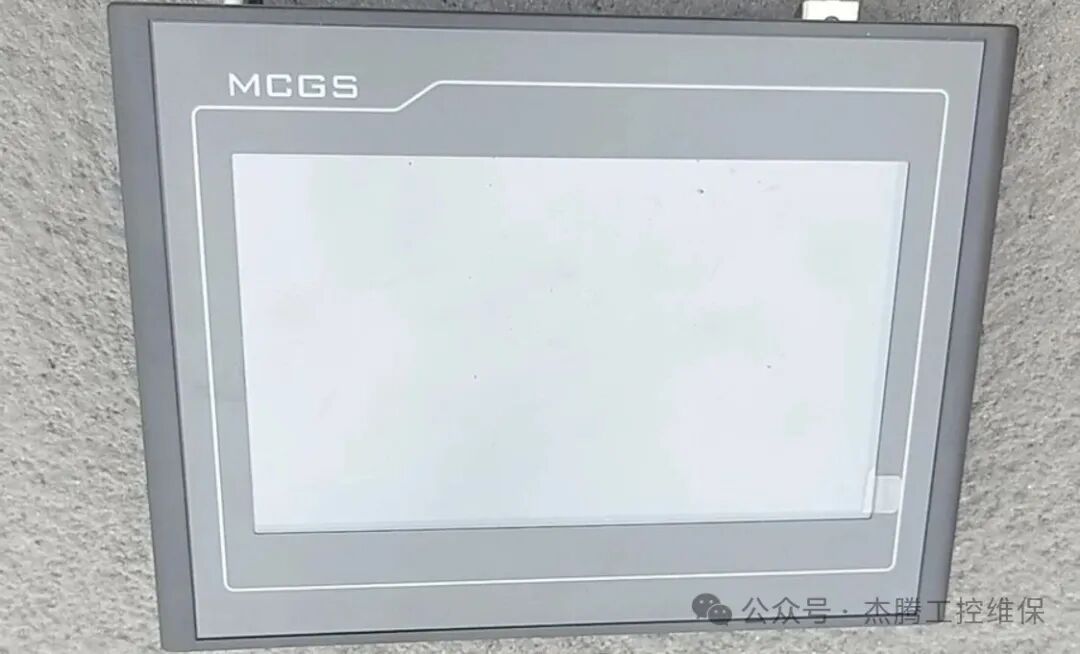
MCGS(昆仑通泰):
A major pillar of mainland Chinese brands,especially known for its powerfulconfiguration software and has a high market share and user base, being a standard configuration for many domestic devices.
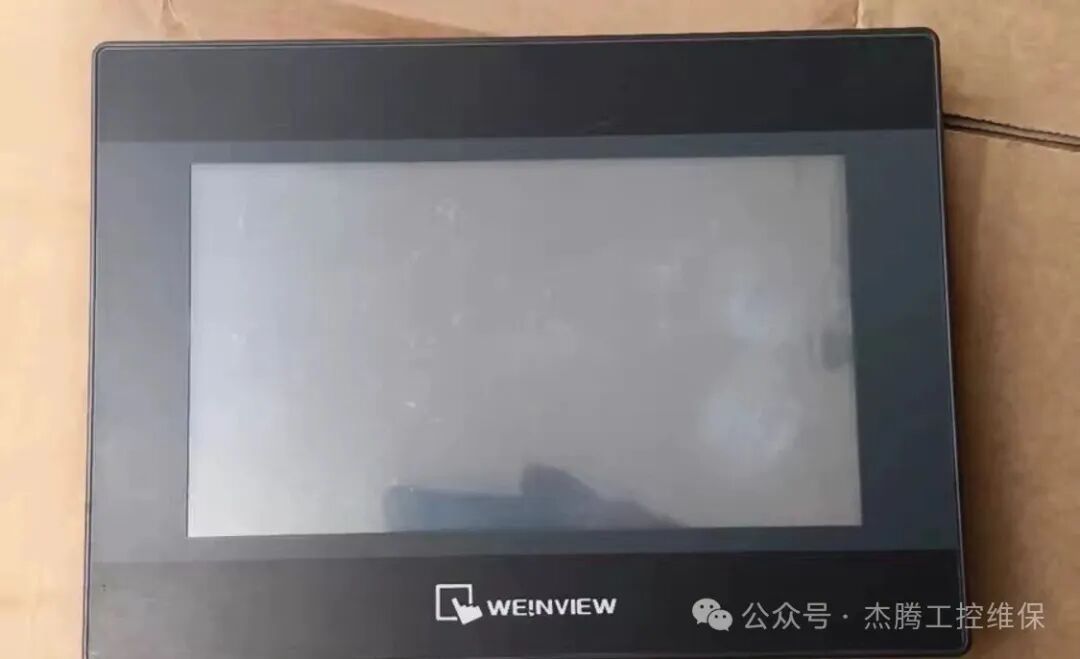
Weinview(威纶通)
Another outstanding representative of mainland brands, competing fiercely with Kunlun Tongtai.
Due to space limitations, I will stop the introduction here. Now let’s get to the main topic! The touch screen/display we often refer to is also known as“Human-Machine Interface” or “HMI.” When it goes black, do not panic; follow the steps below to troubleshoot and see if it is a power issue, a wiring issue, or a display issue.
1. First, check the power supply
1. Check if the indicator light on the display is on; if not, proceed to the next step.
2. Check if the power cable is securely plugged in. Did someone accidentally kick it loose?
3. Check the small air switch (or fuse) that supplies power to this screen; has it tripped? Reset it and try again.
4. Many screens use 24V DC power supplied by a small black box called a “switching power supply.” Check if the indicator light on it is on. Is it hot to the touch? If it is faulty, the screen will definitely have no power.
2. Check the wiring
If the power check shows no issues, then check the wiring of the screen to see if it is loose. Disconnect all wires and reconnect them securely, then power on! If the screen still does not light up, it is likely broken.
3. Two types of black screens
There are two types of black screens: one is completely black, and the other appears black but can show content when illuminated with a flashlight. The latter is usually due to a faulty backlight, which is relatively inexpensive to repair.
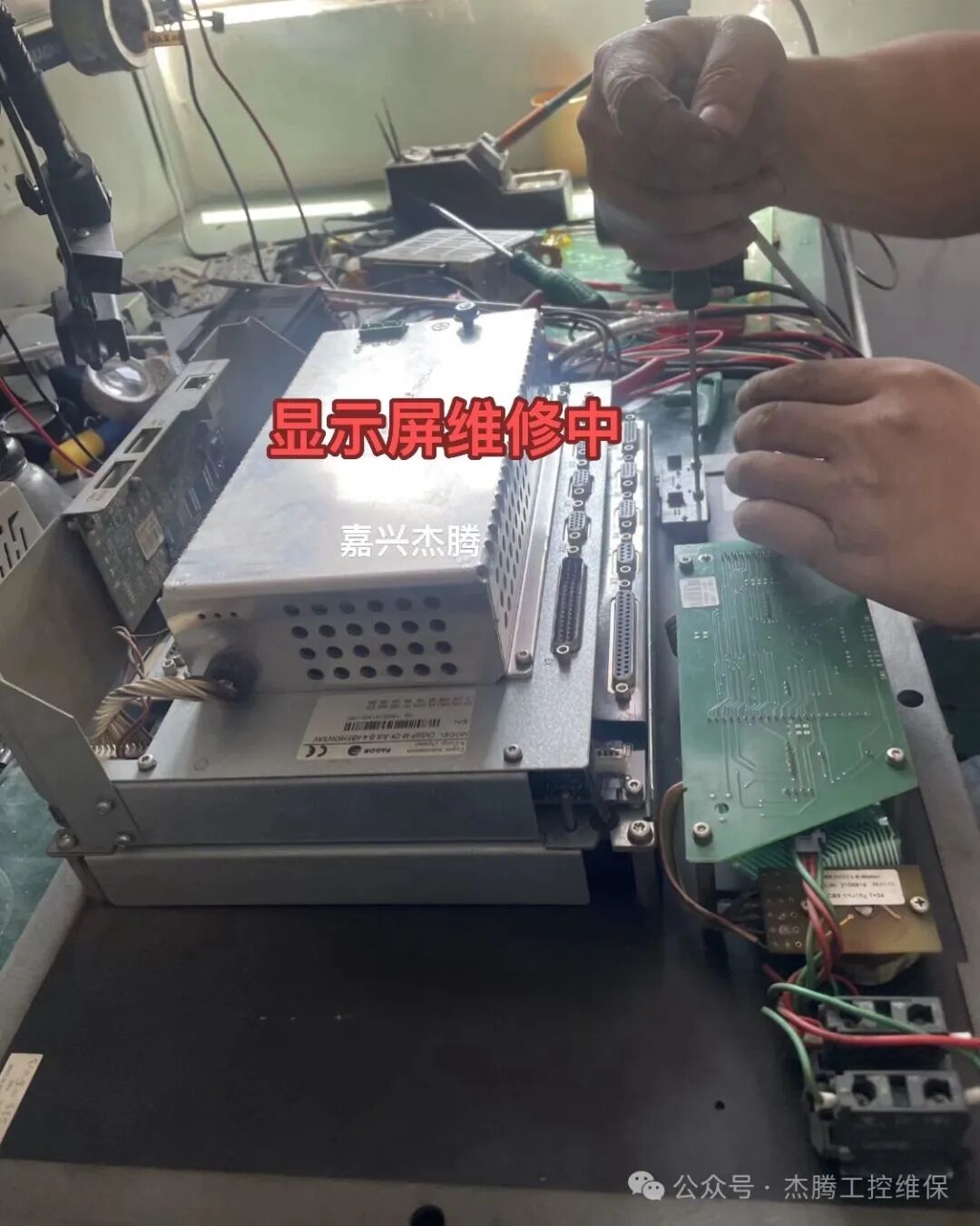
If the screen is completely black, it could be a broken screen or a faulty circuit board; this requires professional testing to determine. As for the repair value, it depends on the program.
A brand new screen is not very expensive. If you have the program, just buy a new one, especially for brands like Kunlun Tongtai and Weinview. If you do not have the program, then it will need to be repaired, as the program is more valuable than the screen.
As always, the final safety tips cannot be overlooked:
Work must be done, but safety is paramount! Before touching electrical equipment, be sure to remember these points:1. Turn off the power before working: Whenever you are pulling wires or checking terminals, you must first turn off the main power switch! Hang a sign that says “Work in Progress, Do Not Switch On.”
2. Be cautious of capacitor discharge: After the equipment is powered off, the capacitors inside may still hold a charge; wait a few minutes before touching.
3. Be cautious in explosive environments: In areas with a lot of dust or flammable gases, do not disassemble or test things on your own; it can lead to serious accidents. Always seek professional help with the right tools.
4. Do not work alone: Especially when testing with power, it is best to have someone nearby to assist in case of any accidents.
5. Use insulated tools: Check that the insulation on screwdrivers and multimeter probes is intact; do not use those with damaged insulation exposing copper.