With the TrustZone technology supported by the ARMv8-M architecture, critical security firmware and private programs (such as secure boot, firmware updates, and keys) can be isolated from the rest of the applications, significantly reducing the chances of being attacked and increasing the security of embedded systems. SEGGER’s embOS currently supports ARMv8-M TrustZone, making embOS a solid foundation for efficient and secure embedded systems.
embOS Cortex-M provides a TrustZone demonstration project based on Embedded Studio for the NXP LPC55S69 (NXP LPCXpresso55S69), where embOS runs entirely in non-secure mode, but tasks can call functions in secure mode. For routine downloads, please visit (click on “Read the original” at the bottom):
https://www.segger.com/downloads/embos/embOS_CortexM_EmbeddedStudio_Trial
We will learn how embOS supports Arm TrustZone based on this routine.
To use Arm TrustZone in embOS, first open the workspace: \ start \ BoardSupport \ NXP \ LPC55S69_LPCXpresso55S69_TrustZone \ Start_LPC55S69.emProject.
After opening, the workspace will contain two independent projects:
1. Application Start_LPC55S69_s running in secure mode.
2. Non-secure application Start_LPC55S69_ns running in non-secure mode.
The secure project is used to prepare and launch the device. The non-secure application demonstrates how to implement applications using TrustZone.
The ARMv8-M core starts in secure mode. This means that after reset, the secure application will run, initializing the Secure Attributes Unit (SAU), and then launching the non-secure application. The secure application also includes functions for reading and writing secure registers from non-secure state.
The non-secure application uses embOS to schedule tasks. This means that embOS in this example runs in non-secure mode. Tasks created by embOS can still use functions in secure mode.
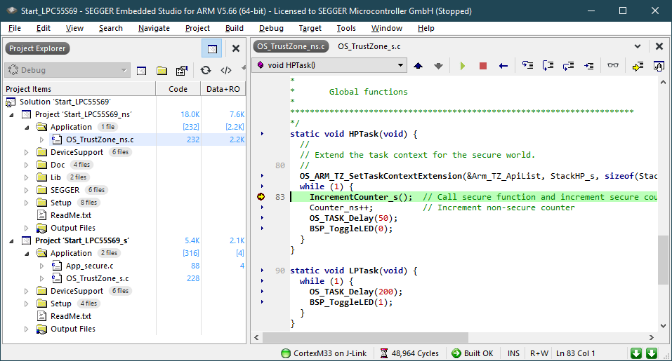
The non-secure example application creates two tasks. Each task controls an LED. HPTask() calls the secure function IncrementCounter_s(), which simply increments the secure counter Counter_s.
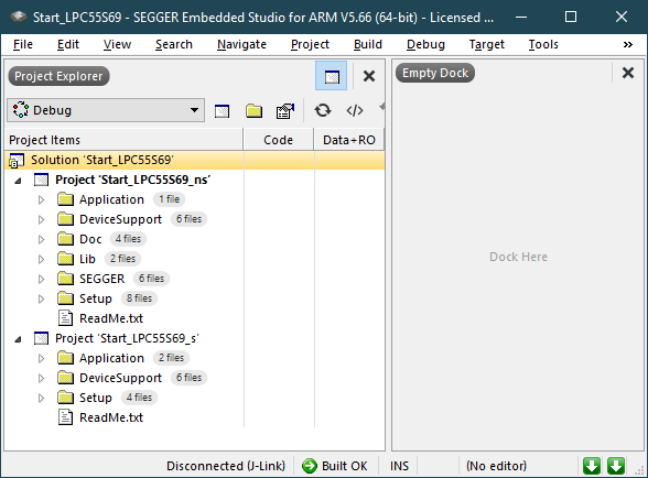
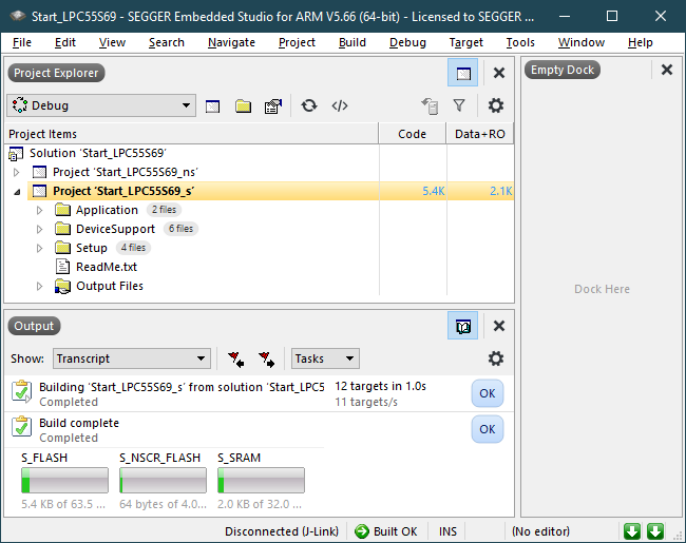
Build the secure project Start_LPC55S69_s,
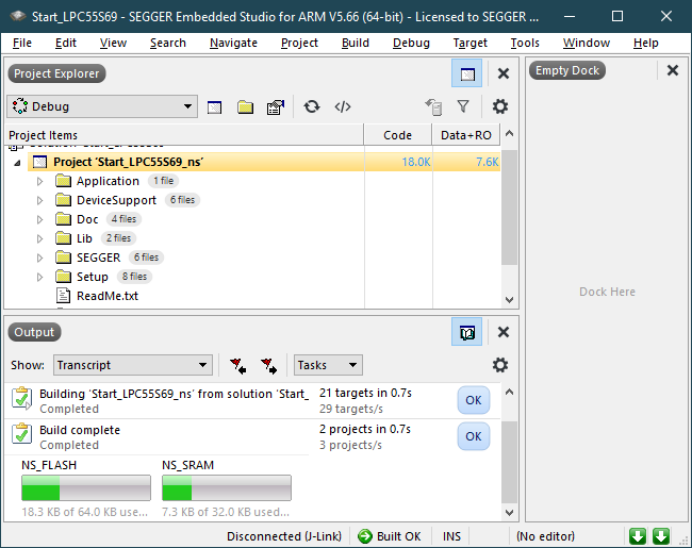
Build the non-secure project Start_LPC55S69_ns,
Start debugging the secure project Start_LPC55S69_s. When the application runs, both LEDs will start to blink. The secure application sets the SAU, initializes the non-secure stack pointer, and calls the non-secure reset handler.
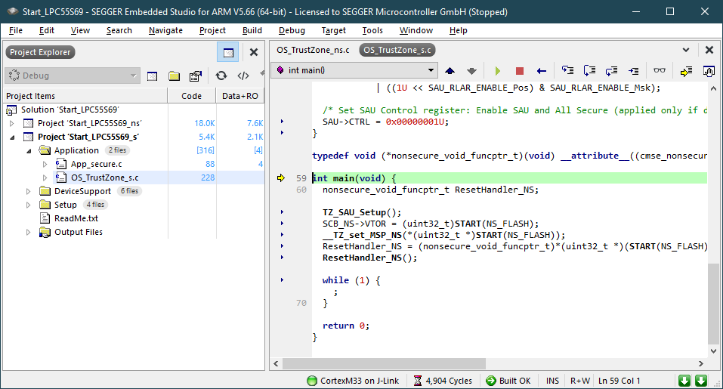
Set a breakpoint in HPTask(). HPTask() calls the secure function IncrementCounter_s(), incrementing the secure counter Counter_s while incrementing the non-secure counter Counter_ns. The task context extension is expanded through OS_ARM_TZ_SetTaskContextExtension(&Arm_TZ_ApiList, StackHP_s, sizeof(StackHP_s)). HPTask() requires a separate task stack to be used in secure mode. The TrustZone task context extension controls the secure registers PSP_s and PSPLIM_s. The secure task stack StackHP_s must be located in secure memory.
Summary
PART
last
By running this example project, it is clear that embOS can run in non-secure mode while applications can easily access trusted software located in secure mode. The accessed software may include encryption functions, secure boot, etc. This is the most common scenario, and embOS is also capable of running in secure mode.
Follow our WeChat public account [Miketech], reply “Join Group” to join the technical exchange group as prompted.
Product inquiries:
Beijing: 010-62975900
Shanghai: 021-62127690
Shenzhen: 0755-82977971

Share, Watch, and Like, at least I want to have one