When USB 3.0 was launched in 2008, it promised speeds up to 10 times that of USB 2.0. While the theoretical data is indeed accurate, faster does not always mean better. The leap from 480Mbps to 5Gbps introduced new signaling mechanisms, new power rules, and new electrical characteristics, which were not issues that the original USB 2.0 specification had to address.
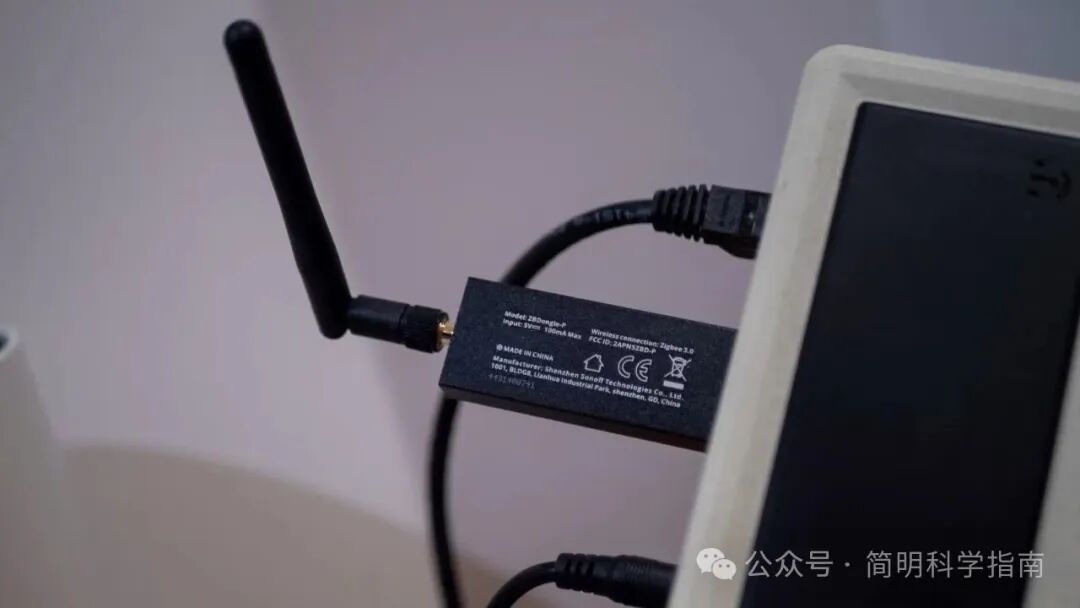
In certain practical application scenarios, USB 3.0 interfaces can actually cause more problems than their slower predecessors. This is why you might sometimes prefer an older USB 2.0 interface, which is also why motherboard and device manufacturers still retain one or two USB 2.0 interfaces — it’s not just about cutting corners.
It is important to clarify that I am not trying to argue that “USB 3.0 is terrible” is a ridiculous statement. For high-speed storage, capture cards, docks, and other devices, USB 3.0 is crucial. However, if you are curious why computer motherboards still come equipped with USB 2.0 interfaces, or why some devices do not recommend high-speed USB 3.0, then here are some reasons.
Interference with Wireless Devices: The Arch-Nemesis of 2.4G Wi-Fi
This is the most notorious problem with USB 3.0, and unfortunately, it is rooted in the physical layer of USB, making it almost impossible to solve. USB 3.0 uses 5Gbps differential signaling, and its wide range of high-frequency harmonics radiates into the 2.4GHz band. This is precisely the band that Bluetooth, many Wi-Fi networks, and various low-power RF protocols rely on.
When USB 3.0 devices are active (especially those with less effective signal shielding), they can actually drown out nearby 2.4GHz signals. Intel’s white paper on this issue clearly emphasizes that keyboards, mice, and Wi-Fi adapters placed near active USB 3.0 devices may become unusable. This is also why many Wi-Fi routers equipped with USB 3.0 interfaces warn you when you try to turn them on:
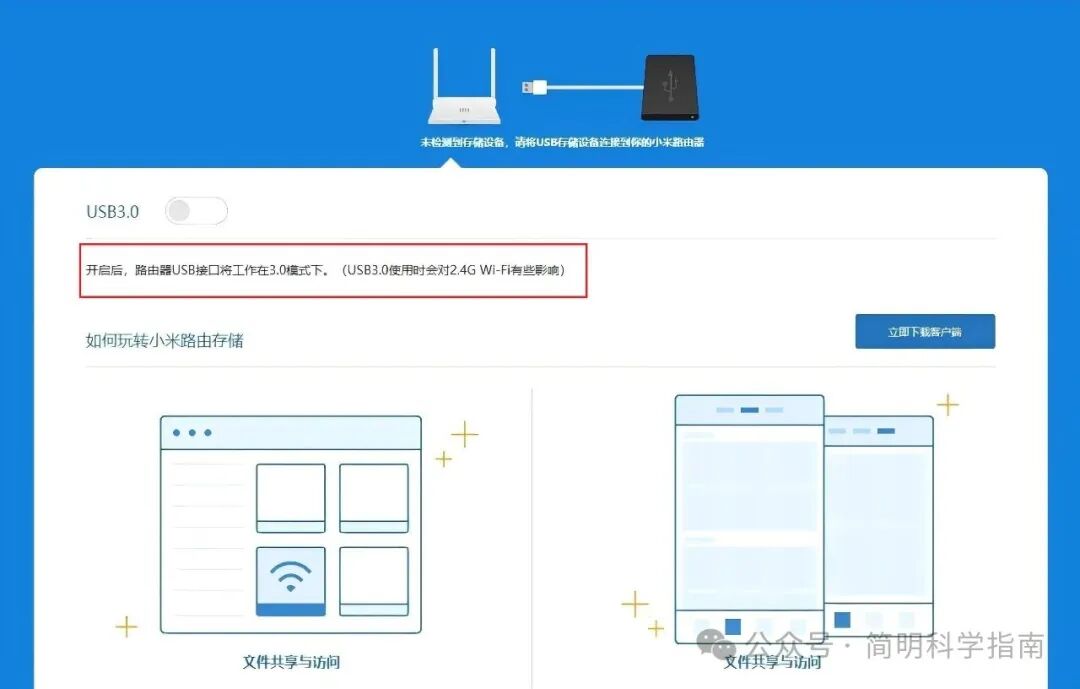
Meanwhile, USB 2.0, at a rate of 480Mbps, emits interference at several orders of magnitude lower and is completely outside the 2.4GHz band. Therefore, if you encounter wireless signal issues, switching back to a USB 2.0 interface can often provide an immediate solution.
Higher Power Consumption and More Heat: Power Supply and Heat Dissipation Crisis
Theoretically, USB 3.0 raises the power supply requirement from 500mA to 900mA, which sounds like an upgrade. However, the higher current capability comes with some new problems, particularly for fanless laptops, mini PCs, and other low-power devices.
First, even in idle states, USB 3.0 controllers consume more power. The physical layer chips (PHY) required to maintain SuperSpeed signaling are much more complex than those of USB 2.0, requiring more energy just to maintain a connection. This may not matter much on desktops, but the impact is very noticeable on laptops and other mobile devices.
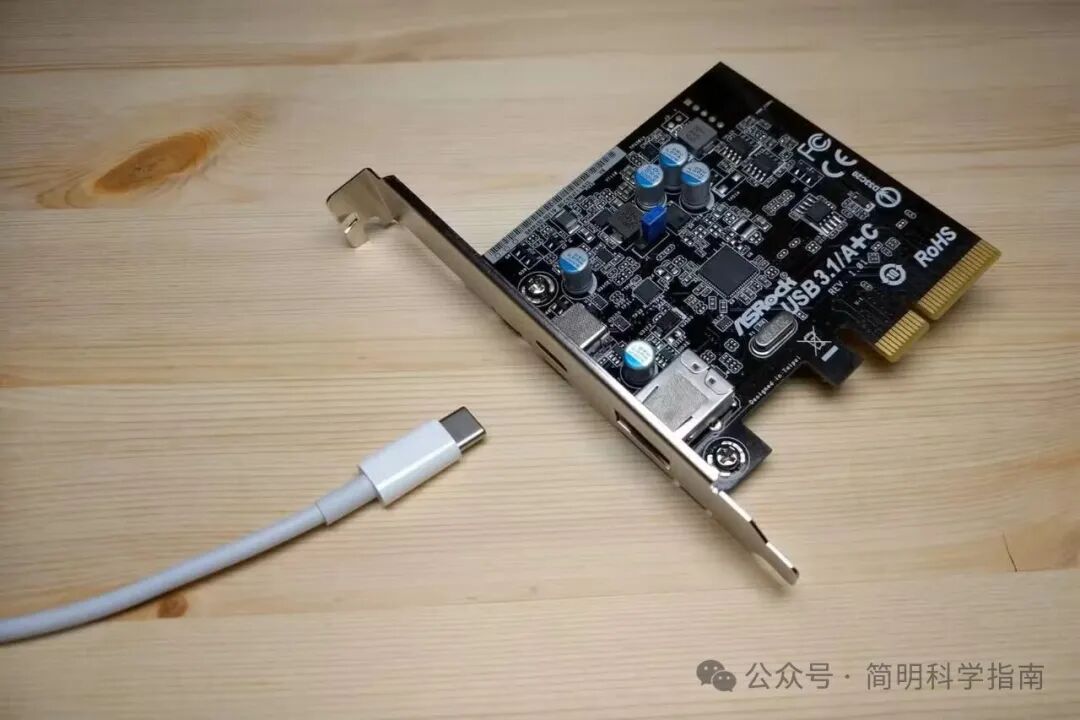
More power means more heat. Passive cooling laptops often place USB controllers in already thermally constrained areas. Active USB 3.0 devices can raise surface temperatures, heat system components, and increase the likelihood of throttling. This situation worsens during sustained high-speed transfers, such as with external SSDs and USB drives, you may often find USB 3.0 drives too hot to touch..
In contrast, USB 2.0 interfaces have negligible power consumption. If you want to improve battery life or reduce heat generation, USB 2.0 is a more sensible choice for certain workloads.
Stricter Signal Integrity Requirements: Your Data Cables Must Be Much Shorter
USB 3.0 is far more sensitive to data cable quality than USB 2.0, which can lead to various issues in everyday use. Higher data transfer rates not only require better shielding but also mean stricter manufacturing tolerances and shorter lengths to ensure signal strength during transmission. While there are long data cables available on the market, signal degradation is almost inevitable.
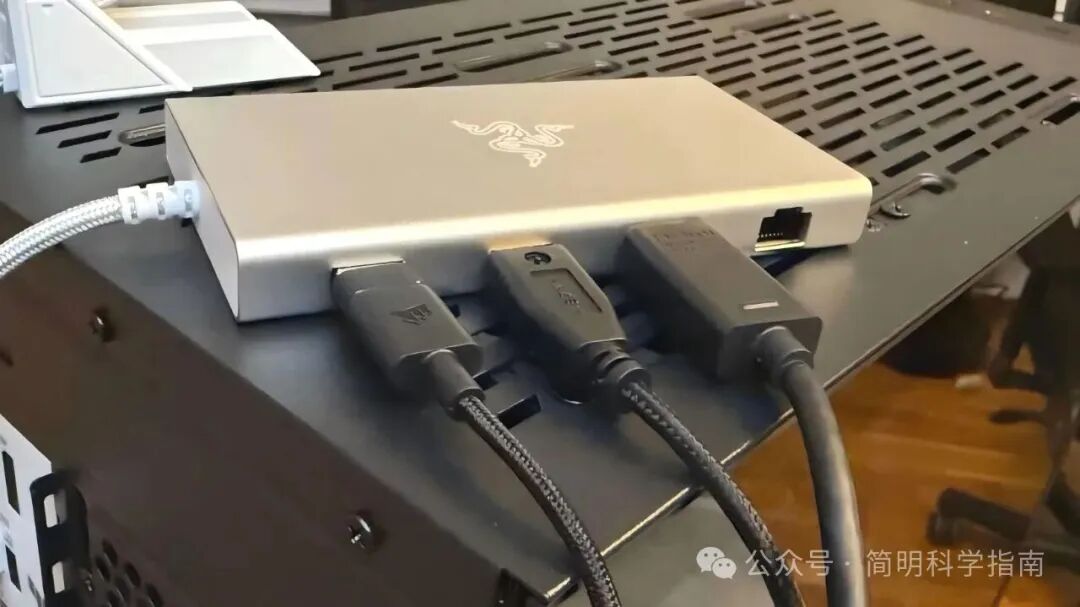
Cheap or overly long USB 3.0 data cables often fail to maintain a stable connection or may simply drop down to USB 2.0 speeds. Additionally, even minor defects in connectors or shielding can lead to unstable connections.
Meanwhile, USB 2.0 has a very high tolerance for errors. Even poorly made or longer data cables can work properly because its lower signal rate means that slight impedance issues do not affect the signal.
If you are in an environment where many cheap data cables are used, or if you need longer connection distances, the reliability advantages of USB 2.0 become apparent. A slightly slower speed is at least better than an unstable connection.
Compatibility Issues with Older Devices: Older USB 2.0 is More Reliable
Although theoretically USB 3.0 is backward compatible, in practice, the situation can be much more complex. USB 3.0 controllers essentially consist of two controllers running in parallel: one USB 3.0 SuperSpeed controller and a separate USB 2.0 controller. This complex architecture means that older devices may exhibit certain “unpredictable” behaviors. For example, some older devices may not be recognized, may experience connection instability, speed issues, or power supply problems… all of which can lead to a poor user experience.
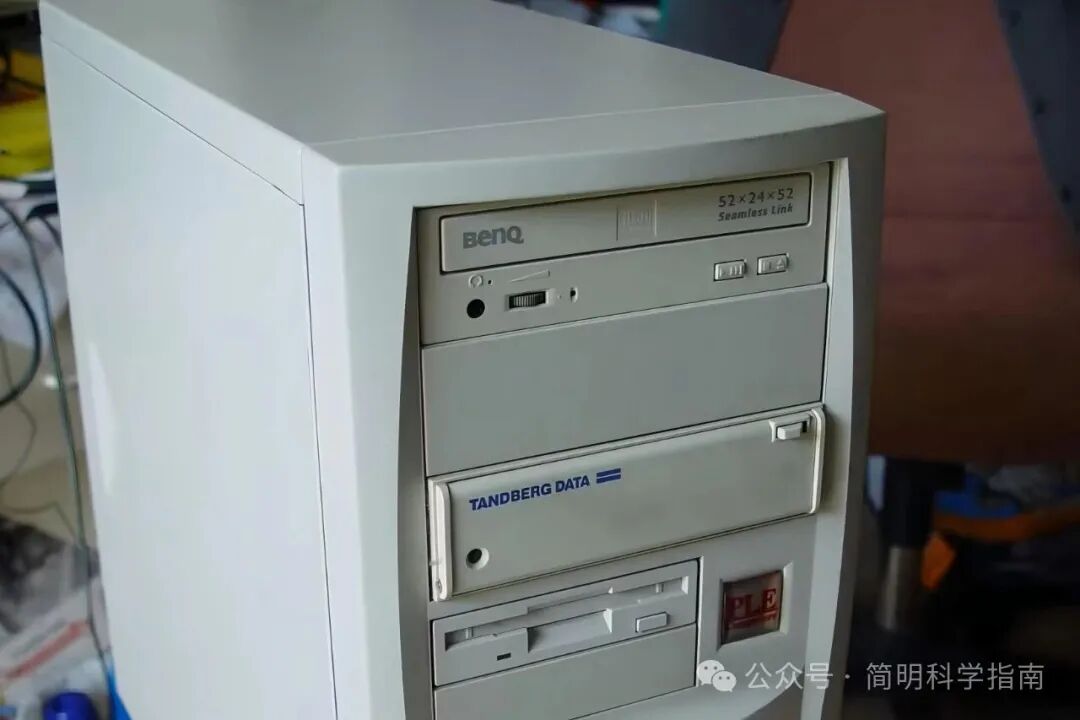
All these issues arise because USB 3.0 controllers are more complex, and older peripherals, old printers, and some long-running industrial devices tend to work more reliably on USB 2.0 interfaces. If you have an old peripheral and want to ensure it works properly, plugging it into a USB 2.0 interface, especially when it has issues on a USB 3.0 interface, often provides an immediate solution.
More Complex Drivers: USB 2.0 is Simpler
Whether in hardware or drivers, USB 3.0 controllers are much more complex. They support more protocols, more power specifications, more transfer modes, and more device categories, which is both a blessing and a curse. You may encounter a plethora of issues such as driver conflicts, power state transition errors, higher latencies, and incompatibilities between chipsets, making it difficult to pinpoint the exact cause.
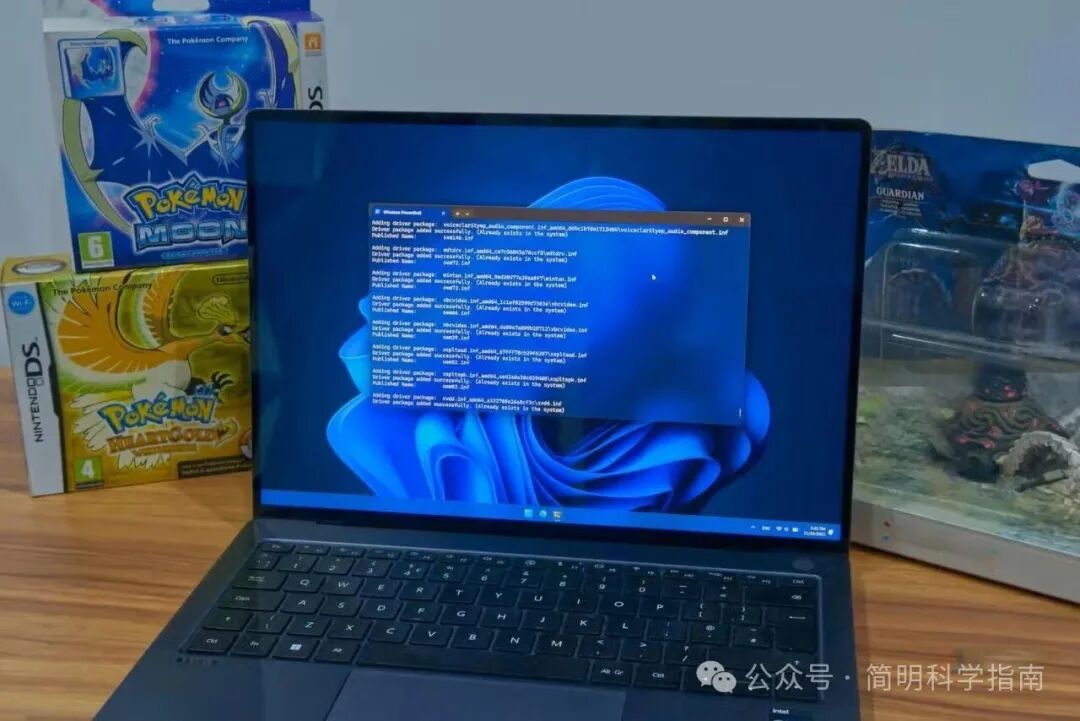
Especially for computers using old chipsets and running outdated operating systems, their support for USB 2.0 is almost as reliable as reinforced concrete, as its protocol stack is very mature and well-studied. In contrast, USB 3.0 is still affected by insufficient chipset, BIOS, and operating system support, which can lead to more driver errors, higher conflict probabilities, and more points of failure. For older devices, the simplicity of USB 2.0 becomes an advantage, even if it means losing many features.