
Hi everyone, I am a pioneer Apple fan. WeChat has modified its push mechanism, which may cause many fans to miss the articles on the same day. It is recommended that everyone add the official account of the manager to star mark to avoid missing out on every exciting push!
Apple will cancel the Wi-Fi network history synchronization feature between iPhone and Apple Watch in the iOS 26.2 and WatchOS 26.2 updates. This adjustment is limited to the EU region and is seen as a response to the interoperability requirements imposed on large tech platforms by the Digital Markets Act (DMA).
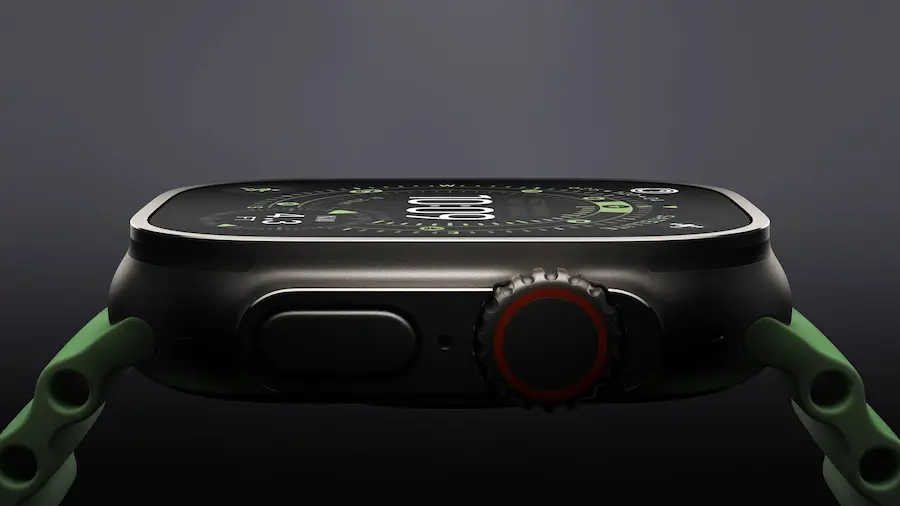
According to reports from French media Numerama, after users in the EU update to iOS 26.2 and WatchOS 26.2, the iPhone will no longer automatically sync existing Wi-Fi connection records to newly paired Apple Watches. Users will have to manually connect to Wi-Fi network settings on the watch.
How does the Wi-Fi sharing feature between iPhone and Apple Watch work?
Currently, when users set up a new Apple Watch, the iPhone automatically syncs the Wi-Fi network information that it has previously connected to, saving the hassle of entering passwords on the watch. Apple also emphasizes that this feature allows for private transmission of Wi-Fi network information between devices, with all data transfers occurring locally, and no Wi-Fi network information being accessible or stored by Apple servers.
Since Wi-Fi connection records can reveal users’ visited locations and behavior patterns, Apple primarily uses encryption methods between the iPhone and Apple Watch devices to share and transmit this information to maintain user privacy.
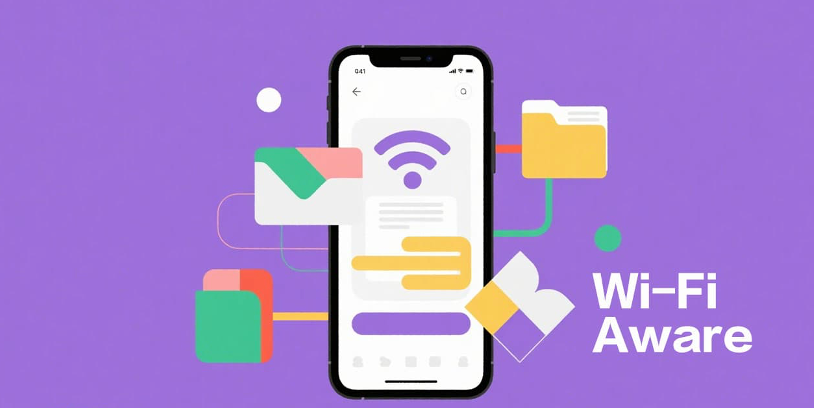
However, under the new regulations of the DMA, Apple has to adjust this feature. According to the new mechanism, when using iOS 26.2 in the EU region, newly paired Apple Watches will not automatically obtain the existing Wi-Fi connection history from the iPhone.
EU restrictions on iOS 26.2 adopt a different Wi-Fi password sharing mechanism
However, under the requirements of the Digital Markets Act, Apple has to adjust this feature. When using iOS 26.2 or newer systems in the EU region, newly paired Apple Watches will not automatically obtain the existing Wi-Fi connection history from the iPhone.
In the future, if you want the Apple Watch to automatically connect to a certain Wi-Fi network, you need to ensure that the network is newly added after both the iPhone and the watch are in the same location and connected. In simple terms, only “new Wi-Fi networks after pairing” will sync, and historical connection data will no longer be transferred.
If you are not very familiar with how iOS 26.2 complies with the latest EU regulations, you can refer to the following examples:
For previously connected home Wi-Fi, the Apple Watch must manually re-enter the password to connect.
When visiting a new location, such as a first-time stay at a guesthouse, as long as the iPhone successfully connects to Wi-Fi, that information will sync to the watch.
Apple’s privacy design conflicts with DMA regulations
The restrictions imposed by the EU DMA regulations are primarily due to the requirements for interoperability with third-party devices. This means that if Apple continues to support historical Wi-Fi synchronization, it must provide the same data sharing to third-party accessory devices used by users, such as Meta smart glasses.
Since Apple itself cannot access these Wi-Fi historical records, it cannot guarantee that third parties will handle user privacy properly. Ultimately, it chose to completely cancel this feature to comply with DMA regulations while avoiding compromising user data security.
In response to this decision, Epic Games CEO Tim Sweeney criticized Apple on social media, questioning why users are not allowed to decide whether to share. However, industry observers pointed out that these criticisms are fundamentally misunderstanding that Apple does not hold that data and cannot share it with third parties.
According to Apple’s official data, the Wi-Fi information shared between devices has never been sent back to Apple servers but is completed through encrypted transmission between devices, which leads to the fact that even Apple cannot access it, let alone provide it to other devices.