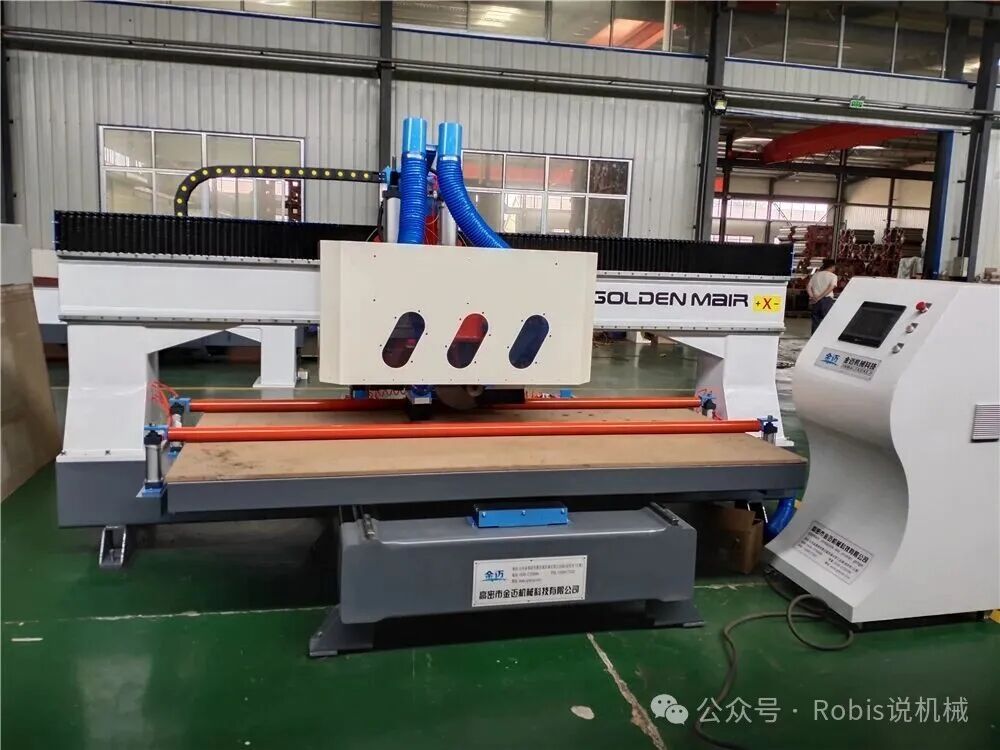
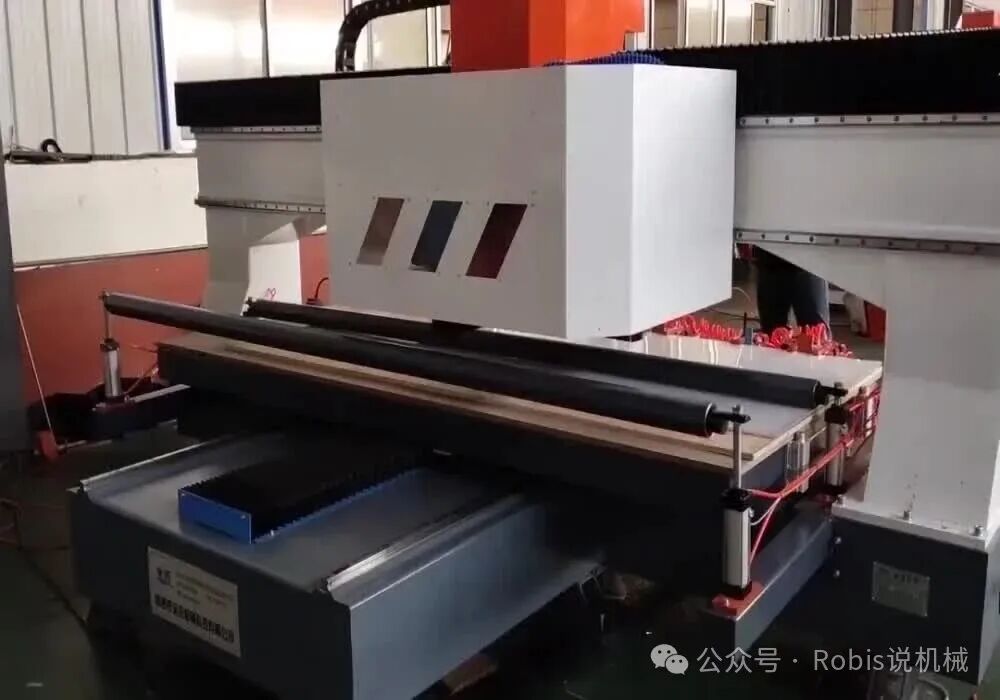
The Robins Woodworking CNC panel saw, as a representative of modern woodworking machinery’s intelligence, has its touchscreen data input operations directly related to processing efficiency and precision. This article will systematically analyze this critical technical aspect from five dimensions: basic equipment understanding, detailed operation process, parameter setting logic, common problem troubleshooting, and maintenance recommendations. 1. Basic Equipment Understanding The touchscreen control system of the CNC panel saw typically uses an industrial-grade capacitive screen, equipped with a customized HMI (Human-Machine Interface). Taking a mainstream model as an example, its core functional modules include:1. Processing Parameter Area: Allows input of three-dimensional data for board length (X-axis), width (Y-axis), and thickness (Z-axis), supporting unit switching between millimeters and inches.2. Process Library Module: Pre-stores feeding speed parameters for common board types (MDF, solid wood, plywood, etc.).3. Tool Library Management: Records information about saw blade diameter, tooth count, material, etc.4. Coordinate Calibration: Includes functions such as mechanical origin reset and laser positioning assistance. The bottom of the touchscreen usually has a physical emergency stop button, forming a dual protection mechanism with the pause button in the software. It is worth noting that new models after 2023 generally add gesture operation features, such as pinch-to-zoom on the processing preview and three-finger swipe to bring up historical tasks.
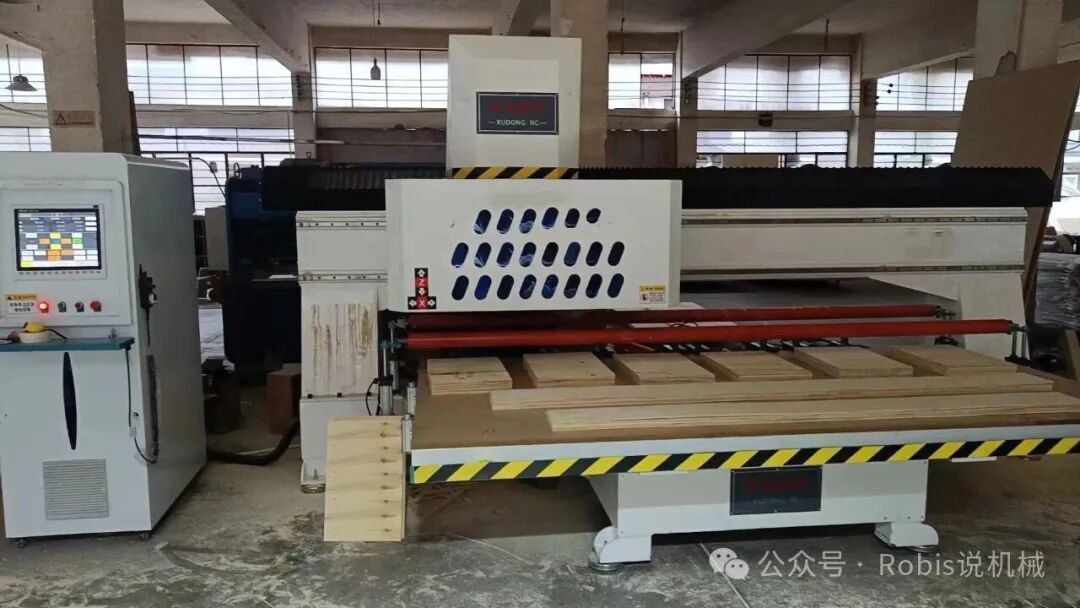
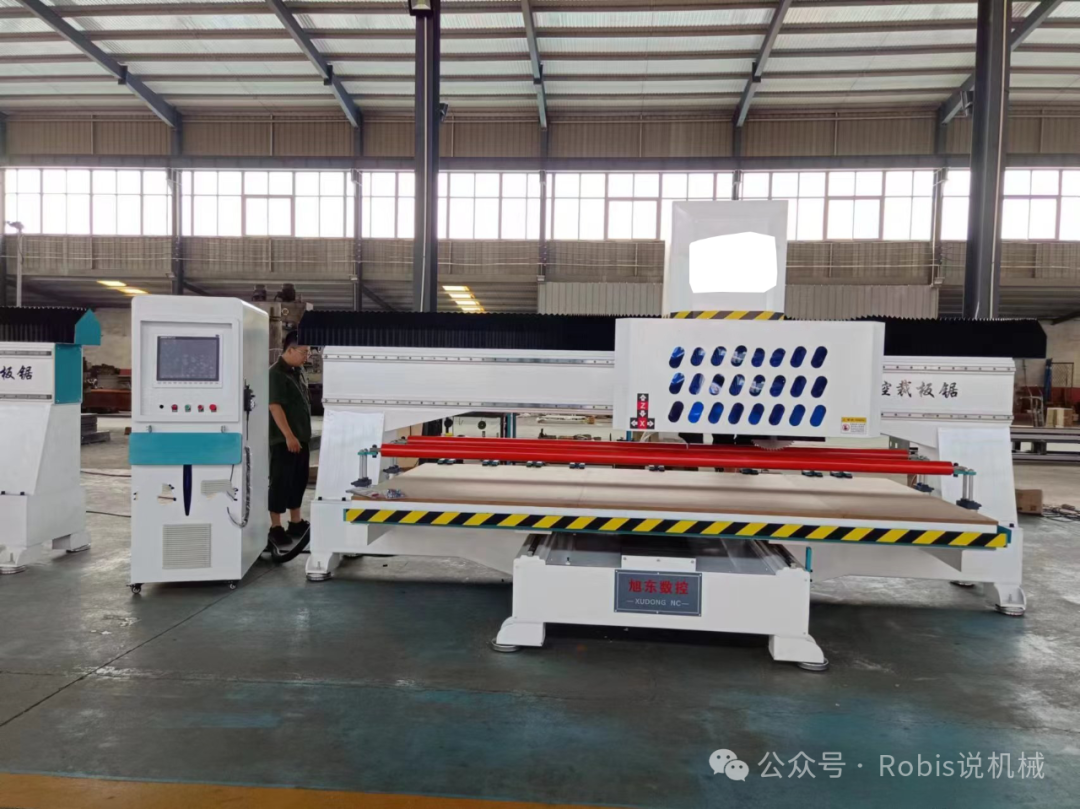
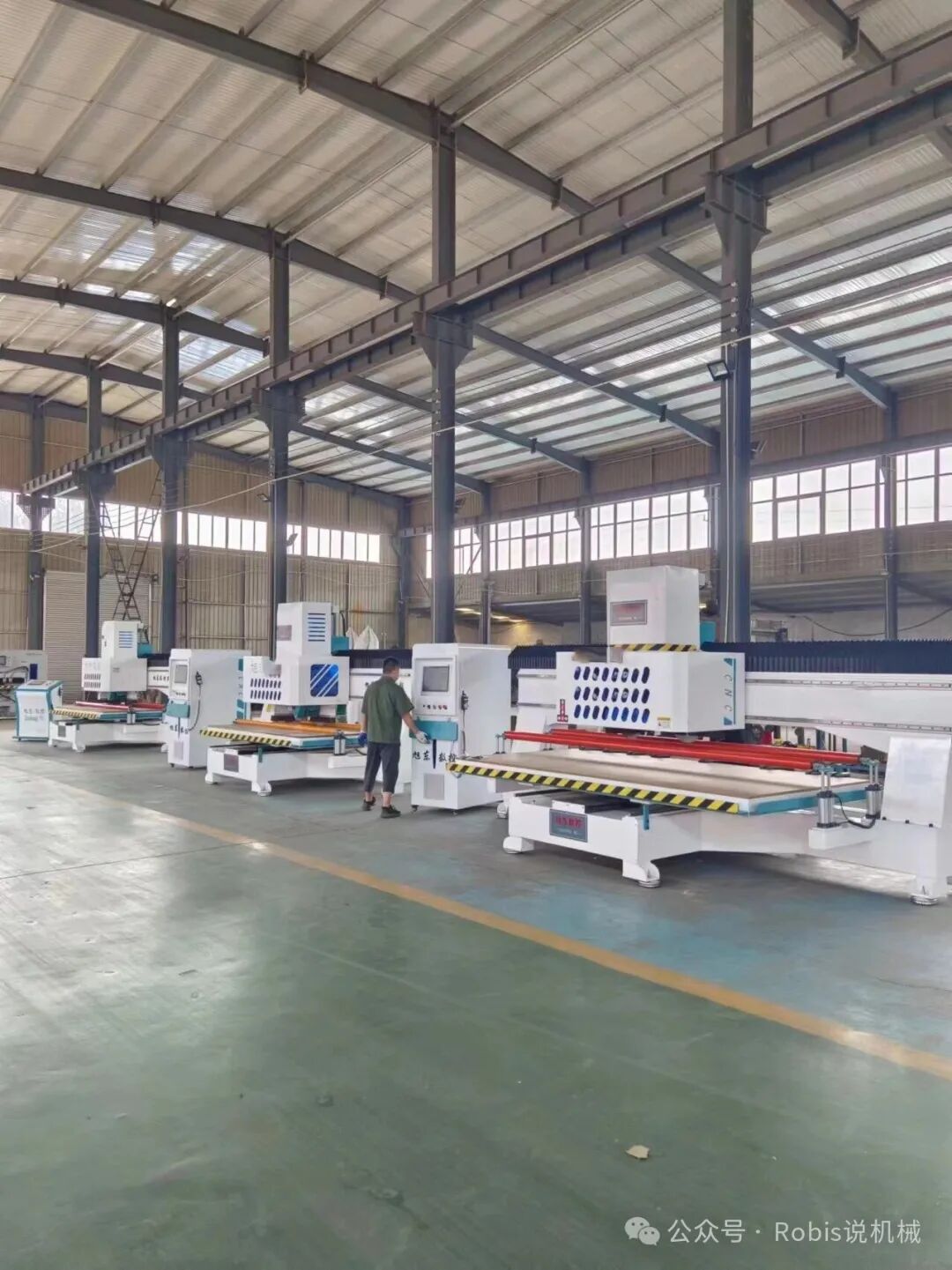
2. Standardized Operation Process1. Power-On Self-Check Phase – Long press the power button for 3 seconds to start, the system automatically performs servo motor torque detection.– If a yellow exclamation mark appears, manual confirmation of the guide rail lubrication status is required.– After completing the self-check, it enters the main interface, displaying the last processing parameters by default.2. **New Task Creation Process**“`python# Typical operation path exampleMain Menu → Task Management → New Task → Select Material Type → Input Dimensions → Confirm Cutting Parameters → Generate Processing Program“`– Note for dimension input: The long edge data corresponds to the X-axis travel, and the input value must not exceed the device’s maximum processing range (generally 2500-3200mm).– The thickness parameter will adjust the saw blade lifting motor speed, with an error controlled within ±0.1mm. Parameter Optimization Tips – For boards thicker than 18mm: It is recommended to reduce the default feeding speed by 15%-20%.– For complex-grain solid wood materials: Enable the “soft start” function to avoid edge chipping.– For batch processing: Using “queue mode” can save more than 30% of tool change time. 3. Core Parameter Setting Logic1. Cutting Speed Calculation Formula Theoretical Value Vc = (π×D×n)/1000(D: Saw blade diameter in mm, n: Spindle speed in r/min) Actual settings must consider:– MDF: 2800-3200r/min– Hard Wood: 2200-2600r/min– Composite Boards: Noise reduction mode must be enabled and limited to below 2000r/min.2. **Feeding Speed Compensation**| Board Type | Reference Speed (m/min) | Winter Compensation Factor ||—|—|—|| Pine | 12-15 | +5% || Oak | 8-10 | +8% || MDF | 18-20 | -3% |3. Tool Parameter Association – 40-tooth saw blades are suitable for fine processing (cut surface smoothness Ra≤3.2μm).– 24-tooth saw blades are suitable for rapid cutting (efficiency increased by 40% but must leave a 0.5mm margin).
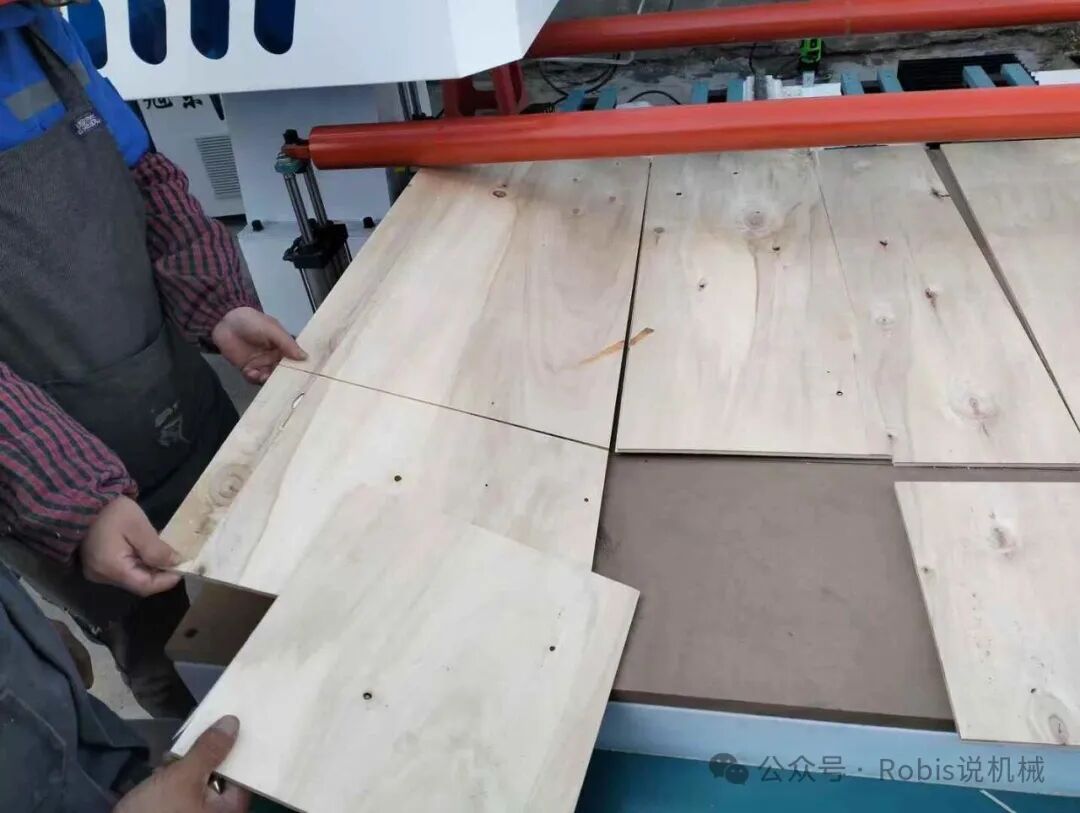
4. Typical Fault Handling Solutions1. Coordinate Offset Issue – Phenomenon: There is a systematic deviation between the actual cutting size and the input value.– Handling Steps:1) Perform grating ruler calibration (requires a special calibration block).2) Check the tension of the synchronous belt (standard deflection ≤2mm).3) Update servo drive parameters.2. **Touchscreen Malfunction Scenario**– Temporary solution: Connect a USB mouse for operation (must enable peripheral mode in settings).– Permanent fix: When replacing the touchscreen module, ensure the IP protection level reaches IP65.3. Data Loss Prevention – Export parameter backups at the end of each workday (supports CSV format).– Avoid plugging and unplugging USB drives while the device is running. 5. Advanced Maintenance Points1. **Monthly Maintenance Items**– Clean the conductive layer of the touchscreen (use isopropyl alcohol for wiping).– Check for wear on signal cables (focus on the Z-axis lifting channel).– Update the cutting parameter database (can be automatically obtained through the manufacturer’s cloud service).2. **Precision Maintenance Measures**– After processing every 500 boards: Use a laser interferometer to check positioning accuracy (tolerance must be ≤0.03mm/m).– Seasonal adjustments: When humidity >70%, increase the compensation factor by 2%-3%.3. **Intelligent Upgrade Directions**The latest generation systems now support:– AR-assisted tool alignment (recognizing saw blade wear through the camera).– Voice parameter input (requires training a specific voiceprint model).– Cloud-based process optimization (providing cutting solutions based on big data analysis).By mastering these operational essentials, operators can increase equipment utilization to over 85% and control board waste rate within 3%. It is recommended to record the trend of key parameter changes monthly, which is of significant reference value for predicting equipment status. For special process requirements (such as bevel cutting, irregular processing, etc.), more complex parameter configurations should be combined with CAD drawings.