Blue Universe Electronics The ARM series microcontroller programs are mainly developed based on the IAR version 6.5, so it is necessary to install the IAR 6.5 software. In practice, many students have reported difficulties in installing the software, especially during the cracking phase, where there are many questions and it is hard to succeed. Therefore, in today’s daily lecture, we will detail the steps for cracking and installing the IAR software. First, let’s take a look at the materials as follows:

Hidden Content of This Post
 IAR_EWARM_6.50.rar (251 Bytes, Download Count: 55)
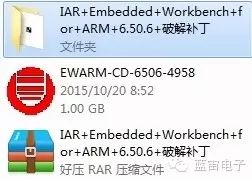
We will unzip the materials as follows:
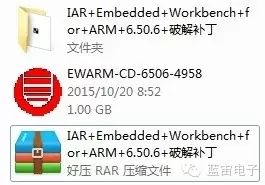
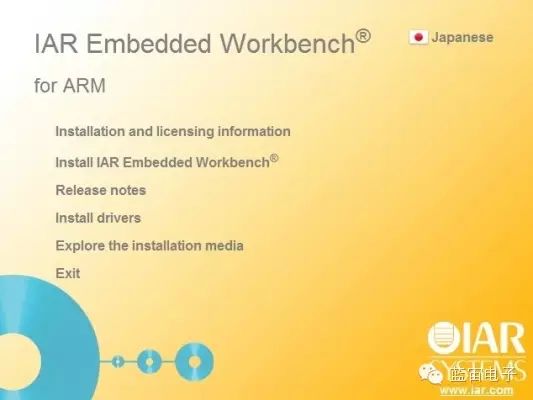
From top to bottom, the order is: IAR crack folder, IAR software installation package, and IAR crack file package. Then we double-click the IAR software installation package. The following interface appears:
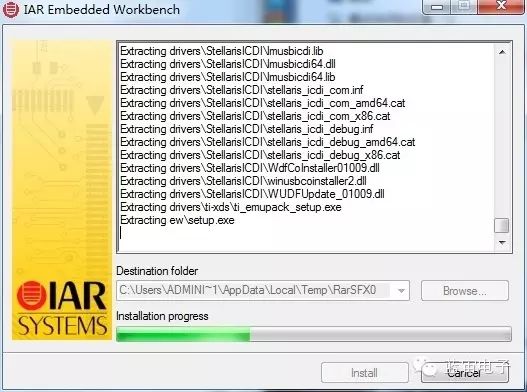
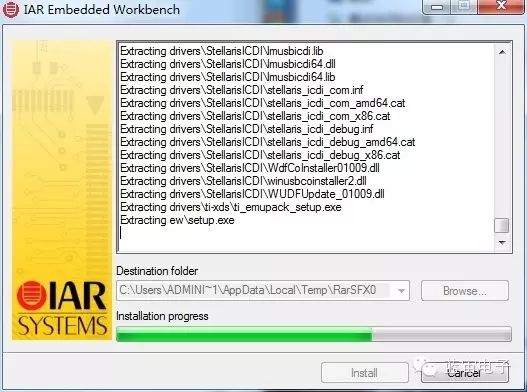
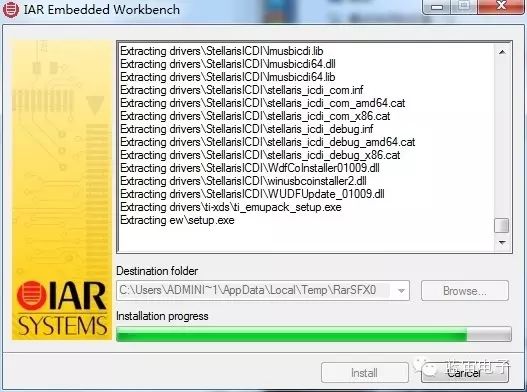
Now the software is ready, waiting for installation
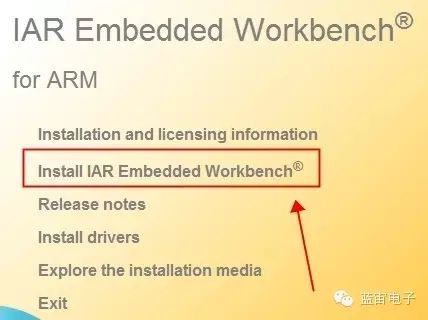
Select the second option to install the IAR software immediately, just click:
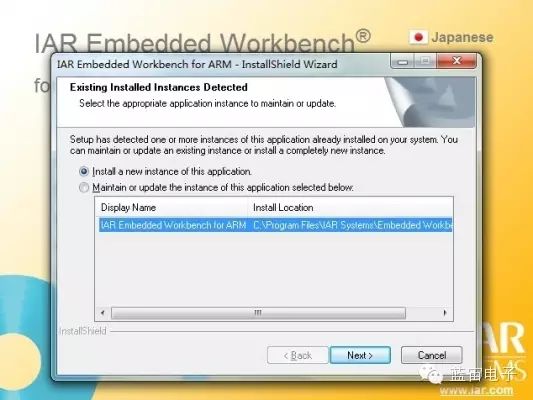
A window will pop up, click next to proceed:
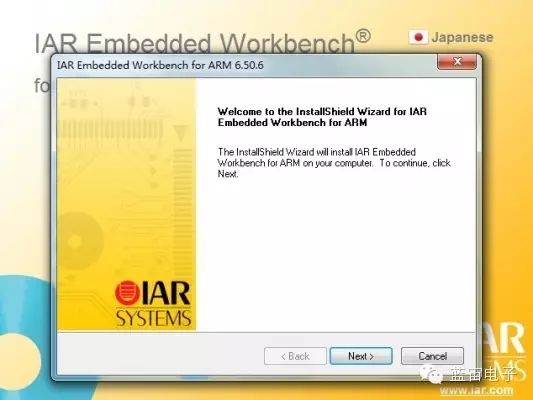
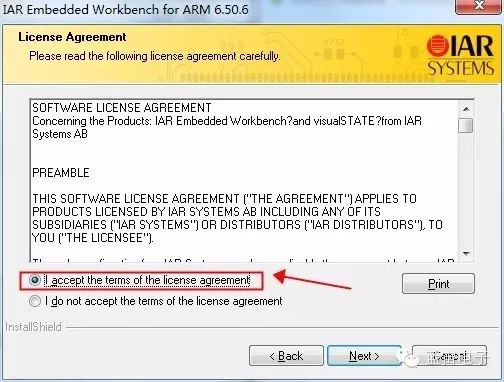
Then the official installation interface will pop up, just keep clicking next…
Note: You need to agree to the installation here, otherwise there will be no next option!
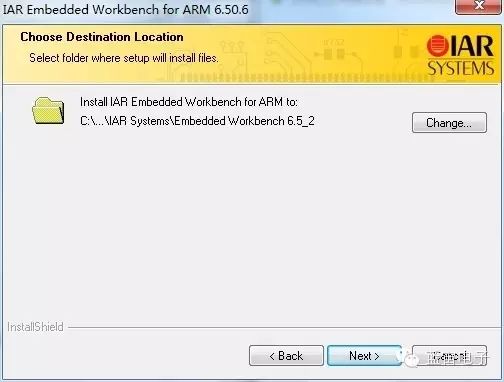
Select the installation location, it is strongly recommended to choose the default directory, as there are many problems when installed in other directories on some computers. Then keep clicking next…
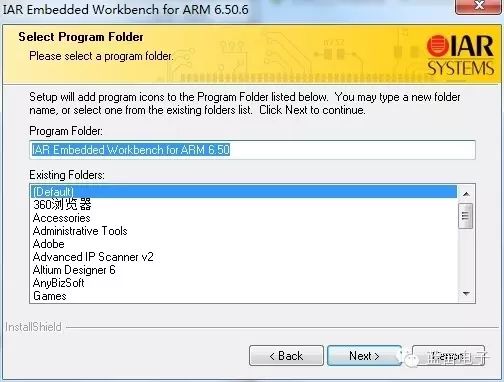
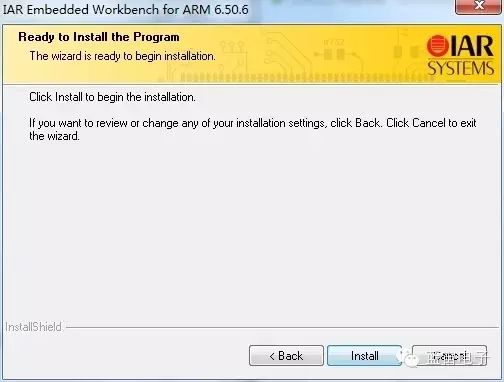
Then the official installation will begin, this process usually takes about 10 minutes, as shown below:
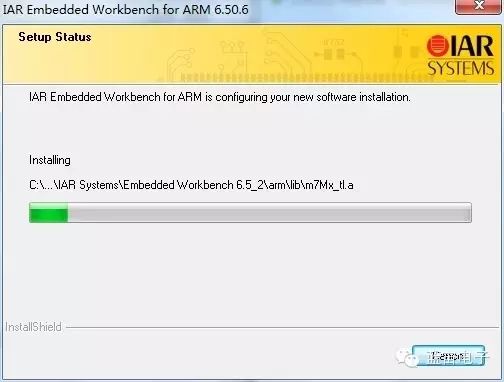
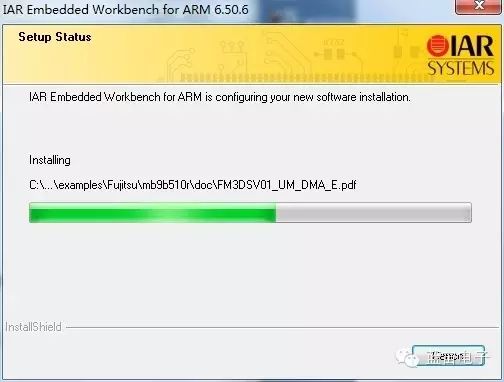
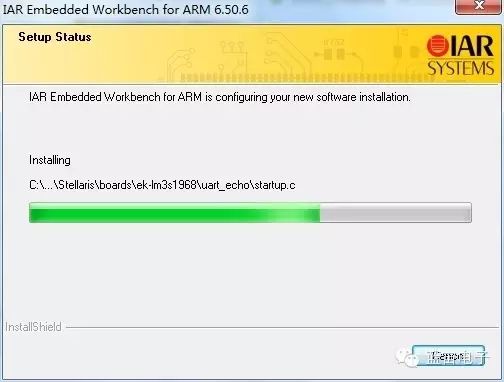
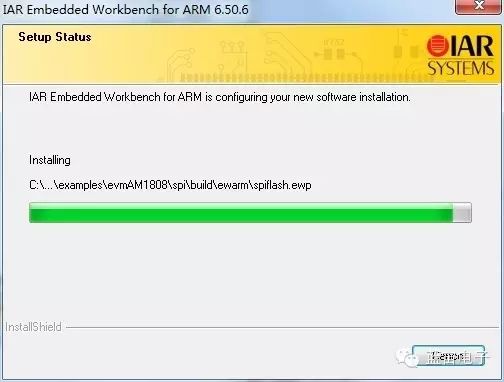
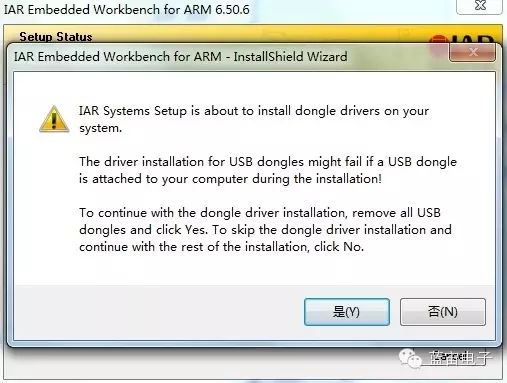
A window will pop up asking for confirmation, click YES.
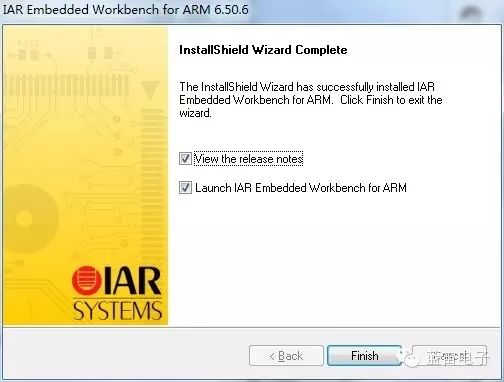
After completion, a window like this will pop up, just click finish.
Then the interface will open as follows:
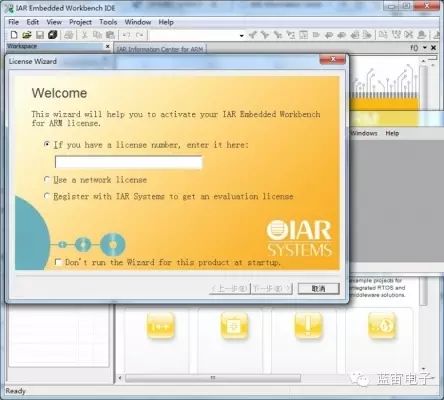
This interface is asking for a key, but what if you don’t have the key? Then use the crack folder, find the crack folder from the previous interface, and double-click to open:
After opening, there is a crack file:
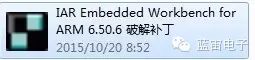
Now I will detail how to use this crack file!
1. Install IAR Embedded Workbench for ARM 6.50.6
2. Copy the “IAR Embedded Workbench for ARM 6.50.6 Crack Patch.exe” file to
“X:\X\IAR Systems\Embedded Workbench 6.5\” directory,
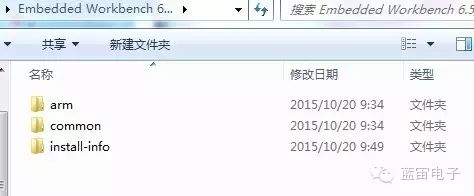
which is the EWARM installation directory.
After copying, it looks like this:
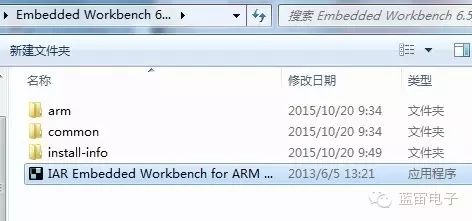
3. Run the “IAR Embedded Workbench for ARM 6.50.6 Crack Patch.exe” file, especially note that WIN7 and WIN8 must run in administrator mode!
Click the “Patch” button. 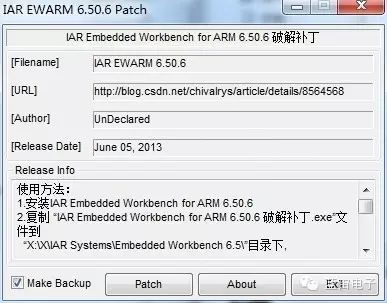 If this interface pops up, it is because your software is not closed, just close it. If this interface does not pop up, skip this step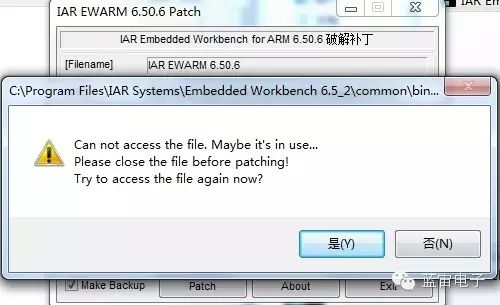
Close the software and try again.
5. The cracking is complete.
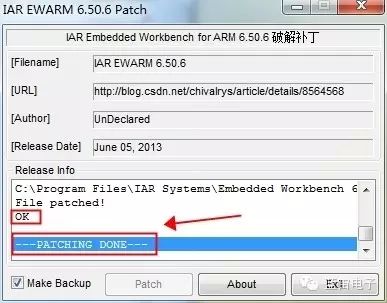
When OK appears, you have successfully cracked it, and get ready to embark on the magical journey of programming~
The crack patch files needed are:
common\bin\IarIdePm.exearm\bin\iccarm.exearm\bin\ilinkarm.exearm\bin\armangel.dllarm\bin\armgdbserv.dllarm\bin\armjet.dllarm\bin\armjlink.dllarm\bin\armjtag.dllarm\bin\armlmiftdi.dllarm\bin\armrdi.dllarm\bin\armrom.dllarm\bin\armsim2.dllarm\bin\armXDS100.dll
【Blue Universe Daily Lecture】 Lecture 12 ends here. If you have any questions, feel free to leave a message in this post, and I will respond promptly. Additionally, please click below (Read More) to download the explanation materials for this lecture! Tomorrow, I will introduce【Blue Universe Daily Lecture】 Lecture 13 on Intelligent Vehicle K60 Part 4, stay tuned!
11th Intelligent Vehicle Communication Group 425588819
11th Intelligent Camera Group 321799871
11th Intelligent Vehicle Optoelectronic Group 305611069
11th Intelligent Vehicle Electromagnetic Balance Group 184994335
11th Intelligent Vehicle Electric Rail Group 115787490
11th Intelligent Vehicle Beacon Group 113963453
11th Intelligent Vehicle Dual Car Chase 239772950
Welcome everyone to join, learn and communicate!