Click the image below to enter the industrial control industry platform


How to analyze communication failures between the human-machine interface and PLC? Generally, when a failure occurs, the touch screen will issue a fault prompt, such as PLC NO Response or Device NO Response, indicating that the PLC or device is unresponsive.
Alternatively, the touch screen may not respond when pressed, which is a common issue in our industrial control processes. The analysis should focus on the PLC side, connection cables, terminal blocks, and communication settings of the human-machine interface.
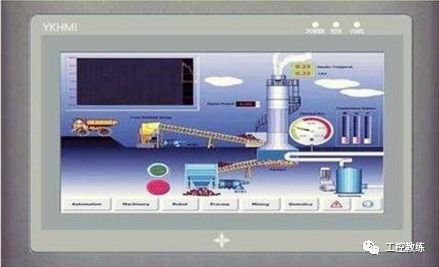
First, check whether the PLC is powered, whether the switch button is set to run mode, and whether the PLC has any faults. These factors can prevent the touch screen from functioning properly. Check if the 422 interface or other connection type interfaces are damaged or loose. The working environment of the PLC is generally harsh; vibrations, moisture, and dust can all trigger issues.
Observe whether the connection cables are broken or if the insulation or shielding layers are damaged or disconnected. Some connection cables may run in drag chains, while others may be alongside water pipes, leading to bending, breaking, being stuck, or being pressed down by heavy objects.For instance, if the human-machine interface moves with the drag chain to a certain position, it may fail, while moving past that position may resolve the issue; this indicates a problem with the cable.
It is advisable to purchase connection cables from the touch screen manufacturer or recommended sources, as the communication port definitions differ between manufacturers. Although the appearance may be similar, the positioning of the connectors or terminal blocks may not align with the PLC communication connection terminals, causing communication failures.
Finally, we analyze the programming of the human-machine interface. During programming, the selection of the human-machine interface and the addition of PLC devices are crucial. It is essential to know the PLC manufacturer and model, as the selected items must match the model of the human-machine interface used in your program to function correctly. Both the model and resolution must be selected accurately.
Additionally, in the communication settings with the PLC, after selecting the PLC, default parameters (interface type, baud rate, parity) will appear. It is advisable not to change these parameters, as it may lead to communication failures.

How to Link the Touch Screen with PLC Programs

Click here to open the video

Share with friends to broaden knowledge