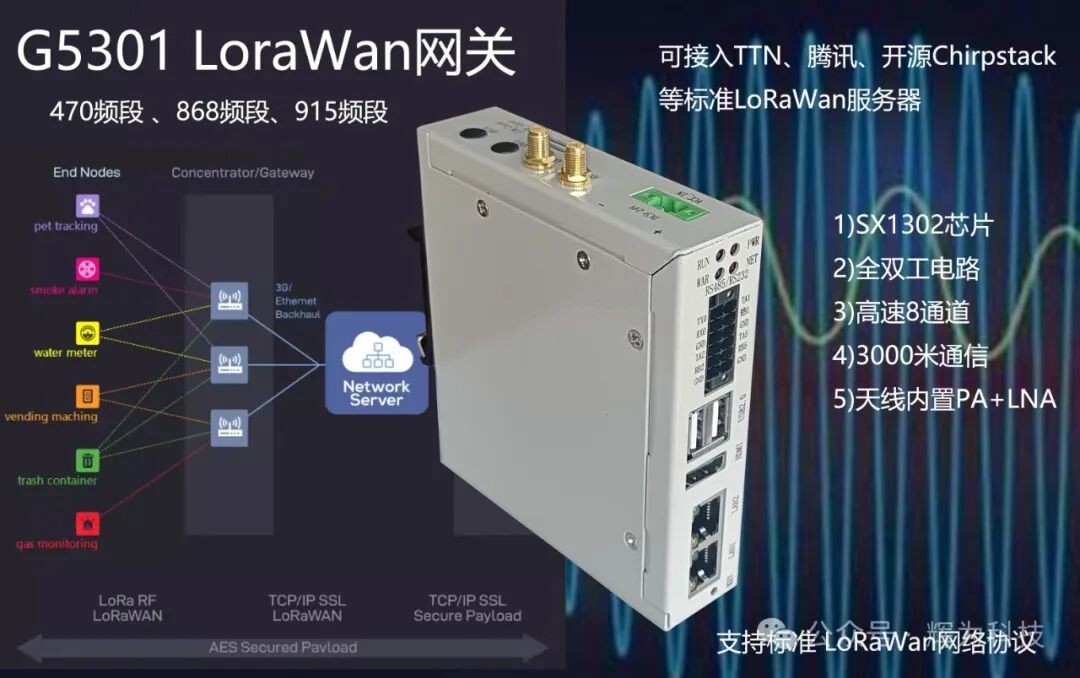
The G5301 supports the latest OpenWrt 24.09, with the following information summary:
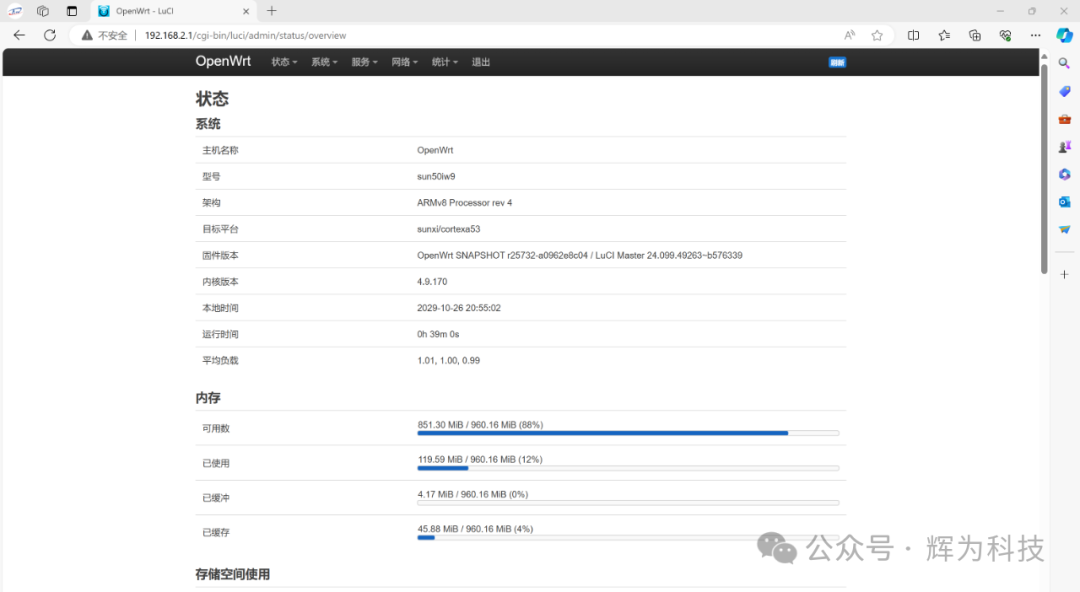
Default Information — Important
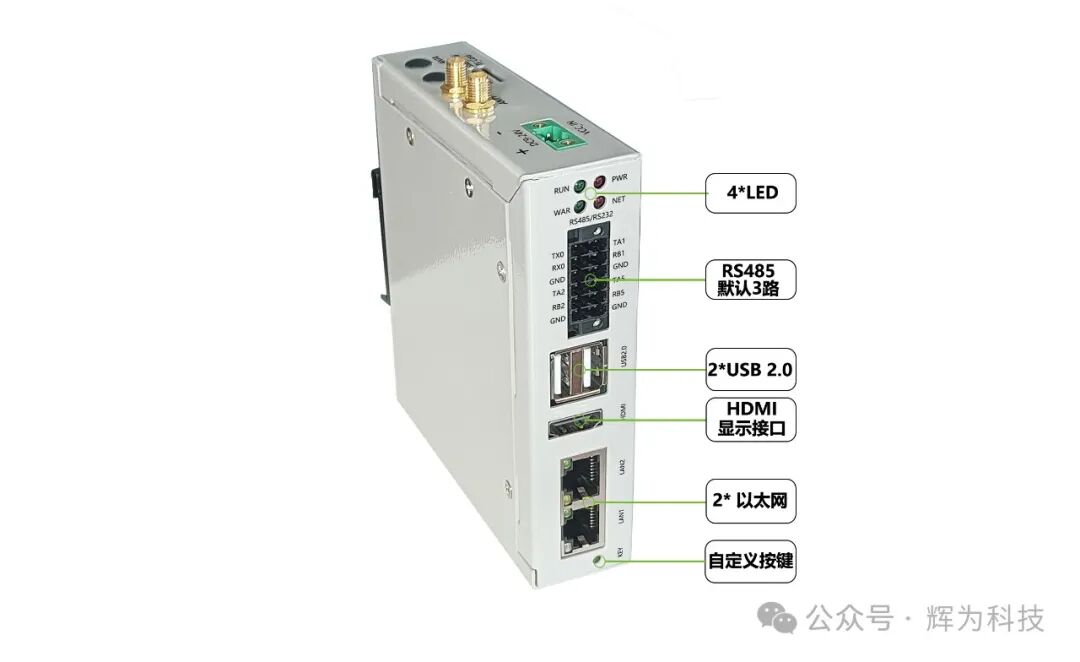
LAN1 is set as the WAN port by default, dynamically obtaining an IP from the upstream router. For security reasons, the WAN port cannot be accessed via Luci WEB or SSH by default.
LAN2 is set as the LAN port by default, dynamically assigning IPs to connected devices, with an IP range of 192.168.2.x.
The default WiFi hotspot is generated with the wireless network name as OpenWrt-xx, and the password is password.
Default Login Parameters
Access via LAN port or wireless network (OpenWrt-xx) using Luci WEB or SSH login with IP: 192.168.2.1.
Default username for Luci and SSH: root.
Default password for Luci and SSH: 553456.
The default wireless network name is OpenWrt-xx, and the password is password.
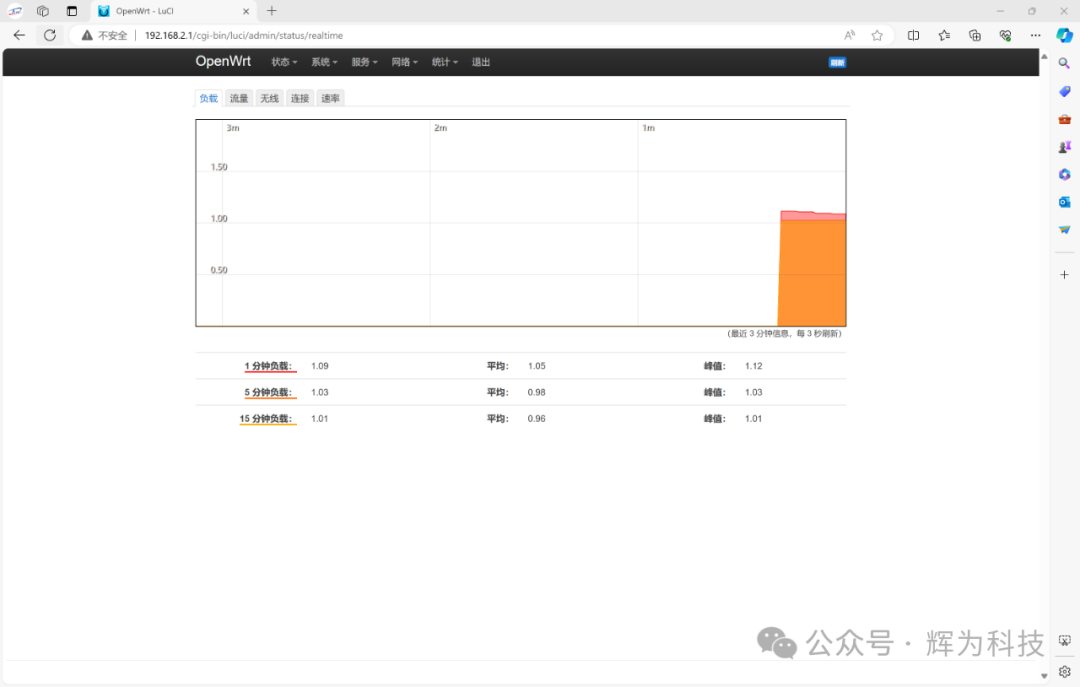
Overview of the Luci Interface
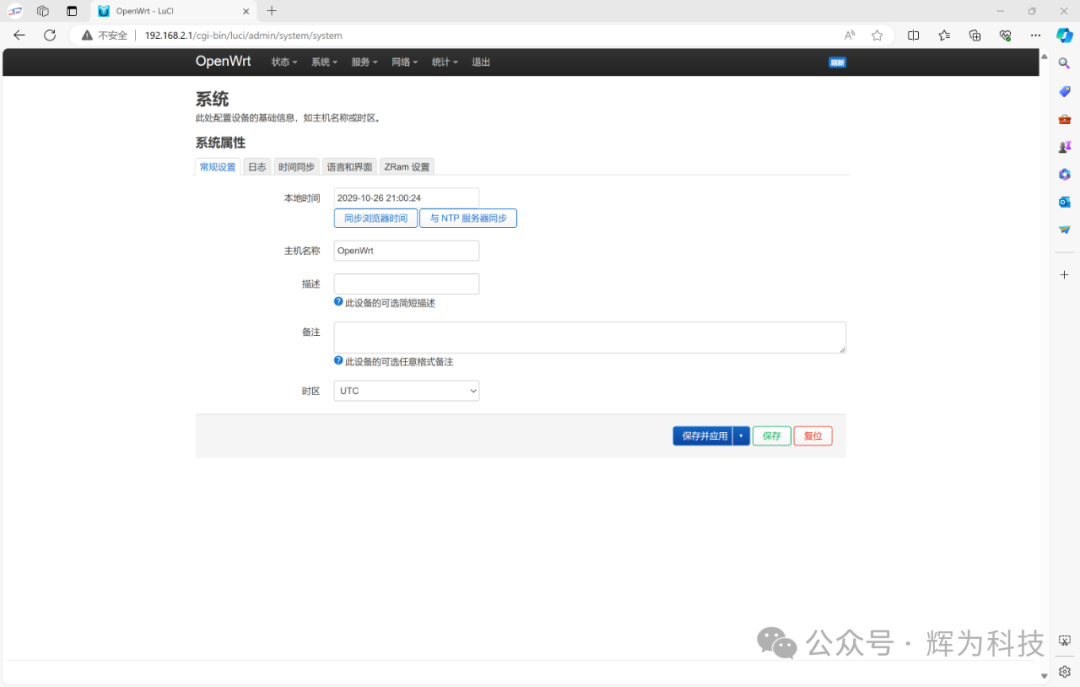
4G Network
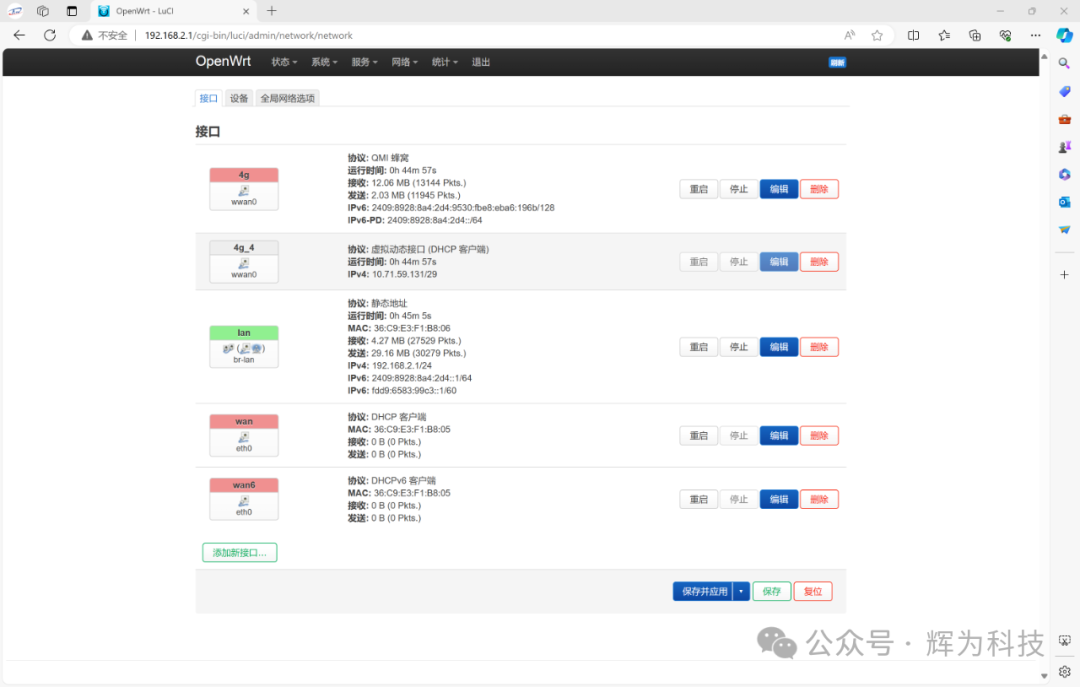
WiFi Hotspot
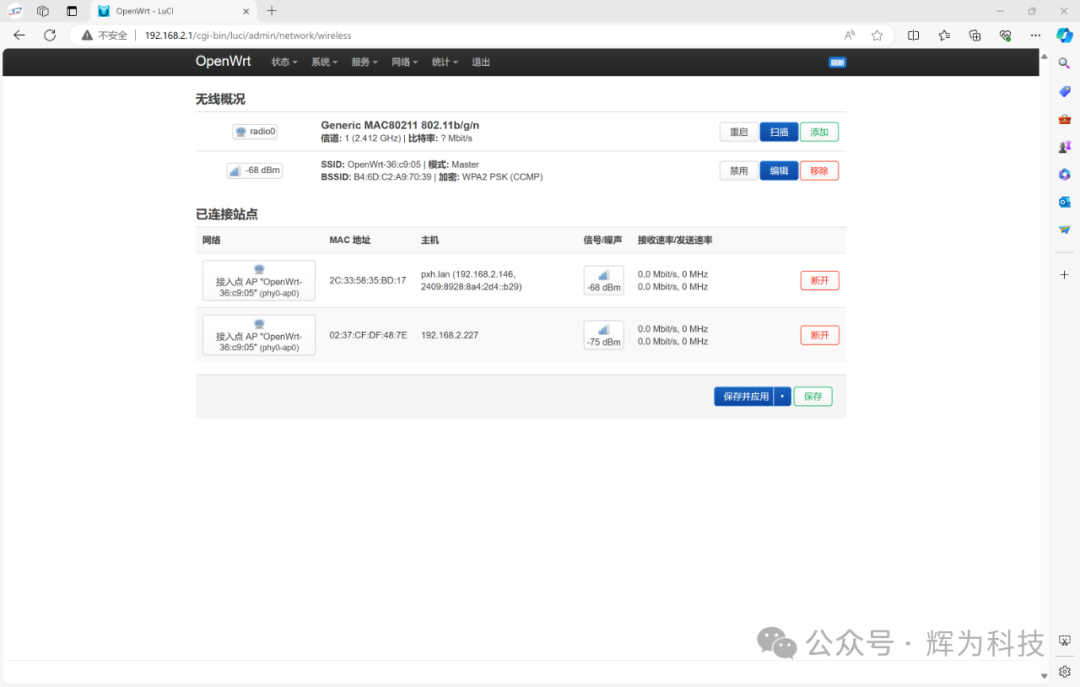
Ser2net Serial Port Transparent Transmission
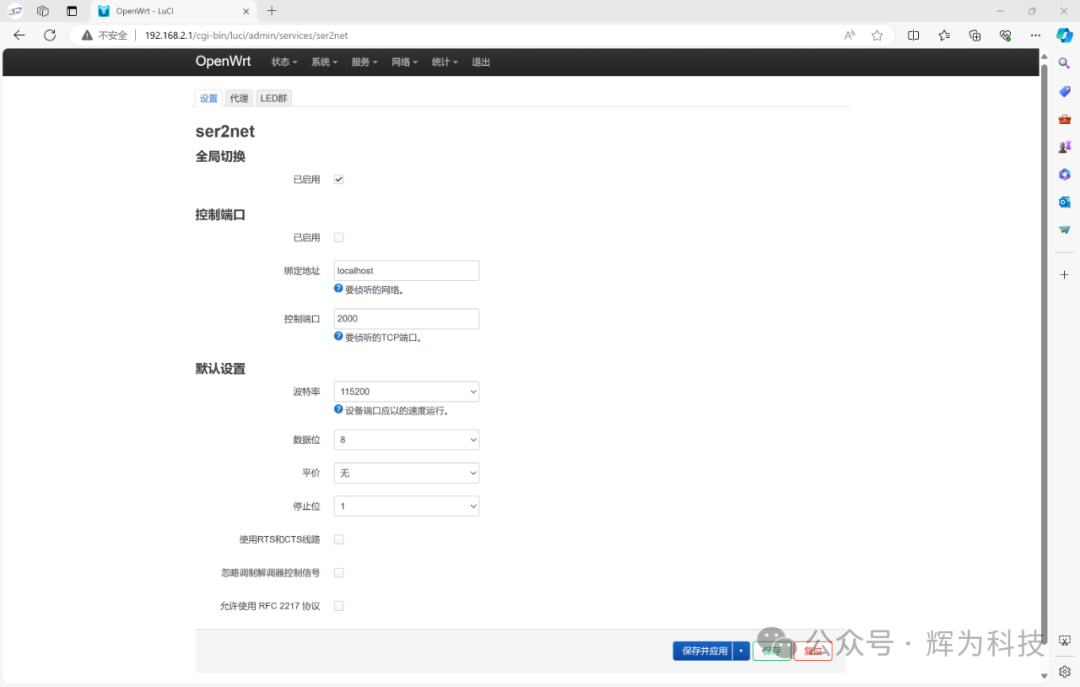
FRP Internal Network Penetration
For users without a public IP, remotely managing gateways or devices such as PLCs within the internal network can be a challenging issue.
Internal network penetration allows access to internal devices through the public network. Currently, there are many tools for internal network penetration, and FRP (Fast Reverse Proxy) stands out with its high-performance reverse proxy application, enabling users to easily penetrate the internal network and provide services to the external network, while maintaining stable and efficient performance and supporting multiple protocol types.
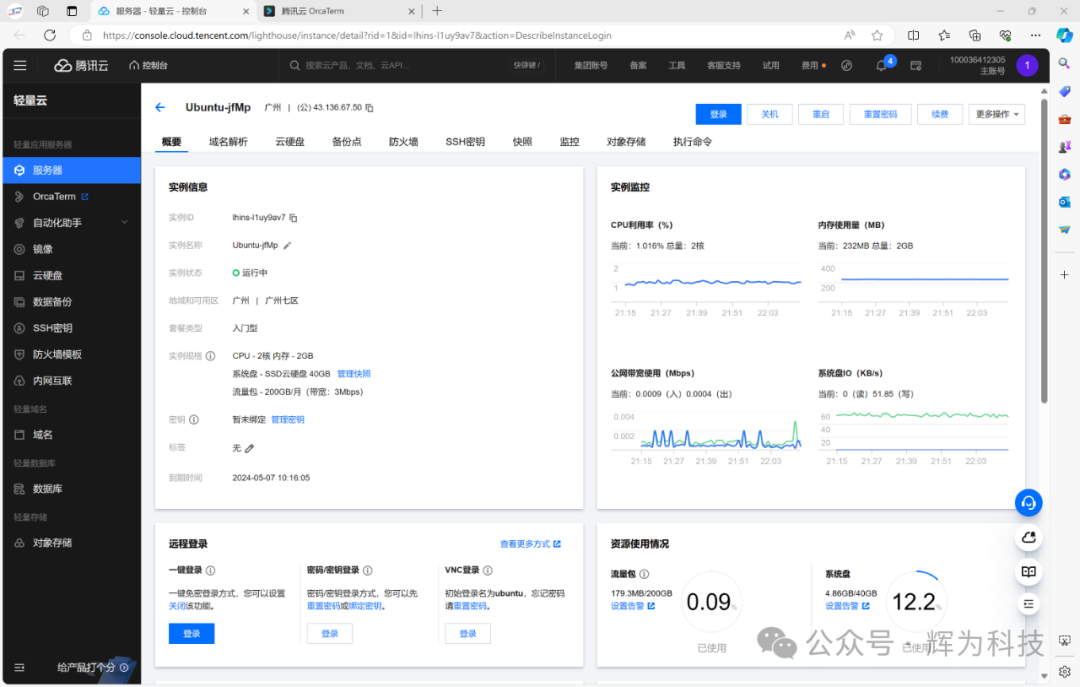
Here, we first register a cloud server from Alibaba or Tencent Cloud, as shown below:
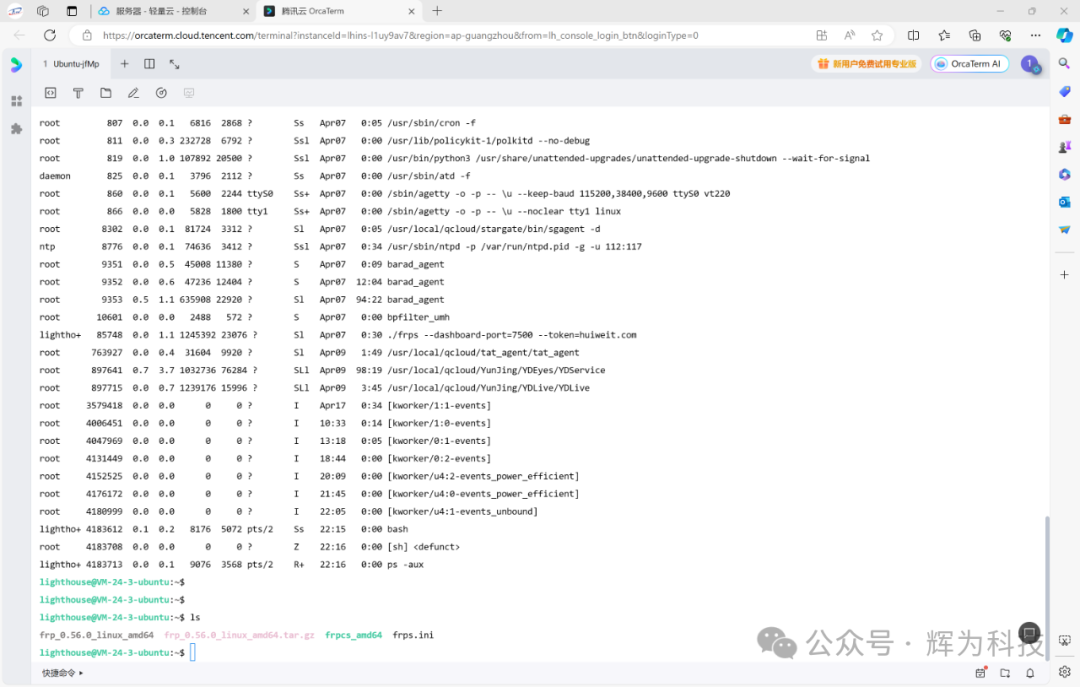
Log in to the cloud server and run our frpd program:
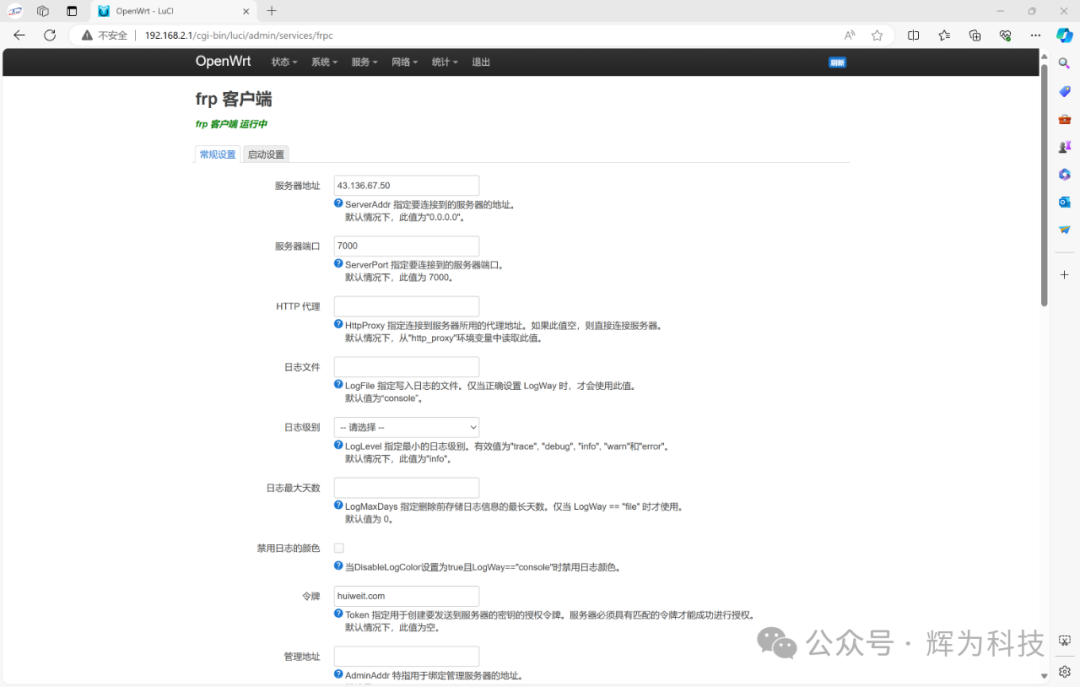
After logging into the device backend, go to Services -> FRP Client, and fill in the server address and token:
You can edit the remote port number, here we use the default 6000. For multiple devices, this port number cannot be the same; SSH can log into different devices through different port numbers.
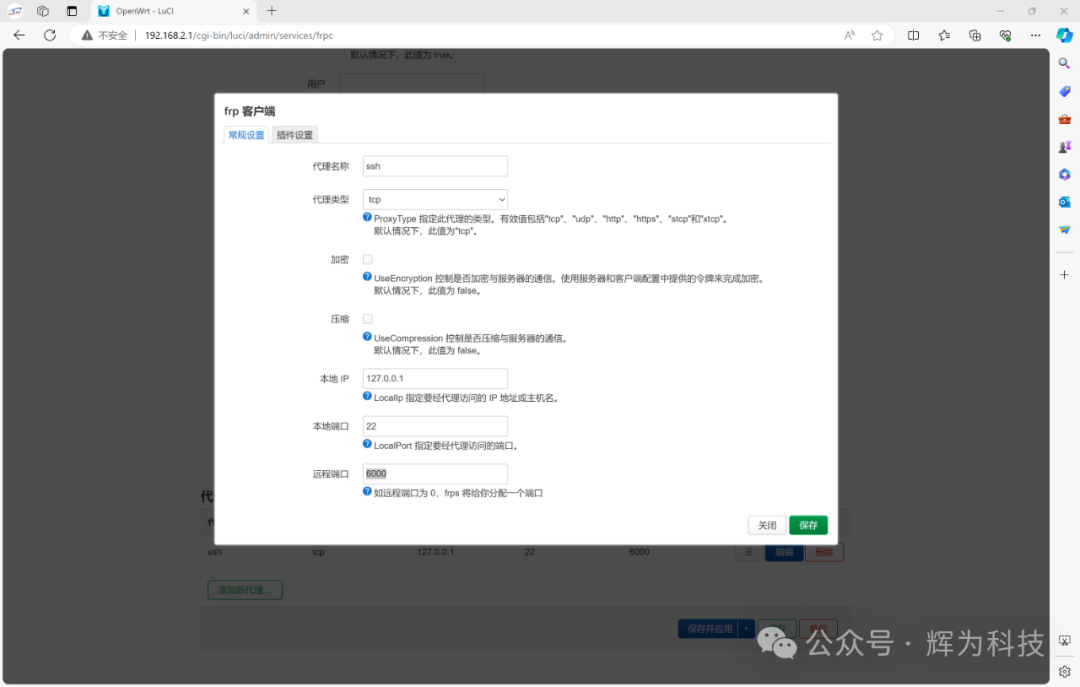
After configuration, save the settings. Disconnect from WiFi and connect to the network via another method to SSH into the device:
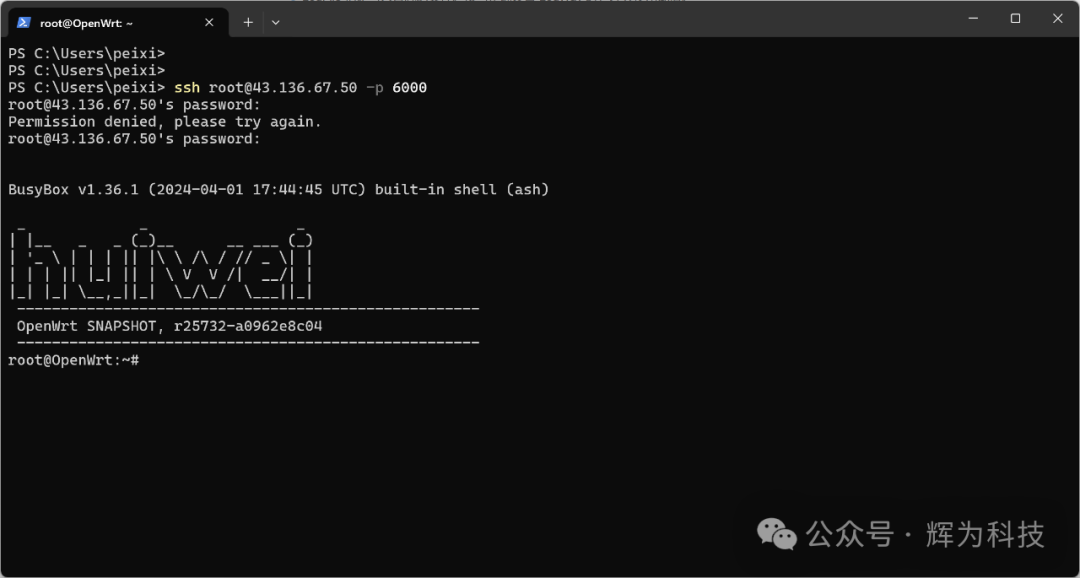
The FRP internal network penetration tool does not rely on the OpenWrt system and supports all devices and systems. Customers can request the FRP installation package from technical personnel.
The FRP installation package has resolved a series of issues such as automatic exit when not connected to the external network and startup problems.
The G5301 also features load balancing, which means:
The gateway can dynamically allocate the usage priority of multiple network interfaces (such as wired Ethernet and 4G wireless), enabling users to set the traffic ratio between different network ports based on the actual network environment.
Detailed introduction to the G5301 Edge Gateway
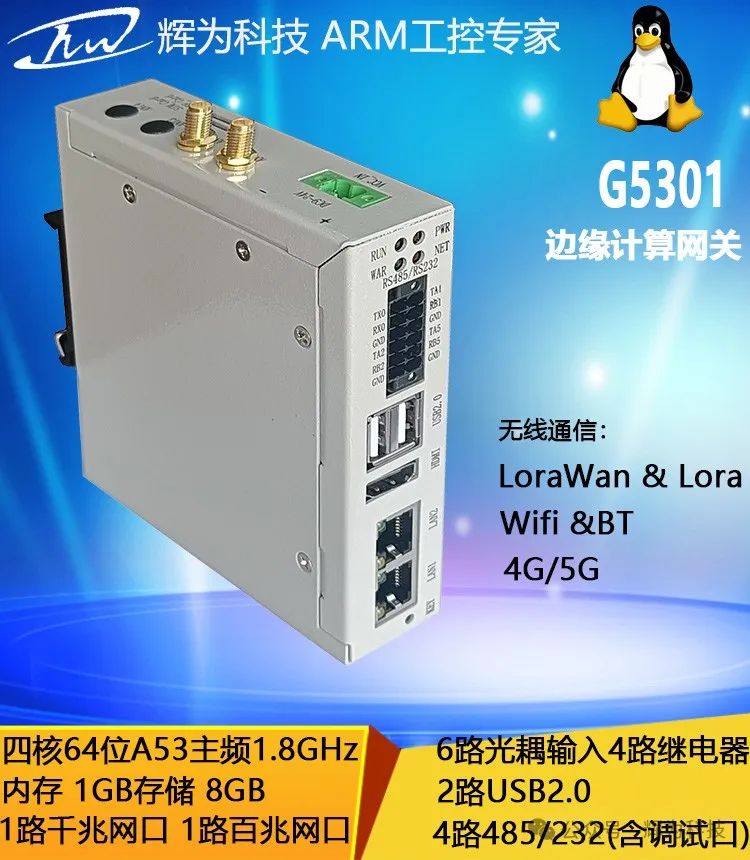
G5301 LoRaWAN Open Source Gateway