Introduction
This project is designed for attendance tracking in the IoT laboratory, with the following functionalities:1. Face recognition for personnel to complete check-in/check-out2. Attendance time calculation3. Saving attendance data in CSV format (Excel spreadsheet)
Note: This system uses 2D face recognition, saving the complexity of face recognition training, making it simple and quick.
This project is a beta version, and the official version will include more features and continuous updates…I will provide the link to the beta version project at the end.
Project Effect Diagrams
System initialization login interface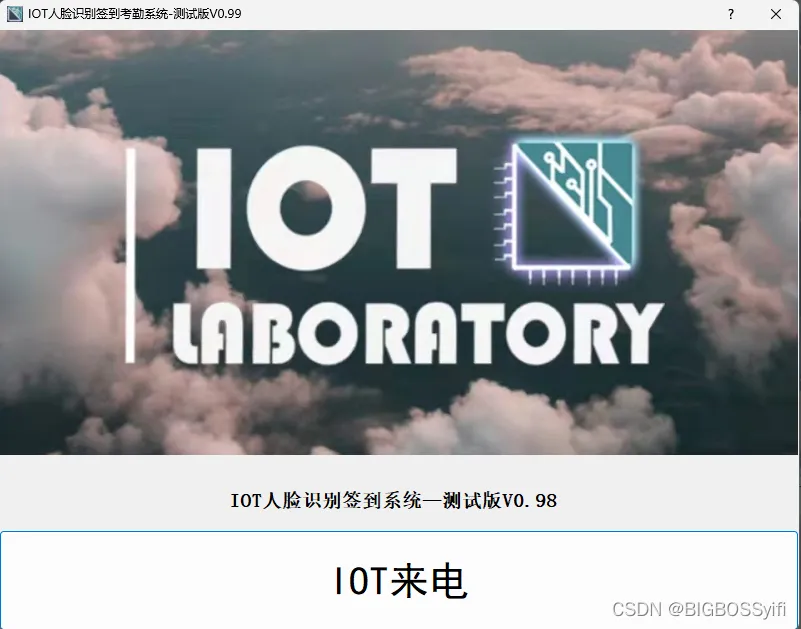 Main interface display:
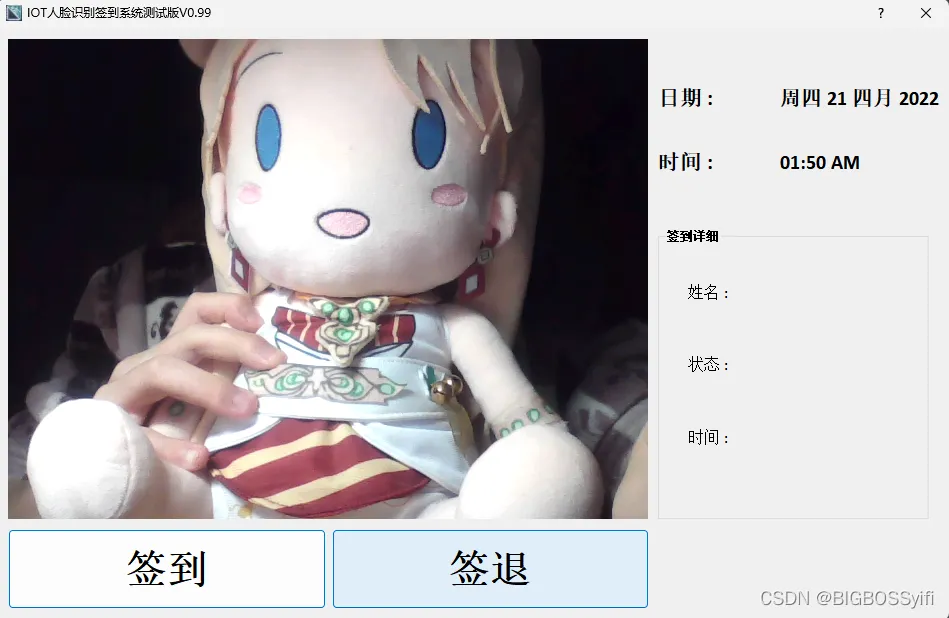 Check-in function display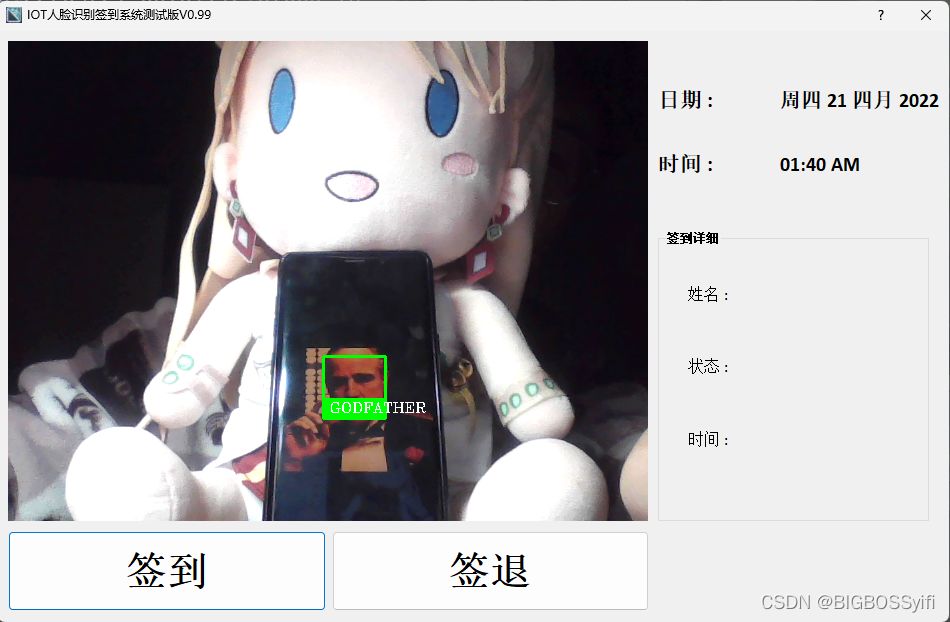
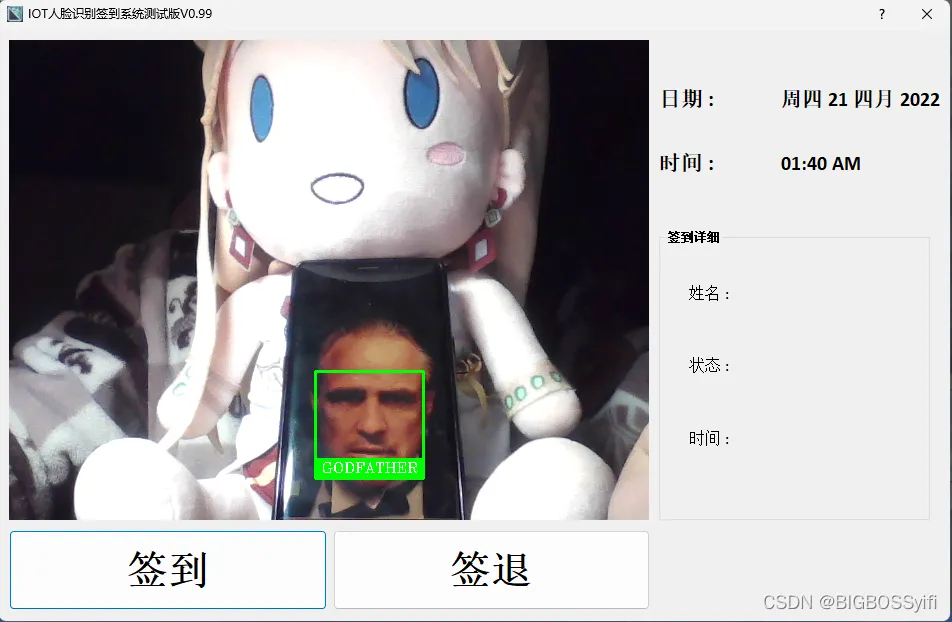
Check-out function display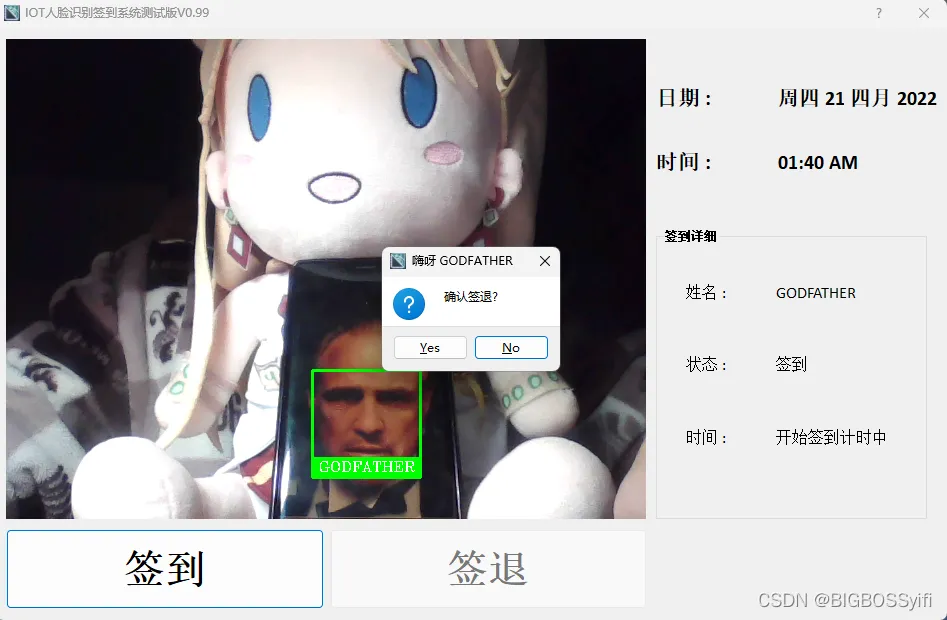 Backend check-in data records
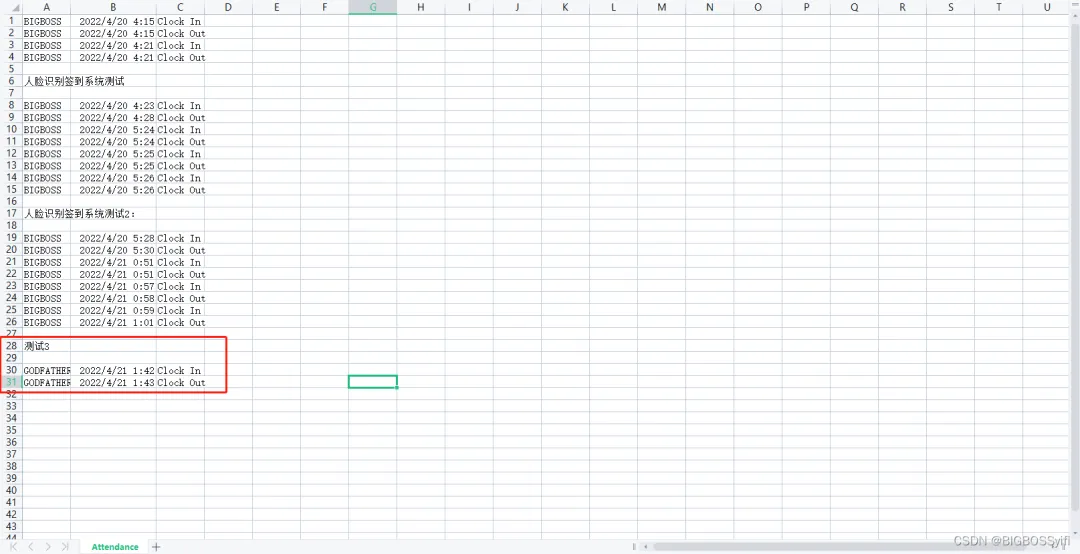 Check-in/Check-out status determination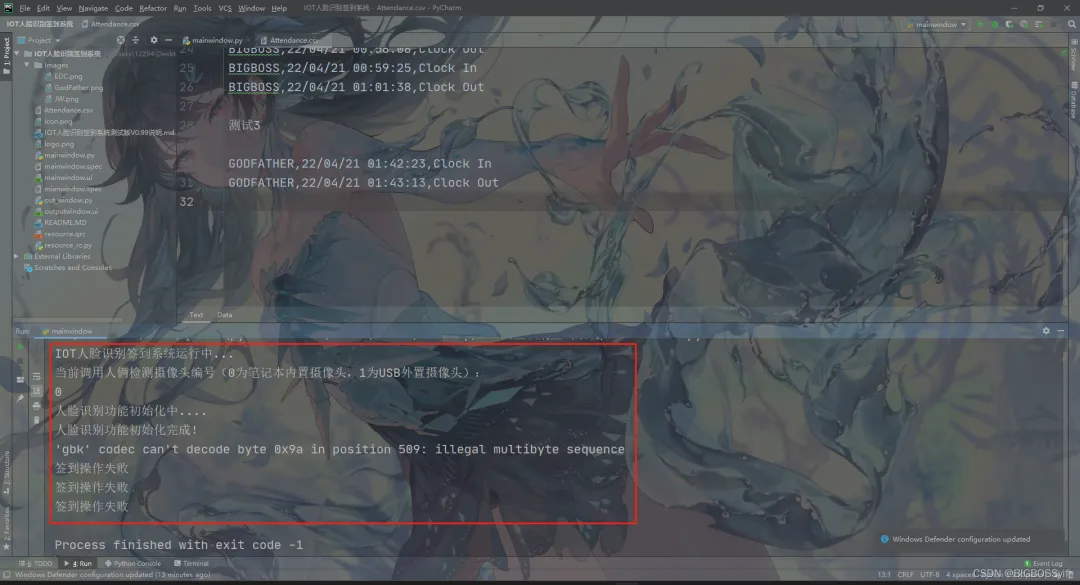
Required Environment for the Project
Core Environment:OpenCV-Python 4.5.5.64face_recognition 1.30face_recognition_model 0.3.0dlib 19.23.1
UI Form Interface:PyQt5 5.15.4pyqt5-plugins 5.15.4.2.2PyQt5-Qt5 5.15.2PyQt5-sip 12.10.1pyqt5-tools 5.15.4.3.2
Compiler
Pycharm 2021.1.3 Python version 3.9.12
 Anaconda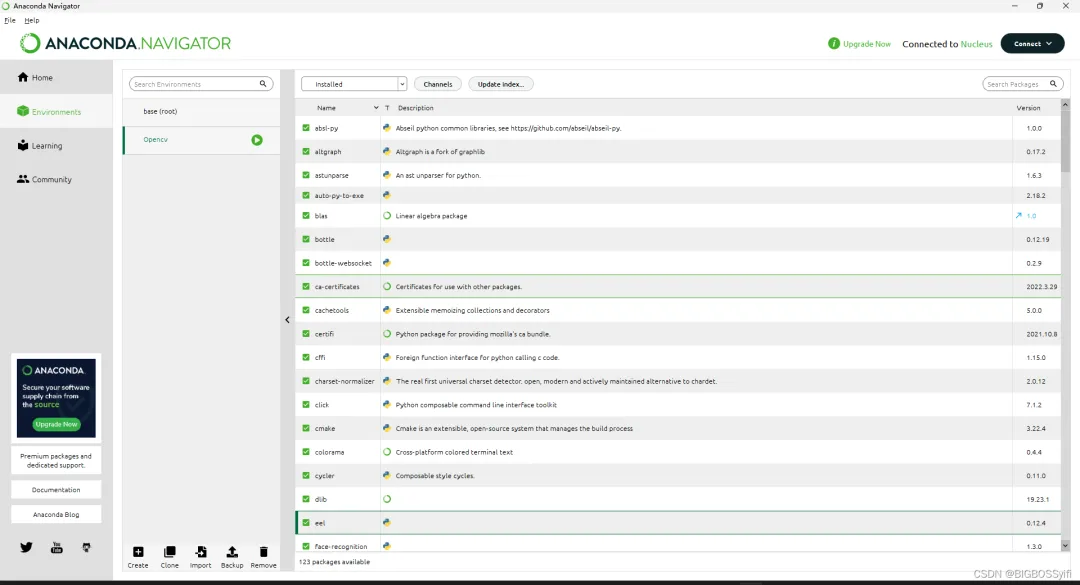
Auxiliary Development QT-designer
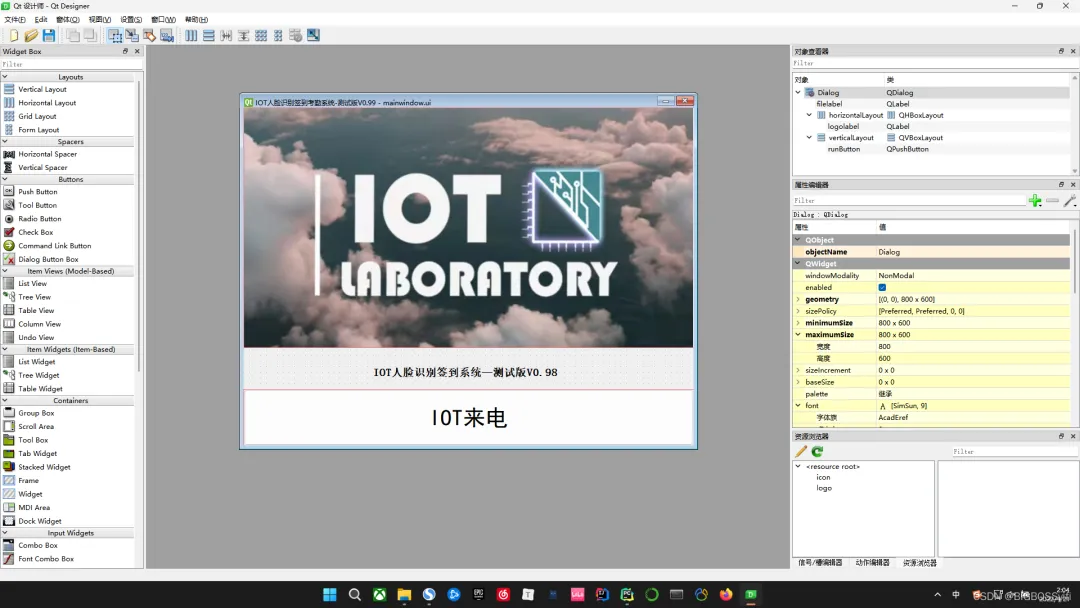
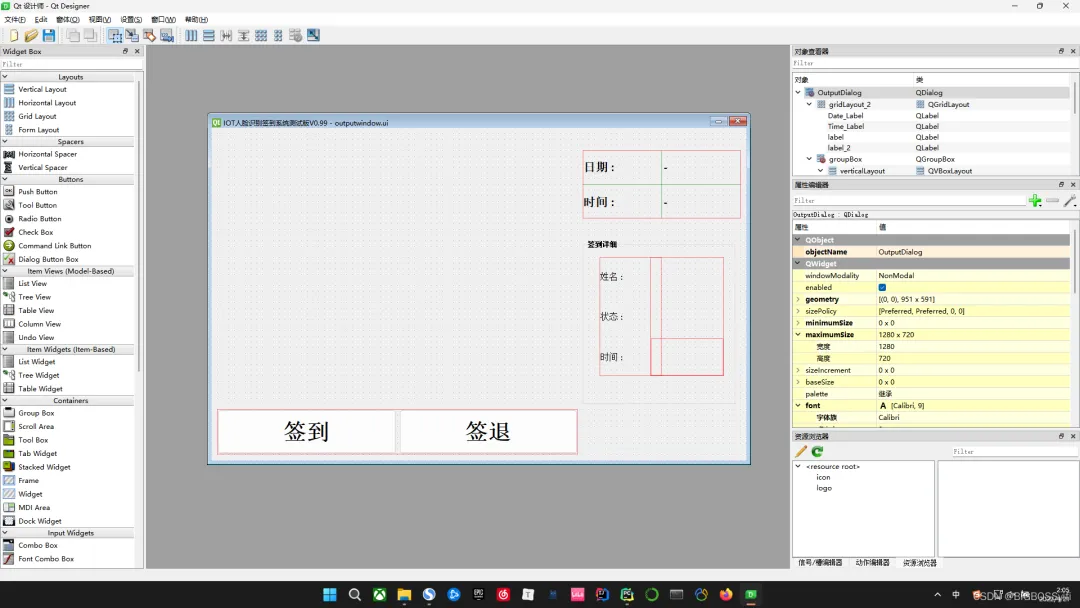
Project Configuration
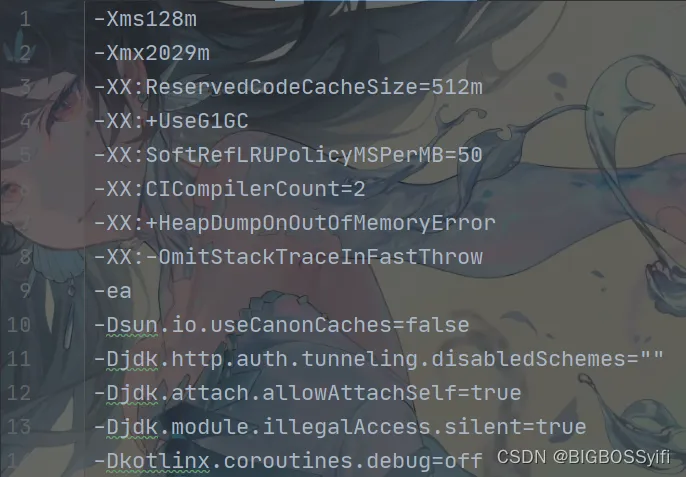
Code Section
Core Code
MainWindow.pyLoading UI file:
class Ui_Dialog(QDialog):    def __init__(self):        super(Ui_Dialog, self).__init__()        loadUi("mainwindow.ui", self)       # Load QTUI file
        self.runButton.clicked.connect(self.runSlot)
        self._new_window = None        self.Videocapture_ = None
Camera invocation:
def refreshAll(self): print("Current camera number for personnel detection (0 for built-in laptop camera, 1 for USB external camera):") self.Videocapture_ = "0"OutWindow.pyGetting the current system time
class Ui_OutputDialog(QDialog):    def __init__(self):        super(Ui_OutputDialog, self).__init__()        loadUi("./outputwindow.ui", self)   # Load output window UI
        # datetime time module        now = QDate.currentDate()        current_date = now.toString('ddd dd MMMM yyyy')  # Time format        current_time = datetime.datetime.now().strftime("%I:%M %p")        self.Date_Label.setText(current_date)        self.Time_Label.setText(current_time)
        self.image = None
Check-in time calculation
    def ElapseList(self,name):        with open('Attendance.csv', "r") as csv_file:            csv_reader = csv.reader(csv_file, delimiter=',')            line_count = 2
            Time1 = datetime.datetime.now()            Time2 = datetime.datetime.now()            for row in csv_reader:                for field in row:                    if field in row:                        if field == 'Clock In':                            if row[0] == name:                                Time1 = (datetime.datetime.strptime(row[1], '%y/%m/%d %H:%M:%S'))                                self.TimeList1.append(Time1)                        if field == 'Clock Out':                            if row[0] == name:                                Time2 = (datetime.datetime.strptime(row[1], '%y/%m/%d %H:%M:%S'))                                self.TimeList2.append(Time2)
Face recognition section
# Face recognition section        faces_cur_frame = face_recognition.face_locations(frame)        encodes_cur_frame = face_recognition.face_encodings(frame, faces_cur_frame)
        for encodeFace, faceLoc in zip(encodes_cur_frame, faces_cur_frame):            match = face_recognition.compare_faces(encode_list_known, encodeFace, tolerance=0.50)            face_dis = face_recognition.face_distance(encode_list_known, encodeFace)            name = "unknown"    # Unknown face recognized as unknown            best_match_index = np.argmin(face_dis)            if match[best_match_index]:                name = class_names[best_match_index].upper()                y1, x2, y2, x1 = faceLoc                cv2.rectangle(frame, (x1, y1), (x2, y2), (0, 255, 0), 2)                cv2.rectangle(frame, (x1, y2 - 20), (x2, y2), (0, 255, 0), cv2.FILLED)                cv2.putText(frame, name, (x1 + 6, y2 - 6), cv2.FONT_HERSHEY_COMPLEX, 0.5, (255, 255, 255), 1)            mark_attendance(name)
        return frame
Check-in data saving and judgment
# Save data to CSV table        def mark_attendance(name):            """
            :param name: Face recognition section
            :return:            """
            if self.ClockInButton.isChecked():                self.ClockInButton.setEnabled(False)                with open('Attendance.csv', 'a') as f:                        if (name != 'unknown'):         # Check-in judgment: whether the recognized face is already known
                            buttonReply = QMessageBox.question(self, 'Welcome ' + name, 'Start check-in' ,                                                               QMessageBox.Yes | QMessageBox.No, QMessageBox.No)                            if buttonReply == QMessageBox.Yes:
                                date_time_string = datetime.datetime.now().strftime("%y/%m/%d %H:%M:%S")                                f.writelines(f'\n{name},{date_time_string},Clock In')                                self.ClockInButton.setChecked(False)
                                self.NameLabel.setText(name)                                self.StatusLabel.setText('Checked in')                                self.HoursLabel.setText('Check-in timing started')                                self.MinLabel.setText('')
                                self.Time1 = datetime.datetime.now()                                self.ClockInButton.setEnabled(True)                            else:                                print('Check-in operation failed')                                self.ClockInButton.setEnabled(True)            elif self.ClockOutButton.isChecked():                self.ClockOutButton.setEnabled(False)                with open('Attendance.csv', 'a') as f:                        if (name != 'unknown'):                            buttonReply = QMessageBox.question(self, 'Hi ' + name, 'Confirm check-out?',                                                              QMessageBox.Yes | QMessageBox.No, QMessageBox.No)                            if buttonReply == QMessageBox.Yes:                                date_time_string = datetime.datetime.now().strftime("%y/%m/%d %H:%M:%S")                                f.writelines(f'\n{name},{date_time_string},Clock Out')                                self.ClockOutButton.setChecked(False)
                                self.NameLabel.setText(name)                                self.StatusLabel.setText('Checked out')                                self.Time2 = datetime.datetime.now()
                                self.ElapseList(name)                                self.TimeList2.append(datetime.datetime.now())                                CheckInTime = self.TimeList1[-1]                                CheckOutTime = self.TimeList2[-1]                                self.ElapseHours = (CheckOutTime - CheckInTime)                                self.MinLabel.setText("{:.0f}".format(abs(self.ElapseHours.total_seconds() / 60)%60) + 'm')                                self.HoursLabel.setText("{:.0f}".format(abs(self.ElapseHours.total_seconds() / 60**2)) + 'h')                                self.ClockOutButton.setEnabled(True)                            else:                                print('Check-out operation failed')                                self.ClockOutButton.setEnabled(True)
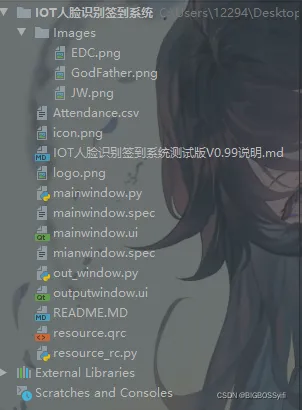
Project Directory Structure
Postscript
Due to the lack of face training and model establishment in this system, the system has a high false recognition rate and low security.
The system optimization is poor, with low frame capture rates from the camera (8-9), high backend occupancy, and high CPU utilization. Data is saved in CSV format, which has low security.
Improvements for the Official Version
1. Incorporate TensorFlow deep learning to enhance the security and accuracy of face recognition.2. Integrate MySQL database for more secure protection of attendance data, making it less prone to modification.3. Beautify and optimize UI design.