
🔍Decoding the Library

// Fablab – 3D Printing Section
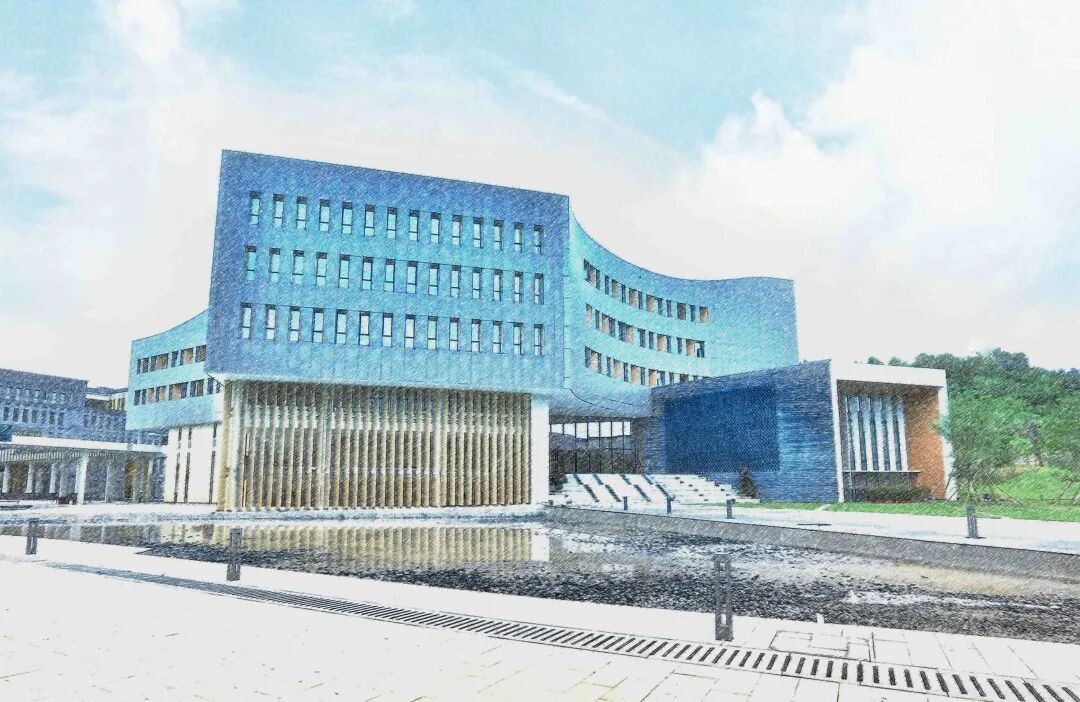

Today marks the beginning of a new chapter in the decoding library – the digital education star service, 3D printing!

The Fablab 3D printing studio is a creative platform full of infinite possibilities built by the library for readers. Over the past few years, the library has successfully printed hundreds of 3D works for readers, covering various fields from artistic treasures to practical tools, with each piece being a perfect combination of wisdom and technology.
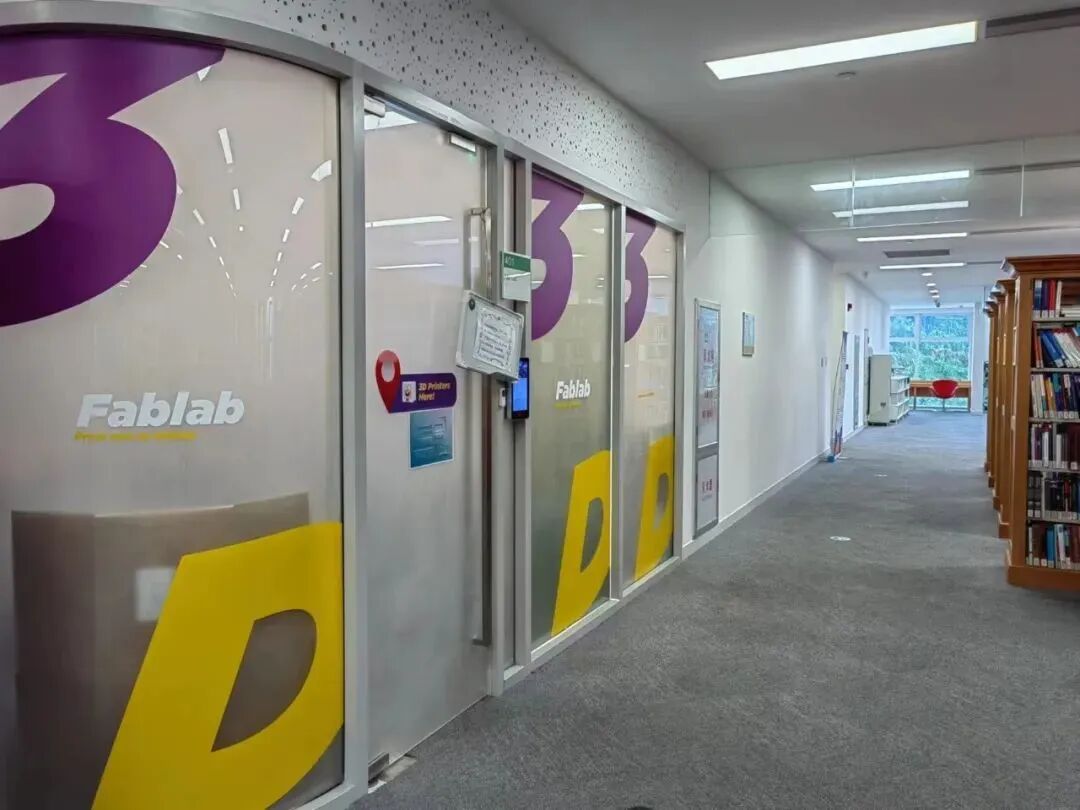
Fablab Studio
Location: Room 401, 4th Floor, Library
Equipment Provided: Three 3D printers and related facilities
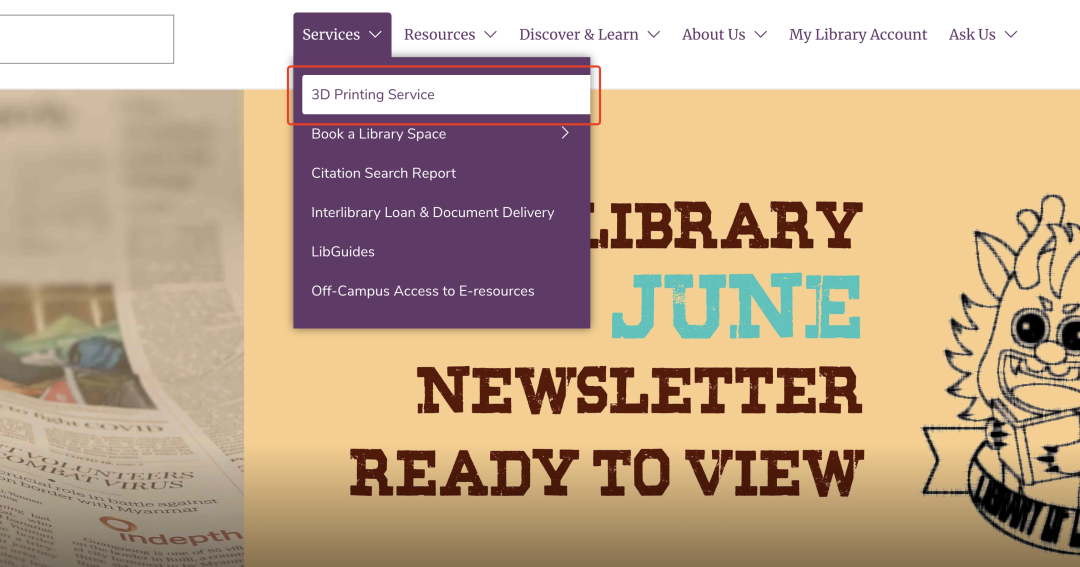
Opening Hours: Daily 10:30-12:00, 15:30-17:00 (For specific opening hours, please visit the library homepage 3D Printing Service)
3D Printing Services

The library’s Fablab studio provides 3D printing services for faculty and students, including personal requests and team requests, supporting business competition activities, entrepreneurial projects, and club materials, with different submission methods for 3D printing based on various needs.
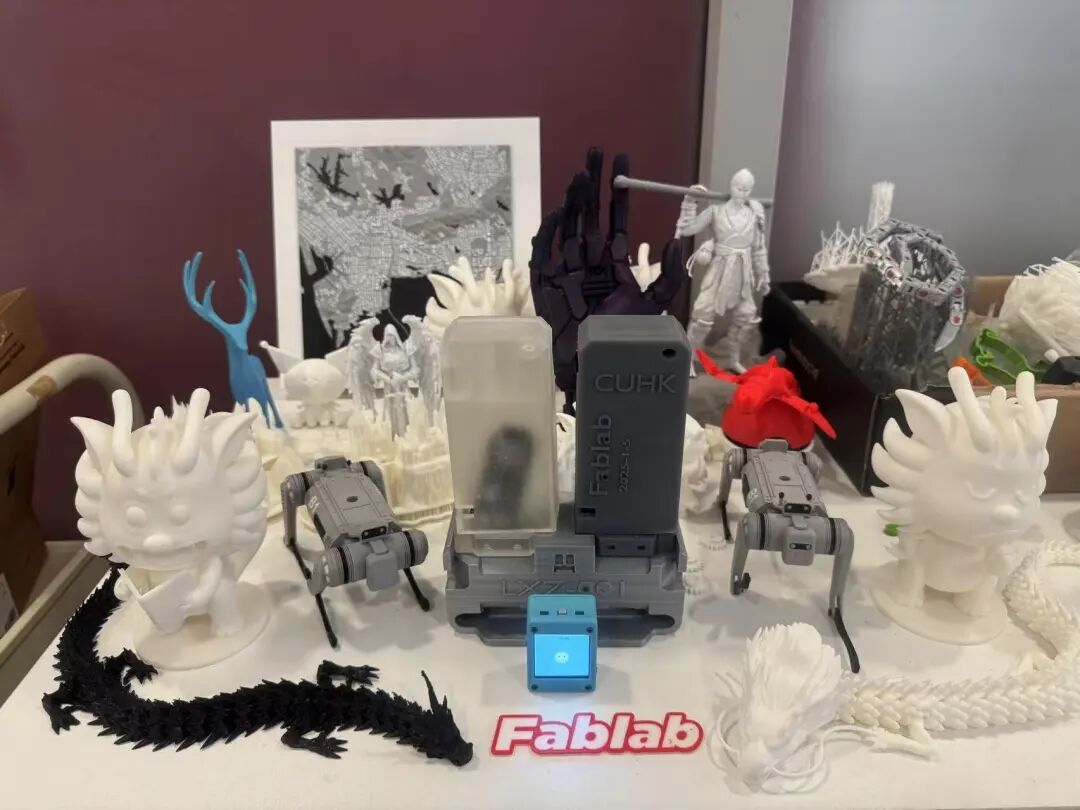
3D Printing Models
The specific submission method is: submit the form through the library’s official website “3D Printing Service” – “Printing Request & Resources” interface, including Personal Request Form and Team Request Form. Detailed printing rules can be found on the official website. For other inquiries, you can send an email to [email protected] for consultation.
After submitting the model, you only need to visit at the time reserved in the form/email or knock on the door during the student assistant duty hours to create your own 3D printed work!
3D Printer Introduction

Currently, there are three printers in the FabLab: Bambu X1E, Ultimaker S5, and Form 3. Bambu X1E and Ultimaker S5 are Fused Deposition Modeling (FDM) printers. Form 3 is a Stereolithography (SLA) printer. Let’s take a look at the specific parameters of these three printers:
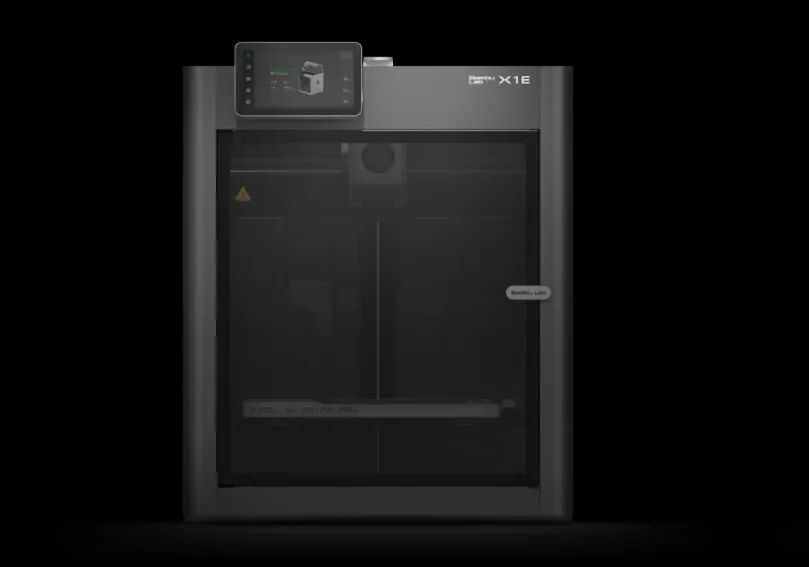
Bambu X1E
Technology: Fused Deposition Modeling (FDM)
Printing Materials: PLA, PETG, TPU, PVA, BVOH, ABS, ASA, PC, PA, PET, PPA-CF/GF, PPS, PPS-CF/GF
Dimensions: 389*389*457 mm
Print Volume: 256x 256 x 256 mm
Print Speed: < 32 mm³ /s
Filament Diameter: 1.75 mm
Slicing Software: Bambu Studio
Supported File Formats: STL, OBJ, JPG, etc.
Color Printing: Supports printing in up to 16 colors
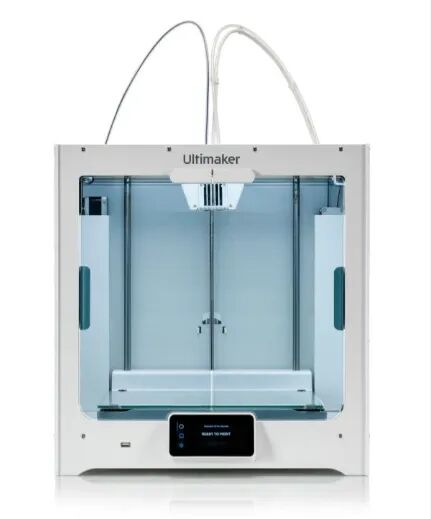
Ultimaker S5
Technology: Fused Deposition Modeling (FDM)
Printing Materials: PLA (bio-degradable polymer), Tough PLA, TPU95A, CPE, PVA, etc.
Dimensions: 495 x 585 x 780 mm
Print Volume: 330 x 240 x 300 mm
Print Speed: < 24 mm³ /s
Filament Diameter: 2.85 mm
Slicing Software: Cura
Supported File Formats: STL, OBJ, JPG, etc.
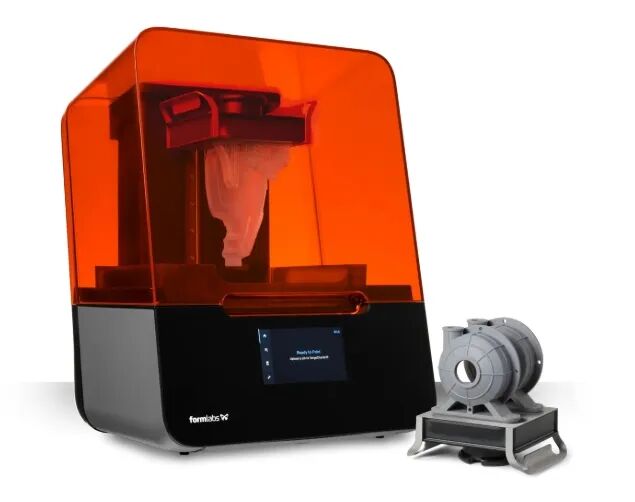
Form 3
Technology: Low Force Stereolithography (LFS)Printing Materials: Resin
Dimensions: 405 × 375 × 530 mmPrint Volume: 145 × 145 × 185 mmLaser Spot Size: 85 micronsSlicing Software: PreFormSupported File Formats: STL, OBJ, 3MF.
Maker Gathering Column

FabLab is actively committed to promoting cutting-edge science and technology, and from 2022 to 2025, it has held four sessions of the highly popular Maker Gathering events. The successful hosting of these events not only effectively promoted advanced technologies such as 3D printing but also provided readers with a rare opportunity to gain in-depth understanding and hands-on experience with this cutting-edge technology, further igniting their creative passion and potential.
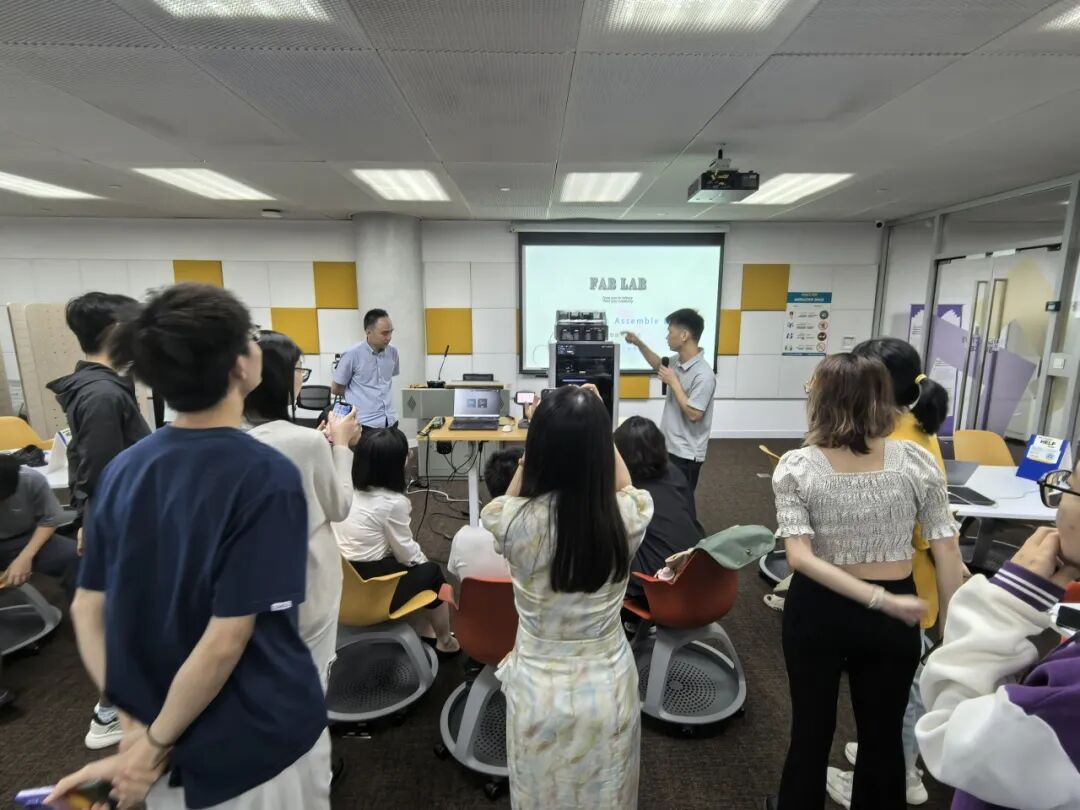
3D Printing Maker Activities
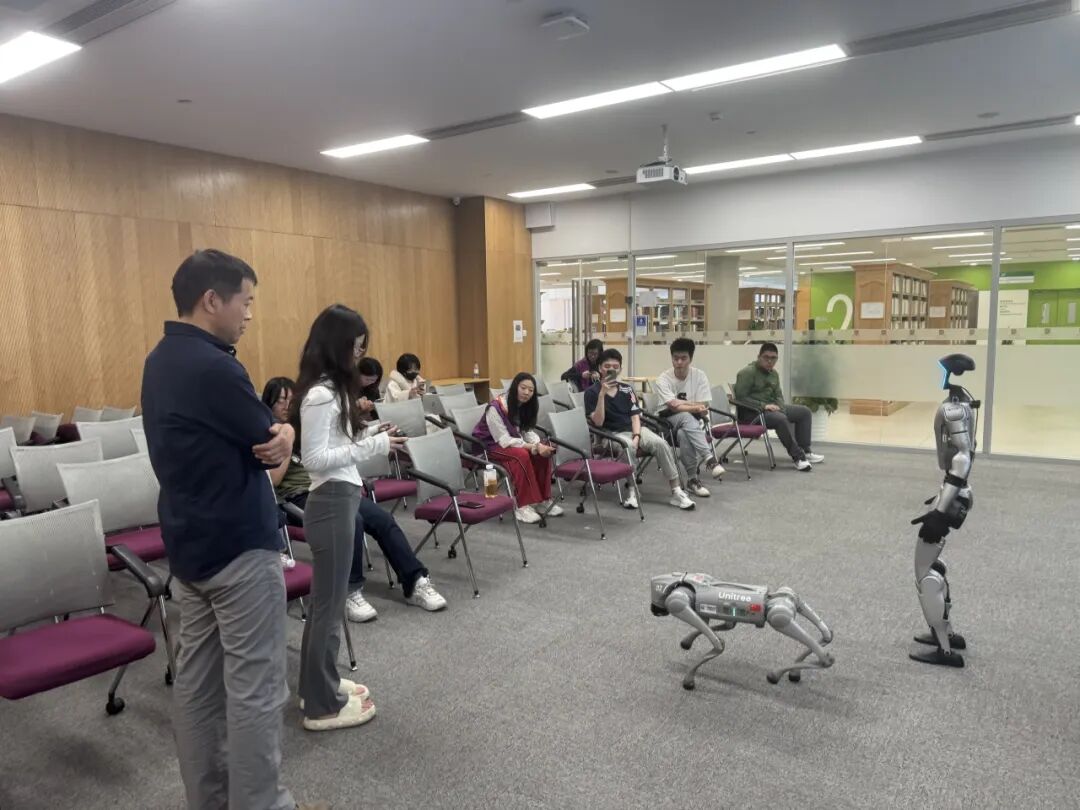
Robot Maker Activities by Yushu Technology
Future Technology Road Column


The library’s digital education team focuses on the latest technological trends, innovative trends, and technology stories in life. We present these topics in a light and easy-to-understand manner, taking you into the forefront of technology and experiencing how technology is gradually changing our lives. Whether you are a tech novice or a enthusiast, you can find your “black technology” inspiration here, and together with us, imagine and explore the future path of technology!
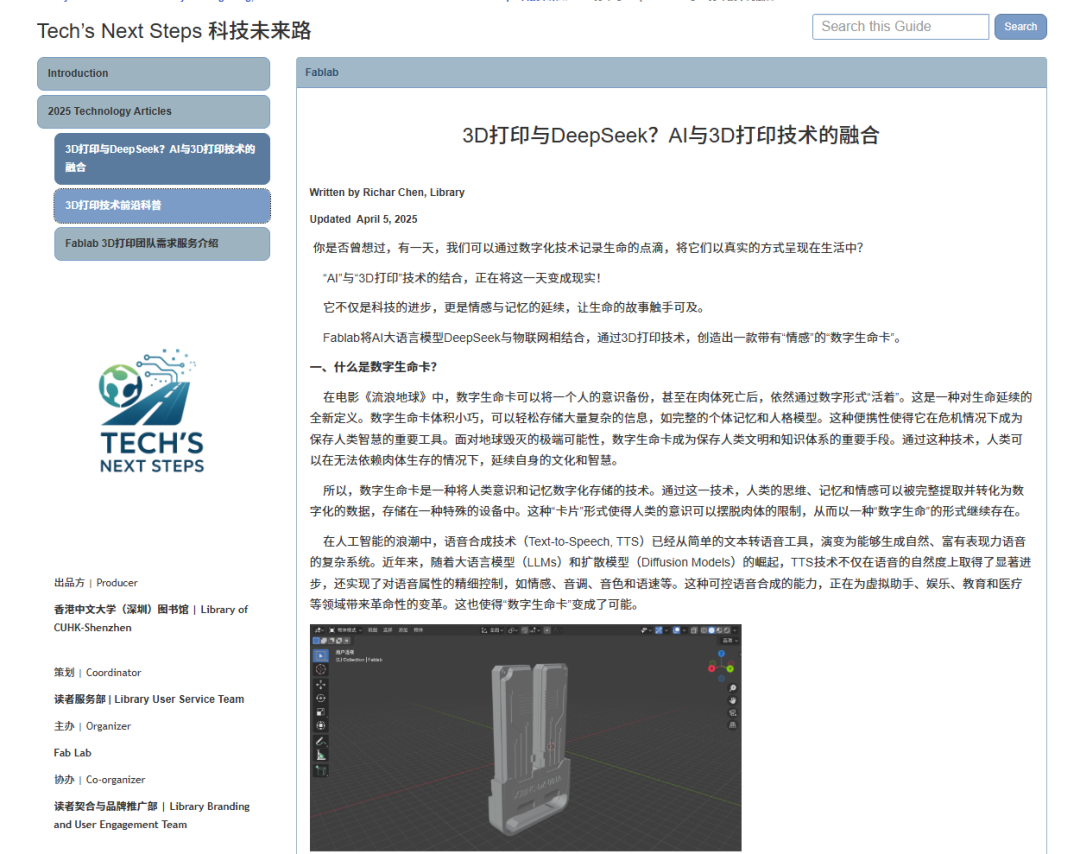
Future Technology Road Column
The Future Technology Road Column welcomes submissions of related technological works from faculty and students. For submissions, please consult the email:[email protected]

The library’s 3D printing studio is a place for users to explore, communicate, and create. Open the library’s official website or scan the QR code below to learn more about FabLab!

That’s all for today’s introduction. The next article will decode the library’s information literacy training, aimed at helping students transform “library resources” into “personal capabilities”. Stay tuned for “Decoding the Library – Information Literacy Training Edition”!
Library Opening Hours:7:30-23:30
Ask Us Working Hours:
Mon-Fri 8:30-12:00 & 13:30-17:30
Sat-Sun 9:30-11:30 & 14:00-17:00
If you have any questions, you can check the FAQ on the official website or contact the library via email at [email protected]
// END
Previous Reviews
Decoding the Library – Equipment Usage Guide Edition
Decoding the Library – Printing Plan Strategy Edition
Decoding the Library – Open Space Edition
Decoding the Library – Code of Conduct Edition
Decoding the Library – Space Reservation Edition
Decoding the Library – Interlibrary Loan and Document Delivery Edition
Decoding the Library – Resource Acquisition Edition
Decoding the Library – Comprehensive Introduction to the Library

Copywriter
Chen Richeng
Layout
Chen Richeng, Cai Wenqing
Review
He Jie, Gong Weifan, Cai Wenqing
Decoding the Library



WeChat ID丨 cuhkszlib
BiliBili UID丨455924778

Read the original text to enter the new academic year homepage