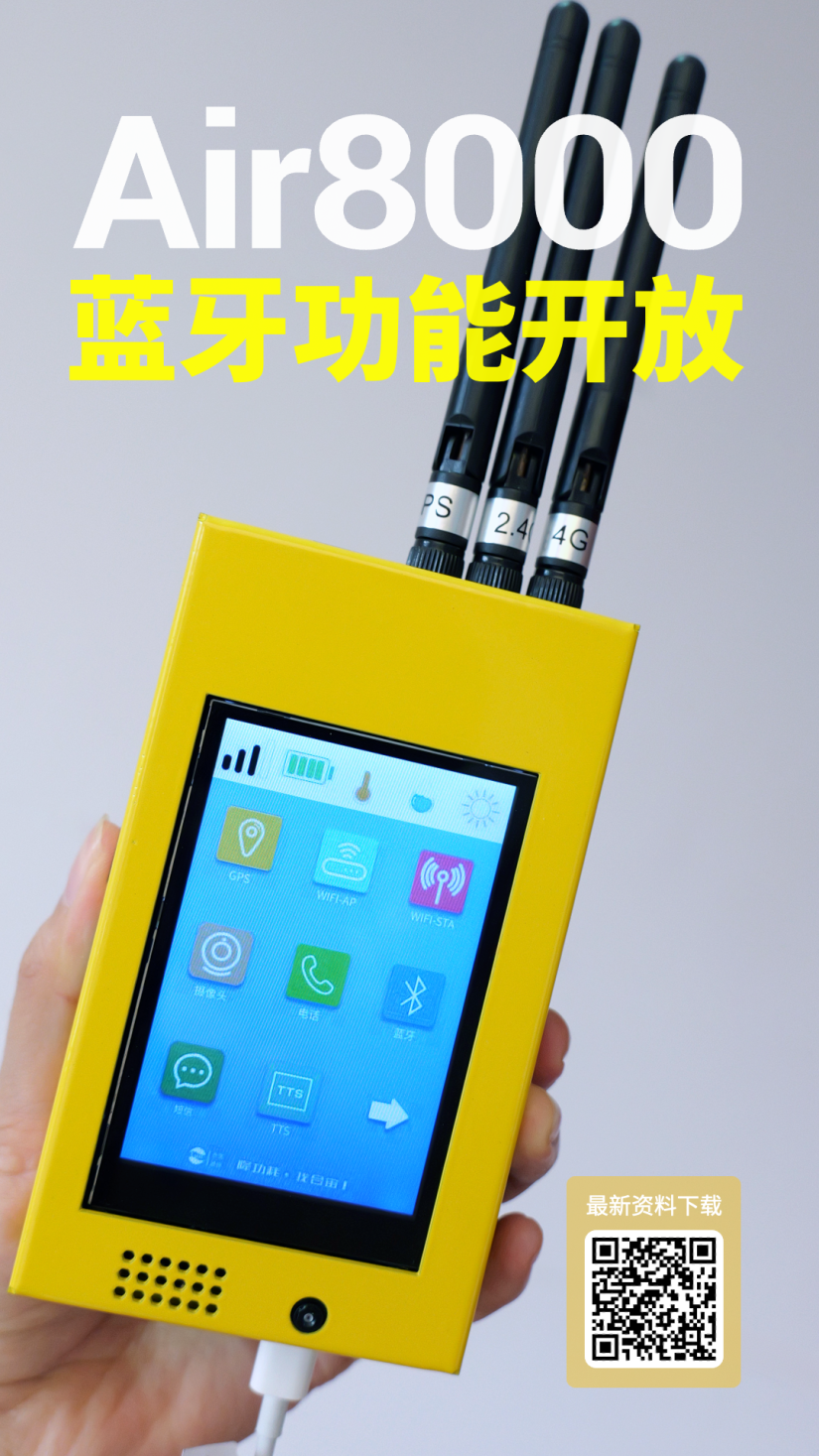
For 4G + GNSS + WiFi + BLE + TTS + VOLTE…—— an Air8000 is enough!
In the previous issue, we sharedknowledge related to the Bluetooth functionality of the Air8000 and initially experienced efficient and stable BLE 5.4 Bluetooth connections.
Bluetooth Scanning Applications—— is also one of the core functions of the Air8000 as a multifunctional industrial engine, primarily relying on its integrated Bluetooth module to achieve device discovery, data transmission, and contextual control.
For example, in practical applications, quickly scan for nearby Bluetooth devices that are in broadcast mode (such as sensors, tags, wearable devices), and real-time parse device names, signal strength, service types, and battery information, suitable for asset tracking or IoT node management.
This article will share an example of the Air8000 Bluetooth scanning application: guiding you on how to enable the observer mode (SCAN) for Bluetooth devices, scan for nearby Bluetooth device information, and print it out via LuaTools logs.
1
Main Hardware Preparation
-
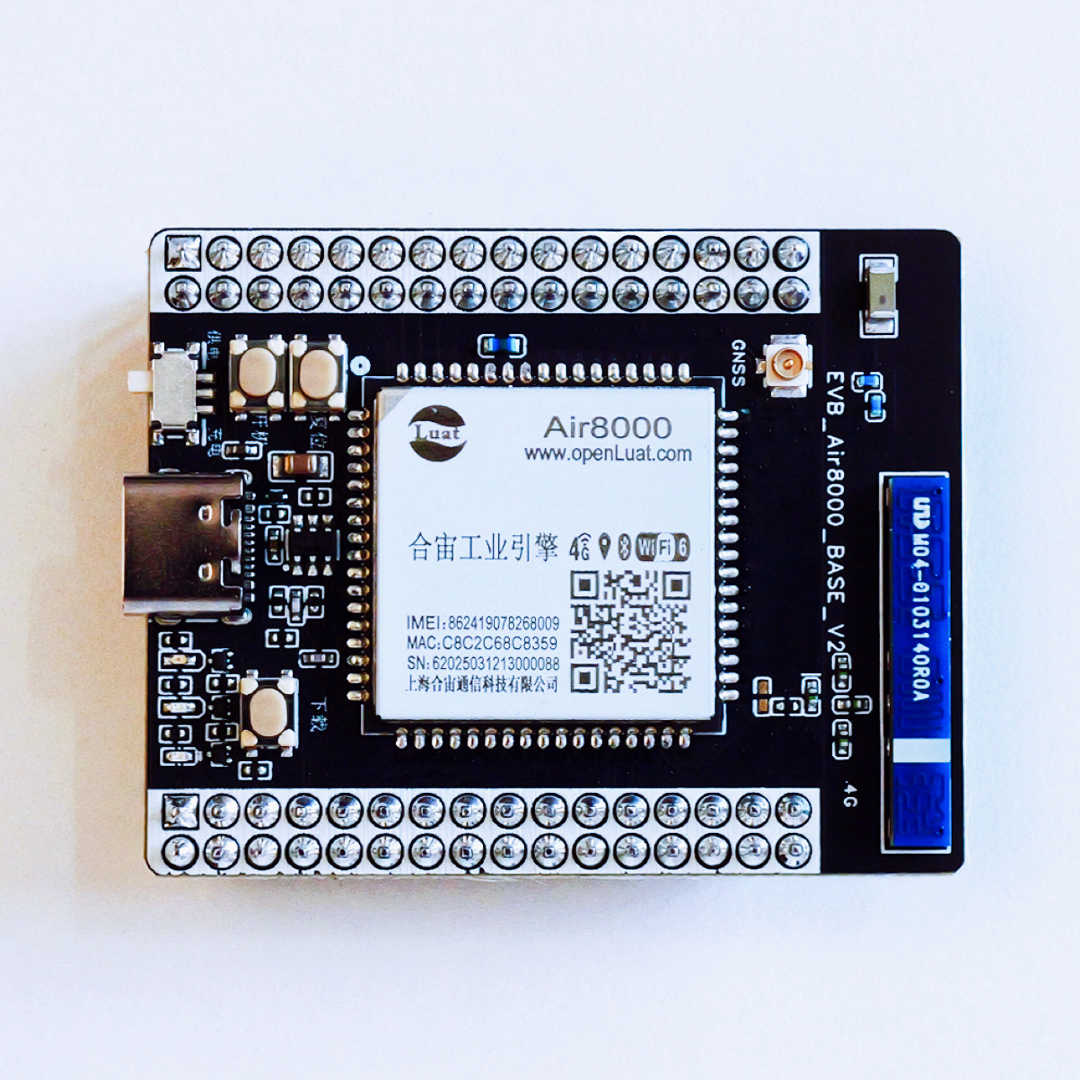
Hezhao Air8000 core board or development board kit;
-
USB data cable supporting data transmission;
-
PC with Win10 or above.
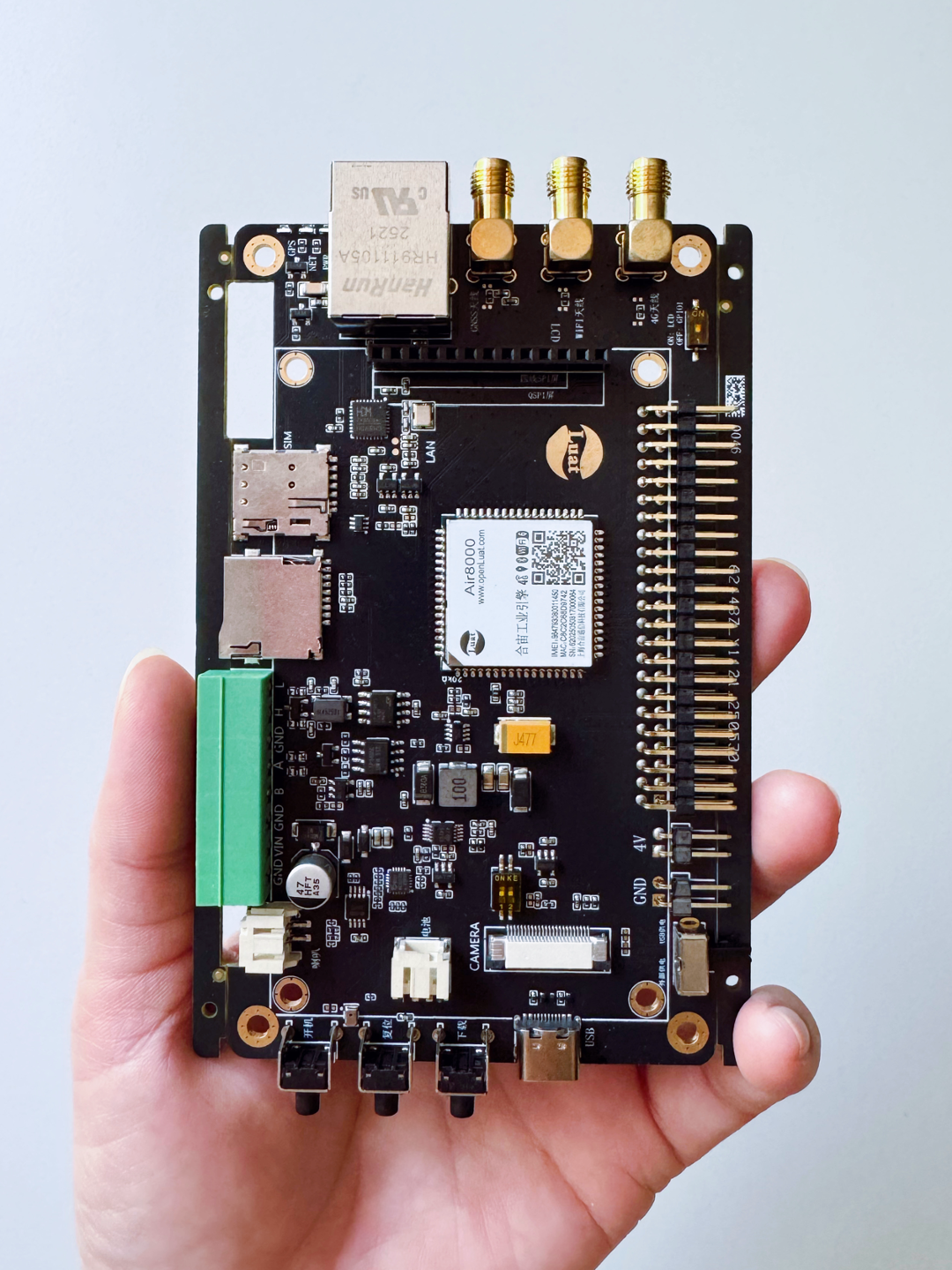
The Hezhao Air8000 series products provide core boards, complete development boards (without shell/color shell), and other kits, making it easy for developers to quickly get started with debugging and usage.
Hezhao official store: luat.taobao.com Hezhao data center: docs.openluat.com
2
Code Analysis and Practical Demonstration
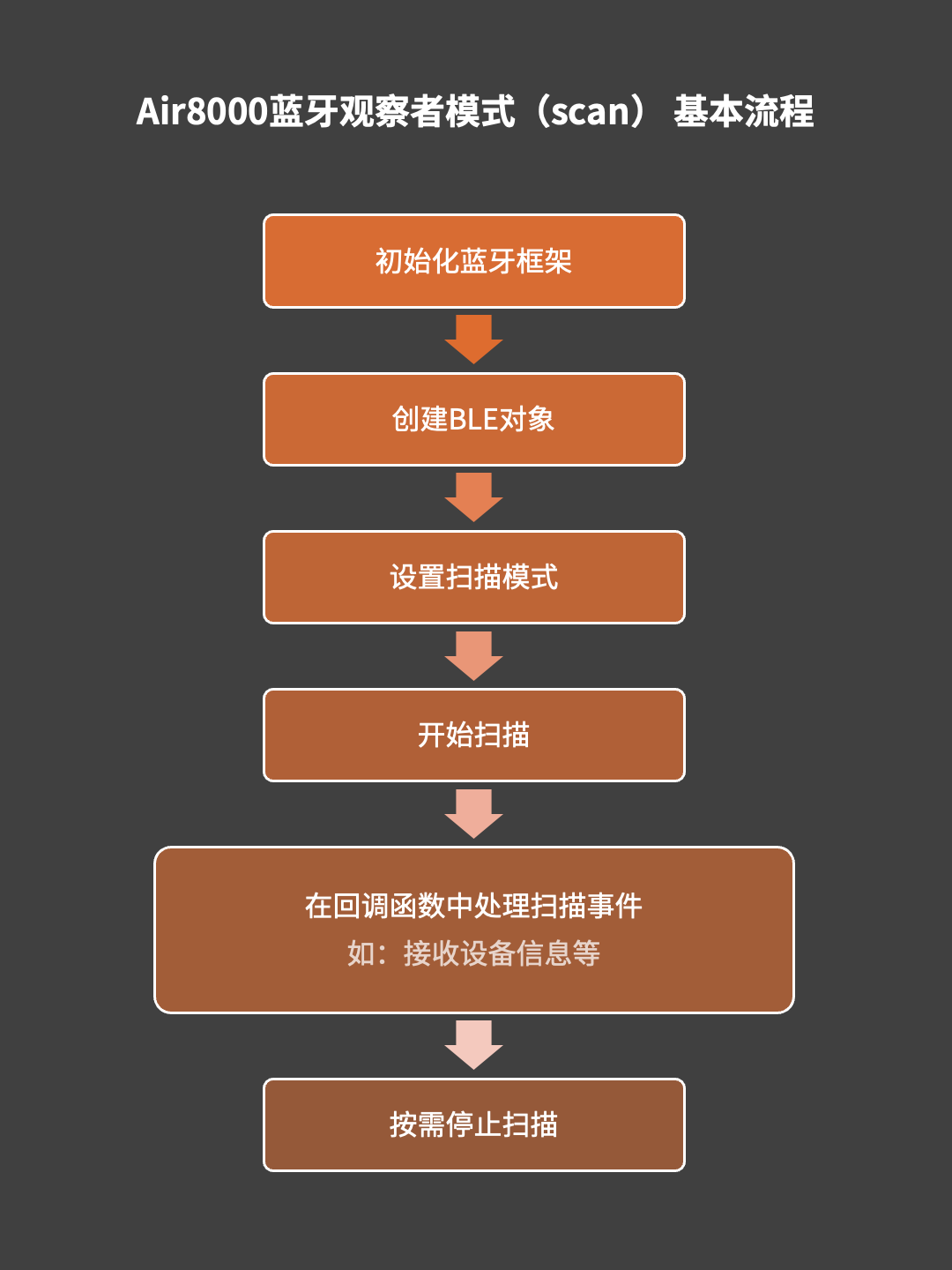
The Air8000 application examples are continuously updated, and this article will briefly demonstrate how to use the Air8000 Bluetooth functionality to work in observer mode.
For the latest source code and practical tutorials, see:https://docs.openluat.com/air8000/luatos/app/BLE/scan/
1
– Example Code Analysis –
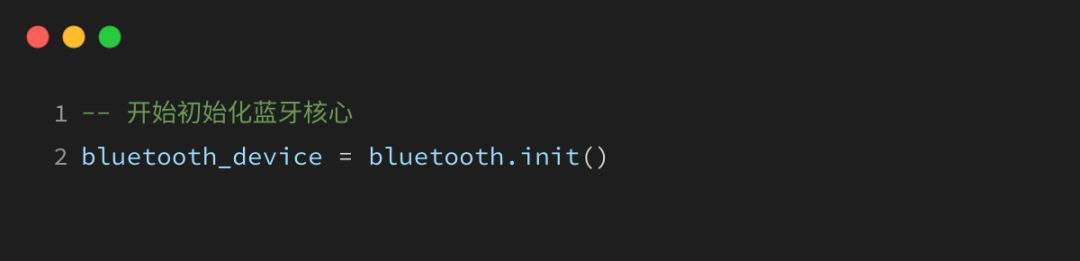
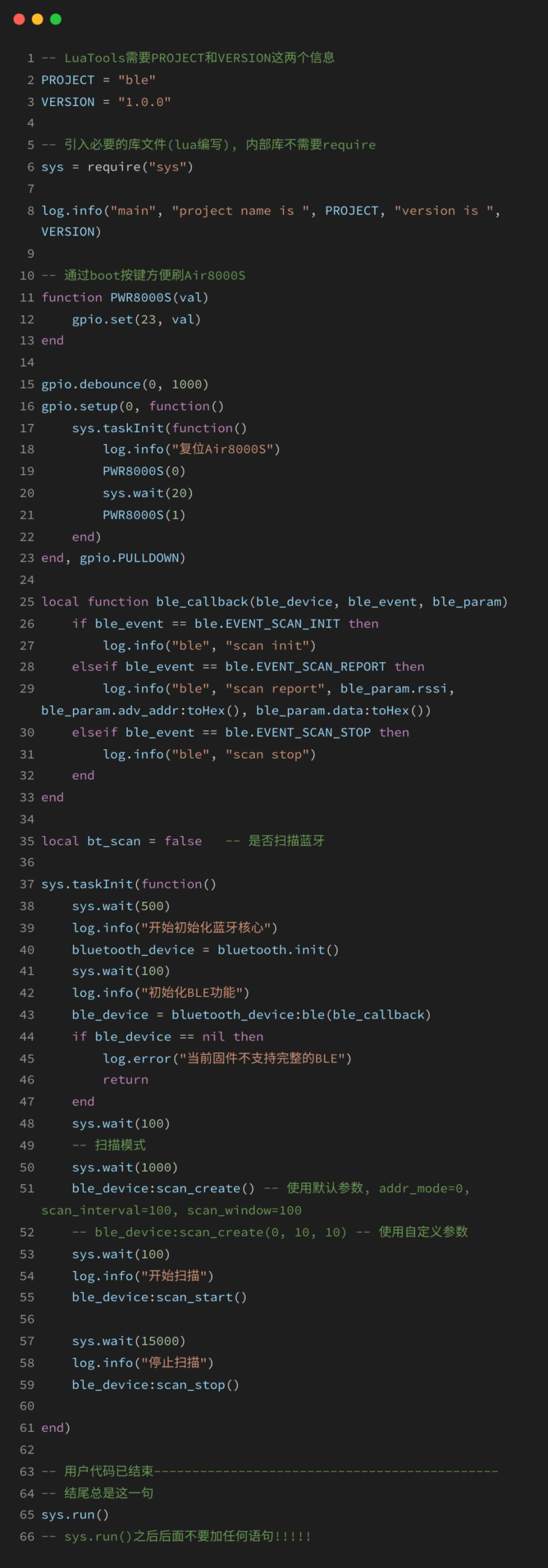
1) Initialize the Bluetooth framework
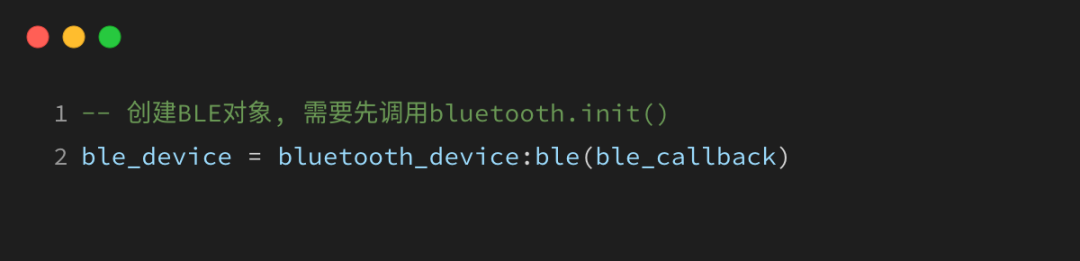
2) Create a BLE object
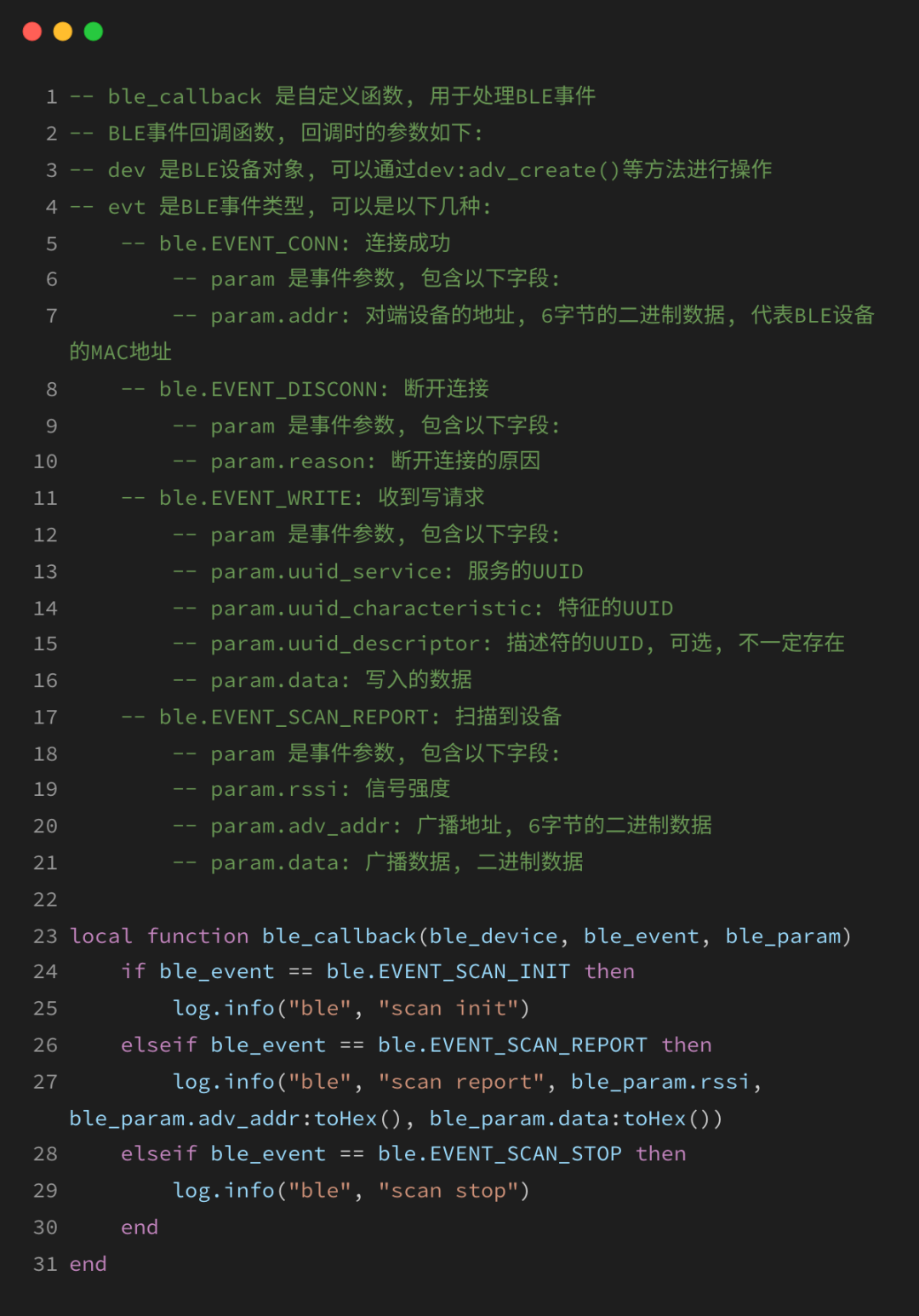
ble_callback is a custom function used to handle BLE events, see the explanation in section 5) below.
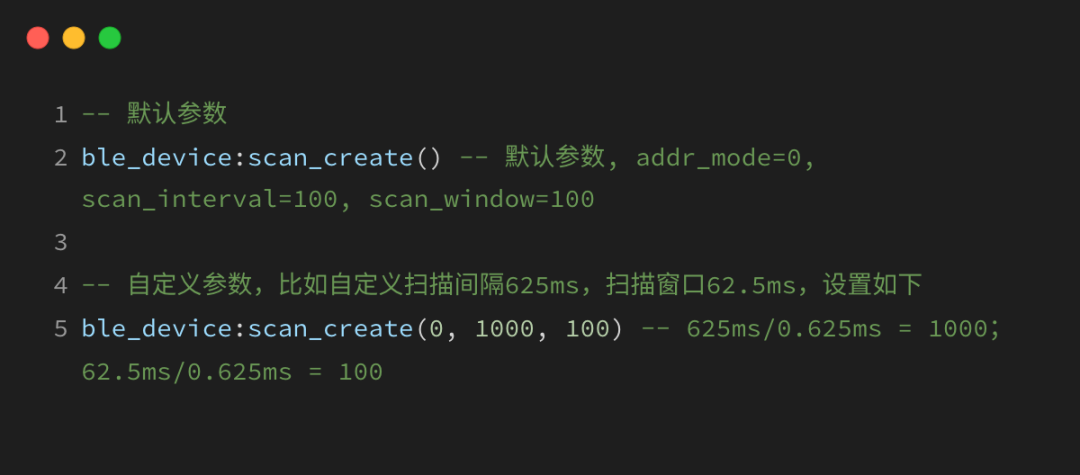
3) Create a BLE scan
Here, we first understand two basic concepts: scan window and scan interval:
-
Scan Window (scan_window): refers to the time period during which the BLE device opens the receiver to listen for broadcast devices while scanning. This time period is the actual time the device performs the scanning operation, also known as the duration of the scanning event. The unit of the scan window is typically 0.625ms, and its value must be less than or equal to the scan interval.
-
Scan Interval (scan_interval): indicates the interval time between two scanning events. The unit of the scan interval is the same as that of the scan window, which is also 0.625ms.
Note: If the scan window is as long as the scan interval, it indicates that the host is continuously scanning.
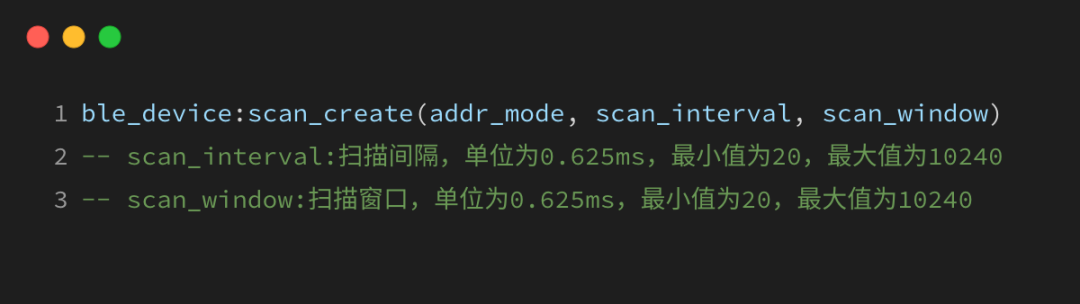
Example as follows:
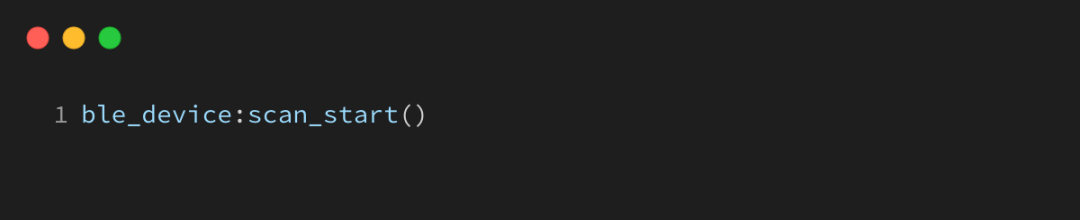
4) Start scanning
5) Handle scanning events in the callback function, such as receiving device information, etc.
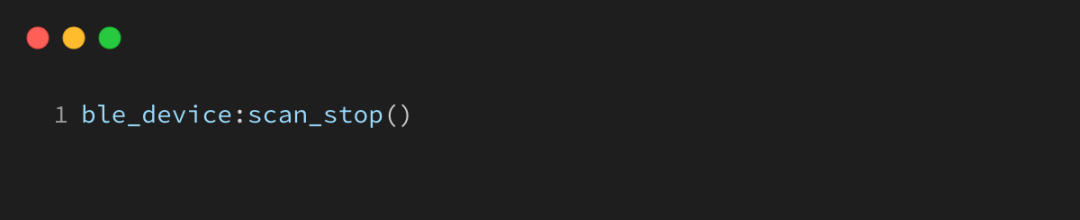
6) Stop scanning as needed
2
– Example Run Results –
1) Burn the source code and firmware
New friends can refer to the relevant tutorials for the software environment:https://docs.openluat.com/air8000/luatos/app/BLE/scan/
Current example code is shown in the figure below:
2) View the run results
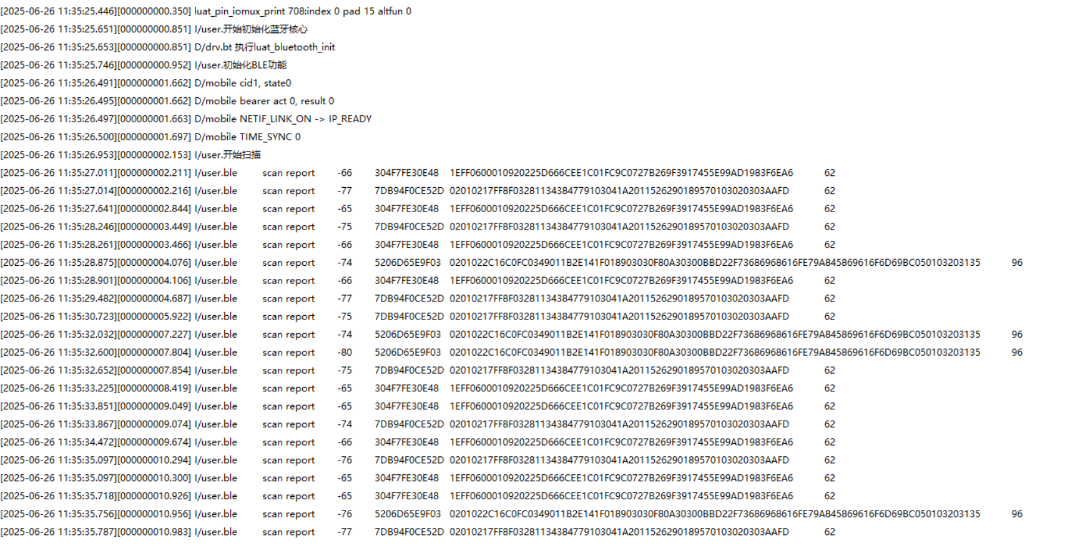
Through LuaTools logs, you can view the information of nearby Bluetooth devices that have been scanned.

That’s all for today’s content~ If you have any questions regarding IoT development selection, feel free to join the technical exchange group or contact the product manager for discussion.
For the latest development materials, see: www.air8000.cn

▼ Learn More About Hezhao ▼
4G + positioning + WiFi + Bluetooth, Air8000 complete development board Air8101 core board + accessory board new products
Hezhao low-power 4G module, adding 4 more hardcore new products