Why Is My Wi-Fi Signal Poor in a Small Home?
Experiencing video buffering in bed, unable to check social media in the bathroom, and not being able to see recipes in the kitchen are three major sources of pain in modern life; they not only affect physical health but also take a toll on mental well-being. If Maslow were alive today, his theory of needs might have been upgraded to version 2.0.
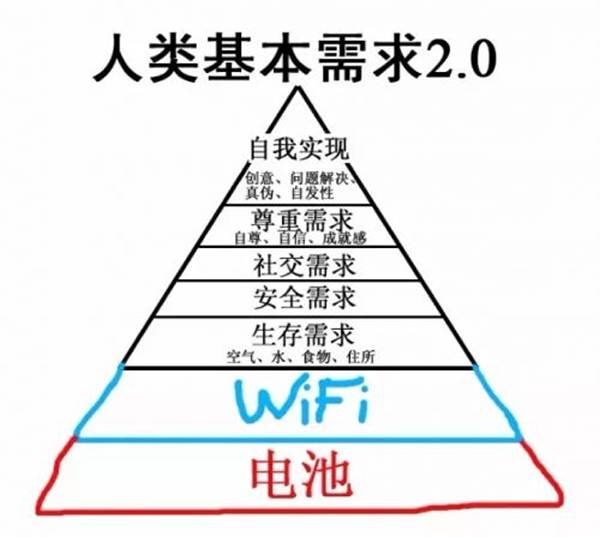
In such situations, countless people wonder: why is it that my home is so small, yet the wireless signal still doesn’t cover it?
Youngster, why are you squatting at the door to steal a signal?
In 1999, an organization aimed at promoting wireless network standards, WECA, was established, and it was renamed the Wi-Fi Alliance the following year. The Wi-Fi we are familiar with is the trademark owned by this organization.

However, the first version of the universal wireless network standard actually appeared in 1997. This is the IEEE 802.11 defined by the Institute of Electrical and Electronics Engineers. This series is the universal standard for wireless networks today and can almost be equated with the Wi-Fi standard in everyday use.
In the latest IEEE 802.11 series standards, wireless networks can operate in the 2.4 GHz or 5 GHz frequency bands, achieving speeds of up to 150 Mbit per second—if you don’t have high audio quality requirements, you can transfer four to five MP3 songs in one second.
However, the higher the frequency, the shorter the wavelength, and the wireless network signal is less able to bend. The more obstacles between the wireless router and your phone, the worse the signal; in homes, “obstacles” mainly refer to walls.

This is what Wi-Fi signals roughly look like.
We can imagine the wireless router as the only light in the house, and all the walls as frosted glass. The brightness in your room obviously depends on the distance between you and this light and the number of walls.
This is exactly the root cause of the three major pains. In modern home designs, the network cable entry is usually set at the entrance or on the living room’s TV wall, while the main usage environment for Wi-Fi is not in the living room. If you didn’t carefully plan network cables during renovation, reserving network ports for each room and connecting them to the router, places like the study, bedroom, and bathroom often don’t have the best Wi-Fi signal.
How can we make Wi-Fi cover every corner?
If you had the foresight to lay network cables in every room during the renovation, you just need to connect a few wireless routers through the cables. If that’s not possible, you might consider routers with wireless cascading functions.
Wireless cascading can be understood as a signal amplifier, using one wireless router’s signal to amplify it through another router. This requires support from the router’s own functions and needs to be implemented in an environment where the wireless network signal is not too poor.

This is what wireless cascading roughly looks like.
Currently, such products are quite mature. For example, Huawei’s A1 series products can connect the mother router and child router (Huawei’s multi-router cascading solution is referred to as “mother-child router”), and the setup is very simple.
Is there a technology that allows smooth internet access in areas with poor wireless signals without having to run network cables?
…Yes, there is. As long as there is a power outlet. Some wireless routers can use power line carrier technology to transmit signals between routers through the household electrical wiring.
Power line carrier technology sounds impressive, and in reality… it is quite impressive. Some smart meters are already using this technology to achieve remote automatic meter reading; routers have also started using this technology. The benefits are obvious—just have a power outlet, and you can connect a router to enhance the signal.

This is what power line cascading roughly looks like.
Clearly, regardless of the cascading method, it wastes the router’s capabilities—each router is designed to operate independently, but when cascaded, only a small portion of its functionality is used. What if we designed a router that only serves as a subordinate?
Huawei has done just that. The communication giant proposed the concept of “mother-child router”, assigning the primary network connection function to the mother router, while the compact child router can amplify the signal through power line cascading, covering the Wi-Fi network without blind spots, represented by the Huawei Q1 product.
The Huawei Q1 mother-child router connects the incoming network cable to the mother router, allowing the child router to be plugged in wherever the signal is weak. The router settings will synchronize between the mother and child routers, and one mother router can support up to seven child routers, easily covering over a thousand square meters.
Best of all, this router system will automatically select and switch to the most suitable router based on your phone’s location, ensuring seamless transitions and always the strongest signal.
A Curious Incident Triggered by Curiosity
The reason we mention routers is that a recent incident occurred at Guokr.com.
Guokr’s second-floor office renovation has been completed, covering nearly six hundred square meters. This floor is off-limits, but a certain anonymous Guokr employee, Mr. Liu, was very curious about what it looked like inside. So he devised a system.
This is the scene of the incident: Guokr’s fourth and second-floor offices
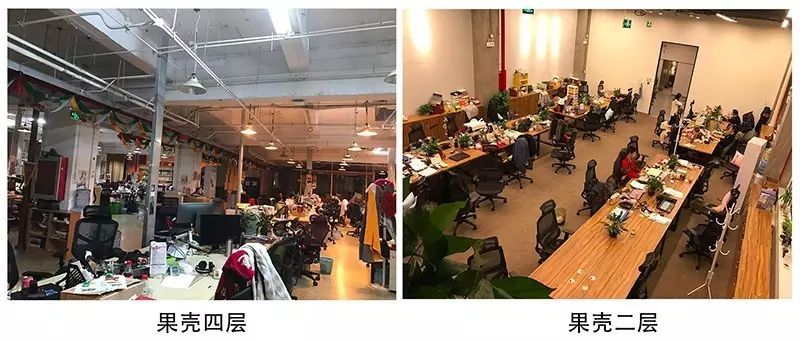
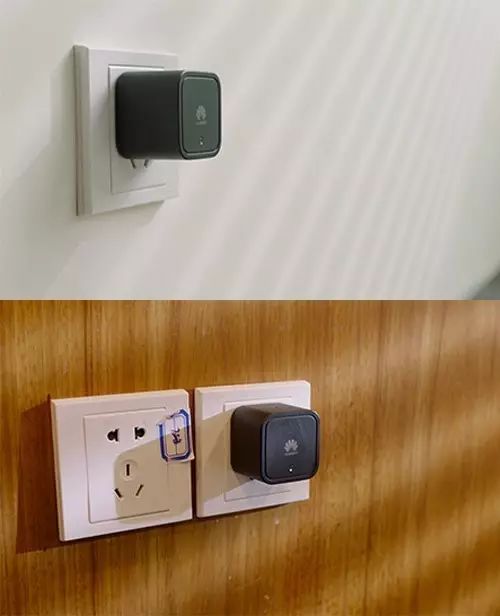
He had the internal line set up with Huawei Q1 child routers on the second floor. The office area is quite large, and one router cannot cover it well; to ensure better quality for the footage transmitted back from the GoPro, he even installed three child routers. The installation was very simple; just plug the child router into the power outlet.
Then, he installed a GoPro camera on a remote-controlled car and made some adjustments.
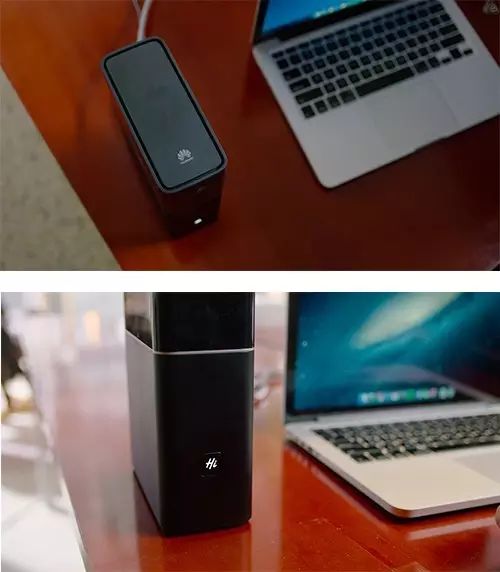
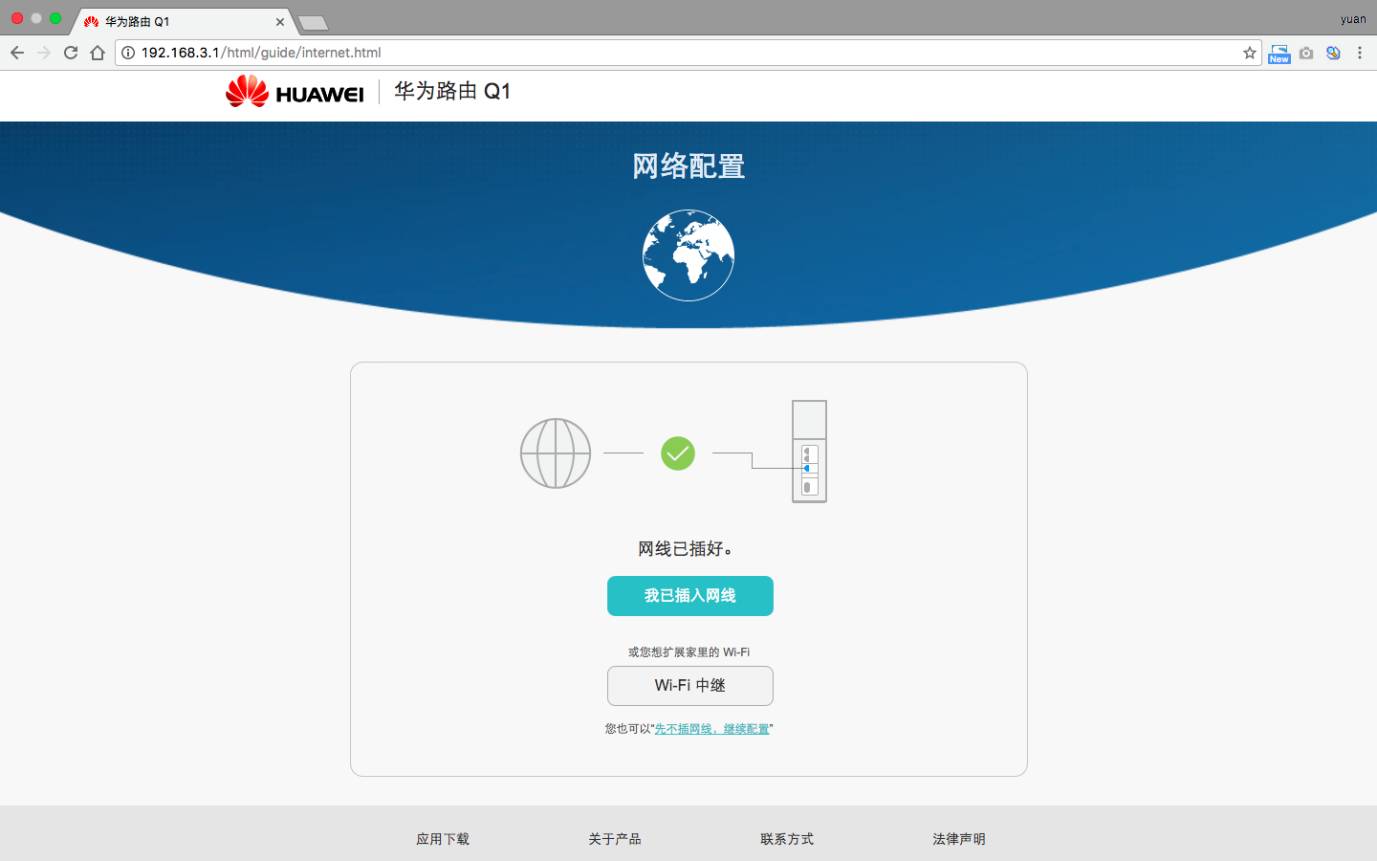
Next, he connected the mother router to the network in Guokr’s fourth-floor office.
The setup was even simpler—just set it up on the mother router on the fourth floor, and all parameters will synchronize to the child routers through the electrical wiring.
Then began this remote exploration journey.

Surprisingly, it went very smoothly. The remote-controlled car blended into the second-floor office area, wandering around each room for a while and even drifting a few times. The installed GoPro transmitted clear and stable video via Wi-Fi.
Under traditional wireless routers, devices automatically switch between different networks and will disconnect for a few seconds. Mr. Liu chose the Huawei Q1 router to avoid this situation. According to his later account, the Huawei Q1 router has a rating system that real-time assesses which child router to connect to based on the current network conditions of each child router and the distance between devices and the mother router.
Network switching without lag, stable and smooth video transmission. Mr. Liu expressed great satisfaction.
Then he was caught red-handed by us. Below is the replay of the incident.
In this exploration journey, what left a deep impression on us was Mr. Liu… using the Huawei Q1 router. This router is extremely easy to install, and the power line cascading technology allows the wireless network to be used anytime and anywhere; the configuration is simple and can automatically sync all child router settings; the wireless network signal is stable, with seamless switching, capable of covering a total of seventeen hundred square meters across two Guokr office areas.
Although he used a mother router and several child routers, it felt like being in the same Wi-Fi environment. Not only does it appear so on the network devices, but it also feels that way in actual use. Because the conveniently added child routers eliminate any signal dead zones; and due to the automatic switching technology, there is no need to manually switch Wi-Fi networks. The signal is consistently strong, solving the three major pains at once.
Therefore, we praised Mr. Liu’s innovative idea and confiscated his Huawei Q1 wireless router.
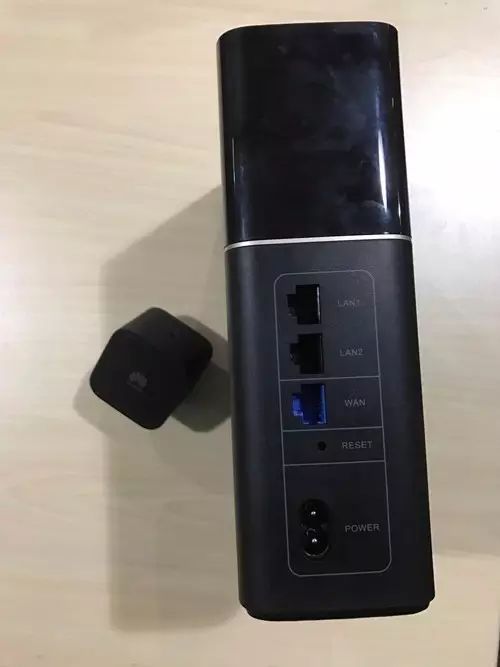
Fingerprints must not be wiped! Evidence!