Introduction: The author mainly collects, organizes, and summarizes a series of 3D models related to the title, making it easier for everyone to reference during the design process! Most of the model files are created using common mechanical design software such as SolidWorks, Proe/Creo, UG, CATIA, and Inventor. For those without source files, common intermediate format files such as step, igs, stl, and bin will be provided. If you need to convert model formats, such as converting Creo models to SolidWorks models, you can use Datakit CrossManager (installation and usage tutorials for CrossManager can be found in previously published works) (Note: Reference materials are at the end).
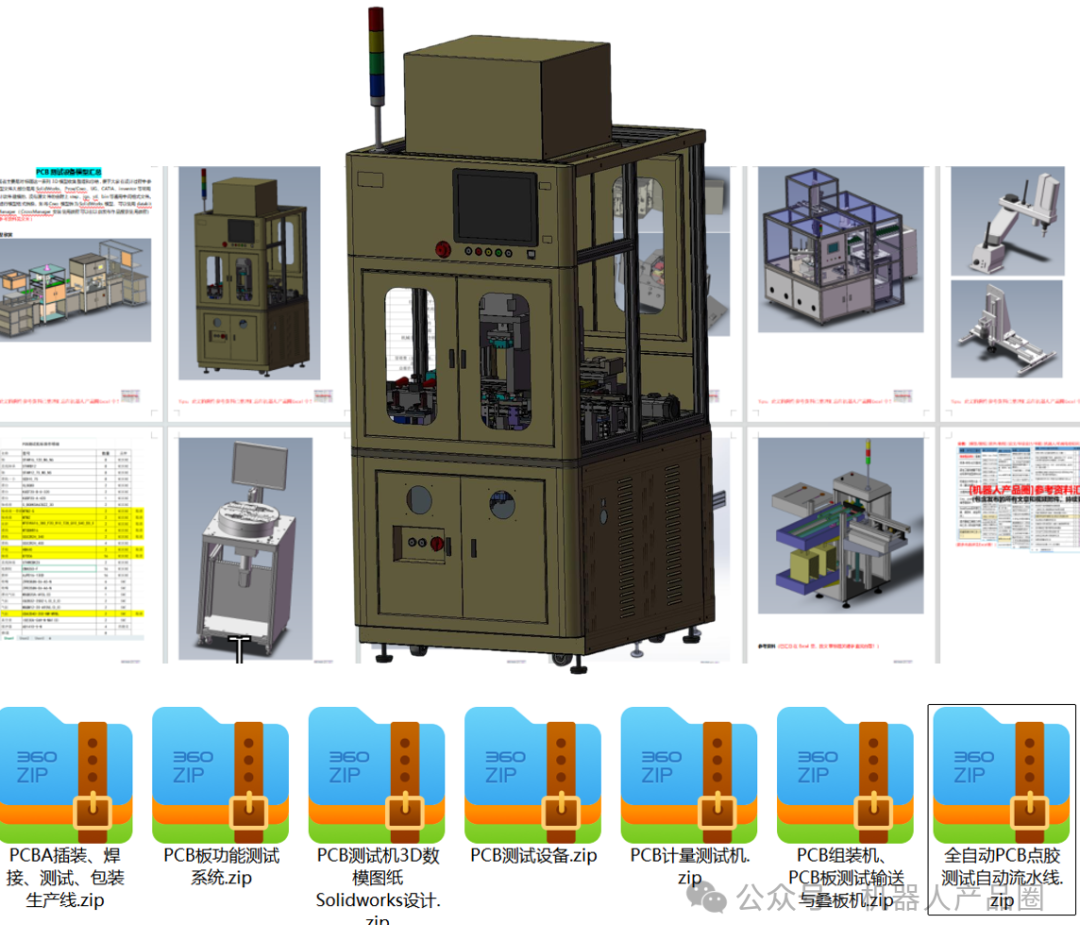
1. Model Appreciation
The design of PCB testing equipment revolves around the core requirements of electrical performance, connection integrity, and functional reliability of printed circuit boards (PCBs). It integrates precision sensing, automated control, signal processing, and software algorithm technologies. By optimizing probe layout, enhancing positioning accuracy, and expanding compatibility for various types of tests (such as open/short circuit detection, impedance testing, functional verification, etc.), it balances efficient mass production testing with precise fault localization, while incorporating design aspects of compatibility, stability, and ease of use, ultimately achieving rapid, accurate, and reliable testing of PCBs from prototype to mass production stages.
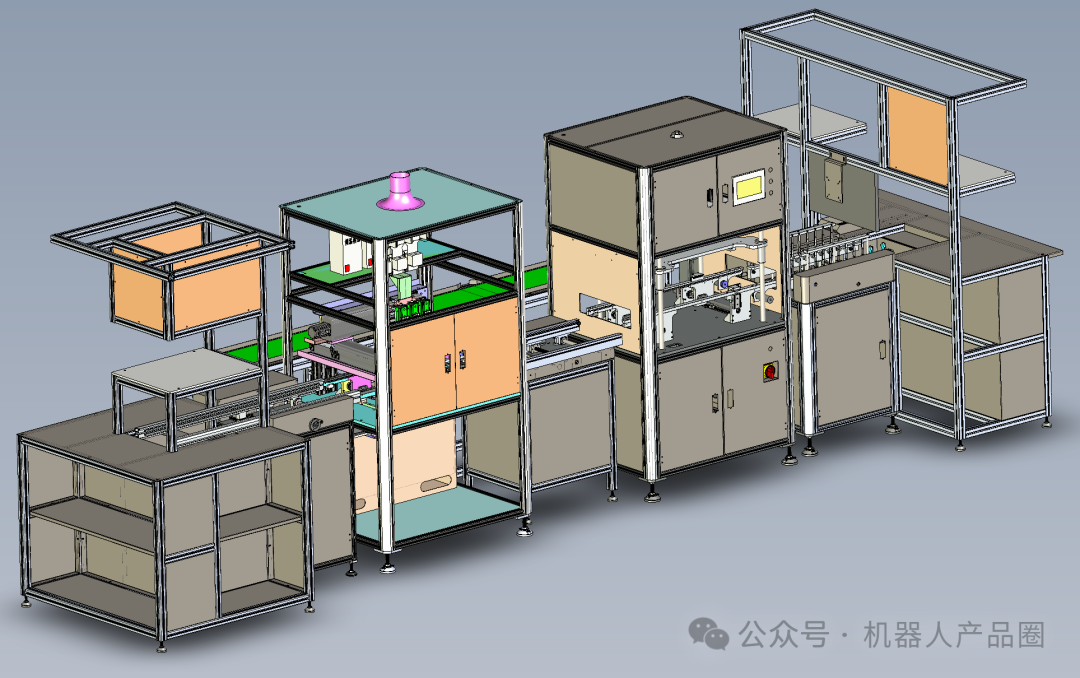
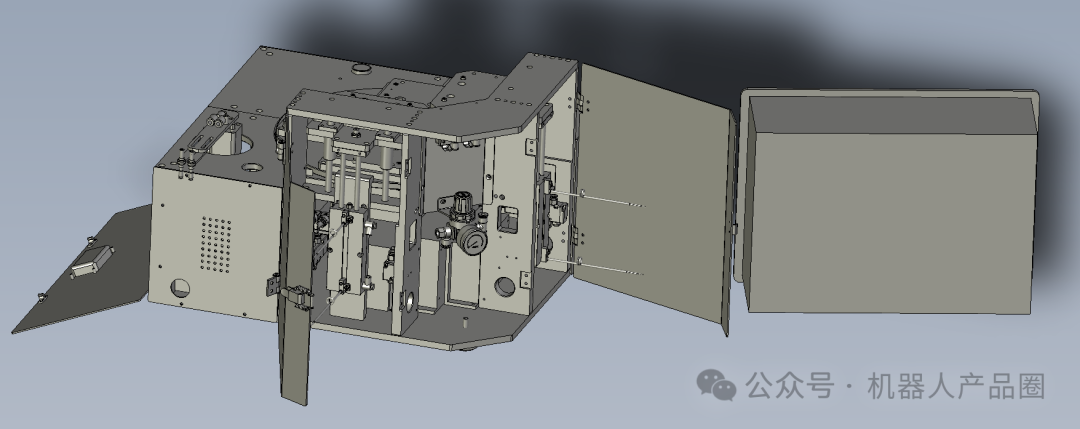
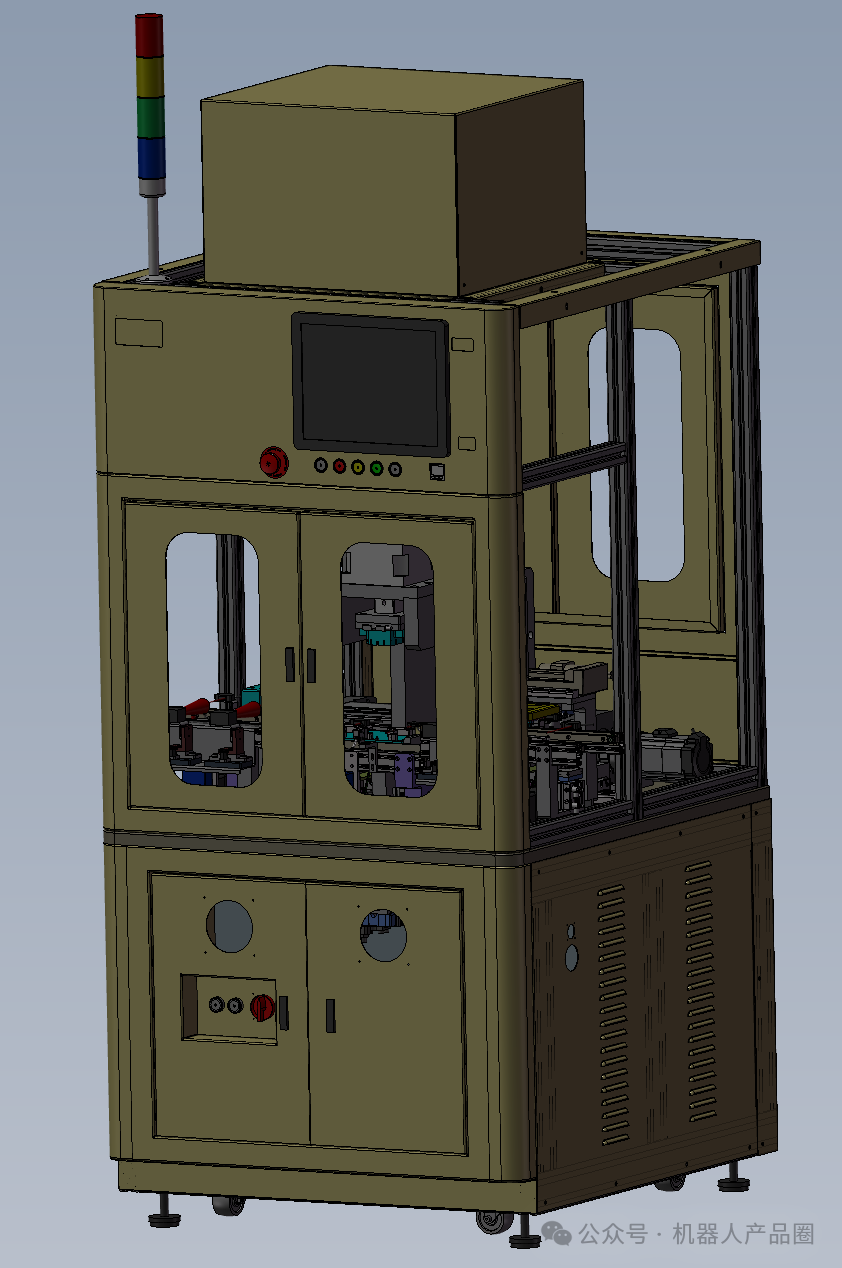
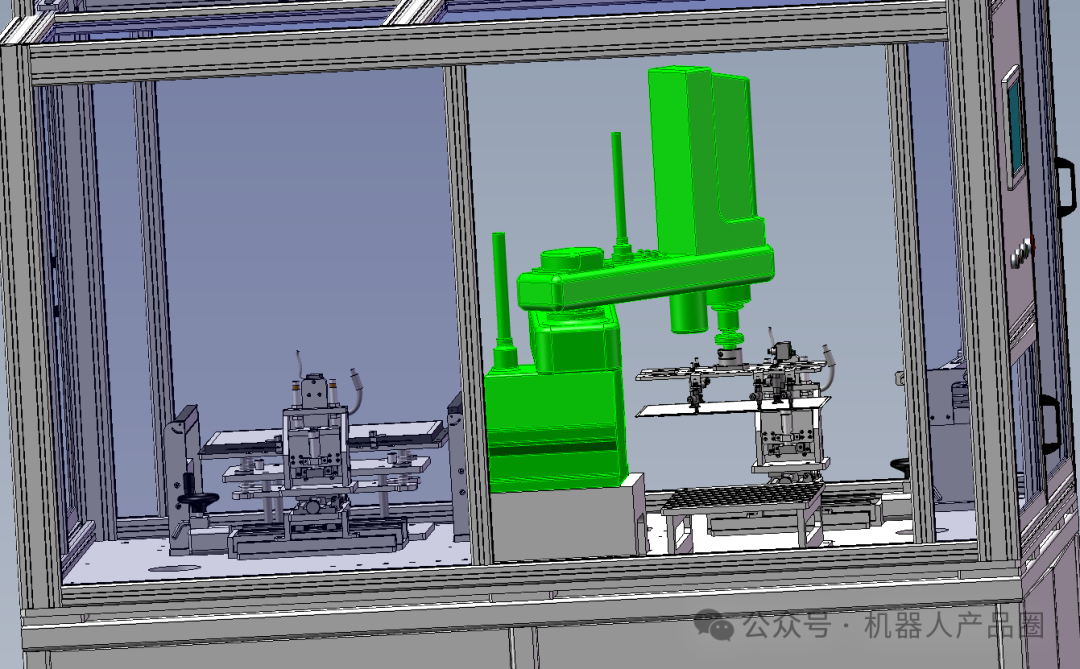
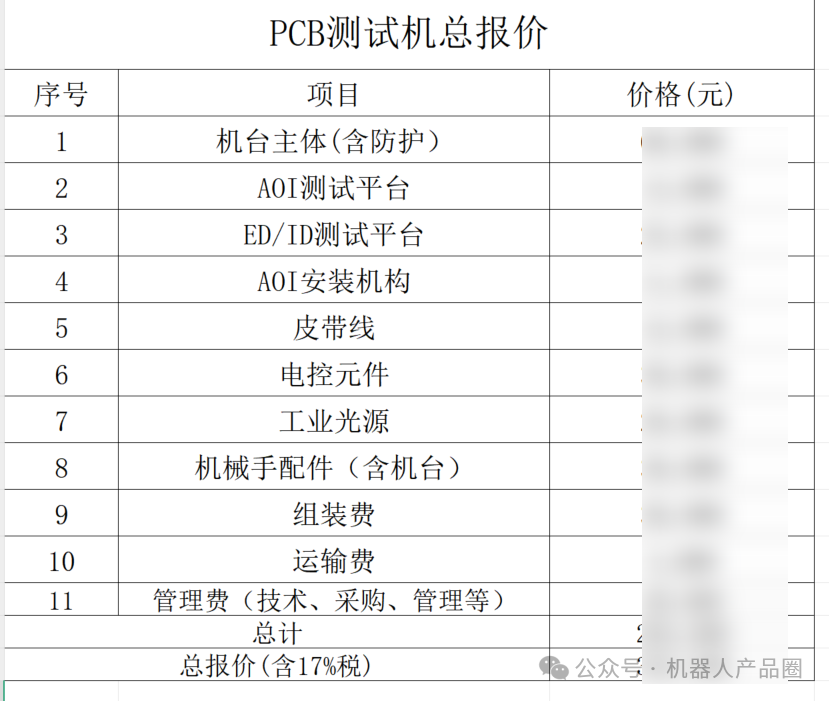
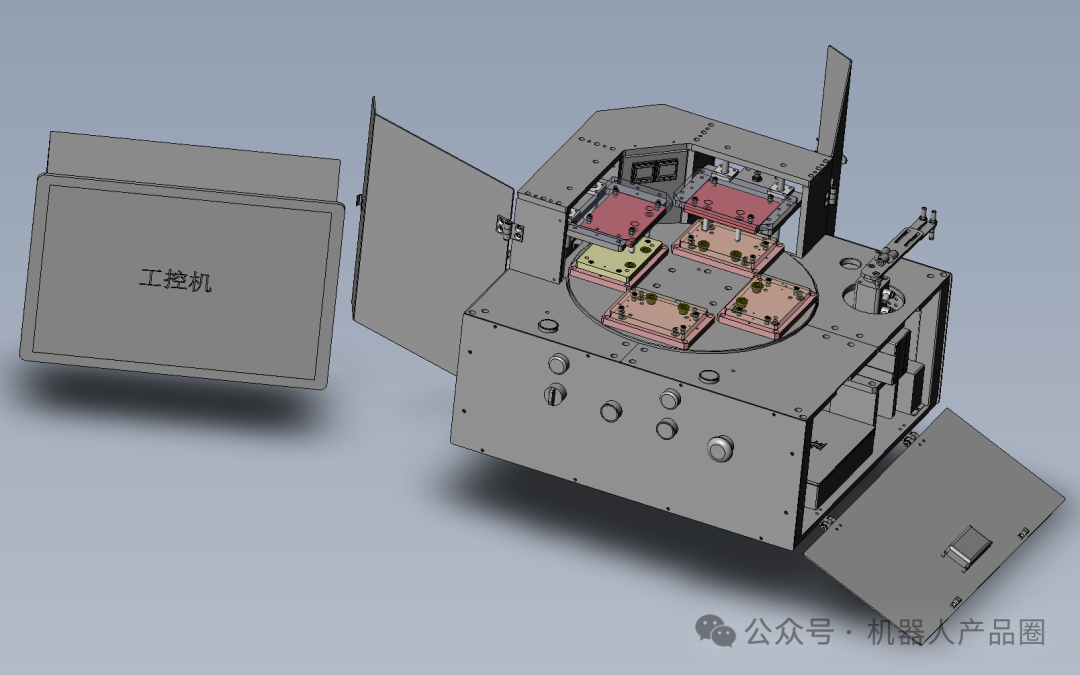
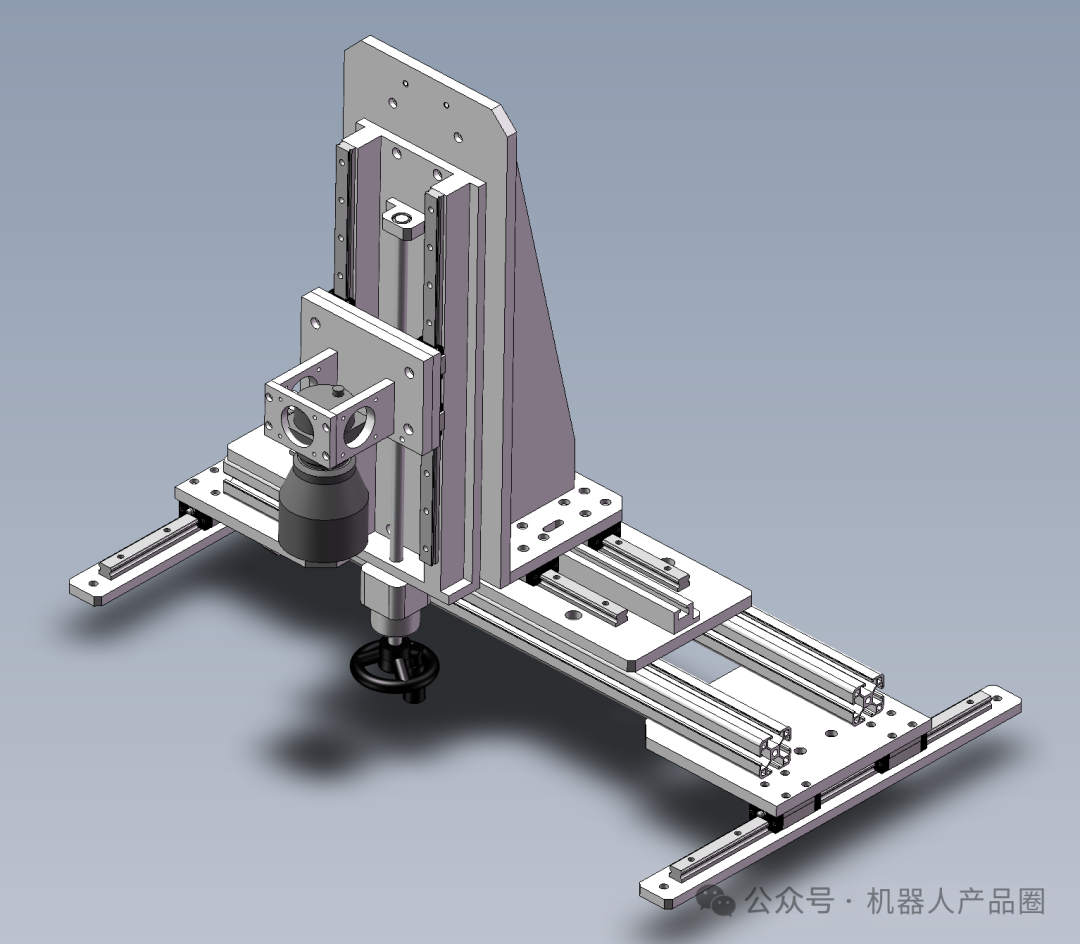
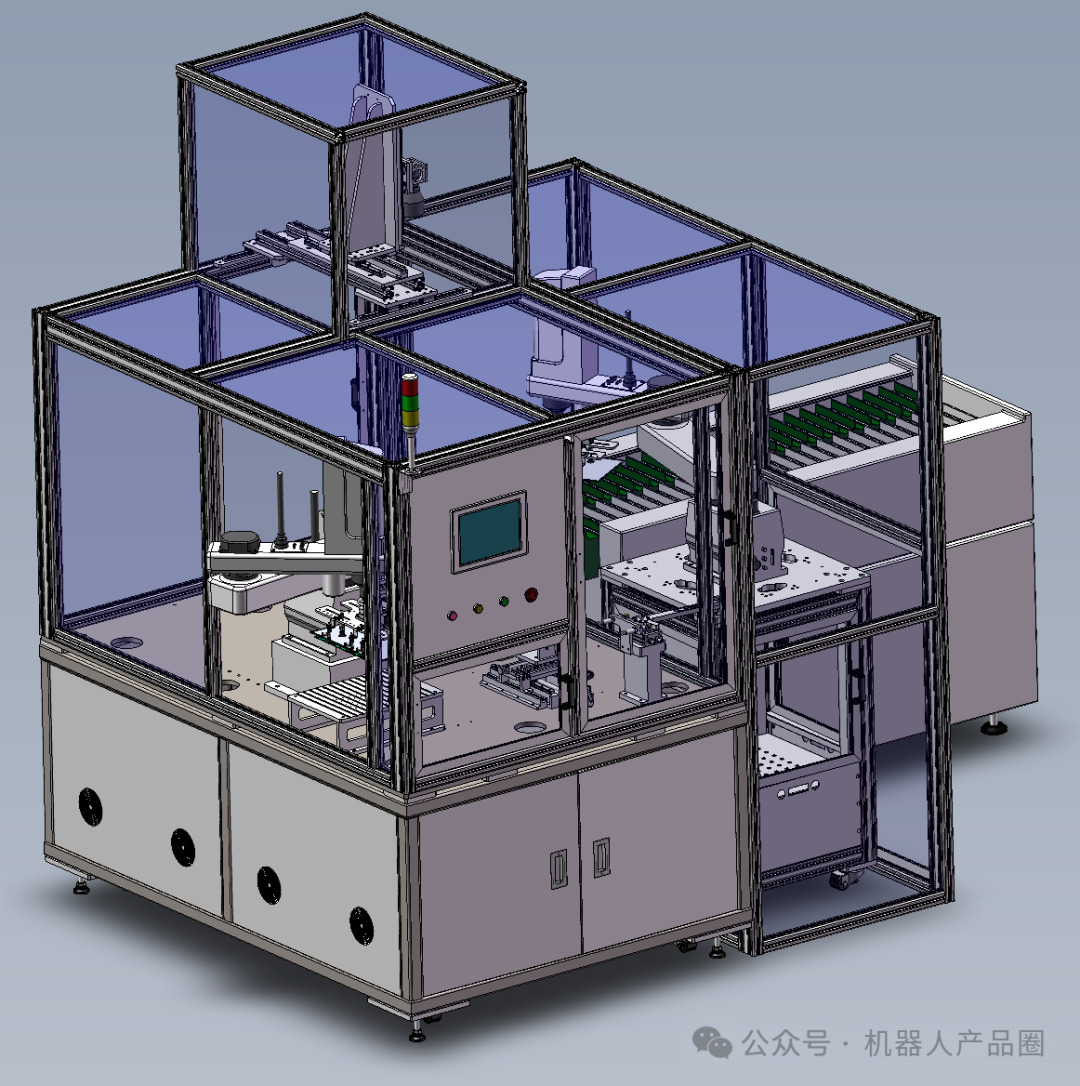
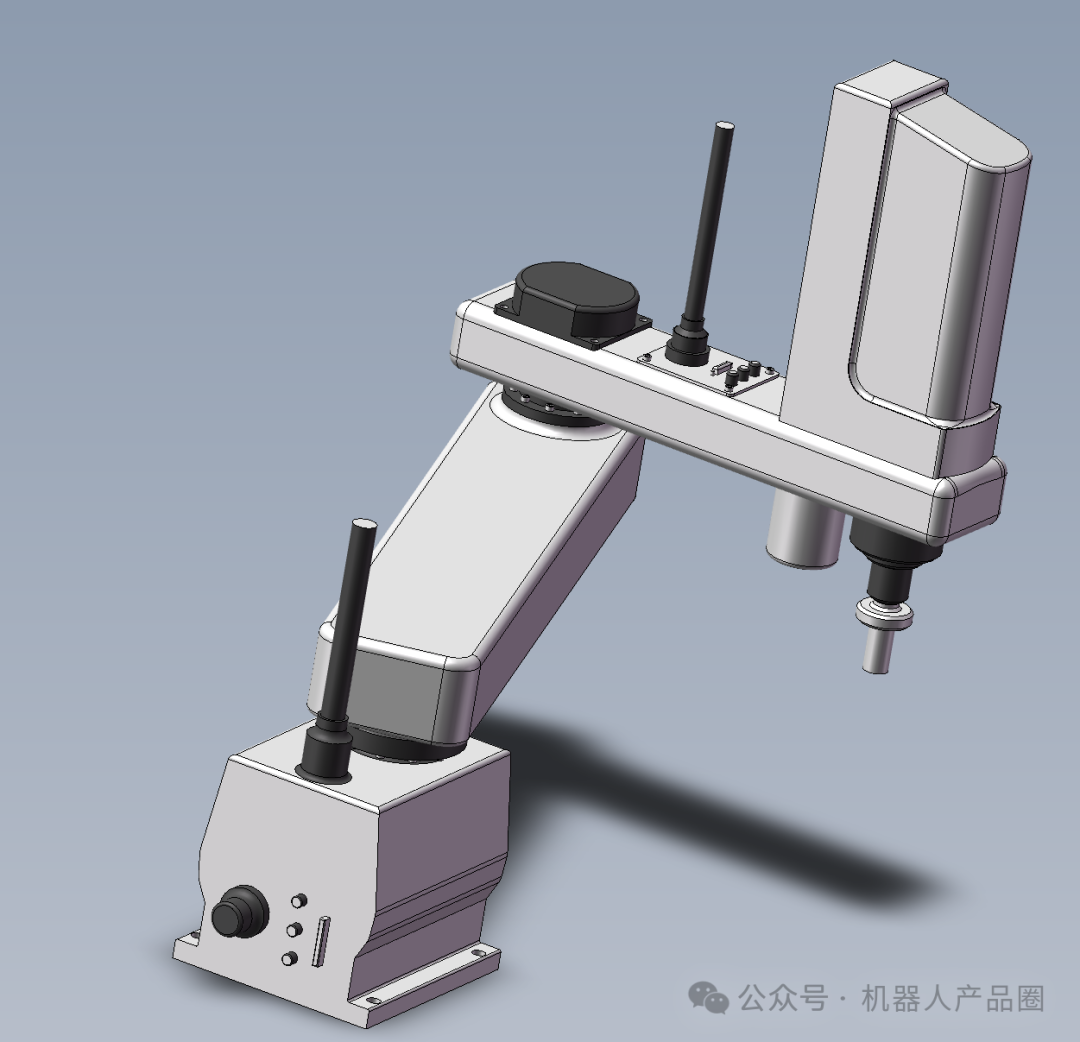
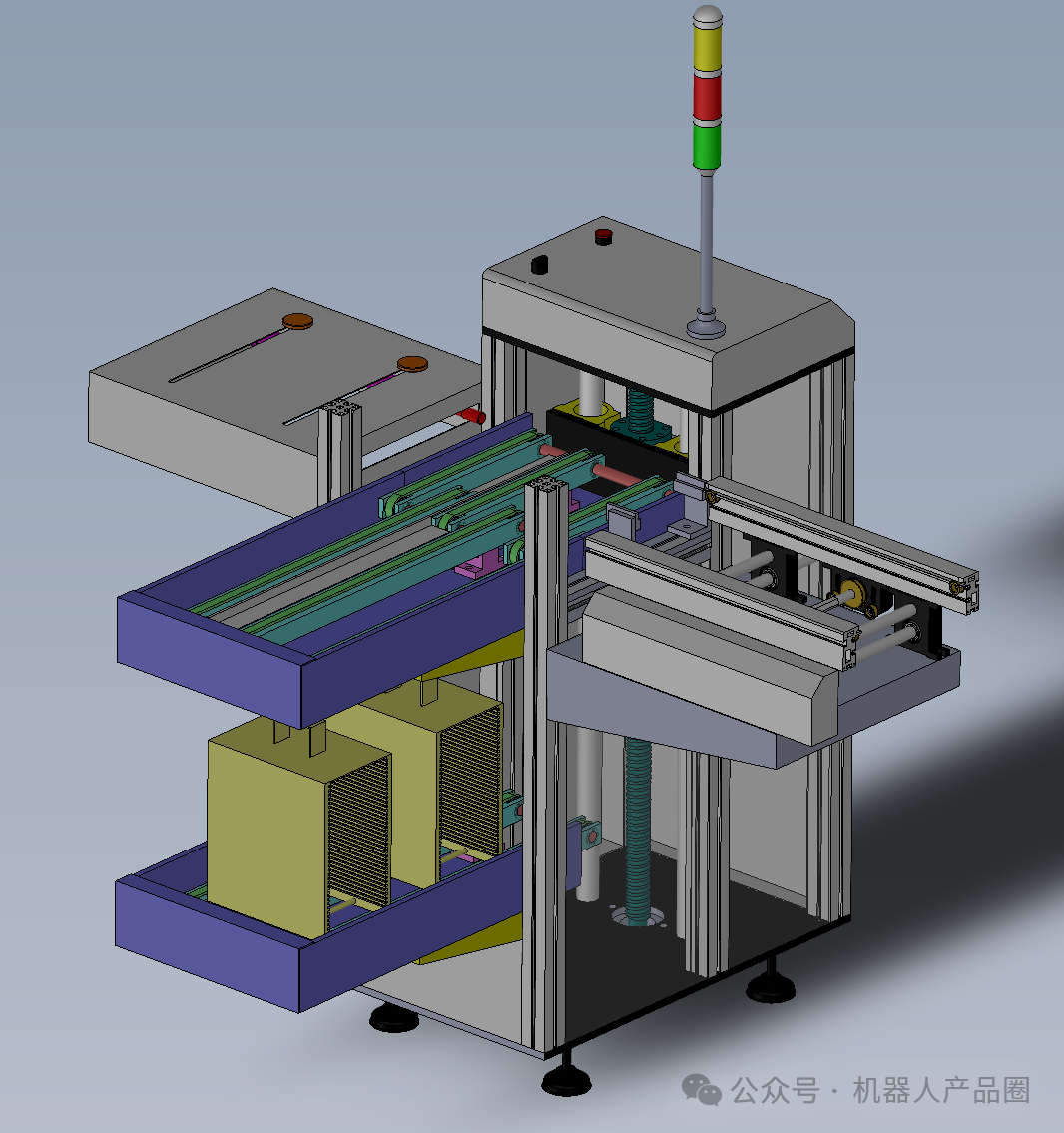
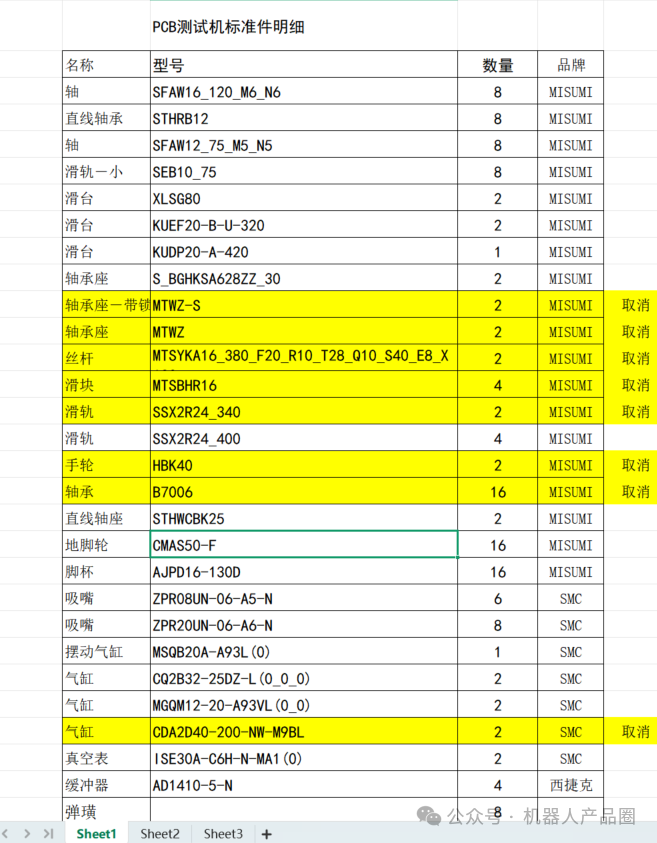
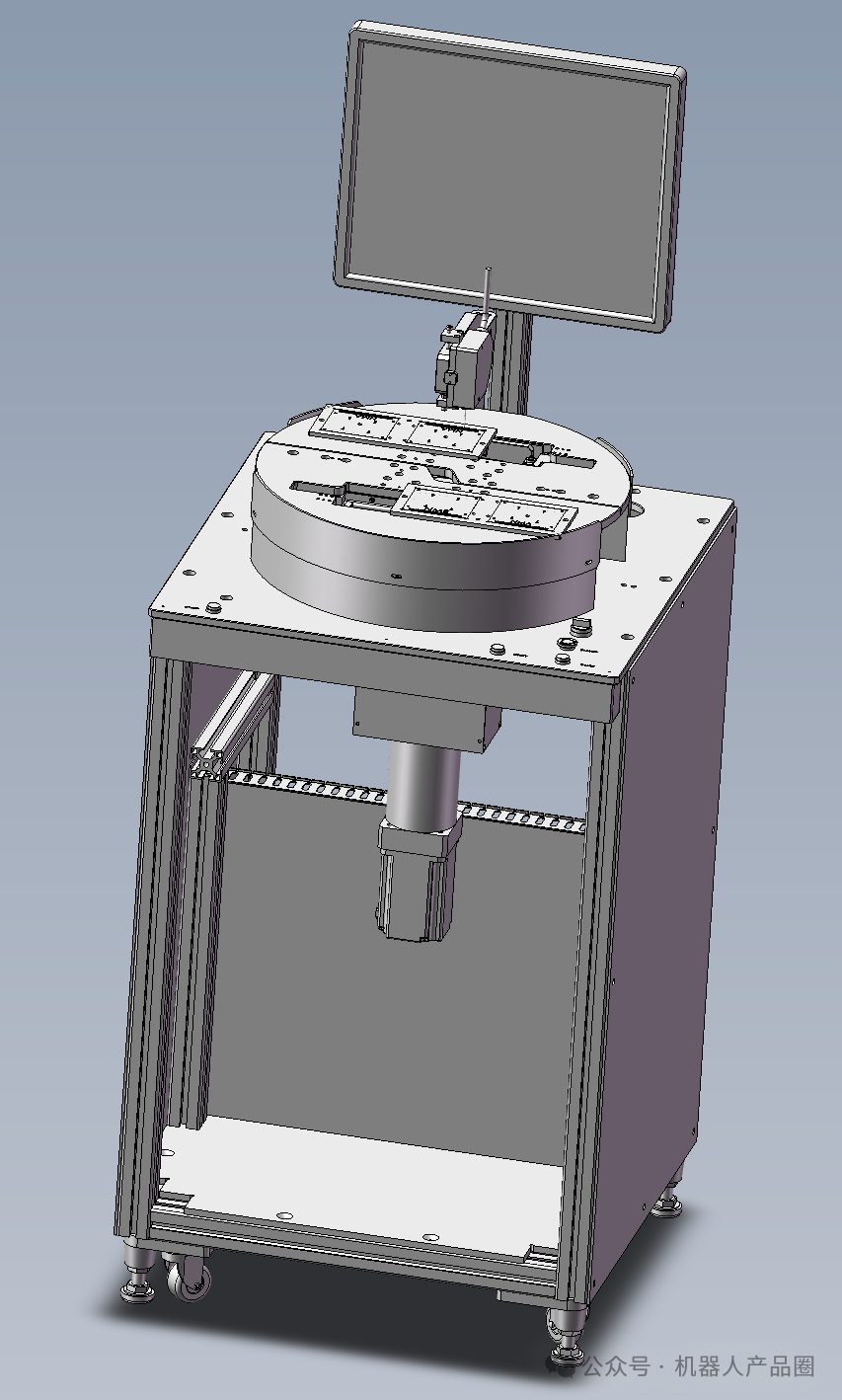
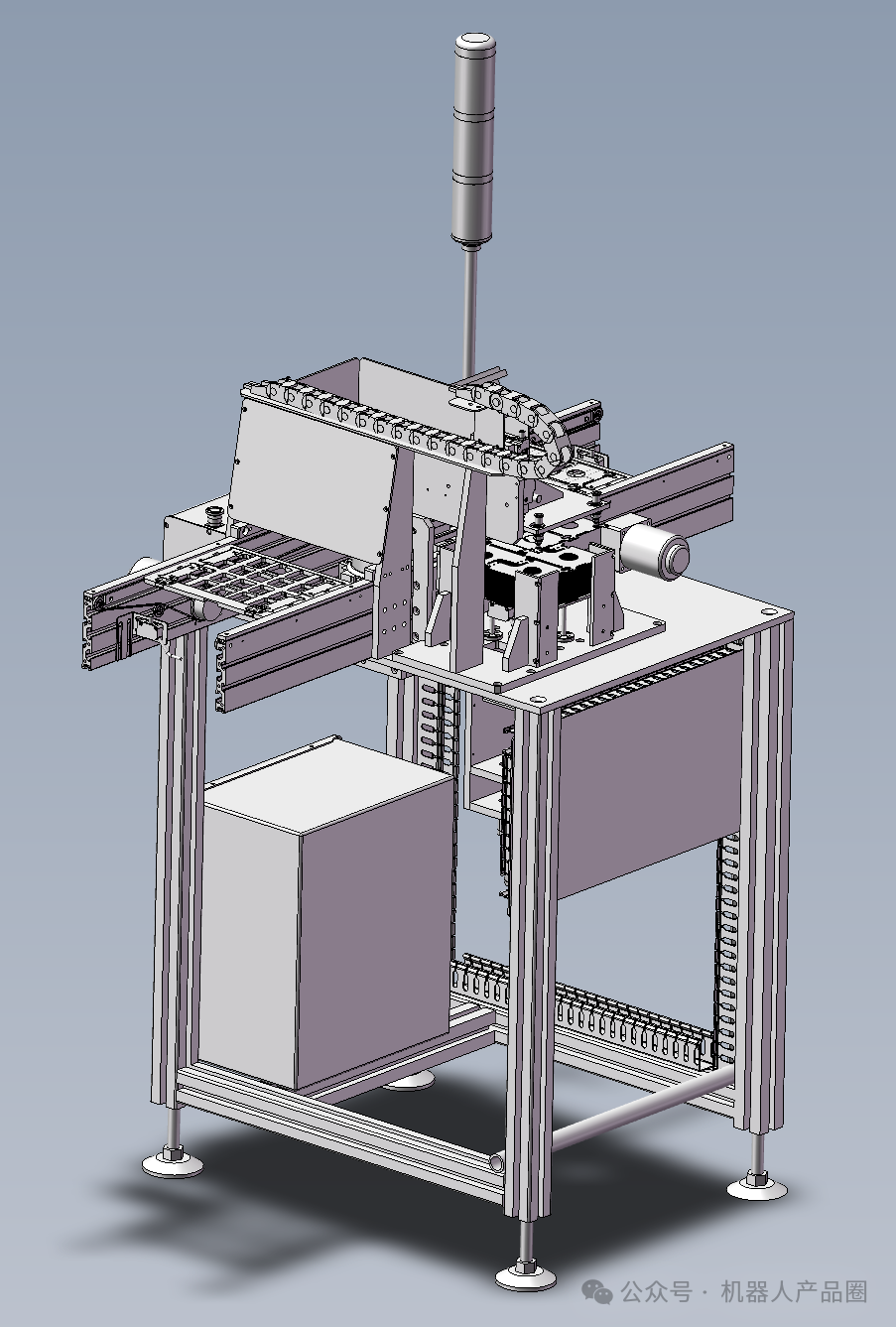
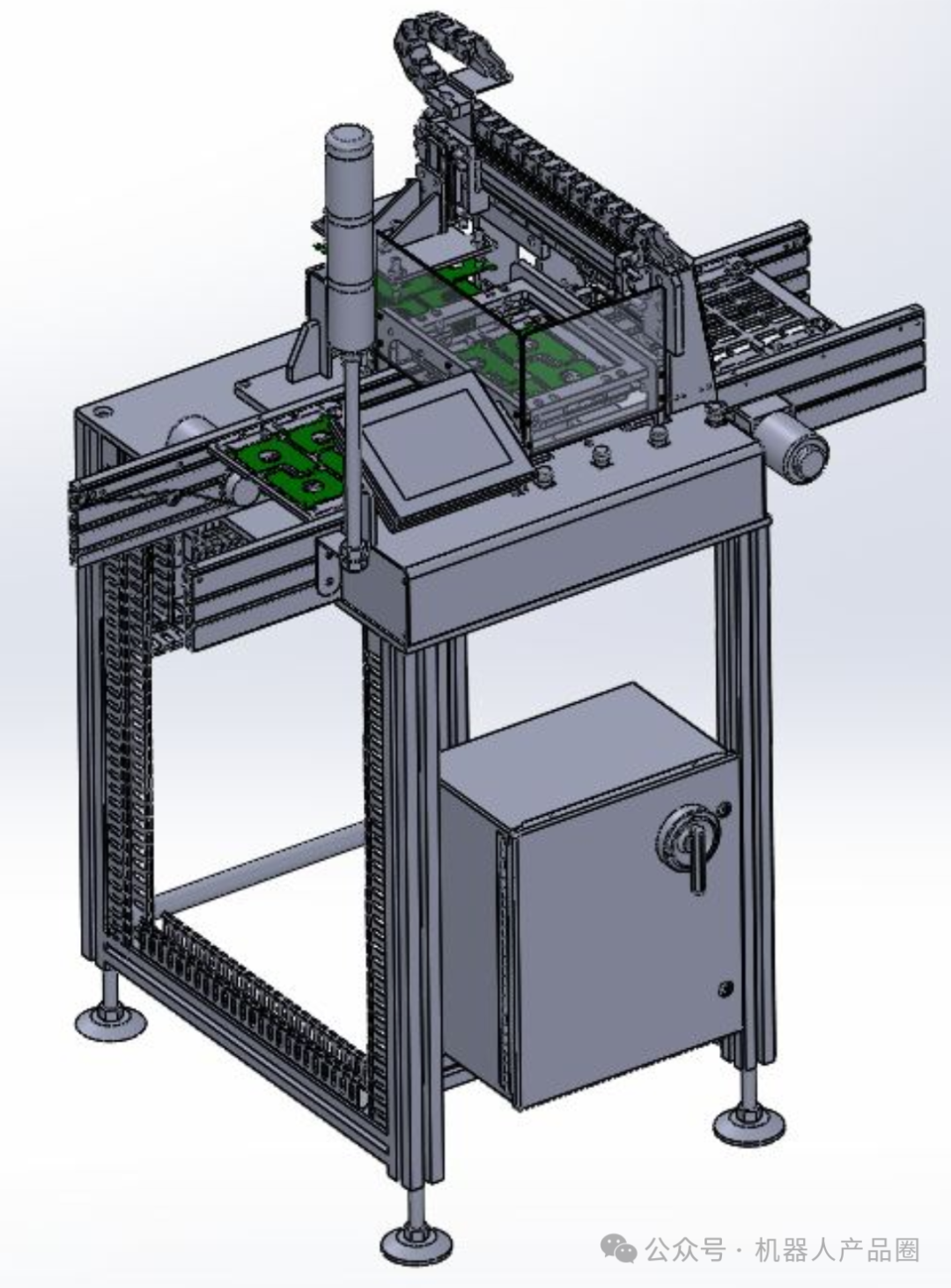
Reference materials (compiled in Excel, available for self-service by searching keywords from the article titles!)
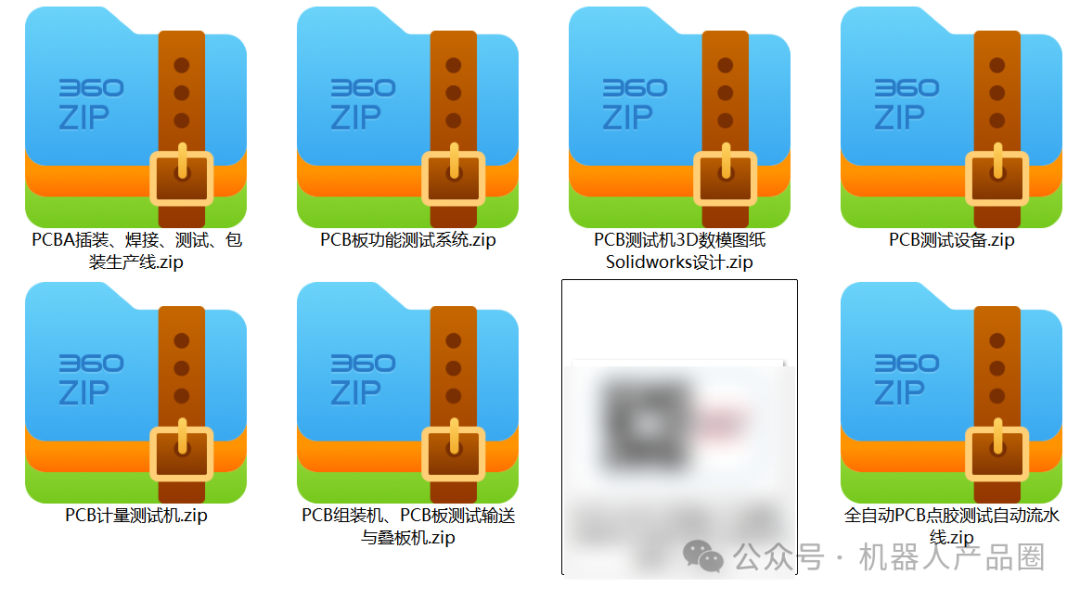
\PCBA insertion, welding, testing, packaging production line.zip
\PCB functional testing system.zip
\PCB testing machine 3D model drawings Solidworks design.zip
\PCB testing equipment.zip
\PCB measurement testing machine.zip
\PCB assembly machine, PCB board testing conveyor and stacking machine.zip
\Fully automatic PCB dispensing testing production line.zip
 AttachmentsReference material downloads: Please refer to the article instructions below for self-service!Robot product circle attachment reference material usage methods and download instructions (If invalid, please click the “Attachment Acquisition” button in the public account menu!)

Tips2:Comment sectionLeave a message for the required materials, and I will send them out once found!