Although most new 3D printers now come with built-in AI detection features, this is not a novel concept. However, if you prefer not to connect your 3D printer to the internet and only operate it on a local network, or if you have commercial confidentiality concerns, or simply dislike the detection capabilities of the 3D printer itself, you might want to explore today’s project.
While the chip module is small and significantly cheaper than various large model operating environments, it is genuinely AI-enabled and not just a gimmick. Moreover, due to its singular functionality, it may provide more precise and effective results, potentially outperforming the AI detection of the 3D printer itself.
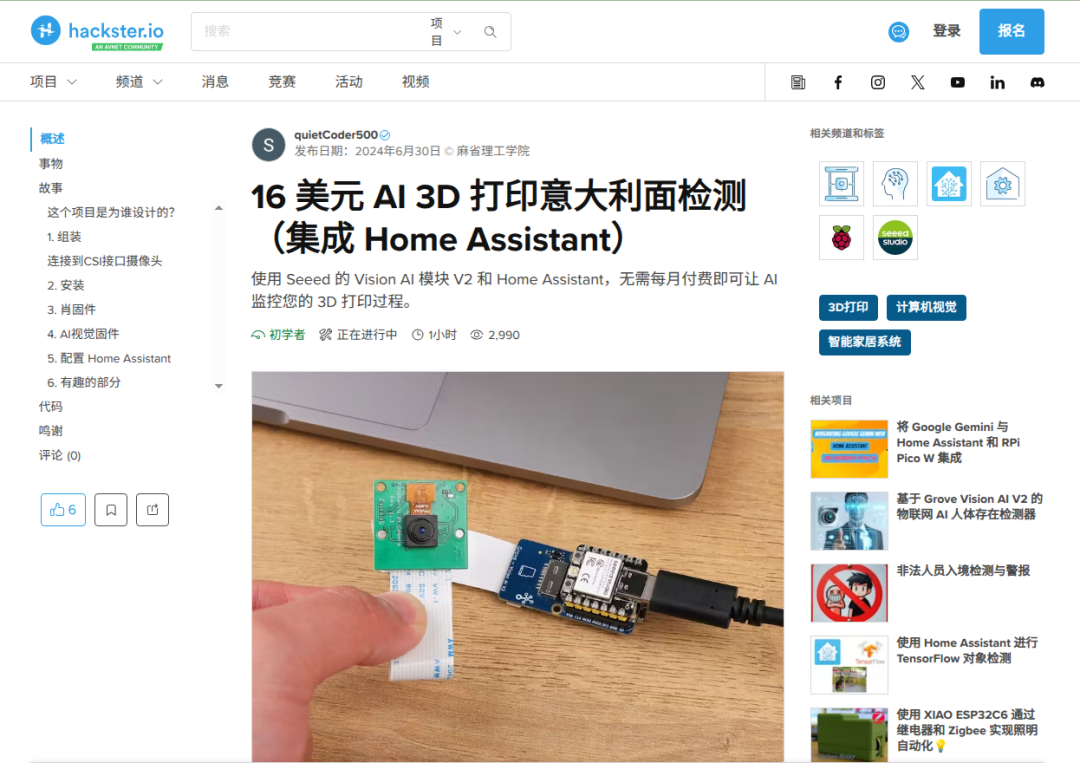
Project Link:
https://www.hackster.io/raspberrypisms1/16-ai-3d-print-spaghetti-detection-feat-home-assistant-ba9e40
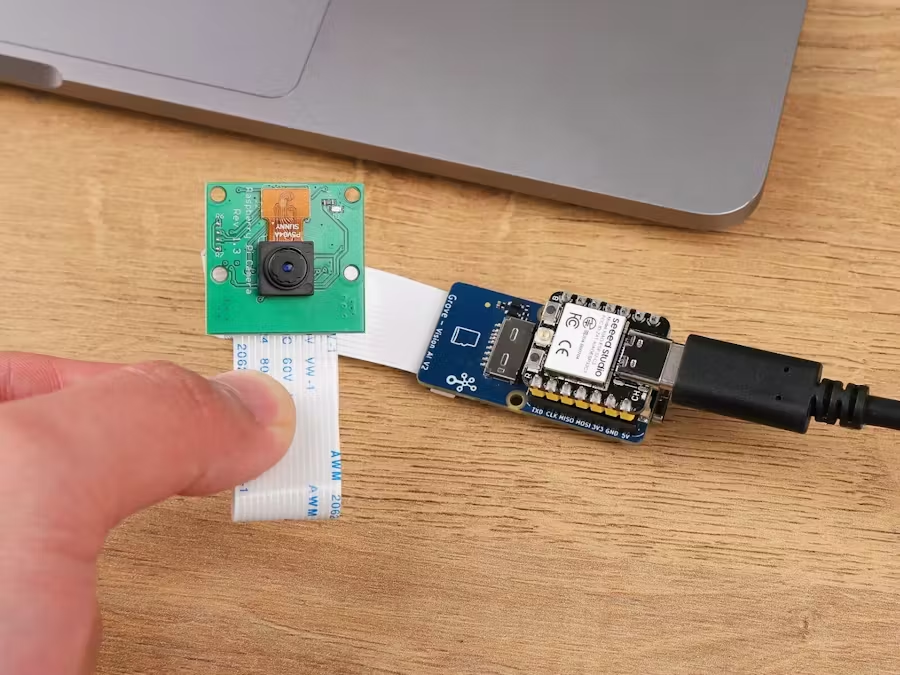
This project utilizes three modules:
1. Seeed Studio Grove Vision AI Module V2
This module is a vision AI module based on an MCU, utilizing Arm Cortex-M55 and Ethos-U55 cores. It supports TensorFlow and PyTorch frameworks and is compatible with Arduino IDE. This project uses a TensorFlow AI model.
2. Raspberry Pi Camera Module 3
This is the recommended camera for the Grove Vision AI module, not because it uses any unique software features of the Raspberry Pi.
3. Seeed Studio XIAO ESP32C3
This is also a standard connectivity module for the AI module, providing wireless communication and performing some data processing functions. It is primarily used for communication with Home Assistant.
Its introduction states it costs only $16, but purchasing these three modules domestically costs around 240.
You will also need to have Home Assistant installed at home; otherwise, where will you view notifications?
The author has not designed a 3D printed shell or support; users need to design it according to their machine’s position, which should be relatively simple for those who can design.
No need to elaborate on installation; just plug in the three modules and power them on. Then, you need to flash the firmware, both of which require flashing. The specific flashing steps will not be detailed here, as it should not be a problem for those who can install Home Assistant.
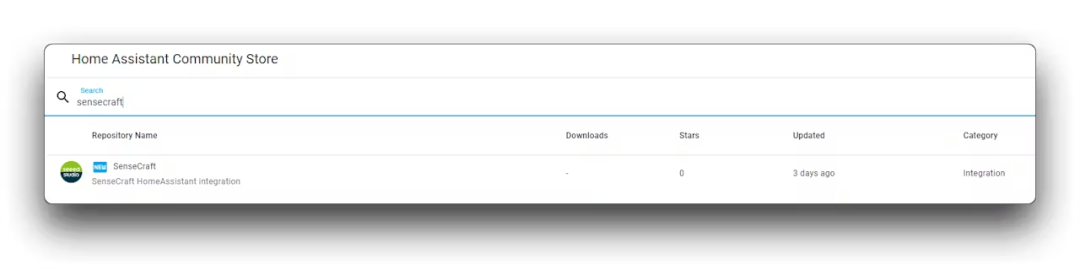
Finally, install the plugin in Home Assistant, and you will have your own locally deployed 3D printing error detection AI. Even if the internet goes down, you can still control the 3D printer in local network mode and intelligently detect 3D printing errors.
Follow me for daily interesting and useful 3D printing content. If you have any thoughts, feel free to share in the comments, or add daniel_cats (note “spaghetti detection”) to discuss in our group. Below is my video account, which I will also try to update daily, welcome to follow.
Previous Issues: