😱 Conclusion First No antenna installed = Motherboard at full power “roaring” = 2.4GHz chaos = Bluetooth dies instantly.
📉 A Real Tragedy Fan @A-K: “Win11 + Sony WH-1000XM4, within 3 meters the sound is choppy like a PowerPoint presentation, changed drivers, reinstalled the system, even bought a new headset, 799 yuan wasted. Finally, the technician said: ‘Bro, where’s your Wi-Fi antenna?’ Once plugged in, it was instantly revived, and I died socially right there…”
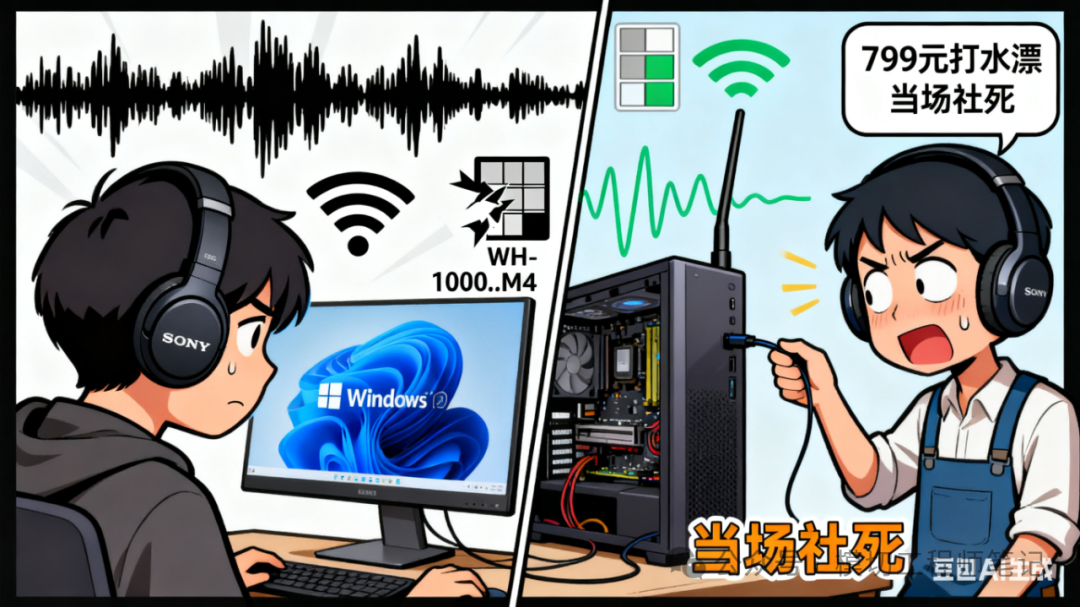
🔍 Understand the Principle in 30 Seconds ① Bluetooth & Wi-Fi share the 2.4GHz band, overlapping frequencies
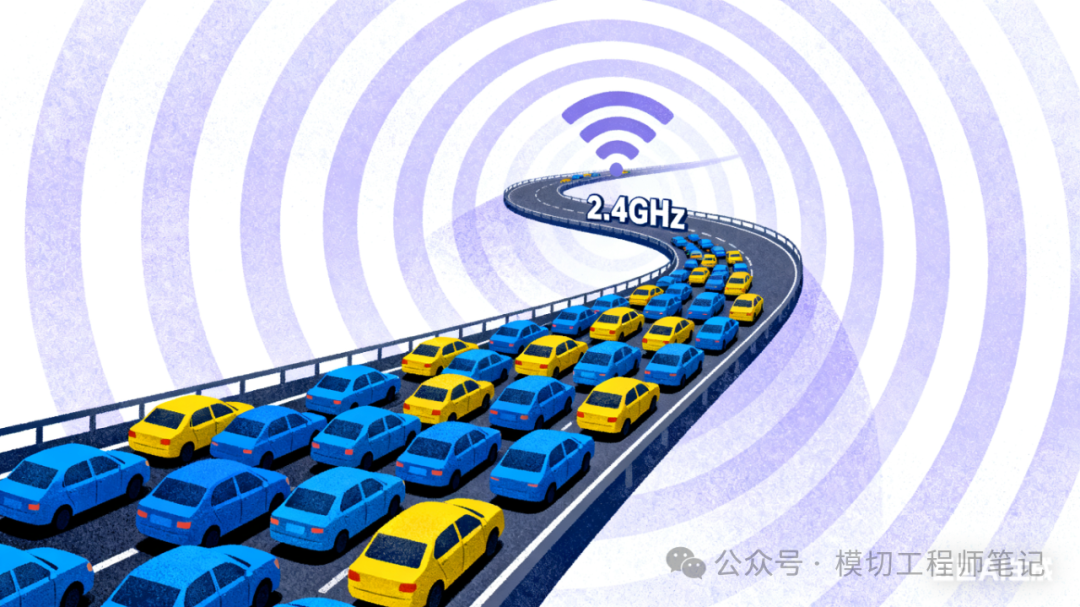
② No antenna → Poor signal → Motherboard automatically boosts to 20dBm
③ Headset antenna is small, power is low, directly “overwhelmed”

⚡ Self-Check in 3 Seconds Win+X → Device Manager → Network Adapters → Look for “Wi-Fi” → Right-click “Properties” → Advanced → Transmit Power value = 20 (maximum)? Congratulations, you are radiating at full power!
🛠️ One-Stop Solution 1️⃣ Install the antenna! On Taobao for 9.9 yuan with free shipping, search for “motherboard Wi-Fi antenna + magnetic base”, SNAP-ON plugs in instantly. 2️⃣ No antenna temporarily? Disable the Wi-Fi module directly in BIOS, Bluetooth stabilizes immediately. 3️⃣ Obsessive-compulsive? Change to a PCIe extension cable to move the Wi-Fi card to the back of the case, away from the headset receiver.
📊 Test Data On the same machine, with the antenna unplugged: Bluetooth audio packet loss rate 28%, web speed test delay spiked to 300ms; Plugging the antenna back in: packet loss 0.1%, delay 7ms.
💬 Comments from Netizens “Turns out my gaming disconnections weren’t due to skill, but the case was overpowering me!” “Spent a thousand upgrading my headset, only to lose out to a 3 yuan metal rod, the reality is harsh.”
📣 In Conclusion Share this article in your “build group”, saving one person at a time! Don’t forget to give a ‘like’ + ‘see more’