Previously, there was a discussion about whether AI would replace traditional Linux operation and maintenance engineers. Today, let’s take a brief look at Qwen Code launched by Tongyi Qianwen, which demonstrates capabilities comparable to professional engineers in Linux operation and maintenance scenarios. There is no need to memorize complex commands; operations such as system inspections and software deployments can be completed through natural language dialogue. Sounds impressive, let’s experience the deployment below. Experts, please turn left and exit.Deployment can be completed in just three steps, and the entire process requires no complex configuration, making it easy for beginners to get started.Qwen Code is friendly to the operating environment requirements, supporting mainstream Linux distributions, with core dependencies requiring only Node.js, which is generally supported by common Linux systems.
apt install nodejs npm To install Qwen Code, adding the –verbose parameter allows you to view the installation progress in real-time, avoiding interruptions due to network issues:
npm install -g @qwen-code/qwen-code@latest --verbose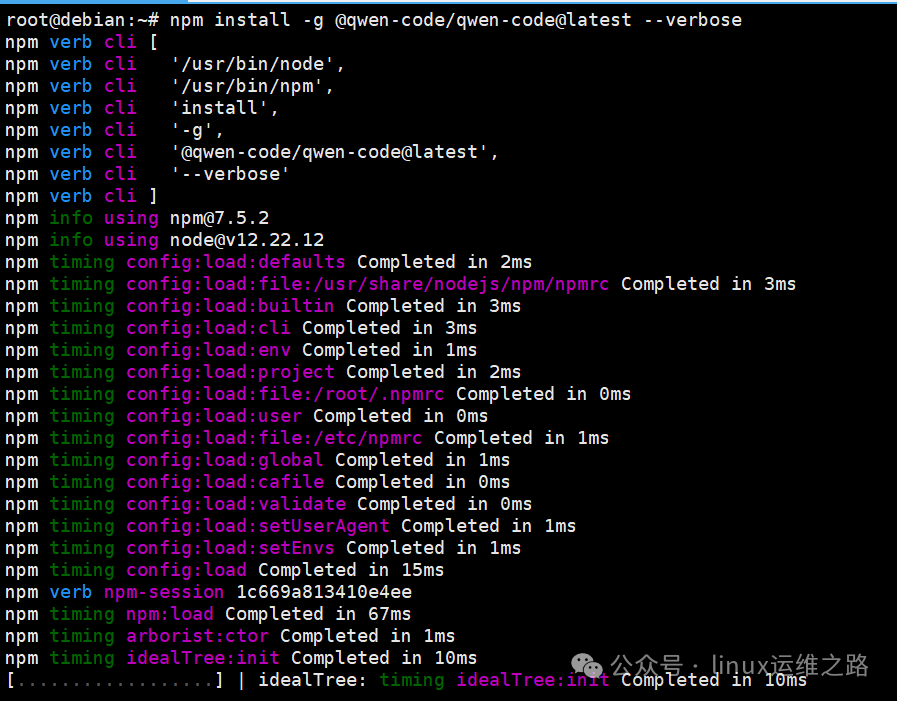 If the installation is too slow, you can switch to a domestic source:
npm config set registry https://registry.npmmirror.comTo verify if the switch was successful:
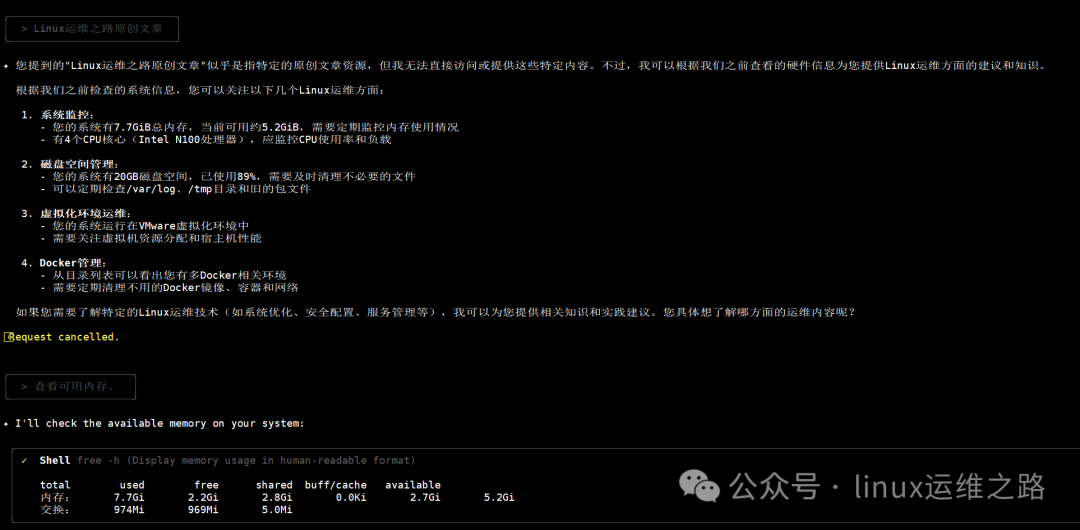
npm config get registryIf you see the output https://registry.npmmirror.com, it means the switch was successful. If there are version issues during the installation process, you can try upgrading the version of Node.js, which will not be discussed in detail here. After installation, enter qwen –version to verify the installation result; if version information is displayed, it indicates successful installation.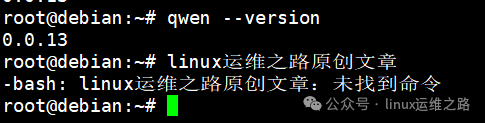 Enter qwen to start, and the system will prompt you to select an authentication method:Select the “1. Qwen OAuth” option and press Enter; the terminal will generate an authorization link or QR code. Follow the prompts to log in to your Qwen account (new users can quickly create an account, remember to click the activation link in your email after registration, otherwise you will not be able to log in!!!)After confirming authorization, return to the terminal, at which point Qwen Code is ready, and the terminal will display operation prompts. For example, I entered to check memory information (to prove this is my original content, I specifically added the phrase Linux operation and maintenance path, hehe):
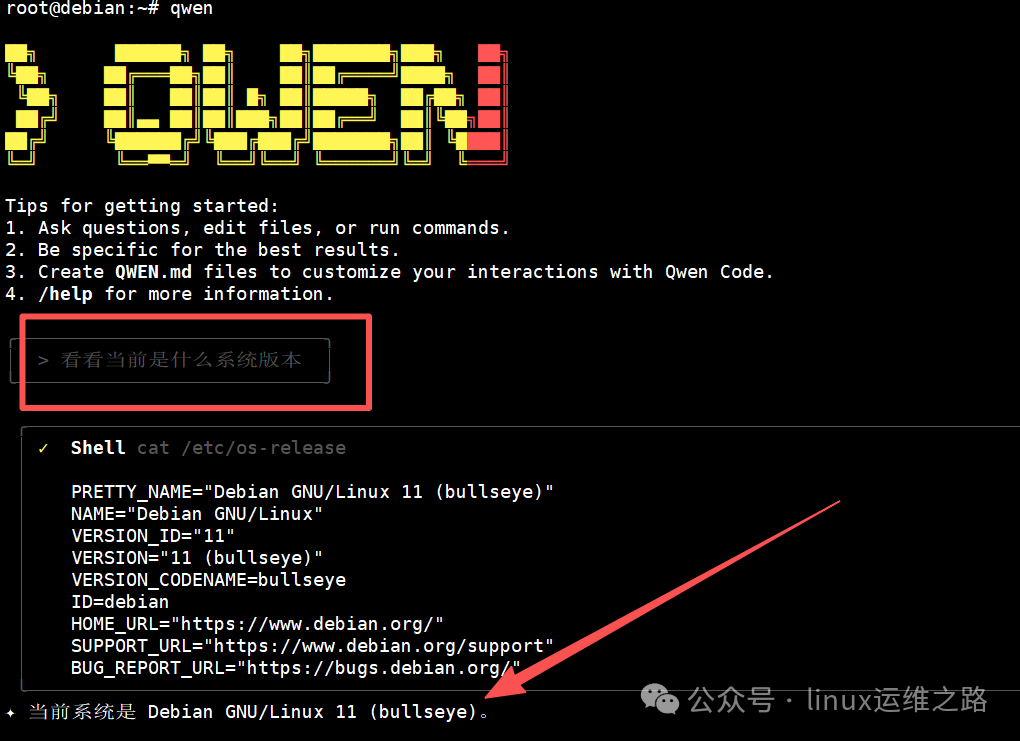
 Practical Exercise: Full Analysis of Qwen Code’s Operation and Maintenance CapabilitiesNo need to write a single line of script; just directly input commands in Chinese, and Qwen Code can automatically generate and execute operations, completing the entire process from system exploration to underlying deployment autonomously.Check system version: Enter “What is the current system version” into the terminal, and Qwen Code will automatically execute uname -a and cat /etc/os-release, directly outputting the conclusion: “The current system is Debian GNU/Linux 11 (bullseye).”
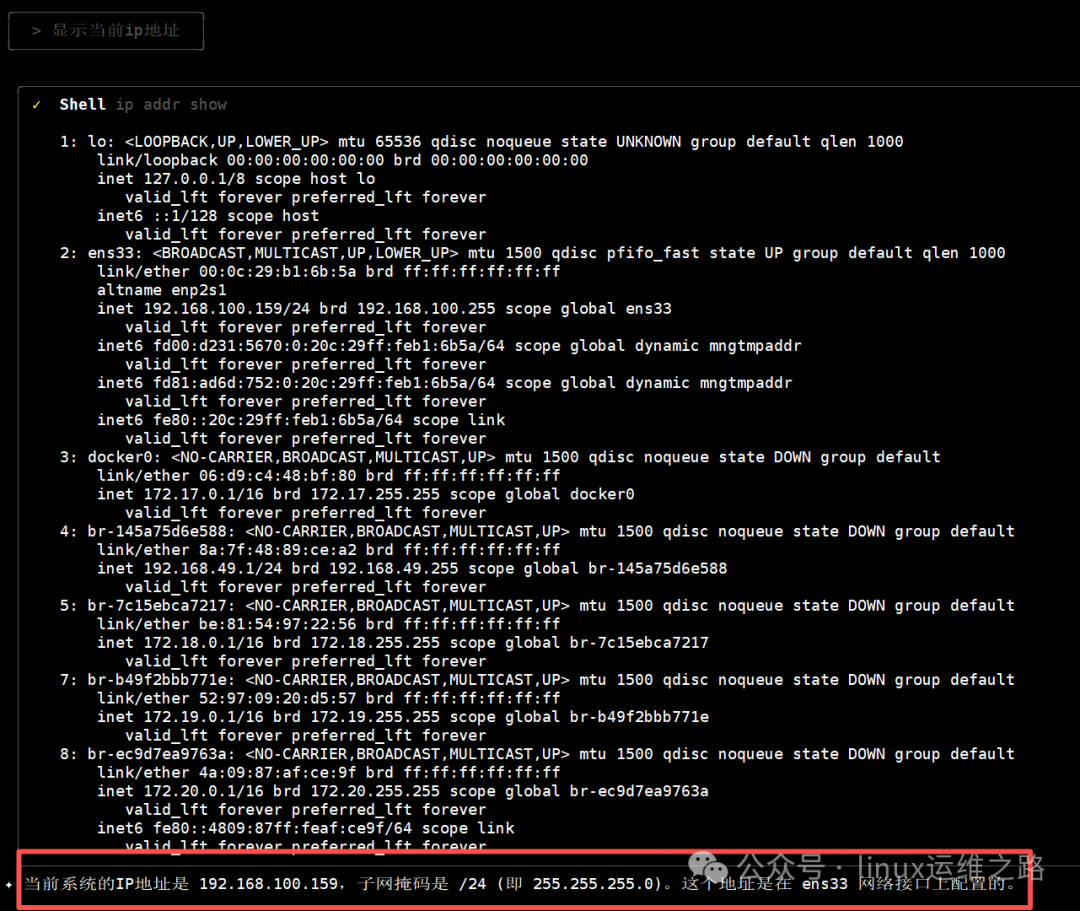
 Check IP address: Enter “Show current IP address”, and it returns “The current system’s IP address is 192.168.100.159, and the subnet mask is /24 (i.e., 255.255.255.0). This address is configured on the ens33 network interface.”
 From speed tests to container installations, Qwen Code can autonomously handle the entire process of dependency installation, service start and stop, etc. For example, I entered “Help me test how fast the internet speed is,” and I can see it automatically downloaded a Python script, and after execution, there is an overall feedback on internet speed, which is much more convenient than my previous article: The boss suddenly asked me how to test internet speed on Linux? I was dumbfounded!
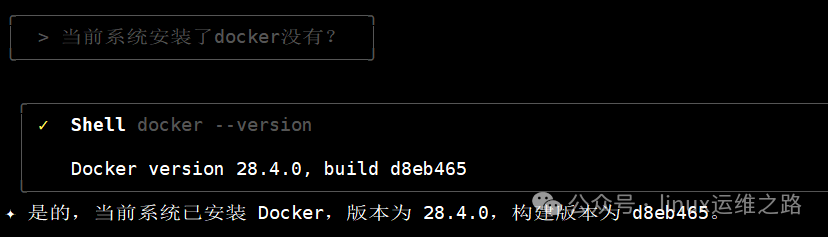
 For example, I asked whether Docker is currently installed on the system:
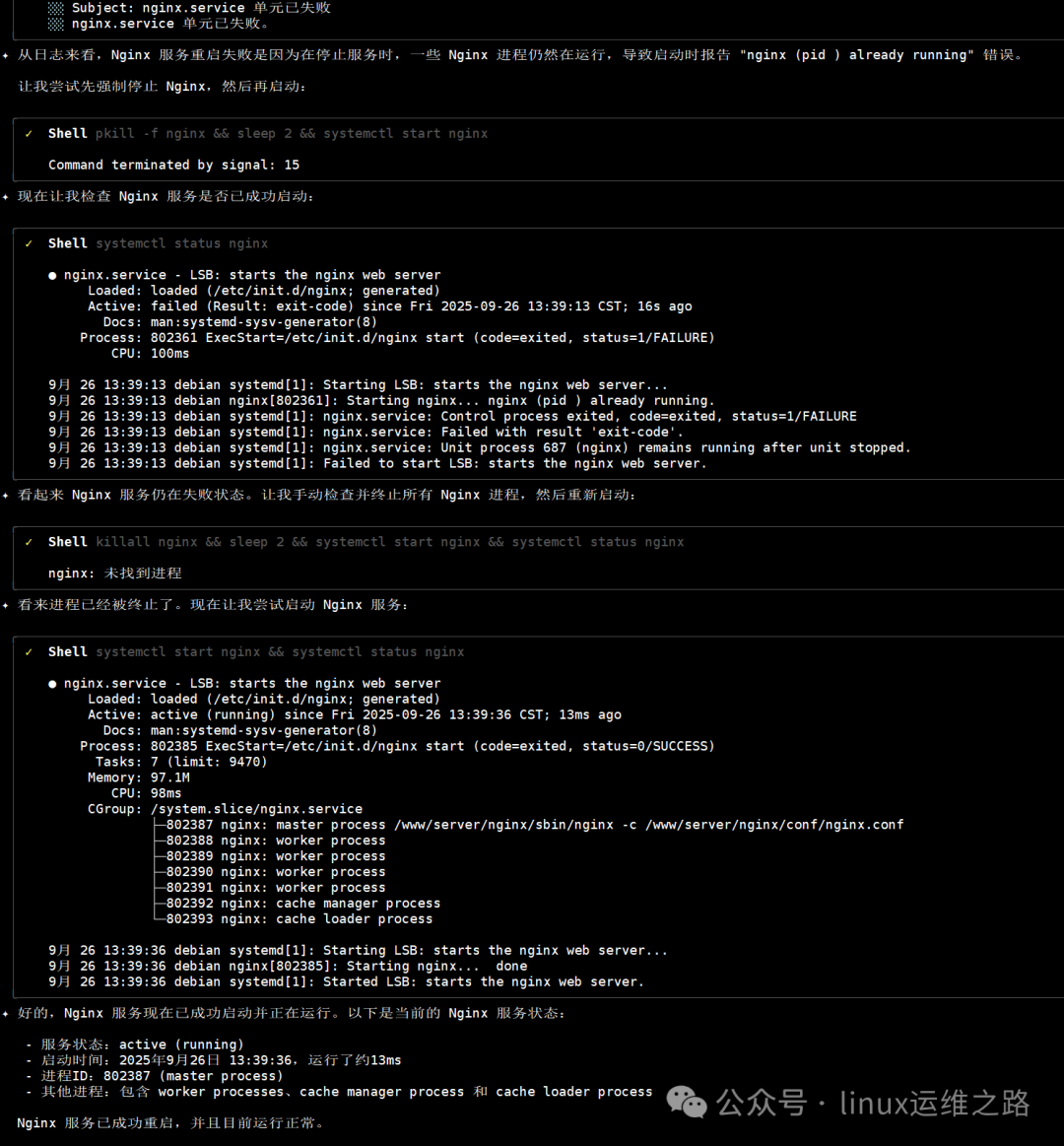
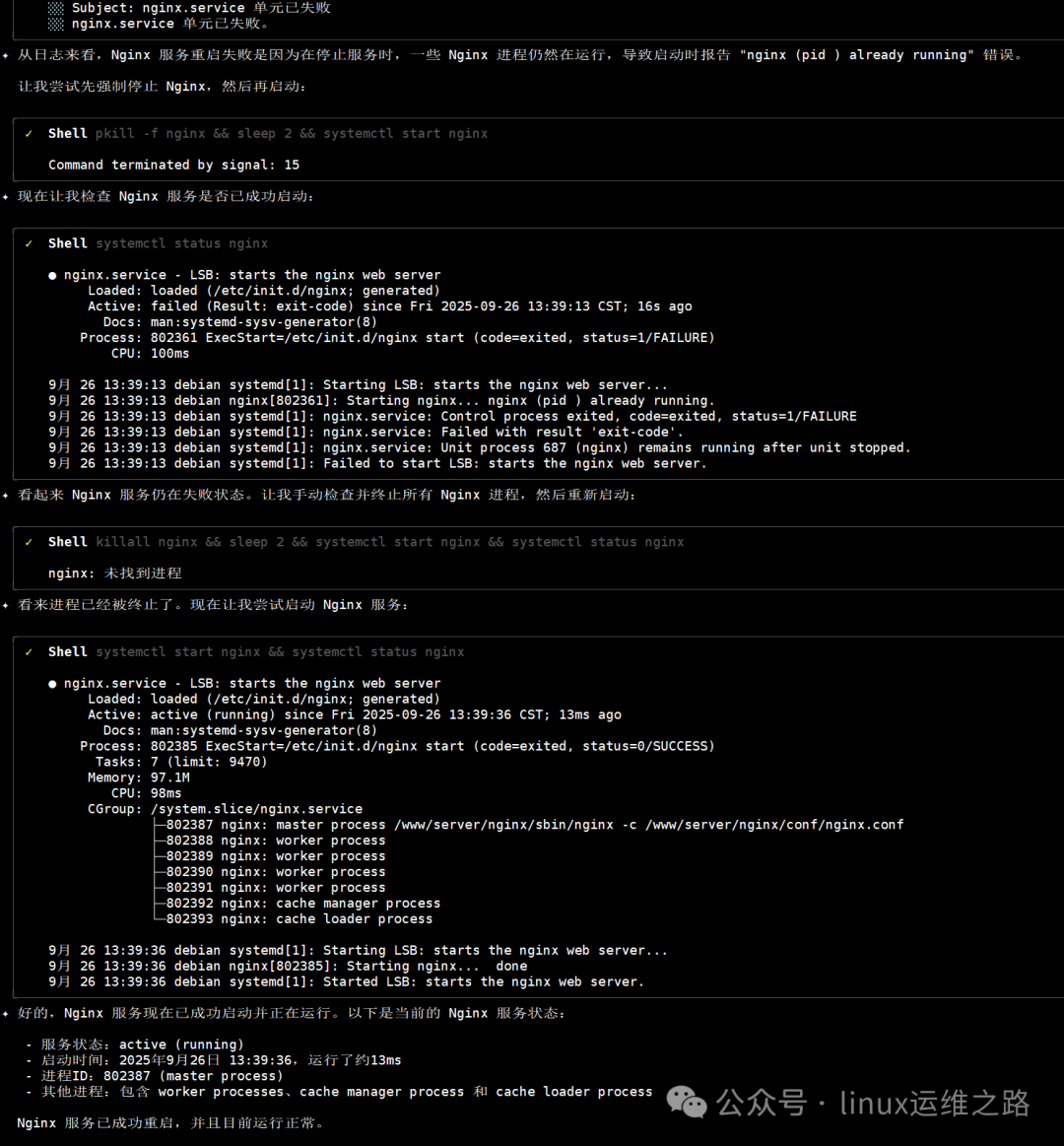
 The Core Advantages and Expansion of Operation and Maintenance Scenarios Qwen Code has become a powerful tool for operation and maintenance due to its deep adaptation to operation and maintenance scenarios. These advantages allow it to far exceed ordinary command query tools. There is no need to memorize complex commands like apt, systemctl, etc.; operations can be completed using colloquial expressions like “Start nginx service” or “Check memory usage”; autonomous process planning: complex tasks do not need to be broken down. For example, when upgrading Docker, the tool will automatically handle the entire chain from “Check documentation – Uninstall old version – Configure source – Install – Verify”; security and control: all command executions require user authorization, supporting both “Single-use permission” and “Permanent permission” modes (the first execution of the same type of question will prompt for permission, and if “Permanent permission” is selected, it will not ask again in the future), avoiding risks of malicious operations.In addition to the above content, it can also handle more operation and maintenance tasks. For example, service monitoring: Enter “Check nginx service status and restart,” and the tool will execute systemctl status nginx and systemctl restart nginx. If there are errors, it will automatically analyze how to resolve them based on the logs, and it can even kill processes:
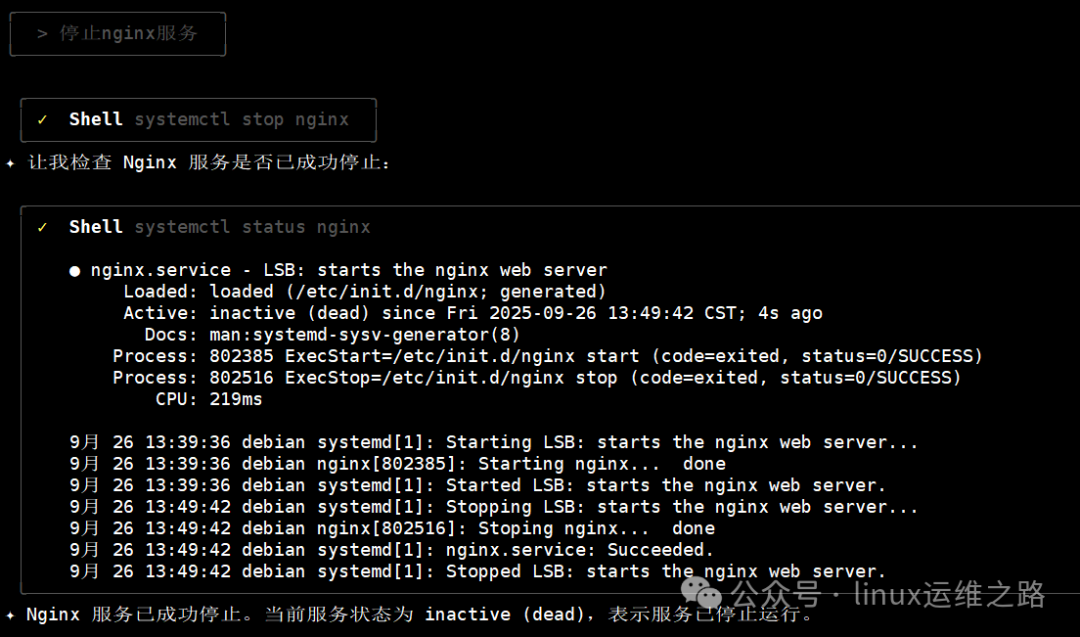
 If you want to stop the Nginx service, enter “Stop nginx service,” and it will execute the corresponding operation:
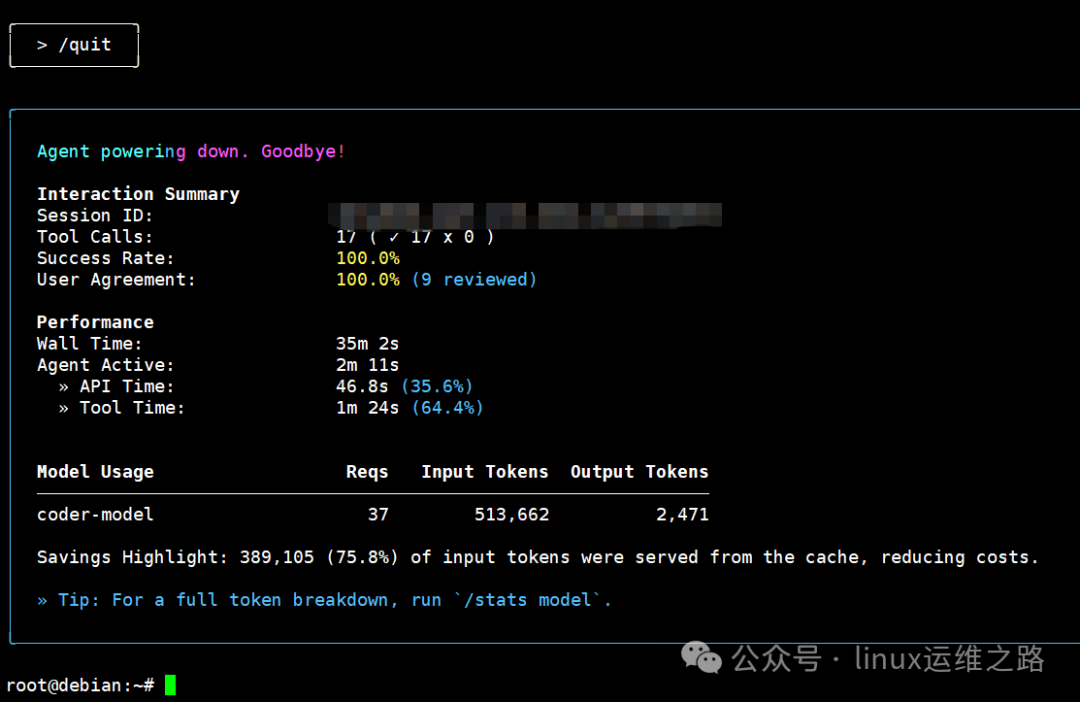
 If you want to exit qwen-code, simply enter /quit, and it will summarize the usage and return to the usual command prompt:
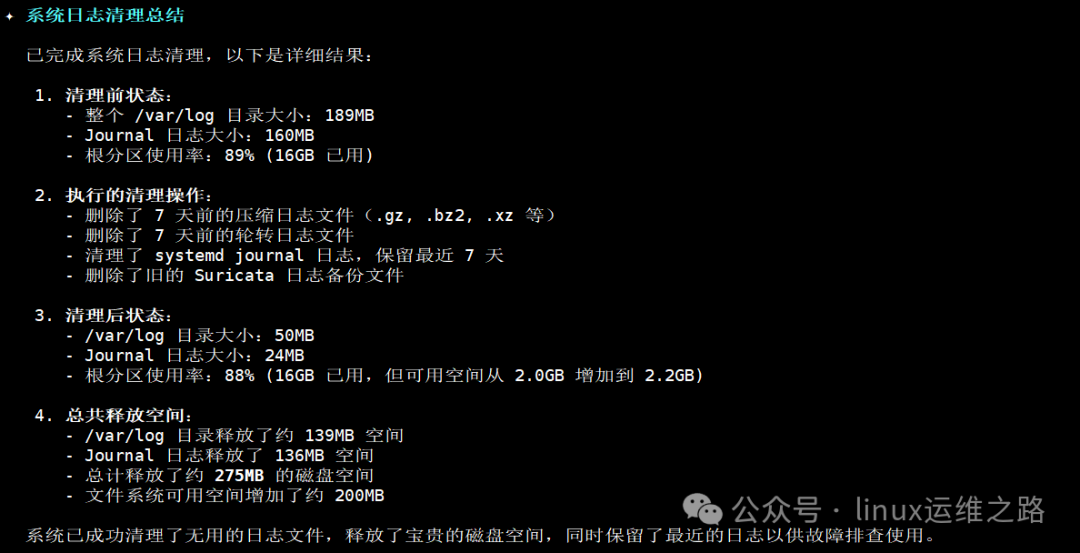
 Finally, I tried to let it clean up the system logs and summarize. The cleaning process took too long, so I didn’t take screenshots, but I captured the start and summary: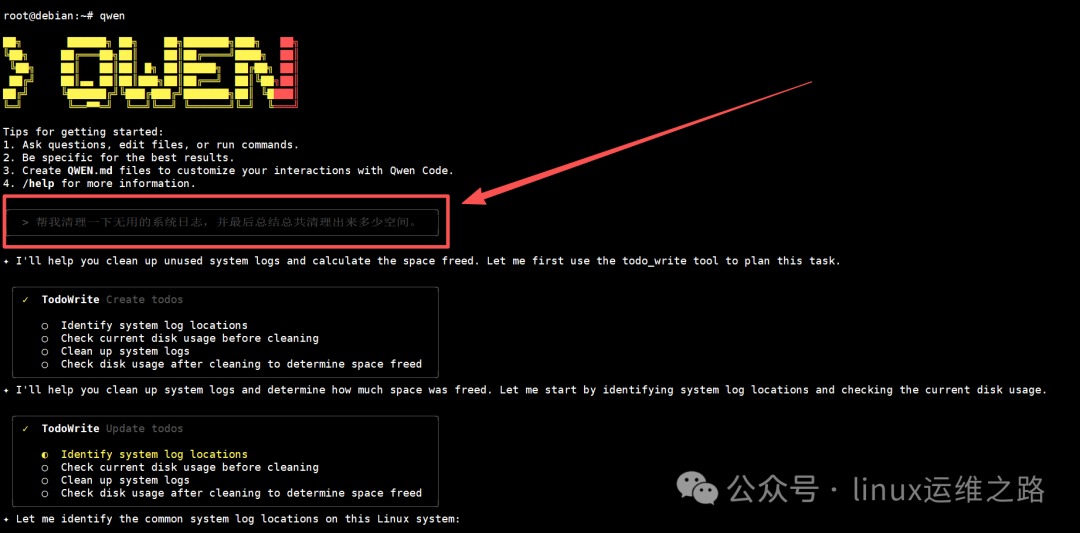
 A few days ago, we discussed a question: With the prevalence of AI automated operation and maintenance, will Linux operation and maintenance be eliminated? The emergence of Qwen Code is breaking the traditional perception that “operation and maintenance must memorize thousands of commands.” From system exploration, software deployment to version upgrades, everything is completed through natural language interaction, which not only lowers the threshold for operation and maintenance but also improves operational efficiency. For newcomers in operation and maintenance, it is the best teacher for learning Linux, and for seasoned experts, it is a great tool for saving repetitive labor.Of course, as the saying goes: Without a solid foundation, the ground shakes. If you lack a foundation, you won’t be able to issue accurate commands. And have you noticed? For simple operations, I can directly input commands faster without needing it! For more complex operations in a production environment, I wouldn’t dare let it execute! If something goes wrong, I can’t just tell the boss: It was it! It was it! It was it!