Currently, the vast majority of digital cameras require the use of external memory cards to store large amounts of data, rather than relying on built-in memory.
Due to the need for frequent insertion and removal, and the variety and quality of memory cards available, improper handling can often lead to issues such as data loss, memory damage, or card slot malfunction.
Professional photographers have summarized some tips listed below for your reference. In fact, all these tips can be condensed into two sentences: 1. Handle with care; 2. Backup regularly:
-
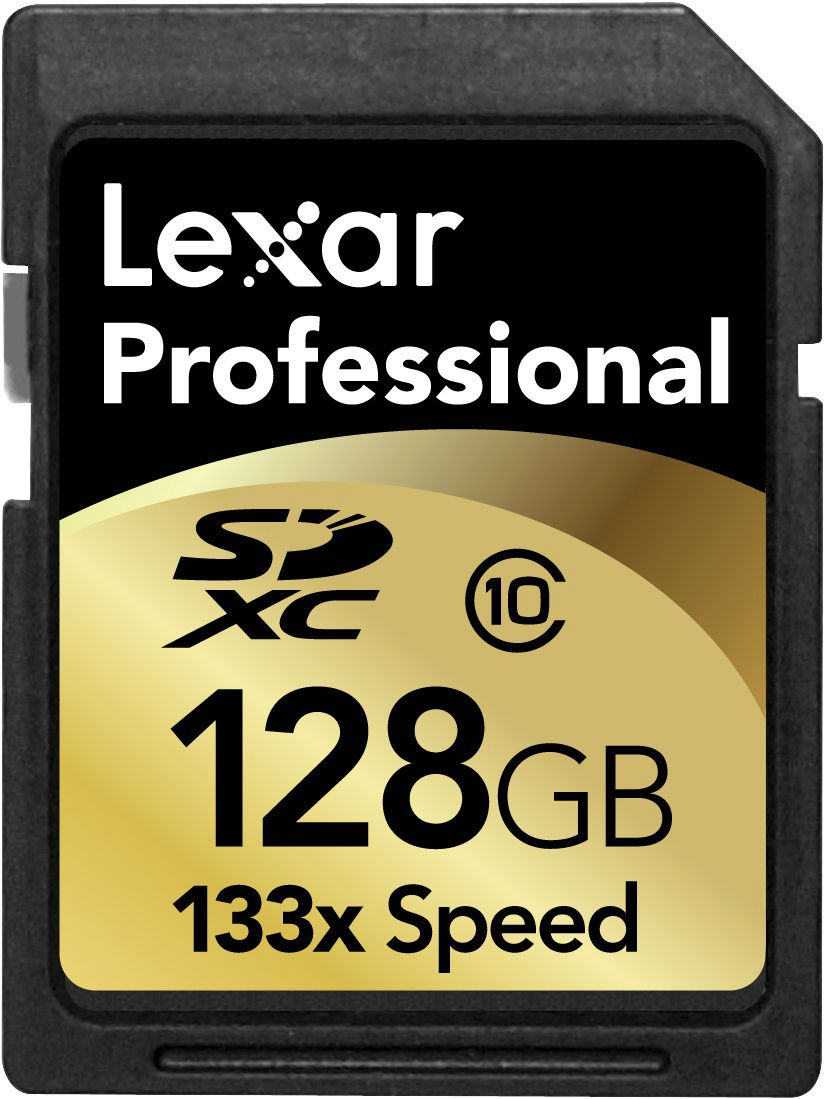
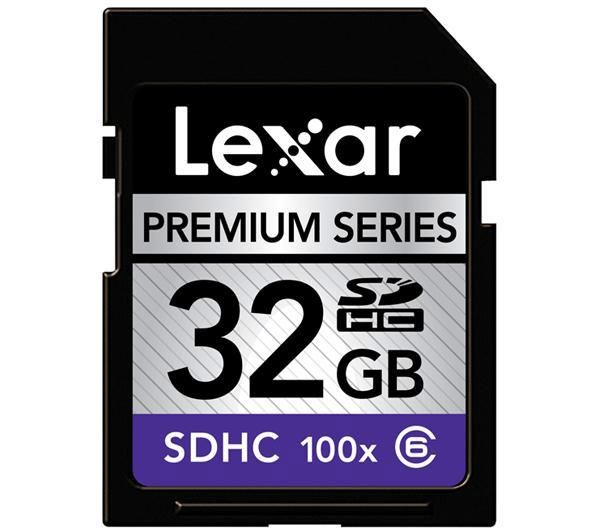
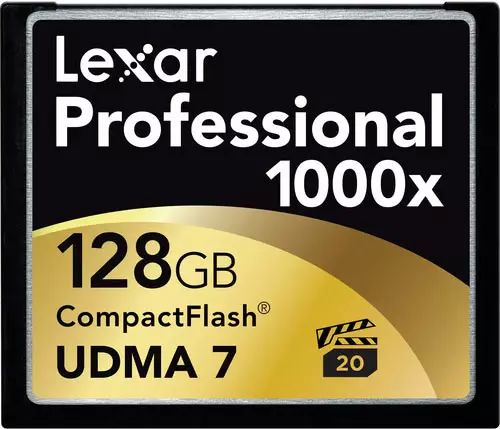
Before using a new camera, check the manual (or visit the manufacturer’s website) to understand what type of memory card is compatible with the camera (for example, whether it uses CF cards or SD cards, whether it supports SDHC or SDXC cards, and what the maximum capacity and read/write speed are…). Only then should you choose a suitable card for purchase.
-
Whenever possible, or rather, you should definitely format the memory card using your camera. If the card was taken from another camera, regardless of whether it is compatible or can be used immediately, it should still be formatted before use.
-
When not in use, store the memory card in a case. Avoid exposure to water, liquids, dust, and magnets, and do not place it in high-temperature areas.
-
When inserting or removing the memory card, always pay attention to the orientation and the correct side; do not force it.
-
After each use, promptly backup the image data on the card; do not “put it off for a few days.” You can use professional image management software for backup and categorization. No matter how good the card is, problems can still arise, so backups are essential.
Diagnosing Your Memory Card
Generally speaking, a memory card that has been used for a long time may develop some unpredictable issues. If you notice:
-
Images are fragmented, incomplete, or display strange textures and symbols;
-
Colors are noticeably off;
-
Photo filenames and numbers are disorganized;
-
…and other strange symptoms
Then, it’s likely that the memory card is malfunctioning. Seek timely “treatment,” whether by repairing, formatting, or… simply replacing the card!