Do you want your operations work to be as stable as a seasoned pro and be able to debug in a Linux environment anytime, anywhere?
WebVM is worth checking out! No need for servers or virtual machines, run Linux directly in your browser with zero configuration and no barriers, hitting the pain points directly! This article will guide you to get started with this treasure tool in one minute, enabling efficient troubleshooting anytime, anywhere!
What is WebVM?
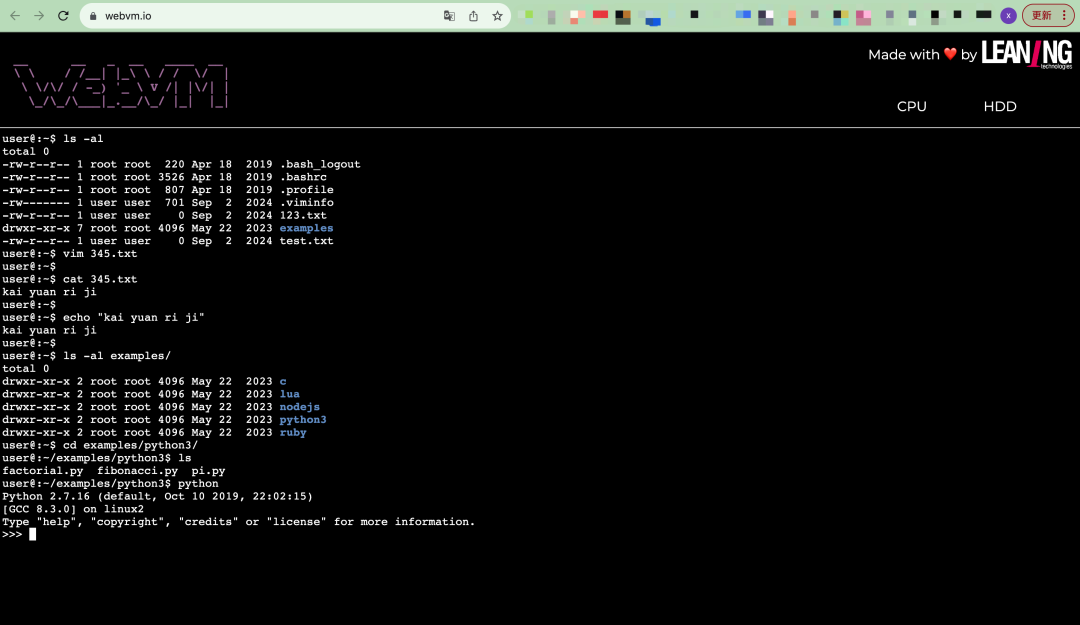
WebVM is an open-source tool based on WebAssembly technology that allows you to run a Linux environment directly in your browser. No installation or configuration is required, and it is completely server-independent! You can operate remotely anytime, easily compile code, and run scripts, transforming your office environment into a “cloud-based” one instantly. Especially for operations personnel, it’s like carrying a convenient Linux first-aid kit with you, absolutely amazing!
Features
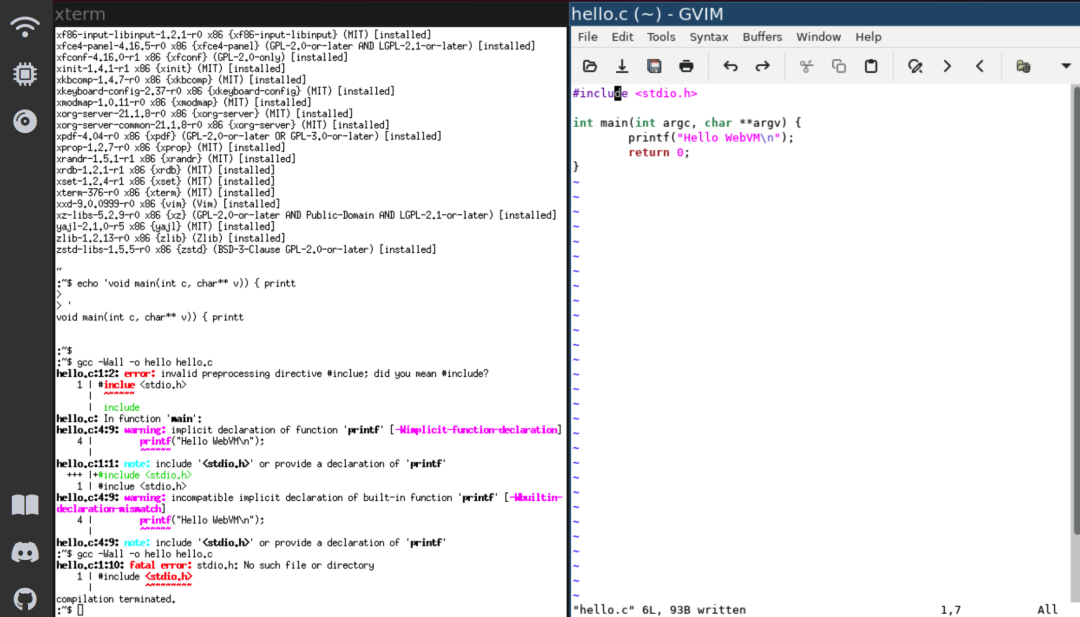
- Experience a complete Linux environment anytime with a built-in Debian system, perfectly supporting native x86 program execution, providing Bash Shell and a rich Linux toolchain.
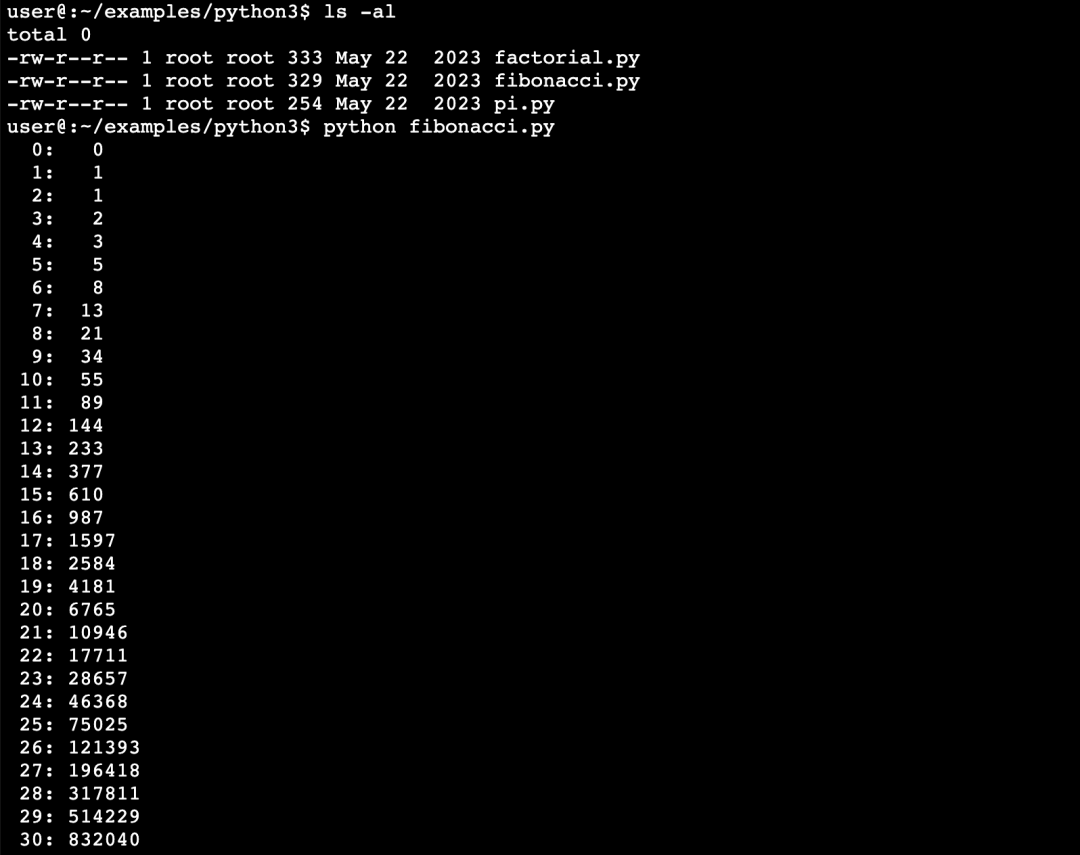
- Completely server-independent runs entirely on the browser side, requiring no backend server deployment, not even an internet connection!
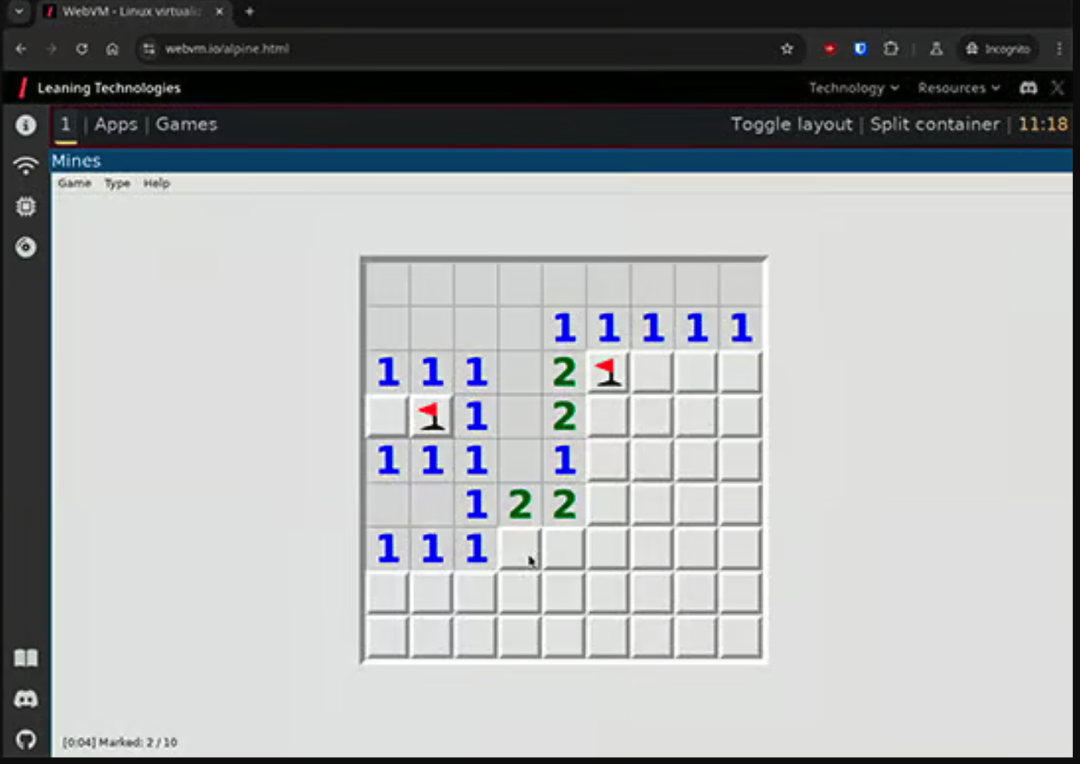
- With a graphical interface supports the latest version of Alpine with an integrated graphical interface + lightweight desktop environment, one-click access to the i3 window manager, very enjoyable.
- Supports Tailscale network connections easily achieve WebSockets network connections through integrated Tailscale VPN, adding networking capabilities to browser-based tools (such as SSH remote debugging).
- Highly customizable supports custom Docker images, network configurations, security policies, and even kernel parameter modifications, a god-level “smash keyboard” debugging tool!
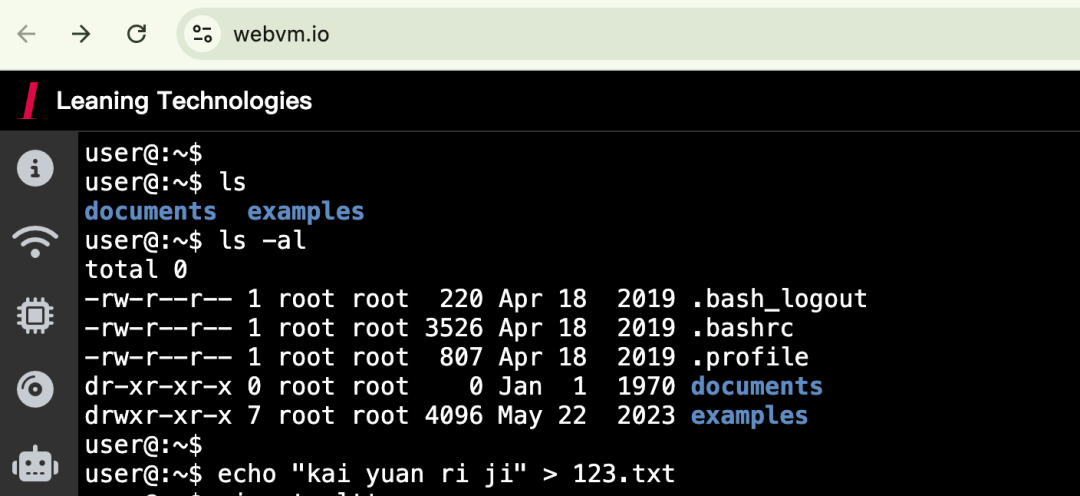
Installation Guide
Getting WebVM up and running is easier than installing software, just a few commands to take off!
-
1.Clone the project:
git clone https://github.com/leaningtech/webvm.git cd webvm -
2.Download the base image:
wget "https://github.com/leaningtech/webvm/releases/download/ext2_image/debian_mini_20230519_5022088024.ext2" -
3.Adjust the configuration file: replace the
<span>wss://</span>address in<span>config_public_terminal.js</span>with your local path, for example:"/disk-images/debian_mini_20230519_5022088024.ext2" -
4.Compile and start:
npm install npm run build -
5.Configure Nginx (optional):
mkdir disk-images mv debian_mini_20230519_5022088024.ext2 disk-images/ -
6.Access the local service: open your browser and visit
<span>http://127.0.0.1:8081</span>, and you’re ready to go!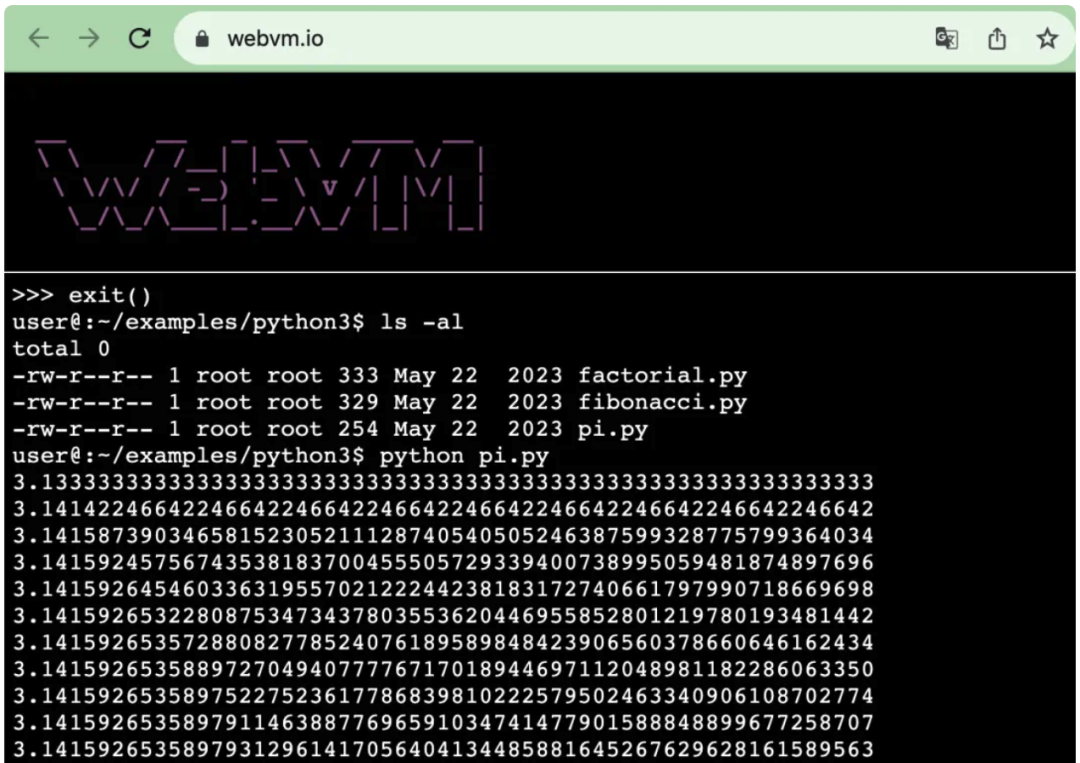
WebVM can run a complete Linux environment with just a browser, saving time and effort. Whether for remote troubleshooting, simple code compilation, or deployment testing, its flexibility is truly impressive.
Recent hot articles:
| K8s Operations! This open-source tool is really amazing45.1K stars on GitHub! Goodbye Navicat, over 100 databasesIncredible Operations! 10 essential Vim skills11.5K stars on GitHub!!! Solving all remote issues, amazing25.7K stars on GitHub!!! Only 6KB, cleaning up computer junk is so cool |