As a heavy reading enthusiast, I wish to utilize every moment of my day for reading. However, a book can have tens of thousands to hundreds of thousands of words. In the era of physical books, we would use bookmarks or fold the pages. Sometimes, we would jot down the page numbers in a notebook. With the advent of e-books, these methods are no longer feasible. We might read on a PC, an iPad, or a mobile phone. When we want to continue reading, we have to scroll with our fingers or mouse, which is quite inconvenient. By chance, I discovered that Linux has a command called split that can segment long documents. When reading, we only need to remember the text’s number. For example, if the text is as follows:
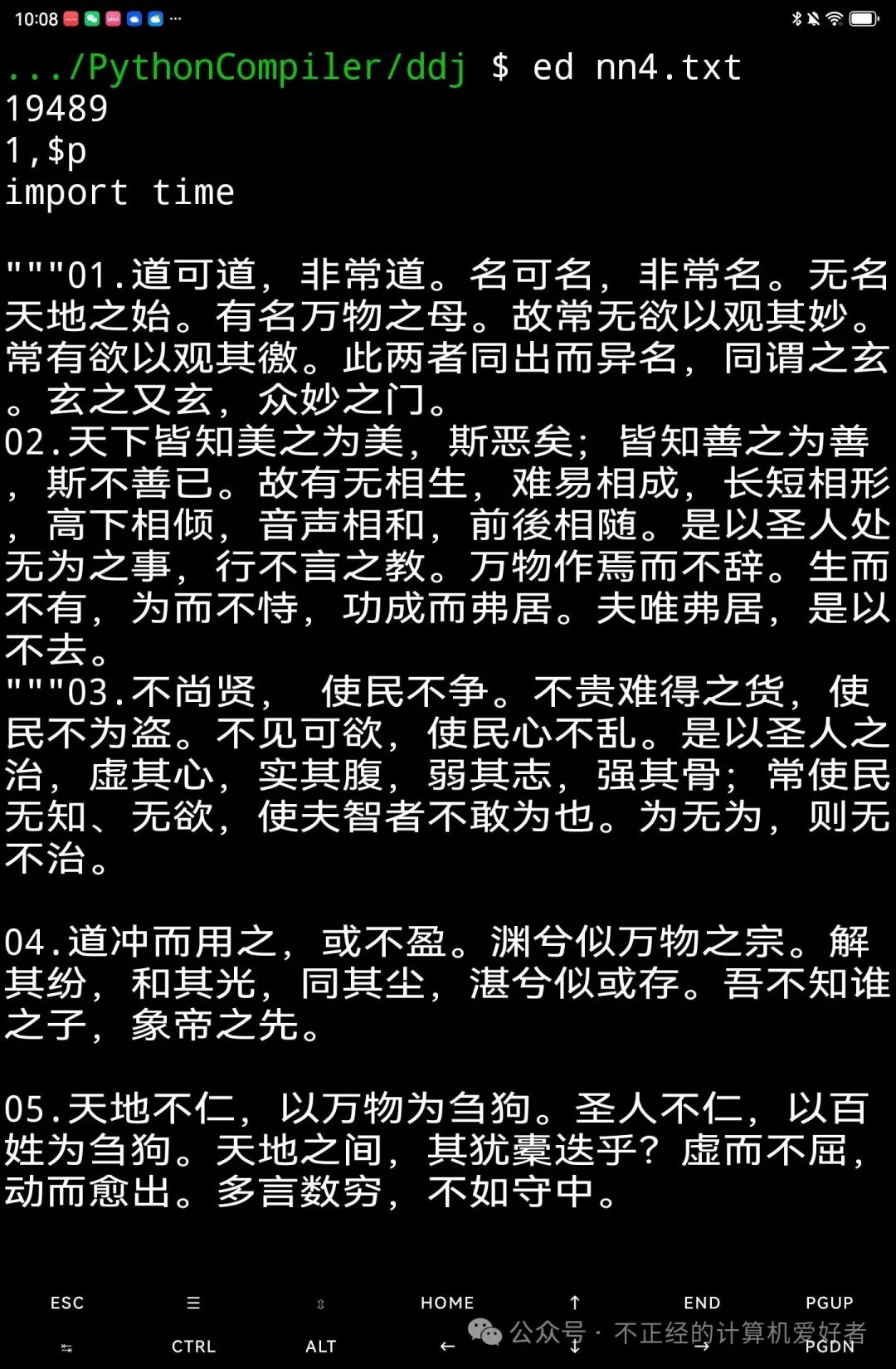
It contains nearly 20,000 words, and we will split it into seven texts. The command is as follows:
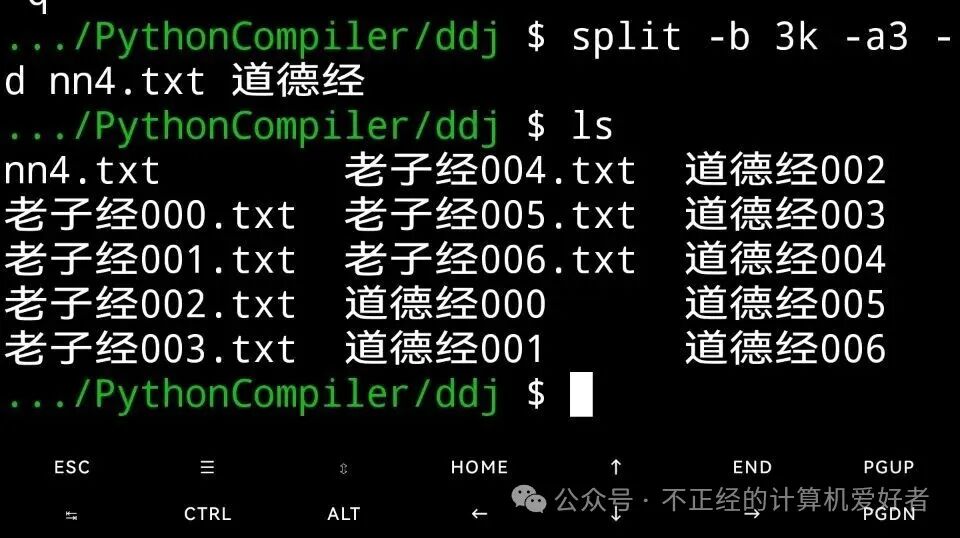
We opened the target folder with ls and found that it now contains seven files starting with the title of the text. We opened the last one with nano:
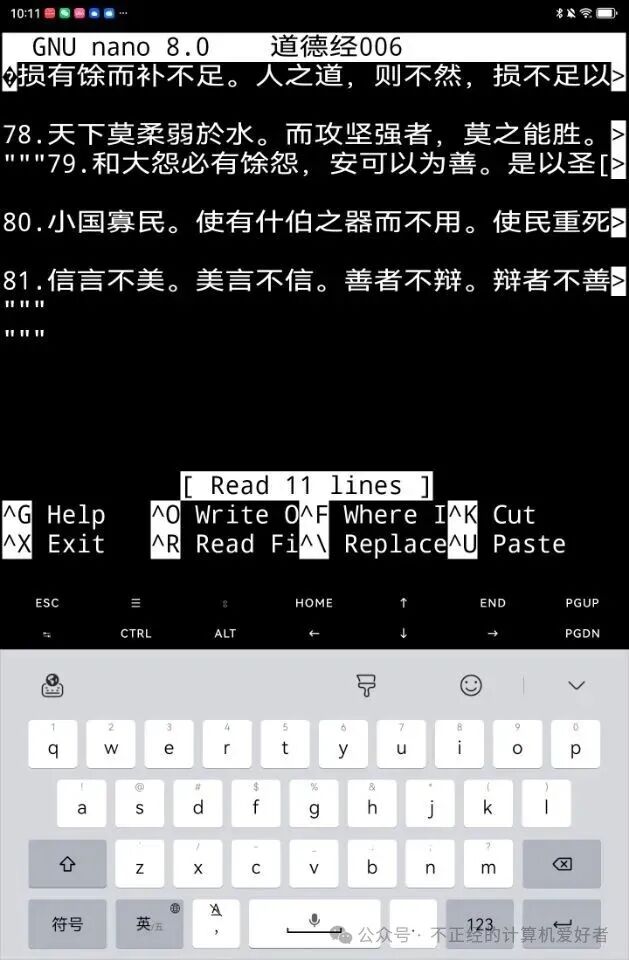
We opened the sixth one with nano:
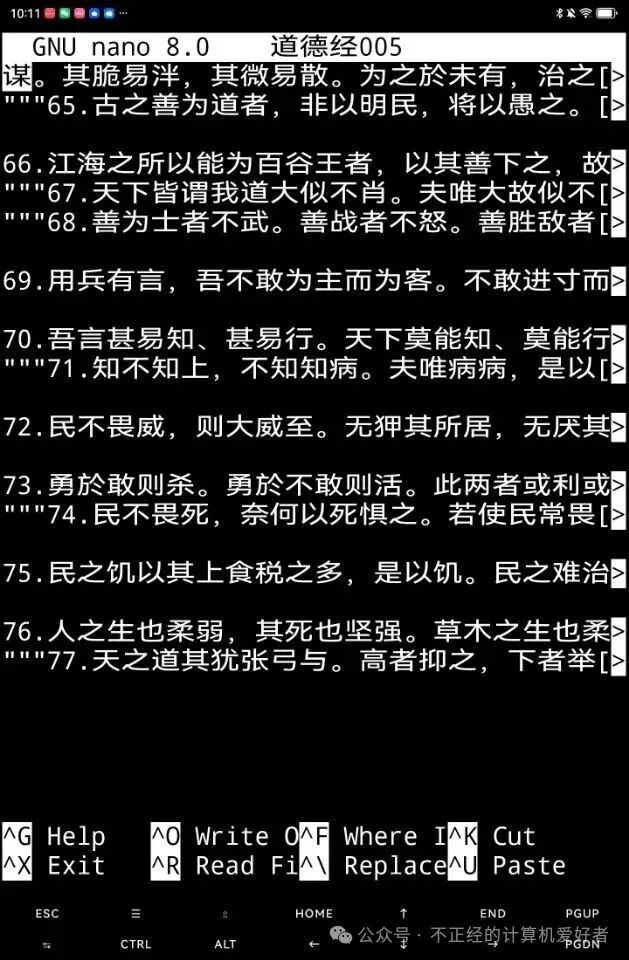
We opened the fifth one with ed:
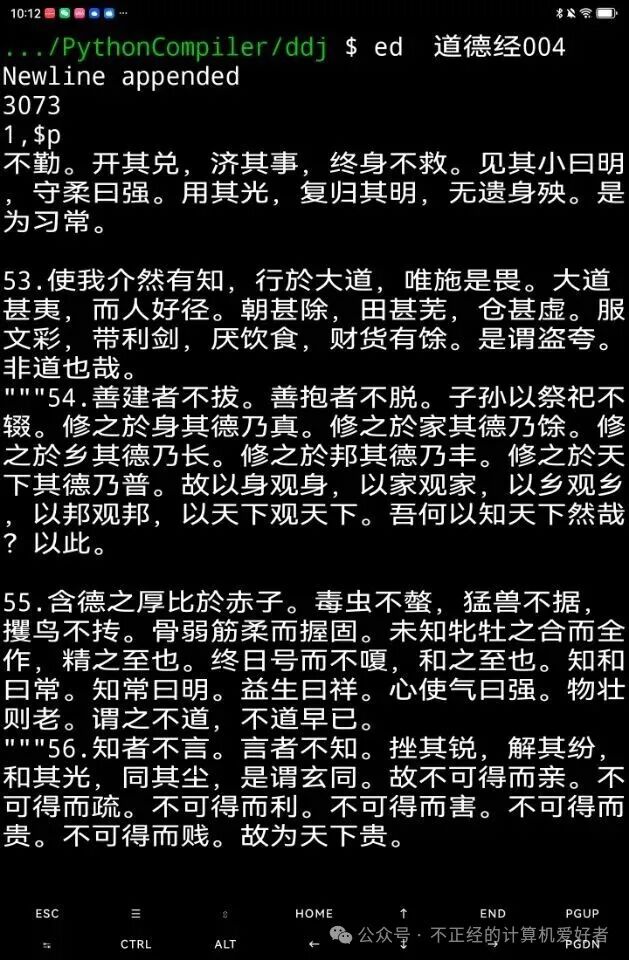
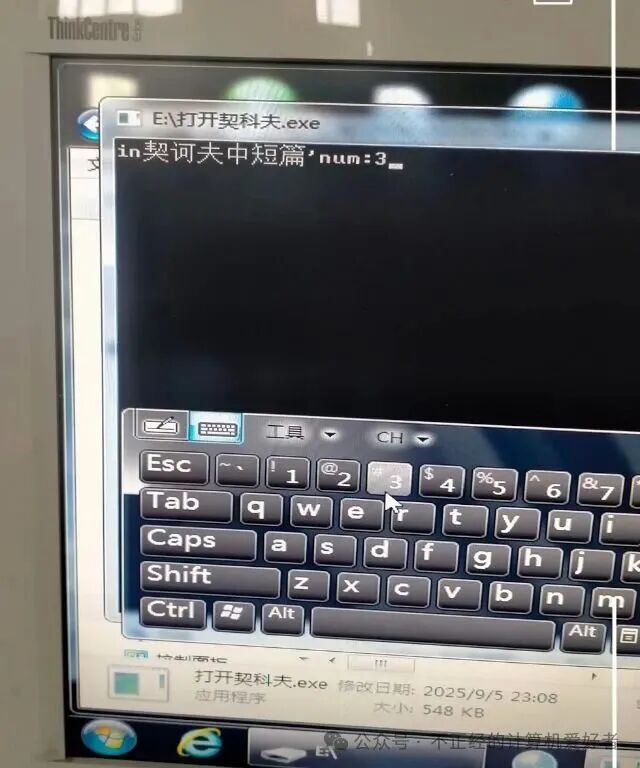
We found that the segmentation was completed, and from now on, we can read happily. Of course, when reading on non-Linux systems, we need to add the suffix .txt. This can be handled using os.listdir(), os.rename, and a for loop in Python. With the segmented materials, we can do many things. Below is a demonstration of generating an exe file using C++ coding on a PC. The image below shows the exe I compiled on Windows 10, running on Windows 7: