Free for commercial use! A low-code visual development platform for industrial web with over 1500 components.
Incredible! Zero cost, easily connect to Siemens PLC.
Is it possible to use SCADA without a PLC?
Communication between C# host and Siemens PLC is one of the key technologies in industrial automation. By using the host to read and control data from the PLC, the convenience and efficiency of the system can be significantly improved.
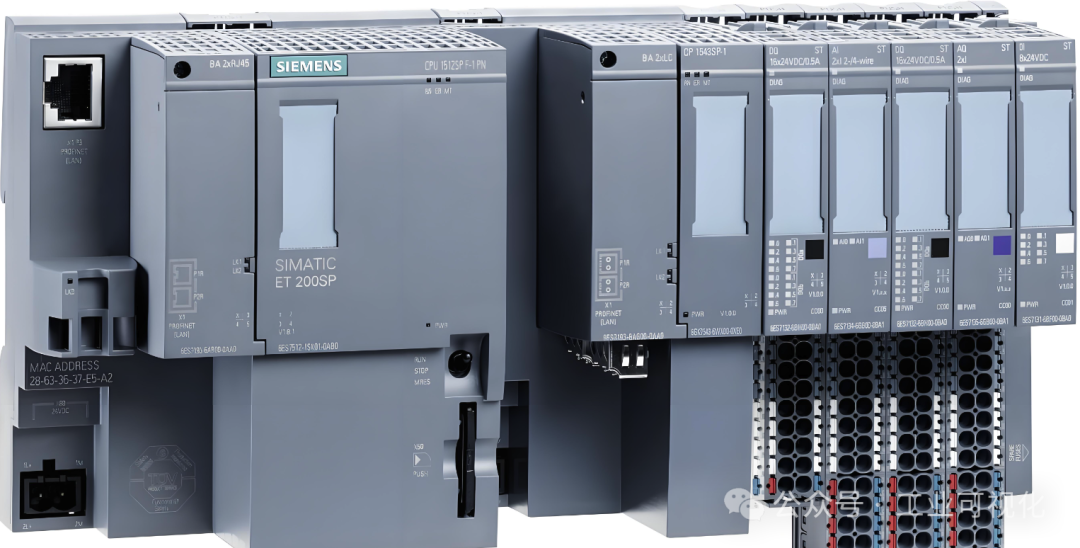
Core Points of C# and PLC Communication
-
1.Choice of Communication ProtocolThe commonly used communication protocol for Siemens PLC is the S7 protocol, which implements data exchange based on TCP/IP. Additionally, OPC UA (Open Communication Protocol) can be used, but the S7 protocol is usually simpler and more direct.
-
2.Using Tool LibrariesThe most commonly used tool for implementing PLC communication in C# is the open-source
<span>Sharp7</span>, which provides comprehensive support for the S7 protocol and is very convenient to use.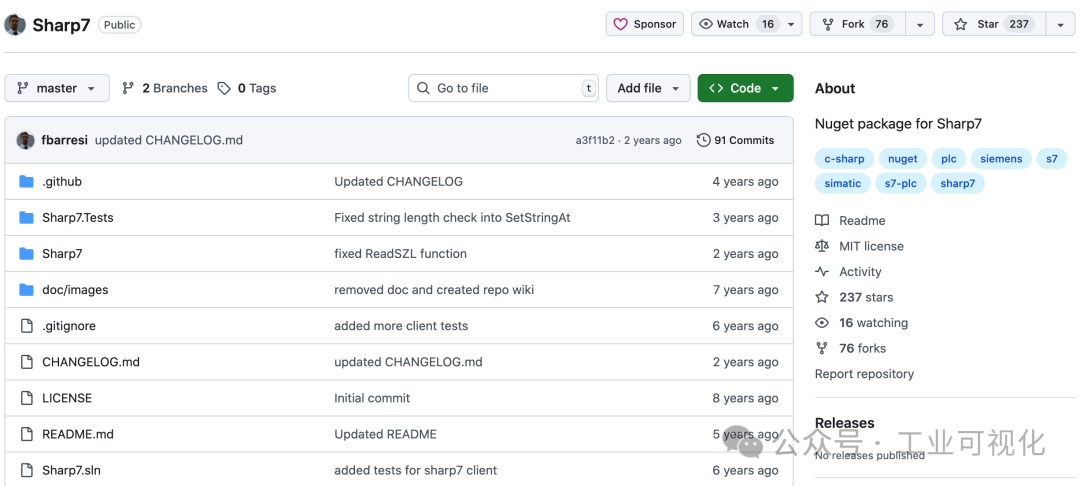
-
3.Identifying Communication TargetsThe storage space of Siemens PLC is divided into different areas based on functionality, for example:
- M Area (Bit Variables): Used to store logical states.
- DB Area (Data Blocks): Stores structured data, suitable for large-scale data processing.
- I/Q Area (Input/Output Area): Used for sensor inputs and actuator outputs, respectively.
Implementation Process of Communication Operations
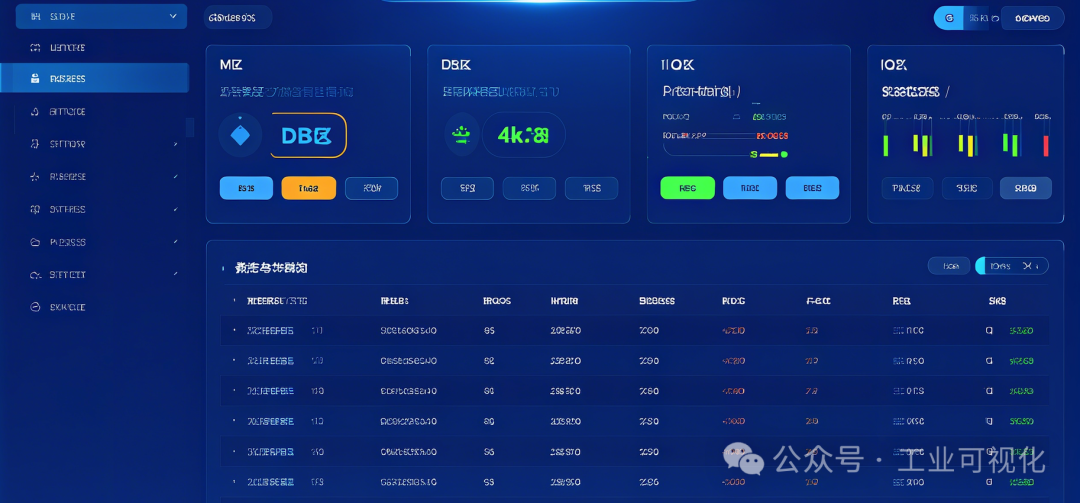
The following explains how to read and write to the M area, DB area, and I/Q area in the C# host.
1. Reading and Writing to the M Area (Bit Variables)
The M area stores logical bit variables. The following example code demonstrates how to read <span>M0.0</span> and set it to <span>1</span>:
using System;
using Sharp7;

class Program
{
    static void Main()
    {
        S7Client client = new S7Client();
        int result = client.ConnectTo("192.168.0.1", 0, 1); // Connect to PLC

        if (result == 0)
        {
            // Read M area
            byte[] buffer = new byte[1];
            client.ReadArea(S7Consts.S7AreaMK, 0, 0, 1, S7Consts.S7WLByte, buffer);
            bool mValue = (buffer[0] & 1) != 0; // Check M0.0 bit

            Console.WriteLine($"M0.0的值为:{mValue}");

            // Write to M area
            buffer[0] |= 1; // Set M0.0 to 1
            client.WriteArea(S7Consts.S7AreaMK, 0, 0, 1, S7Consts.S7WLByte, buffer);

            client.Disconnect();
        }
        else
        {
            Console.WriteLine($"连接失败,错误码:{client.ErrorText(result)}");
        }
    }
}
2. Reading and Writing to the DB Area (Data Blocks)
The DB area is used to store custom structured data, for example, reading data from
<span>DB1</span>at<span>DBW2</span>and changing it to<span>5678</span>:
client.ConnectTo("192.168.0.1", 0, 1);

// Read DB area
byte[] dbBuffer = new byte[2];
client.DBRead(1, 2, 2, dbBuffer); // DB1 offset address 2, length 2 bytes
int dbValue = BitConverter.ToInt16(dbBuffer, 0);
Console.WriteLine($"DB1.DBW2的值为:{dbValue}");

// Write to DB area
dbValue = 5678;
dbBuffer = BitConverter.GetBytes((short)dbValue);
client.DBWrite(1, 2, 2, dbBuffer);
Console.WriteLine("DB1.DBW2已写入新值!");
client.Disconnect();
3. Reading and Writing to the I/Q Area (Input and Output Area)
The following code example demonstrates how to read the value from the input area
<span>I0.0</span>and write it to the output area<span>Q0.0</span>:
// Read I area
byte[] iBuffer = new byte[1];
client.ReadArea(S7Consts.S7AreaPE, 0, 0, 1, S7Consts.S7WLByte, iBuffer);
bool iValue = (iBuffer[0] & 1) != 0; // Extract I0.0
Console.WriteLine($"I0.0的值为:{iValue}");

// Write to Q area
byte[] qBuffer = new byte[1];
qBuffer[0] = (byte)(iValue ? 1 : 0); // Write I area value to Q area
client.WriteArea(S7Consts.S7AreaPA, 0, 0, 1, S7Consts.S7WLByte, qBuffer);
Console.WriteLine("I0.0的值已写入到Q0.0!");
Potential Issues in Communication
- 1.Connection Failure:
- Ensure the PLC’s IP address is correct and that it is on the same subnet as the host.
- Ensure the rack number and slot number are configured correctly.
- 2.Data Parsing Errors:
- Ensure that the data type matches correctly when reading, such as
<span>Byte</span>,<span>Word</span>, or<span>DWord</span>. - Ensure that the byte order (big-endian or little-endian) is parsed correctly.
- 3.Performance Optimization:
- Try to read multiple addresses in batches to reduce communication overhead.
By communicating between the C# host and Siemens PLC, efficient and flexible data reading and writing can be achieved. Using comprehensive tool libraries like
<span>Sharp7</span>further simplifies the complexity of development. As long as the protocol, address structure, and basic operation methods are mastered, the development of complex systems can be easily managed.
Recent Popular Articles:
| How big is a Modbus frame? Surprisingly this number!!!All in Chinese! Domestic serial port tools! yydsWorking with 485! Just look at these 3 types of wiringIncredible! Quickly solve serial port debuggingRevealing! Why does MQTT have to choose TCP?Working with Modbus! Memorize these 7 parameters |