1. Download Link and Configuration Requirements
|
Software: Multisim |
Version: 14.3 |
|
Language: Simplified Chinese |
Size: 887MB |
|
Installation Environment: Windows 7 and above (64bit) |
|
|
Hardware Requirements: CPU @ 2.5+ GHz, RAM @ 8+ GB |
|
|
Baidu Cloud Download Link: https://pan.baidu.com/s/1_j14X0n6l47G0Qenuw323Q?pwd=0936 |
|
|
Quark Cloud Download Link: https://pan.quark.cn/s/12599ba8e2f3 |
|
|
Xunlei Cloud Download Link: https://pan.xunlei.com/s/VOf4B8zJY4aI4L00dQNqf5Z4A1?pwd=wvy5# |
|
| If the link is invalid or the installation package is not found, it means it has been deleted by the cloud service. Usually, a backup link will be provided in the comments. If not, please message me, and I will update the link promptly. |
Software Introduction
Multisim is an EDA (Electronic Design Automation) circuit simulation software based on the Windows system, launched by National Instruments (NI). It originated from the EWB software of a Canadian company, which was acquired by NI and continuously upgraded. Currently, there are multiple versions including Multisim 14, widely used in education and industrial R&D in the electronics field. Its core concept is to “bring the laboratory into the PC,” making it a highly influential tool for board-level analog/digital circuit design in the electronics domain.
2. Installation Steps1. Download the installation package to your computer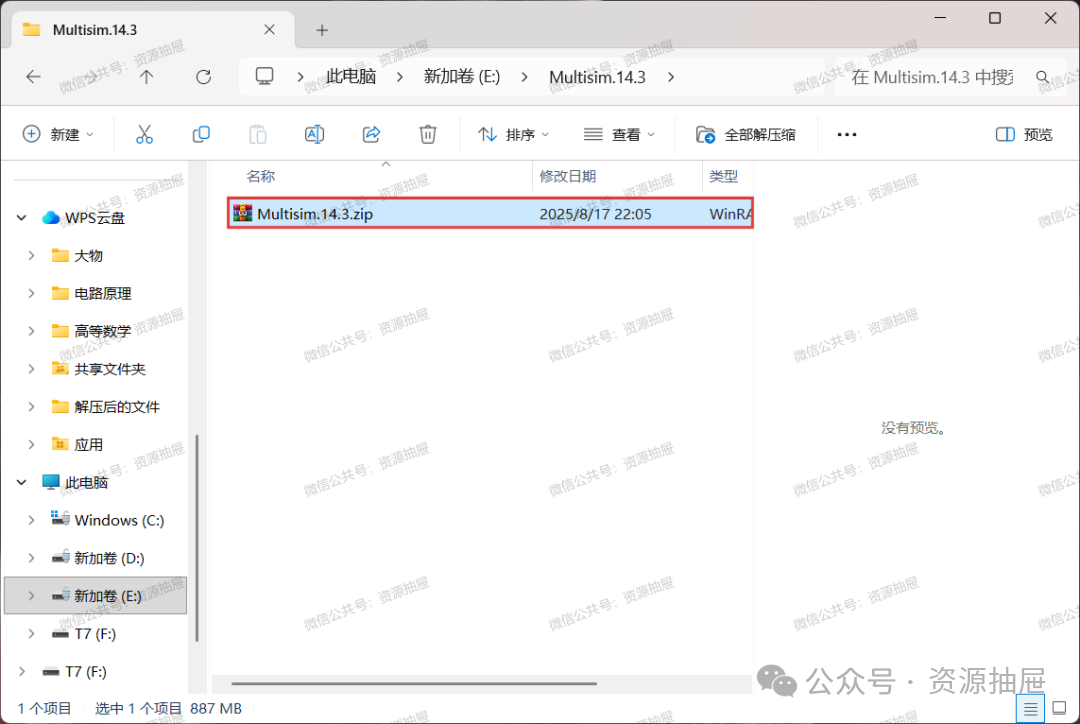
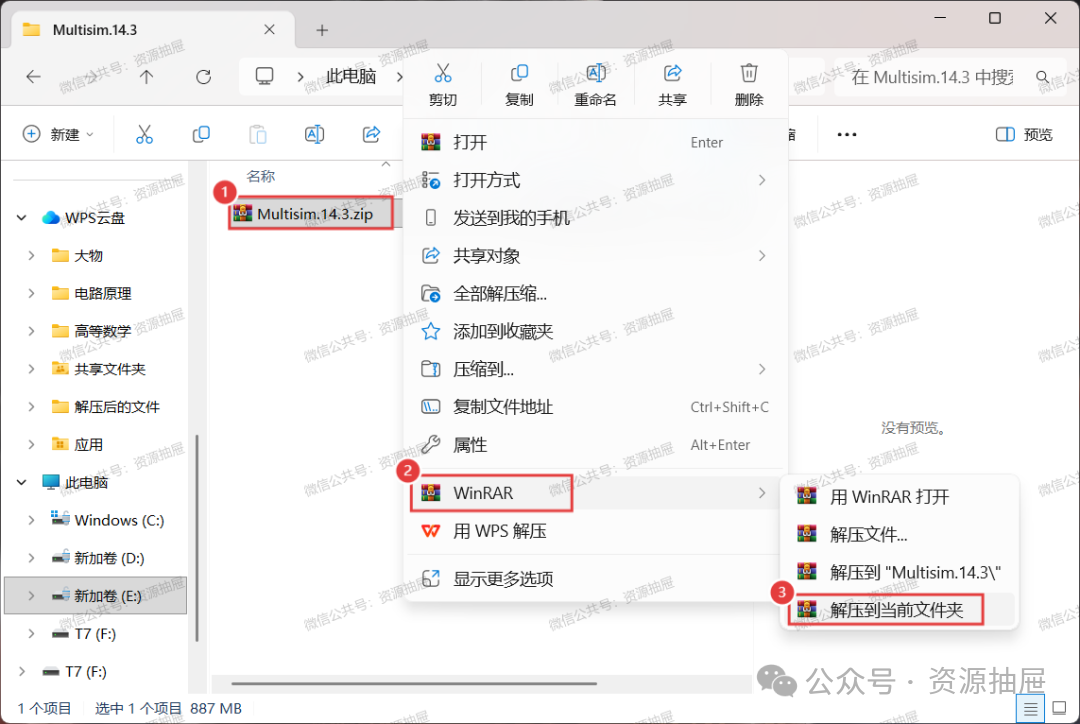
2. Unzip the compressed file [Multisim.14.3.zip] to the current folder
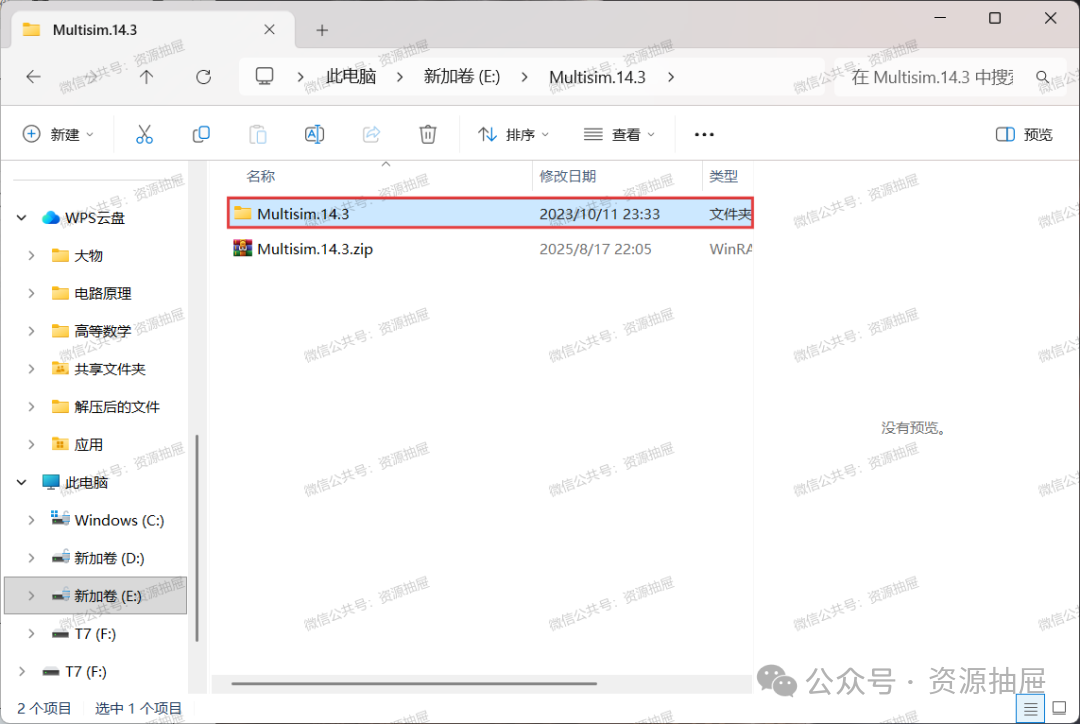
3. Open the unzipped [Multisim.14.3] folder
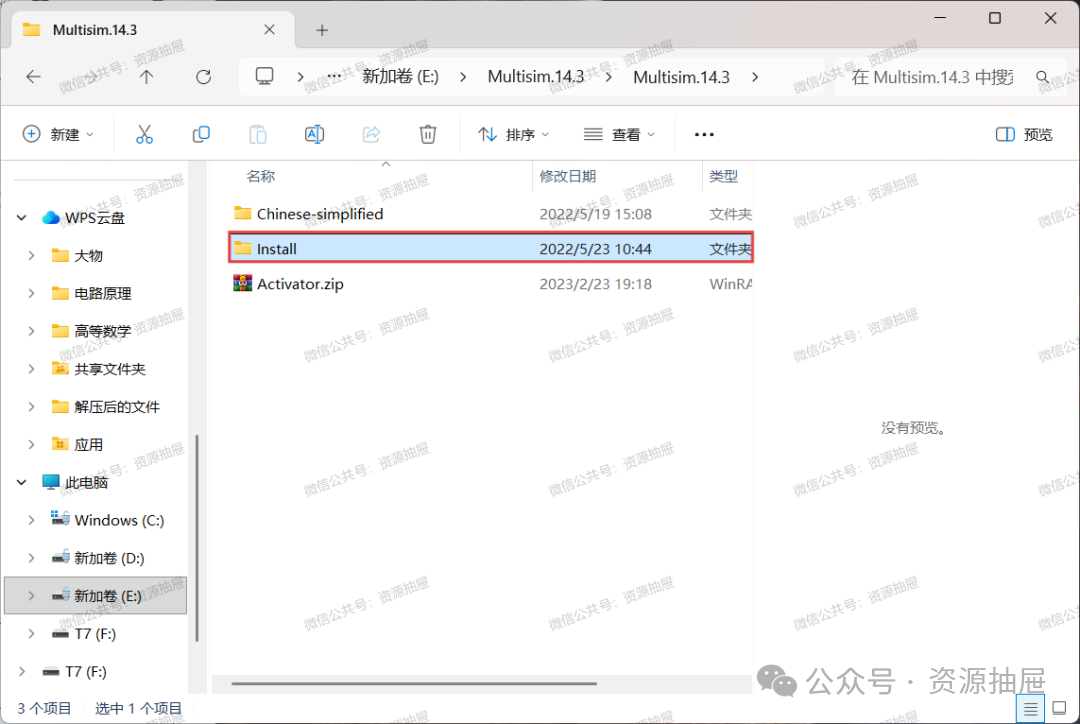
4. Open the [Install] folder
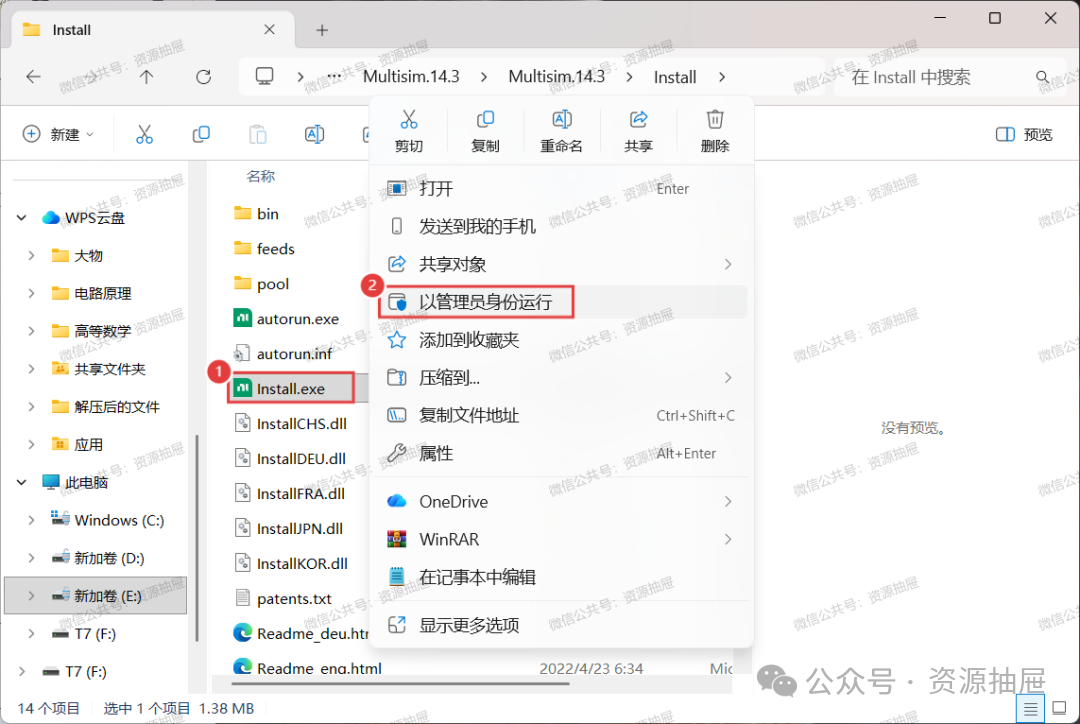
5. Left-click to select [Install.exe], then right-click and choose [Run as administrator]
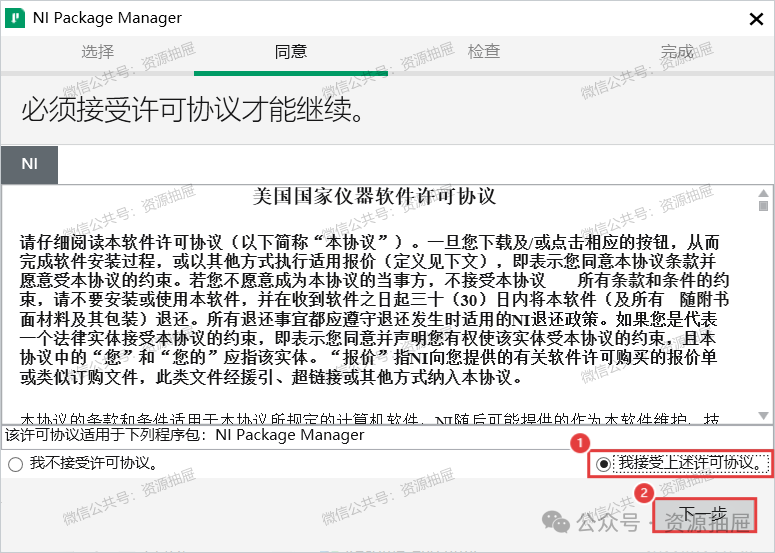
6. Check the agreement and click [Next]
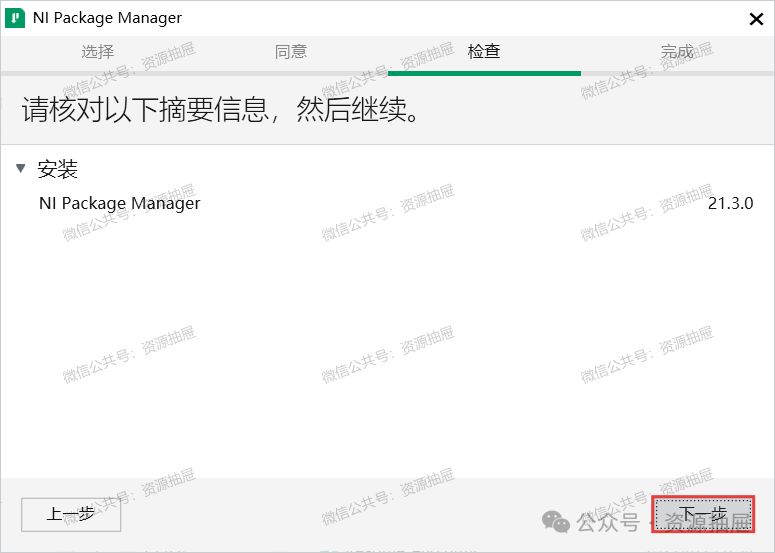
7. Click [Next]
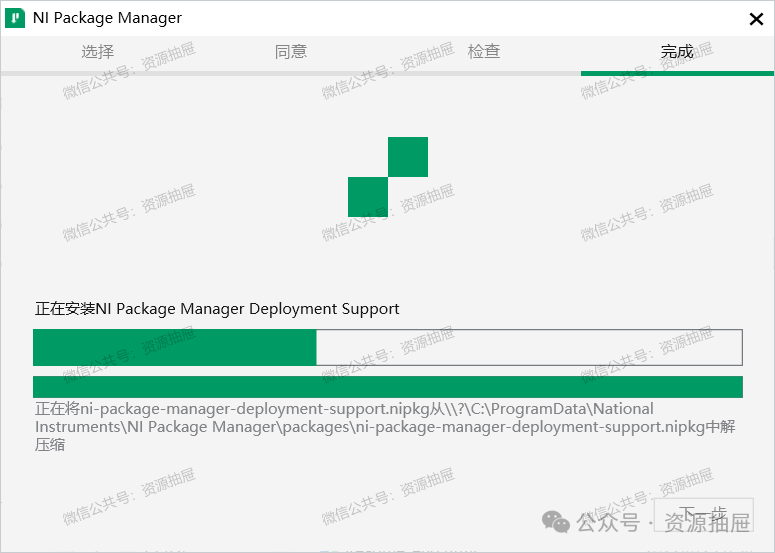
8. Wait…
9. Check the agreement and click [Next]
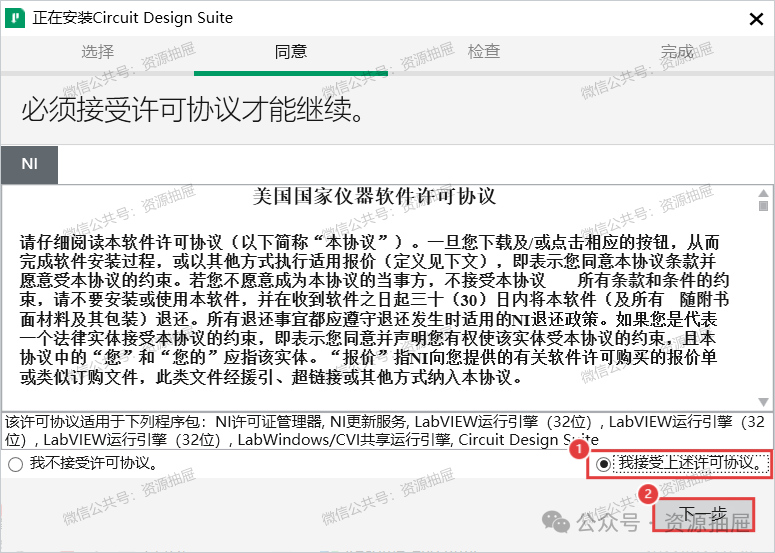
10. Click [Next]
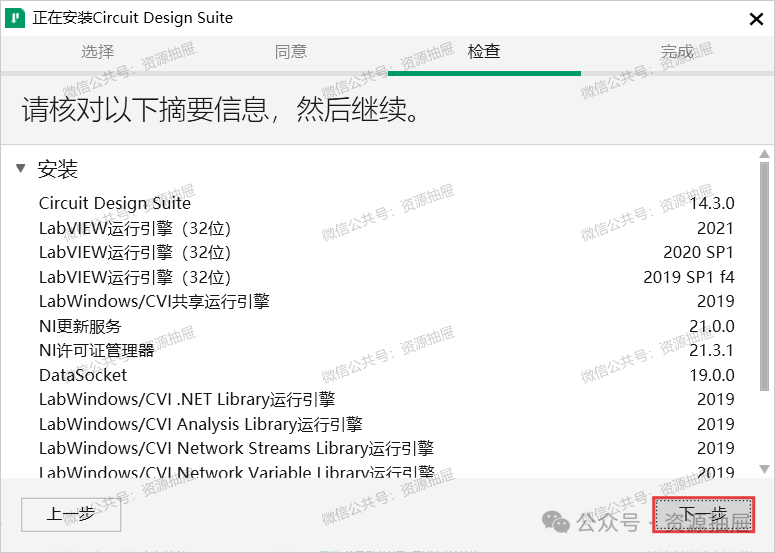
11. Wait…
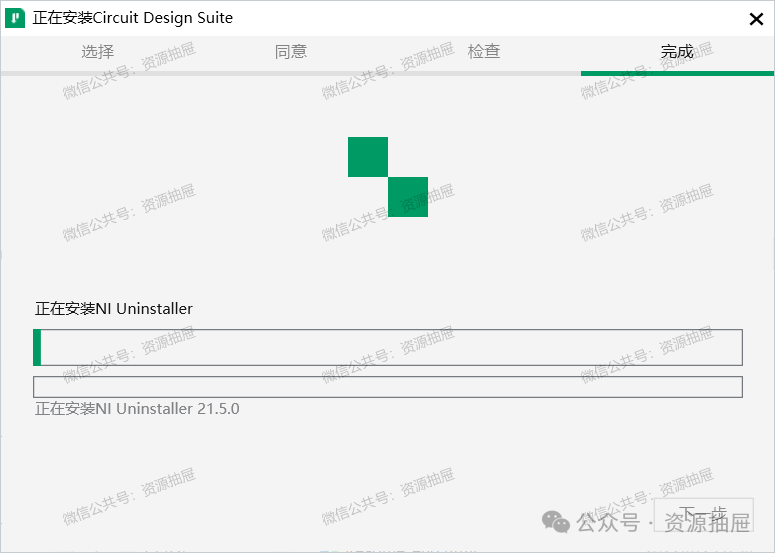
12. Click [No]
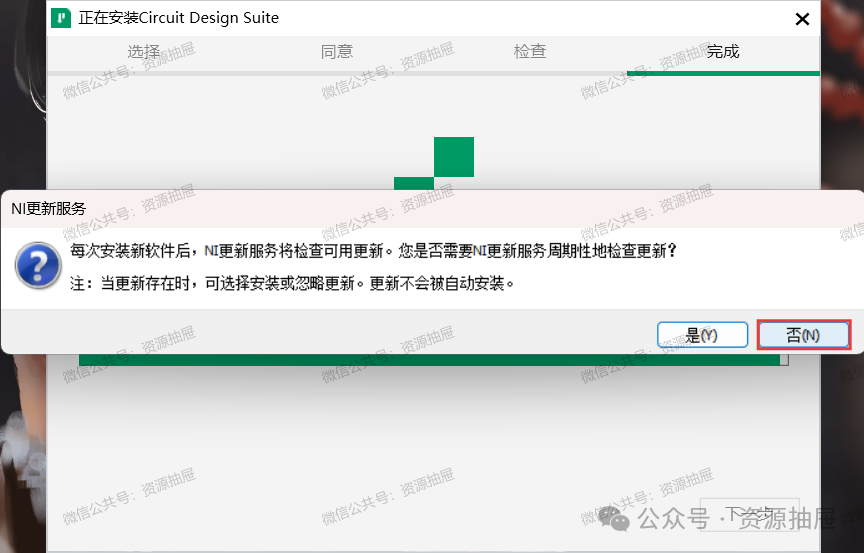
13. Click [Cancel]
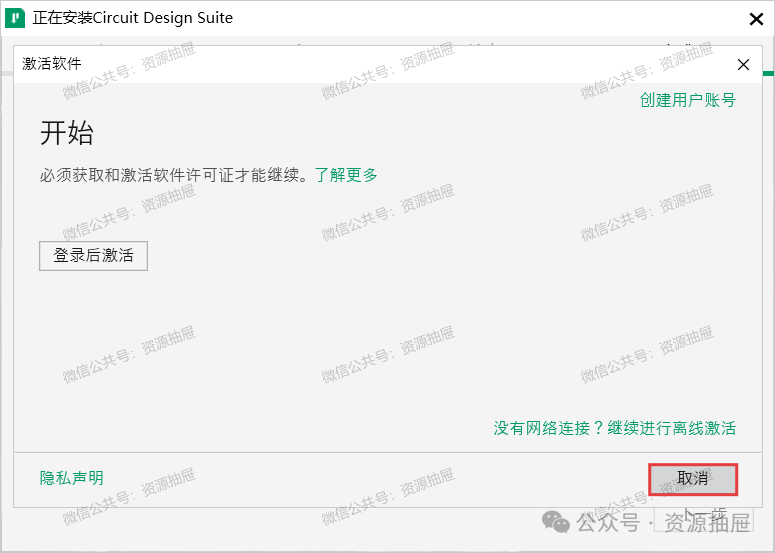
14. Close this window
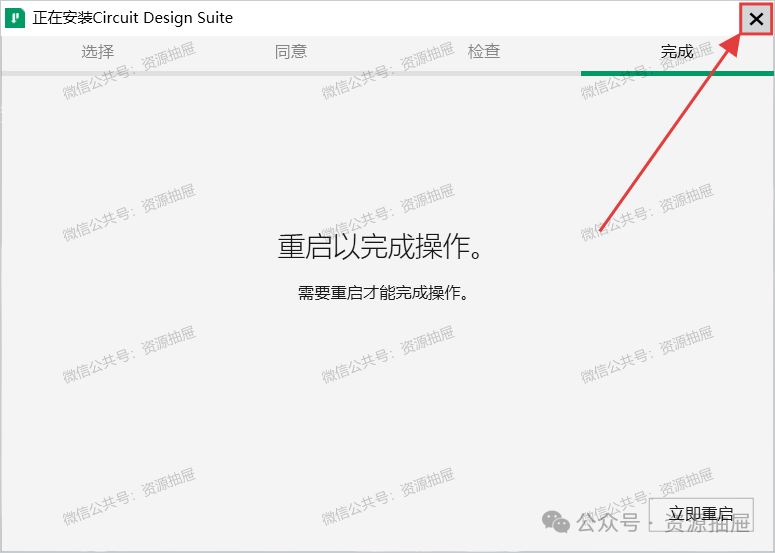
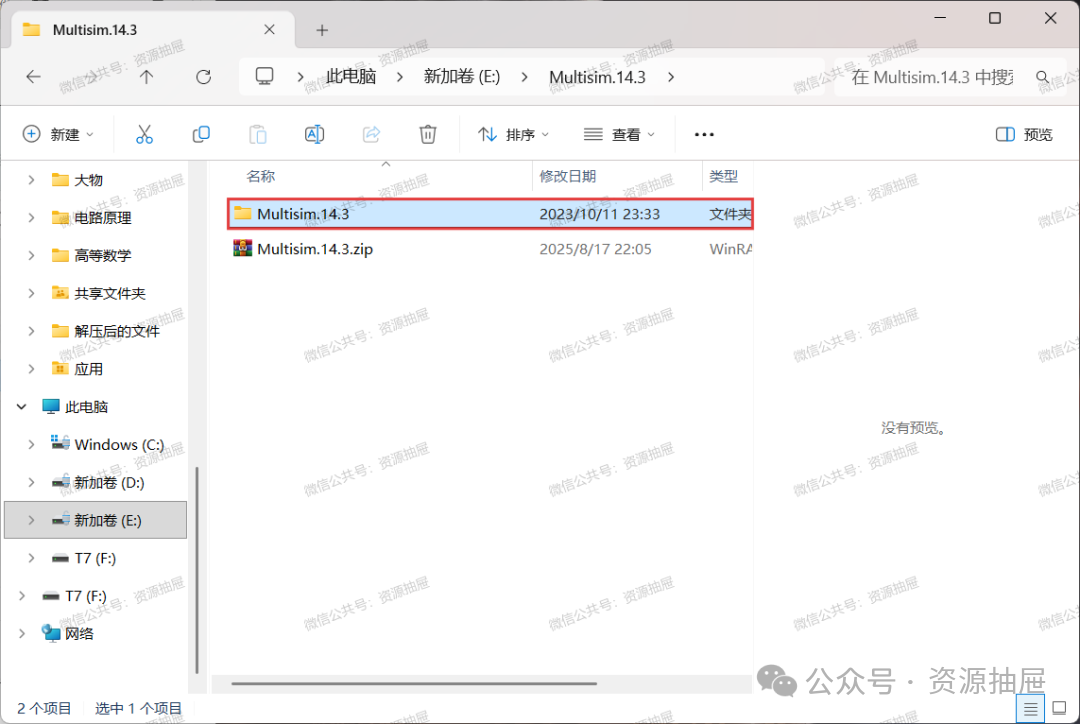
15. Return to the installation package and open the [Multisim.14.3] folder
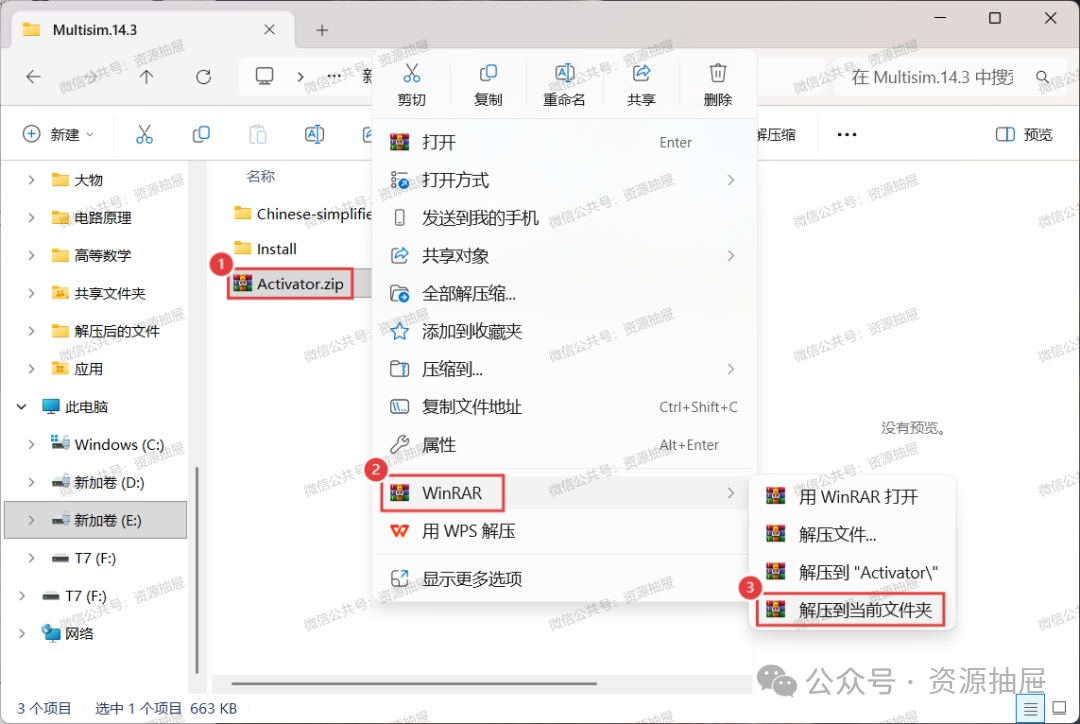
16. Unzip the compressed file [Activator.zip] to the current folder
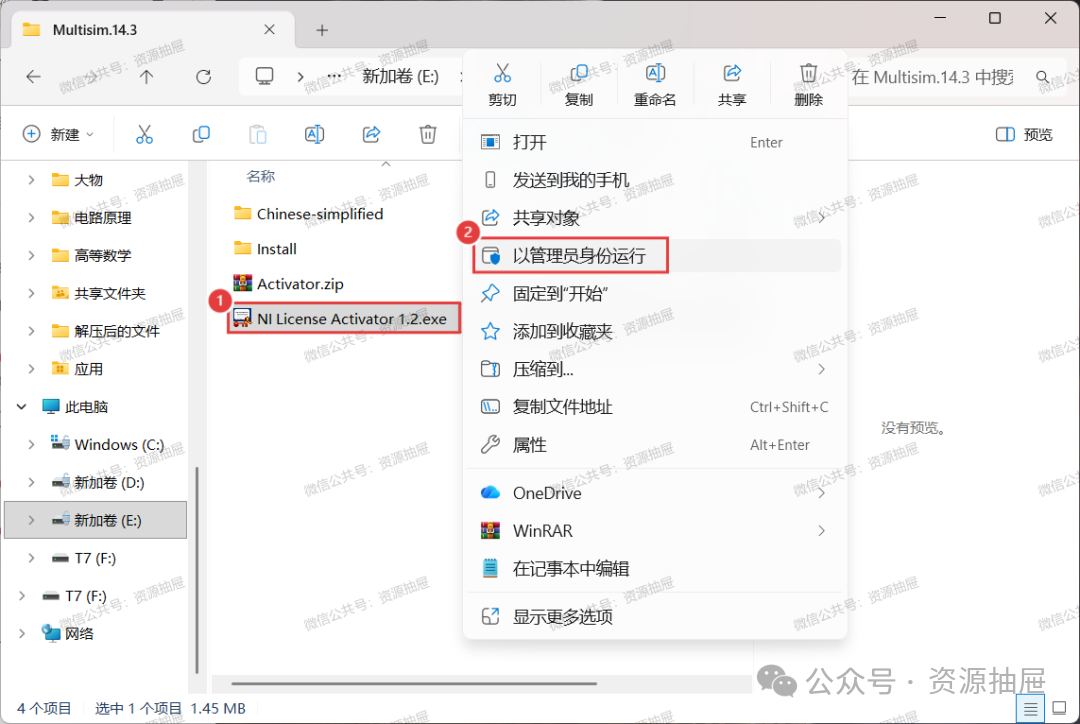
17. Left-click to select the unzipped [NI License Activator 1.2.exe], then right-click and choose [Run as administrator]
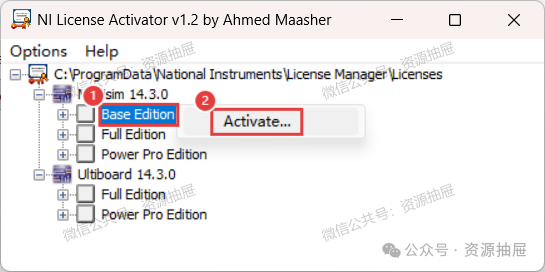
18. Right-click [Base Edition], then click [Activate…]
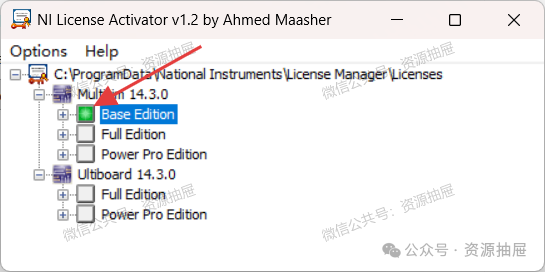
19. The display shows that [Base Edition] has been successfully activated
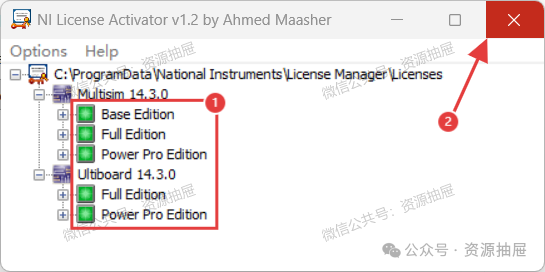
20. Activate the remaining items using the same steps, and close this window after all are activated
21. Return to the installation package and copy the [Chinese-simplified] folder
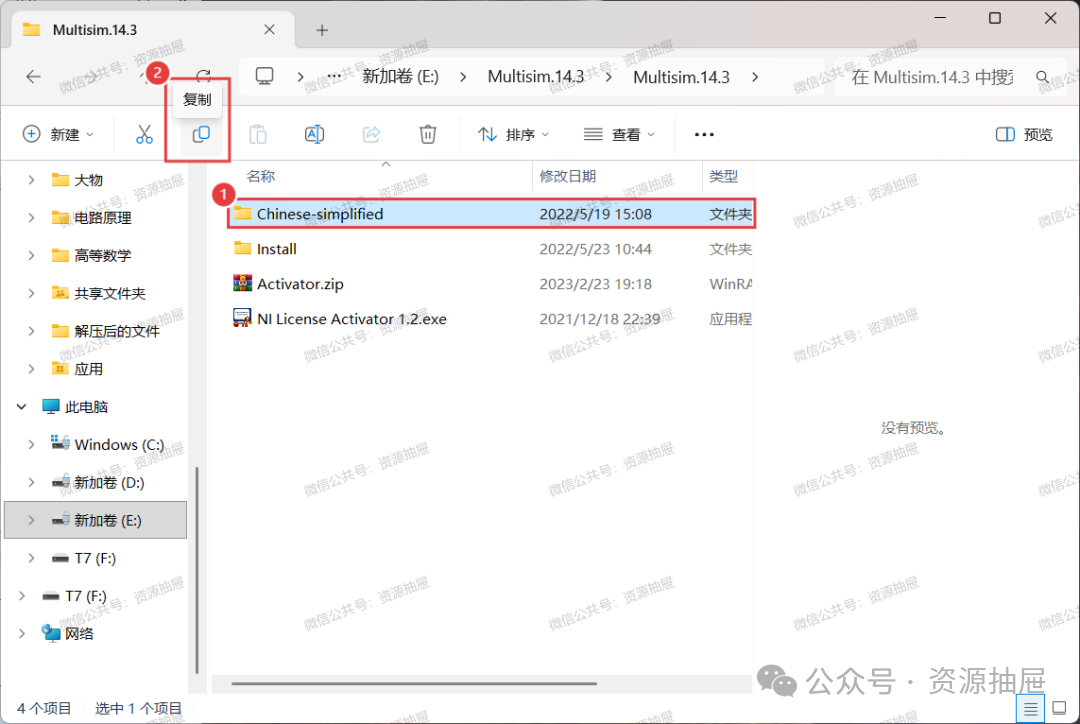
22. Follow the steps shown in the image
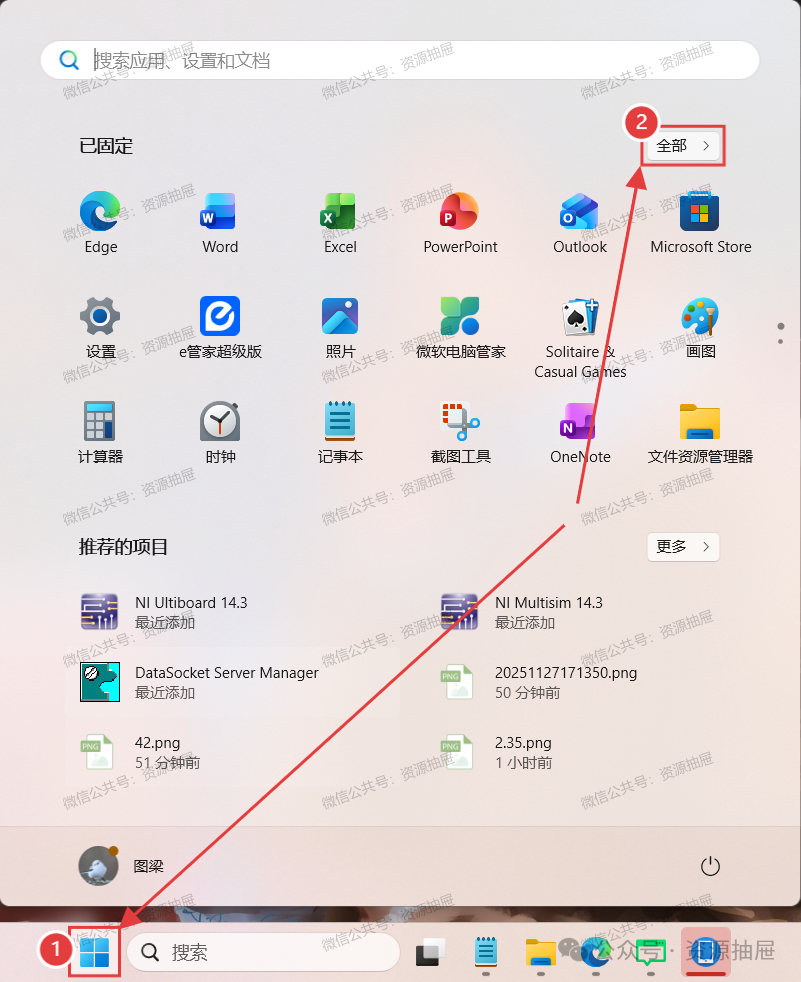
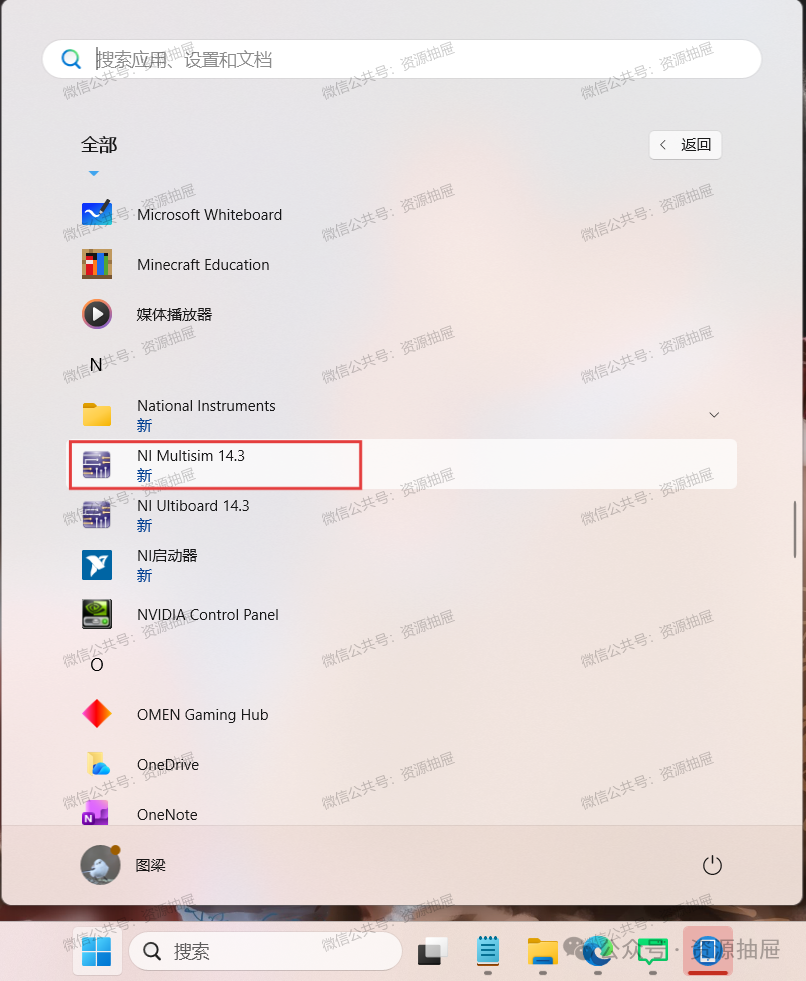
23. Find [Nl Multisim 14.3] and drag it to the desktop
24. Right-click the software and click [Open file location]
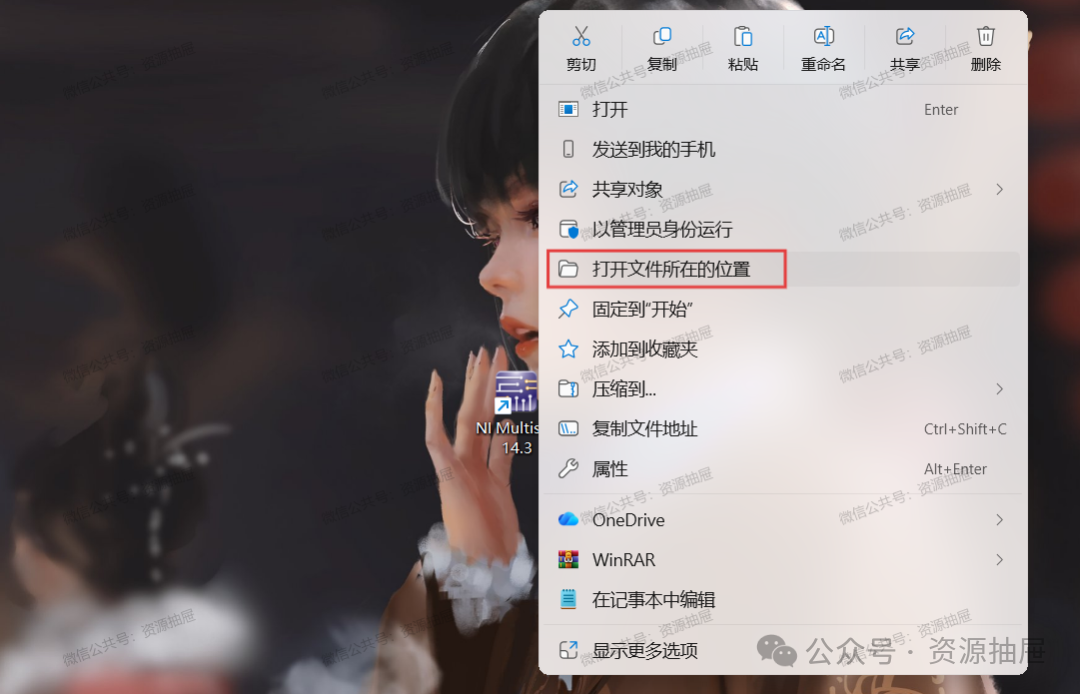
25. In this path, find and open the [stringfiles] folder
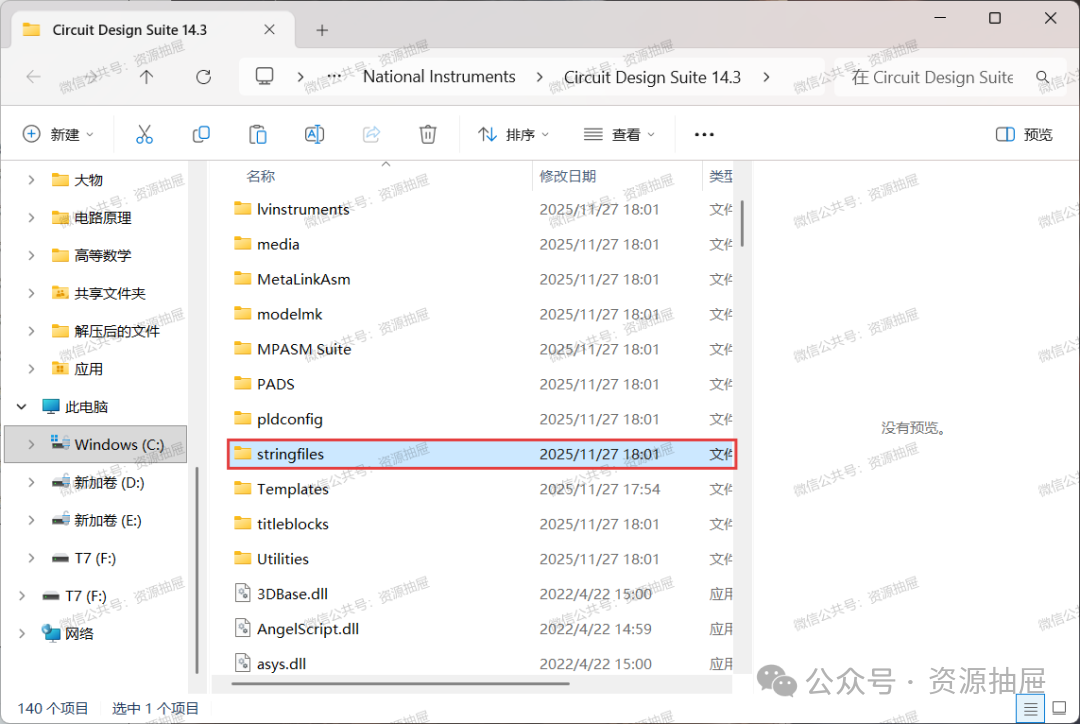
26. Paste here
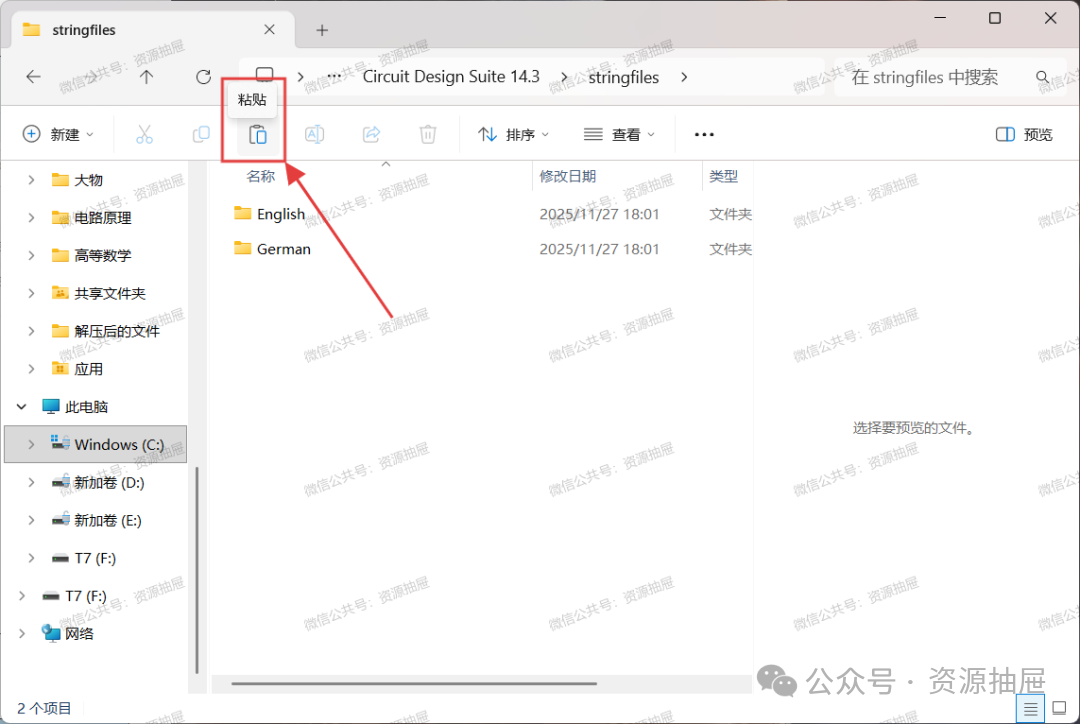
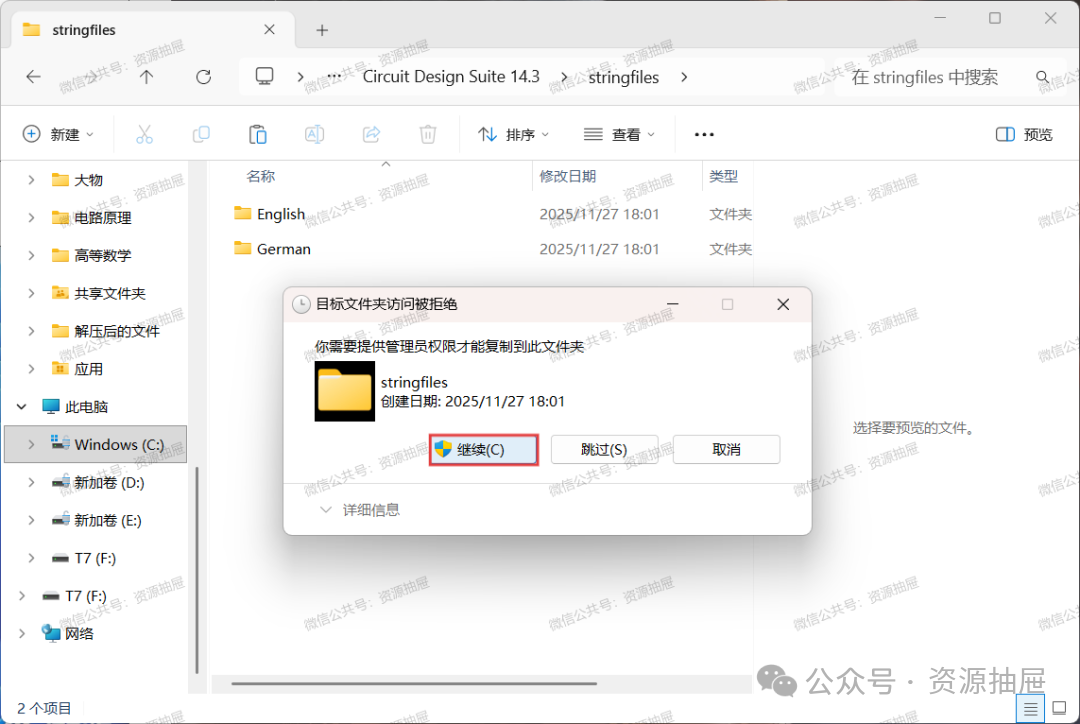
27. If this pop-up appears, click [Continue]; if it does not appear, ignore it
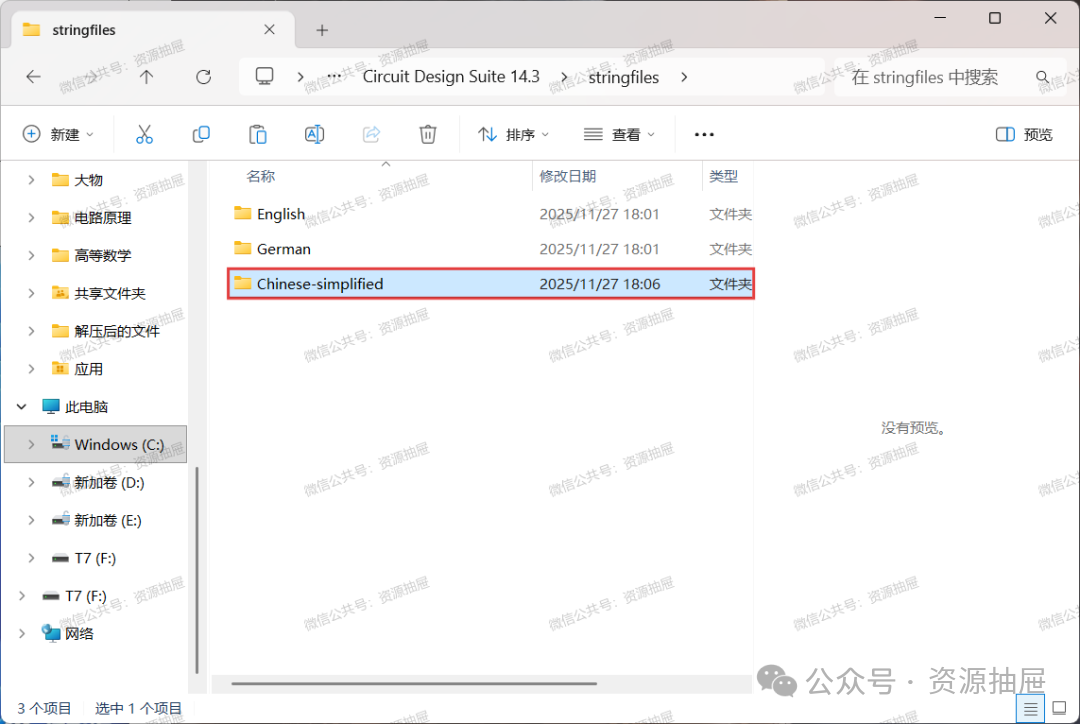
28. Confirm that the [Chinese-simplified] folder has been pasted here
29. Double-click to run

30. Installation complete
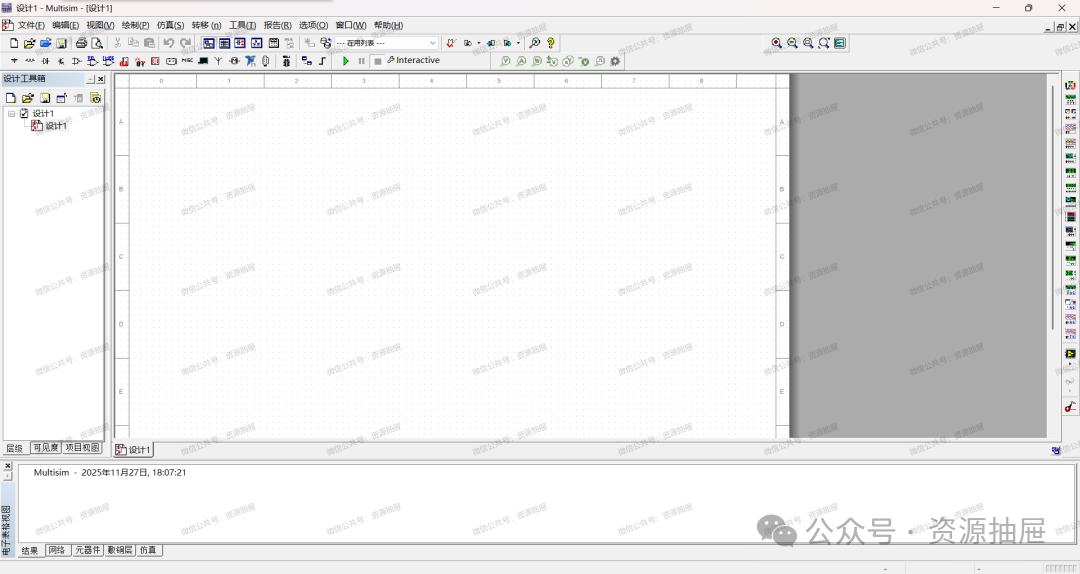
Note: If you encounter the error pop-up shown below after starting the software, please continue reading. If the pop-up does not appear, you can skip this section.
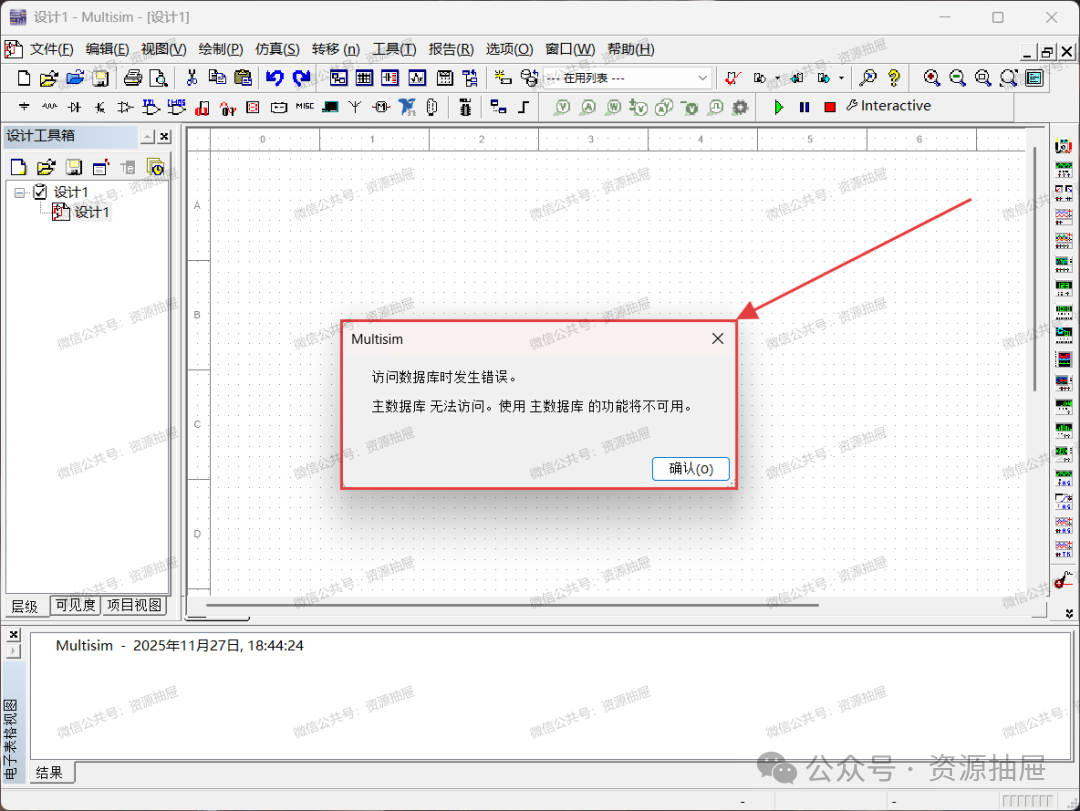 3. Error Resolution Click the link below to view the error resolution method: Multisim startup error: Database access error. The main database is inaccessible. Functions using the main database will be unavailable.4. For more software and materials, please follow the public account below.