| Software Name: MQTT Explorer & MQTTX | |
| Software Language: Simplified Chinese | Software Size: 71M |
| System Requirements: Windows 10 or higher, 64-bit operating system. | Hardware Requirements: CPU @2+GHz, RAM @4G or higher |
| Download Link: Follow the public account and send the keyword “MQTT” in the chat box |
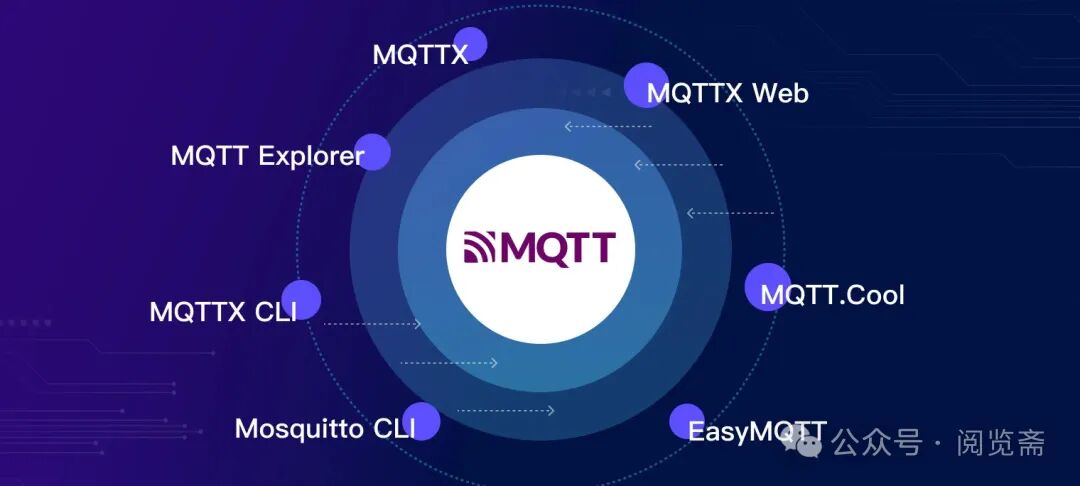
In the rapidly evolving era of the Internet of Things (IoT), the MQTT protocol has become an indispensable part of the work of many companies and developers. The use of MQTT client tools has become very common, conveniently enabling seamless connections with MQTT servers and performing various functions such as publishing, subscribing, and message exchange.
For developers looking to gain a deeper understanding of MQTT features and simplify the debugging process of IoT applications, choosing the right tool is crucial, as it helps shorten the development cycle. However, the numerous MQTT client tools available on the market each have different functional focuses, making it challenging for developers to decide on the most suitable option.
How to Choose an MQTT Client?
MQTT client tools are commonly used to establish connections with MQTT servers, perform topic subscriptions, and send and receive messages. A good MQTT client tool should have the following features:
- Support for encrypted connections;
- Support for MQTT 5 features;
- Maintain ease of use while being feature-rich;
- Support multiple clients online simultaneously;
- Cross-platform compatibility, usable on different operating systems;
- Support for MQTT over WebSocket;
- Advanced features: support for custom scripts, logging, MQTT payload format conversion, etc.
Testing Prerequisites: Prepare an MQTT Broker
Before delving into MQTT tools, we need an MQTT Broker for communication and testing. If you do not have a self-built MQTT server, you can choose the free public MQTT Broker provided at <span>broker.emqx.io</span>.
MQTT Broker Information
Server:
<span>broker.emqx.io</span>TCP Port: 1883
WebSocket Port: 8083
SSL/TLS Port: 8883
Secure WebSocket Port: 8084
For more related information, please visit: Free Public MQTT Server: https://www.emqx.com/zh/mqtt/public-mqtt5-broker
Choosing an MQTT Desktop Client
1. MQTTX
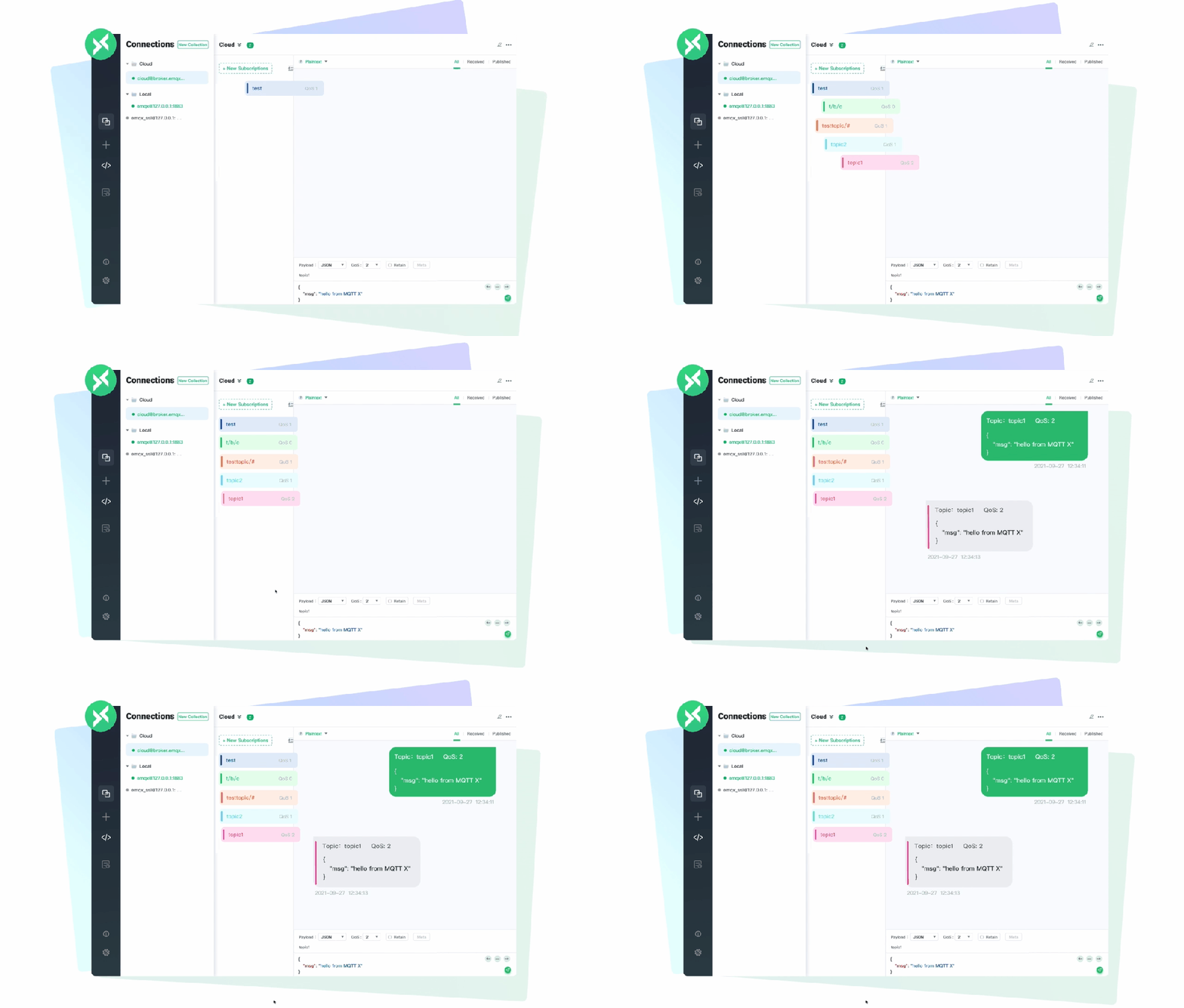
MQTTX is an open-source cross-platform MQTT 5.0 client tool developed by EMQ, supporting macOS, Linux, and Windows, and it supports MQTT message format conversion.
The user interface of MQTTX simplifies the page operation logic in the form of chat software, allowing users to quickly create and save connections while establishing multiple client connections, facilitating quick testing of MQTT/TCP, MQTT/TLS, MQTT/WebSocket’s connect/publish/subscribe functions and other features.
MQTTX aims to create an elegant and user-friendly all-platform MQTT client and has recently released two versions: MQTTX CLI and MQTTX Web. Currently, it has reached 2K stars on GitHub, becoming the most complete MQTT testing client in terms of usage scenarios.
Features
- Cross-platform, supports Windows, macOS, and Linux
- Supports MQTT 3.1.1, 3.1, and 5.0 protocols
- Single/dual SSL authentication: supports CA, self-signed certificates, and single/dual SSL authentication
- Supports Light, Dark, and Night theme switching
- Supports WebSocket connections to MQTT servers
- Supports Hex, Base64, JSON, Plaintext
- Supports Simplified Chinese, English, Japanese, Turkish, and Hungarian
- Custom color tagging for subscribed topics
- Supports automatic subscription to $SYS topics to view traffic statistics
- Custom script editing for testing and simulating data transmission
- AI-driven MQTTX Copilot: simplifies MQTT testing and development
- Comprehensive logging
Cons: No portable version available, only installation files; however, the functionality is still very powerful. The latest installation file can be downloaded from the cloud storage, extracted, and installed manually.
2. MQTT Explorer
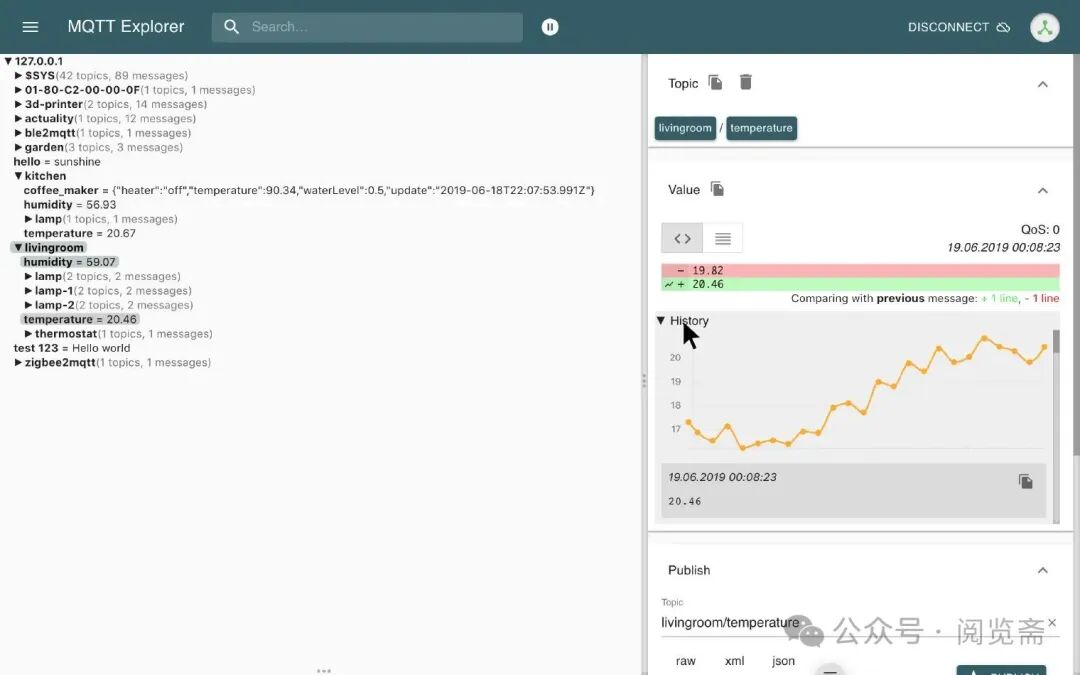
MQTT Explorer is a comprehensive MQTT client, with a major highlight being its structured display and dynamic preview of MQTT topics.
MQTT Explorer also supports differential comparison and visual chart display of received payload messages. Similar to MQTT.fx, MQTT Explorer can only create a single client connection and cannot have multiple clients online simultaneously.
Features
- Visualizes topics and provides dynamic previews of topic changes
- Delete retained topics
- Search/filter topics
- Recursively delete topics
- Difference view of current and previously received messages
- Publish topics
- Draw digital topics
- Retain history for each topic
- Dark/Light theme
Pros: The tool is very compact, has a portable version, and the shared version is portable; just extract and double-click the EXE to run it directly, which is very convenient.
MQTT Online Clients
MQTTX Web
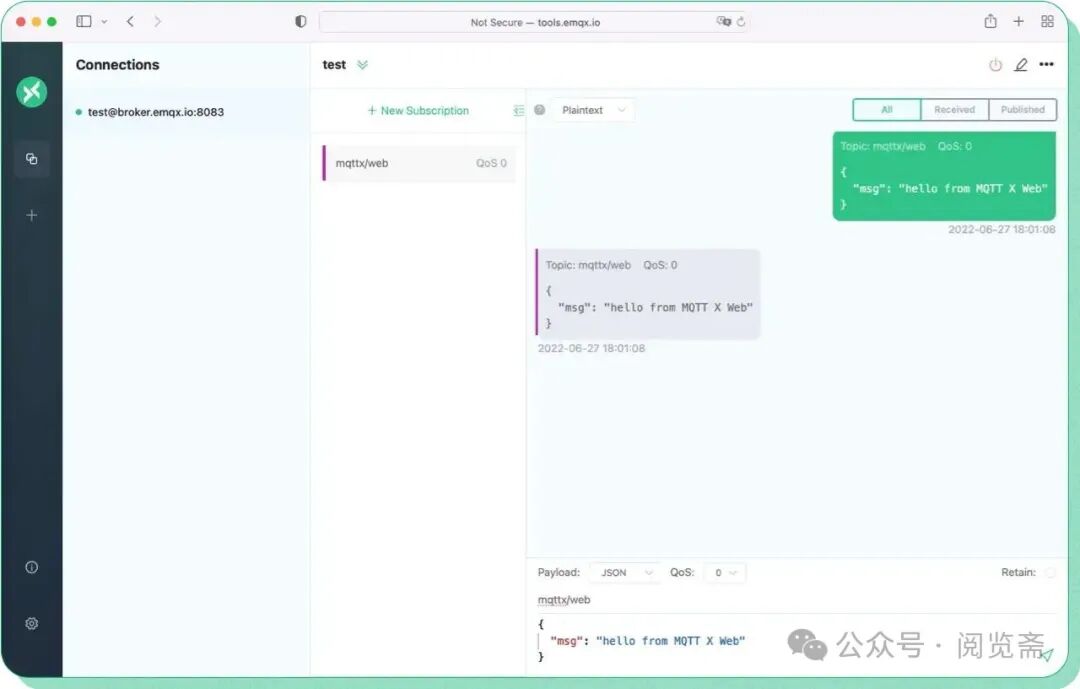
MQTTX Web is an open-source MQTT 5.0 browser client and an online MQTT WebSocket client tool. Developers do not need to download and install MQTTX locally; they can quickly connect to MQTT servers using WebSocket in the browser, facilitating faster development and debugging of MQTT services and applications.
Experience it now: https://mqttx.app/web-client/