MATLAB Installation Guide
Introduction
MATLAB (Matrix Laboratory) is a numerical computing and programming platform developed by MathWorks, widely used in scientific computing, engineering modeling, algorithm development, data analysis, machine learning, control system design, and simulation. MATLAB provides powerful matrix computation capabilities and a rich set of toolboxes, making it a commonly used software environment in both research and industry.
Main Features:
- Numerical Computing: Supports matrix operations, numerical analysis, linear algebra, optimization, and numerical solutions.
- Visualization: Provides 2D/3D plotting and data visualization tools.
- Programming Language: Built-in MATLAB language, while also supporting Python, C/C++, and Java interfaces.
- Simulink Support: System-level modeling and simulation through Simulink (signal processing, communication, control systems, etc.).
- Rich Toolboxes: Covers multiple fields including signal processing, image processing, machine learning, deep learning, control systems, and financial modeling.
- Cross-Platform Support: Can run on Windows, Linux, and macOS systems, supporting parallel computing and cloud deployment.
Installation
- Check the installation package
.
└── R2025a_Linux.iso
- Mount the
<span>iso</span>
mkdir /mnt/matlab
mount R2025a_Linux.iso /mnt/matlab/
- Proceed with installation
cd /mnt/matlab/
./install
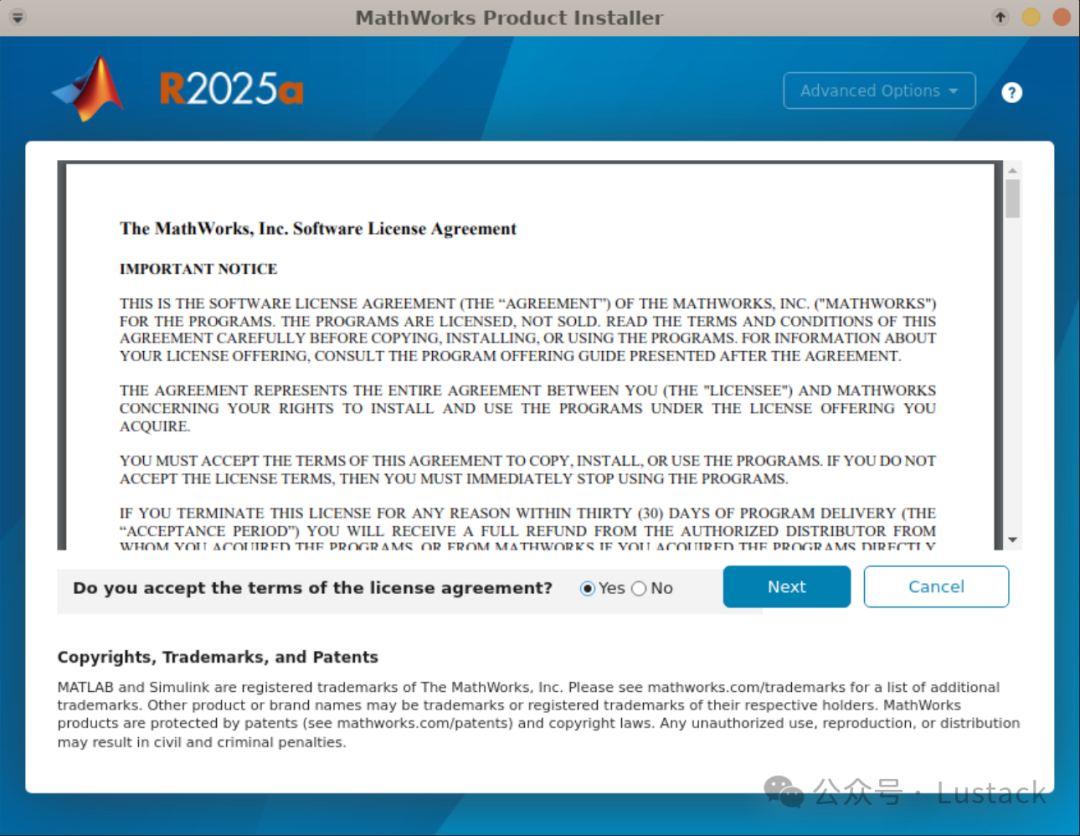
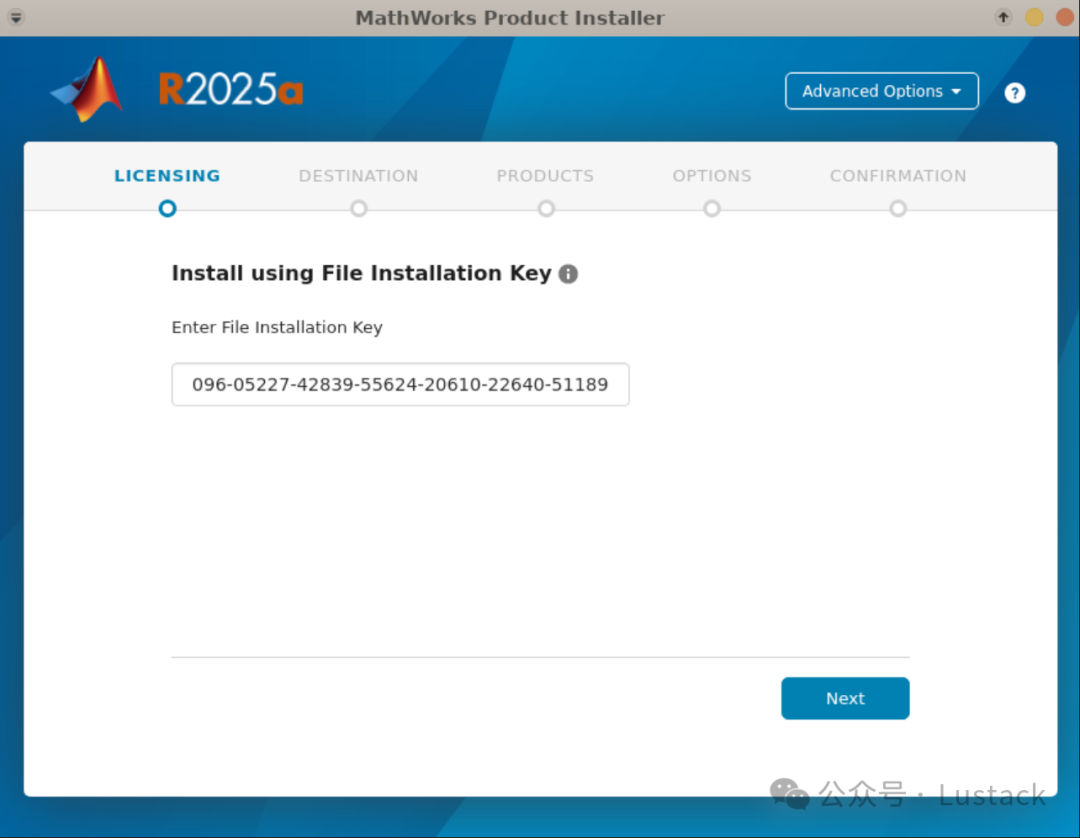
- Enter the license key
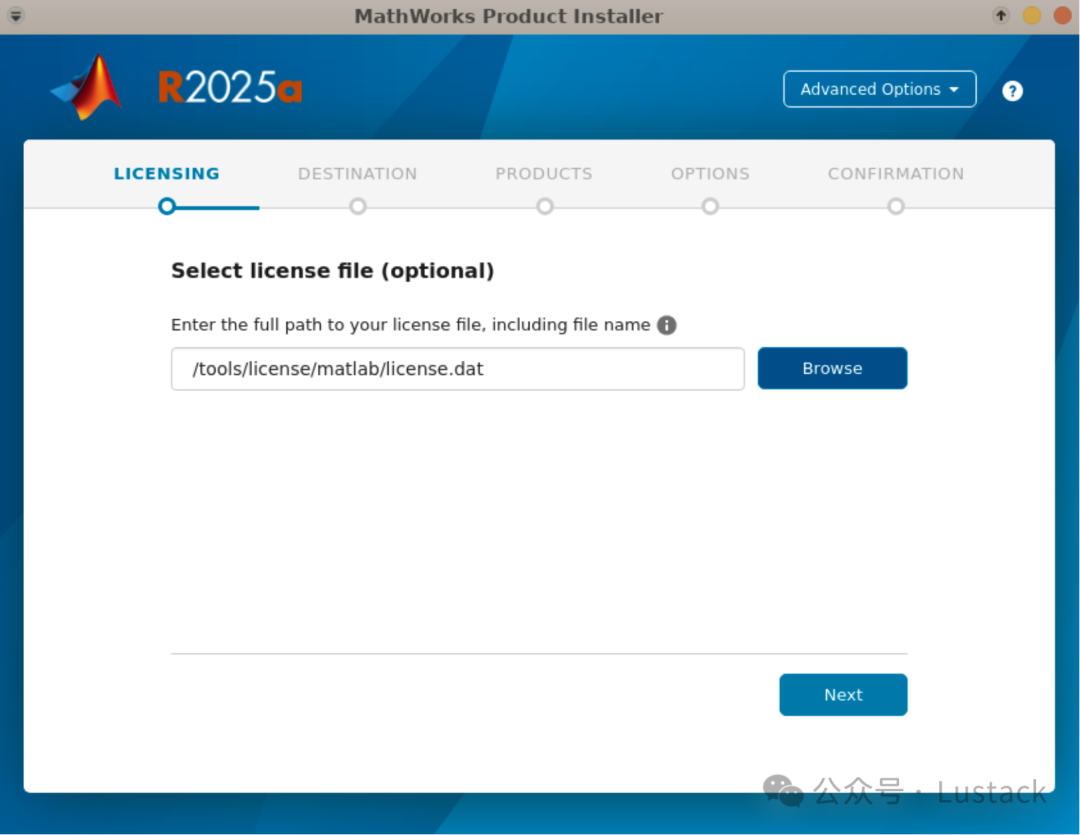
- Select the
<span>license</span>file
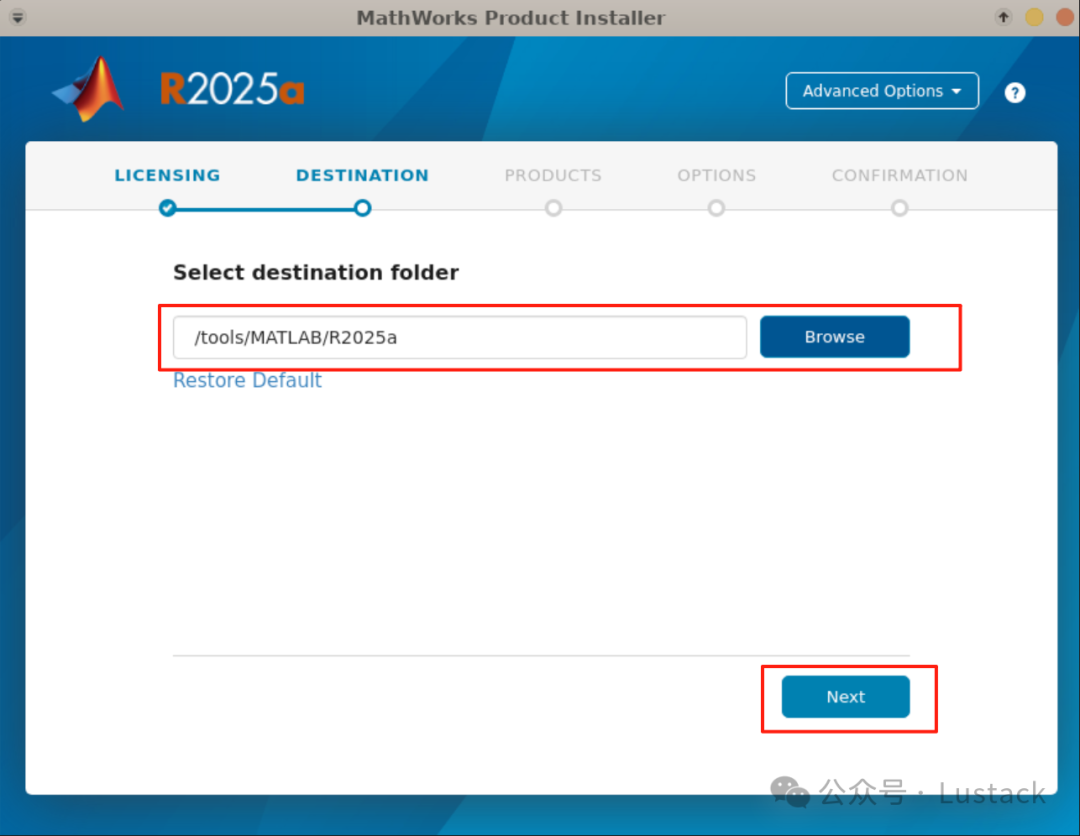
- Select the installation directory
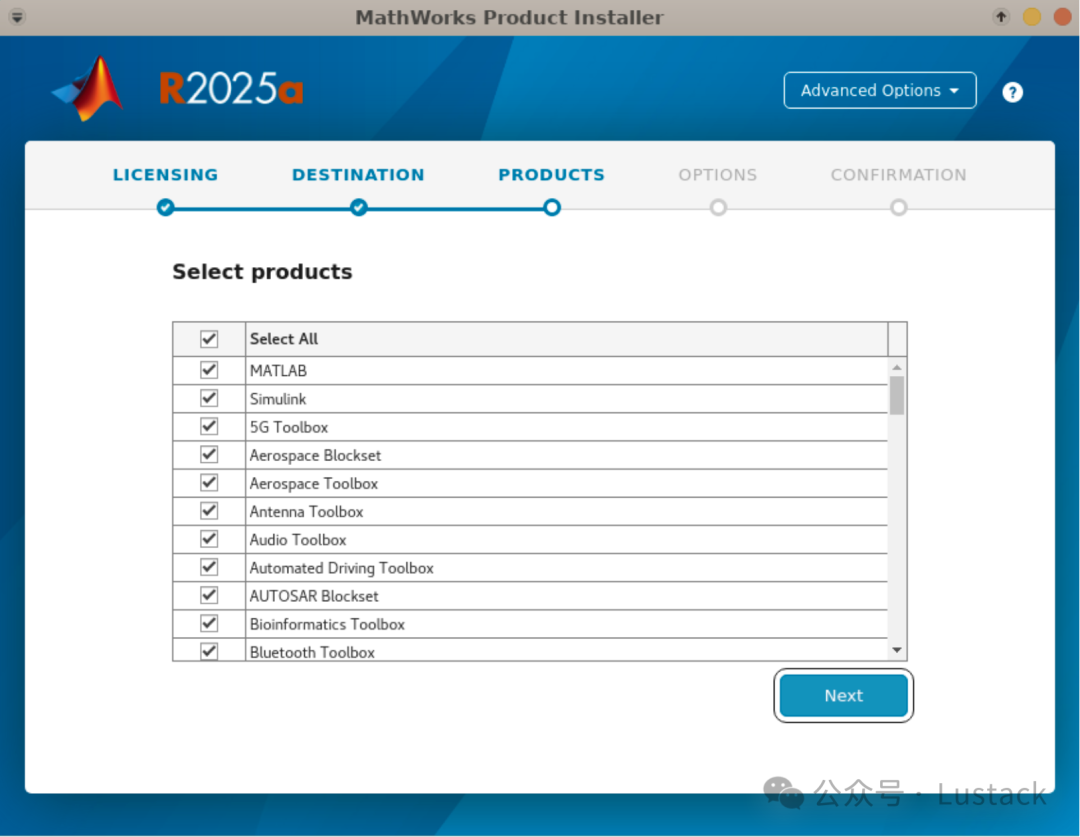
- Select products
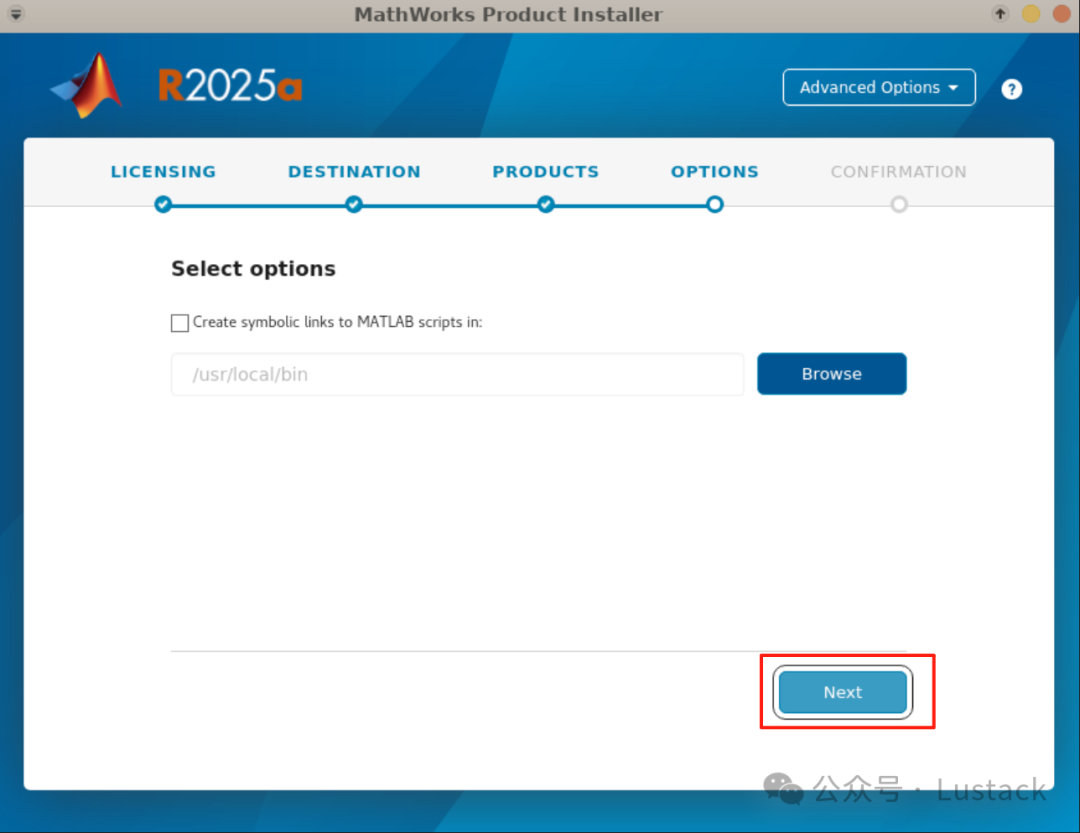
- Create symbolic links (do not create, configure later)
- Click to start installation and wait for completion
Configuration
- Write the
<span>modulefile</span>
#%Module1.0
module-whatis     "MathWorks MATLAB 2025a"
setenv            MATLAB_HOME       /tools/MATLAB/R2025a
prepend-path      PATH              $env(MATLAB_HOME)/bin
Launch
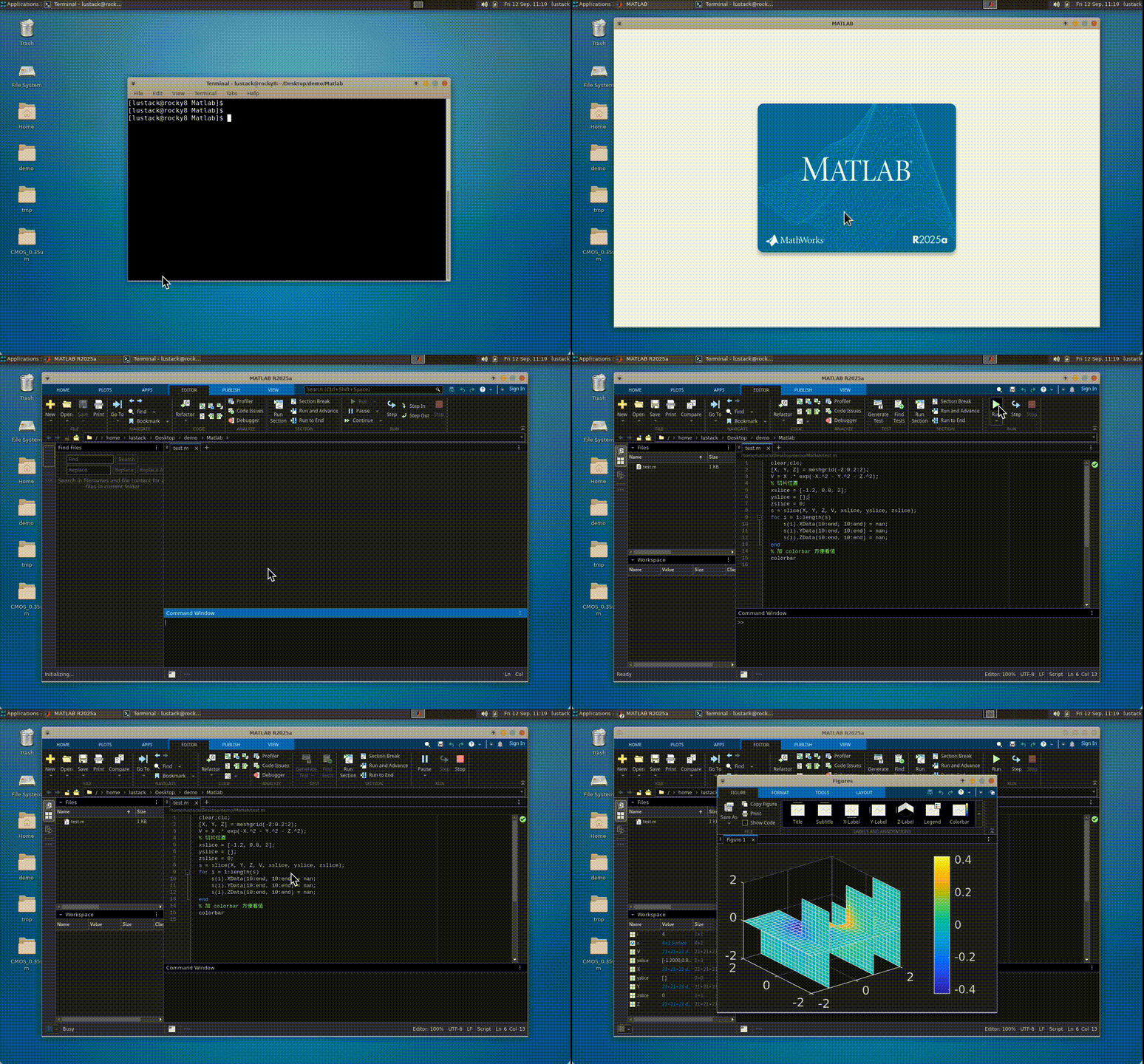
Note: The software is sourced from the internet and is for educational exchange purposes only, with no commercial use, and is not provided for sharing. This tutorial summarizes my installation process and is not an official document; if there are any errors, please point them out.