When using VSCode configured with IDF, the source code cannot be navigated, and the corresponding code will be highlighted in red, making development inconvenient. You can configure it by referring to the example code.
1. Add c_cpp_properties.json configuration file in .vscode (VSCode editor configuration folder)
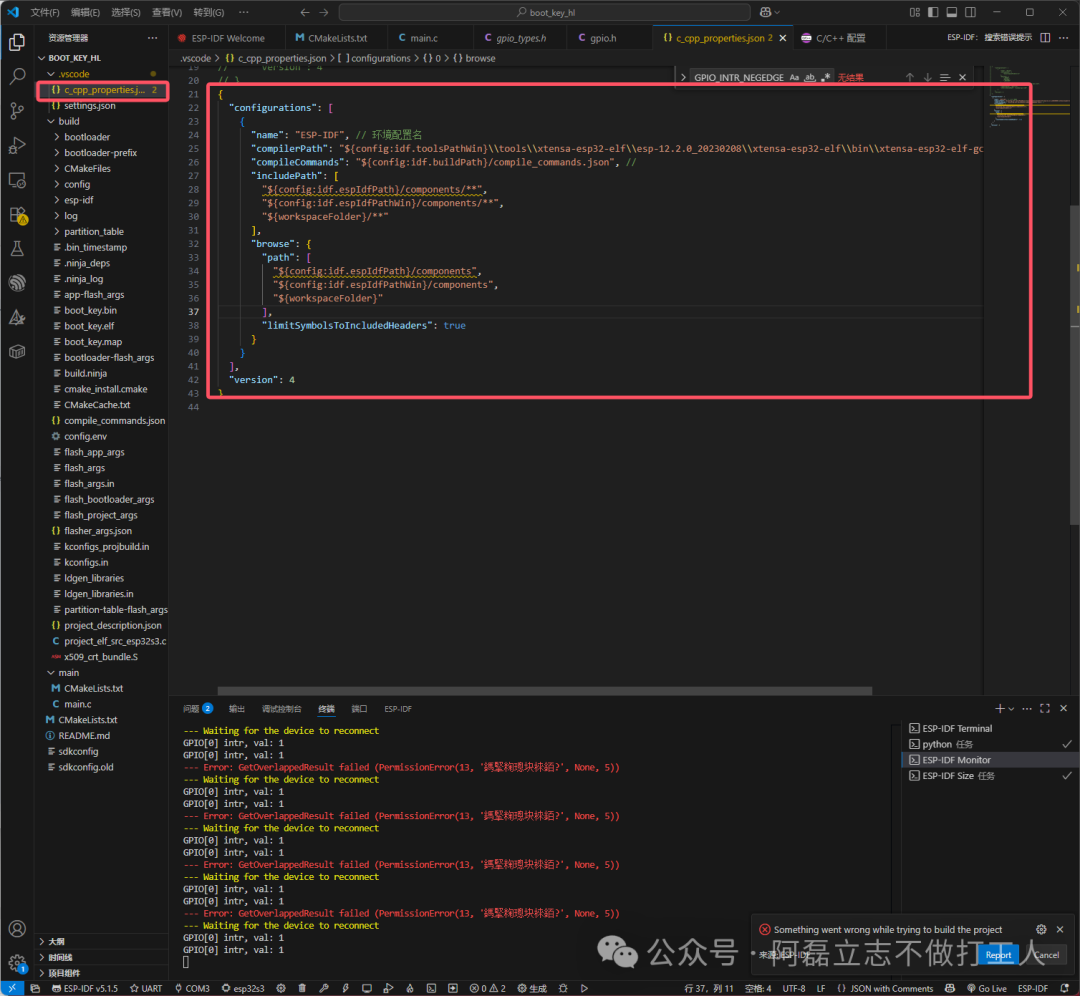
{
  "configurations": [
    {
      "name": "ESP-IDF",
      "compilerPath": "${config:idf.toolsPathWin}\tools\xtensa-esp32s3-elf\esp-12.2.0_20230208\xtensa-esp32s3-elf\bin\xtensa-esp32s3-elf-gcc.exe",
      "compileCommands": "${config:idf.buildPath}/compile_commands.json",
      "includePath": [
        "${config:idf.espIdfPath}/components/**",
        "${config:idf.espIdfPathWin}/components/**",
        "${workspaceFolder}/**"
      ],
      "browse": {
        "path": [
          "${config:idf.espIdfPath}/components",
          "${config:idf.espIdfPathWin}/components",
          "${workspaceFolder}"
        ],
        "limitSymbolsToIncludedHeaders": true
      }
    }
  ],
  "version": 4
}
You can directly copy the configuration file from the IDF example code.
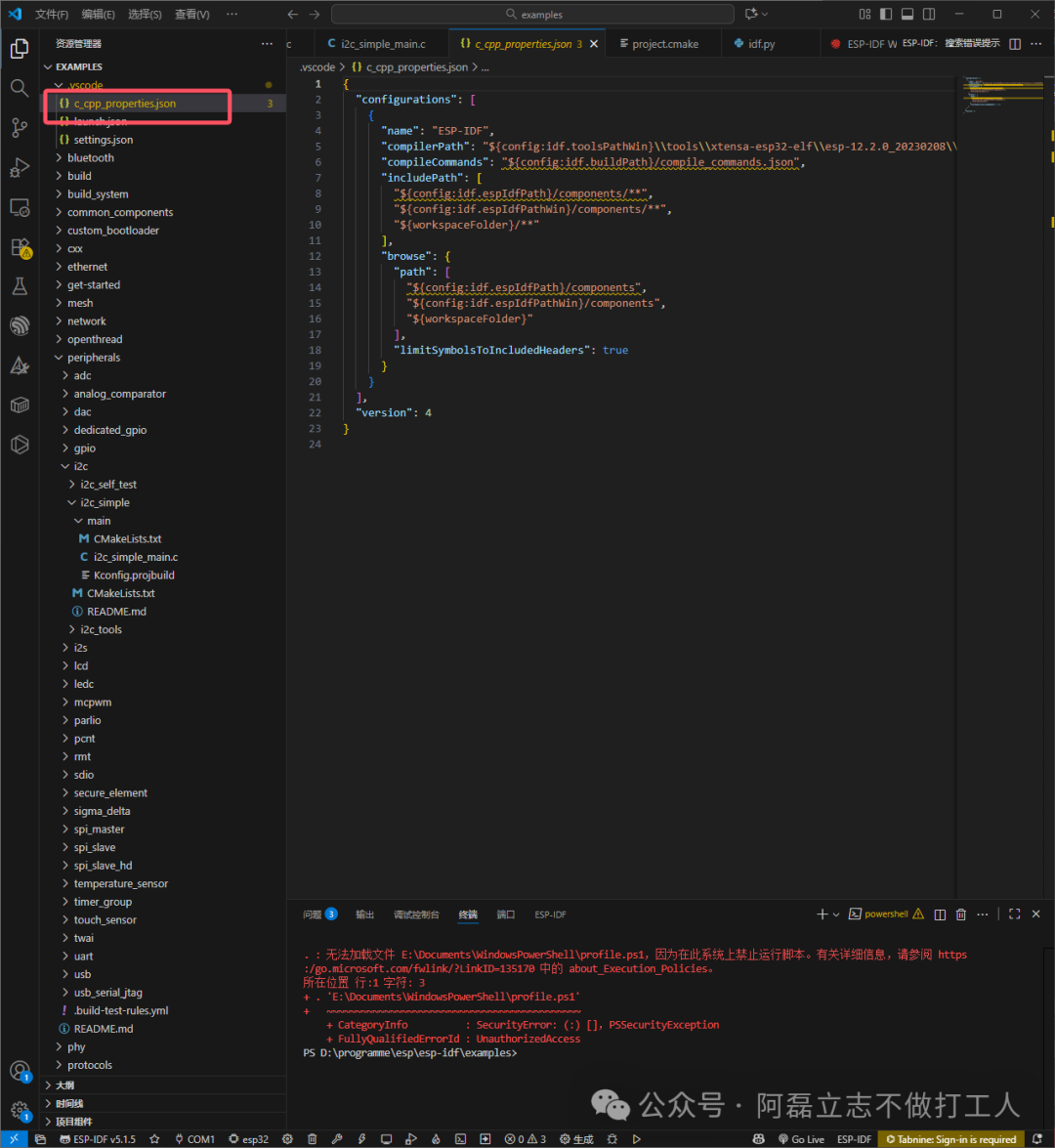
2. Explanation of Configuration File Composition
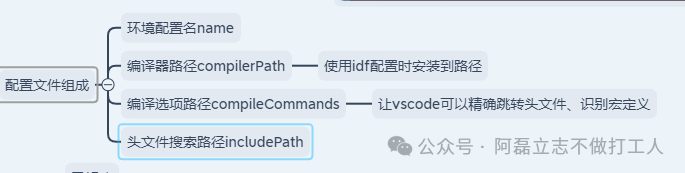
3. Questions:
1. What are the environment variables like config:idf.espIdfPath, and when are they configured?
They are automatically configured when installing IDF.
- config:idf.espIdfPath: Path to the ESP-IDF framework (Linux/macOS)
- config:idf.espIdfPathWin: Path to the ESP-IDF framework (Windows), specified during IDF installation under the esp-idf folder.
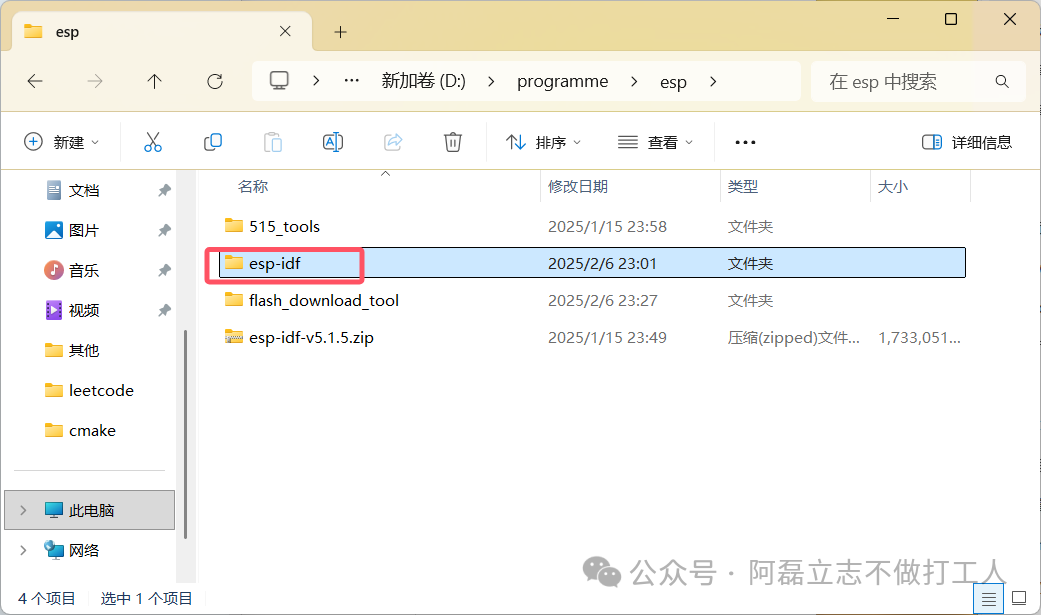
- config:idf.buildPath: Current project’s build directory
- config:idf.toolsPathWin: Windows toolchain path
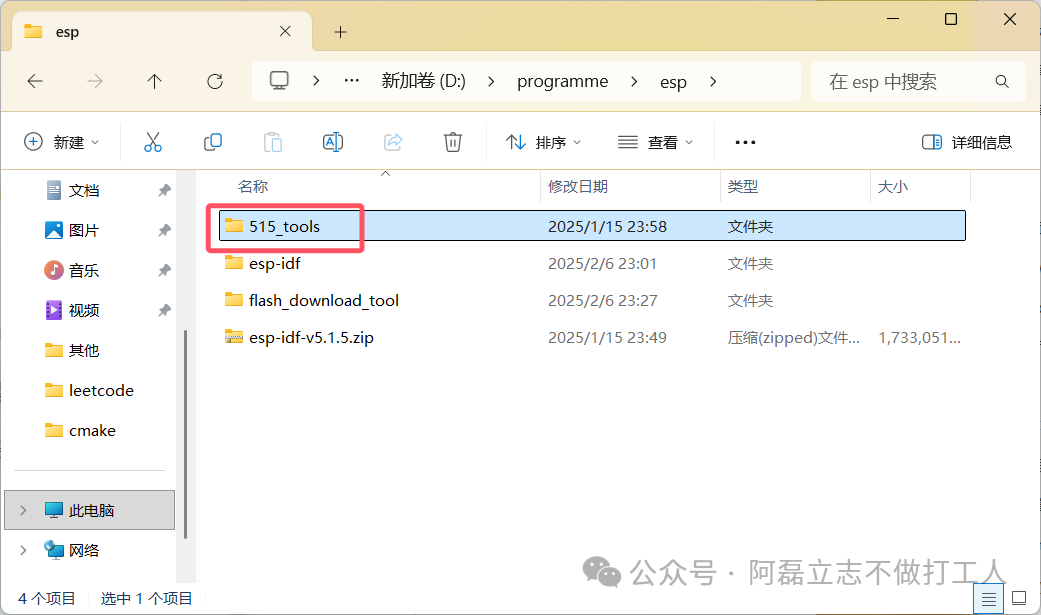
- workspaceFolder: Current working directory