Click the blue “Linux Tech Enthusiast” in the upper left corner and select “Star“
to see valuable articles first.
If you’ve spent time watching spy thrillers, action movies, or crime films, you can vividly picture a hacker sitting in front of a computer screen: lines of rapidly moving code, a deluge of hexadecimal numbers in a matrix flying by like rain.
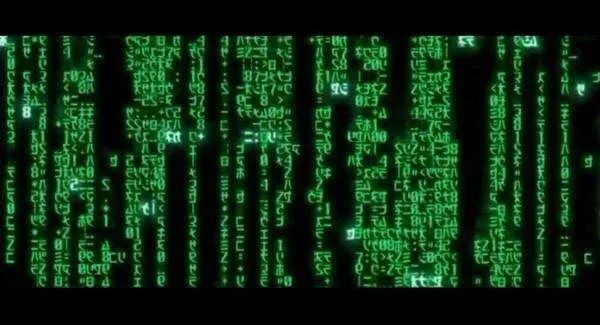 Perhaps there’s a world map with glowing points and rapidly updating graphs, and maybe even some 3D geometric shapes. If possible, all of this could be displayed across multiple monitors, as hackers in movies often use seven screens simultaneously.
 Of course, we techies quickly realize that this is complete nonsense. While many of us have dual monitors (or more), the flickering data often contradicts the purpose of focusing on work. Writing code, managing projects, and administering systems is not like stock trading. Most situations we encounter require us to think deeply about the problems we are trying to solve, communicate well with stakeholders, conduct some research, and organize information, with only a small portion of the workload involving rapid typing.
But that doesn’t mean we don’t want to look like the hackers in the movies. Sometimes, we just want to appear “efficient”.
That said, let’s have some fun and fill our screens with panels made up of some old-fashioned meaningless data and code snippets (well, this data might have some meaning, but without context). While there are many fancy GUIs, why not just use the standard Linux terminal? For a more retro look, consider using Cool Retro Term: a cool retro terminal. I will use Cool Retro Term below because it really looks 100% cool.
Genact
The first tool we will look at is Genact. Genact simply replays a sequence of your choice, “compiling” your code slowly and indefinitely while you step out for tea breaks. The sequence it plays is determined by you, but by default, it includes a cryptocurrency mining simulator, composer PHP dependency manager, kernel compiler, downloader, memory manager, and more. However, my favorite is the setting that displays simcity loading messages. So as long as no one checks too closely, you can spend the entire afternoon waiting for the computer to complete the progress bar.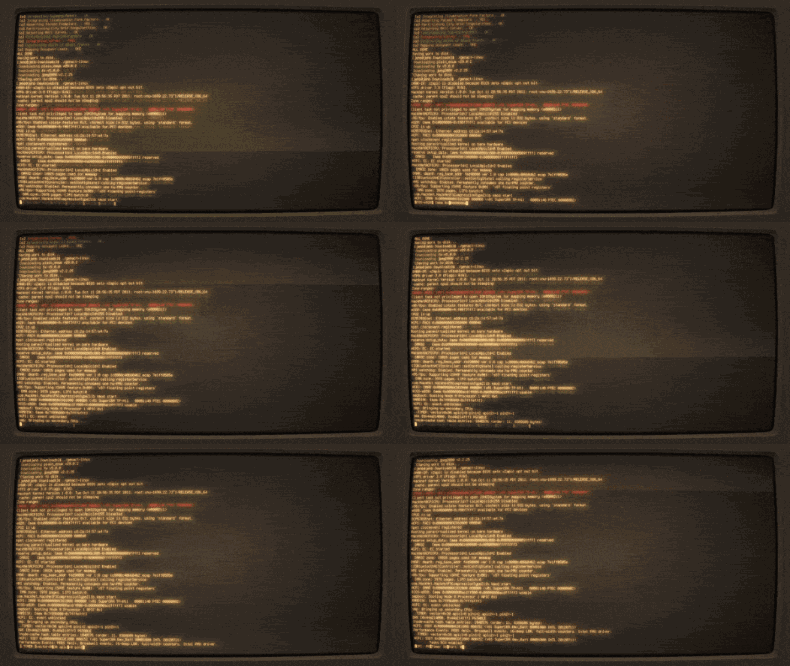
Genact is available for Linux, OSX, and Windows, and the Rust source code can be found on GitHub.
https://github.com/svenstaro/genact
Hollywood
Hollywood takes a more straightforward approach. It essentially creates a configuration in the terminal that generates random numbers and splits the screen, launching applications that look busy, such as htop, directory trees, source code files, and others, switching every few seconds. It is combined in a shell script form, so it can be easily modified to suit your needs.Search for the public account: Architect Guide on WeChat, reply: Architect to receive materials.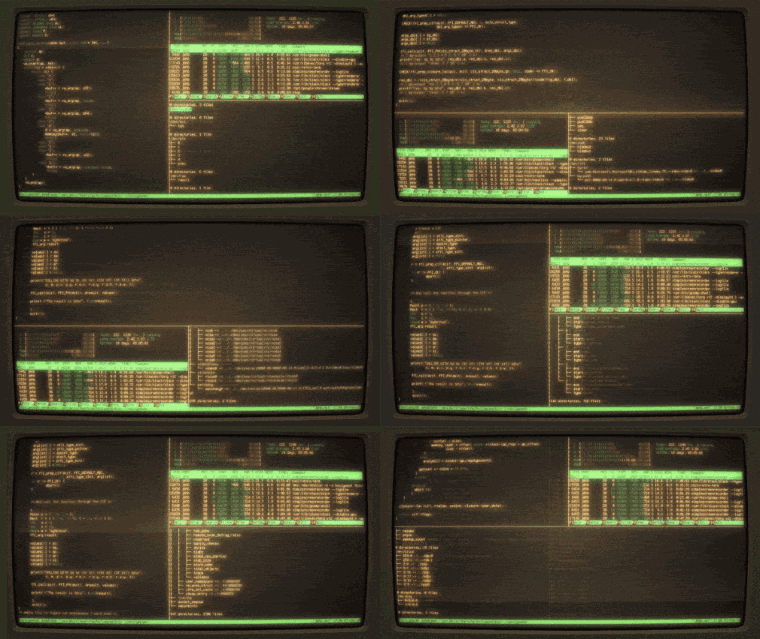
The source code for Hollywood can be found on GitHub under the Apache 2.0 license.
https://github.com/dustinkirkland/hollywood
Blessed-contrib
My personal favorite is Blessed-contrib, but it is not an application specifically designed for this performance. Instead, it is a demonstration file for a terminal dashboard building library based on node.js called fordated contrib. Unlike the other two commands, I have actually used the fordated contrib library to do some real work, not just pretend to work. It is a very useful library with widgets that can display information using a set of command line commands. But it is also easy to fill with virtual data to achieve a dream similar to that in “WarGames”.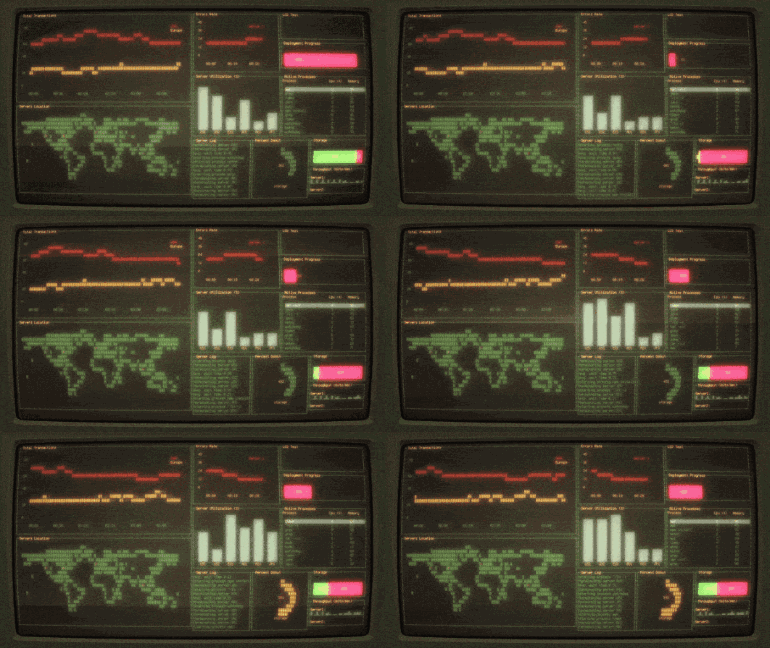
The source code for Blessed-contrib can be found on GitHub.
https://github.com/yaronn/blessed-contrib
Conclusion
While these tools are simple, there are many ways to fill your screen with various garbled data. One of the most common tools you will see in movies is Nmap, an open-source security scanner. In fact, it is often used in Hollywood films as a tool to demonstrate hacking behavior on screen, appearing in many movies from “The Matrix Reloaded” to “The Bourne Ultimatum”, “The Girl with the Dragon Tattoo”, and even “Die Hard 4”.Of course, you can create your own combinations using terminal multiplexers like screen or tmux to launch any program you want and display the data you want.So, how do you make your computer look busy?
-End-Reading this means you enjoy the articles from this public account. Feel free to pin (star) this public account, Linux Tech Enthusiast, so you can get notifications first!
In this public account, Linux Tech Enthusiast, reply: Linux to receive 2TB of learning materials!
Recommended Reading:
- Don’t complicate things! Nginx can easily solve cross-domain issues.
- Essential “Network Port Guide” for operations and maintenance, this one is enough.
- Linux Learning Guide (Collection Edition)
- A comprehensive 20,000-word summary to help you achieve freedom with Linux commands.