1. Use diff file1.txt file2.txt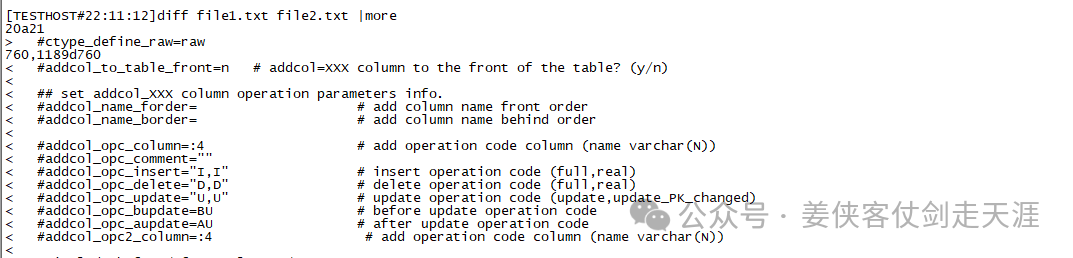 How to distinguish: < indicates lines only in file1.txt, > indicates lines only in file2.txt2. Use grep
grep -Fxv -f file1.txt file2.txt

Only exists in file2.txt
grep -Fxv -f file2.txt file1.txt
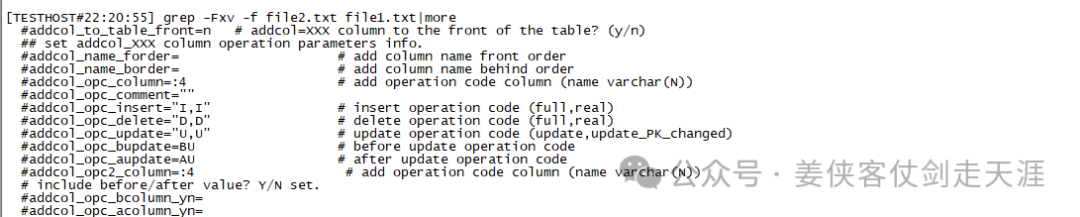
Only exists in file1.txt
Parameter explanation
-F: Treat the pattern as a fixed string (not a regex).
-x: Match the whole line (to avoid partial matches).
-v: Inverse match (show non-matching lines).
-f file: Read patterns from a file.
3. Use awk
awk ‘NR==FNR {a[$0]; next} !($0 in a)’ file1.txt file2.txt

Lines only in file2.txt
awk ‘NR==FNR {a[$0]; next} !($0 in a)’ file2.txt file1.txt
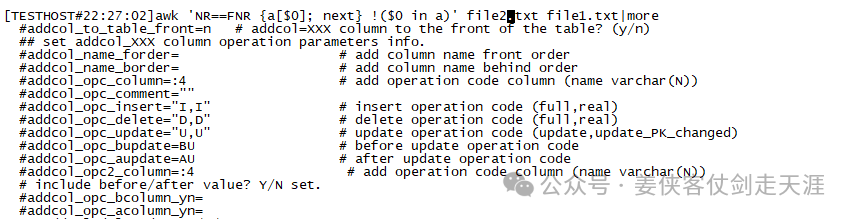
Lines only in file1.txt
Statement principle: First read all lines of the first file into array a, then check the lines in the second file that are not in the array