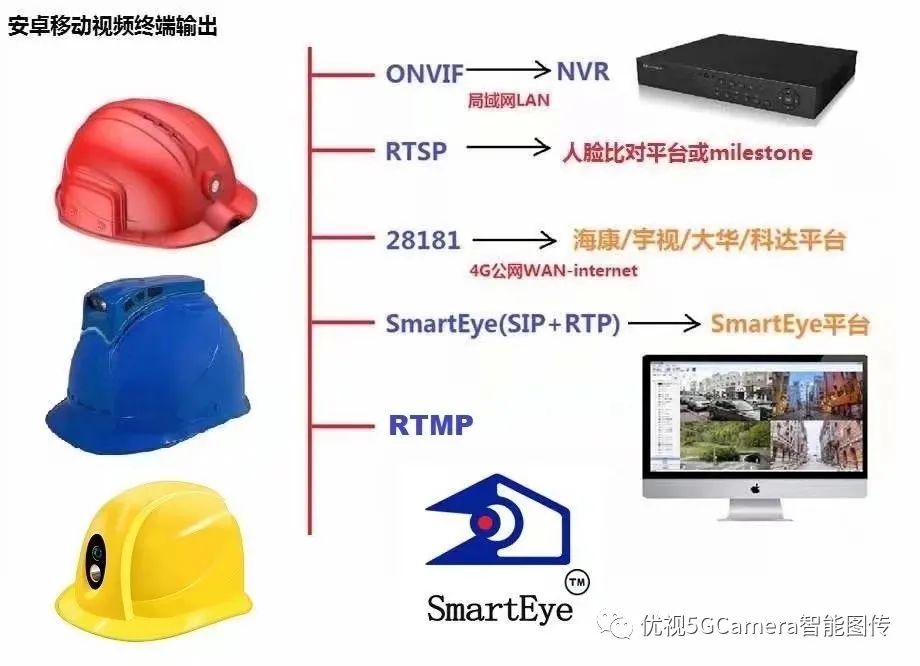
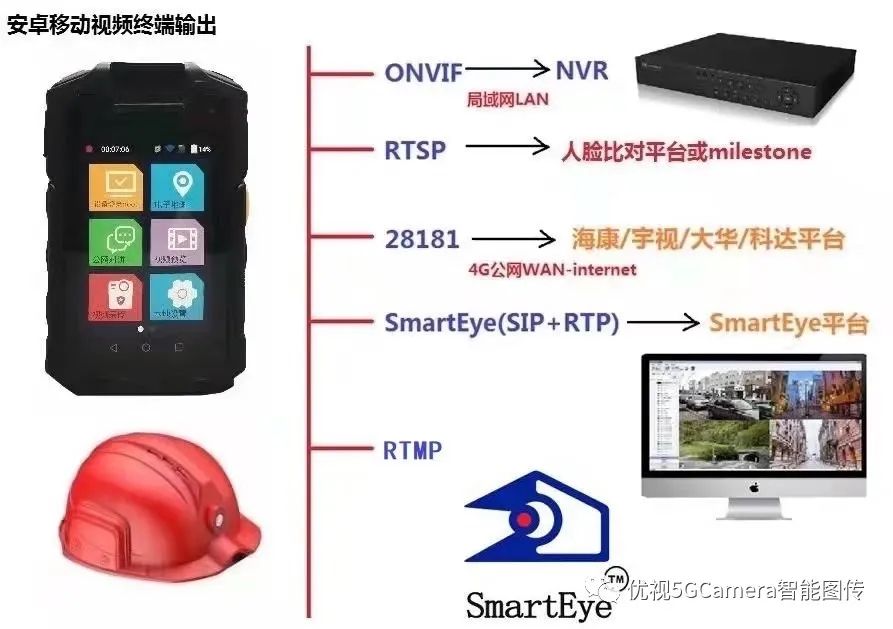
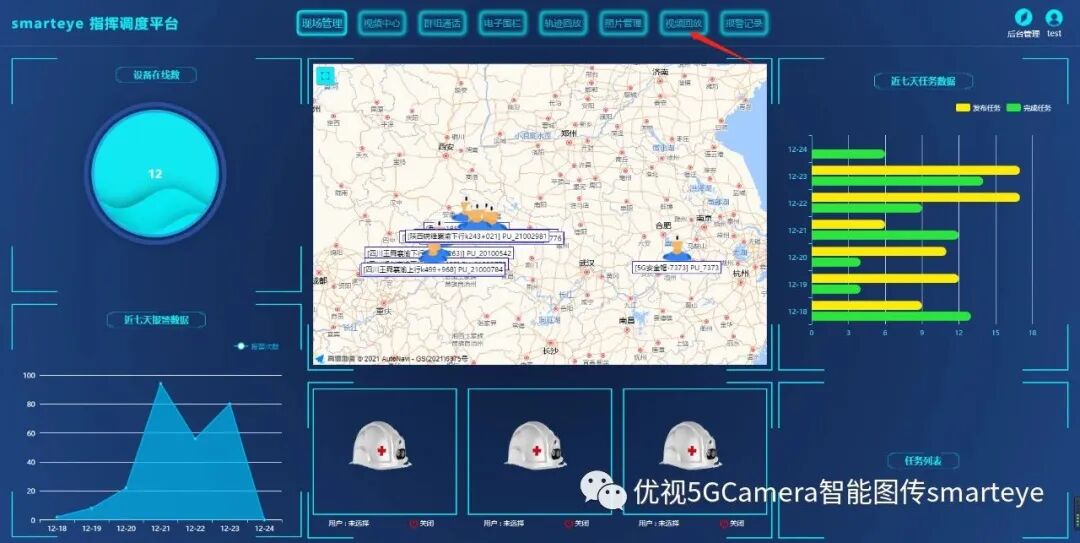
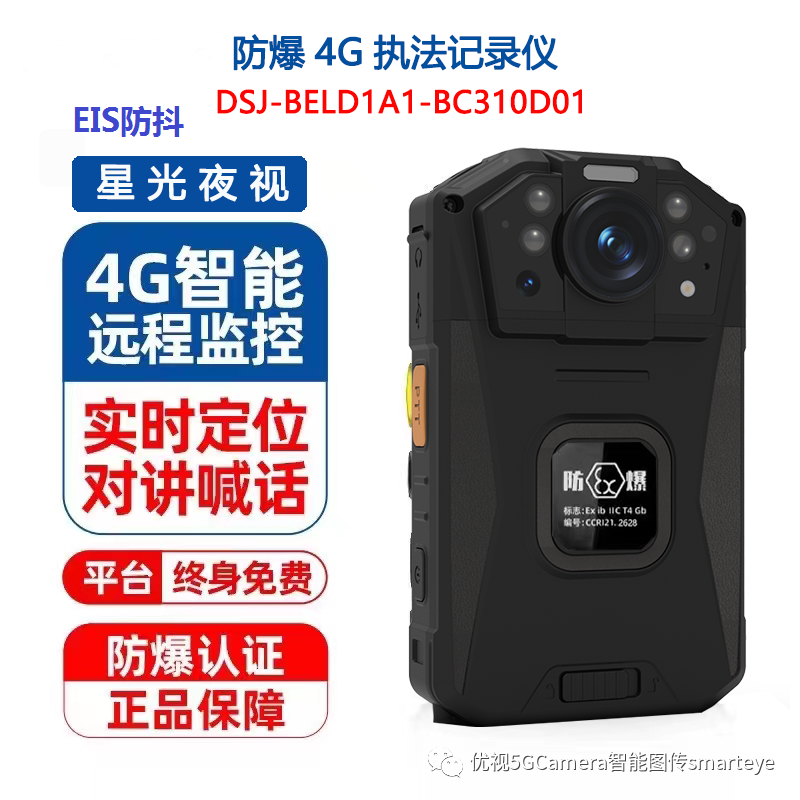
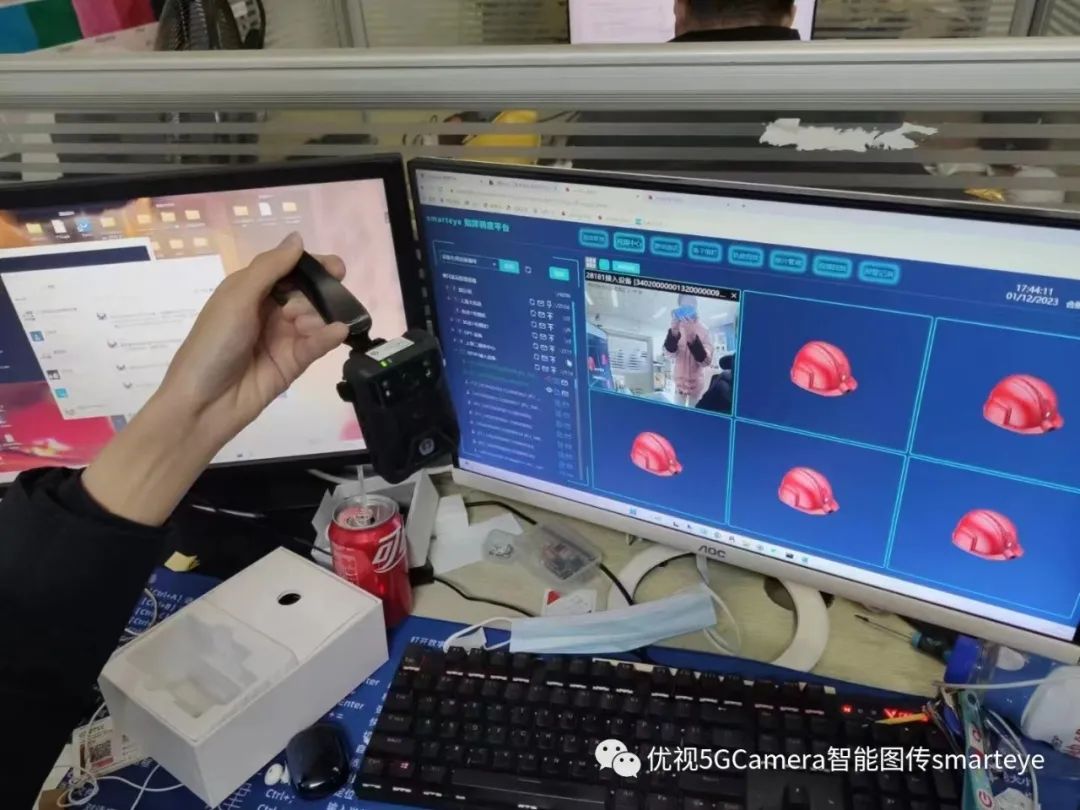
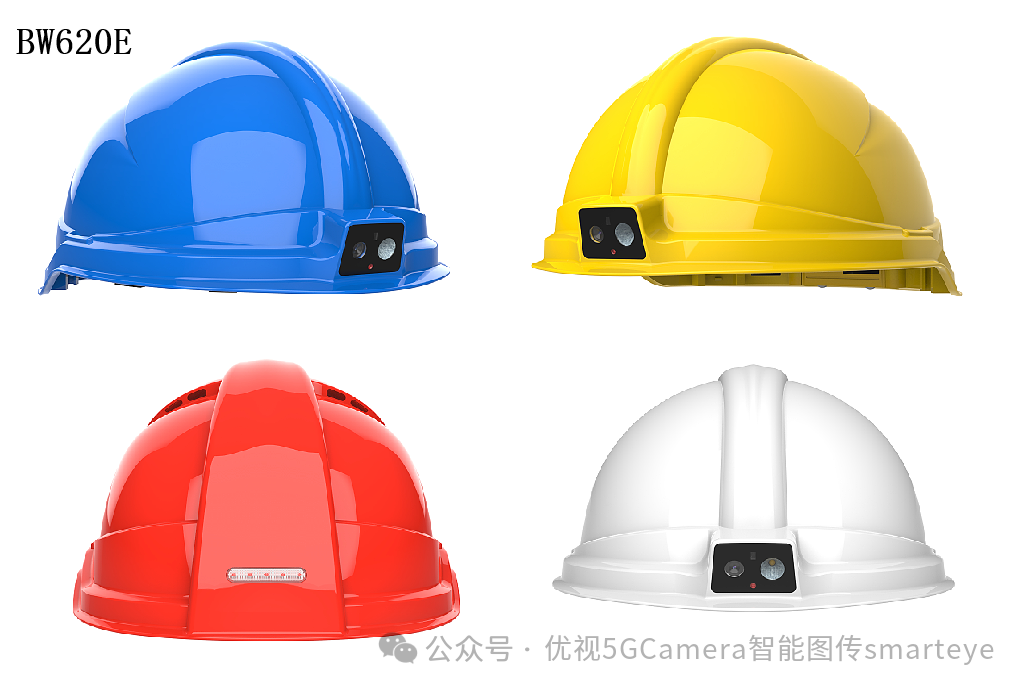
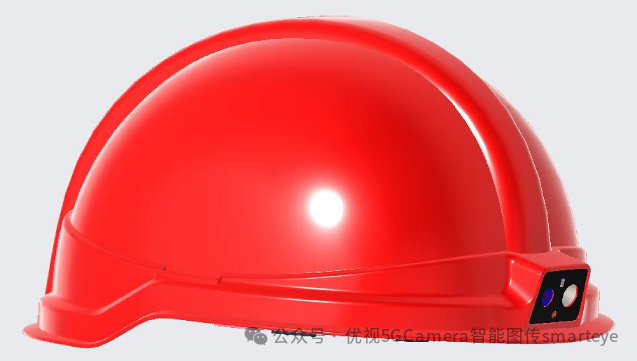
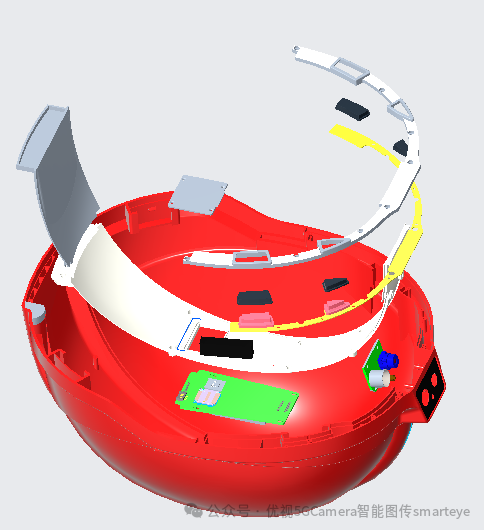
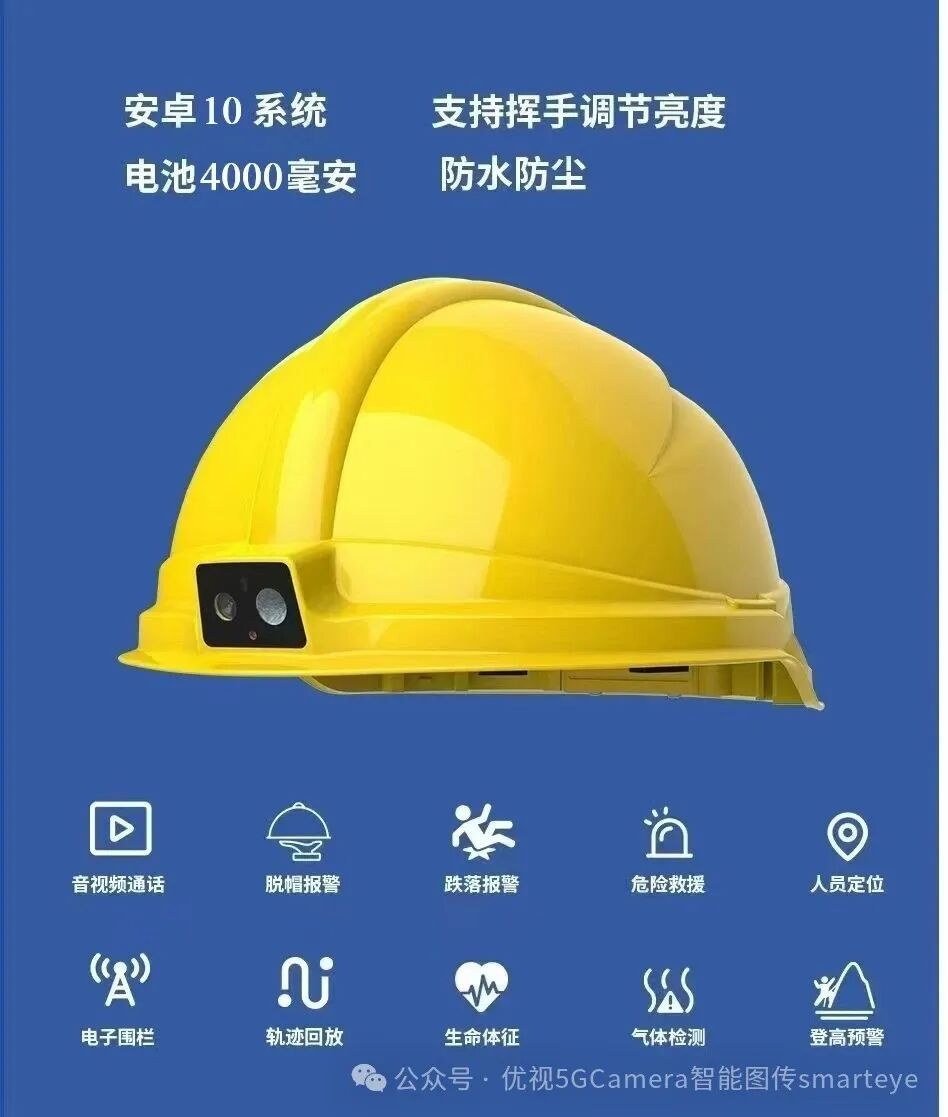
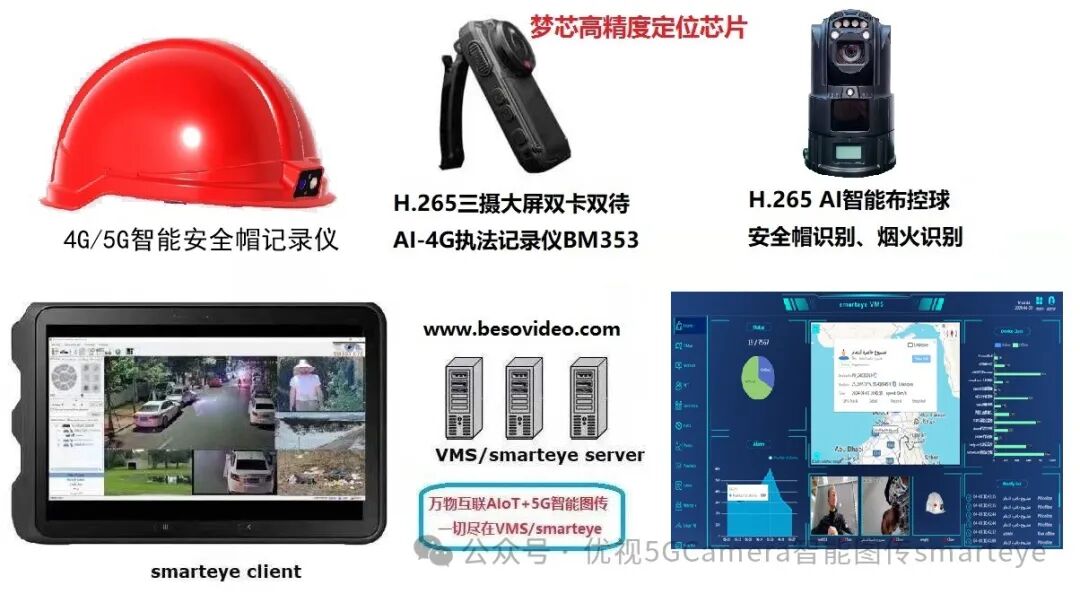
Ultra-low price 4G/WIFI/GPS Beidou positioning smart safety helmet recorder BW620E, fully domestic chip +Android 10 system, supports H.265 high-quality video compression,lower bit rate (720P only about 600kbps, which is 1/2 of the MTK platform), lower bandwidth consumption, and less storage space requirement; supportstrue physical dual-stream, recording and image transmission at different resolutions; supports standard hat removal detection and other alarms, with red and blue flashing warning lights integrated at the back of the helmet,supports 3.5mm wired headphones, ensuring clear communication with background leaders & experts in noisy outdoor work environments; 4000mAh lithium battery, supports continuous recording for 8 hours at 720P resolution; supports gesture remote control for lighting; optional independent Beidou/ single Beidou positioning, connects with 4G/5G law enforcement recorders/ work recorders/ service recorders/ work recorders, AI deployment balls, video intelligent analysis AI boxes, and other devices to access the unified video platform smarteye for centralized management.
Main Features
- Fully domestic chip, supports independent Beidou positioning;
- Ultra-low bit rate, only 600kbps at 720P, which is 1/3 to 1/2 of the bit rate of similar products based on MTK/Spreadtrum processors, real-time image transmission consumes less traffic, video is smoother, and recording storage consumes less space;
- The back of the helmet is integrated with red and blue flashing warnings;
Multiple models available, with video and without video positioning types;
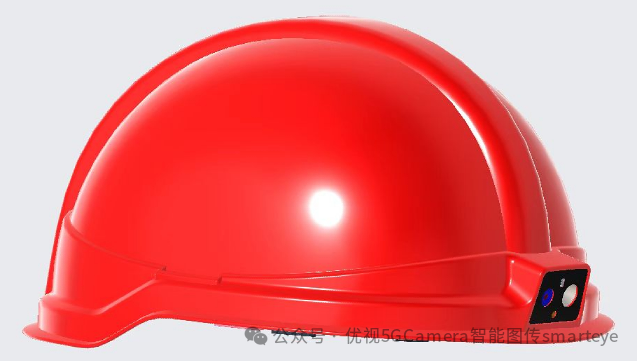
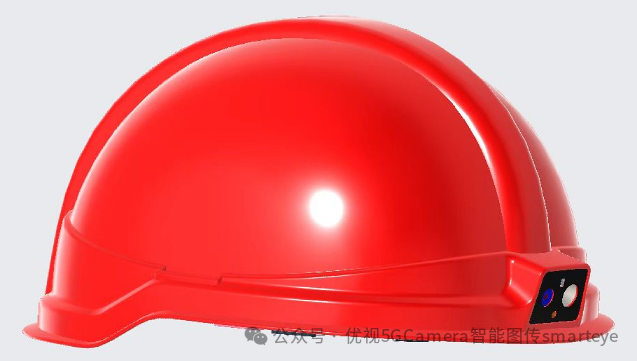
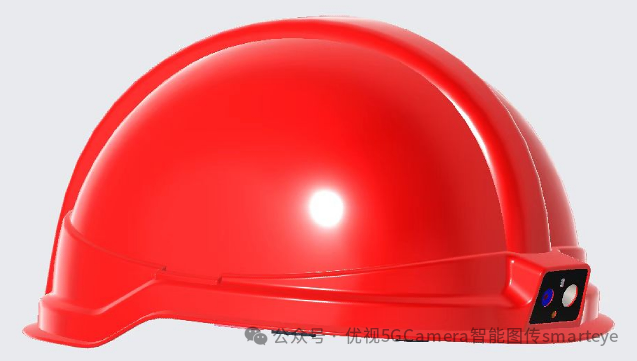
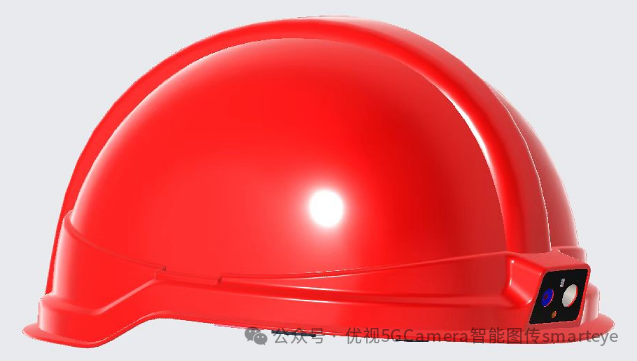
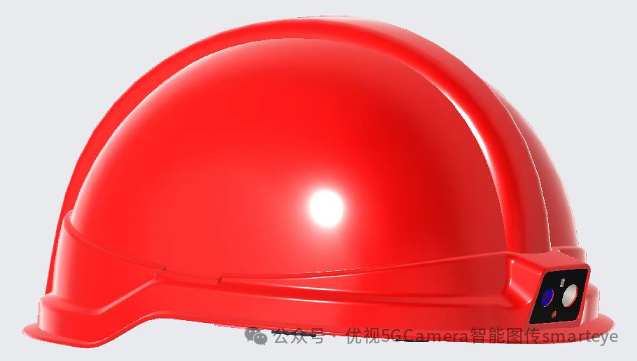
Available Models for Order:
| Full-featured4G/WIFIVideo+Positioning Type | BW620E |
| CAT1Pure Positioning Type (integrated, no camera) | BW620G |
| CAT1Positioning+Intercom Type (no camera) | BW620GT |
|
Camera |
Physical Pixels400Million Pixels4MP, photo (detection report can be written)1600Million Pixels |
|
CPU |
High-performance domestic processorCPU, quad-core1.5GHz/512KB L3 cache |
|
System |
Android 10.0,smarteye system |
|
EMCP |
1+8GB |
|
Video Codec |
Encoding: H.264 H.265 VP8 VP9 1080p, 30fps Decoding: H.264 H.265 VP8 VP9 1080p, 30fps |
|
Image Processing |
IMG BXE-2-32 @819MHz, 32KB SLC |
|
Indicator Light |
Power indicator (charging indicator; power on/off indicator) |
|
Laser Light |
Supported |
|
LightingLEDLight |
1W |
|
Buttons |
l Power button;
l Intercom button l Camera button l SOS button l Flashlight/Laser light button |
|
Frequency Bands |
l LTE-FDD frequency bands B1/B3/B7/B8/B20 orB5l TDD-LTE frequency bands:B38/B39/B40/B4Nl UMTS frequency bands B1/B2/B5/B8
l GSM frequency bands850/900/1800/1900MHz |
|
GPS |
Supported |
|
BT |
Supported |
|
Sensor |
Supported light detection, distance detection, pressure detection, proximity detection, temperature detection, G-SENSOR |
|
WIFI |
SupportedWIFI:802.11a/b/g/n;2.4GHz |
|
Number of Communication Antennas |
1 main antenna+1 LTE diversity antenna+1 (WIFI&BT) antenna (dual-purpose)+GPS ceramic antenna1+proximity antenna1 piece |
|
SIM CARD/TF CARD Dual-purpose |
Supports removable SIM card slot) |
|
SupportsTF |
|
|
Charging and Data Transfer Port |
Type-C interface (can be used for charging and data transfer) |
|
Video Voice |
Supported (real-time video voice calls via WIFI or 4G network) |
|
Voice Broadcast |
Supported ( buttons have voice prompt function) |
|
Height Warning |
Supported (built-in height detection chip provides corresponding warning function based on real-time ground height) optional |
|
Proximity Alarm |
Supported (built-in voltage sensing chip supports220V,10KV,35KV,220KV proximity alarm) optional |
|
Temperature Alarm |
Supported (when the internal temperature of the helmet exceeds the set temperature parameter, an alarm sound signal will be issued) |
|
Impact Alarm |
Supported (when the helmet is impacted by external force, an alarm sound signal will be issued) |
|
Emergency Call for Help |
Supported (when a worker is in danger, they can press the SOS emergency call button on the helmet, which will issue an alarm sound signal and notify the headquarters) |
|
Silent Alarm |
Supported (when the employee’s helmet remains still for 5-10 minutes, an alarm sound signal will be issued) silent alarm time can be set according to different customer application scenarios |
|
Hat Removal Alarm |
Supported (when the helmet is removed from the wearer’s head for 5-10 seconds, an alarm sound signal will be issued) hat removal alarm time can be set according to different customer specifications |
|
Others |
Battery: 4000mAh, can continuously record for over 8 hoursOperating temperature: -10℃~60℃Operating humidity:10%~60%
Drop:1M |
Note: It is not recommended to wear and use in moderate to heavy rain.
Hardware Interface Description
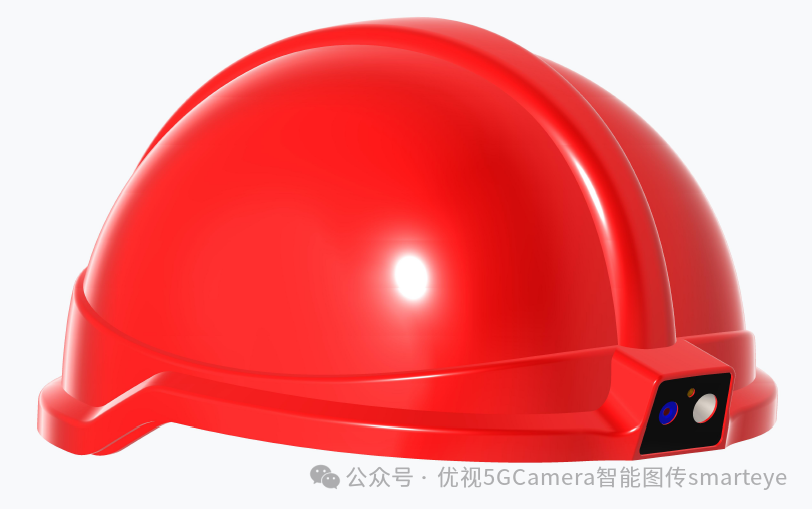
Getting Started: Work Indicator Light
Work Buttons
(1) Lighting/laser/recording button (2) Power button (3) Status light (4) Card slot (5) SIM card slot (6) Intercom PTT/camera (7) SOS button (8) Abandoned, (12) USB port (9+11) Helmet lining slot (10) Charging port ( Abandoned, need to remove the lithium battery for separate charging) Note: To charge the lithium battery, do not charge inside the helmet, the battery must be removed and charged separately using USB (type-C), the red light off indicates fully charged.When fully charged, the battery voltage is 4.2V, below 3.5V the device will automatically shut down.The definitions of the buttons are printed on the helmet shell Power on: Long press the power button for 2 seconds to power on, the status indicator light (3) turns green, voice prompt indicates normal power on, and the system enters after about 40 seconds Power off: After powering on, in any state, long press the power button for 2 seconds to power off, voice prompt indicates about to power off Lighting: In power-on state, long press (1) button for 1 second to turn on or off the lighting Laser Light: In power-on state, long press (1) button for 1 second to turn on or off the laser light Recording: After entering the system, short press (1) button to start recording, short press (1) button again to stop recording, files are saved in MKV format on the TF card Taking Photos: In power-on state, short press (6) button to take a photo SOS: In power-on state, long press (7) button for SOS alarm Intercom PTT: The device is in intercom or shouting mode, long press (6) button for intercom
SIM Card Insertion Direction (Micro Card)
Device Basic Settings
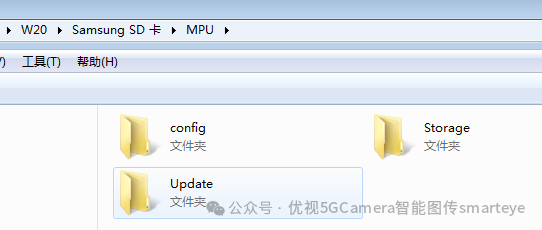
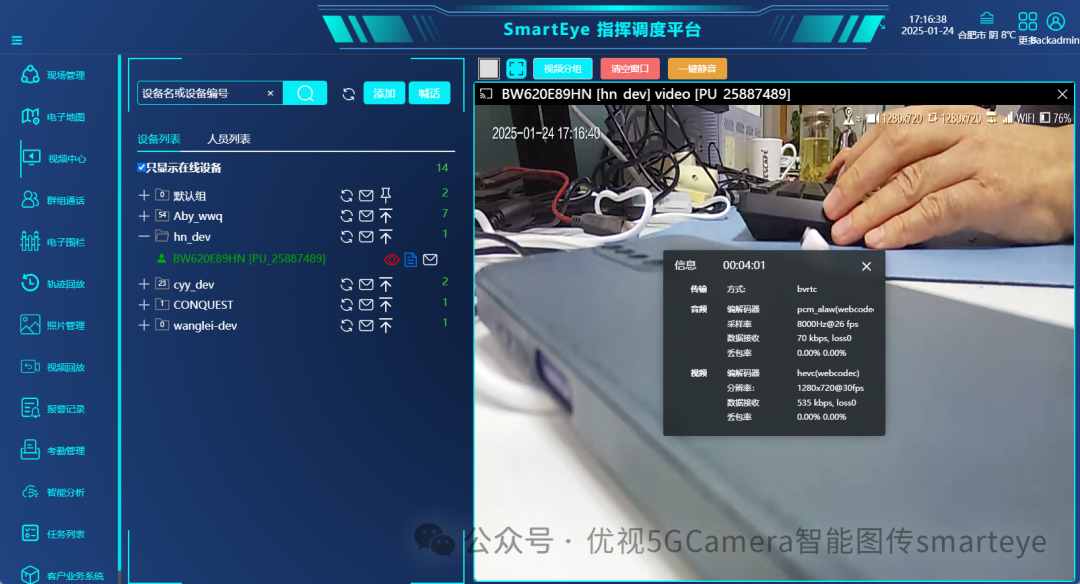
Since the smart safety helmet essentially functions as a special Android phone without a screen, for operations such as setting its WiFi internet connection, SIM card APN, and internal APP software online upgrades, a screen mirroring software is required, which connects the helmet to a WINDOWS computer via USB, running the mirroring software to make a WINDOWS PC act as its external display, allowing access to the internal Android system. There are many options for mirroring software, for BW620H, it is recommended to use anlink, official download address: https://cn.anlinksoft.com/Note: There is a driver issue when connecting USB to the computer, some computers can automatically install the driver, while others may require manual installation. The standard for judgment is that after inserting USB, the device internal model W20 can be recognized in the lower right corner, as shown in the image below:See: Configure Smart Safety Helmet – Helmet Camera with Mirroring Software, https://www.besovideo.com/detail?t=1&i=127Note: In the mirroring software, the right mouse button is generally used for returning.
Using the APP Software on the Device
Mobile video recording and transmission APP-MPU common operation instructions, applicable to smart safety helmets/helmet cameras and other screenless terminals, https://www.besovideo.com/detail?t=1&i=130
Platform Software Usage
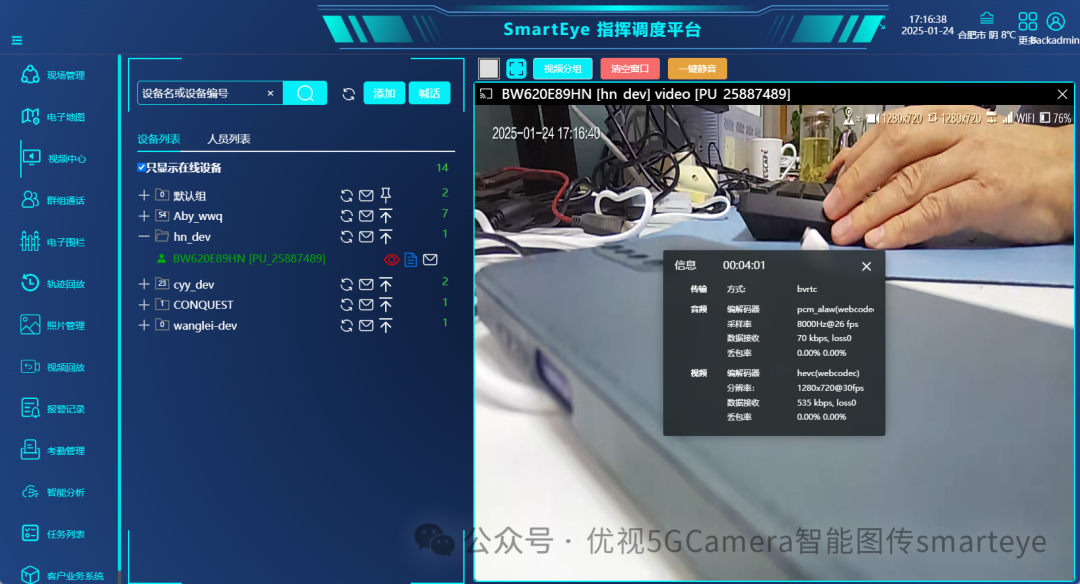
It is recommended to first test using “Device Simulator + Platform Smarteye” for familiarization, then use the actual device.Common functions of the new generation server-E supporting WEB visual command and dispatch platform software, https://www.besovideo.com/detail?t=1&i=166Customer self-built smarteye server for private deployment, fully controllable, new version server-E: https://www.besovideo.com/detail?t=1&i=208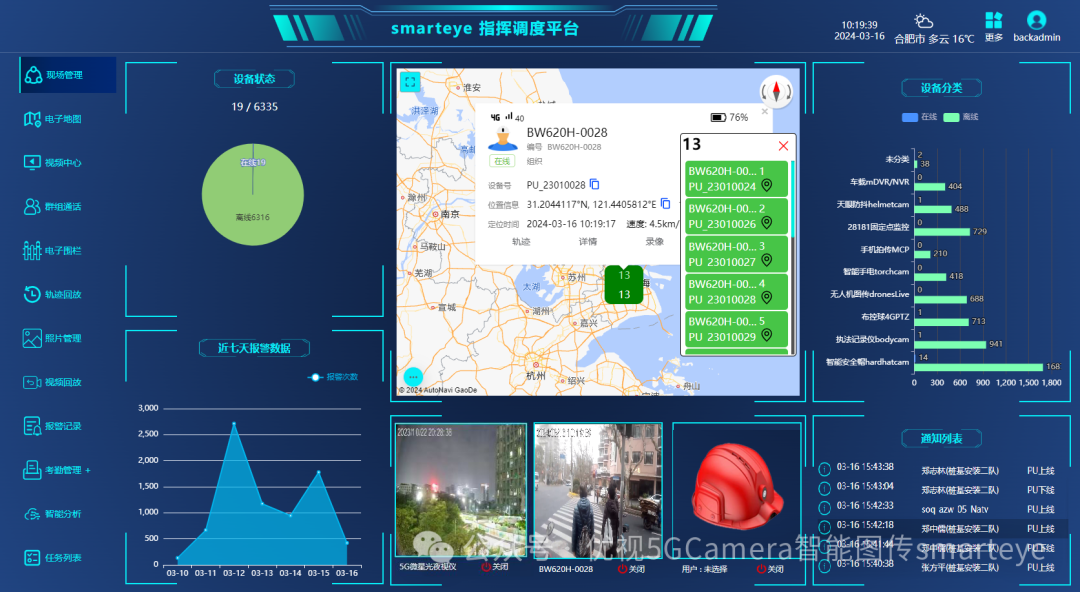
Exporting Recordings via USB Connection to Computer
See:About Mobile Video – Recording Mechanism in Wireless Image Transmission Products – Cloud Recording – Recording Plans, Active Recording, Active Uploading, etc.,https://www.besovideo.com/detail?t=1&i=146Connecting to the computer defaults to MTP mode, recording files are located in MPU/storage/video directory.