Connecting the touch screen simulator to 1200PLCSIM
The touch screen programming in TIA Portal can simulate connection with PLCSIM, allowing you to learn touch screen programming and test programs without hardware.
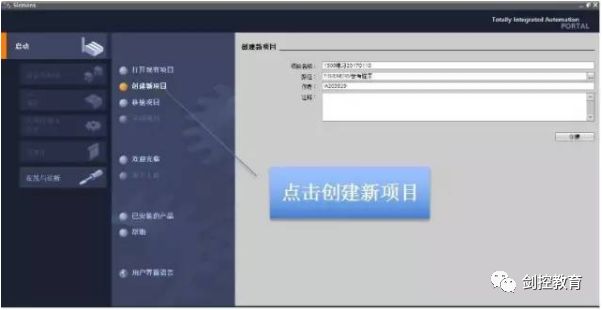
Create a TIA Portal project
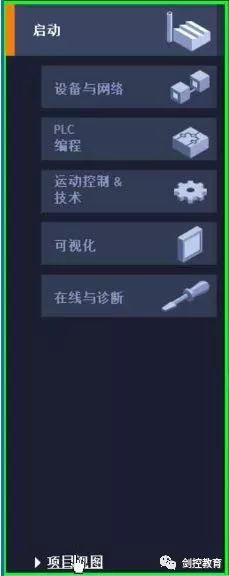
Change the project view
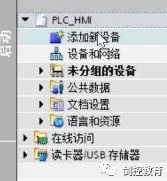
Add a new device
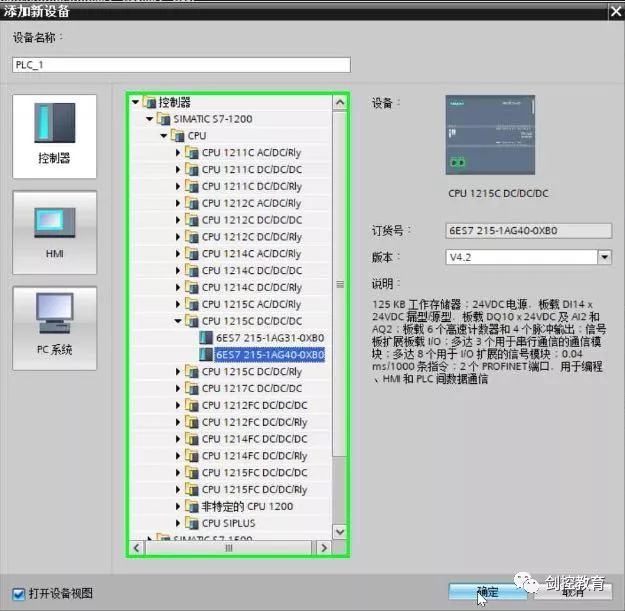
Select the 1200 PLC model; PLCSIM supports PLC simulation versions 4.0 and above.
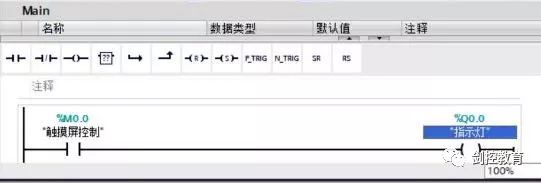
Write a test program to write a value to M0.0 in the PLC using the touch screen.
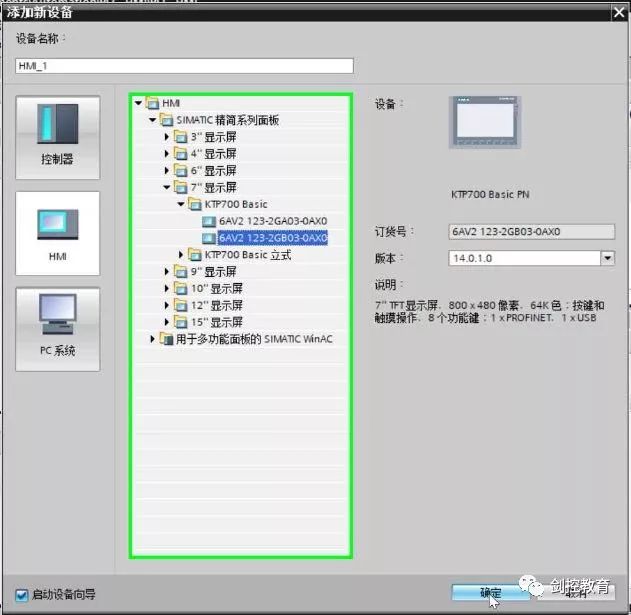
Create a new touch screen device
In the first step of the wizard, select the PLC just created.
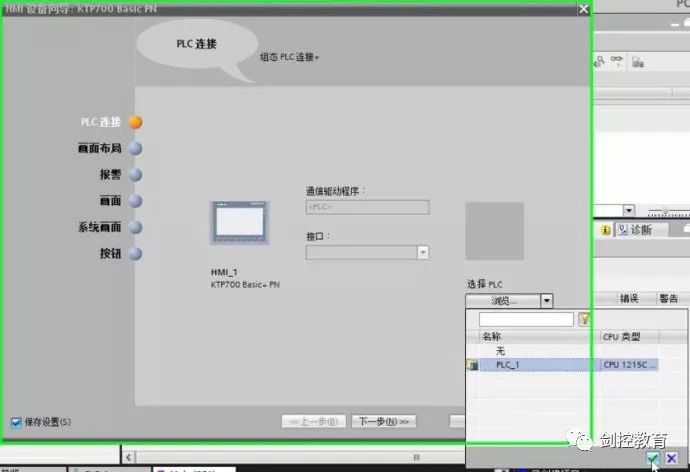
Other wizard options can be selected based on usage 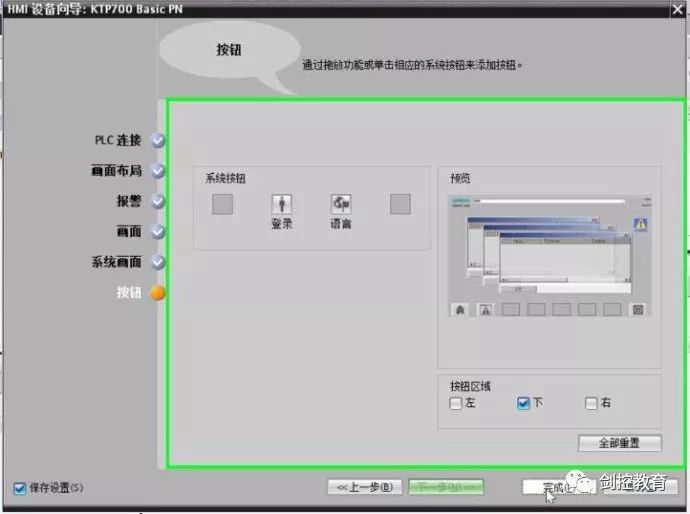
Enter the touch screen screen editing interface
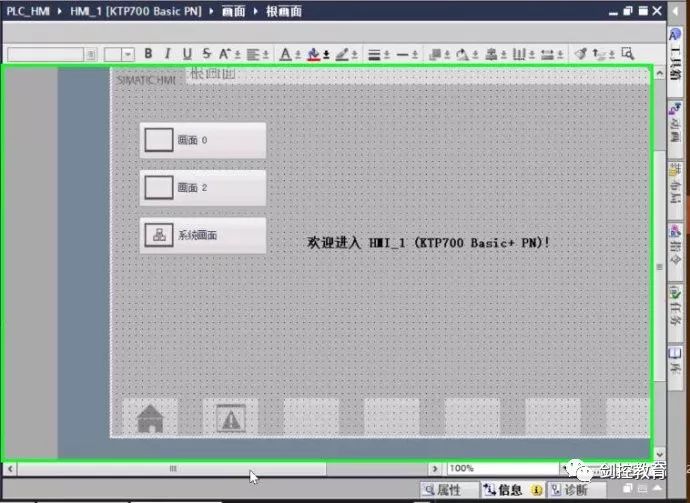
Drag and drop variables from the variable table in the PLC directly onto the touch screen; the connection will be established automatically.
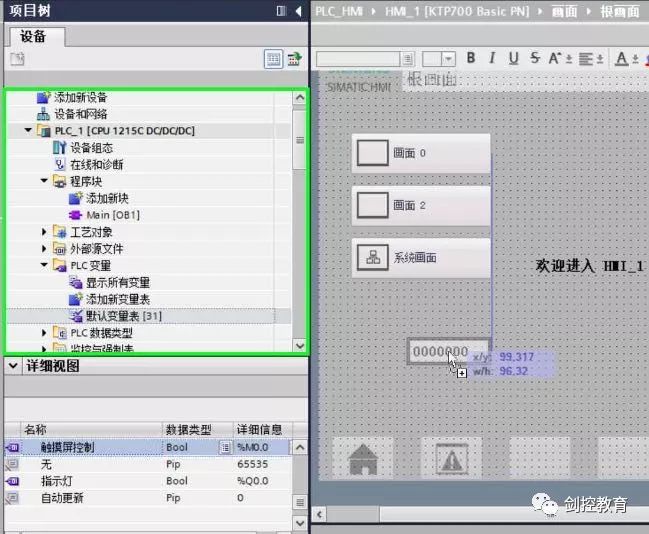
Drag in PLC variables M0.0 and Q0.0
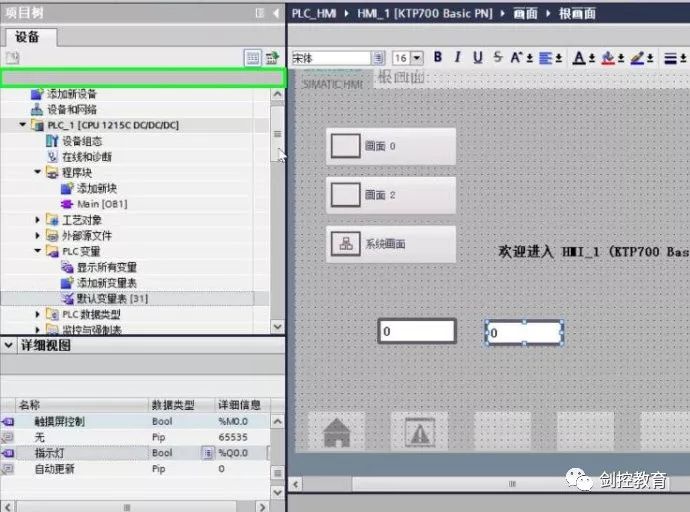
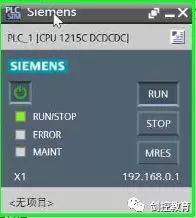
Select the PLC and click to start the simulation
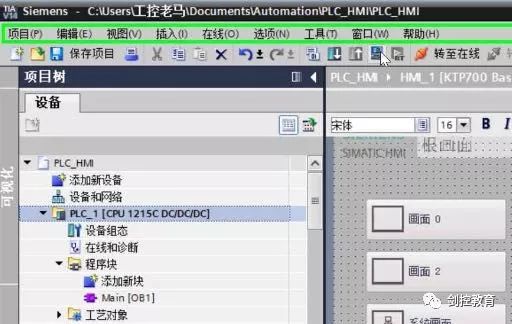
Download the PLC program and run the PLC
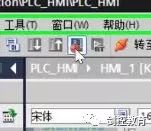
Select the touch screen project and click the simulation icon
The two simulations will connect automatically
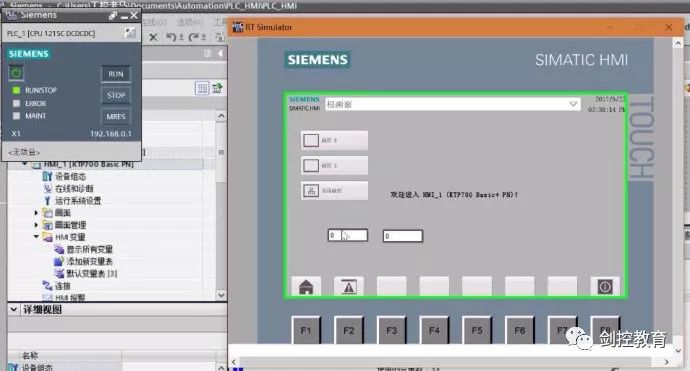
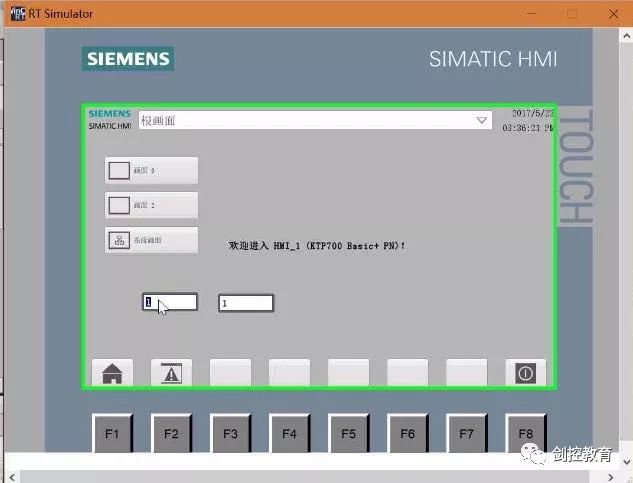
After testing, input 1 into M0.0 on the touch screen, and through the PLC program calculation, Q0.0 also changes to 1
(Source: This article is from the internet, copyright belongs to the original author)
Disclaimer: This article is a network reprint or adaptation, copyright belongs to the original author. If there are copyright issues, please contact for deletion! No person or organization bears related legal responsibility.