When I previously recommended budget mini PCs for around 100 Yuan, the most common comment was that a 100 Yuan X86 is not as good as an OECT. It really depends on personal usage habits; my OECT at home is used as a bypass router. If you ask me to set up a NAS, I would definitely prioritize X86, as I believe a 100 Yuan X86 is much more useful.
If you find my content helpful, please remember to like and follow. The video platform has the same name, so you can follow both; the content on the video version and the text version does not overlap.
Today, I am recommending a budget mini PC suitable for building a home media server, just slightly over 100 Yuan. You can tinker with Feiniu, play with Synology, or set up CasaOS and a bypass router. At 100 Yuan, there’s really not much to think about; just go for it.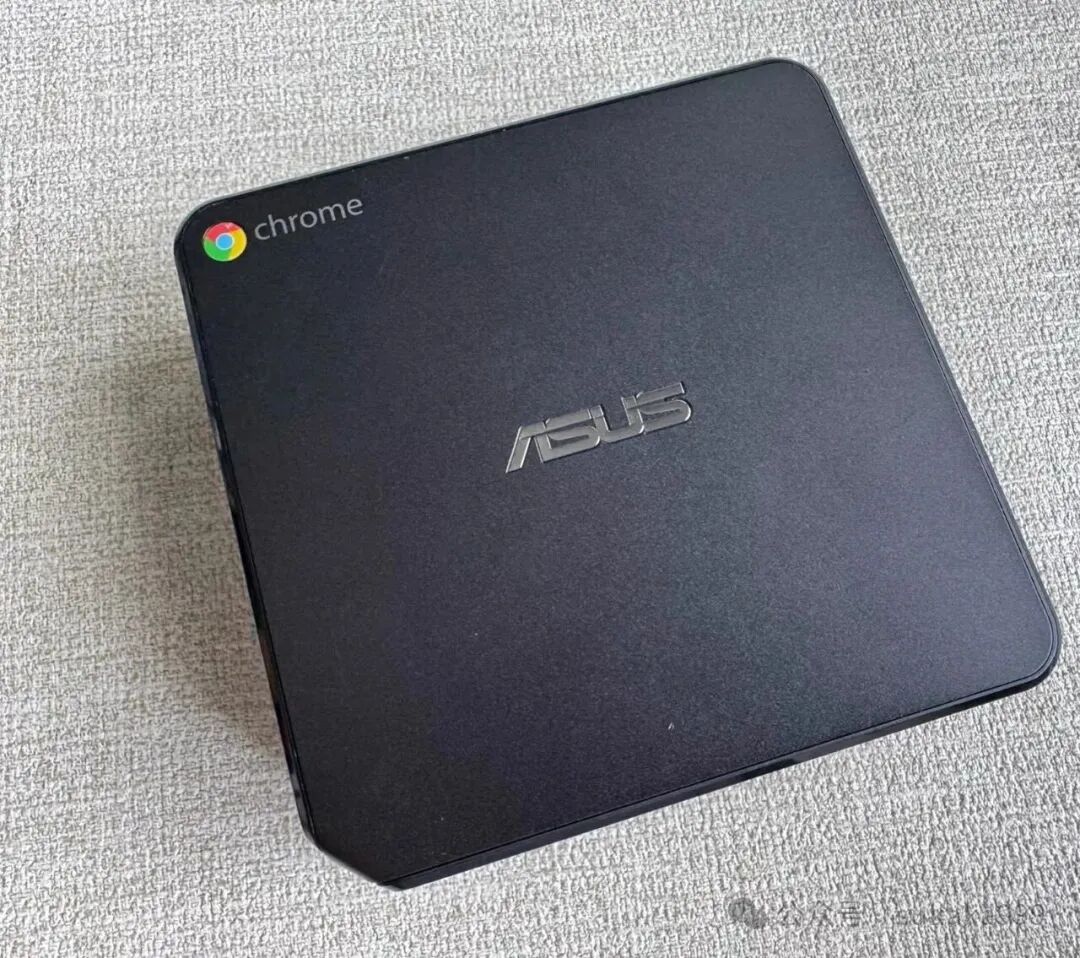 This is the ASUS Chromebox series CN60, which we previously introduced CN65, but that machine no longer offers good value for money. However, I personally think CN60 currently has a decent price-performance ratio. Let’s talk about the specifications: it has a Celeron 2955U, with a base frequency of 1.4 GHz, equipped with 2 cores and 2 threads, single-core turbo boost is No turbo, and all-core turbo boost is 1.40 GHz, using Haswell architecture, 22 nm process technology, and a TDP of 15W. The integrated graphics are quite poor, the Intel HD Graphics does not support 4K decoding. So if you have a TV box or a TV that can handle it, that’s fine. (PS: I remember a few days ago someone said that hardware must support 4K hardware decoding; otherwise, it would hinder their ability to watch high-definition movies outside. In fact, if that’s your requirement, you don’t need to struggle with 100 Yuan hardware; you need better hardware and network to match your needs.)
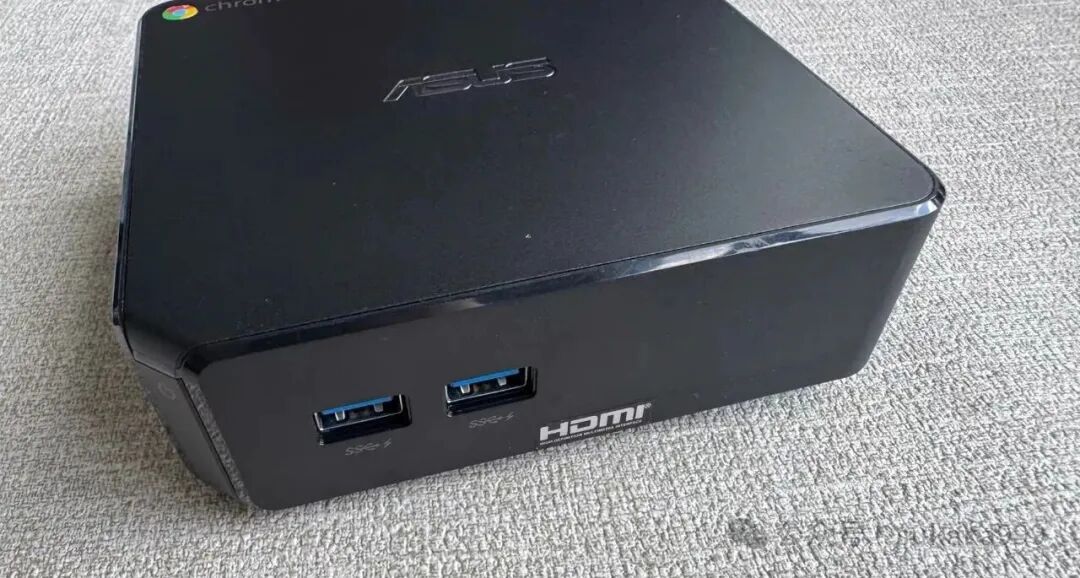 This machine typically comes with 2GB of DDR3L memory, but you can remove it as it is not soldered, and expand it with two 4GB DDR3L sticks for dual-channel operation. The original solid-state drive is a removable 16GB M.2 2242, so you can get a larger capacity one to play with. The machine has built-in Wi-Fi and Bluetooth. The BIOS perfectly supports system refresh. The machine has 4 USB 3.0 ports, fully supporting external hard drives for space expansion.
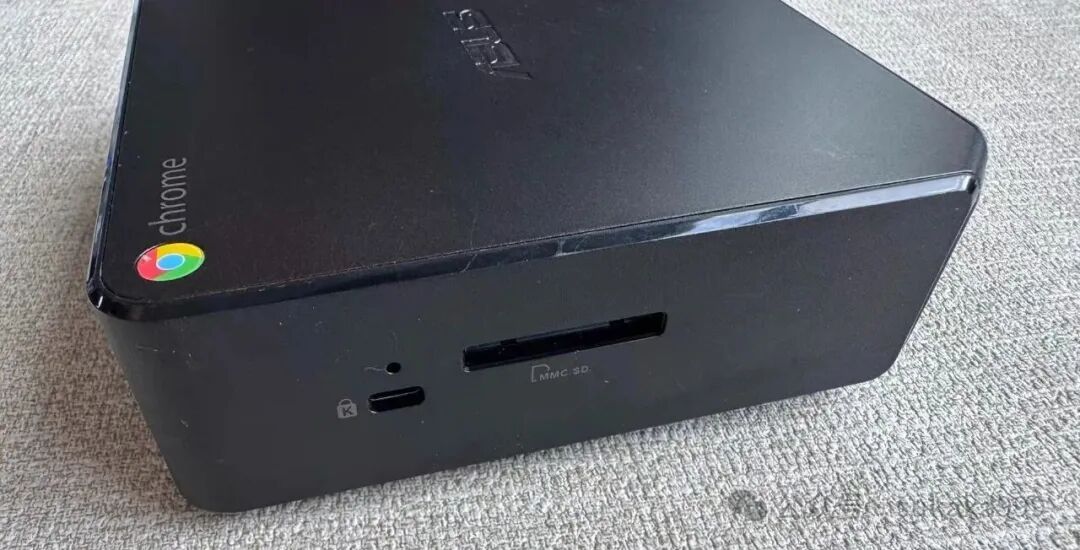 As mentioned at the beginning, although this CPU is a 4th generation, it is definitely much better than using a cloud box or similar devices. In terms of expandability, these boxes are not comparable. Also, flashing the system is not a hassle; don’t think that spending a few days to tinker out a box is something to be proud of; you should consider how much your time is worth. Products are meant to serve you, not the other way around.
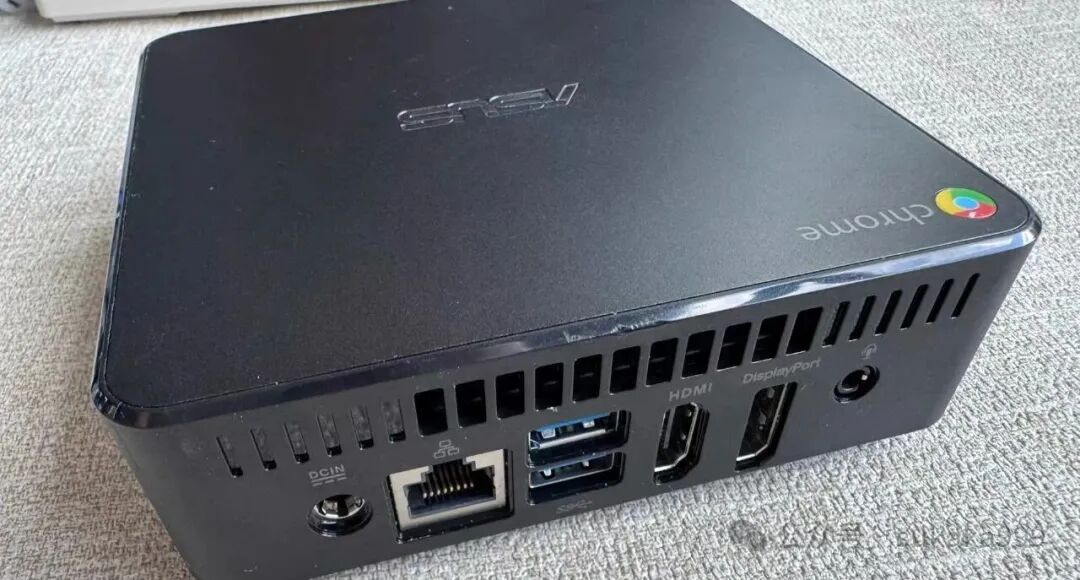 Currently, this mini PC is priced between 110-130 Yuan, and there is really no room for price increase. You could say that without Feiniu, you might even find it for 60 Yuan. It’s quite comfortable to play with Feiniu or set up a home media center. And it’s not expensive. The premise is not to buy high; this thing is definitely not worth more than 130 Yuan.Next episode preview:A brand mini PC around 50 Yuan to set up a home downloader, install CasaOS, or transform into a dual-gigabit soft router would be great.