Modern office documents are no longer just standalone office software; without cloud document collaboration features, it would be hard to claim to be a modern office software that integrates AI.
Today, we will discuss Tencent Docs, which has a Linux version. The reason for this choice is that this document software has a Linux version and is part of the modern mainstream office software, domestically produced, with rich features, and is one of the mainstream collaborative office products.
Tencent Docs is a cloud service software product under Tencent, focusing on online collaboration. Whether it is online documents, local documents, or AI creation, it can be easily supported. More importantly, it is highly integrated with the WeChat ecosystem, making it very convenient to use.
For communication, you can use WeChat or WeChat Work (currently, there is no official Linux version). For office documents, you can use Tencent Docs, for meetings, Tencent Meeting, and for emails, you can use Foxmail or QQ Mail. Unfortunately, both email clients do not have corresponding Linux versions, but finding a mail client for Linux is not difficult at all.
I believe the biggest benefit of using Tencent Docs is that it provides powerful collaborative features, robust multi-device synchronization, and AI-driven smart work. Of course, there are also a series of tools (some features require a membership), all of which can be primary considerations for improving team efficiency and simplifying work.
Let’s take a look at the features of Tencent Office:
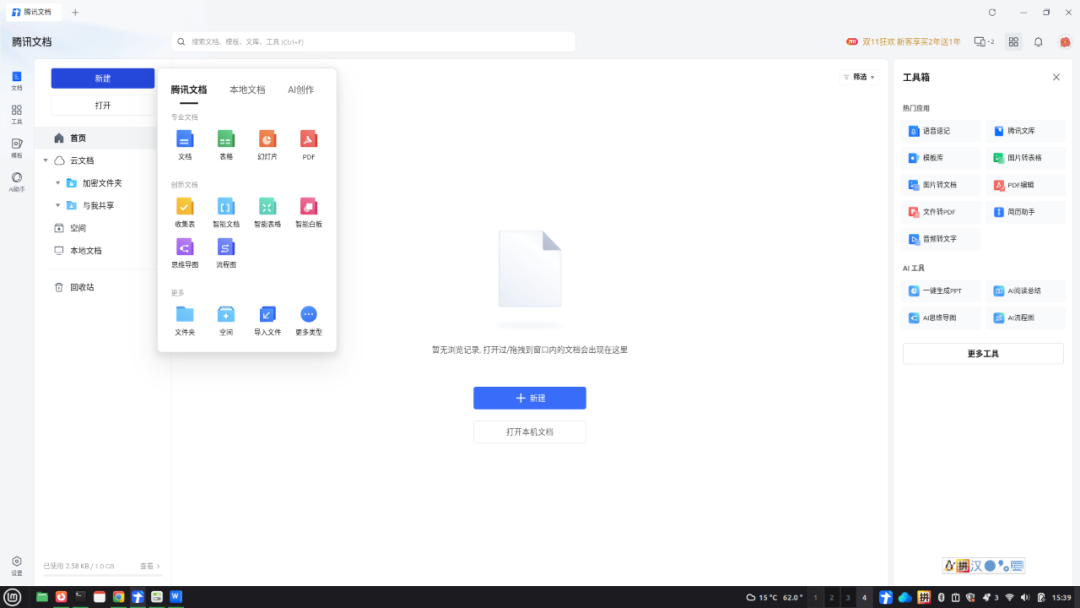
This is the main page after opening Tencent Docs. You will see that if you create a new document, you can choose from different types of documents.
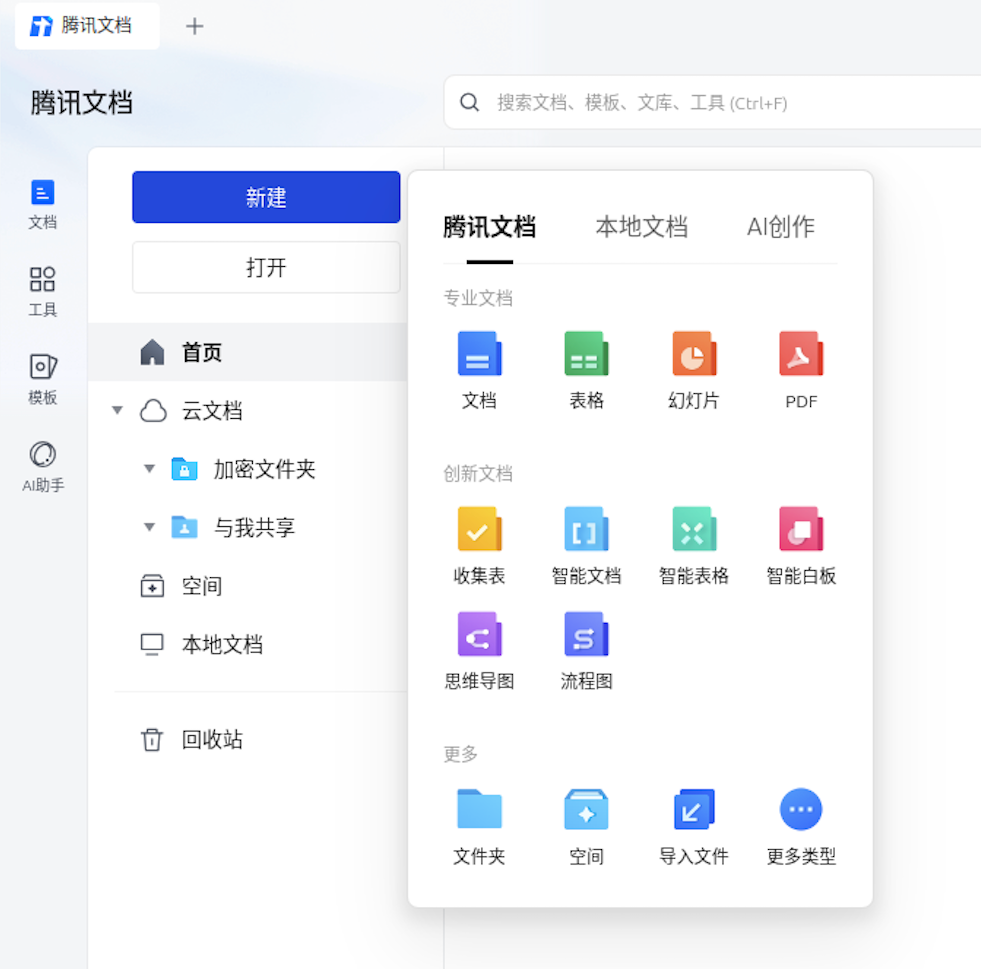
Here, it is divided into three categories: Tencent Docs, local documents, and AI creation.
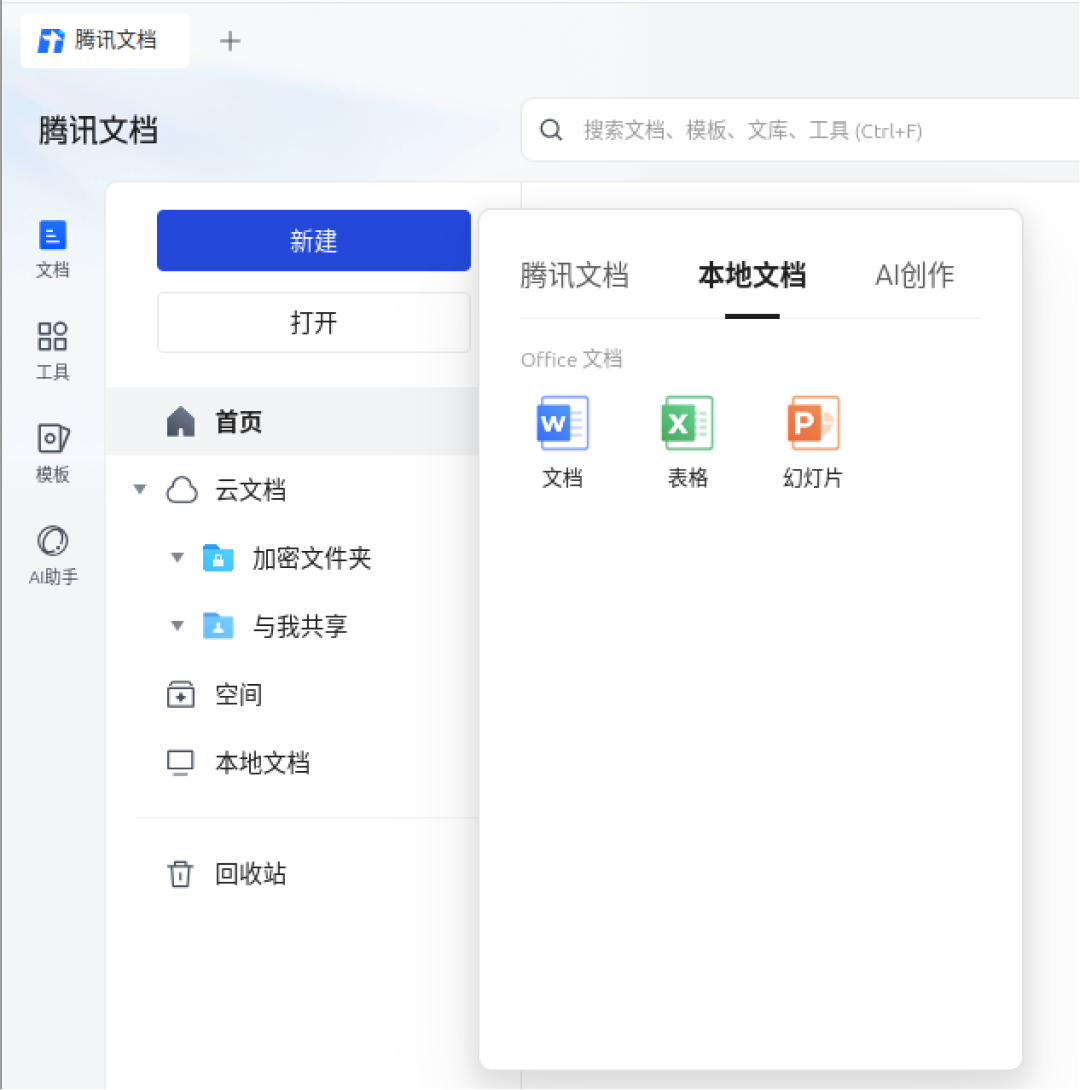
Local documents are clear, just three types: Word (documents), Excel (spreadsheets), and PPT (slides).
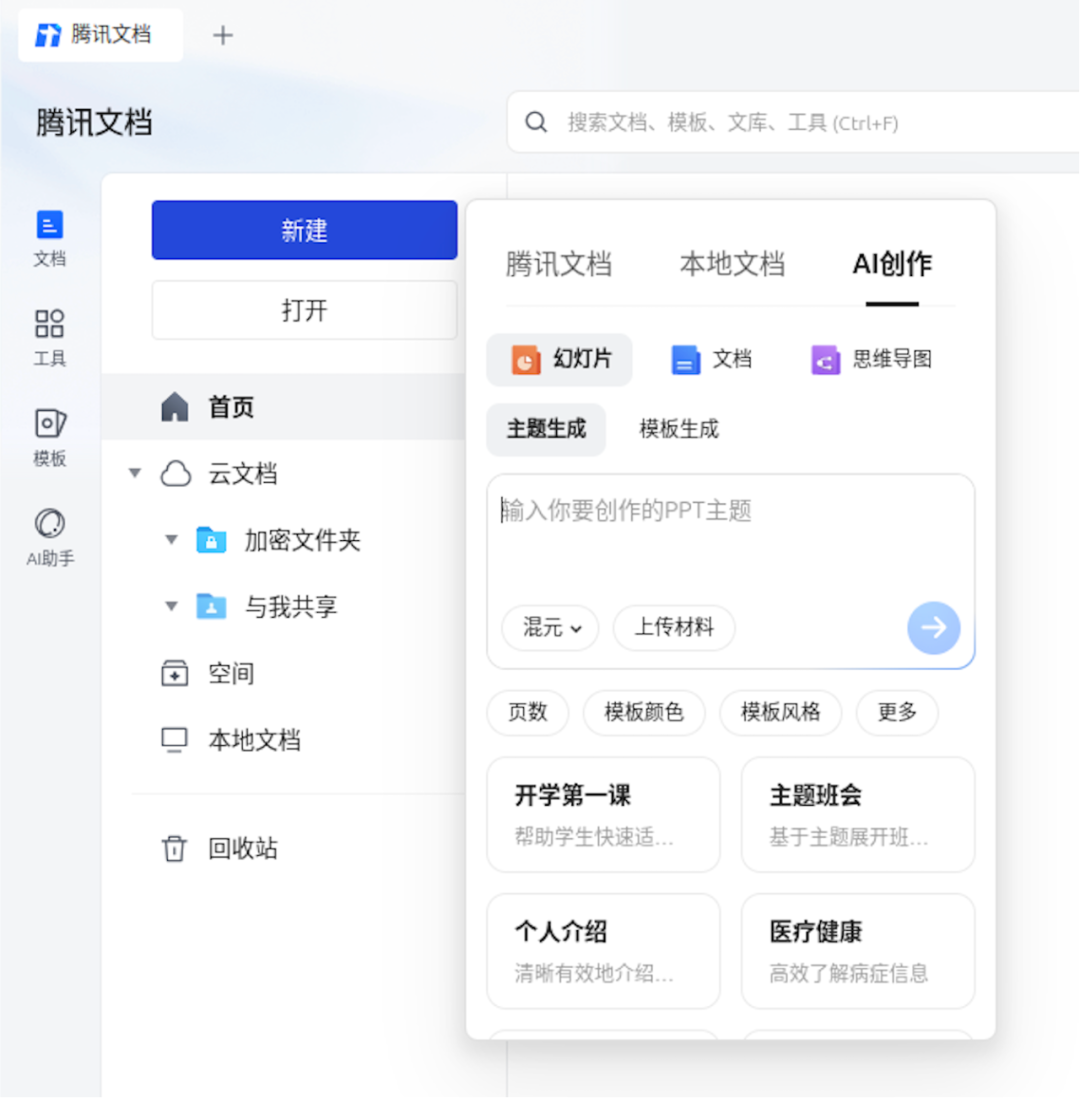
AI creation provides some tools, and you can freely choose from several large models, with the default being mixed.
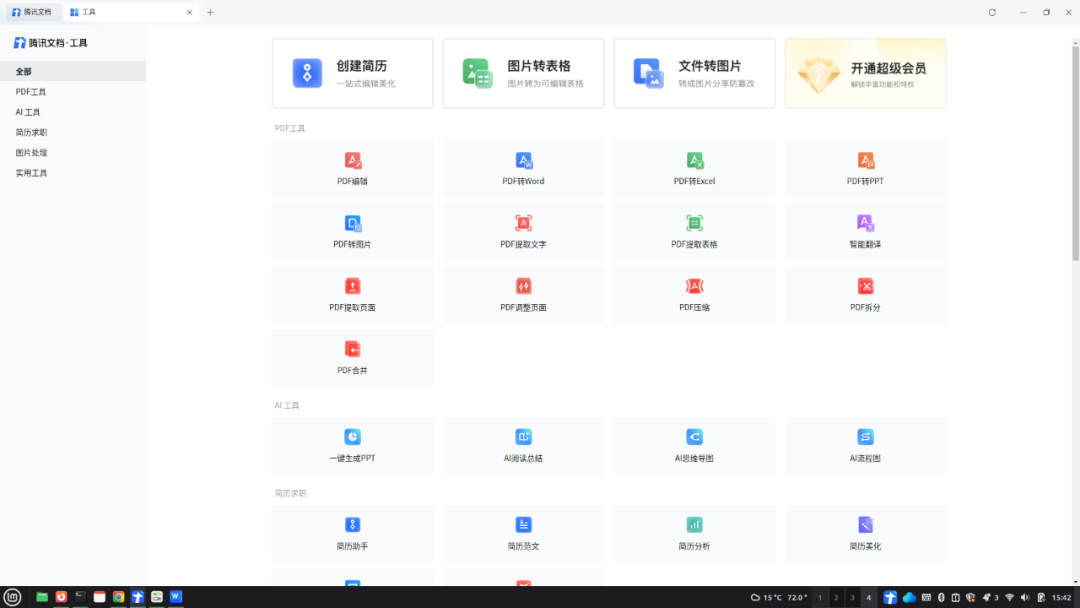
The default tools provided are quite numerous, but some tools are not free and require you to subscribe to a membership.
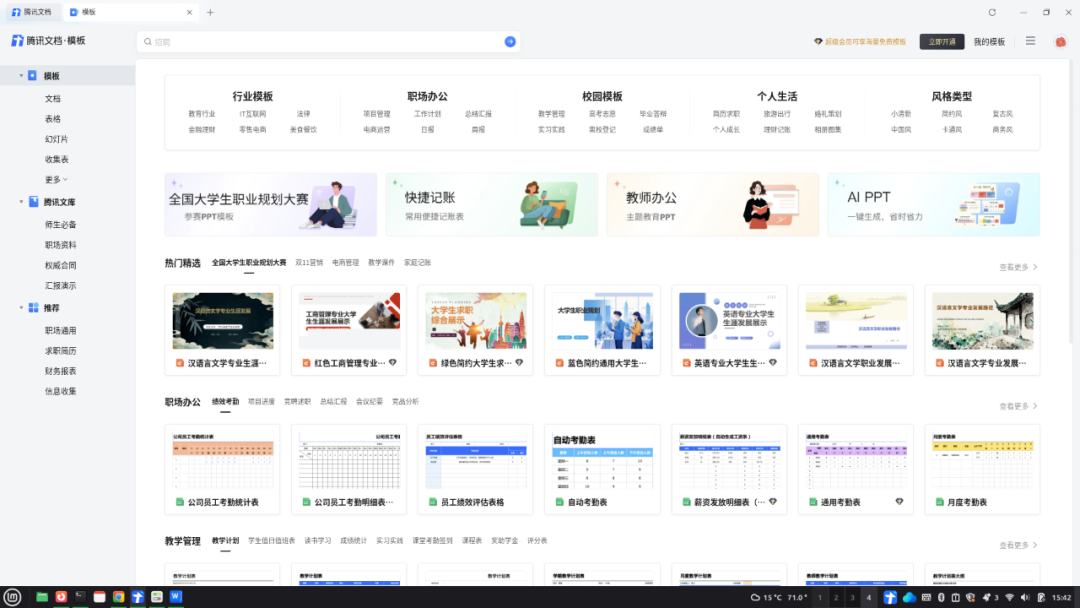
Of course, it also provides many document templates, which are very useful for those who pay attention to the effects of document writing.
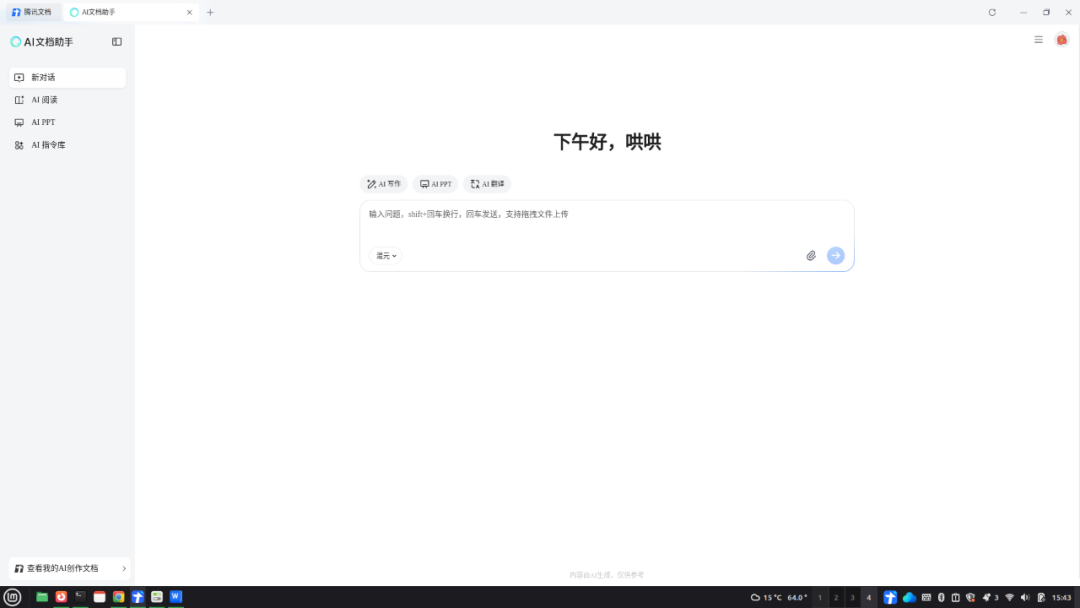
As for the current mainstream AI features, they include AI dialogue, AI reading, AI PPT, and AI command library.
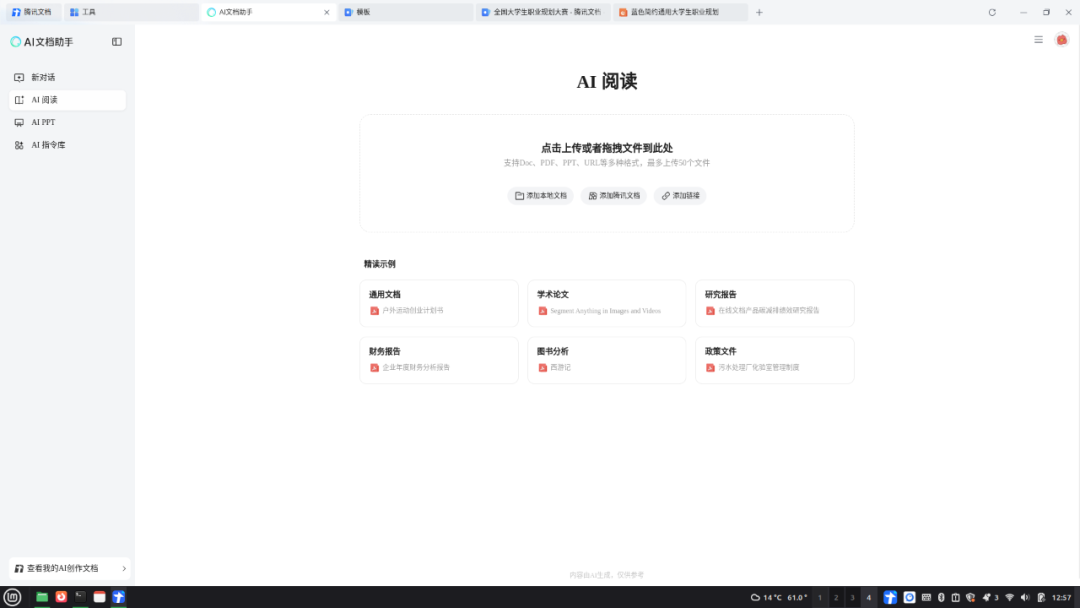
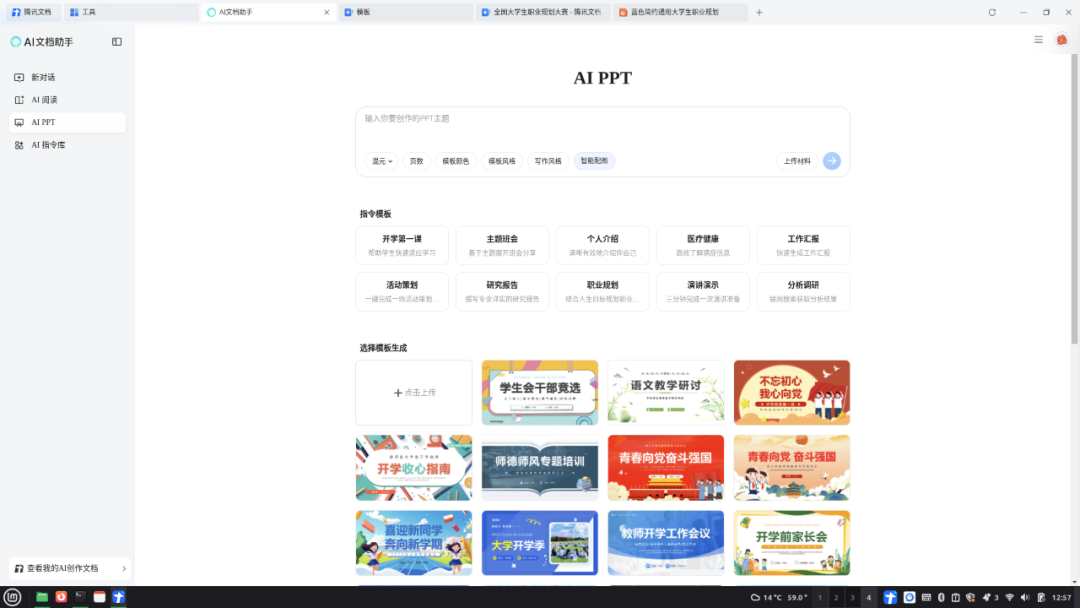
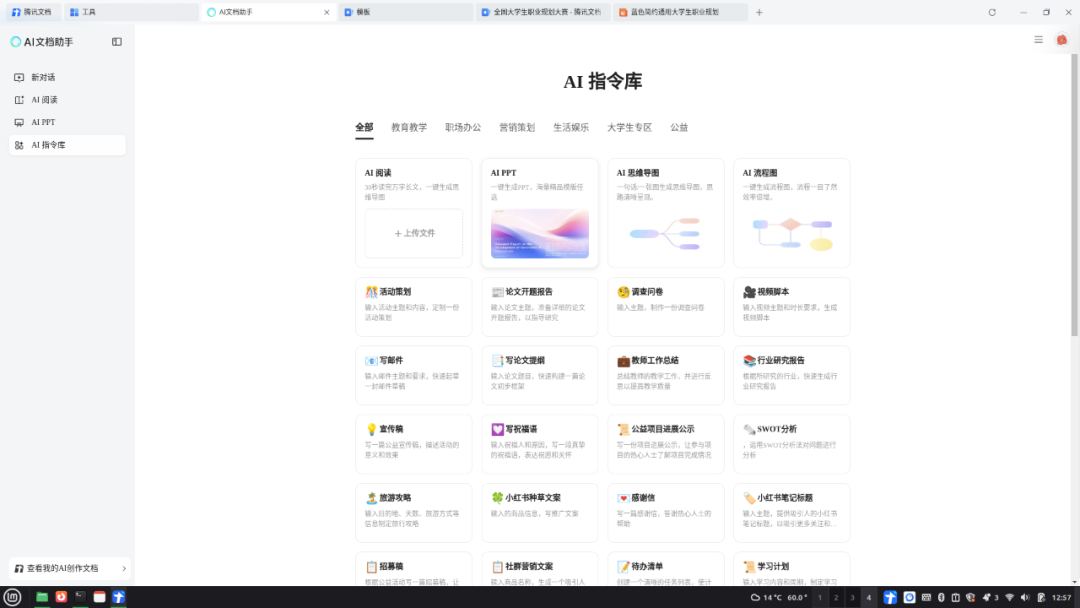
Tencent Docs can make collaboration more efficient and creation easier, achieving real-time synchronization and multi-platform sharing. It is especially suitable for use within the Tencent ecosystem in conjunction with other WeChat products, and it works well with existing Tencent software on Linux, such as WeChat and QQ, supporting an office workflow on Linux.
 Setting up an AI intelligent knowledge base on Linux is that simple!It turns out that Tencent has quite a few software that supports Linux systems!Comparison of LiberOffice and WPS on LinuxMintI didn’t expect LinuxMint to be so popular!Old friend, remember to 🌟star it, so it’s easier to find me next time!