
Click the above Computer Enthusiasts to follow us
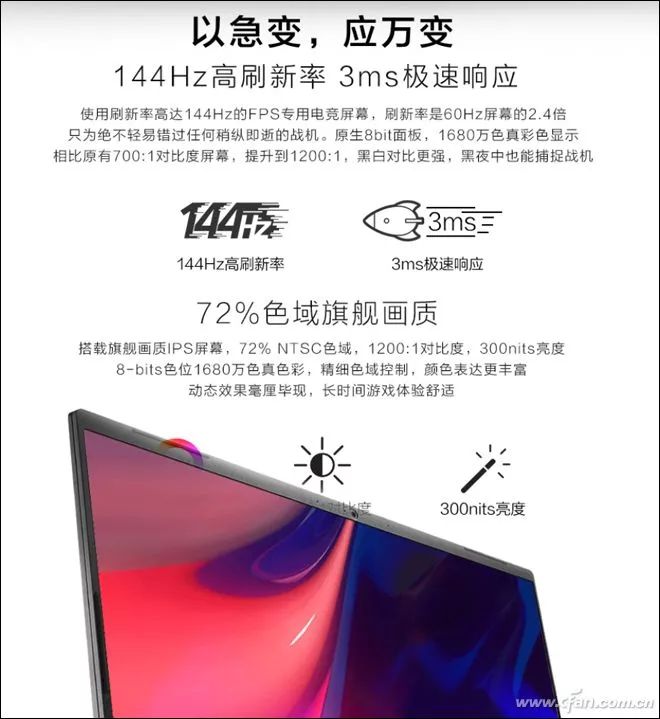
Nowadays, many people prefer “gaming monitors” when purchasing gaming laptops, as they not only have refresh rates of 120Hz or 144Hz, but they also “seem” to be IPS and high color gamut.In reality, gaming monitors may not be as perfect as you imagine.
Taking the 120Hz refresh rate as an example, there are models with combinations of IPS material + 45% NTSC color gamut, IPS + 72% NTSC, and TN + 94% NTSC. If a laptop uses the first type of gaming monitor, the color performance will clearly not meet expectations.
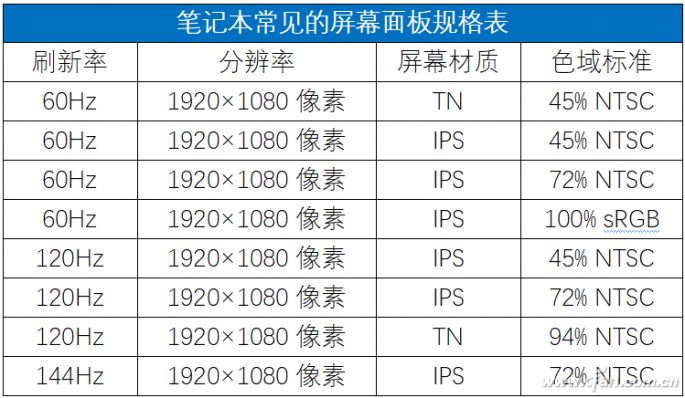
The good news is that currently, all 144Hz refresh rate screens are a combination of IPS and 72% NTSC, generally providing good display quality.Therefore, when choosing a gaming laptop, a 144Hz gaming monitor is the most reliable, and we do not need to worry about filtering.

A high refresh rate screen can effectively reduce issues such as blurriness, tearing, and ghosting while gaming
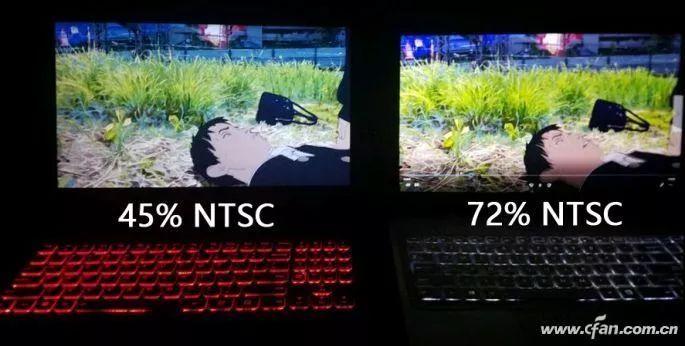
A higher color gamut screen can make viewing more comfortable
In terms of screen materials, both TN and IPS belong to LCD TFT screens. The difference is that the former has a generally poor viewing angle (when the angle is large, color distortion issues arise), while the latter can achieve viewing angles of over 170 degrees.

Viewing angle of TN material screens

Viewing angle of IPS material screens
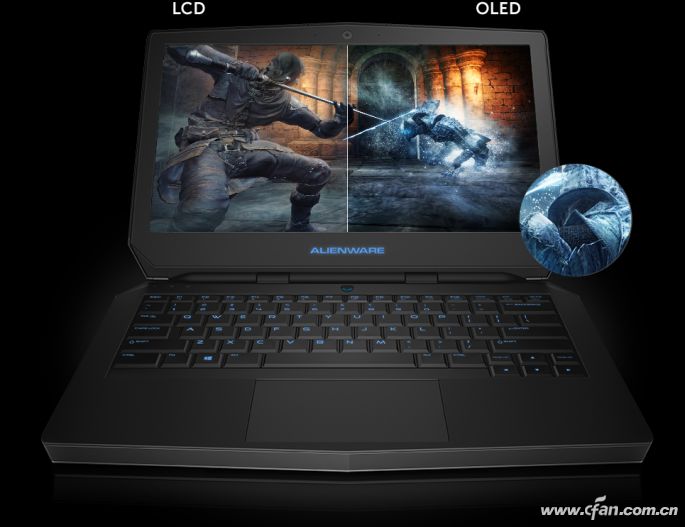
Additionally, some high-end laptops now choose OLED screens, which offer nearly unbeatable color performance.However, OLED screens in laptops consume a lot of power when displaying bright backgrounds. For example, browsing a white background webpage for a long time can result in shorter battery life than that of LCD screen laptops.To take advantage of OLED’s power-saving benefits, the laptop display needs to be set to a global black background.
Among the screen-related parameters, resolution is the most familiar to everyone.1366×768 pixels and 1920×1080 pixels (1080P) with a 16:9 aspect ratio are the mainstream in the laptop field, while devices like Microsoft Surface prefer a 1800×1200 pixel or 2736×1824 pixel 3:2 aspect ratio.Moreover, many high-end laptops now feature 2K or even 4K resolutions, suitable for professional users who need a more detailed display environment, while ordinary users do not need to pursue this excessively.
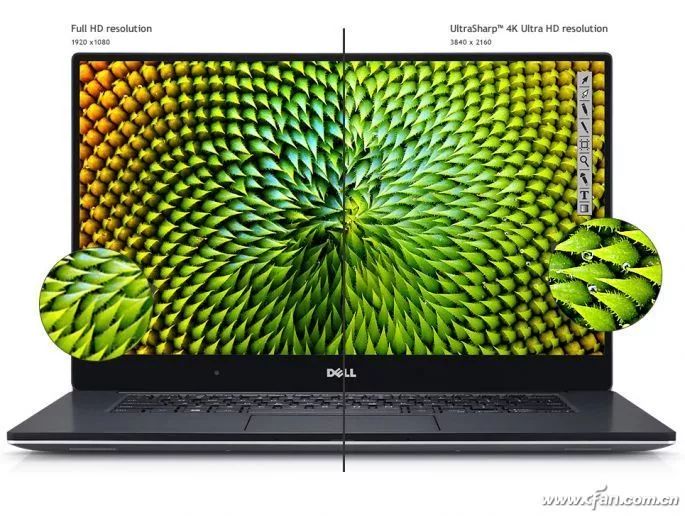
It is important to note that laptop screens have the greatest individual variation among components, with different models of LCD panels having subtle differences in color reproduction, color gamut, brightness, and viewing angles.The key issue is that the same model of laptop often has multiple panel suppliers and uses a random combination production strategy from different batches.
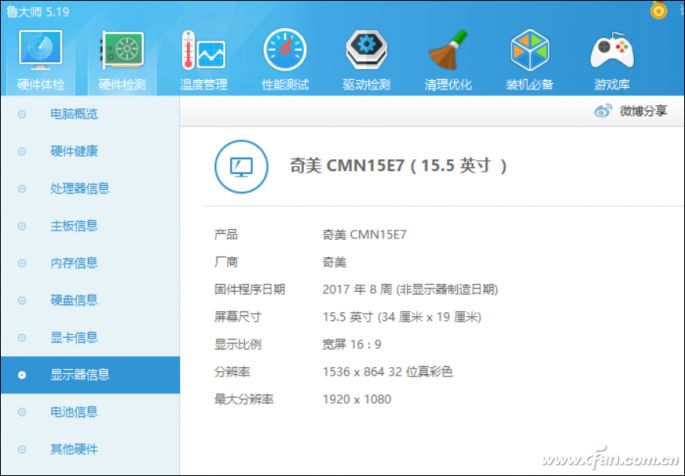
We can use software like Master Lu to check the specific model of the screen panel, but a brand new laptop cannot be tested before it is unsealed.
Therefore, the reviews we see online may not represent the actual performance of the product you purchase, and what manufacturers can do is only to ensure that these panels have similar display effects to the greatest extent possible.
After reading this article, will you click:

Click “Read Original” for more exciting content