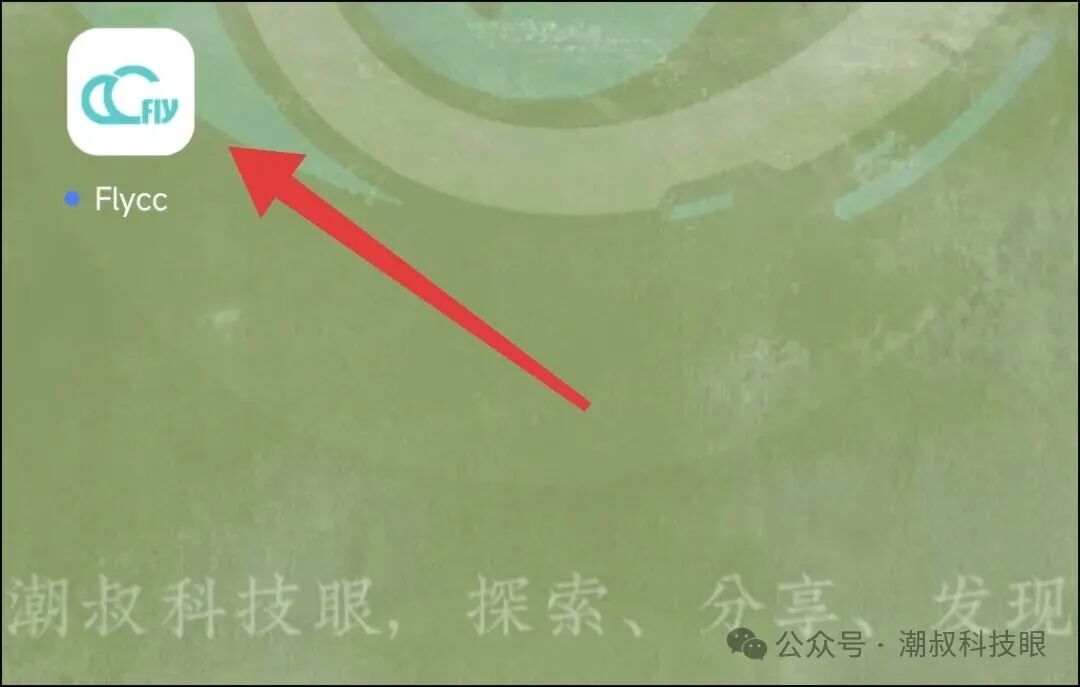
 The newly purchased Huaqiangbei headphones just won’t connect. I have an iPhone 17 Pro with iOS 26. After asking the vendor, I found out that the headphone firmware needs to be upgraded. Once the upgrade is complete, it can connect normally.1. Precautions:1. Download an app to update the firmware; the app is called Flycc. You can search for it yourself or reply in the background【Flycc】 to get the installation package.2. Following the first point, this app is only available for Android, so you will need an Android phone or tablet.3. It must be YUEHU Bluetooth headphones; any model from this brand should work. I believe the Luoda headphones might also work, but I haven’t tried them.4. The headphones must be taken out of the charging case; both must be removed. The headphones need to have power, with a recommended battery level of over 30% (not below 20%).2. Steps to Operate:1. Download and install Flycc, then click to open it on your desktop.
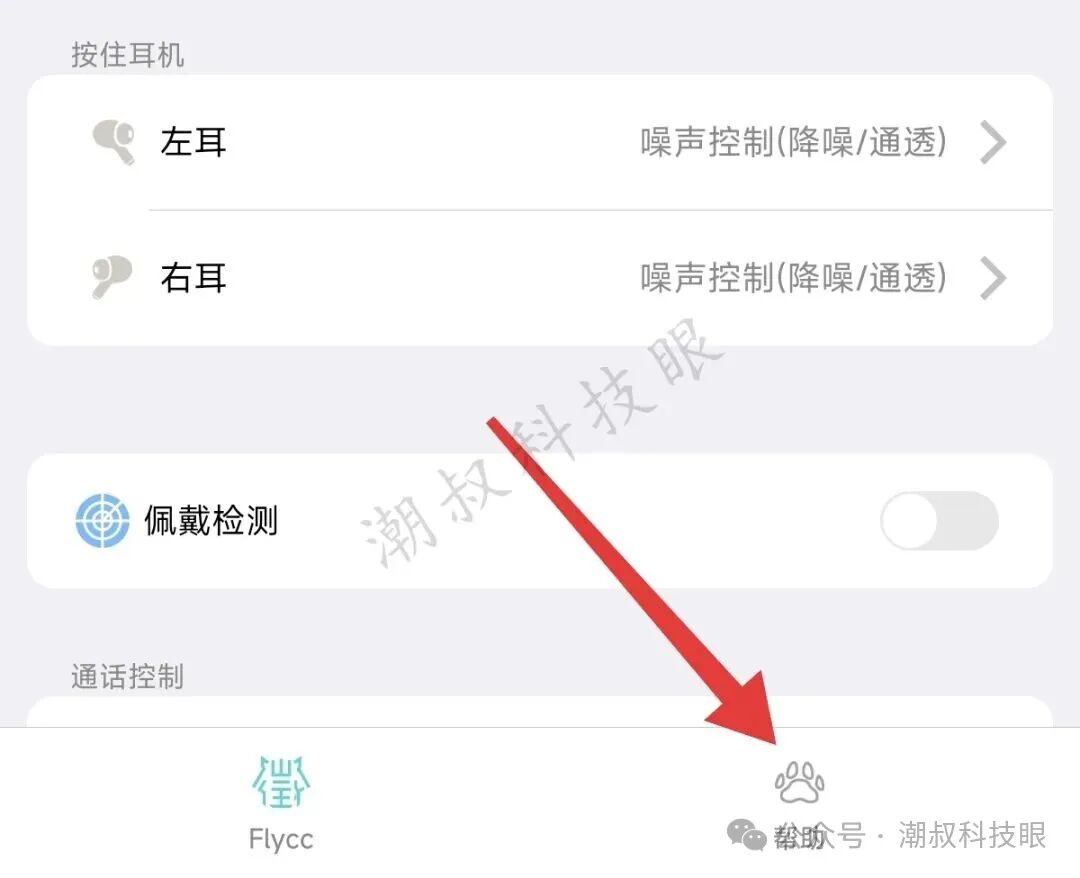
 2. Connect the headphones to the phone with the installed app (enable Bluetooth, pair them; this is simple and won’t be elaborated on), then open the 【Help】 section in the app.
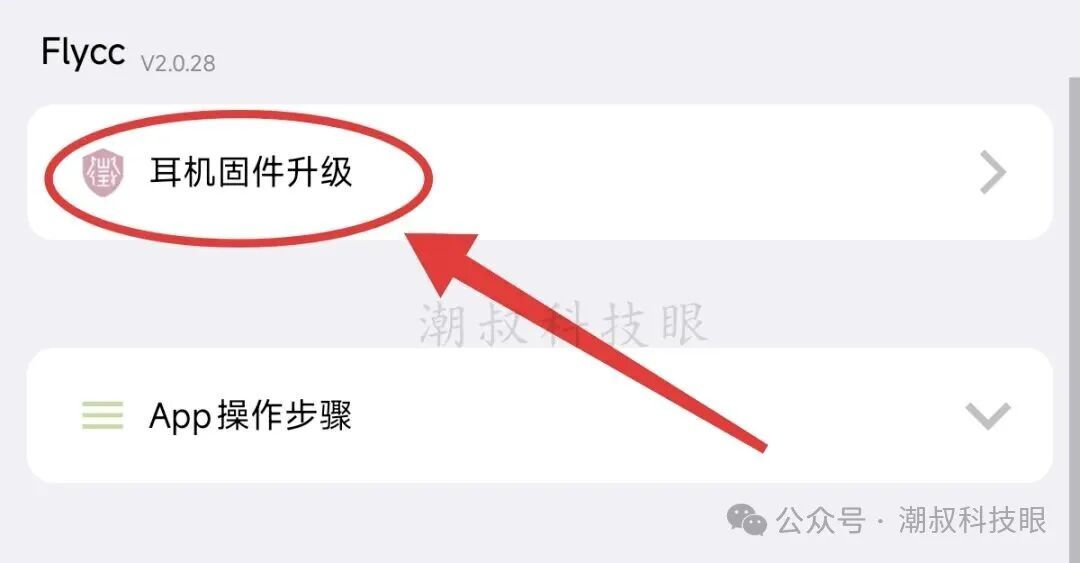
 3. Next, click on 【Headphone Firmware Upgrade】, then check for updates.
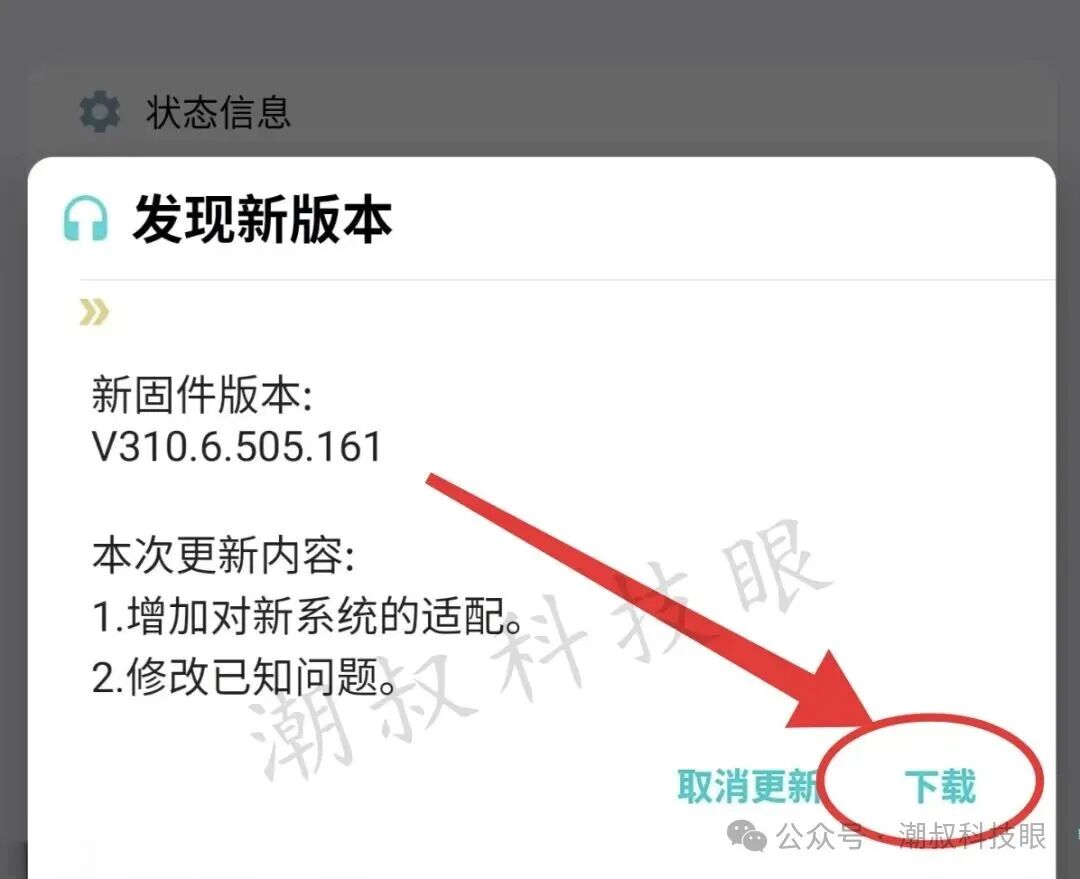
 4. In the pop-up prompt, click 【Download】, as shown in the image below.
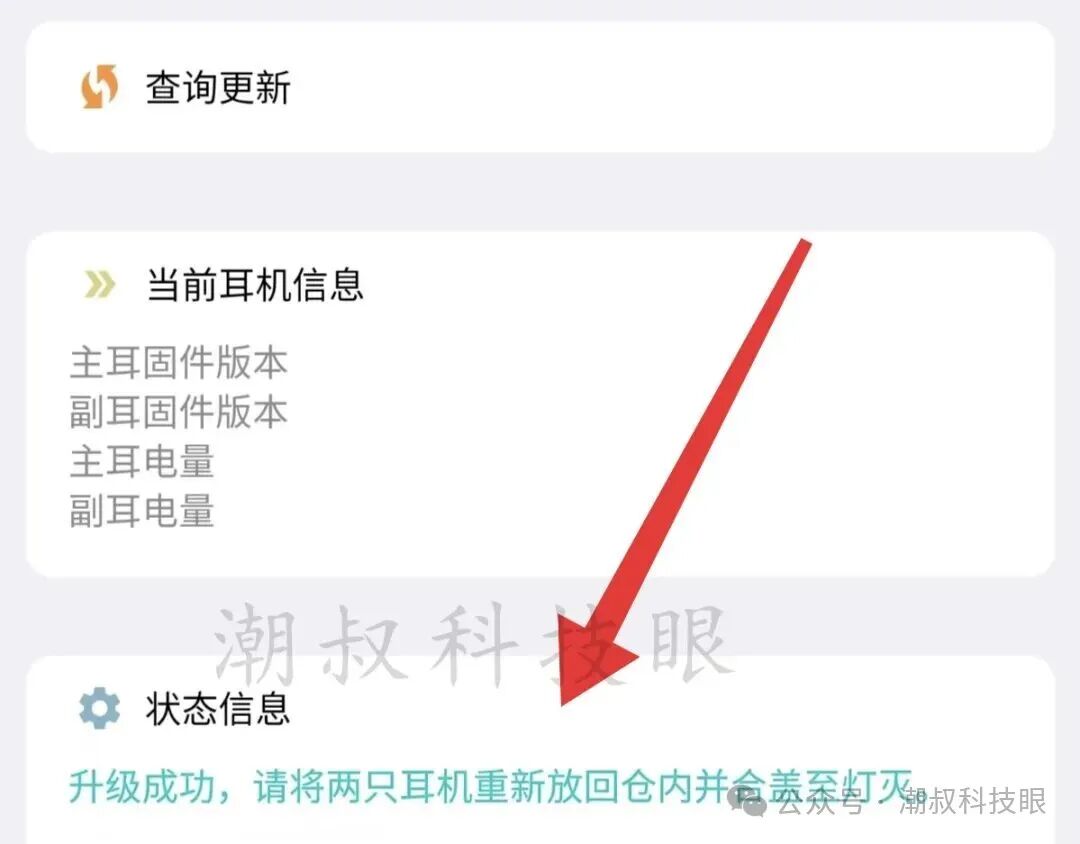
 5. During the update, do not exit the app. Wait for the update to complete, then place both headphones back in the case and close it. Wait for the headphone lights to turn off, then take the headphones out and reconnect them to the iPhone.
 Finally, did this solve your problem? If it still doesn’t work, you can ask the vendor or leave a message to discuss!-END-
Friendly Reminder: This article is original content by Chao Shu Technology Eye, with some images sourced from the internet. Please delete if infringing.Contact us in the background, thank you~