Introduction
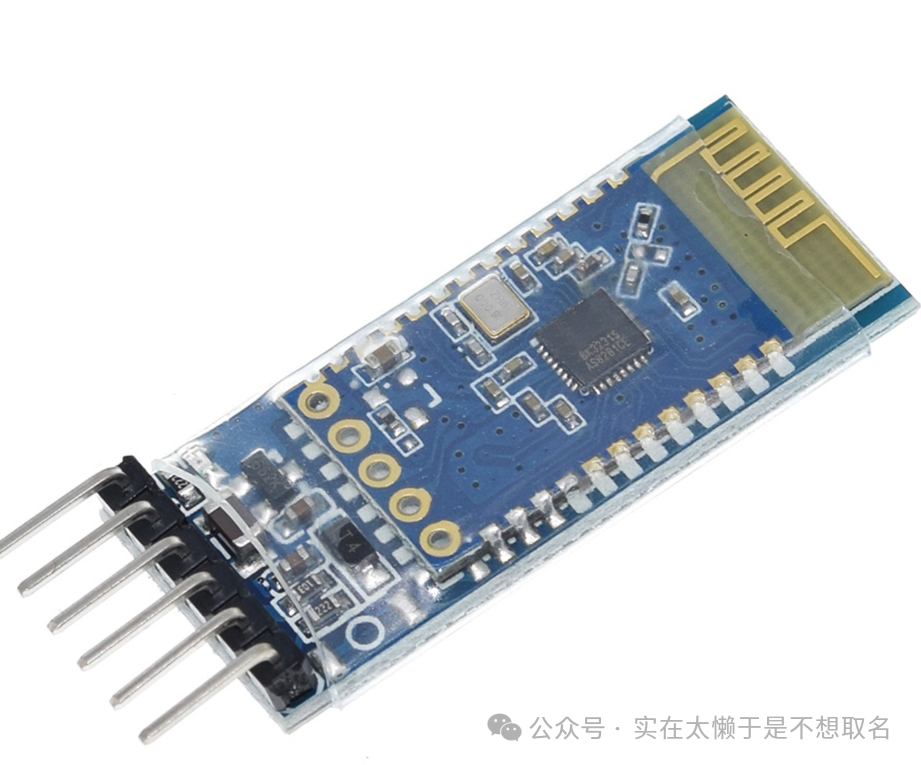
In the past, when developing with STM32, communication with mobile phones generally required an additional Wi-Fi module or Bluetooth module, typically connected via serial port to the Bluetooth module.
When designing wireless communication solutions, the ESP32 is often chosen, as this Bluetooth + MCU integrated solution is very appealing. However, the ESP32 has its drawbacks, as its peripheral functionality is inferior to that of the STM32 series, leading to frequent choices needing to be made.
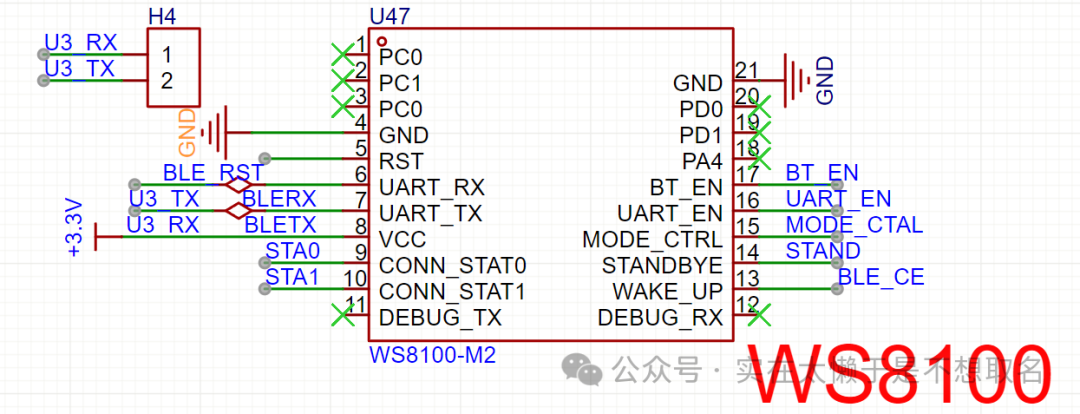
In my graduation project, to achieve Bluetooth communication with a mobile phone, I specifically added a BLE Bluetooth chip: WS8100, to enable the main control STM32U0 to have wireless communication capabilities.
Therefore, a solution that combines STM32 and wireless communication is highly necessary.



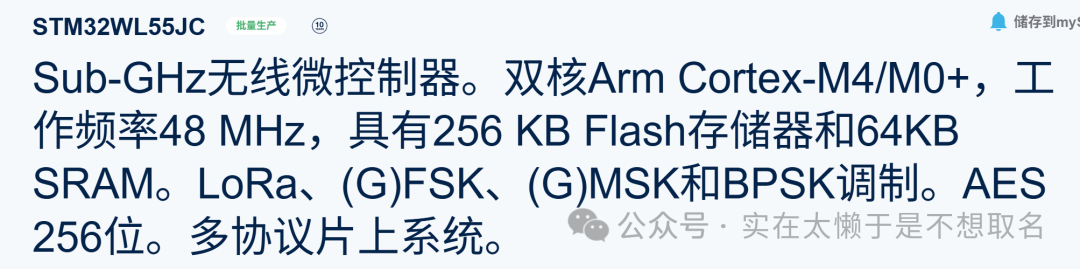
The STM32W series has unlimited communication capabilities. I have a STM32WL55-Nucleo board, which has a large antenna for communication, but unfortunately, the WL55 cannot be used for BLE and Wi-Fi communication, it supports LORA, etc.
During my visit to the STM32 National Seminar by STMicroelectronics, I received a free STM32WBA:
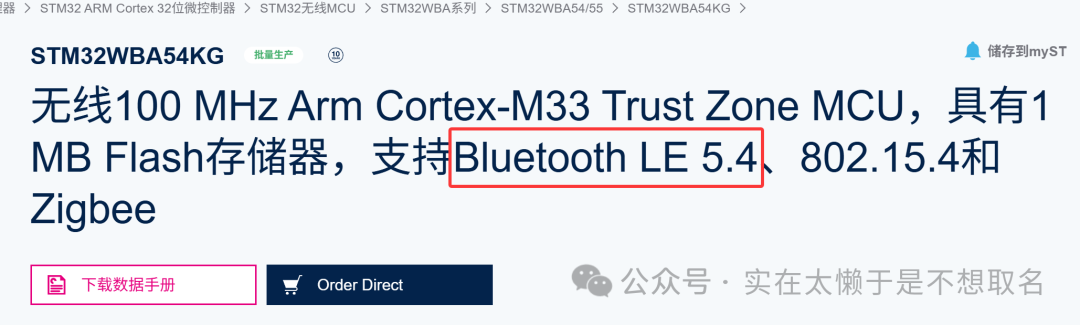
STM32WBA supports BLE 5.4, allowing this STM32 to communicate directly with mobile phones. In this issue, we will test the connection with STM32WBA.
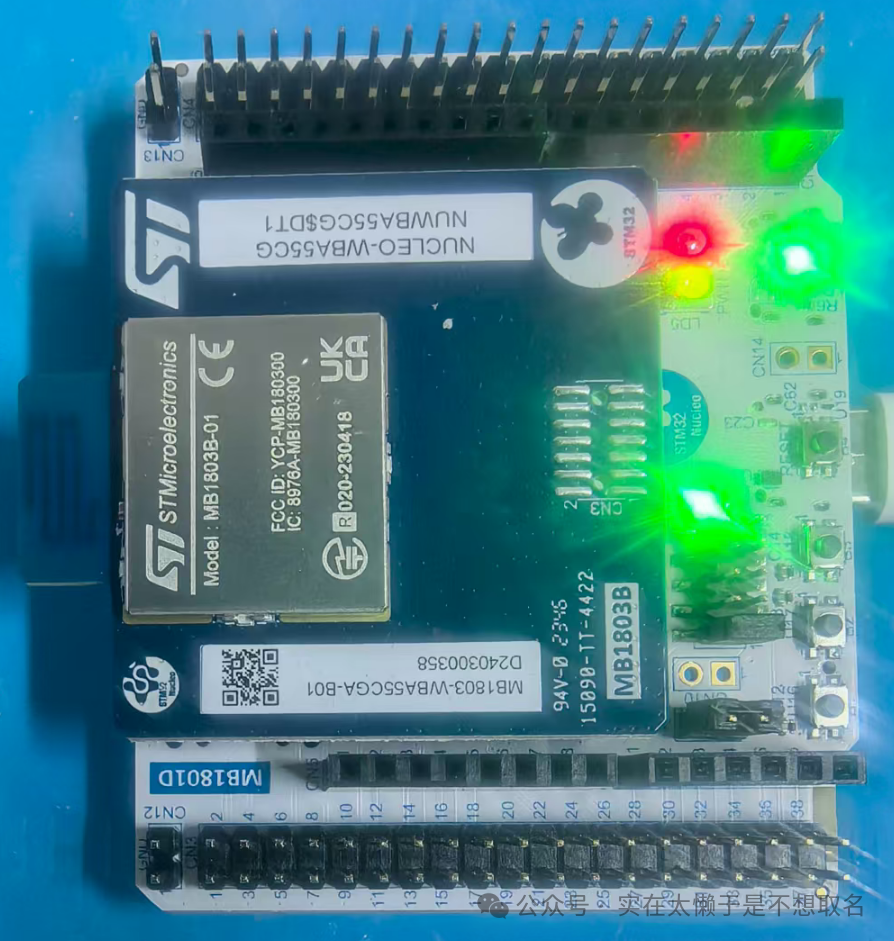
1
Preparation Work
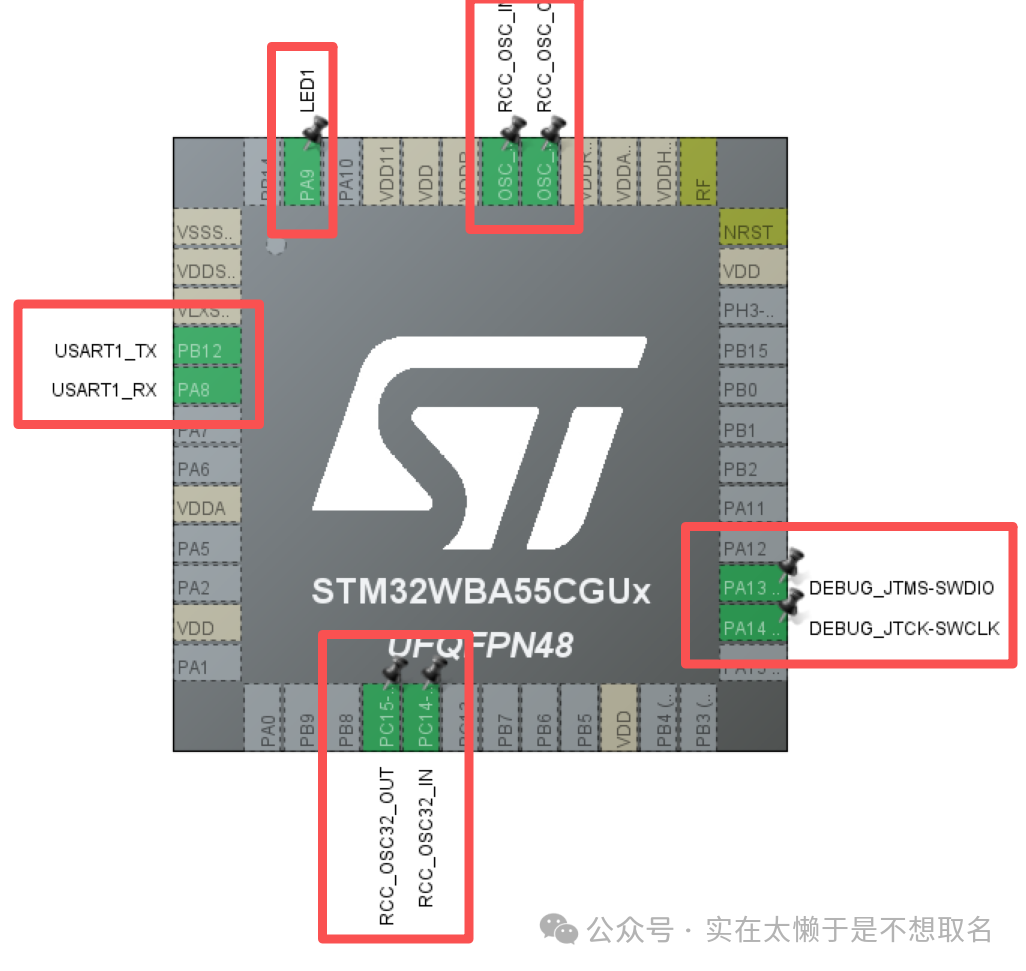
The basic peripherals of WBA need to be enabled: serial port, Debug download port (to prevent secondary programming failures), external high-speed clock, external low-speed clock, and an LED for debugging.
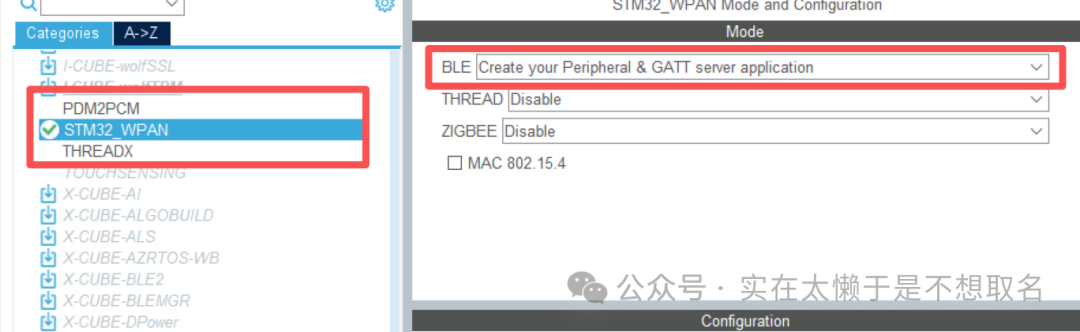
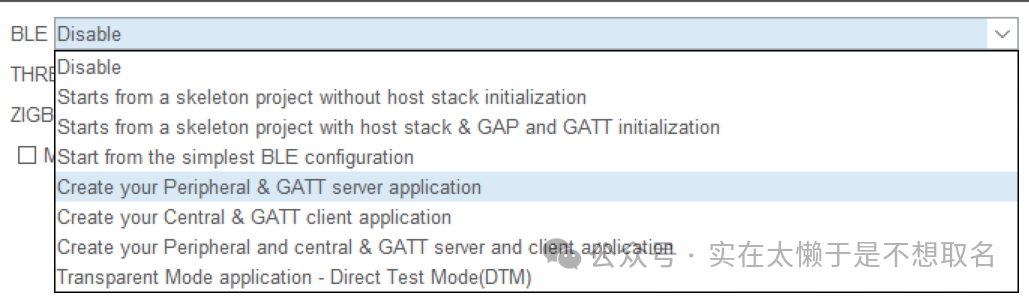
In the expansion package: STM32_WPAN, enable the BLE functionality. There are many options for functionality here, which will be explained in detail in a future issue.
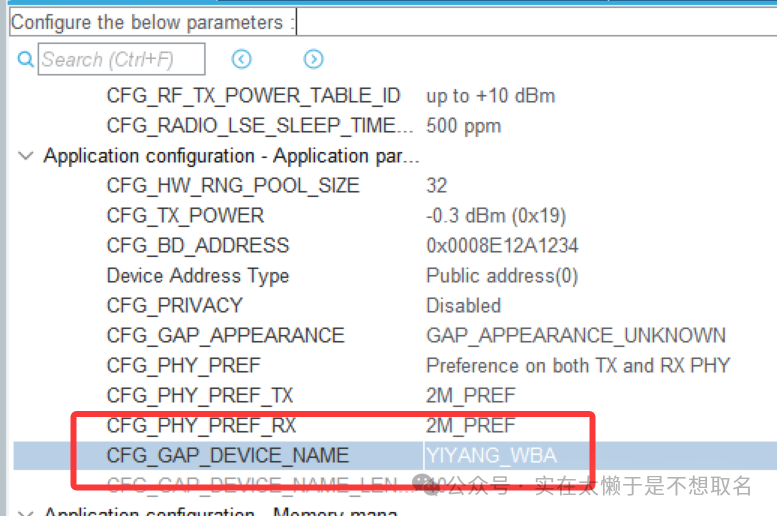
Modify the BLE device name, and then we need to set some basic advertising configurations, which will be the key information for us to search for the BLE device.
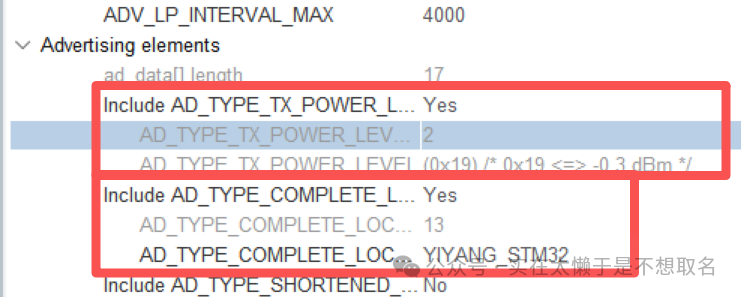
The advertising information includes power information and advertising name, which we will call YIYANG_STM32 (modify as needed)
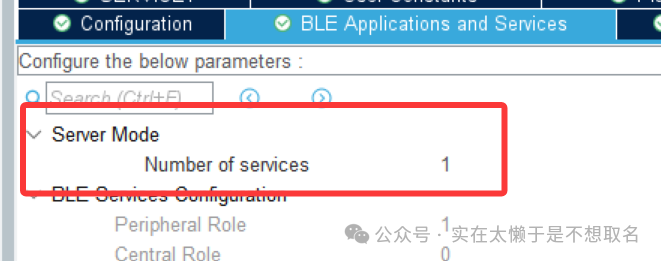
We can randomly add a service, and then configure this service.
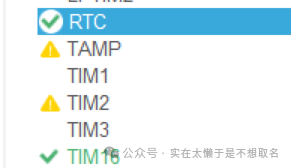
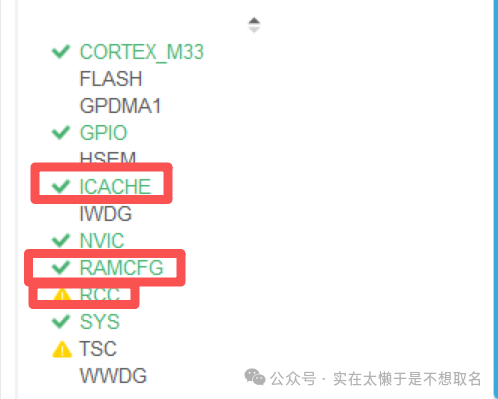
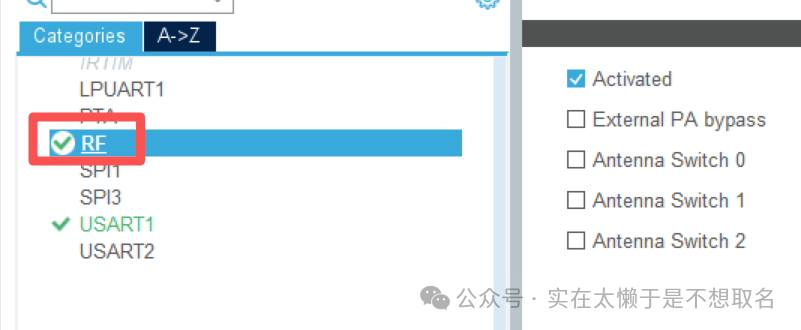
After enabling WPAN, I CACHE, RAMCFG, RTC, and the TIM16 timer will also be enabled as the BLE heart and RF radio frequency functionality.
2
Code Modification
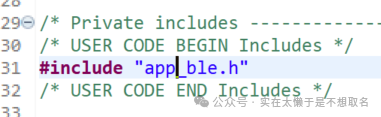
In Main.c, add app_ble.h, which contains the application layer functions we need to call:
MX_APPE_Init(NULL); APP_BLE_Init();After peripheral initialization, enable BLE scheduling, so that BLE Bluetooth can work properly. After BLE Bluetooth is enabled, we also need to modify the BLE Bluetooth permissions to make it discoverable.
APP_BLE_Procedure_Gap_Peripheral(PROC_GAP_PERIPH_ADVERTISE_START_FAST);3
View Results
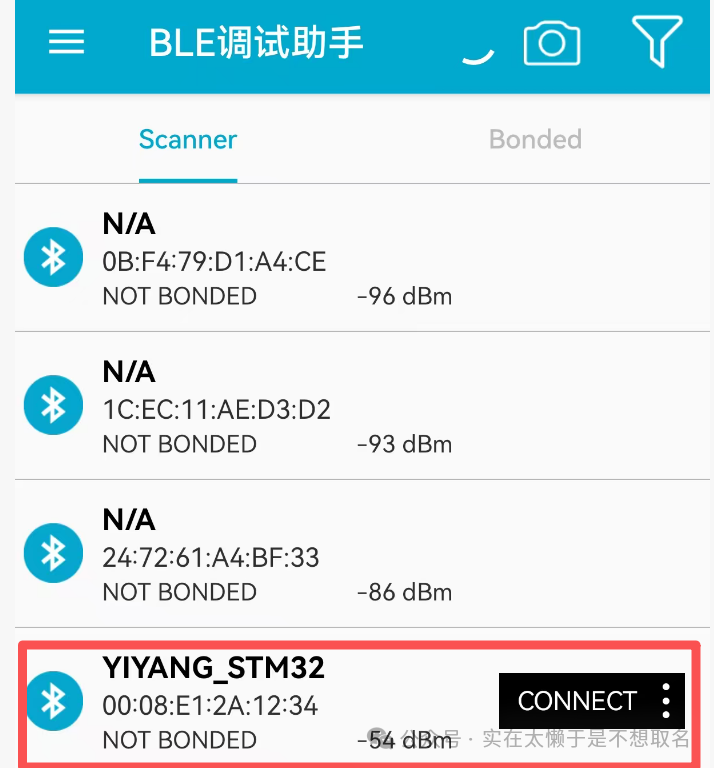
After running the code, we can see our surrounding BLE devices in the BLE debugging assistant, where we can see the STM32WBA’s advertising name: YIYANG_STM32.
After connecting to this device, we can check its service characteristics:
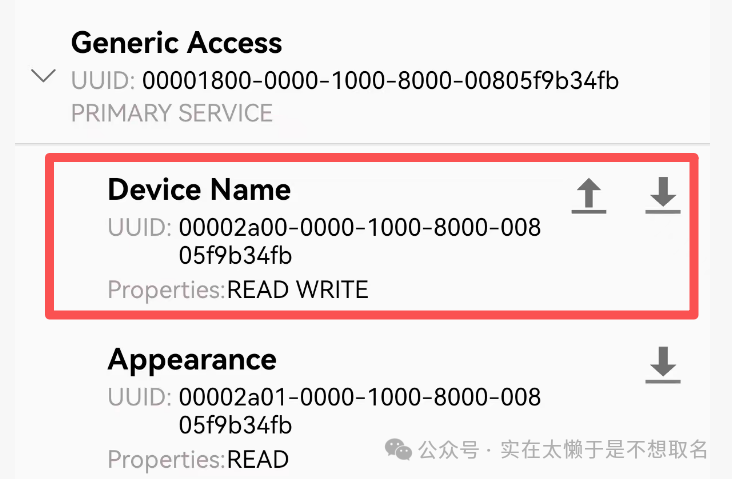
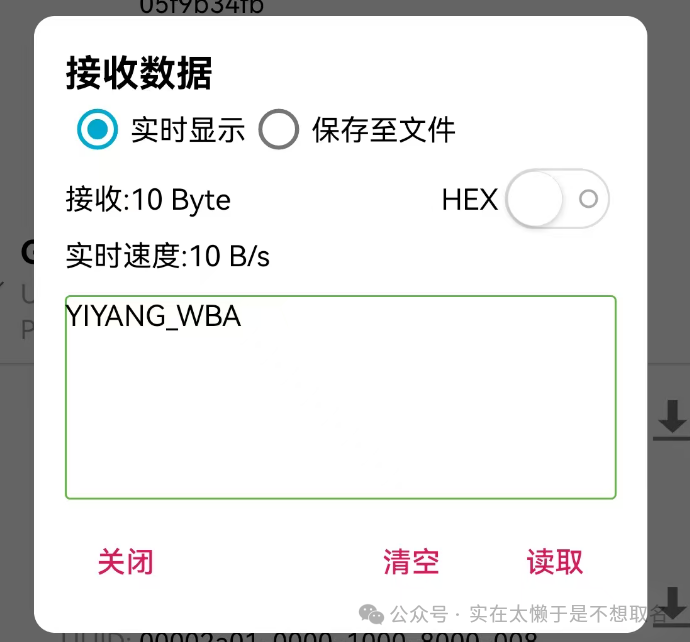
Here we read the content of Device Name to see if the data we read matches the device name we set: