Free for commercial use! A low-code visual development platform for industrial web with over 1500 components.
Bookmark this!!! Is this all about PLC communication?
Modbus device debugging tool!!! Everything solved in half an hour.
Modbus communication between PLC and inverter is a common requirement in industrial automation. Through the Modbus protocol, PLCs can exchange data with inverters in real-time, optimizing automated control. However, for many technicians, correctly setting up and debugging this communication can be a challenge. Below, we will detail how to tackle this communication through operational steps, precautions, and common issues.
Understanding the Basics of the Modbus Protocol
 RTU occupies an important position in small-scale automation systems due to its simple hardware architecture and low cost. For example:
The Modbus protocol is an open industrial communication protocol that is simple, efficient, and widely used for communication between various industrial devices. Among them, Modbus RTU is the most common version, transmitting data via RS-485 bus. Communication between devices is based on a master-slave structure, with the PLC typically acting as the master and the inverter as the slave, communicating point-to-point or point-to-multipoint through address identification.
Establishing Modbus Communication Between PLC and Inverter: Three Steps to Success
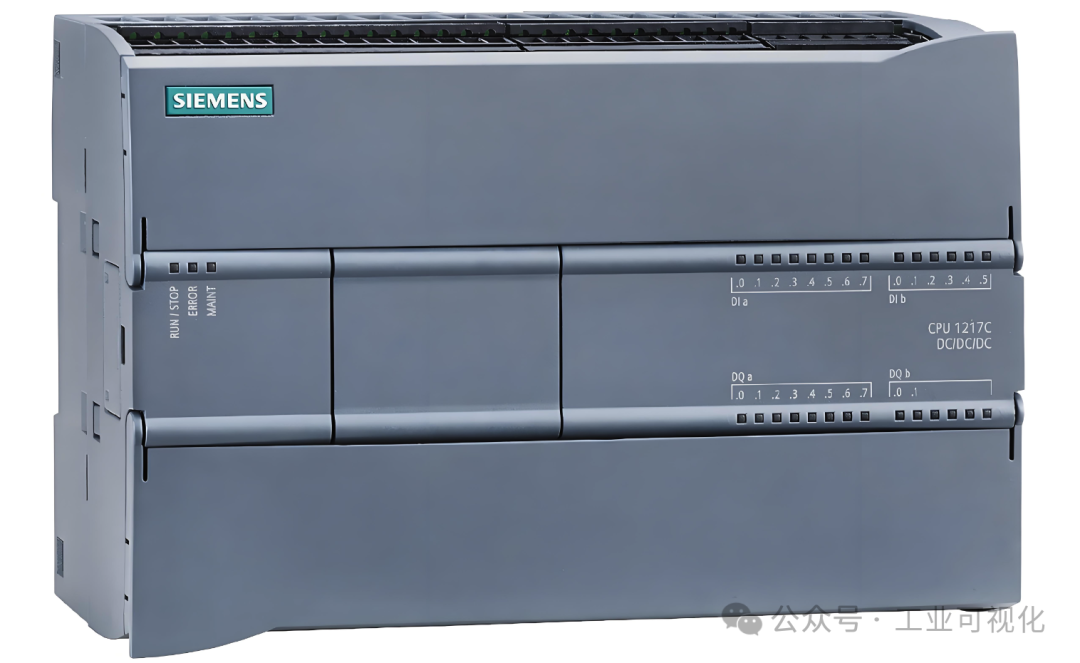
Want the PLC to command the inverter? Modbus communication is the efficient dialogue channel between them. Understand these three steps to easily establish a connection:
Step 1: Hardware Wiring and Basic Settings (Setting Up the Phone Line)
- Physical Connection: The most common is RS485 (two-wire A+, B-). Ensure that the PLC’s communication port (or communication module) is correctly connected to the inverter’s RS485 port, and whether to enable the terminal resistor depends on the line length and interference conditions.
- Set Inverter Address: Find the communication station number in the inverter parameter menu (e.g.,
<span>F001</span>or similar), and set a unique address for each inverter (e.g., 1, 2, 3…). - Uniform Protocol Parameters: Both parties must be strictly consistent: baud rate (commonly 9600, 19200), data bits (8 bits), stop bits (1 bit), parity (even, odd, none – e.g.,
<span>8N1</span>). Set the same in the relevant parameter group of the inverter (e.g.,<span>F002</span>to<span>F005</span>) and the PLC programming software communication port configuration.
Step 2: Core PLC Programming (Issuing Clear Commands)
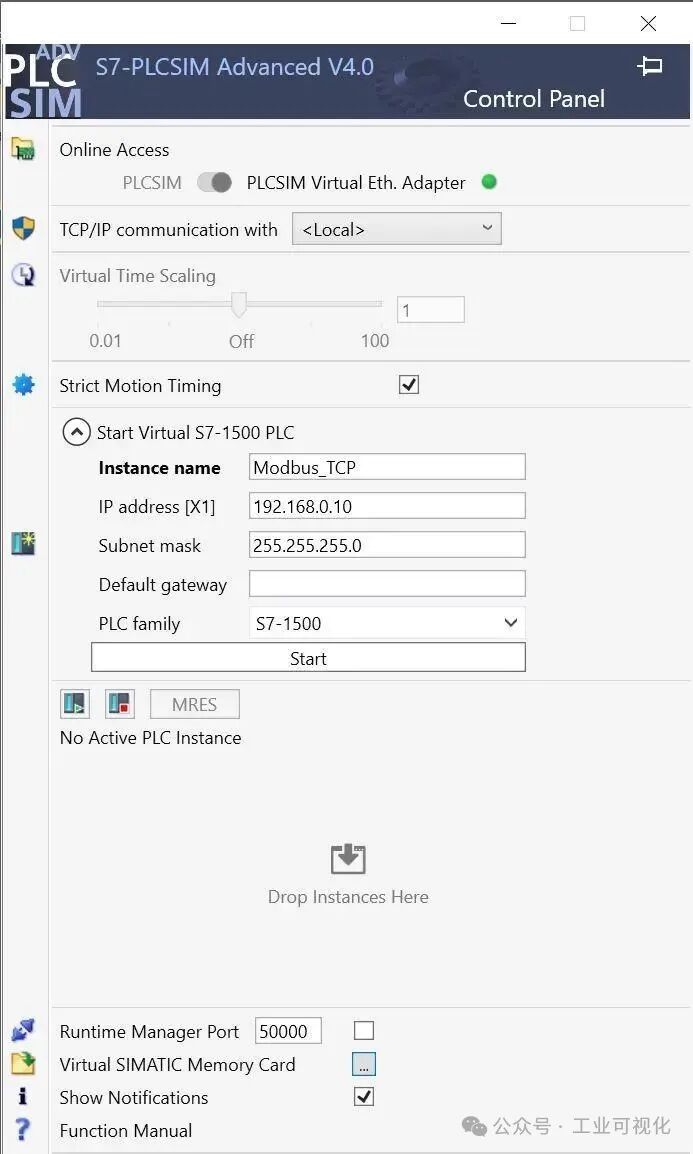
- Using Modbus Instruction Blocks: PLC programming software (e.g., Siemens TIA Portal’s
<span>MB_COMM_LOAD</span>and<span>MB_MASTER</span>; Mitsubishi’s<span>ADPRW</span>; Omron’s<span>TXDU</span>/<span>RXDU</span>or dedicated function blocks) provide ready-made tools. - Key Parameter Configuration:
<span>Slave Addr</span>: The station number of the target inverter (set in Step 1).<span>Function Code</span>: Commonly used<span>03</span>(read holding registers) or<span>06</span>/<span>10</span>(write single/multiple holding registers).<span>Data Addr</span>: The inverter manual is the bible! Find the corresponding Modbus register address for the target parameter (e.g., frequency setting may be<span>2000H</span>or<span>0000H</span>, note that the PLC may need to convert formats like<span>40001</span>or directly<span>0x2000</span><code><span>).</span><span>Data</span>: The value to be written (e.g., setting frequency 3000 = 30.00Hz, needs to be converted according to the manual) or the address of the PLC storage area to store the read result.
Step 3: Start, Control, and Monitor (Get the Device Moving)

- Write Operation (Control): Write a specific value to the inverter’s “start command register” (e.g.,
<span>1000H</span>corresponding to<span>40001</span>) to start forward rotation (e.g., write<span>1</span>to start). Write the target frequency value to the “frequency setting register” (e.g.,<span>2000H</span>, needs to be converted proportionally). - Read Operation (Monitor): Read the “output frequency register” (e.g.,
<span>2100H</span>), “output current register” (e.g.,<span>2200H</span>), “status word register” (e.g.,<span>1001H</span>), etc., to grasp the inverter’s operating status in real-time.
Common Pitfalls Troubleshooting:
- Incorrect Address: Does the inverter manual address match the PLC program address format? Confirm the address mapping rules (e.g.,
<span>40001</span>vs<span>0x0000</span>). - Inconsistent Parameters: Double-check baud rate, data bits, stop bits, and parity! None can be wrong.
- Wiring Issues: Are A+ and B- reversed? Is the line too long without terminal resistors causing poor signal?
- Interference: Keep RS485 lines away from power lines, use shielded twisted pairs and ensure good grounding.
- Slave Busy/Timeout: Is the PLC sending frequency too high? Appropriately increase the timeout duration.
Mastering Modbus communication between PLC and inverter boils down to three steps:Correct wiring, consistent parameters, accurate programming. Understanding the register addresses in the inverter manual is the key to avoiding common pitfalls related to addresses, parameters, and wiring. Once a connection is successfully established, the PLC can accurately issue start, stop, and speed adjustment commands, while real-time monitoring of operational status makes automated control smarter and more efficient. Master these three points, and Modbus communication will no longer be a challenge, allowing seamless dialogue between devices!
Recent Hot Articles:
| Regretting not seeing this earlier! This is the key to learning PLC.You can’t write the PLC program all at once! Is it that hard?Another domestic BI tool! So powerful!Create a data dashboard without code! So amazing!Incredible!!! The all-rounder that makes SCADA and HMI design cool. |