1. Background
To develop an embedded Linux application based on the MPU, it is necessary to configure the cross-compilation toolchain and port uboot + kernel.
Development Environment: Windows 11 + VM16 + Ubuntu 16
2. Installation Steps
2.1 Install VMware 16
2.2 Install Ubuntu System
ubuntu-16.04.5-desktop-amd64.iso
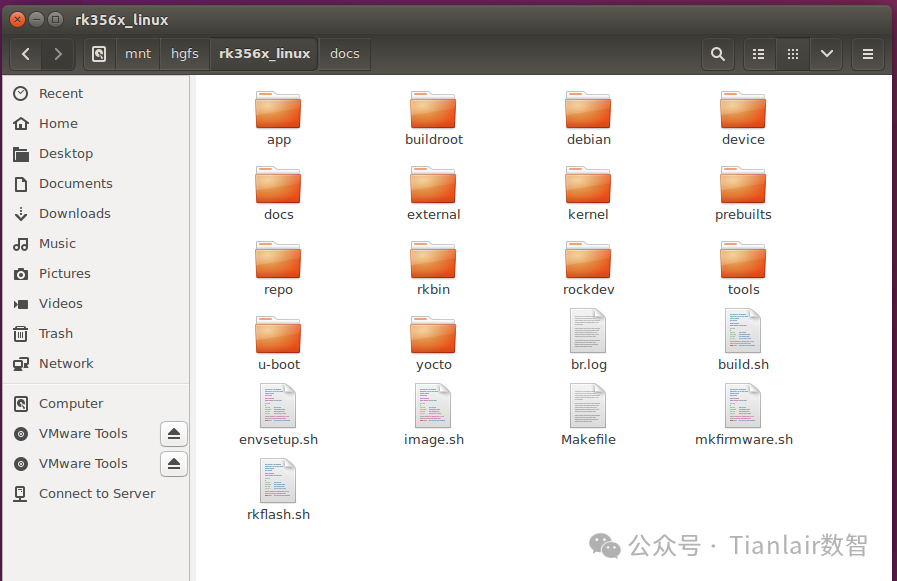
2.3 Install VMware Tools Shared Folder
sudo vmhgfs-fuse .host://mnt/hgfs -o allow_other -o uid=1000

sudo umount /mnt/hgfs
Installation success screenshot
3. Configure Cross-Compilation Tool Chain
3.1 Install Basic Dependency Libraries
// Install basic dependency libraries

sudo apt update

sudo apt install build-essential git bison flex libssl-dev libncurses-dev -y
3.2 Obtain Cross-Compilation Toolchain
(Official Rockchip)
https://github.com/rockchip-linux/rkbin/tree/master/tools
(Official Linaro GCC)
https://snapshots.linaro.org/gnu-toolchain/11.3-2022.06-1/aarch64-linux-gnu/
3.3 Configure Cross-Compilation Toolchain
# Extract to /opt
sudo tar -xvf gcc-linaro-11.3.1-2022.06-x86_64_aarch64-linux-gnu.tar.xz -C/opt

# Edit ~/.bashrc file
nano ~/.bashrc

# Manually add
export PATH=/opt/gcc-linaro-11.3.1-2022.06-x86_64_aarch64-linux-gnu/bin:$PATH
export CROSS_COMPILE=aarch64-linux-gnu-
export ARCH=arm64

# Activate configuration
source ~/.bashrc


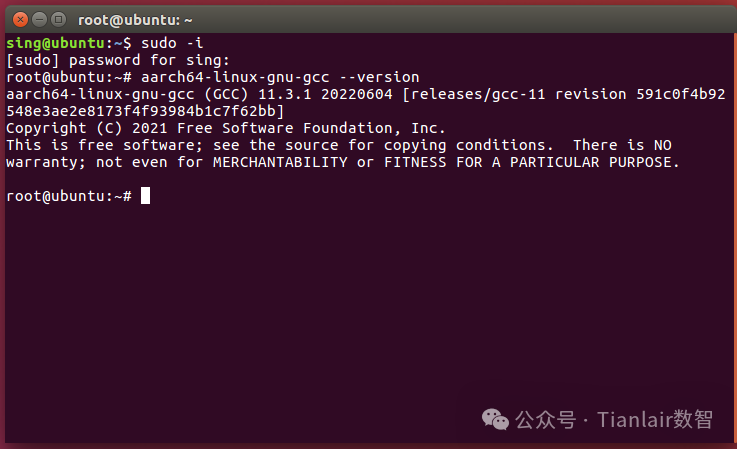
# Check compiler version
aarch64-linux-gnu-gcc --version

CTRL+O
Cross-compilation toolchain installation successful
4. Compile uboot and kernel
# Gain root privileges

sudo passwd root

su root
4.1 Compile kernel
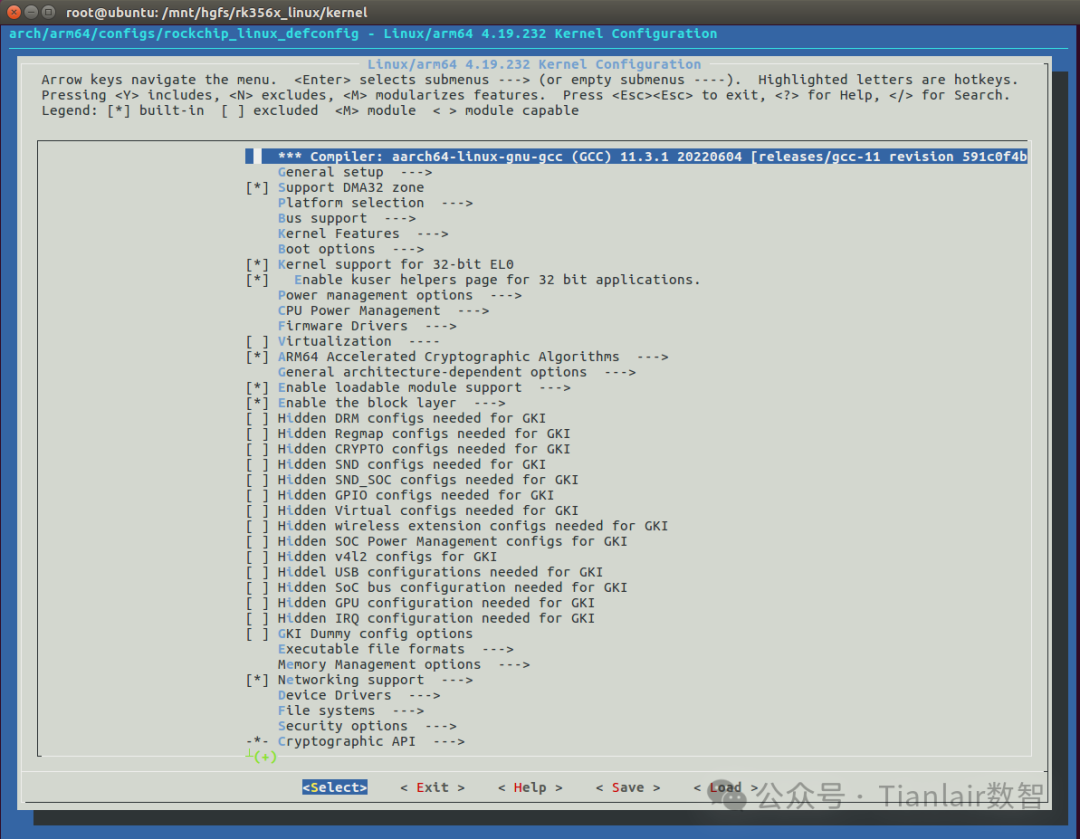
# Use graphical interface configuration requires additional installation of libncurses-dev
sudo apt install libncurses-dev

# Execute command
make menuconfig KCONFIG_CONFIG=arch/arm64/configs/rockchip_linux_defconfig ARCH=arm64

export TARGET_PRODUCT=rk3568
export BOARD_CONFIG=rk3568-evb1
export TARGET_BOARD_CONFIG=rk3568-evb1
# Save defconfig file
make savedefconfig ARCH=arm64
# Copy configuration file
cp defconfig arch/arm64/configs/test_defconfig
# Compile kernel
# 1. Enter SDK directory
cd /mnt/hgfs/rk356x_linuxsource
./envsetup.sh
# 2. Create board-level configuration
mkdir -p device/rockchip/.target_product
echo 'BOARD_NAME="rk3568-evb1"' > device/rockchip/.target_product/BoardConfig-rk3568-evb1.mk
echo 'RK_KERNEL_DTS="rk3568-evb1-ddr4-v10"' >> device/rockchip/.target_product/BoardConfig-rk3568-evb1.mk
# 2. Set environment variables
sudo ./build.sh lunch
# 4. Build kernel
sudo ./build.sh kernel
4.2 Compile uboot
# Compile uboot

sudo ./build.sh uboot