
As a Linux user, have you ever encountered the frustration of needing to use a specific Windows-only software that stands as the last barrier to fully embracing the Linux world?
Whether it’s a professional office suite, industry-specific applications, or occasional small tools, these software limited to the Windows platform often force us to install a dual-boot system on the same machine or endure the slowness and clumsiness of traditional virtual machines.
Today, I would like to introduce an open-source tool called WinBoat, which allows you to seamlessly run Windows applications on Linux, completely solving this pain point!
What is WinBoat?
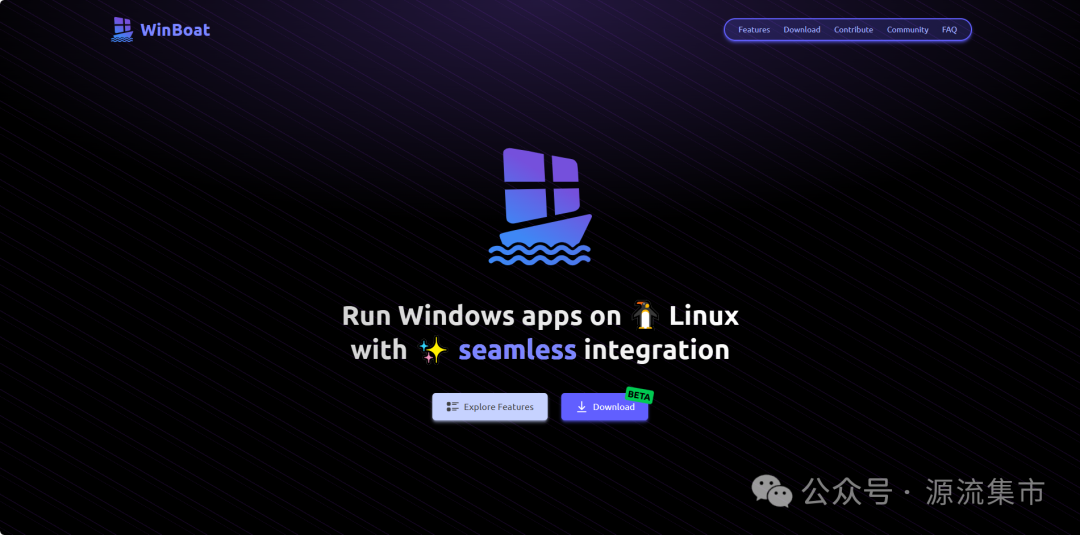
WinBoat is a free open-source project licensed under the MIT License, specifically designed to run Windows applications on the Linux platform.
Unlike other solutions, WinBoat runs a Windows virtual machine inside a Docker container using containerization technology, and presents Windows applications on the Linux desktop in a native operating system-level window through FreeRDP.
In simple terms, WinBoat is neither a traditional virtual machine nor just a compatibility layer; it cleverly utilizes modern Linux kernel’s KVM virtualization technology and Docker container technology to create an almost native user experience.
The project author introduced it on Reddit, saying: “This is a project I am passionate about, hoping to provide something practical for newcomers transitioning from Windows to Linux and for users with higher demands, featuring a beautiful interface and well-designed integration.”
Outstanding Features of WinBoat
🌟 Elegant Seamless Integration
WinBoat offers a stylish and intuitive interface, allowing Windows to be seamlessly integrated into the Linux desktop environment.
This means you no longer need to operate the entire Windows system in a separate window; instead, you can directly open and run various Windows applications on the Linux desktop, making them look and behave like native Linux applications.
🤖 Fully Automated Installation Process
Installing Windows becomes exceptionally simple—users just need to select their preferences and specifications through the interface, and WinBoat takes care of the rest automatically.
No need to manually edit complex configuration files or memorize a long list of command-line parameters.
📱 Run Any Windows Application
Almost any program that can run on Windows can run on WinBoat.
Whether it’s productivity tools, professional software, or entertainment programs, you can enjoy the complete Windows application ecosystem in a Linux environment.
🔗 Convenient File System Integration
WinBoat mounts your Linux home directory into the Windows system, making it easy to share files between the two systems, greatly enhancing work efficiency.
🖥️ Flexible Usage Options
As needed, you can access a full Windows desktop experience or seamlessly run individual applications and integrate them into your Linux workflow.
How WinBoat Works
The core technical architecture of WinBoat is quite ingenious:
It uses a containerized approach to run Windows applications on Linux, with Windows running as a VM inside a Docker container.
This unique approach retains the compatibility advantages of traditional virtual machines while avoiding excessive performance loss.
FreeRDP is responsible for “stitching” the remote application windows into your Linux desktop environment, providing a native look and feel.
System Requirements and Installation Prerequisites
To run WinBoat, your system needs to meet the following conditions:
- Memory: At least 4GB
- CPU: At least 2 CPU threads, supporting hardware virtualization technology
- Storage: At least 32GB of free space
- Virtualization: KVM must be enabled in BIOS/UEFI
- Docker: Docker must be installed (Docker Desktop is not supported)
- Docker Compose v2: Required for compatibility with docker-compose.yml files
- User Permissions: The current user must be added to the docker group
- FreeRDP: Version 3.x.x is required
Practical Application Scenarios for WinBoat
Situations Suitable for Using WinBoat:
- Transition in Corporate Environment: Companies require specific Windows office software, but personal preference is for a Linux development environment
- Professional Software Needs: Certain industry software is only available in Windows versions
- Temporary Needs: Occasionally needing to use Windows-specific tools without wanting to boot the entire Windows system
- Testing and Compatibility: Need to test Windows applications without leaving the Linux host system
Limitations to Note:
Although WinBoat is powerful, there are still some limitations:
The project is currently in the testing phase and may occasionally encounter minor issues and bugs.
For applications requiring strong GPU acceleration (such as high-end games) or software using kernel-level anti-cheat systems, it may not run perfectly.
Future Prospects
WinBoat represents an important innovation in the field of cross-platform application compatibility.
As technology continues to evolve, we can expect more similar projects to emerge, further break down the barriers between operating systems, ultimately achieving a truly seamless cross-platform experience.
It, along with other projects like WinApps, is driving the open-source community’s pursuit of a perfect cross-platform experience.
Conclusion
The emergence of WinBoat allows Linux users to no longer have to make a difficult choice between system purity and software practicality.
Through clever technological integration, it provides us with a win-win solution without sacrificing performance.
Whether you are a newcomer to Linux or a seasoned user with years of experience, WinBoat is worth a try.
It cleverly merges the worlds of Windows and Linux, allowing us to enjoy the stability and security of Linux along with the software ecosystem advantages of Windows.
If you are interested in this project, you can visit the WinBoat official website: https://www.winboat.app/ for more information, or join their Discord community: https://discord.gg/MEwmpWm4tN to share experiences with other users.
Have you ever run Windows applications on Linux? Feel free to share your experiences and thoughts in the comments!