By default, Oracle’s SQL*Plus has limited functionality, lacking command history and up/down key navigation, which can be quite inconvenient during regular operations. rlwrap is a perfect solution, and below we will introduce how to install and use the rlwrap tool on a CentOS system.
1. What is RLWRAP?
<span>rlwrap</span> (ReadLine Wrapper) is a lightweight command-line tool for Linux/Unix. Its core function is to “wrap” other command-line programs, injecting the powerful capabilities of the GNU Readline library.
When used to launch SQL*Plus, we will immediately gain:
- Command History: Use
<span><span>↑</span></span>and<span><span>↓</span></span>keys to scroll through all previously executed commands. - Inline Editing: Use
<span><span>←</span></span>and<span><span>→</span></span>keys to move the cursor and easily correct mistakes. - Reverse Search: Use
<span><span>Ctrl + R</span></span>to quickly search through command history by keyword. - Tab Completion: Smart completion for SQL keywords, filenames, and even database object names (requires configuration).
2. How to Install RLWRAP?
(1) Install readline
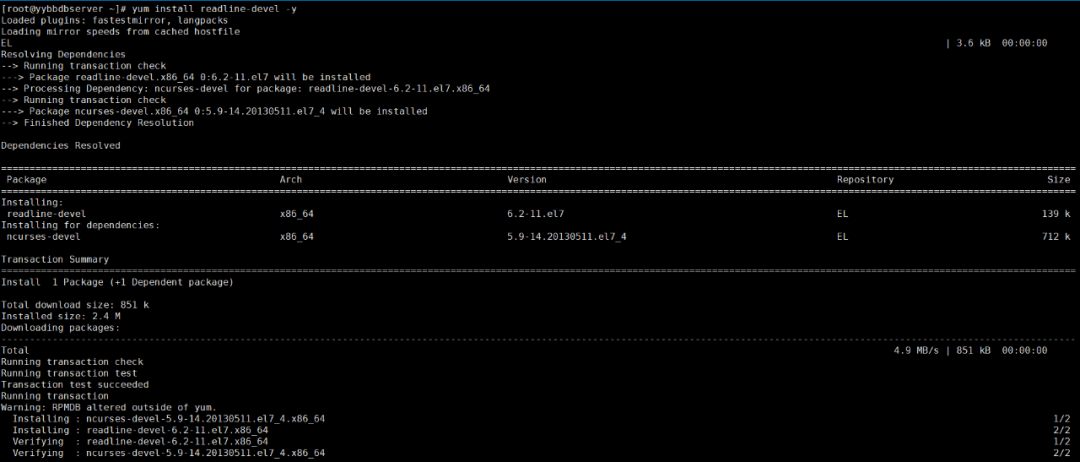
Before installing rlwrap, you need to install readline. Execute <span>yum install readline-devel -y</span> to install it. Due to source issues, mount the local CD for installation:
1) Edit the repo file
vim /etc/yum.repos.d/yy.repo

[EL]
name =Linux 7.x DVD
baseurl=file:///mnt
gpgcheck=0
enabled=1
[root@yybbdbserver ~]#
2) Mount the CD
[root@yybbdbserver ~]# mount /dev/cdrom /mnt
mount: /dev/sr0 is write-protected, mounting read-only
[root@yybbdbserver ~]#
3) Install readline-devel
[root@yybbdbserver ~]# yum install readline-devel -y
Loaded plugins: fastestmirror, langpacks
Loading mirror speeds from cached hostfile
EL                                                                                                                                                                    | 3.6 kB  00:00:00
Resolving Dependencies
--> Running transaction check
---> Package readline-devel.x86_64 0:6.2-11.el7 will be installed
--> Processing Dependency: ncurses-devel for package: readline-devel-6.2-11.el7.x86_64
--> Running transaction check
---> Package ncurses-devel.x86_64 0:5.9-14.20130511.el7_4 will be installed
--> Finished Dependency Resolution

Dependencies Resolved

=============================================================================================================================================================================================
 Package                                         Arch                                    Version                                                   Repository                           Size
=============================================================================================================================================================================================
Installing:
 readline-devel                                  x86_64                                  6.2-11.el7                                                EL                                  139 k
Installing for dependencies:
 ncurses-devel                                   x86_64                                  5.9-14.20130511.el7_4                                     EL                                  712 k

Transaction Summary
=============================================================================================================================================================================================
Install  1 Package (+1 Dependent package)

Total download size: 851 k
Installed size: 2.4 M
Downloading packages:
---------------------------------------------------------------------------------------------------------------------------------------------------------------------------------------------
Total                                                                                                                                                        4.9 MB/s | 851 kB  00:00:00
Running transaction check
Running transaction test
Transaction test succeeded
Running transaction
Warning: RPMDB altered outside of yum.
  Installing : ncurses-devel-5.9-14.20130511.el7_4.x86_64                                                                                                                                1/2
  Installing : readline-devel-6.2-11.el7.x86_64                                                                                                                                          2/2
  Verifying  : readline-devel-6.2-11.el7.x86_64                                                                                                                                          1/2
  Verifying  : ncurses-devel-5.9-14.20130511.el7_4.x86_64                                                                                                                                2/2

Installed:
  readline-devel.x86_64 0:6.2-11.el7

Dependency Installed:
  ncurses-devel.x86_64 0:5.9-14.20130511.el7_4

Complete!
[root@yybbdbserver ~]#
(2) Install rlwrap
Taking rlwrap-0.41 as an example, first upload <span>rlwrap-0.41.tar</span> to the server using <span>xftp</span> tool or the <span>rz</span> command directly. The installation package for <span>rlwrap-0.41.tar</span> has been uploaded to the cloud drive; check the link at the end for download.
After uploading, first extract the installation package:
[root@yybbdbserver ~]# tar -xzvf rlwrap-0.41.tar.gz
rlwrap-0.41/
rlwrap-0.41/PLEA
rlwrap-0.41/tools/
rlwrap-0.41/tools/config.sub
rlwrap-0.41/tools/install-sh
rlwrap-0.41/tools/missing
rlwrap-0.41/tools/config.guess
rlwrap-0.41/tools/depcomp
rlwrap-0.41/NEWS
rlwrap-0.41/aclocal.m4
rlwrap-0.41/config.h.in
rlwrap-0.41/configure.ac
rlwrap-0.41/ChangeLog
rlwrap-0.41/completions/
rlwrap-0.41/completions/coqtop
rlwrap-0.41/completions/testclient
rlwrap-0.41/COPYING
rlwrap-0.41/src/
rlwrap-0.41/src/string_utils.c
rlwrap-0.41/src/term.c
rlwrap-0.41/src/main.c
rlwrap-0.41/src/completion.rb
rlwrap-0.41/src/pty.c
……
Change to the extracted directory:
[root@yybbdbserver ~]# cd rlwrap-0.41/
[root@yybbdbserver rlwrap-0.41]#
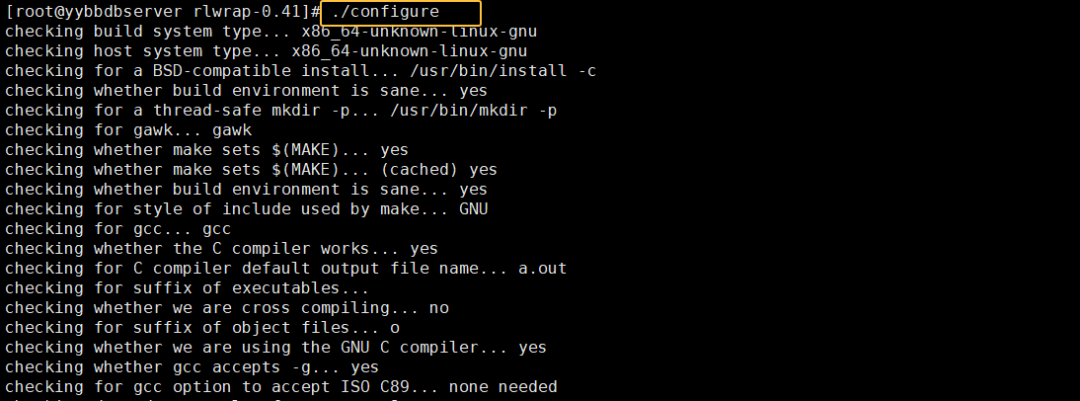
1) Configuration Stage: Execute
[root@yybbdbserver rlwrap-0.41]# ./configure
checking build system type... x86_64-unknown-linux-gnu
checking host system type... x86_64-unknown-linux-gnu
checking for a BSD-compatible install... /usr/bin/install -c
checking whether build environment is sane... yes
checking for a thread-safe mkdir -p... /usr/bin/mkdir -p
checking for gawk... gawk
checking whether make sets $(MAKE)... yes
checking whether make sets $(MAKE)... (cached) yes
checking whether build environment is sane... yes
checking for style of include used by make... GNU

……
configure: creating ./config.status
config.status: creating Makefile
config.status: creating filters/Makefile
config.status: creating doc/Makefile
config.status: creating src/Makefile
config.status: creating doc/rlwrap.man
config.status: creating config.h
config.status: executing depfiles commands

Now do:
    make (or gmake)  to build rlwrap
    make check       for instructions how to test it
    make install     to install it

[root@yybbdbserver rlwrap-0.41]#
2) Compilation Stage: Execute make
[root@yybbdbserver rlwrap-0.41]# make
make  all-recursive
make[1]: Entering directory `/root/rlwrap-0.41'
Making all in doc
make[2]: Entering directory `/root/rlwrap-0.41/doc'
sed -e 's#@DATADIR@#/usr/local/share#'  rlwrap.man > rlwrap.1
make[2]: Leaving directory `/root/rlwrap-0.41/doc'
Making all in src
make[2]: Entering directory `/root/rlwrap-0.41/src'
gcc -DHAVE_CONFIG_H -I. -I..    -DDATADIR="/usr/local/share"  -g -O2 -MT main.o -MD -MP -MF .deps/main.Tpo -c -o main.o main.c
mv -f .deps/main.Tpo .deps/main.Po
gcc -DHAVE_CONFIG_H -I. -I..    -DDATADIR="/usr/local/share"  -g -O2 -MT signals.o -MD -MP -MF .deps/signals.Tpo -c -o signals.o signals.c
mv -f .deps/signals.Tpo .deps/signals.Po
gcc -DHAVE_CONFIG_H -I. -I..    -DDATADIR="/usr/local/share"  -g -O2 -MT readline.o -MD -MP -MF .deps/readline.Tpo -c -o readline.o readline.c
mv -f .deps/readline.Tpo .deps/readline.Po
gcc -DHAVE_CONFIG_H -I. -I..    -DDATADIR="/usr/local/share"  -g -O2 -MT pty.o -MD -MP -MF .deps/pty.Tpo -c -o pty.o pty.c
……
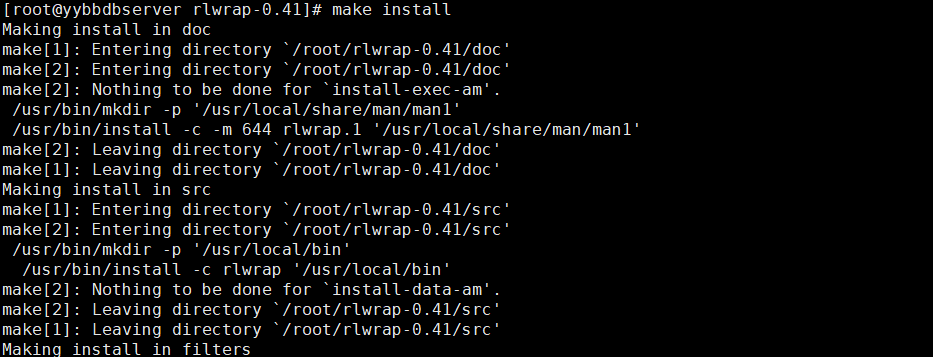
3) Installation Stage: Execute make install
[root@yybbdbserver rlwrap-0.41]# make install
Making install in doc
make[1]: Entering directory `/root/rlwrap-0.41/doc'
make[2]: Entering directory `/root/rlwrap-0.41/doc'
make[2]: Nothing to be done for `install-exec-am'.
 /usr/bin/mkdir -p '/usr/local/share/man/man1'
 /usr/bin/install -c -m 644 rlwrap.1 '/usr/local/share/man/man1'
make[2]: Leaving directory `/root/rlwrap-0.41/doc'
make[1]: Leaving directory `/root/rlwrap-0.41/doc'
Making install in src
make[1]: Entering directory `/root/rlwrap-0.41/src'
make[2]: Entering directory `/root/rlwrap-0.41/src'
……
This completes the installation of rlwrap.
3. Configure Environment Variables
Log in as the oracle user, then edit the <span>~/.bash_profile</span> file, adding the following content at the end:
[root@yybbdbserver ~]# su - oracle
[oracle@yybbdbserver ~]$ vim ~/.bash_profile
[oracle@yybbdbserver ~]$

alias sqlplus='rlwrap sqlplus'
alias man='rlwrap rman'
Then make it take effect immediately:
[oracle@yybbdbserver ~]$ source ~/.bash_profile
[oracle@yybbdbserver ~]$
4. Verification and Testing
Execute two SQL commands, and you can easily scroll and go back:
SQL> select instance_name,status from v$instance;
SQL> select file#,name FROM v$datafile;
Download the rlwrap compressed package rlwrap-0.41.tar.gz:
Follow the public account (haopython), please reply: rlwrap