📢 Linux
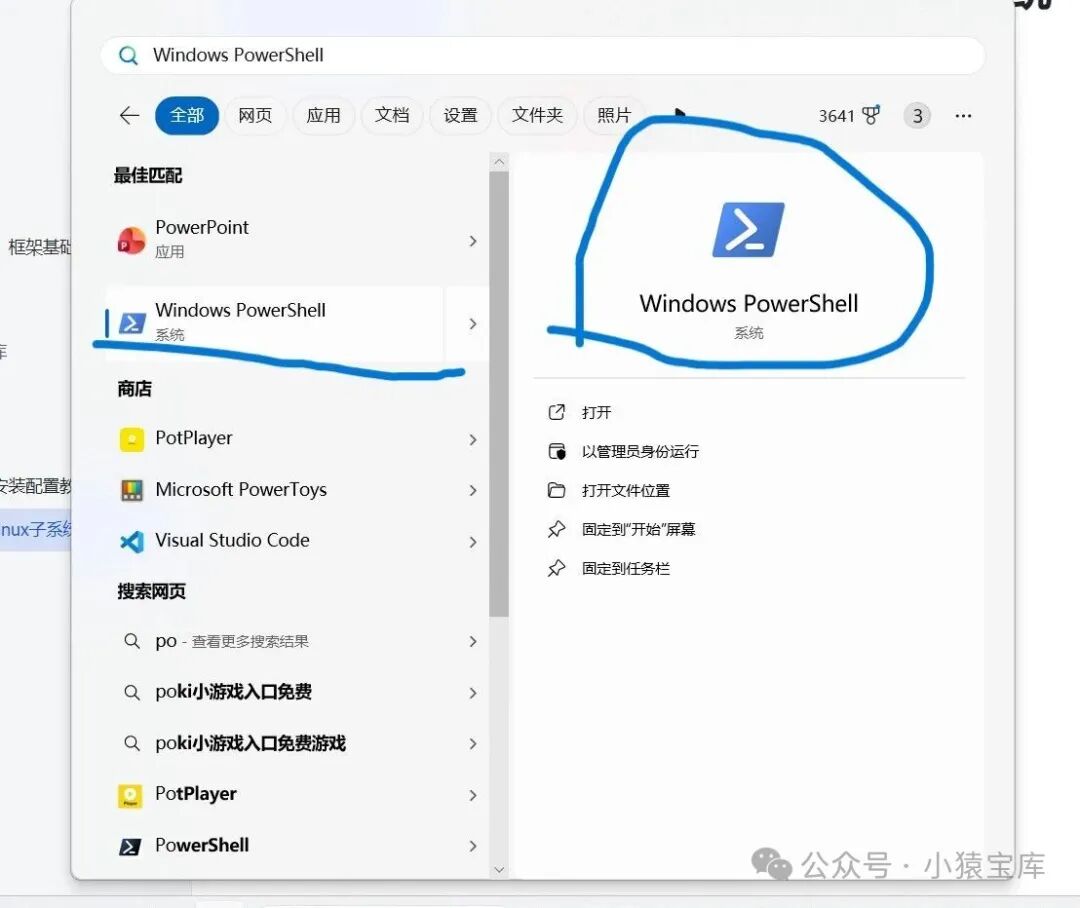
1. Open PowerShell on Windows and enter wsl —install and press Enter
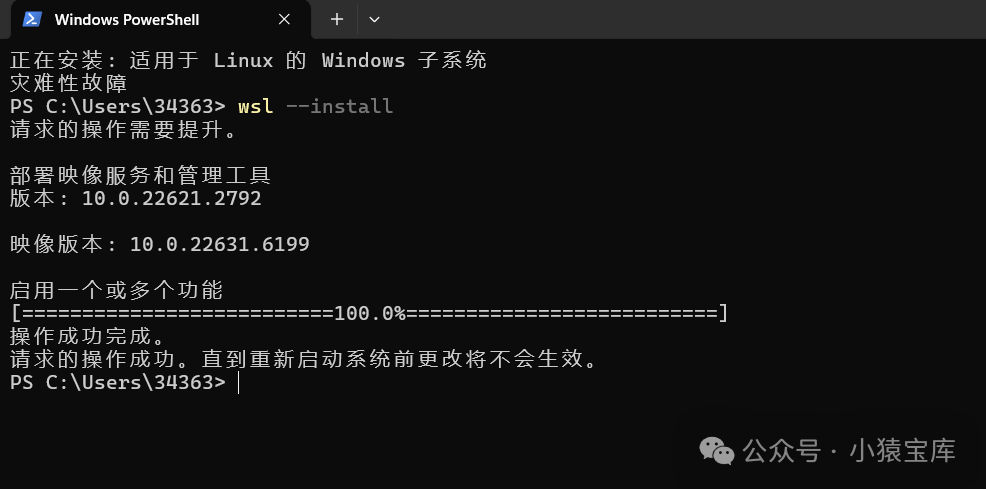
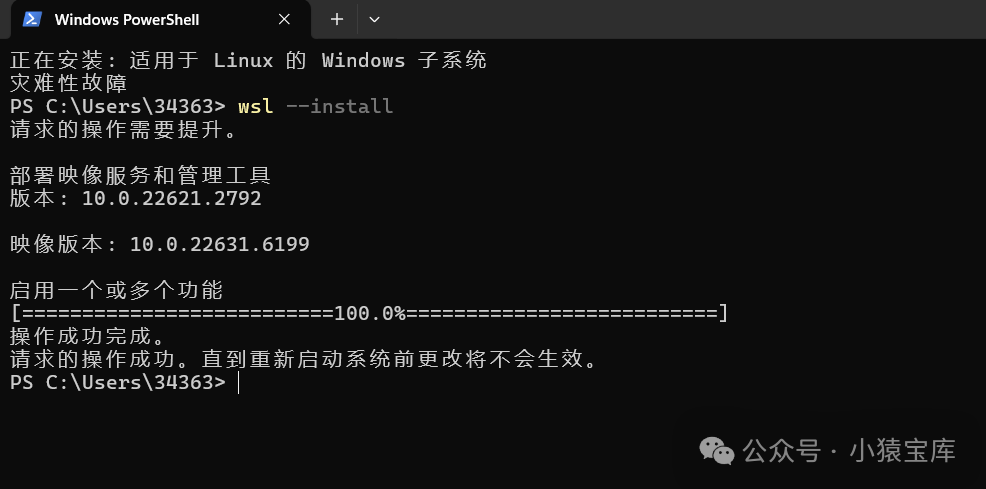
2. Wait until the panel shows operation successful
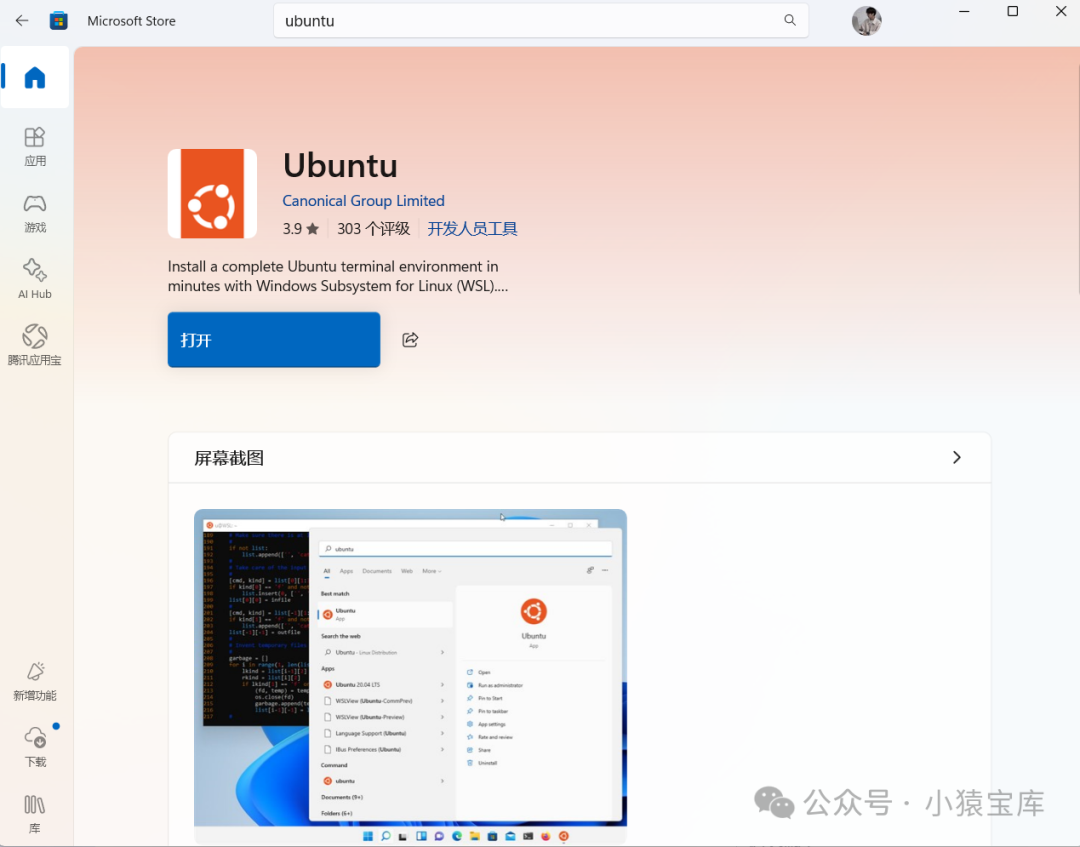
3. Open Microsoft Store and download Ubuntu
The Windows Subsystem for Linux (WSL) allows you to run a Linux system environment on Windows. With WSL, you can install Redis just like on Linux. Here are the steps:
1. Enable WSL:
· Open PowerShell as an administrator and run the following command to enable WSL:
wsl –install
If you have already enabled WSL but have not installed a Linux distribution, you can download one from the Microsoft Store, such as Ubuntu.
2. Install Redis:
Start Ubuntu or your chosen Linux distribution.
Update the package list and install Redis:
sudo apt update
sudo apt install redis-server
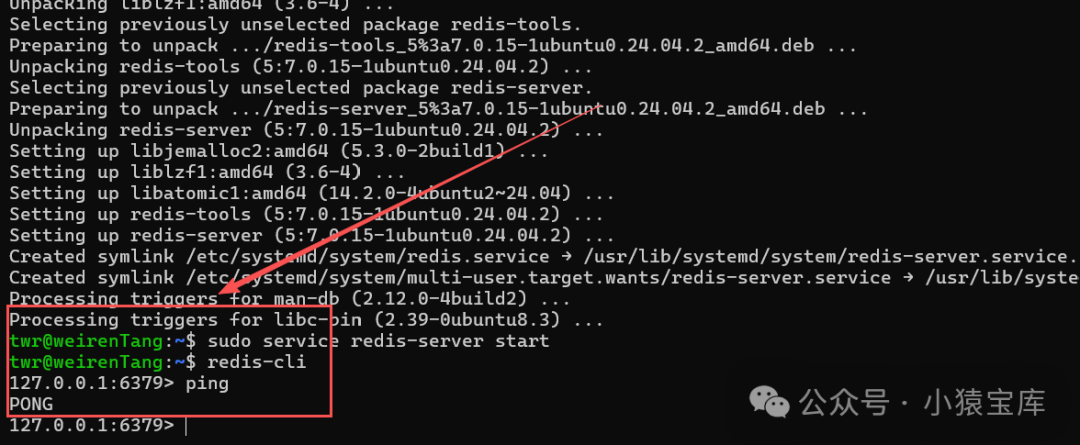
3. Start Redis:
Start the Redis service:
sudo service redis-server start
4. Verify that Redis is running properly:
Run the following command to connect to Redis:
redis-cli
If the connection is successful, enter:
ping
Redis will return PONG, indicating it is running normally.
 Detailed tutorial:https://vcnpb34v56u8.feishu.cn/wiki/VPgRwyDLii70m5kGv1Hc0Mojnsd?from=from_copylink