Detailed Explanation of the Linux sed Tool
1. Introduction to sed
Those who frequently use Linux shell scripts will certainly notice the high frequency of the sed tool. So, what is sed used for, and what can it do?
As one of the “three musketeers” of Linux, sed originated from ed and is a stream editor that performs operations such as “adding, deleting, modifying, searching, and viewing” on input from pipes or files. The following examples can help us gain a preliminary understanding of sed:
$ echo "Hello Wolrd!" >hello.txt # Create a document$ cat hello.txt # View document contentHello Wolrd!$ sed '1i\123456789' hello.txt # Insert 123456789Hello Wolrd!$ sed '1a\123456789' hello.txt # AppendHello Wolrd!123456789$ sed '1c\123456789' hello.txt # Modify123456789$ sed '' hello.txt # View file contentHello Wolrd!$ sed 's/Hello/Hi/' hello.txt # The star command s, replaces Hello with HiHi Wolrd!
1.1 What can sed do?
Scenario 1: Frequently modifying file formats
Recently, I have been using the info manual to learn Linux tools and commands. The example code and text in the info manual have five spaces at the beginning of each line, which can be quite troublesome when copying the code for practice, especially for shebangs (e.g., #! /usr/bin/bash) that must be at the start of the line. For this situation, using a sed script is quite suitable. Since this simple requirement is used frequently, typing the command repeatedly can be tedious, so we can write the sed command into a script, grant execution permissions, and copy it to /home/bin. If /home/bin is in the PATH environment variable, we then have our own Linux tool that removes the five spaces at the beginning of lines; the usage is just like any Linux command.
$ cat comment.txt mon/*comment*/key rab/*commen t*/bit horse /*comment*/more text part 1 /*comment*/part 2 /*comment*/part 3 no comment$ cat ~/bin/sed_info#! /usr/bin/env -S sed -rfs/^\s{5}//$ cat comment.txt # An example text in gawk mon/*comment*/key rab/*commen t*/bit horse /*comment*/more text part 1 /*comment*/part 2 /*comment*/part 3 no comment$$ cat ~/bin/sed_info # View sed_info —— Script to remove 5 leading spaces#! /usr/bin/env -S sed -rf # sed script shebang s/^\s{5}// # s command replaces content matching the regex with empty$$ sed_info comment.txt # Execute like a commandmon/*comment*/keyrab/*comment*/bithorse /*comment*/more textpart 1 /*comment*/part 2 /*comment*/part 3no comment
Scenario 2: Modifying the same content in multiple files
If you work at a company and have many documents to maintain and publish, you might find it quite enjoyable to make modifications every day. One day, your BOSS suddenly decides to change the company name. At this point, facing hundreds or thousands of documents that need to be modified, don’t you feel desperate and angry? This is exactly where sed excels; with proper scripting, it can easily handle modifications regardless of whether the string (company name) appears in headers, footers, or spans multiple lines.
Scenario 3: Modifying a file across multiple devices
Now you are a computer administrator managing 1024 computers in a company. One day, due to software changes, you need to modify an MD5 value in a file (e.g., changing password_hash_md5 = 5f4dcc3b5aa765d61d8327deb882cf99 to password_hash_md5 = a1b2c3d4e5f67890abcdef1234567890). For previous minor changes, notifying users to modify themselves was sufficient, but this time it’s not feasible as users are likely to make mistakes. Only a genius could input the correct MD5 all at once. This is when you should bring out the “three musketeers” of sed, writing a script that users can run to complete the modification easily.
$ cat md5.txt[Database]type = PostgreSQLhost = db.securesync.example.comport = 5432database = securesync_produsername = sync_apppassword_hash_md5 = 5f4dcc3b5aa765d61d8327deb882cf99$# Below is an example of modifying via sed command$ sed -r 's/(password_hash_md5 = )5f4dcc3b5aa765d61d8327deb882cf99/\1a1b2c3d4e5f67890abcdef1234567890/' md5.txt[Database]type = PostgreSQLhost = db.securesync.example.comport = 5432database = securesync_produsername = sync_apppassword_hash_md5 = a1b2c3d4e5f67890abcdef1234567890
$Scenario 4: ……
……
Scenario n:
Fill in after learning sed.
1.2 Is sed difficult to learn?
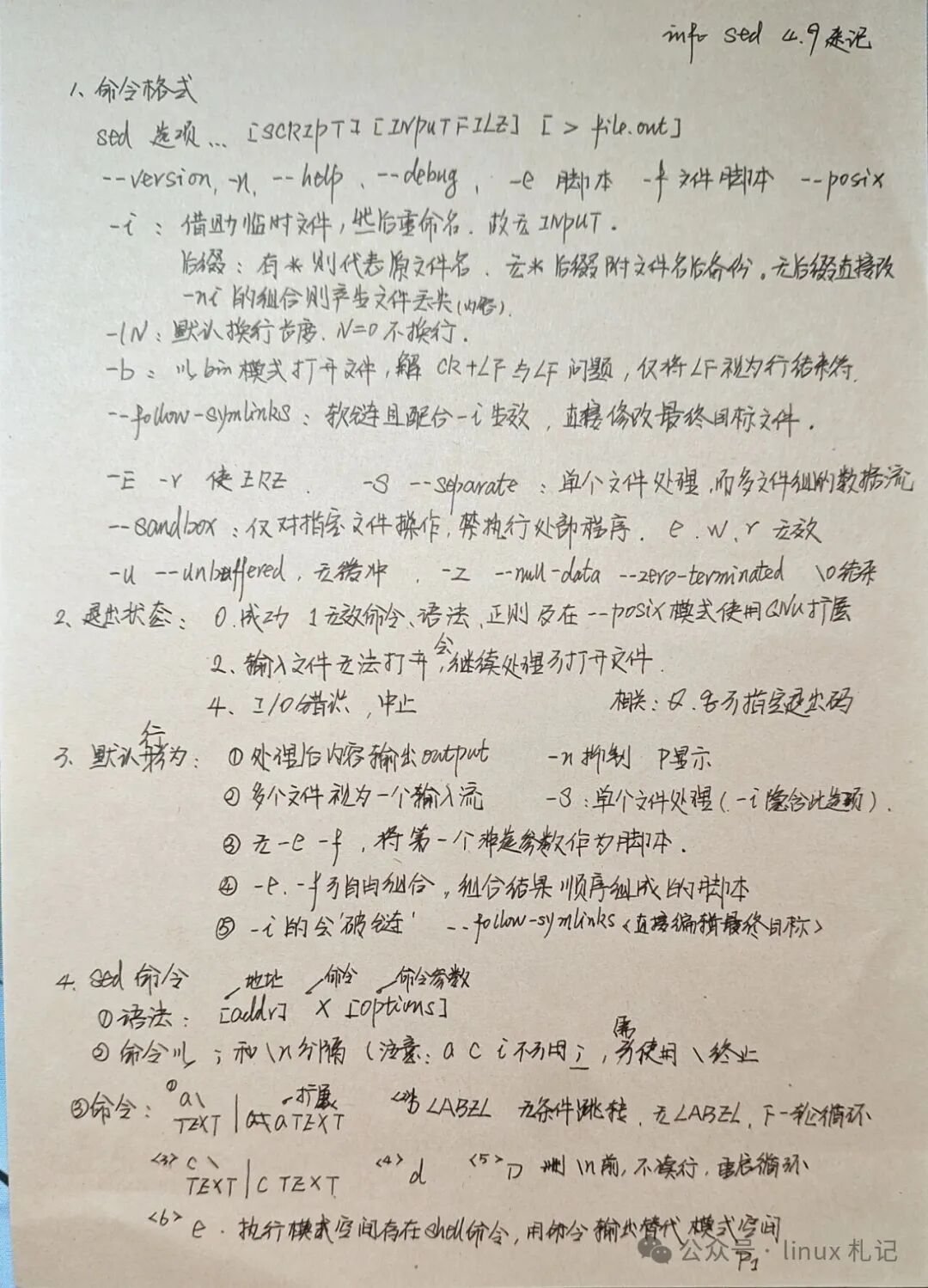
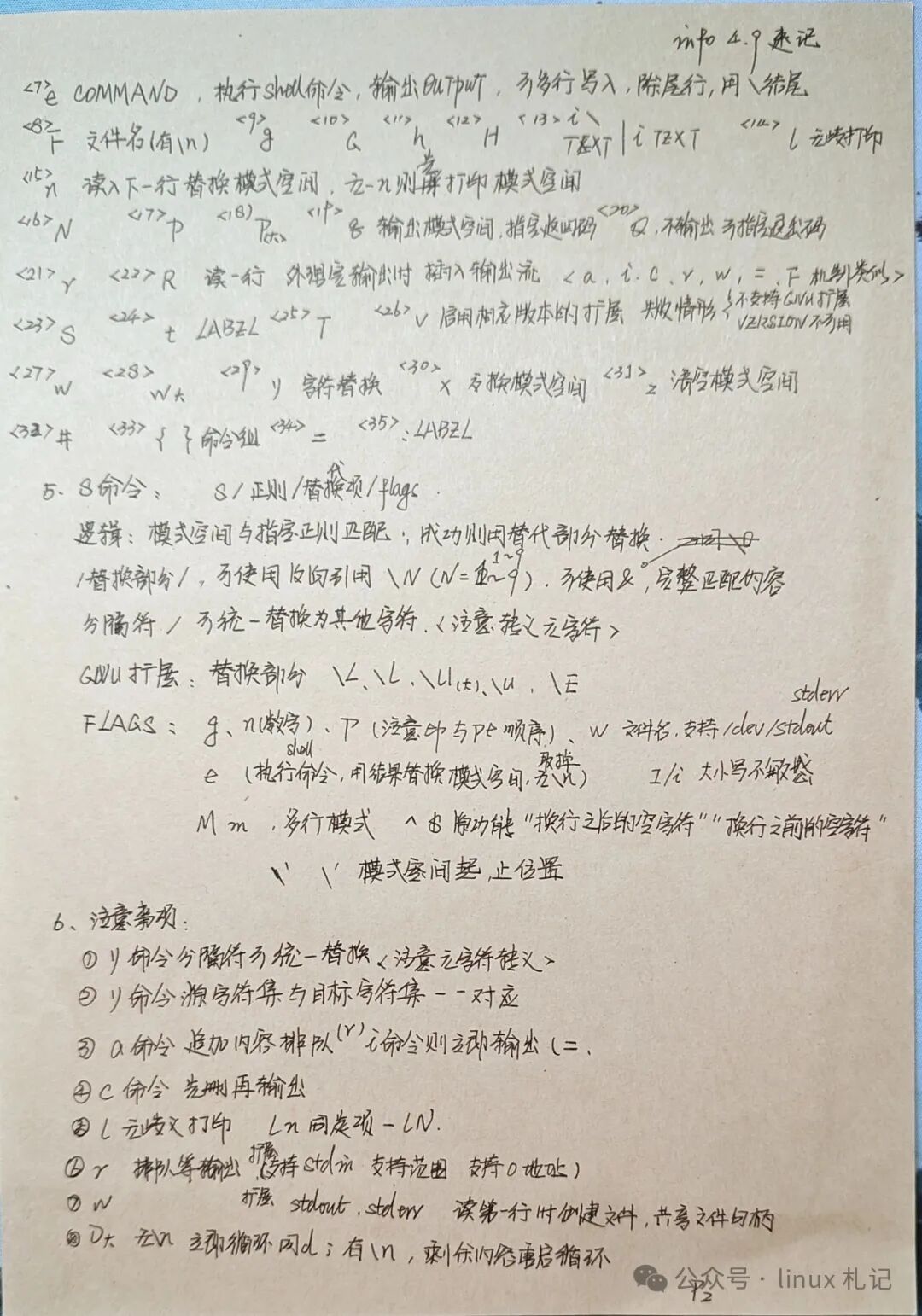
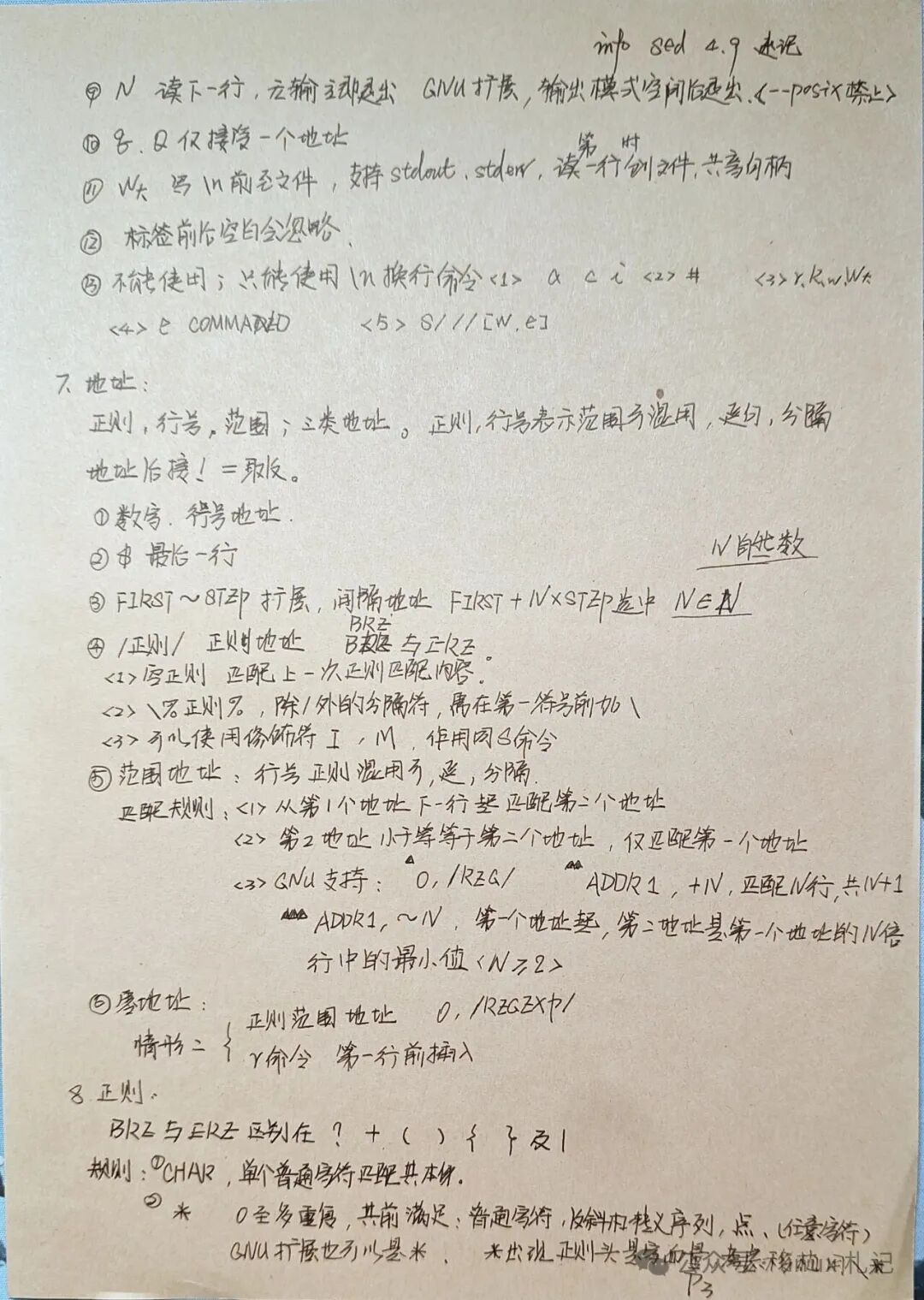
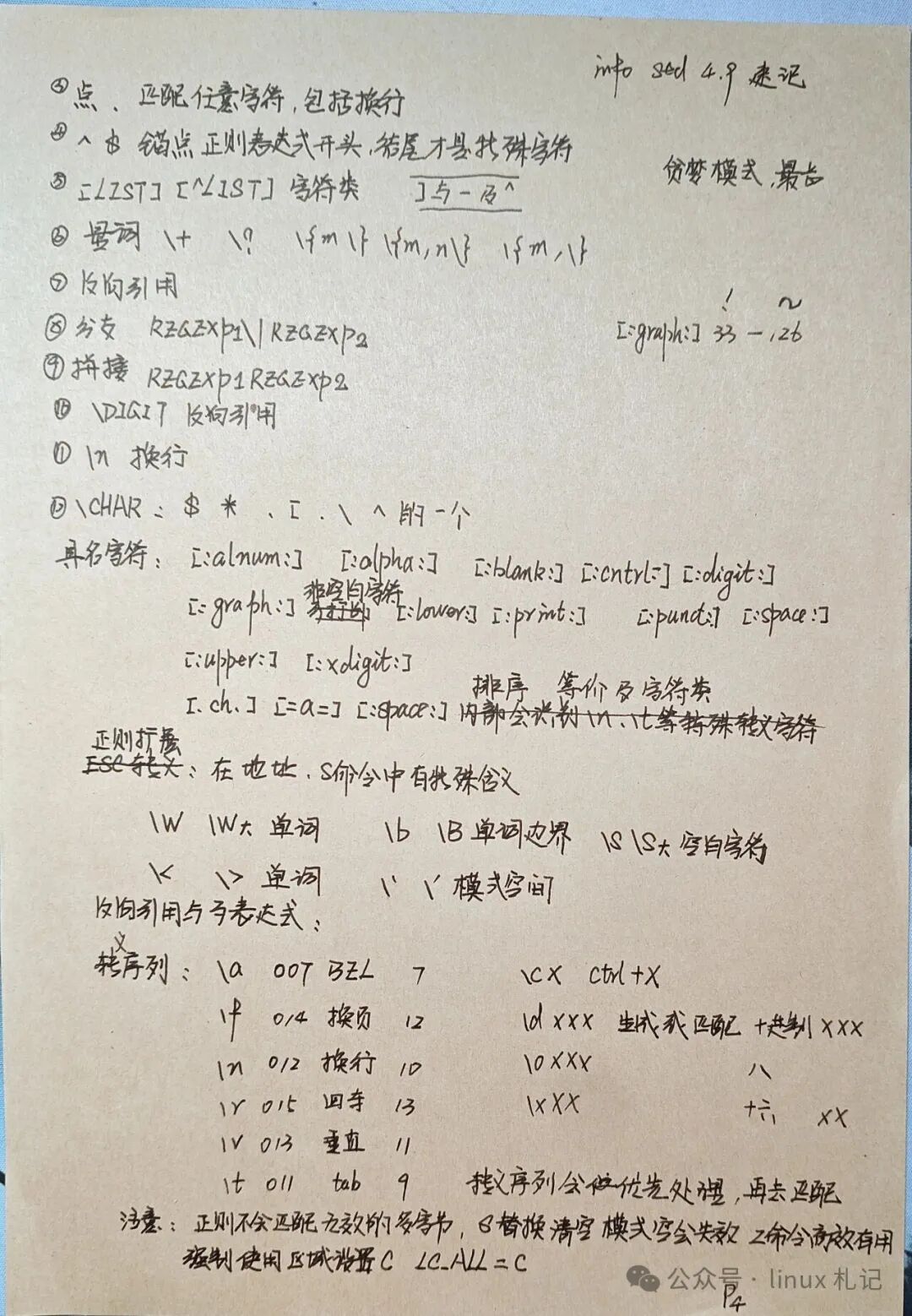
I personally think it’s manageable, as it’s about learning rules rather than creating them. The following images are my study notes, totaling just four pages.