Installation Guide for the Latest Weekly Version of Kali Linux and VPN Connection to Hack The Box
Kali Linux is maintained and released by OffSec, serving as the core platform for penetration testing and cybersecurity training. Compared to the regular stable version, the Weekly version synchronizes the latest tool updates and security fixes in the shortest cycle, allowing researchers to access cutting-edge features in experimental environments. Hack The Box (HTB), a widely used cybersecurity training platform, requires VPN access. This article will outline the installation process for the latest Kali Linux Weekly version and provide configuration and connection methods for HTB VPN, creating an experimental environment that meets the needs of professional penetration testing and offensive-defensive training.
Why Choose the Weekly Version of Kali Linux
1. Cutting-edge Tools and Exploit Frameworks
The Weekly version of Kali Linux is automatically built every week, directly synchronizing the latest software packages and tool versions from the official repository. For researchers needing to test new exploit modules and study the latest security tools, the Weekly version provides immediate support.
2. Faster Security Fixes
In security research, the safety of the environment is equally important. The Weekly version integrates vulnerability fixes and patches faster than the official release version, reducing potential risks from using outdated components.
3. Closer to Real Attack and Defense Environments
In real penetration testing and red team exercises, attackers often utilize the latest tools and techniques. Choosing the Weekly version helps researchers and students simulate this situation in experimental environments, enhancing their understanding of cutting-edge attack surfaces.
4. Compatibility with OffSec Training and Labs
OffSec emphasizes mastering the latest tools and methods in its courses and labs. The Weekly version better meets this demand, especially suitable for learners preparing for certifications like OSCP.
5. Ready-to-use VMware Pre-built Images
In addition to the ISO installation method, OffSec also provides VMware pre-built Weekly images. Users only need to extract and load the <span>.vmx</span> file to directly start the system without complex installation steps. The image comes pre-installed with <span>open-vm-tools</span> and common components, making it very efficient for quickly building experimental environments and practicing in HTB and other target fields.
📌 In summary: Choosing Kali Linux Weekly version means sacrificing some stability for faster updates, more timely fixes, and a penetration testing experience closer to real environments, and with VMware pre-built images, you can achieve true plug-and-play.
Installation Steps for the Latest Weekly Version of Kali Linux
Download from the Kali Official Website
https://www.kali.org/
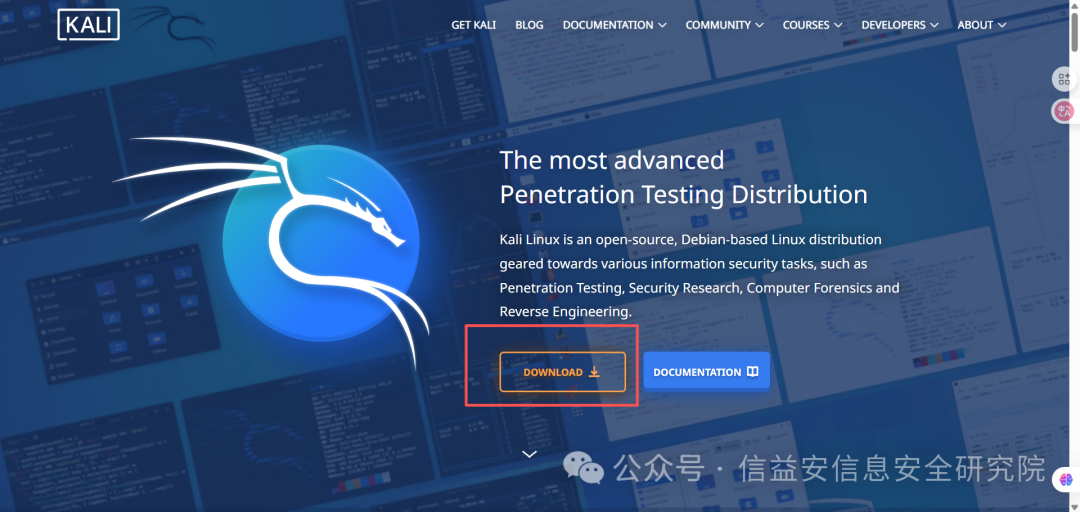
DOWNLOAD
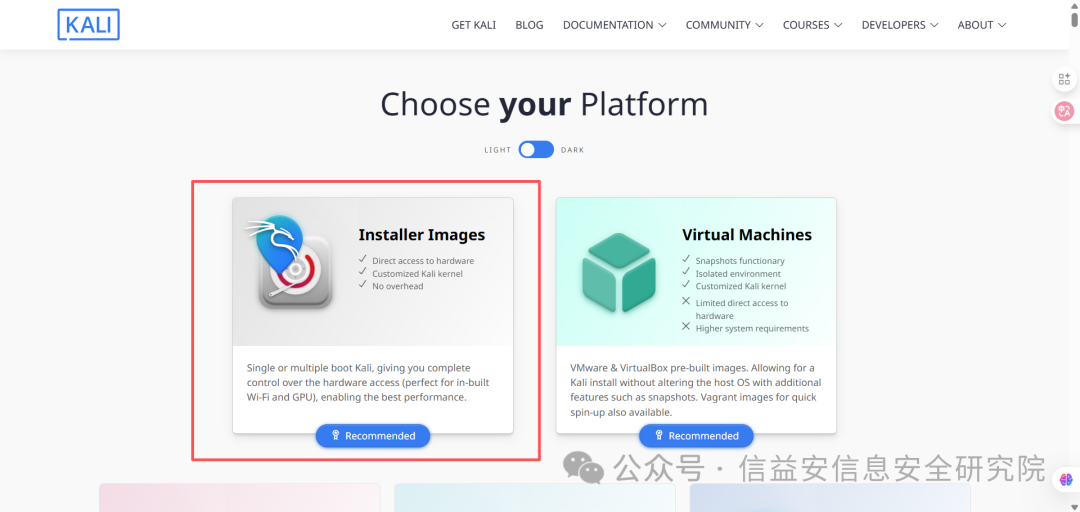
Recommended
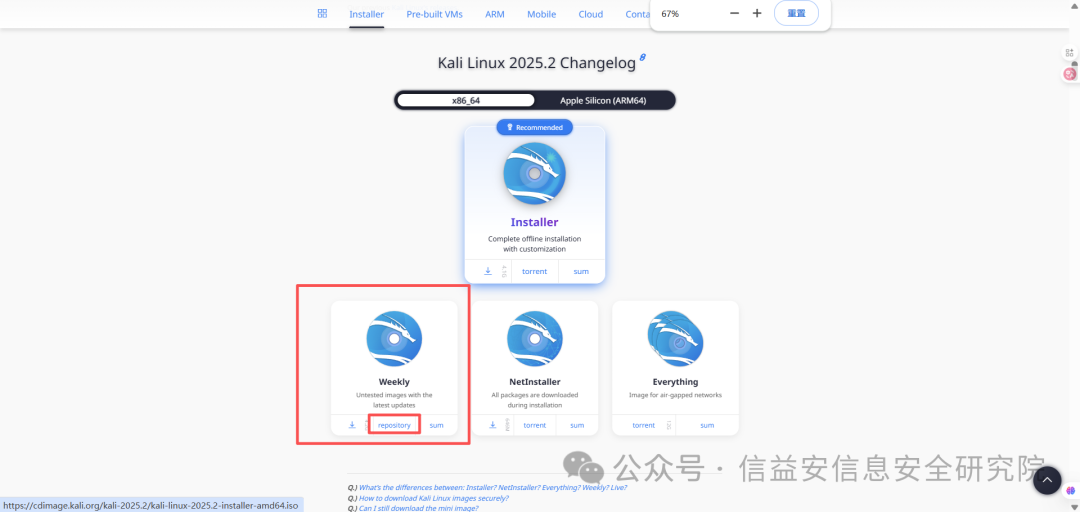
Select Weekly, repository
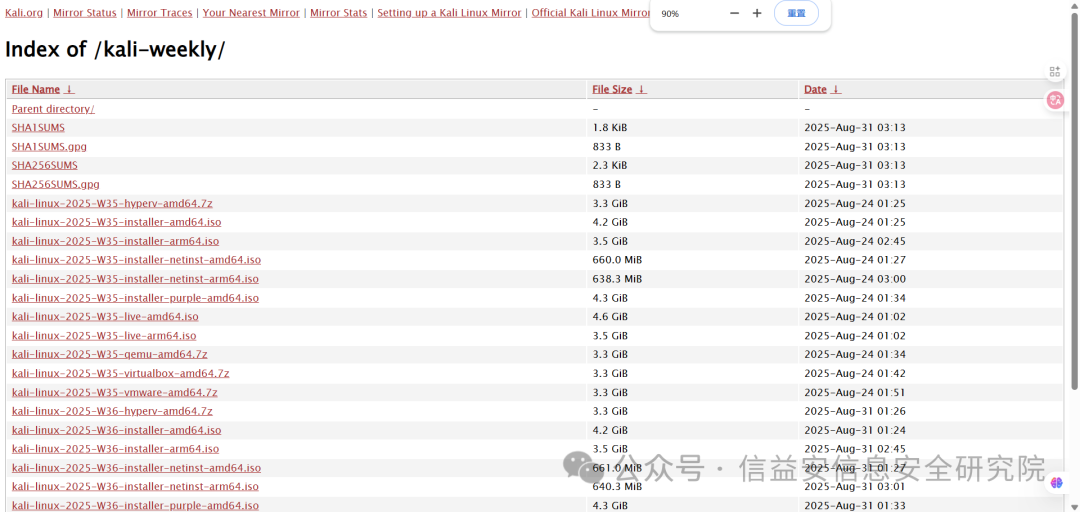
Download according to your needs
I used VMware
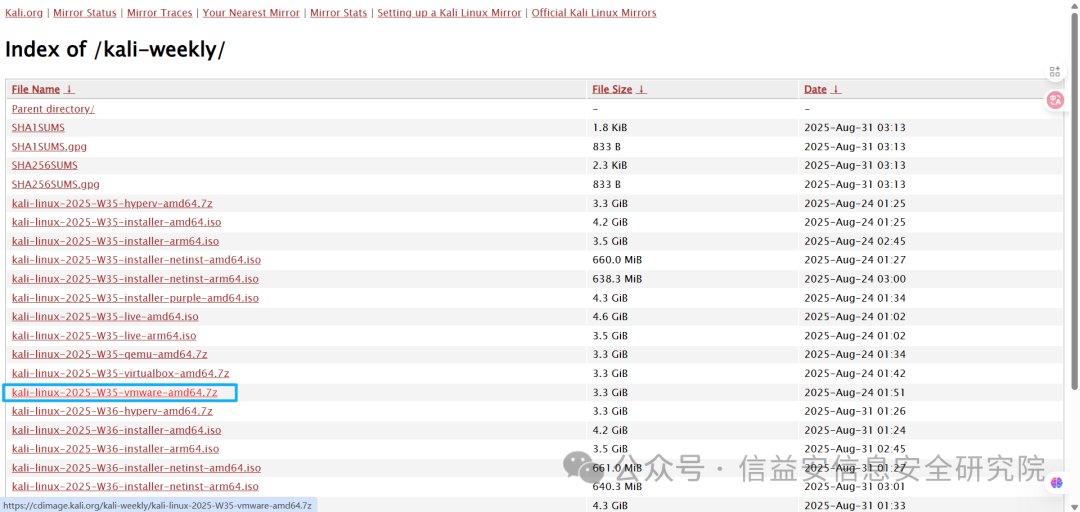
Installation in VMware
Extract the downloaded compressed file

Open the virtual machine directly in VMware
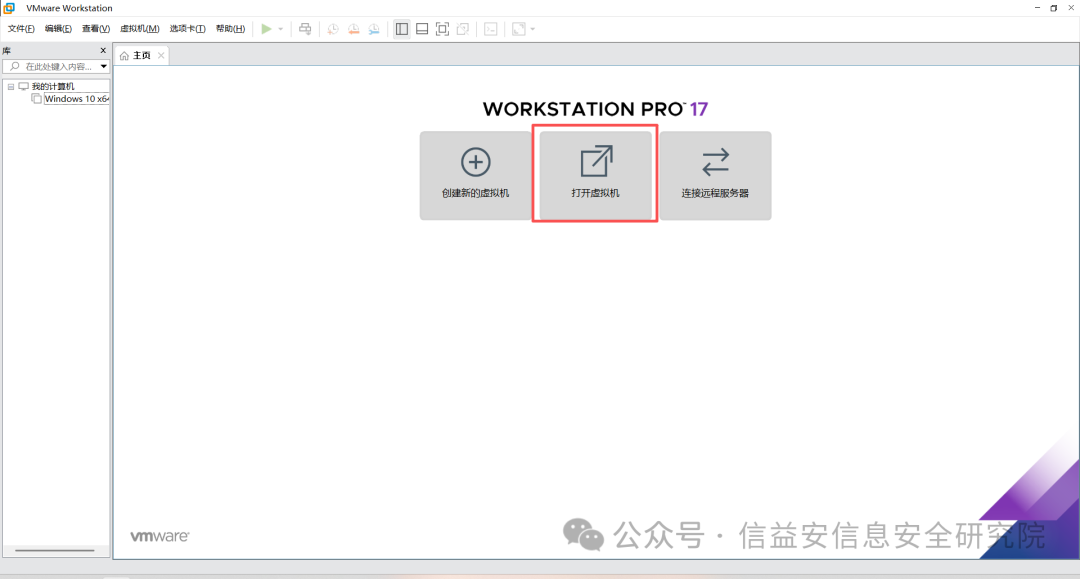
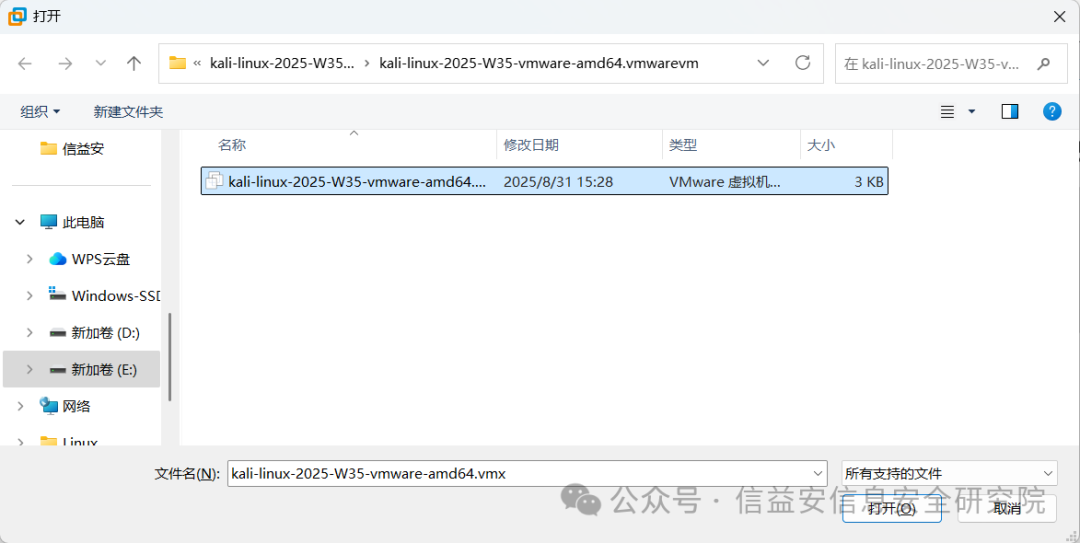
It can be used now
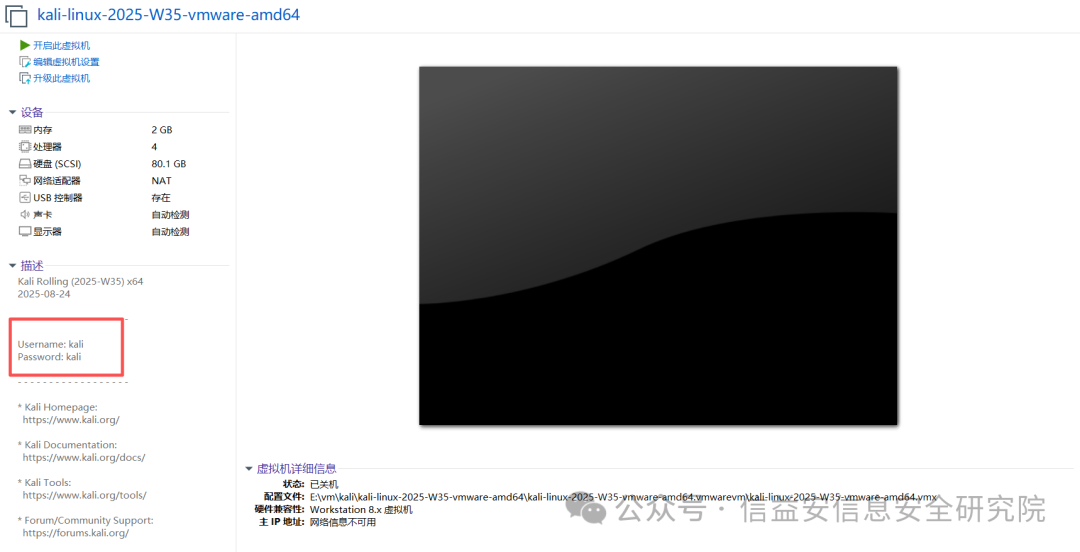
The initial username and password are both kali
Don’t forget to take a snapshot (of course, reinstalling is also quick if you mess it up)
Hack The Box VPN Connection
Download Hack The Box VPN File
https://www.hackthebox.com/
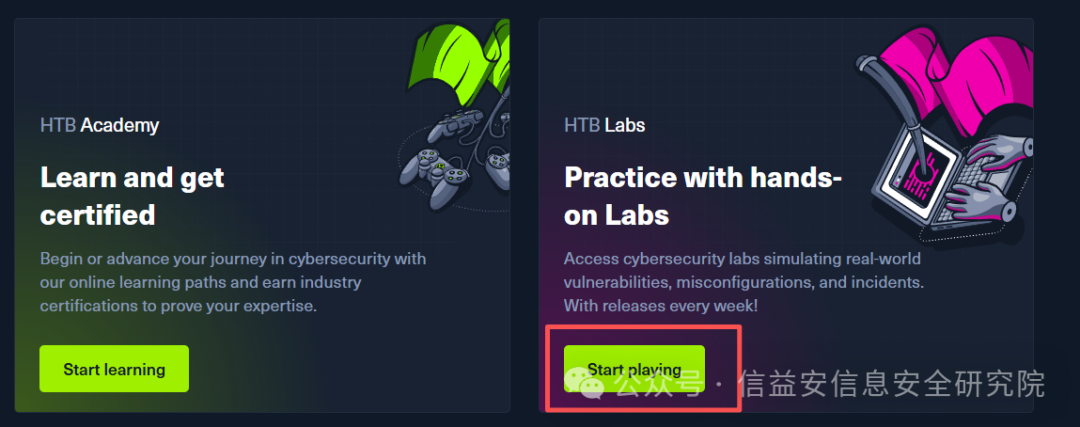
Log in and click 【Start playing】
Click the 【CONNECT TO HTB】 button in the upper right corner
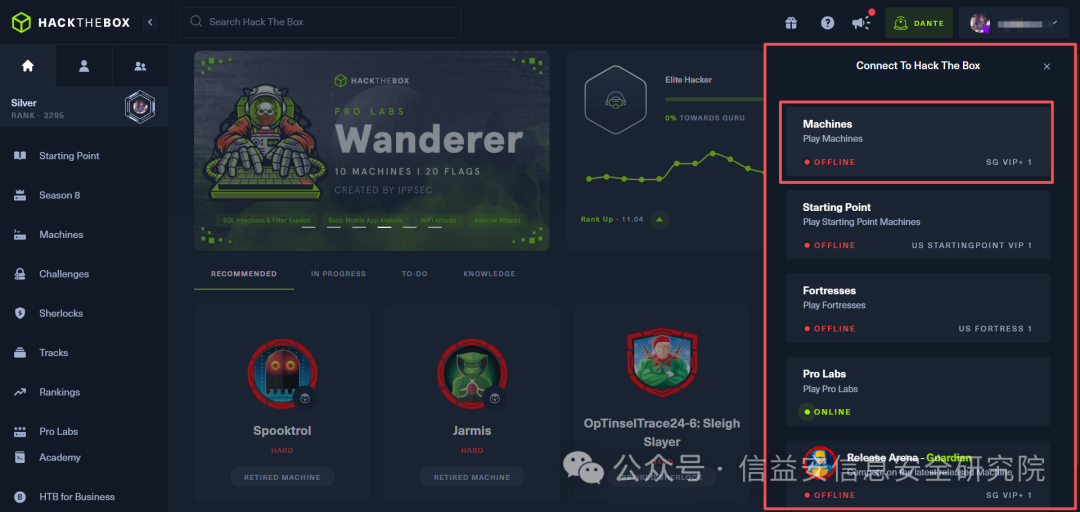
Download the corresponding VPN file as needed
Here, we take Machines as an example
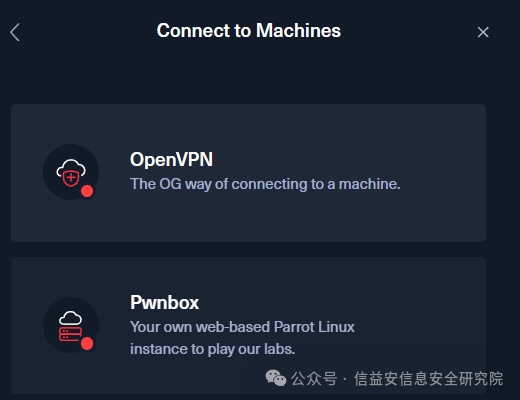
Click OpenVPN
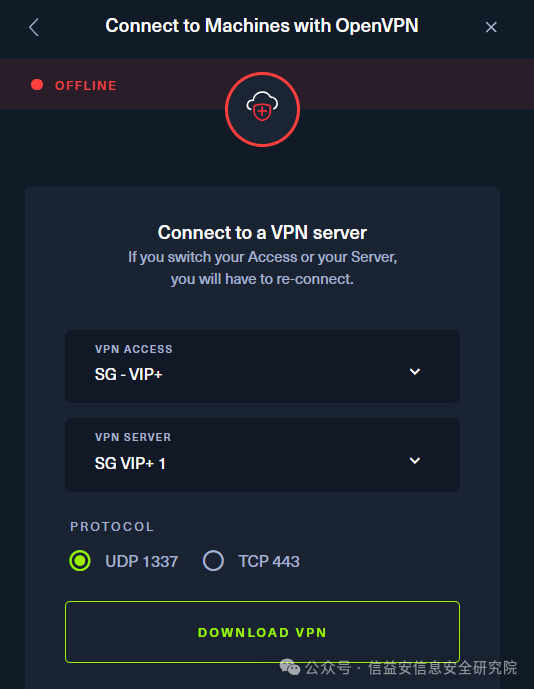
Use UDP 1337, DOWNLOAD VPN
Connecting Kali to Hack The Box
Set the virtual machine to bridged mode
Place the downloaded VPN file into Kali

# Edit this file
vim lab_xxxxx.ovpn
# Insert the following line anywhere in the file
socks-proxy <local_ip> <proxy_port>
For example, if using Clash, the port is 7890
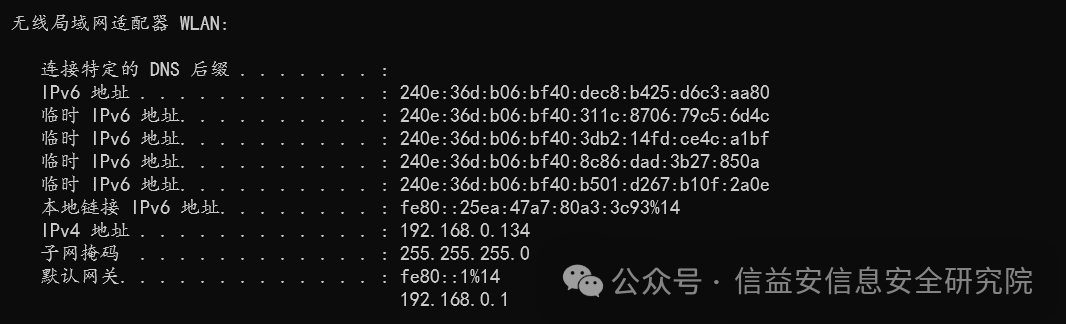
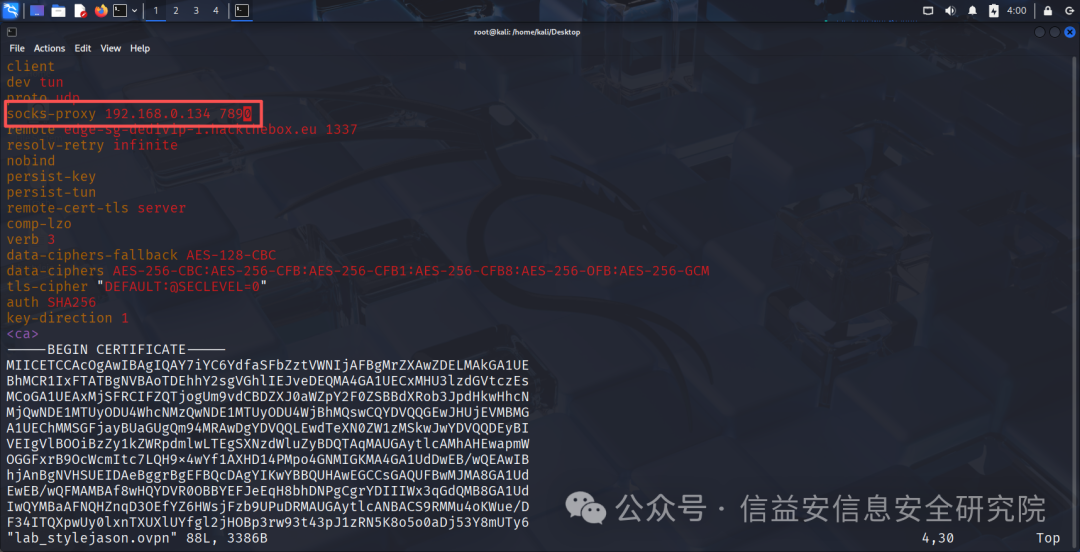
# Save and run the file
sudo openvpn lab_xxxx.ovpn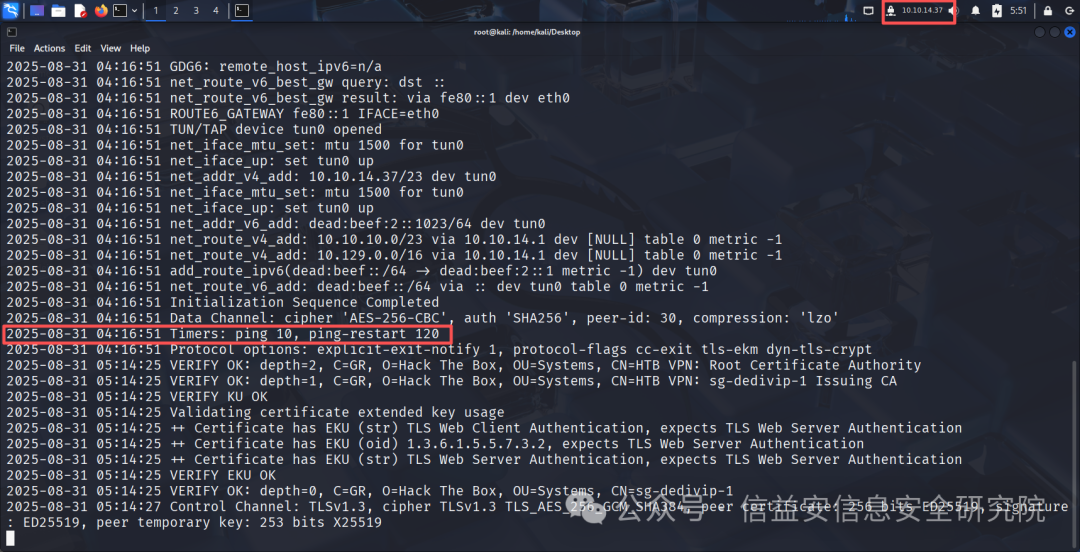
If you see a 120-second timeout ping-restart, it is successful