Download GCC
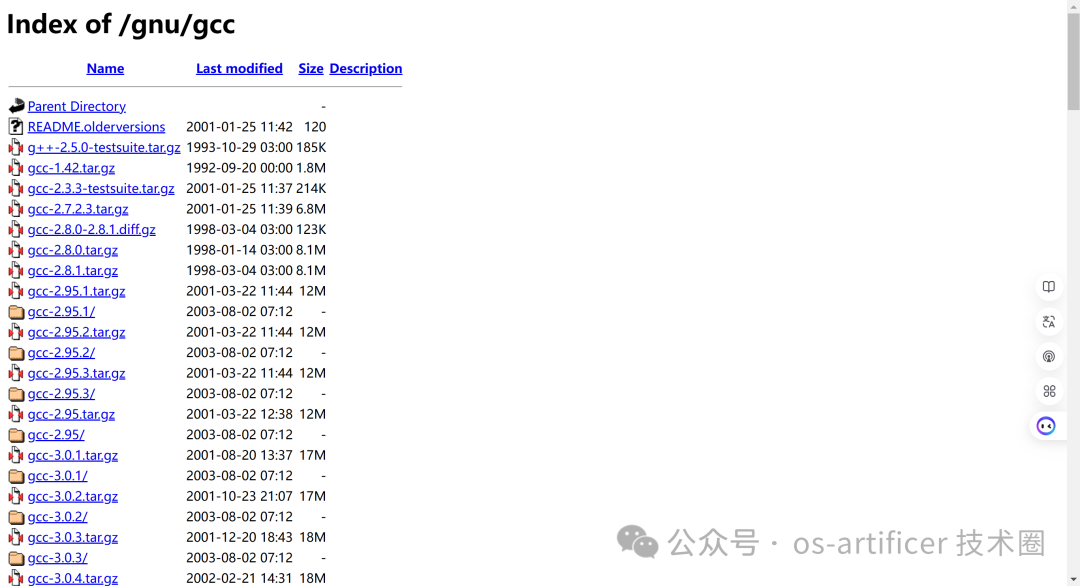
● https://ftp.gnu.org/gnu/gcc/
● Select a target version to download
Compilation Commands
# Centos

yum groupinstall "Development Tools"

# Ubuntu
sudo apt install build-essential

# Avoid compilation errors
unset LIBRARY_PATH

# Build
wget https://ftp.gnu.org/gnu/gcc/gcc-15.1.0/gcc-15.1.0.tar.gz --no-check-certificate
tar -zvxf gcc-15.1.0.tar.gz
cd gcc-15.1.0
./contrib/download_prerequisites
mkdir build
cd build/
../configure --enable-checking=release --prefix=/usr/local/gcc-15.1.0 --enable-shared --enable-static --enable-languages=c,c++ --disable-multilib

# Install GCC
make -j$(nproc)
make install
Set Environment Variables
● Set in ~/.bashrc or ~/.profile
export PATH=/usr/local/gcc-15.1.0/bin:$PATH

export LD_LIBRARY_PATH=/usr/local/gcc-15.1.0/lib64:$LD_LIBRARY_PATH

source ~/.bashrc

source ~/.profile