🌠This work includes a complete runnableprogram, Chinese comments,and a program operation video
01
—
🔥Software version: matlab2024b
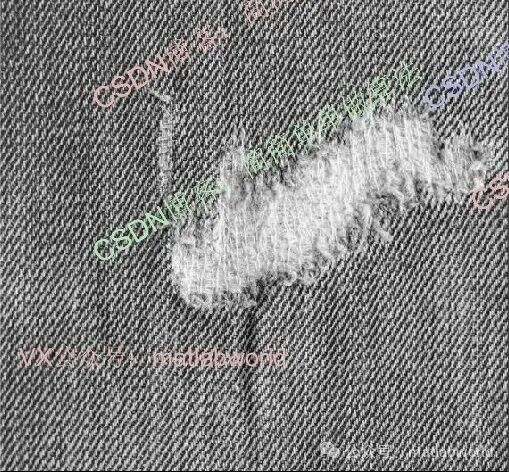
✨Test results are as follows:
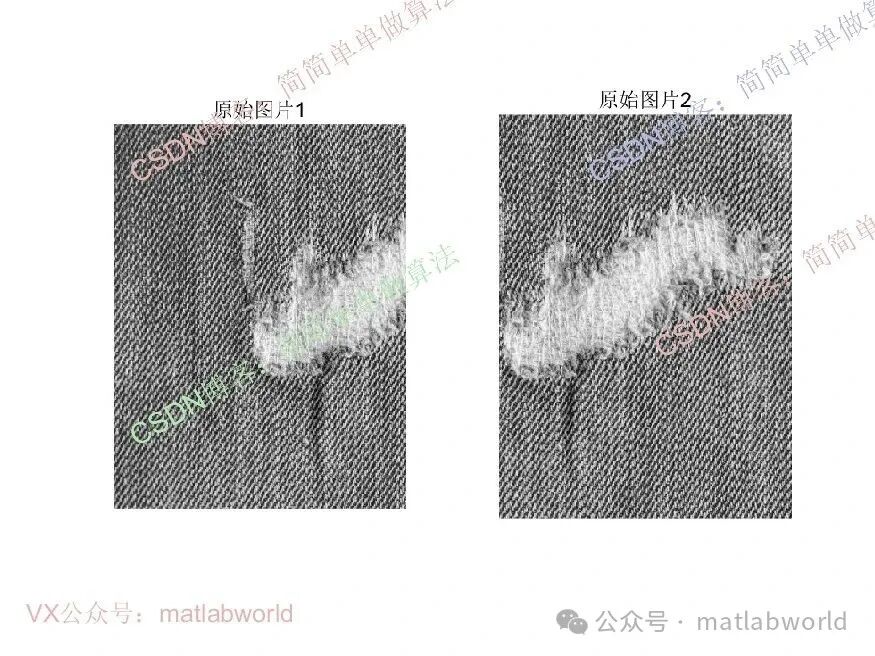
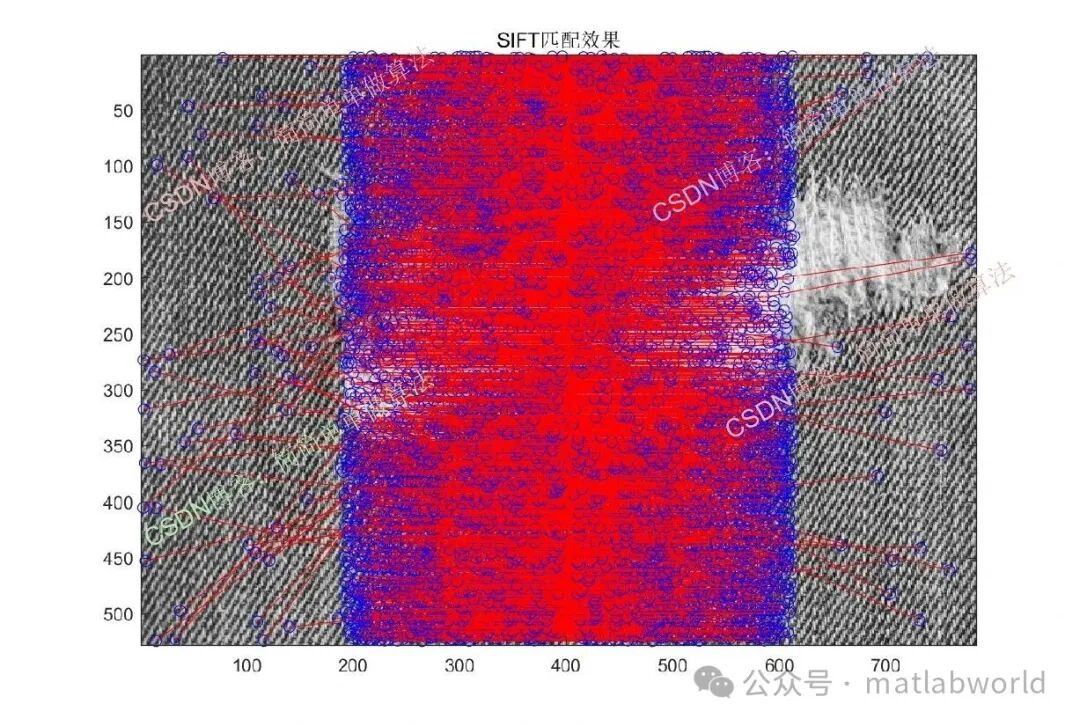
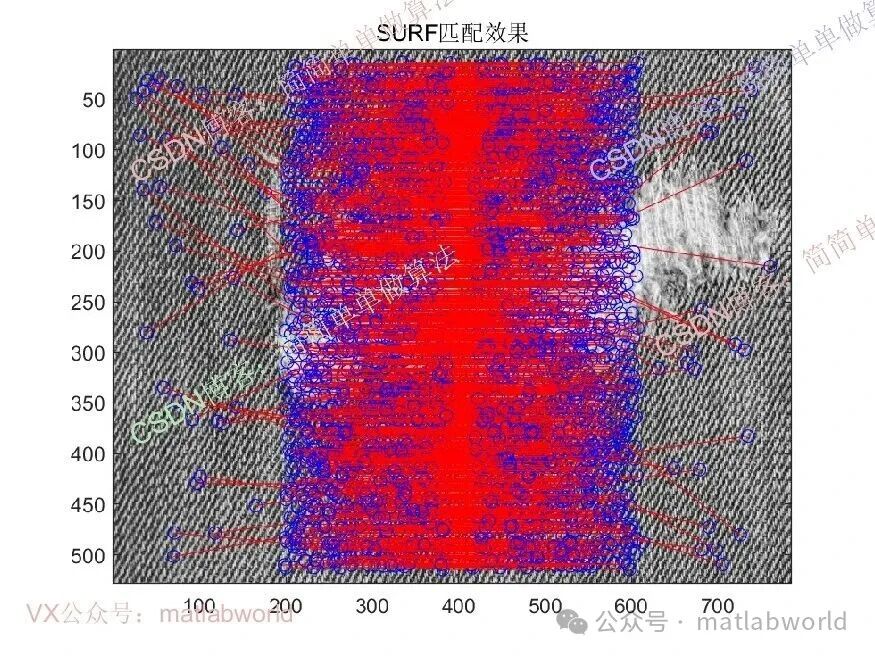
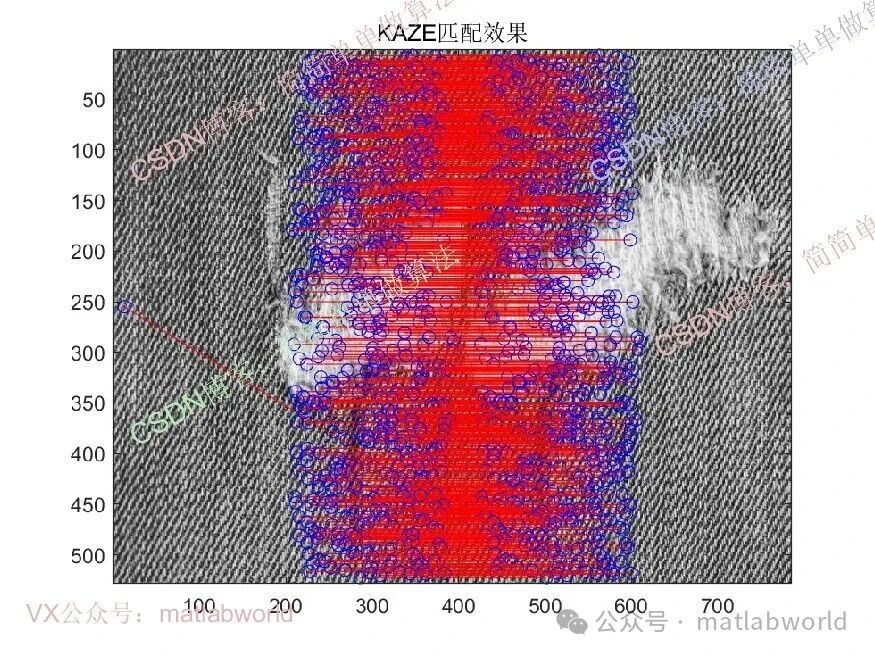
02
—
🌐Source code acquisition method:
🌐Open the “Read the original text” link at the bottom left of the article
 After opening, search for the algorithm name/keyword as prompted.
03
—
🚀Algorithm Theory Overview
The essence of the KAZE algorithm is to simulate the evolution process of images at different scales through adaptive diffusion: in the smooth areas of fabric images (such as solid color fabrics), the algorithm enhances diffusion to eliminate noise; in textured detail areas (such as jacquard patterns, embroidery textures), the algorithm suppresses diffusion to preserve features. This characteristic makes it particularly suitable for fabric image stitching scenarios with complex textures and easily repeated features.
Traditional image stitching algorithms (such as those based on SIFT and SURF) can solve some general scene problems, but they have obvious shortcomings in the face of the uniqueness of fabric images: the SIFT algorithm lacks the ability to distinguish repeated textures and is weak in robustness to nonlinear deformations; although SURF improves speed, the distinctiveness of feature descriptors is further reduced, leading to a higher mismatch rate. The KAZE algorithm, as a nonlinear scale space feature extraction algorithm, has the core advantage of adapting to nonlinear deformations of images, preserving finer local features, and exhibiting stronger robustness to lighting changes, which precisely matches the technical requirements for fabric image stitching.
04
—
📶SomeCore Code
..............................................................................................................................P1         = Vp1(indexPairs(:,1));  P2         = Vp2(indexPairs(:,2));  matchLoc1  = P1.Location;matchLoc2  = P2.Location;
img3       = func_appendimages(img1,img2);

figure;% subplot(211);% colormap('gray');% imagesc(img3);% subplot(212);colormap('gray');imagesc(img3);hold on;cols1 = size(img1,2);for i = 1:5: size(matchLoc1,1)    line([matchLoc1(i,1) matchLoc2(i,1)+cols1], ...         [matchLoc1(i,2) matchLoc2(i,2)], 'Color', 'r');     hold on     plot(matchLoc1(i,1),matchLoc1(i,2),'bo');     hold on     plot(matchLoc2(i,1)+cols1,matchLoc2(i,2),'bo');     hold onendtitle('KAZE Matching Effect');
toc;

%Image stitchingimgout = func_pj(matchLoc1,matchLoc2,img1,img2);
figure;imshow(imgout);title('Stitching Result');09_054a
Thank you forliking, collecting, and sharing, thanksmy friends!