As an embedded developer who has been working with serial ports, network ports, and servers for many years, having handy tools for debugging protocols and troubleshooting can save a lot of time! Over the weekend, I organized more than ten tools that I frequently use in development. How many of these have you used?
1. Serial Port Tools
VirtualSerial Virtual Serial Port
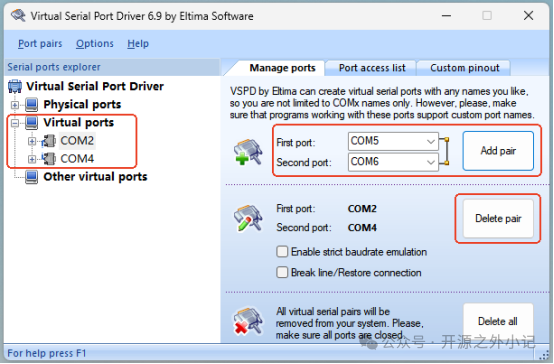
When debugging serial port programs without hardware support, this tool comes in handy! It can generate paired serial ports (like COM2 and COM4), which are bound together and can transmit data bidirectionally, simulating real serial communication. I often use it to capture serial data from PC-side tools for protocol analysis.
Modbus Debug Assistant
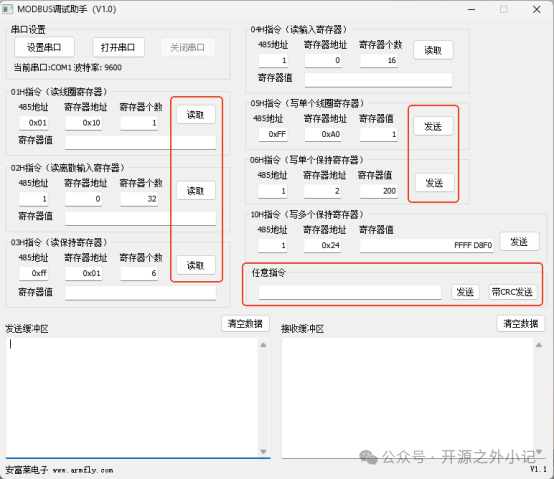
This tool is specifically designed for debugging the Modbus RTU protocol, allowing for single or batch read/write operations on registers defined in Modbus. The received protocol data can be parsed into register values without manually checking byte by byte, and it also allows for manual input of any command to construct and send protocol frames.
SSCOM Serial Assistant
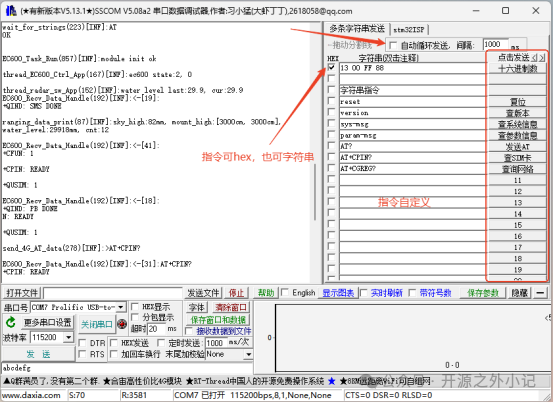
This is the serial tool I use most frequently! Its core feature is flexibility—commands can be customized and edited, allowing for quick preparation of commands for testing personnel. The window can be resized, and some functions can be toggled, making it fully adaptable to different debugging scenarios. It supports baud rates up to 2Mbps, and supports both Chinese and English switching. It has all the features of other serial tools, and it’s really nice!
2. Network Tools
NetAssist Network Debug Assistant
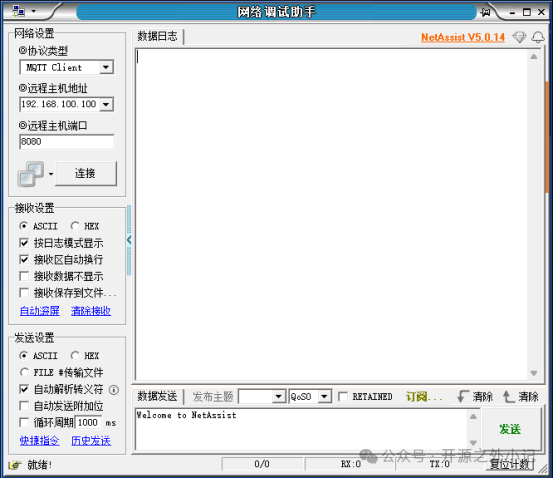
This is an essential tool for beginners in network debugging, classic and easy to use. It supports various modes such as UDP, TCP client, TCP server, MQTT client, etc., and supports both IPv4 and IPv6. The interface is very simple.
Wireshark Network Packet Capture Tool
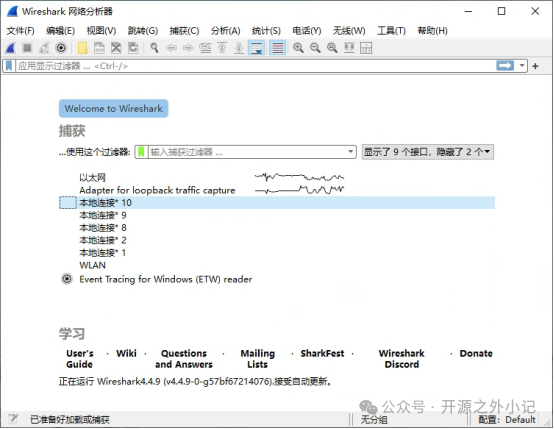
It can be used to troubleshoot network issues, capturing all data packets from network cards in the local area network, and filtering by IP, port, and protocol type. Whether it’s HTTP, MQTT, TCP, UDP, or ICMP protocols, it can perform deep analysis, along with timing diagrams, traffic statistics, and anomaly alerts. Previously, when I encountered issues like MQTT message loss or unexpected TCP disconnections, I relied on it to capture packets and find the root cause.
MQTTX Client Tool
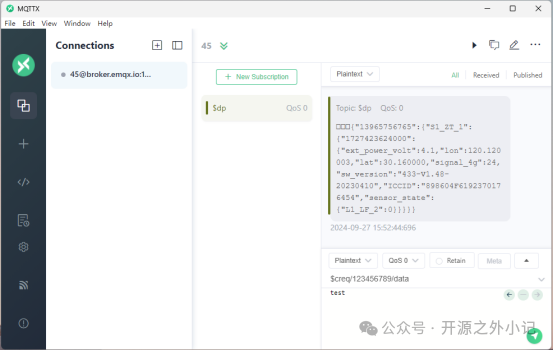
This is a professional tool for debugging the MQTT protocol! It is more user-friendly than the foreign tool *.fx, compatible with MQTT versions 3.1, 3.1.1, and 5.0, supporting various connection methods, and offering QoS levels 0, 1, and 2. It also records send/receive history, making it easy for subsequent queries.
3. Remote Tools
MobaXterm Terminal Tool
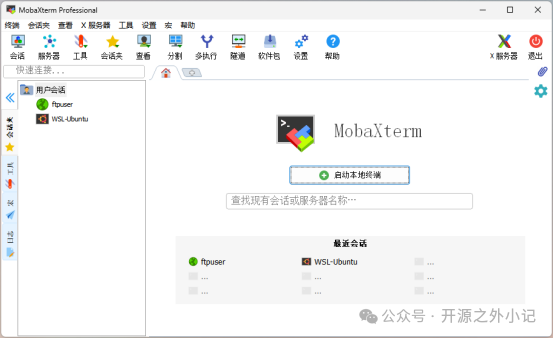
This is a comprehensive remote tool suite for Windows, packed with features that you can never fully utilize! It integrates SSH, Telnet, RDP, FTP, SFTP, Serial, and many other functionalities, supporting multiple tabs and split screens to manage multiple remote connections simultaneously. I mostly use SSH, FTP, SFTP, and Serial.

SSH mode supports password login and command auto-completion; RDP is used for logging into remote server desktops; FTP/SFTP allows file transfers without switching between multiple tools, enabling remote login, command execution, and file transfer operations. This tool is commonly used for debugging embedded Linux devices. In summary, MobaXterm is incredibly feature-rich, making it impossible to introduce all its functionalities.
4. Other Tools
Programming Utilities
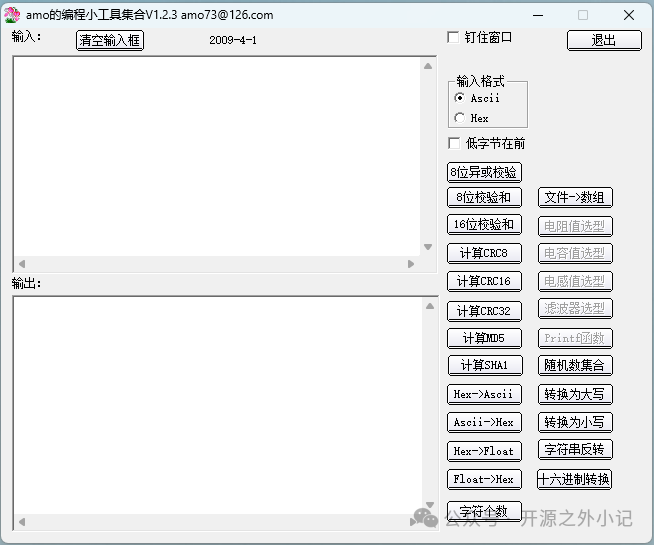
This tool can be used for various checks and format conversions, is compact and does not require installation, and has a very simple interface. It is also one of the tools I frequently use during development.
BCompare File Comparison Tool
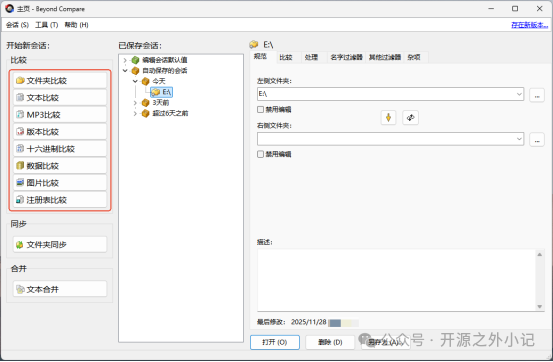
I used this tool quite often in the past, but since a single git diff command can now accomplish the same task, I use it less frequently. However, it has its unique advantages, as it can compare code, binary files, images, and even MP3s. During file comparisons, it highlights additions and deletions in different colors and can export difference reports.
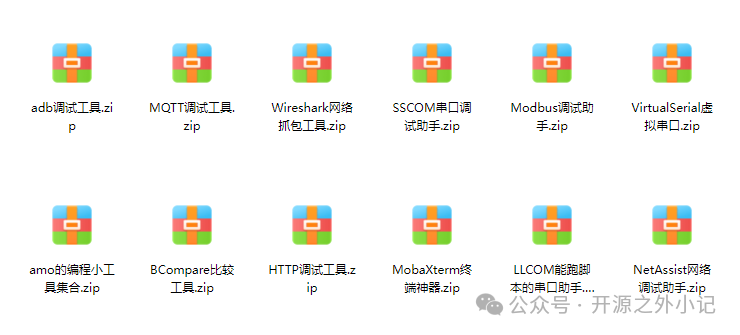
All of the above tools have different application scenarios and are indispensable helpers in development and debugging. How many of these have you used? Feel free to leave a comment!… These tools have all been packaged, and if you need them, you can reply with the word 【Debugging Tools】 in the background of this public account to get them!
Alright, that’s it for today’s sharing. If I come across more useful tools in the future, I will continue to share. If you find this useful, don’t forget to support me with a like! Your recognition is my greatest motivation to keep sharing~If you want to check out previous recommendations, here are some:
Tools suitable for bookmarks
Video re-creation toolset
3-minute quick setup for MQTT server
Keil scripting tips