Software Introduction
Code Composer Studio 20.2 is an integrated development environment (IDE) launched by Texas Instruments (TI). It is based on the Theia IDE framework and provides a user experience similar to that of Visual Studio Code. This software can be used to create and debug applications for all Texas Instruments embedded processors (such as Sitara, DSP, etc.), microcontrollers (such as SimpleLink, C2000, etc.), as well as digital power and programmable gain amplifier devices. It includes an optimized C/C++ compiler, source code editor, project build environment, debugger, analysis tools, and more. Additionally, resources necessary for embedded development can be accessed through Resource Explorer, and the SysConfig tool simplifies configuration challenges and accelerates software development.
Software Download
Copy the red text and reply in the public account to obtain the download link: CCS20 (copying will be more accurate, otherwise you may not get the corresponding one)
Software Installation
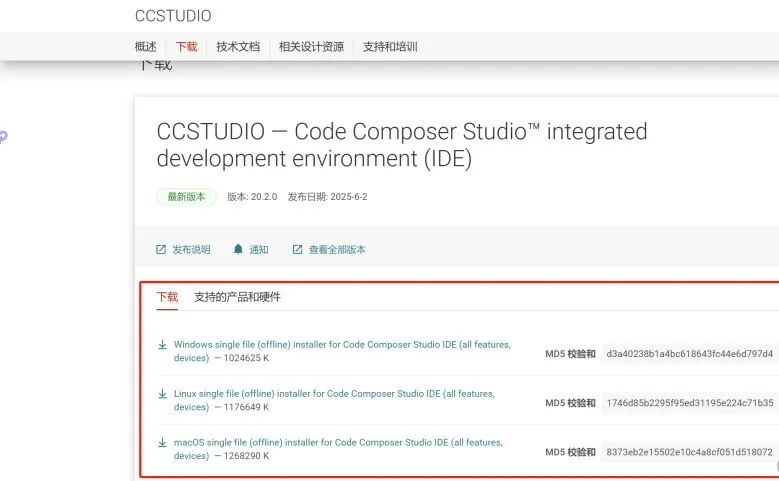
1. Double-click to run the installer (the one with ‘setup’ in the name)
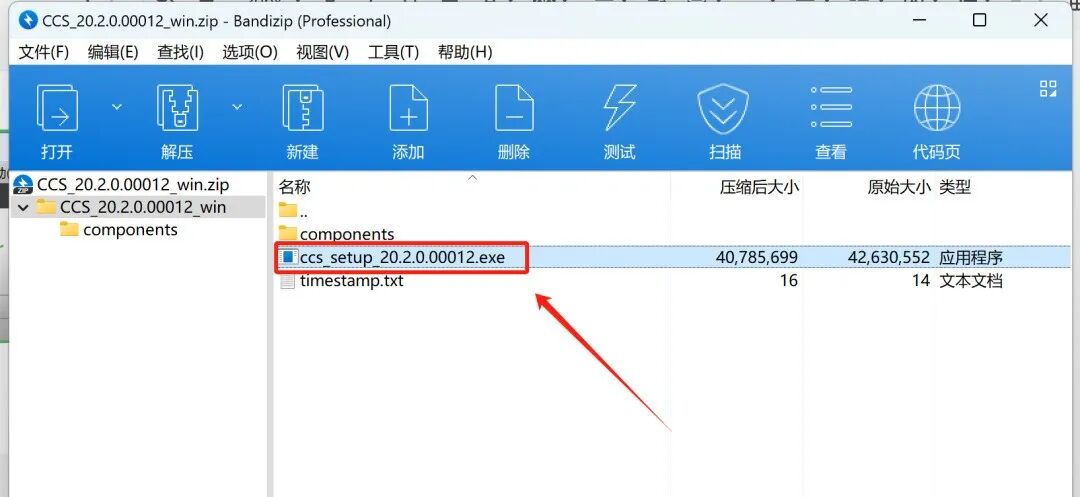
2. Click on ‘Manage Settings’ under Virus & Threat Protection Settings
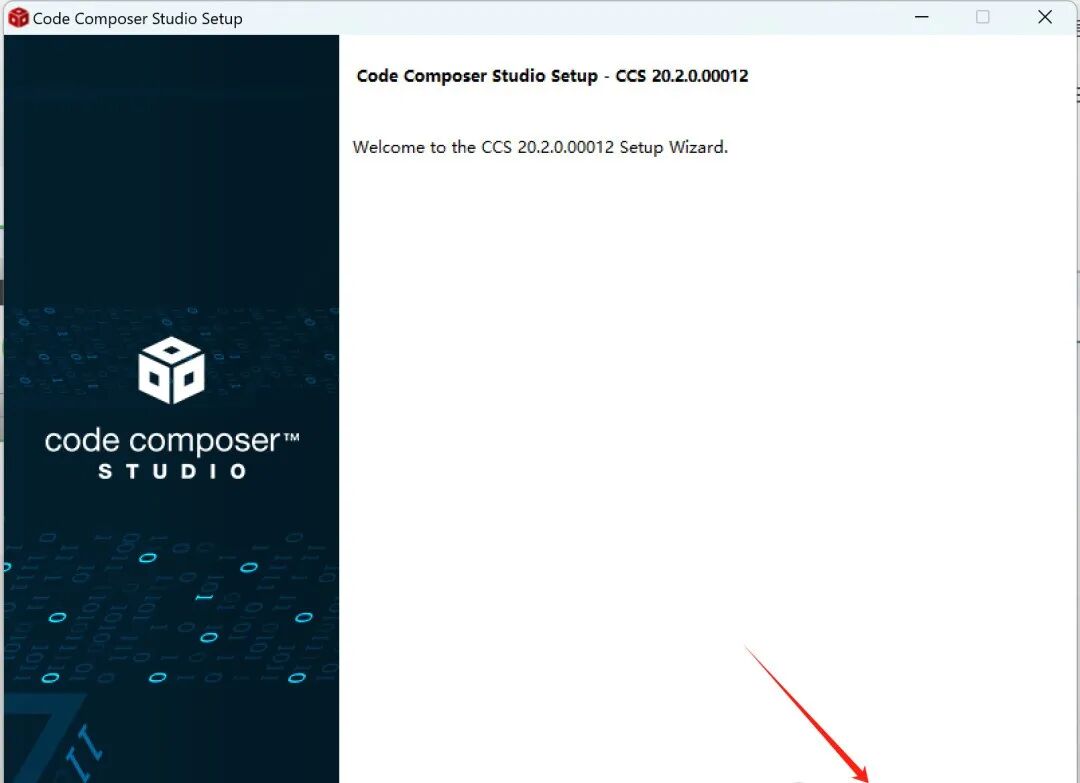
3. Check the first option and click ‘Next’
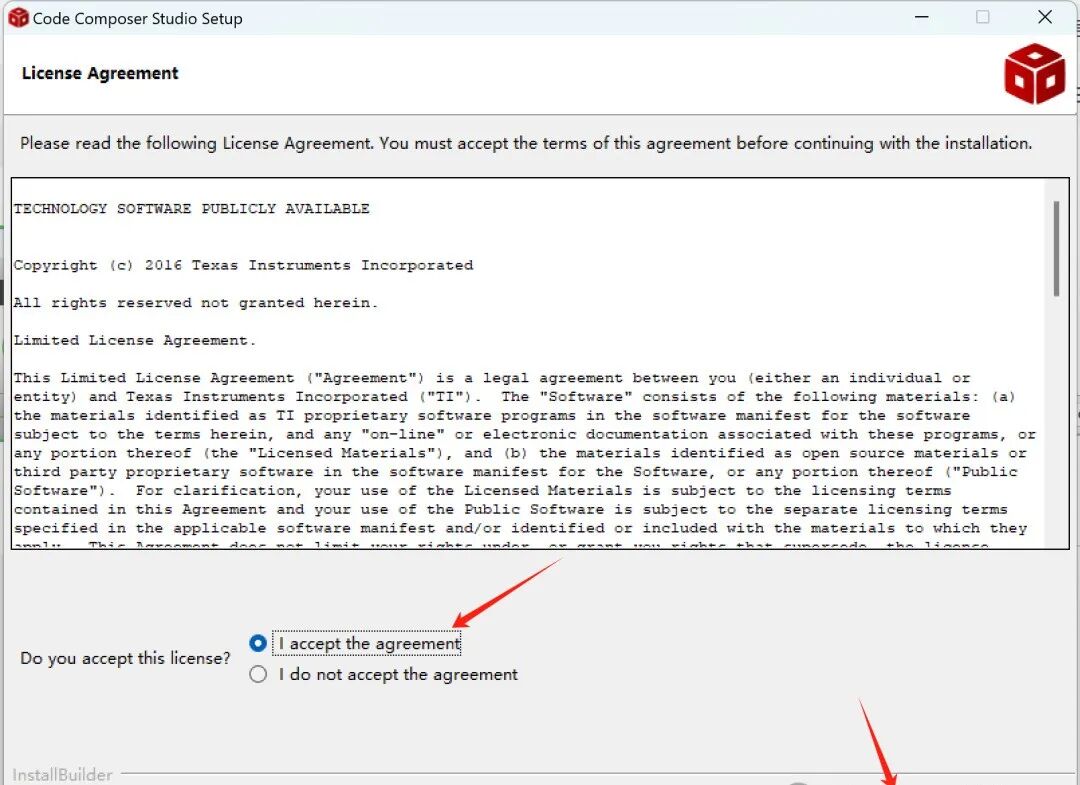
4. You can only click ‘Next’
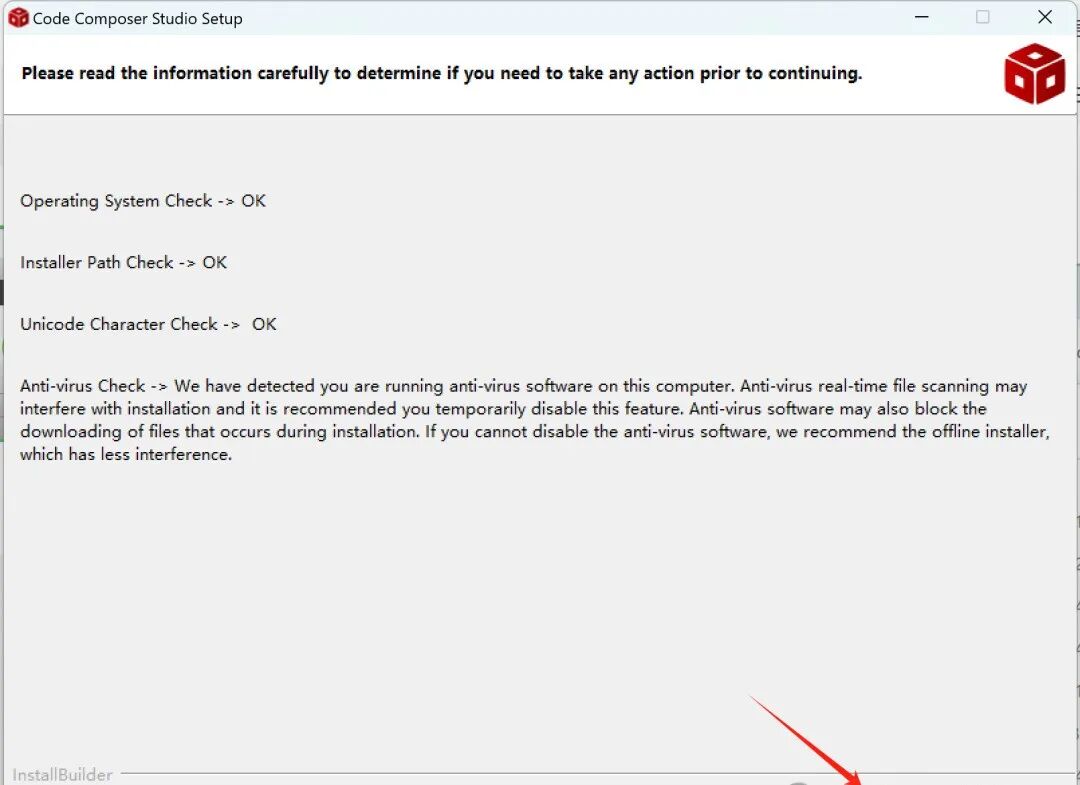
5. You can modify the installation path of the software and then click ‘Next’
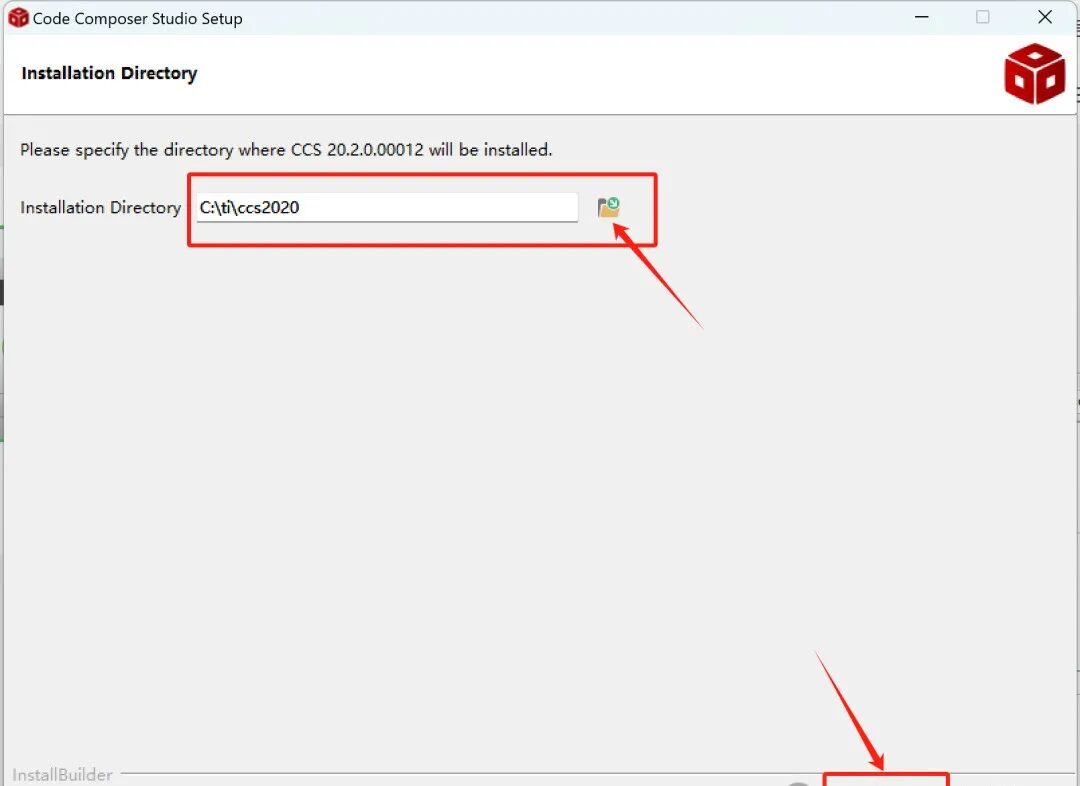
6. Click ‘Next’
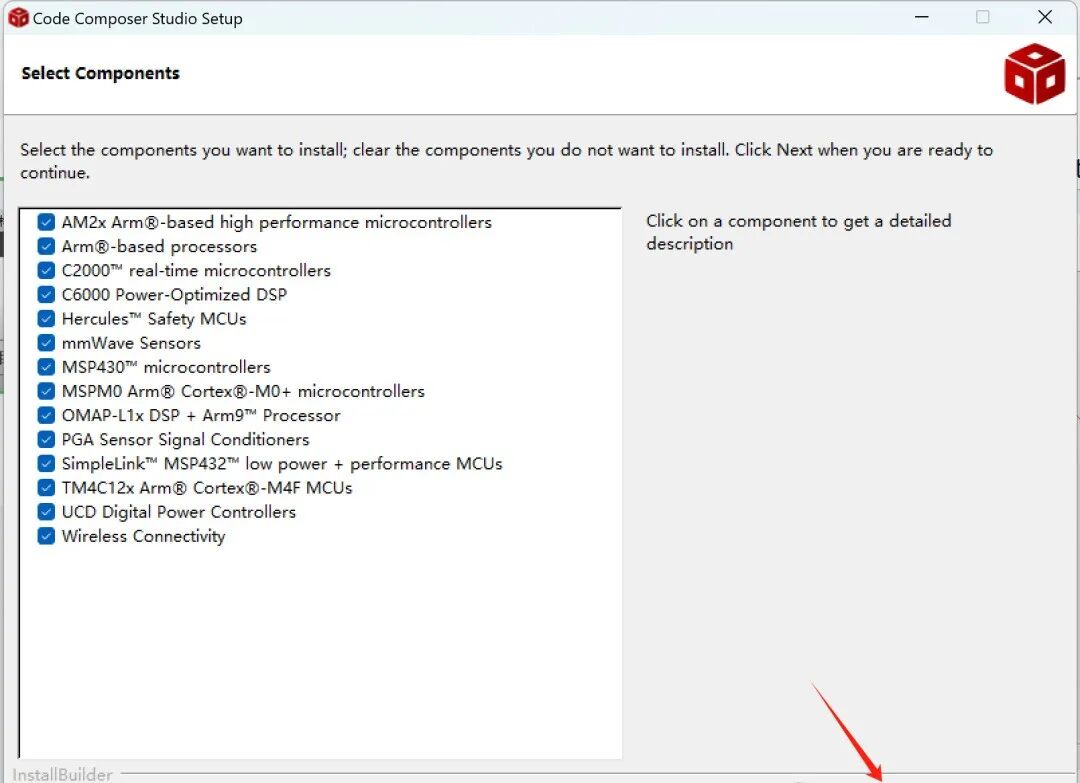
7. Click ‘Next’ and wait for the installation to complete
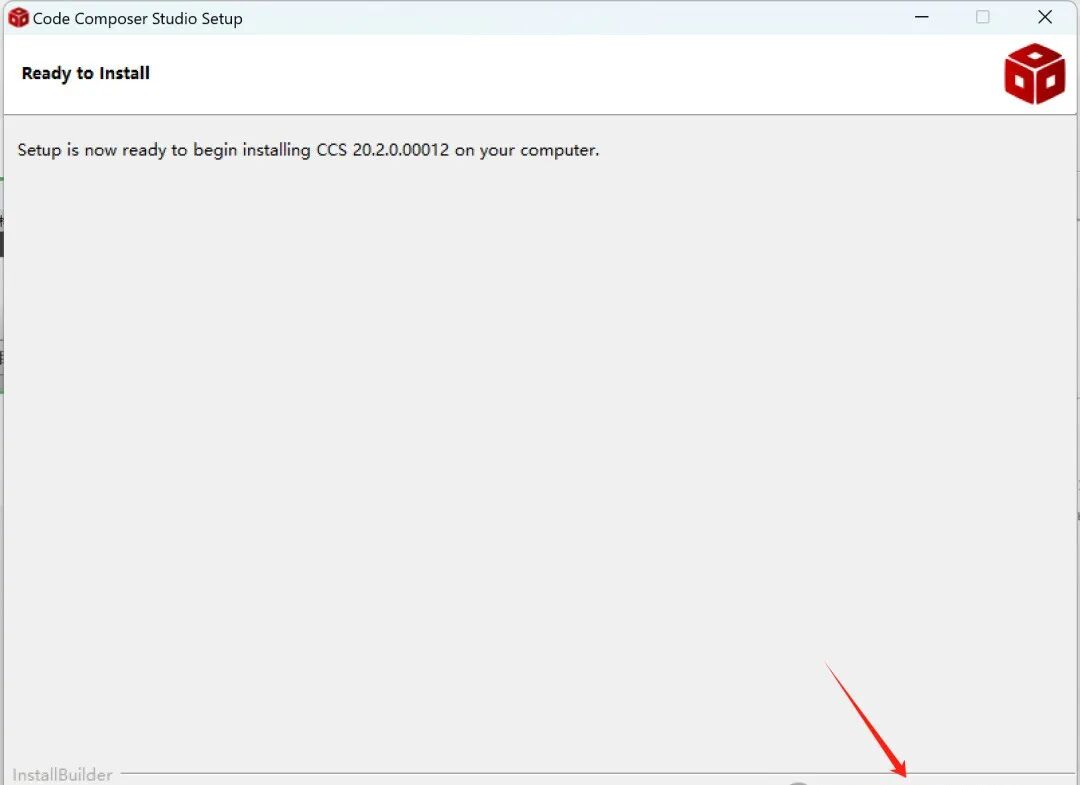
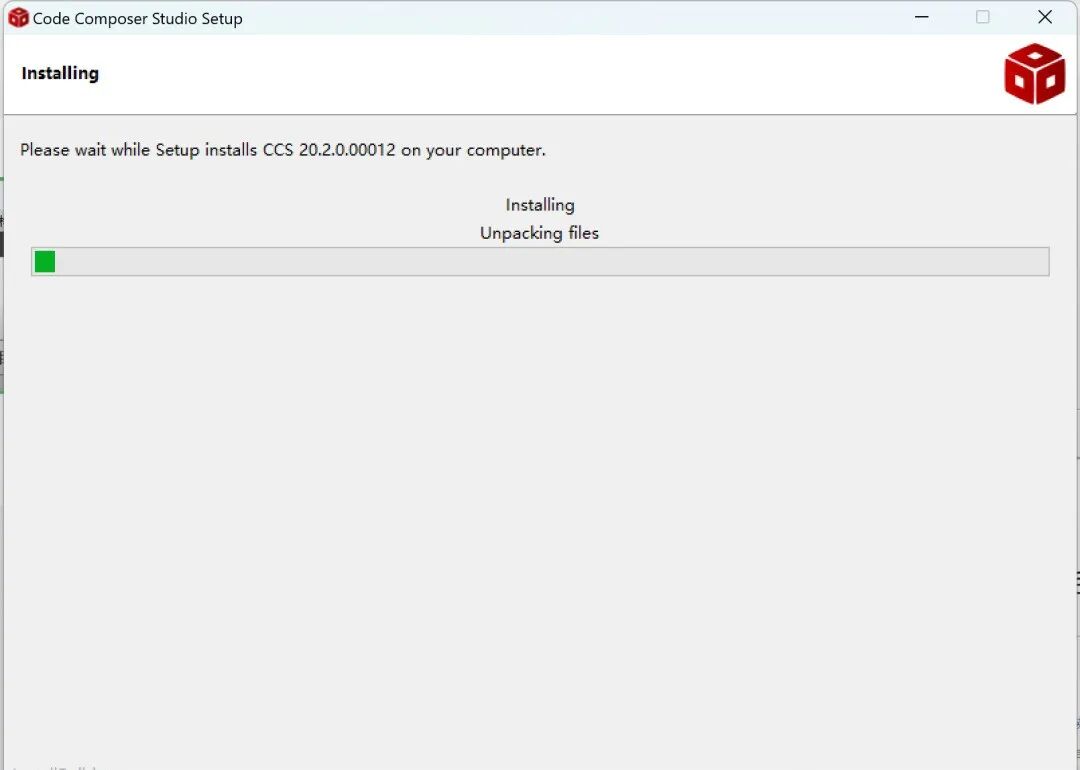
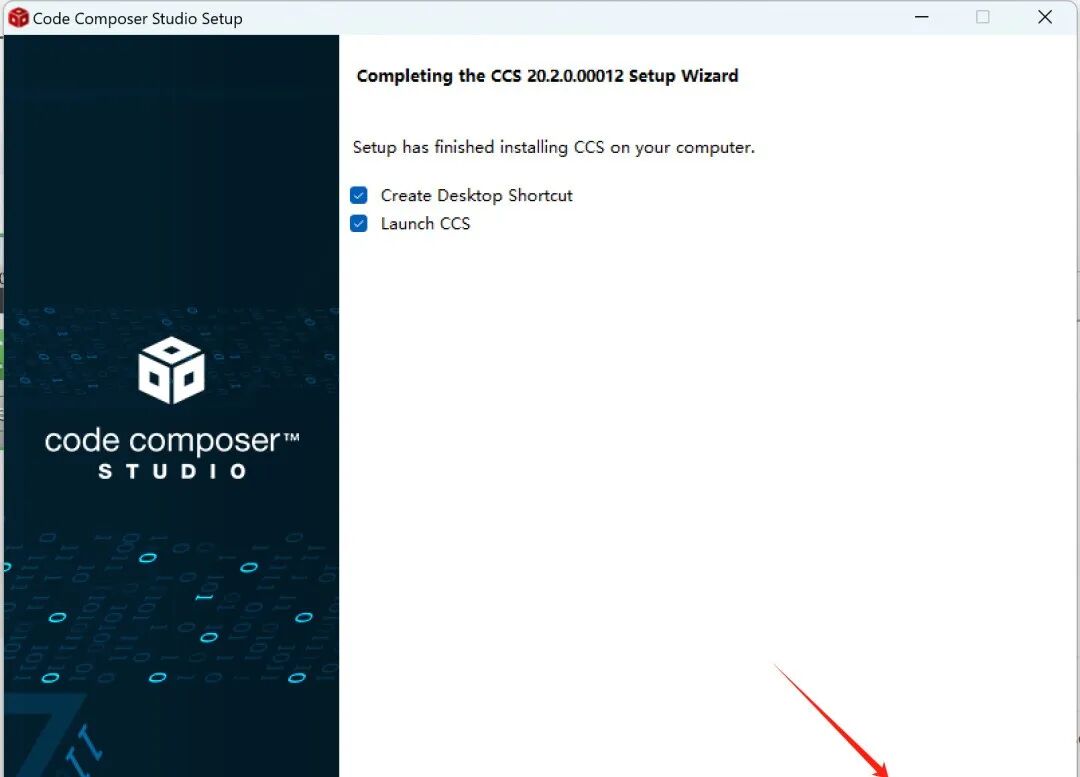
8. Click ‘Finish’
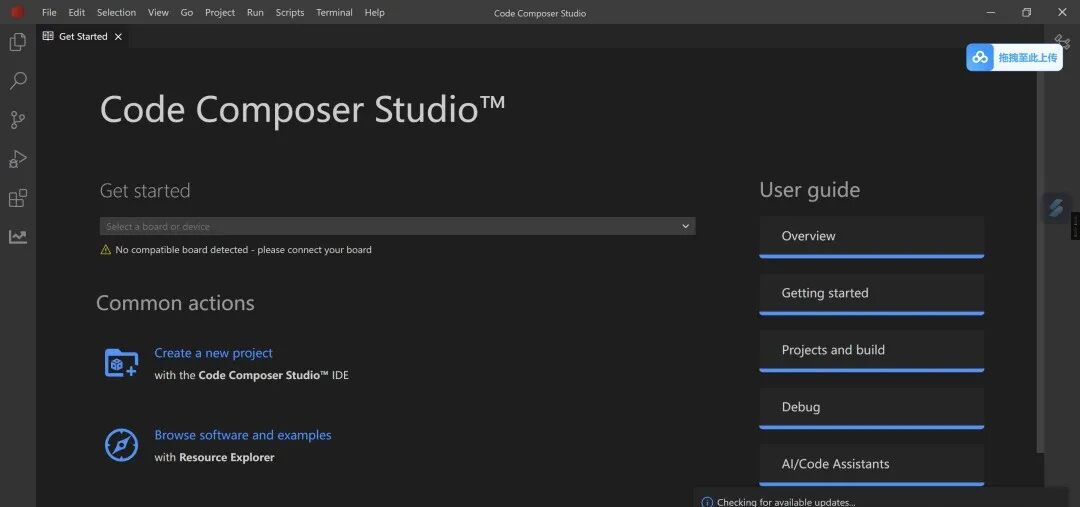
9. Enter CCS
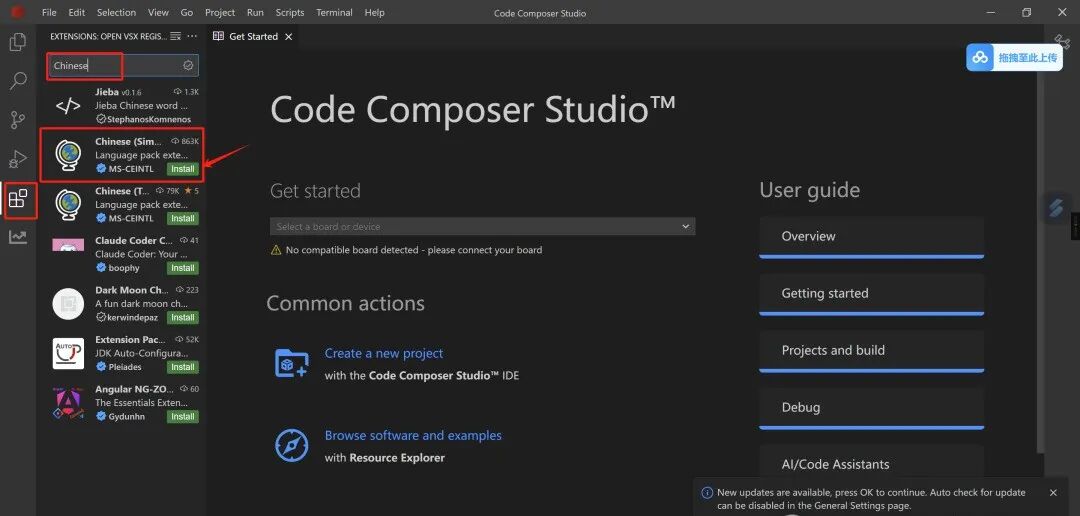
10. Click on the ‘Extensions’ icon, search for ‘Chinese’, and install the plugin with the ‘Simple’ globe icon
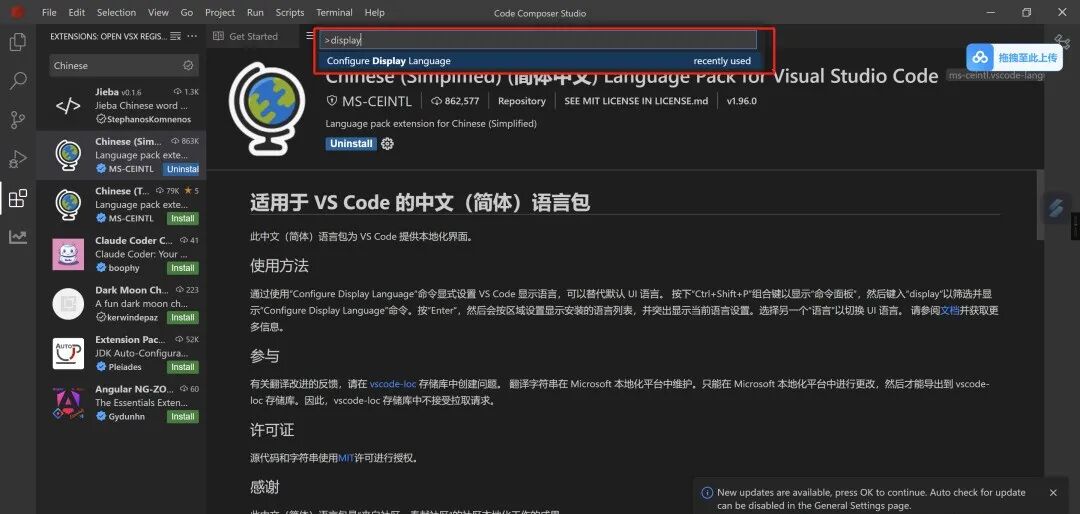
11. After installation, close the window, re-enter the software, and follow this operation: hold down Ctrl+Shift+P, type ‘display’, and click or press ‘Enter’
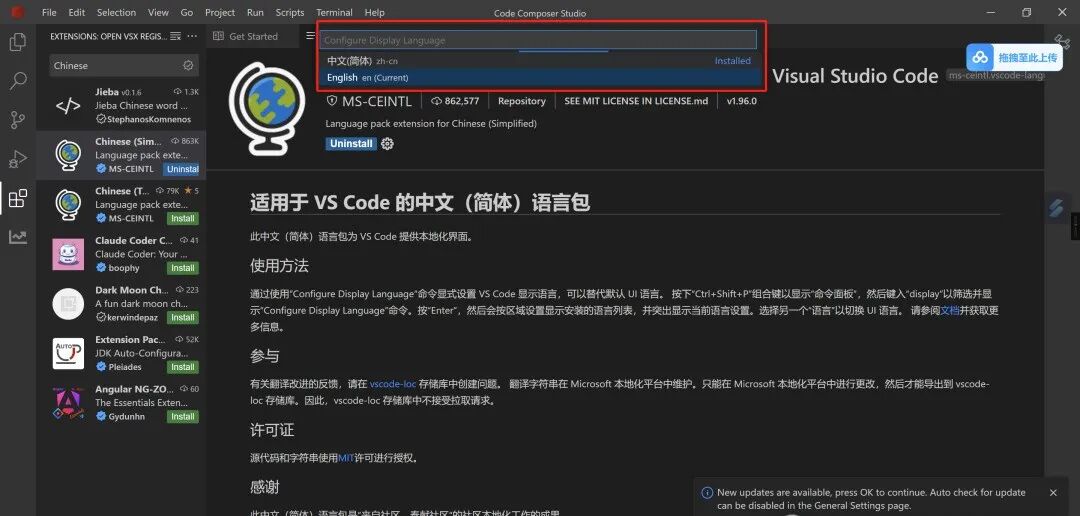
12. Switch to Chinese and click ‘Restart’
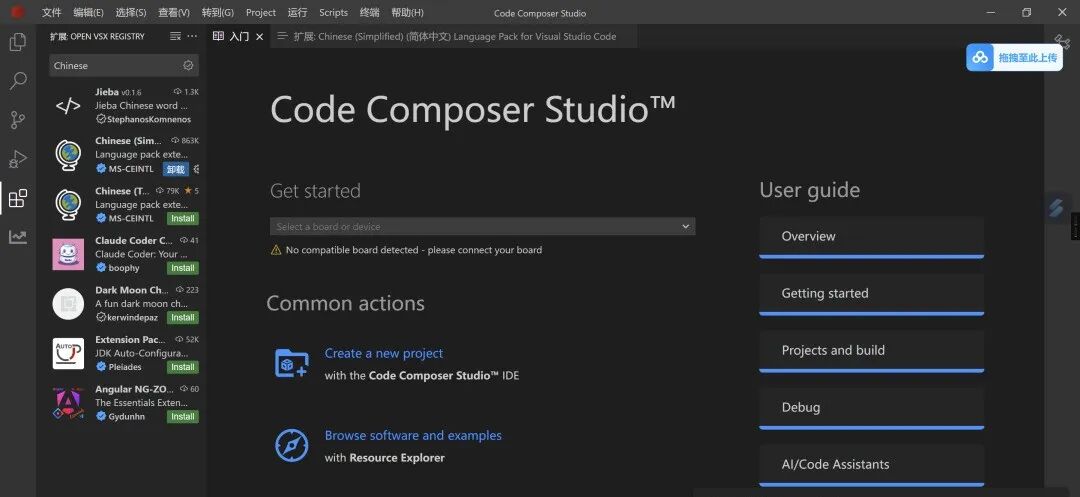
13. OK, start your TI code tuning journey~
 Disclaimer: This software resource comes from the internet and is for learning and research exchange purposes only. Copyright belongs to the original copyright holder, and it is strictly prohibited to use it for commercial or illegal purposes, otherwise, you will bear all legal consequences. Please delete the software within 24 hours after downloading. If you recognize and like this software, it is recommended to purchase the official version to obtain better service and support.This account maintains neutrality in all statements and opinions in the articles, and the content is for learning and exchange purposes only.Some articles and images come from the internet, and copyright belongs to the original authors. If there is any infringement, please leave a message to contact for correction or deletion.
Welcome to follow the public account and reply“MNJS”, and receive free courses related to simulation calculations

Company Introduction
Company Profile

Chongqing Huishuan New Material Technology Co., Ltd. (referred to as Huishuan New Material) is jointly established by Shaanxi Qianruan Hui Information Technology Co., Ltd. and Chongqing High-tech Industry Research Institute, focusing on the development of material calculation simulation software (CBD-GM), dedicated to accelerating and enhancing the efficiency of new material research and development, while providing overall solutions for computational simulation services, covering first-principles, quantum chemistry, molecular dynamics, finite element simulation, phase diagram calculation, and machine learning among other major categories of simulation calculations; supercomputing (CPU, GPU) rental and sales, server customization and cluster construction, various experimental testing, computational simulation course training, etc. The company adheres to the scientific essence of research and development, aiming to help every researcher improve scientific research efficiency and assist more R&D enterprises in upgrading their research and development capabilities and breakthroughs in innovation.
Previous Recommendations
1. Practical Research Software! Zetasizer Guide and Installation Tutorial
2. AZtecCrystal 2.1 Installation Package Download and Installation Tutorial
3. Materials Studio 2024 (Molecular Material Calculation Simulation Software) Download and Installation Tutorial
4. Research Software | Digital Micrograph 3.4 Installation Tutorial