The slowest pace is not a small step, but hesitation; the fastest pace is not a sprint, but persistence.
Note: This article does not make a detailed distinction between FPGA and Linux-RT, as both are considered to be used simultaneously.
Seeing LabVIEW FPGA mentioned in a high-end context, I would like to demystify it. Also, don’t think you must learn LabVIEW FPGA; it’s not widely used, and you can learn it when needed.
1
Don’t be intimidated by LabVIEW FPGA
Don’t be scared by so-called LabVIEW FPGA.
Don’t be intimidated by those who use LabVIEW FPGA; they often just drag things in LabVIEW, and their skills are not much different from yours in LabVIEW programming.
You will understand what’s going on after using it a couple of times.
If you ask them in detail:
(1) create C/C++ applications that interact with LabVIEW FPGA VIs
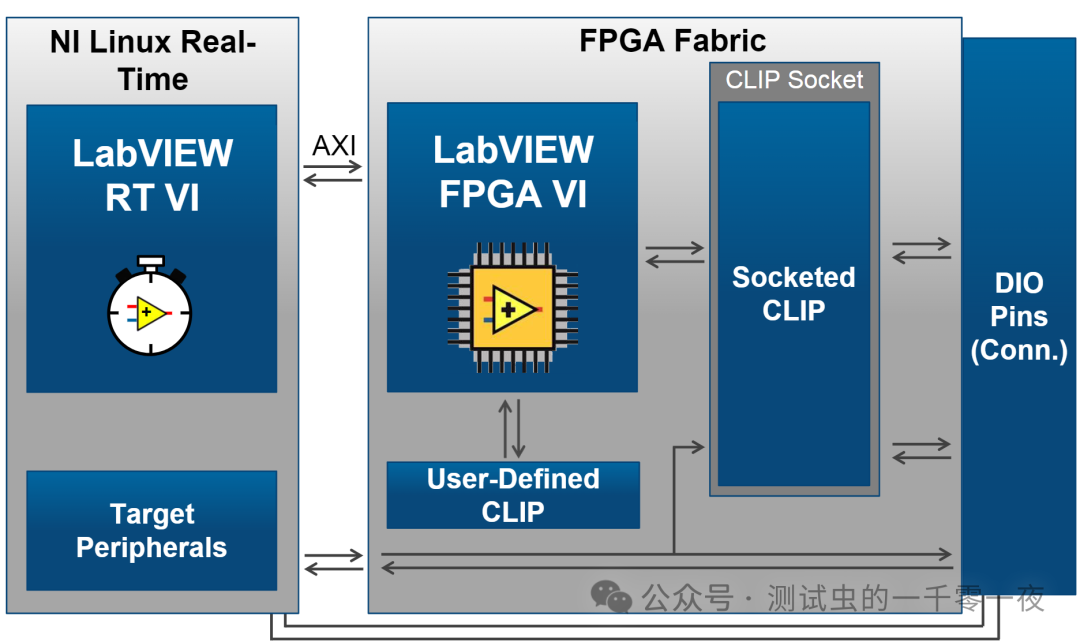
(2) implement a socketed CLIP
Most likely, many people won’t be able to do these either.
So don’t worry, you will catch up with them in a week or two.
What more does LabVIEW FPGA programming involve?
It can be seen as needing to write LabVIEW programs in three places:
(1) PC side
(2) RT side
(3) FPGA side
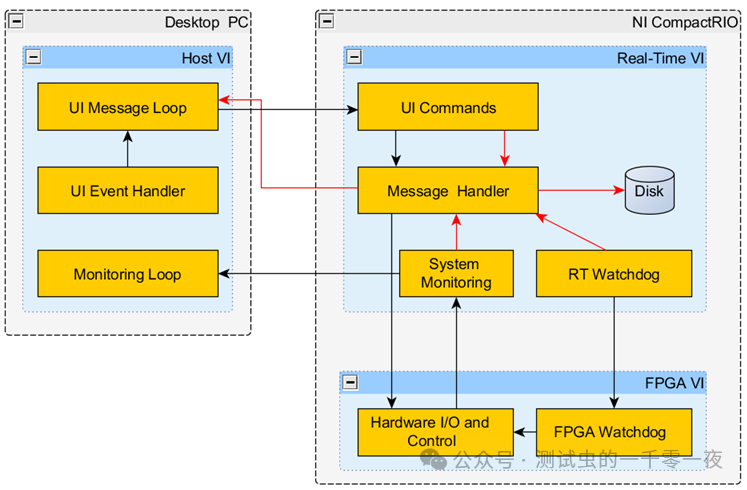
Just ensure good communication between the layers.

2
What is the LabVIEW FPGA Module?
What is LabVIEW FPGA?
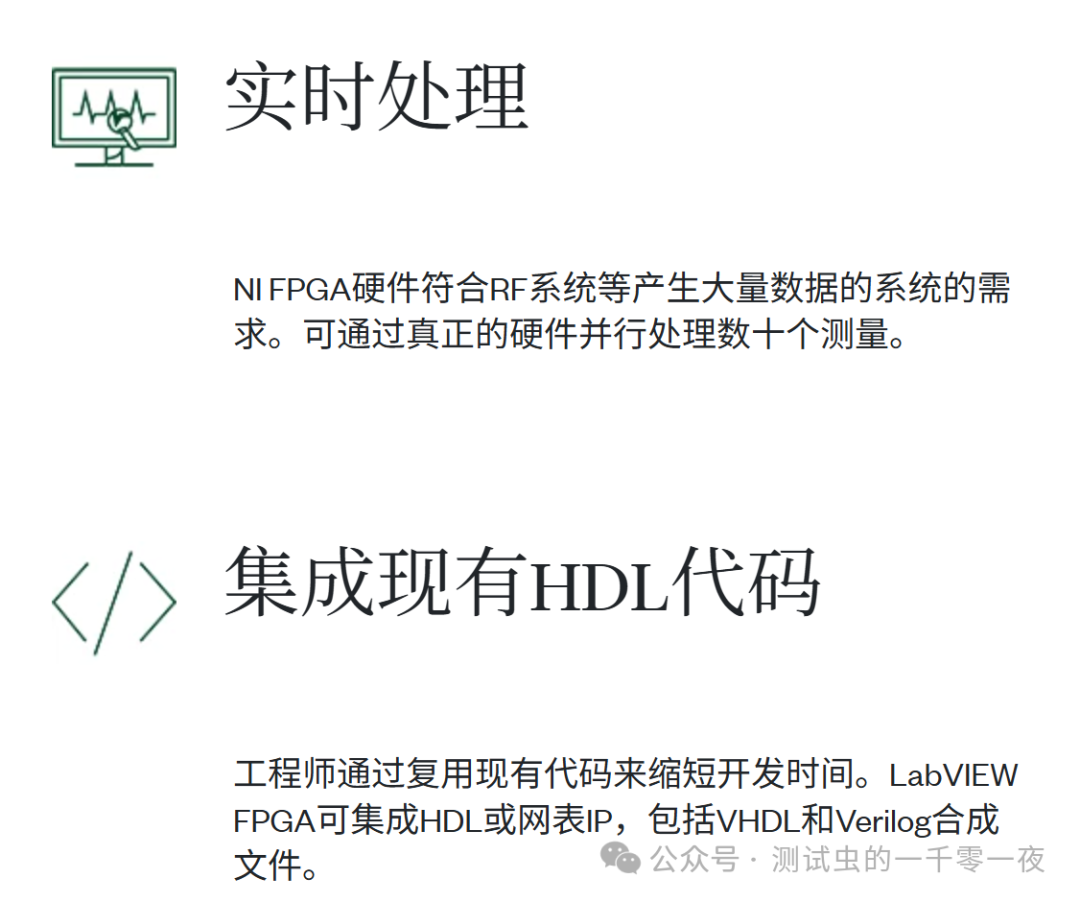
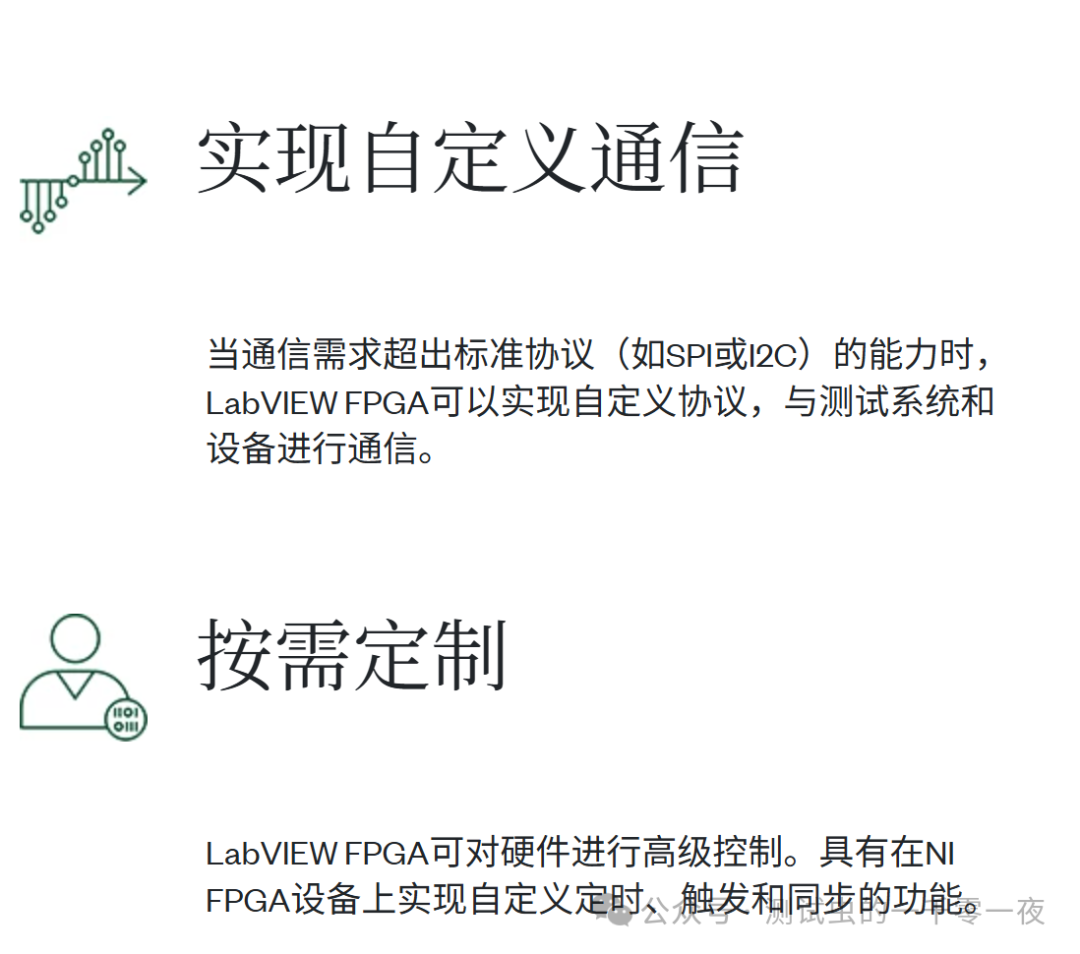
The LabVIEW FPGA module works in conjunction with LabVIEW, helping engineers develop and debug custom hardware logic that can be compiled and deployed to NI hardware via onboard FPGA. When a deterministic response is needed quickly, NI hardware can be combined with FPGA for online signal processing, digital protocol communication, and closed-loop decision-making.
What is LabVIEW FPGA used for?
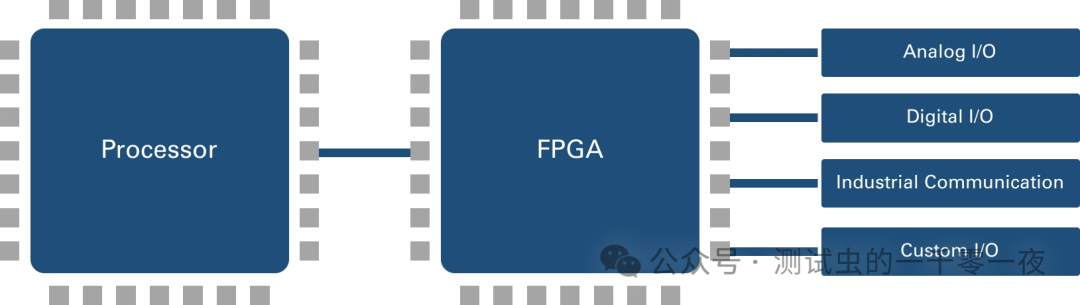
I believe it is used for real-time and high-speed acquisition control, and it pairs well with NI Linux RT.
3
Learning Methods for LabVIEW FPGA
Learn through projects
If there is no project requirement, there is no need to learn LabVIEW FPGA.
This is likely just a dragon-slaying technique, which is almost useless.
If you have a project, you can learn and use it at the same time.
It is essential to learn with hardware
Learning LabVIEW FPGA requires hardware, so learn it only if you have a project; otherwise, just familiarize yourself with it.
Using simulation alone makes little progress and is a waste of time.
If you really want to self-study, refer to:
LabVIEW can be learned this way: The Poor Man’s Hardware Edition
On Xiaohuangyu, find an sbRIO, which can be done for 2-3K. No need to spend tens of thousands.
4
LabVIEW FPGA
Related Materials
Getting Started Manual

https://learn.ni.com/learn/article/getting-started-with-fpga
Everything You Need to Know About LabVIEW FPGA
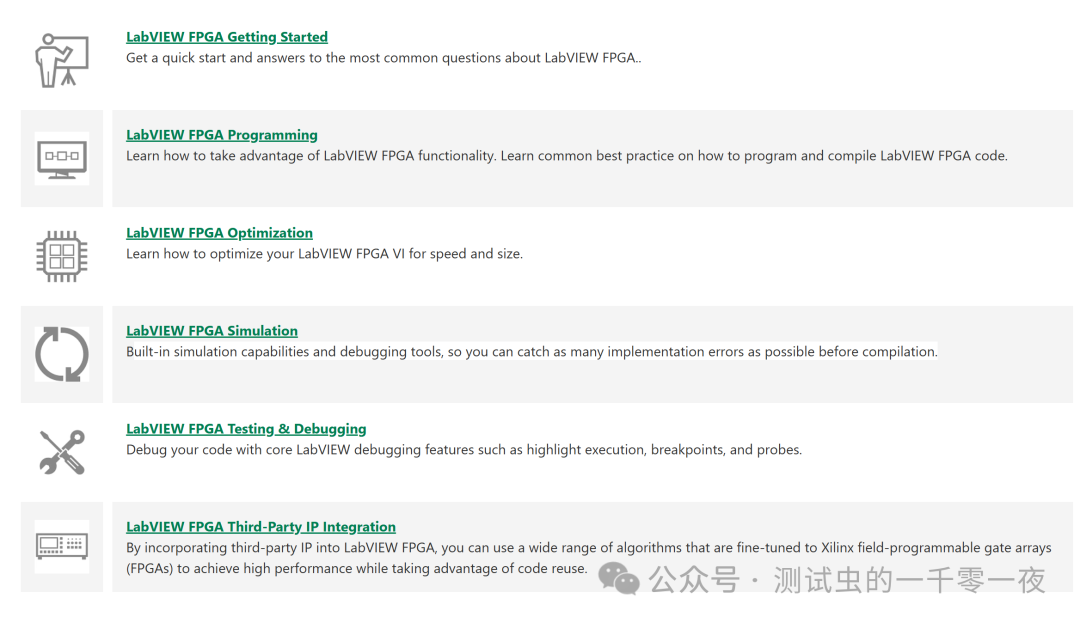
https://www.ni.com/en/support/documentation/supplemental/18/everything-you-need-to-know-about-labview-fpga.html
Two Must-Read White Papers


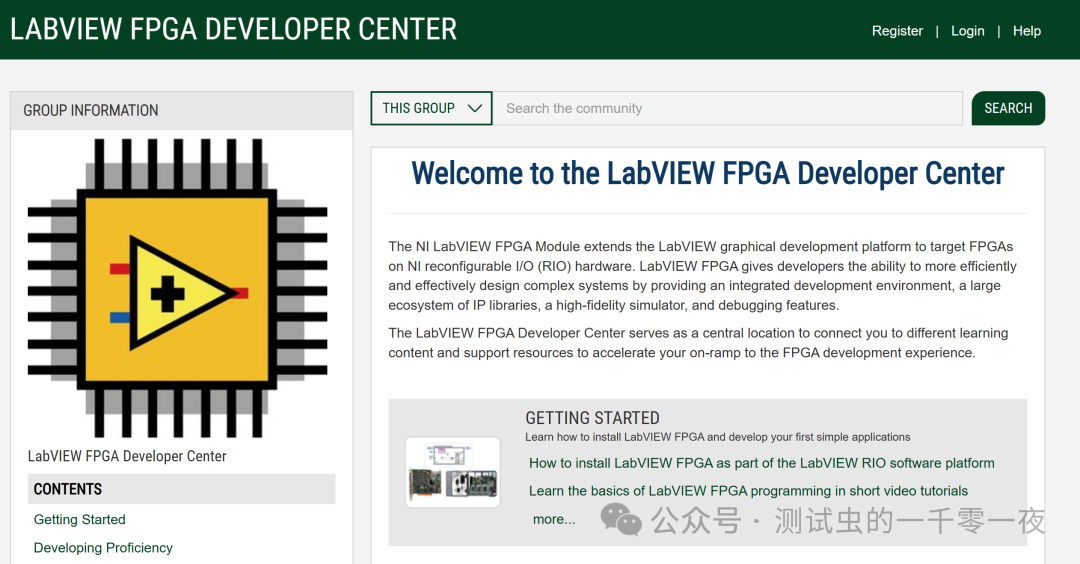
Community Resources
5
For Advanced Learning
For Advanced Learning
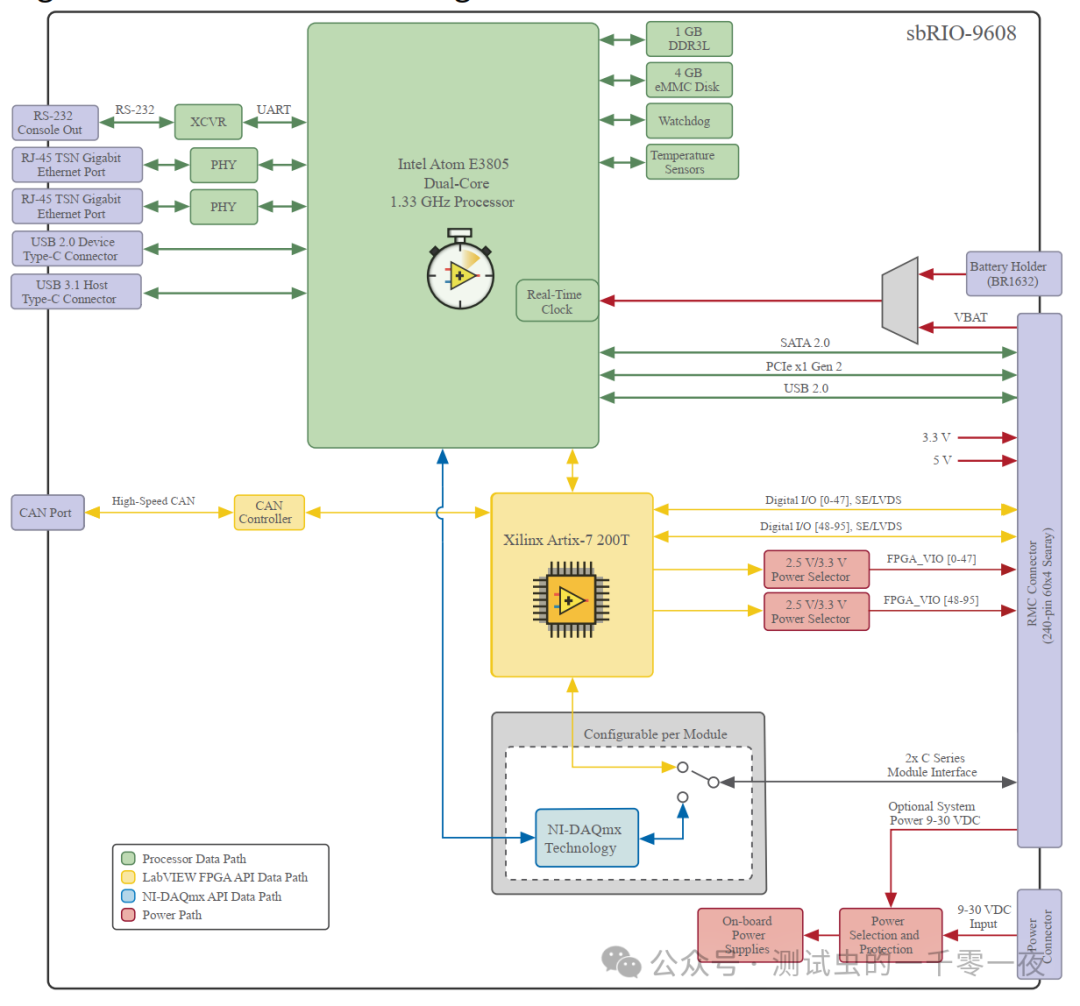
LabVIEW and NI Linux-RT are closely integrated, just like the mainstream systems on the market are FPGA + ARM heterogeneous; NI operates similarly. Later, you can focus on learning FPGA and Linux specifically.
 ©One must be broad-minded and diligent; the road ahead is long.
 Welcome to like, watch, and share! Let more people see it ▼